-
-

Slide 1
-
Slide 2
-
Slide 3
-
Slide 4
-
Slide 5
-
Slide 6
-
Slide 7
-
Slide 8
-
Slide 9
-
Slide 10
-

Slide 11

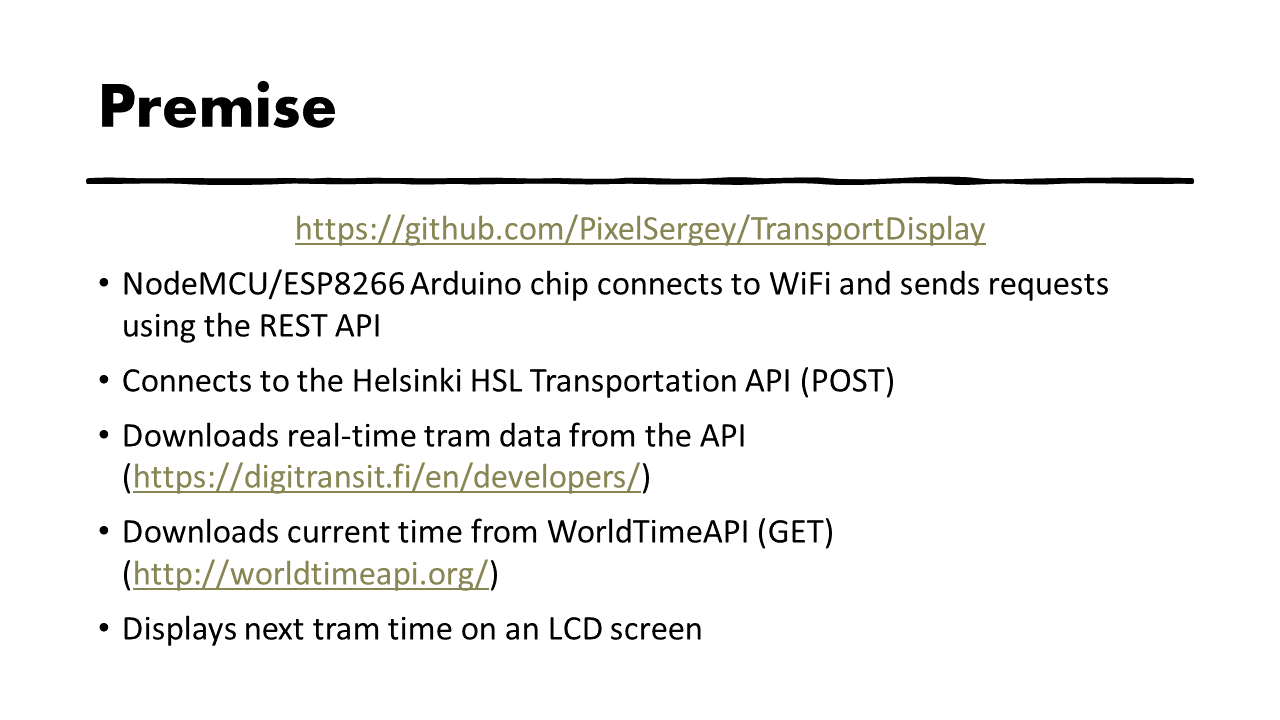
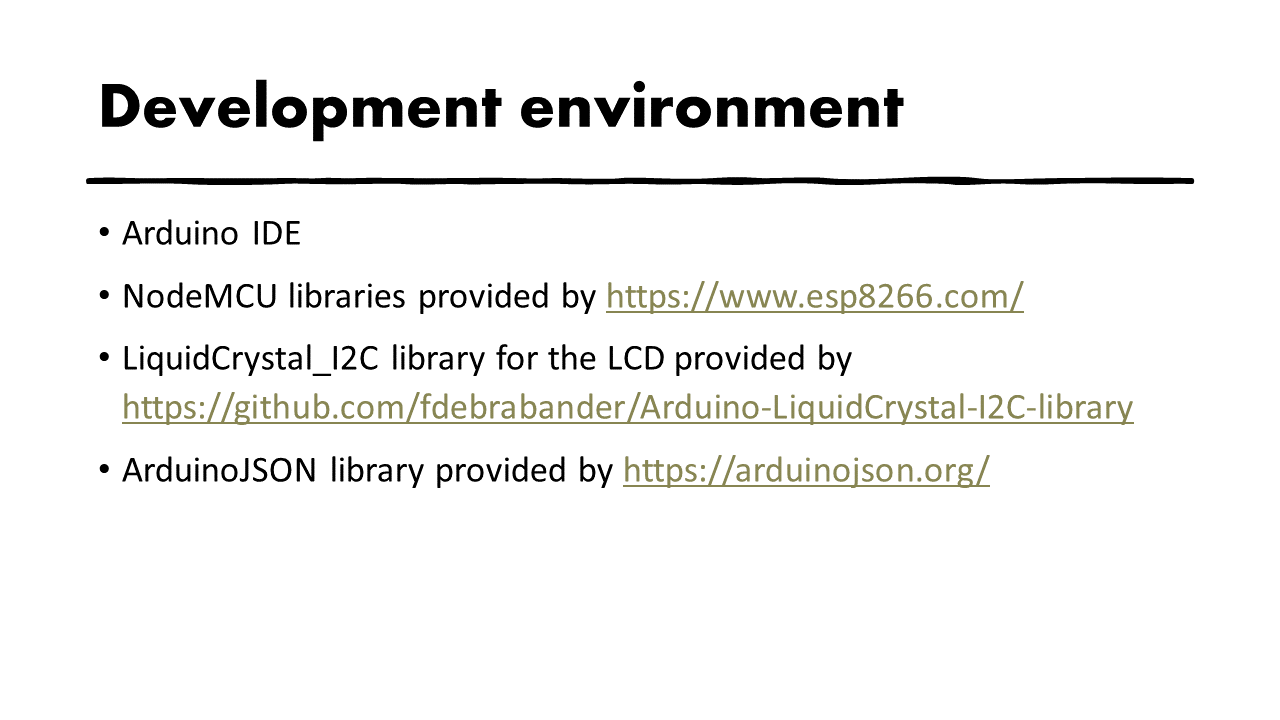
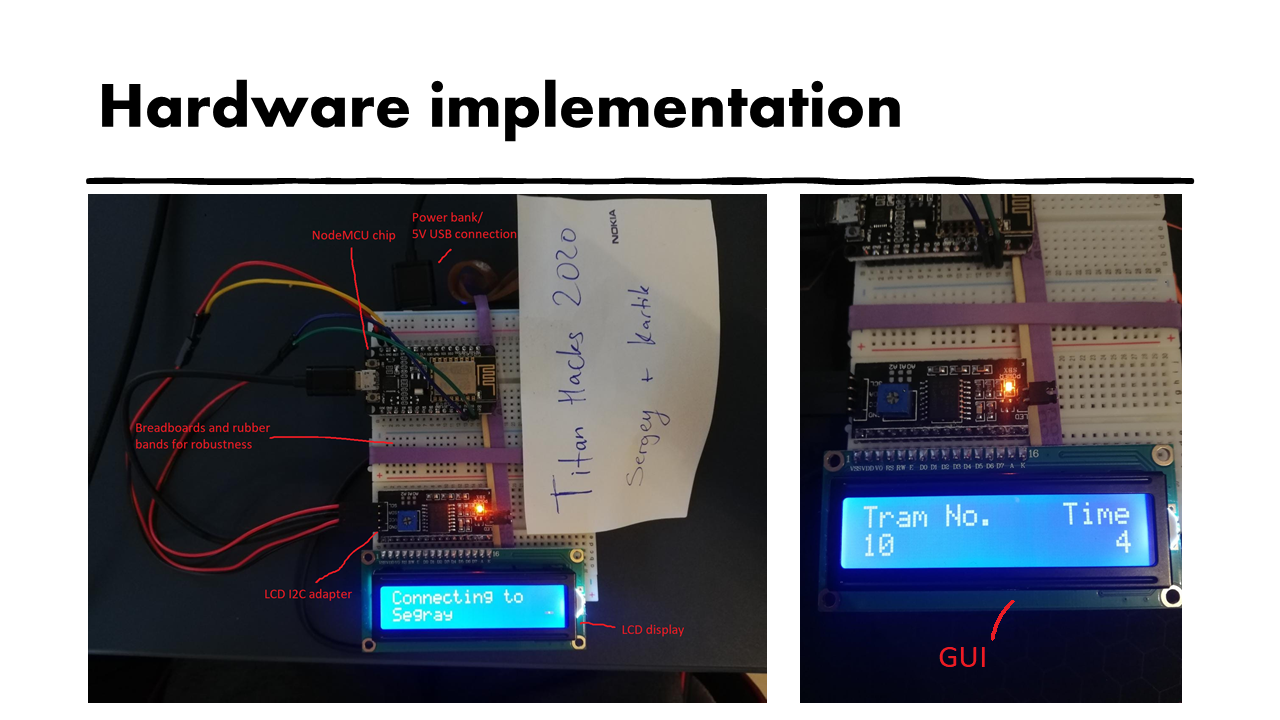
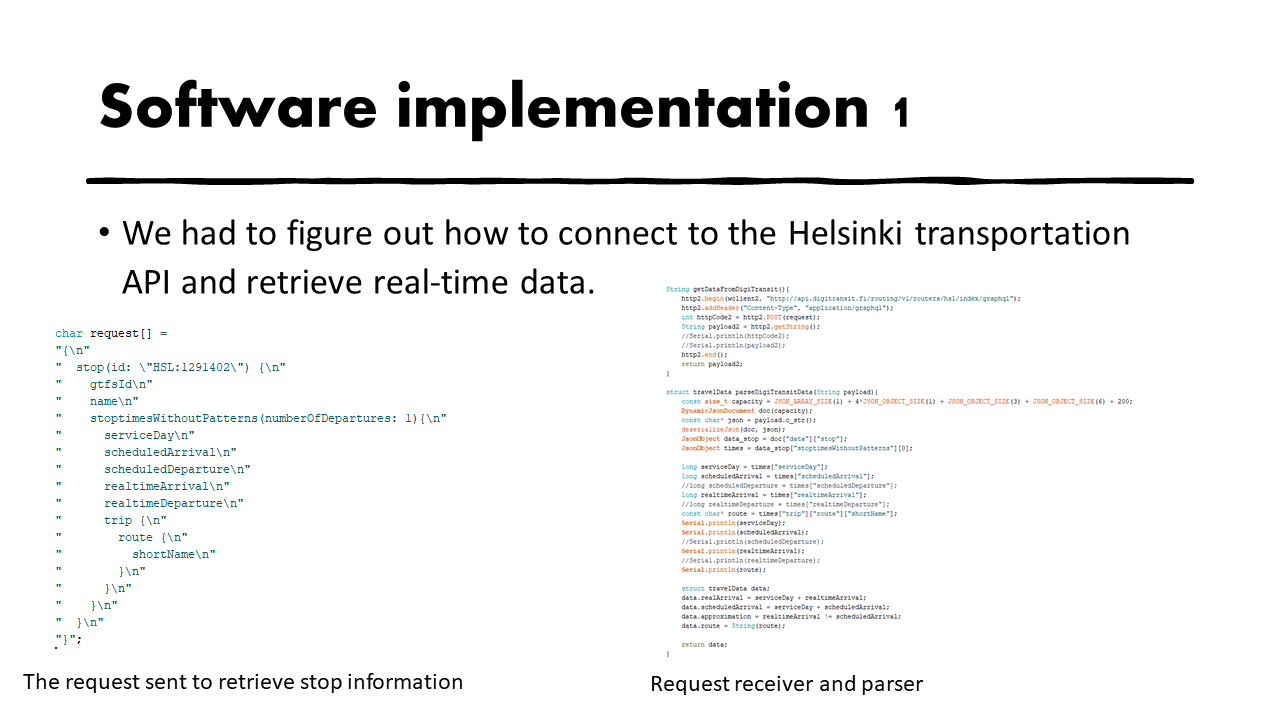
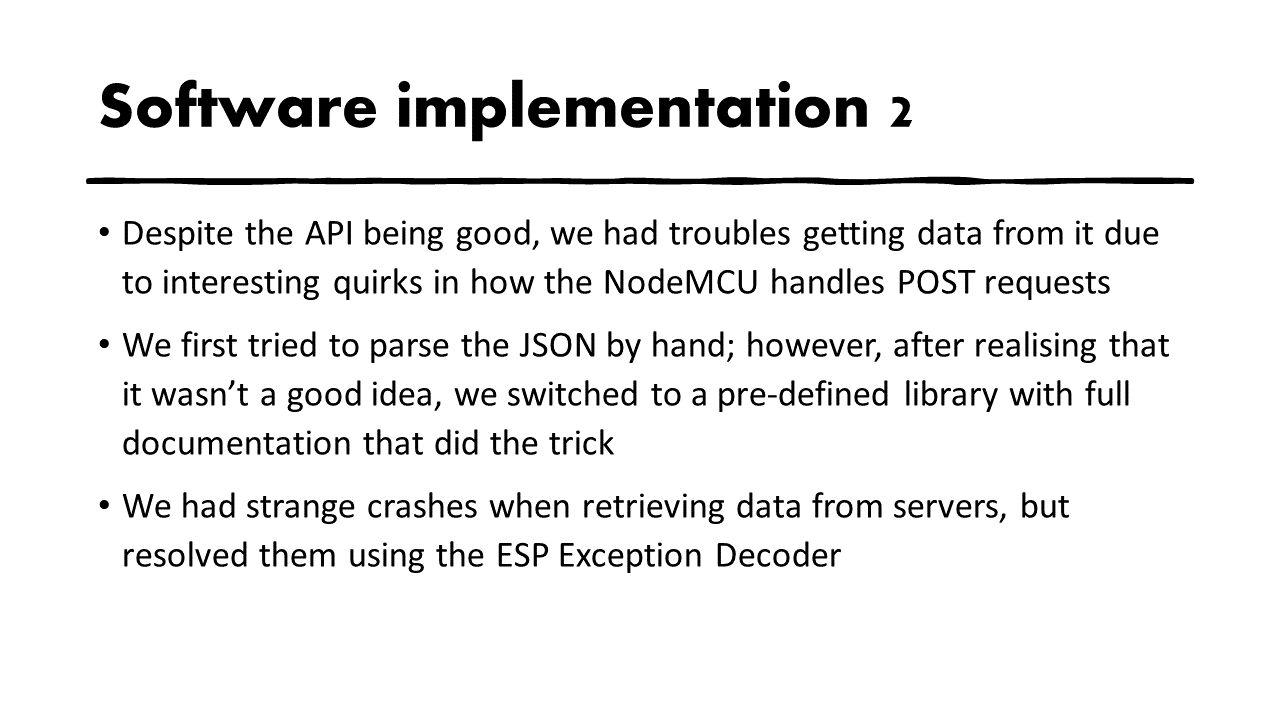
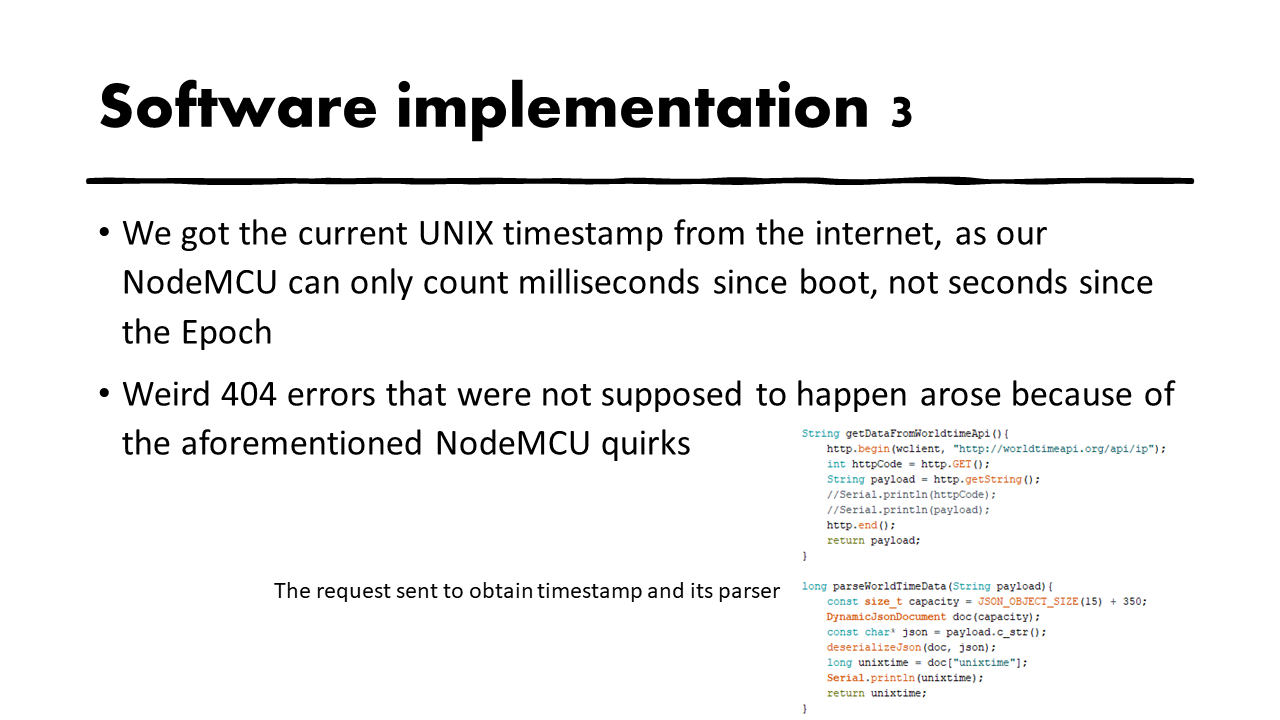
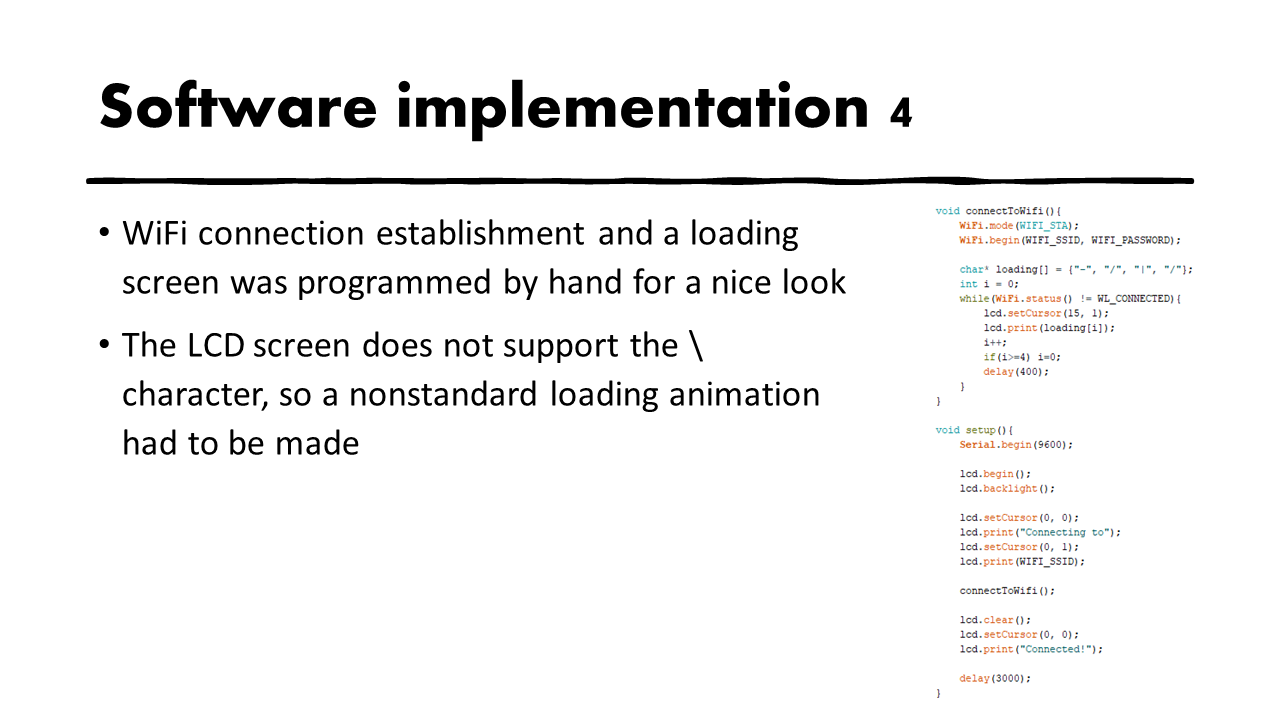
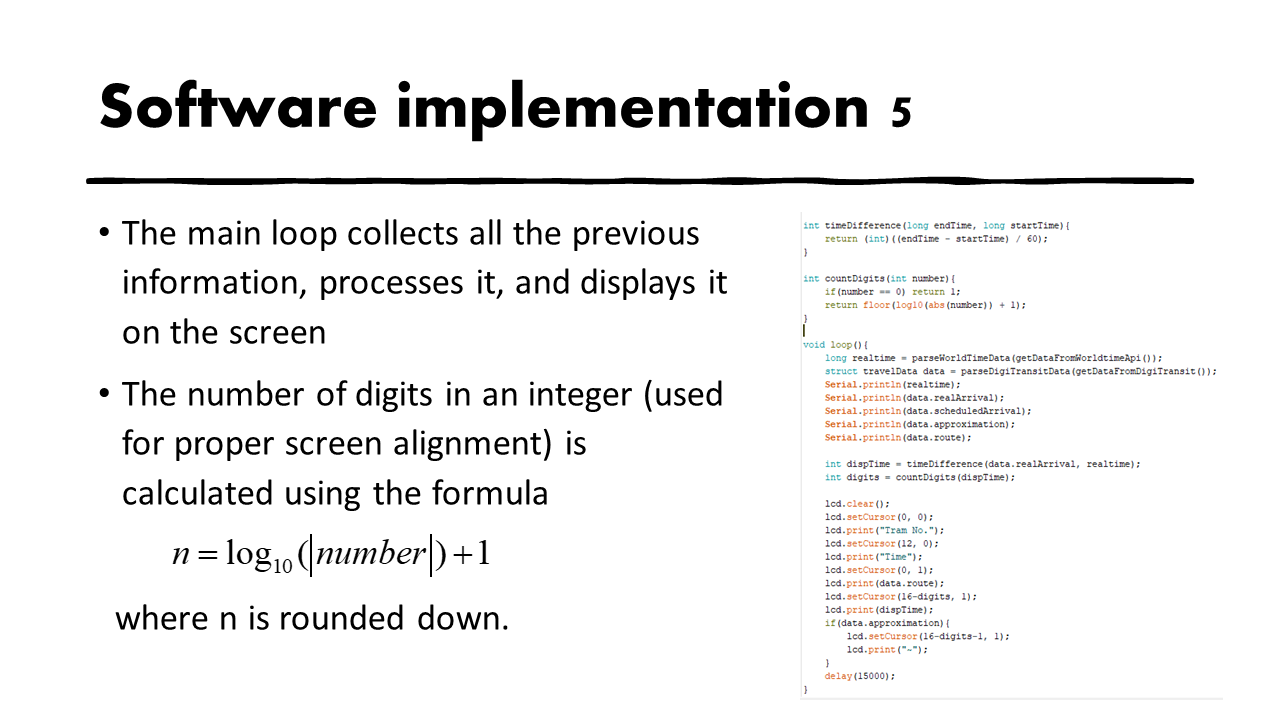
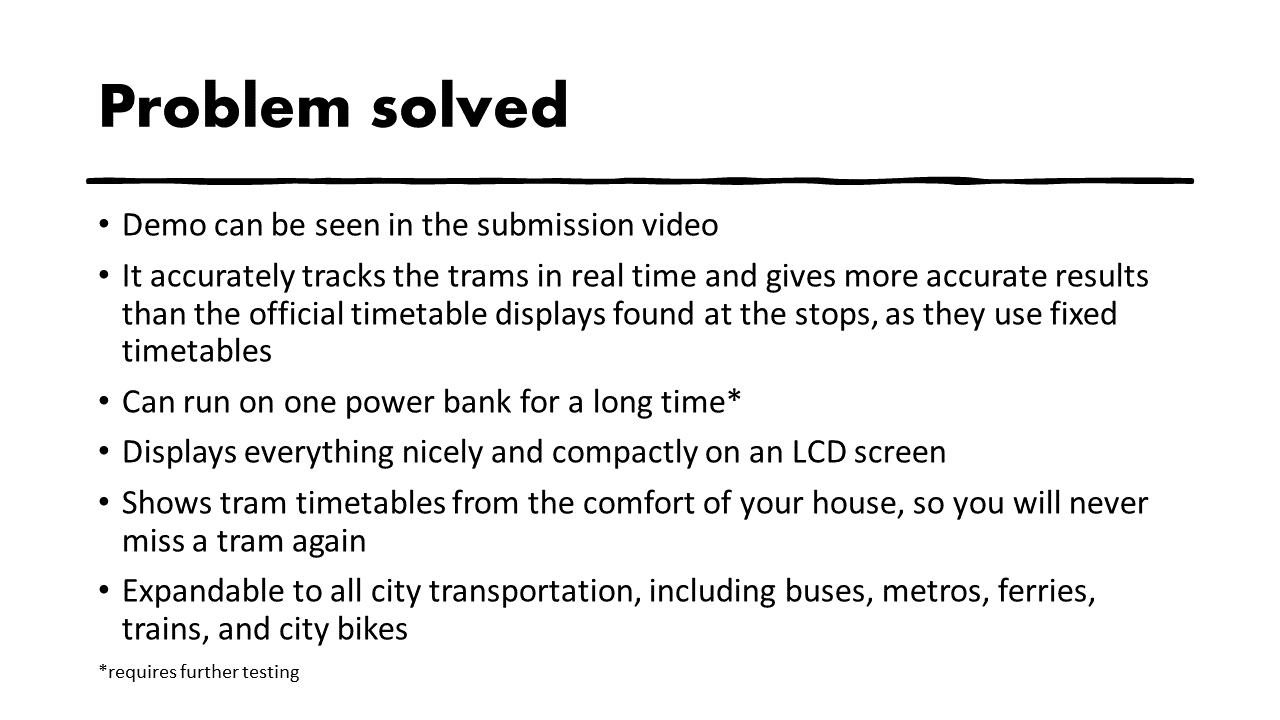

More info can be found in the slides attached as .png files and in the submission video. They practically cover all the following points in more detail than here.
Inspiration
- The timetables at the tram stops are often incorrect, and they cannot be viewed from the comfort of your home
- Kill two birds with one stone using a little bit of hardware and a full 24h of programming!
What it does
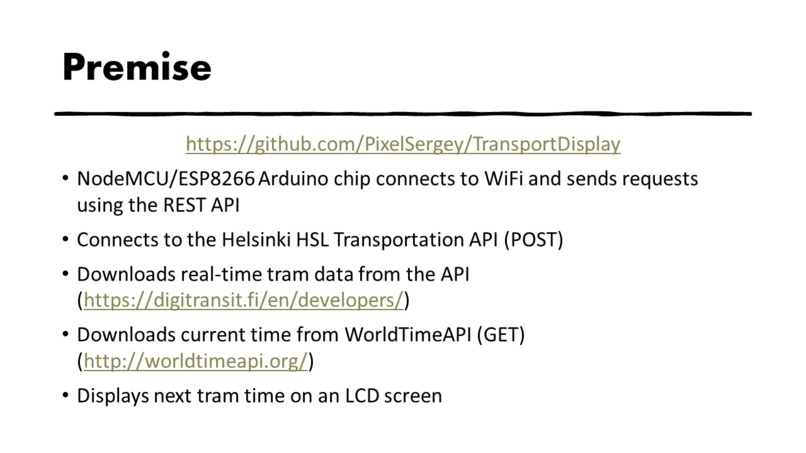
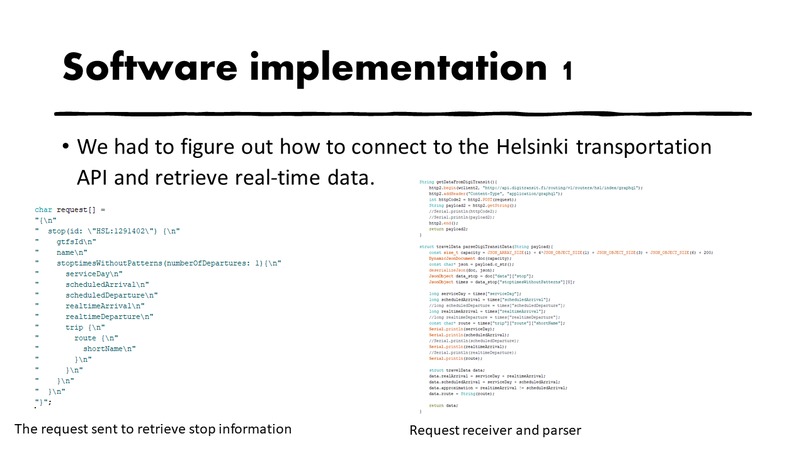
- Connects to the Helsinki public transportation API and fetches transportation data
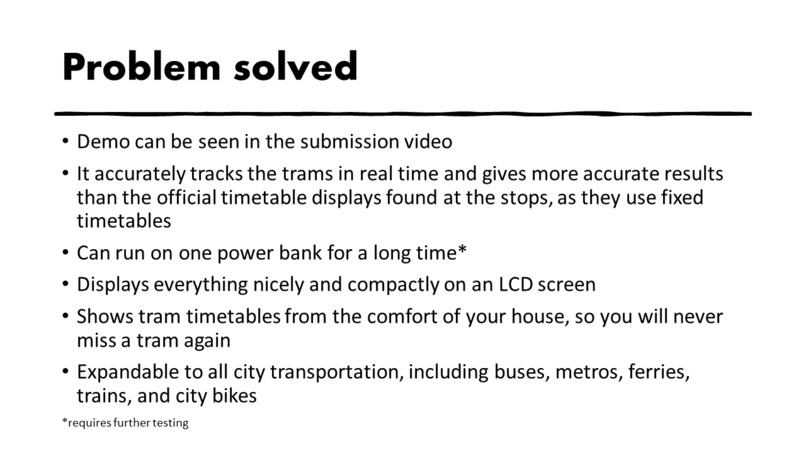
- The data used is real-time, i.e. the API provides information on how long the trams will take based on their location and traffic conditions
- Because of this, it is more precise than official timetable displays found at stops
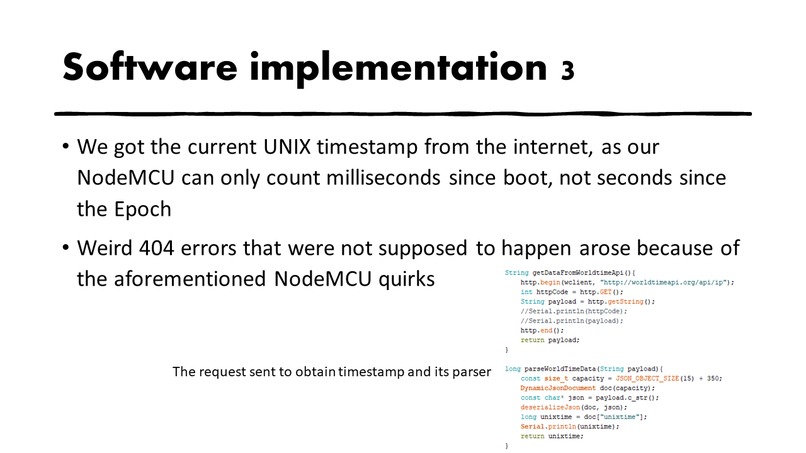
- Connects to the WorldTimeAPI to download time data
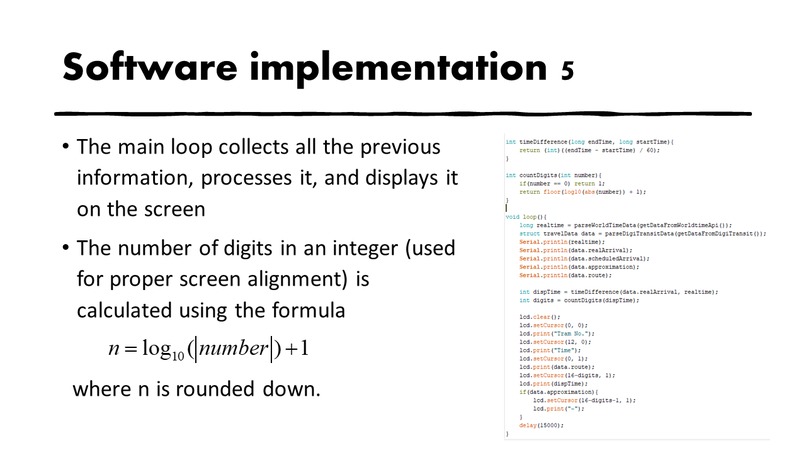
- Does some calculations
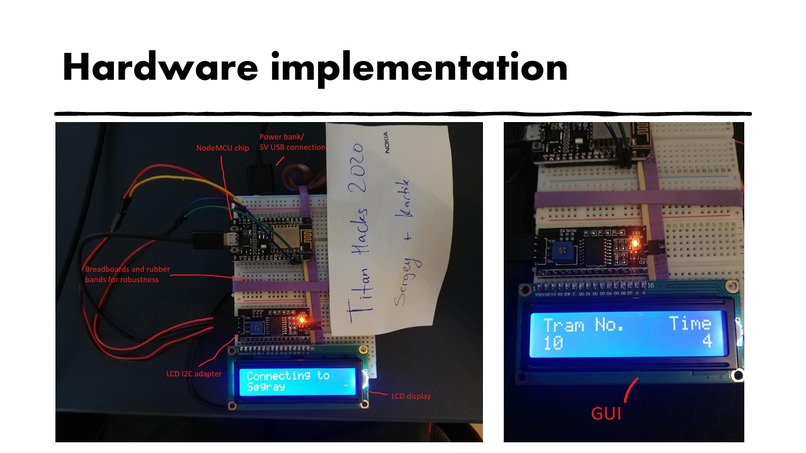
- Displays this data on an LCD screen that can be placed e.g. above your door
How I built it
- NodeMCU
- LCD screen and I2C adapter
- Cables and a power bank for 5V power
- C++ programming language
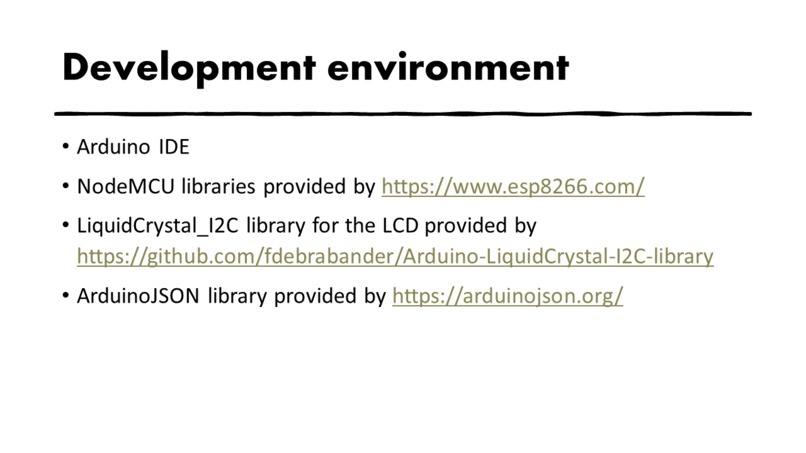
- Multiple APIs (more info in the slides)
- Multiple libraries (more info in the slides)
Challenges I ran into
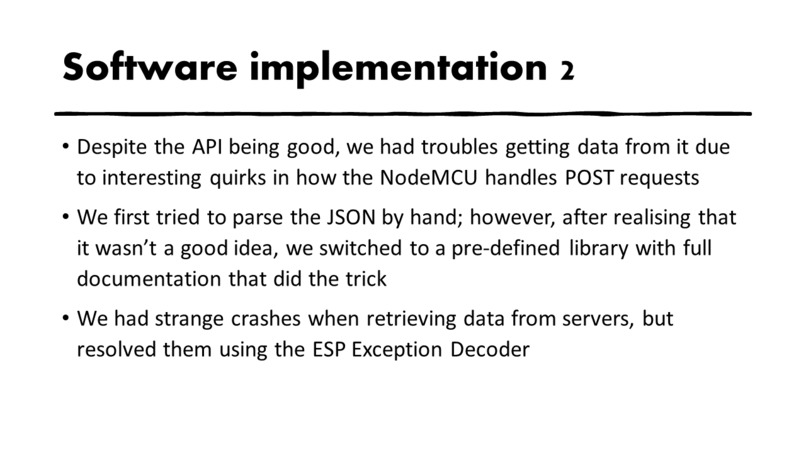
- The NodeMCU handles connections weirdly, which had to be resolved
- There were multiple crashes due to misalignment of the stack; some 32-bit-long variables had to be rearranged
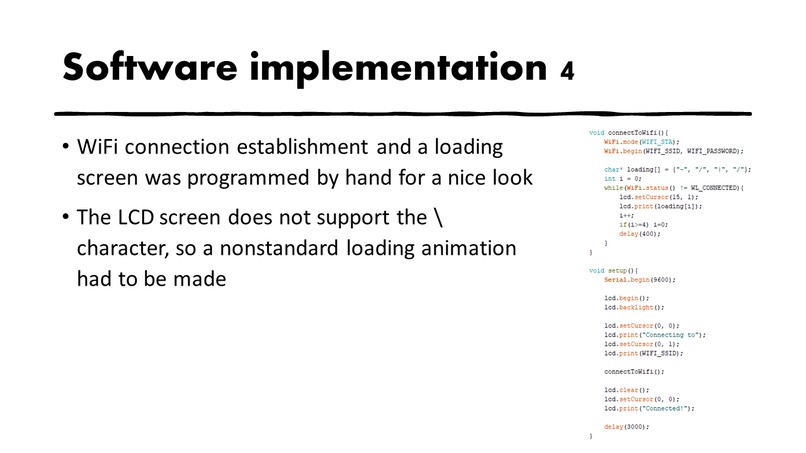
- Programming WiFi connection and POST requests from scratch on the NodeMCU was a first for us, so a lot of research had to be done
Accomplishments that I'm proud of
- Getting everything to work smoothly during such a short time period
- Learning that we got from this experience
What I learned
- Networking
- JSON parsing
- Working together on code
- Various C++ techniques
- Communication with various APIs and decoding their data
What's next for TransportDisplay
- Implementation with other forms of transportation and multiple stops
- Implementation with city bikes (counting how many there are at a given stop using a similar API)


Log in or sign up for Devpost to join the conversation.