-
-
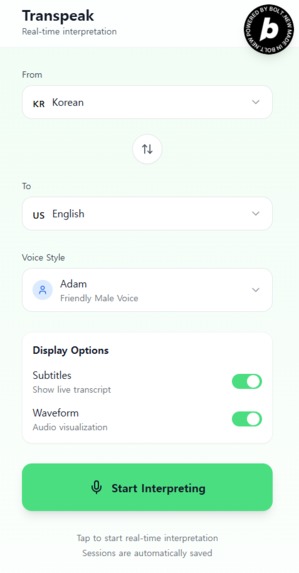
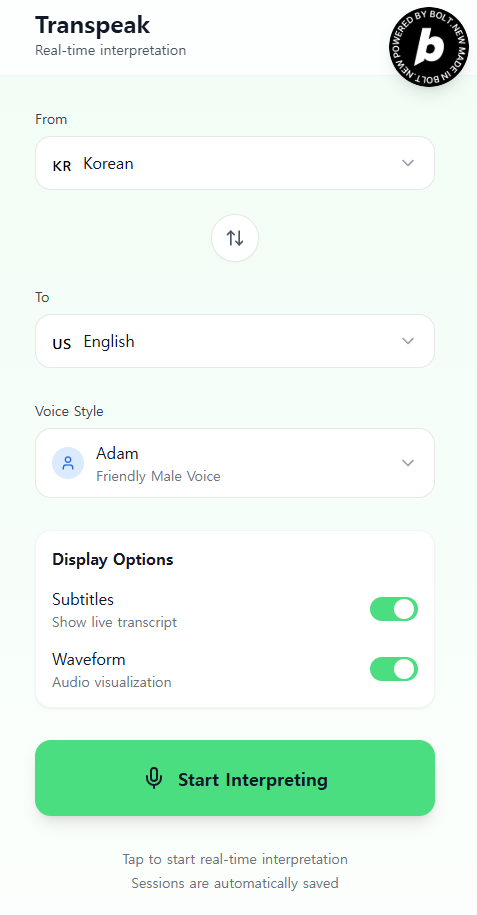
Select source and target languages, choose voice style, and tap Start to begin real-time interpretation.
-
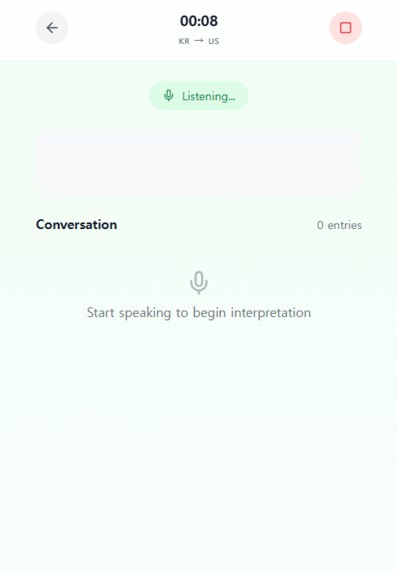
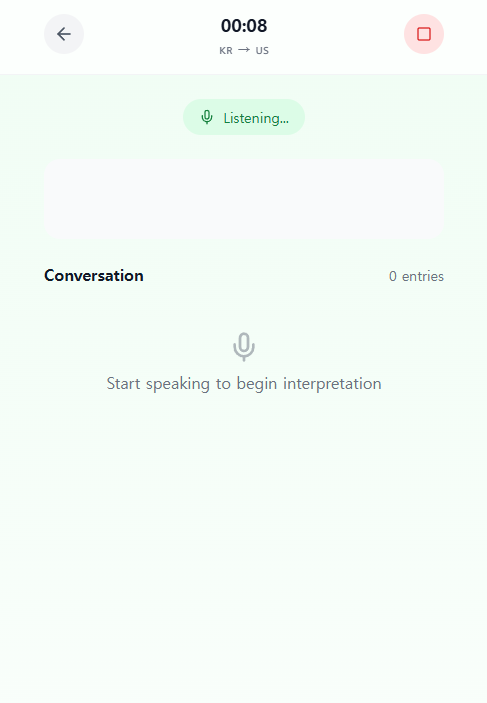
Speak naturally. Transpeak translates and plays your voice live. View transcripts and stop anytime.
Inspiration
As a non-native English speaker, I often wished for a tool that could help me communicate more naturally in real-time, especially during meetings and international conversations. I wanted something that could instantly translate what I say and play it back as native-sounding speech. That's why I created Transpeak during a one-shot challenge. It was impressive how quickly the prototype came together with ElevenLabs, Gemini, and Bolt.
What it does
Transpeak is a real-time voice interpretation web app. It listens to your speech, translates it using Gemini, and immediately plays the translated version using ElevenLabs TTS. Both the original and translated transcripts are displayed on screen. After the session ends, the full transcript is saved to localStorage. The app supports source and target language selection, voice style settings, and live waveform visualization.
How we built it
We built Transpeak using Vite and vanilla JavaScript. The Web Speech API handles voice recognition. Gemini is used for real-time translation. ElevenLabs API powers the text-to-speech conversion. Audio is played using either the Web Audio API or HTML5 Audio, depending on compatibility. We also added UI features like subtitle toggles, language selectors, and live waveform animation.
Challenges we ran into
The biggest challenge was getting audio playback to work smoothly, especially under browser autoplay restrictions. Some browsers blocked TTS playback unless the user had interacted with the page. Managing timing between voice input, translation, TTS processing, and playback also required careful handling to avoid overlaps or race conditions.
Accomplishments that we're proud of
We were able to build a real-time interpretation tool in a single session. Transpeak translates and speaks back user input without needing extra clicks. The UI is minimal and mobile-friendly, and the entire experience feels smooth and immediate. We’re especially proud of the fact that it's usable for practical scenarios like international meetings or travel.
What we learned
We learned how to coordinate multiple AI services together under tight time constraints. We also became more familiar with the limitations and quirks of browser-based audio processing, including autoplay policies and audio context handling. Most importantly, we saw how quickly a working prototype can come together with the right tools and APIs.
What's next for Transpeak - Real-time voice translation in your pocket.
We plan to support persistent storage by saving transcripts to a database and converting them into searchable meeting notes. Other upcoming features include multi-speaker detection, automatic language detection, offline fallback mode, and export to PDF or Notion. Eventually, we aim to build a collaborative, multilingual meeting assistant that can listen, translate, summarize, and archive conversations.

Log in or sign up for Devpost to join the conversation.