-
-
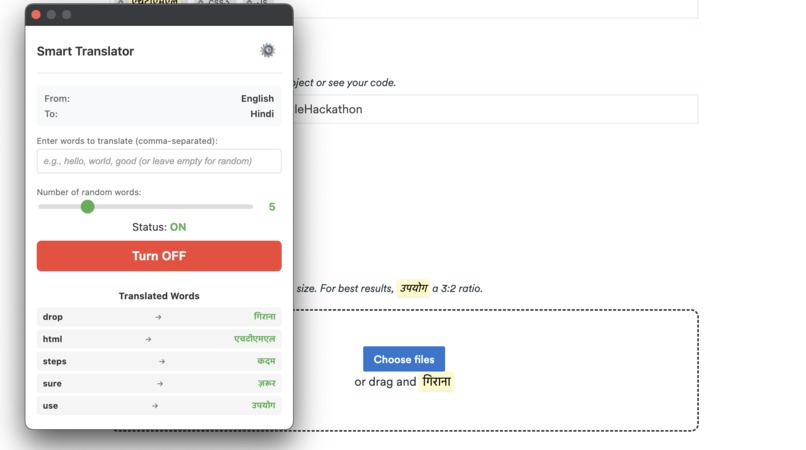
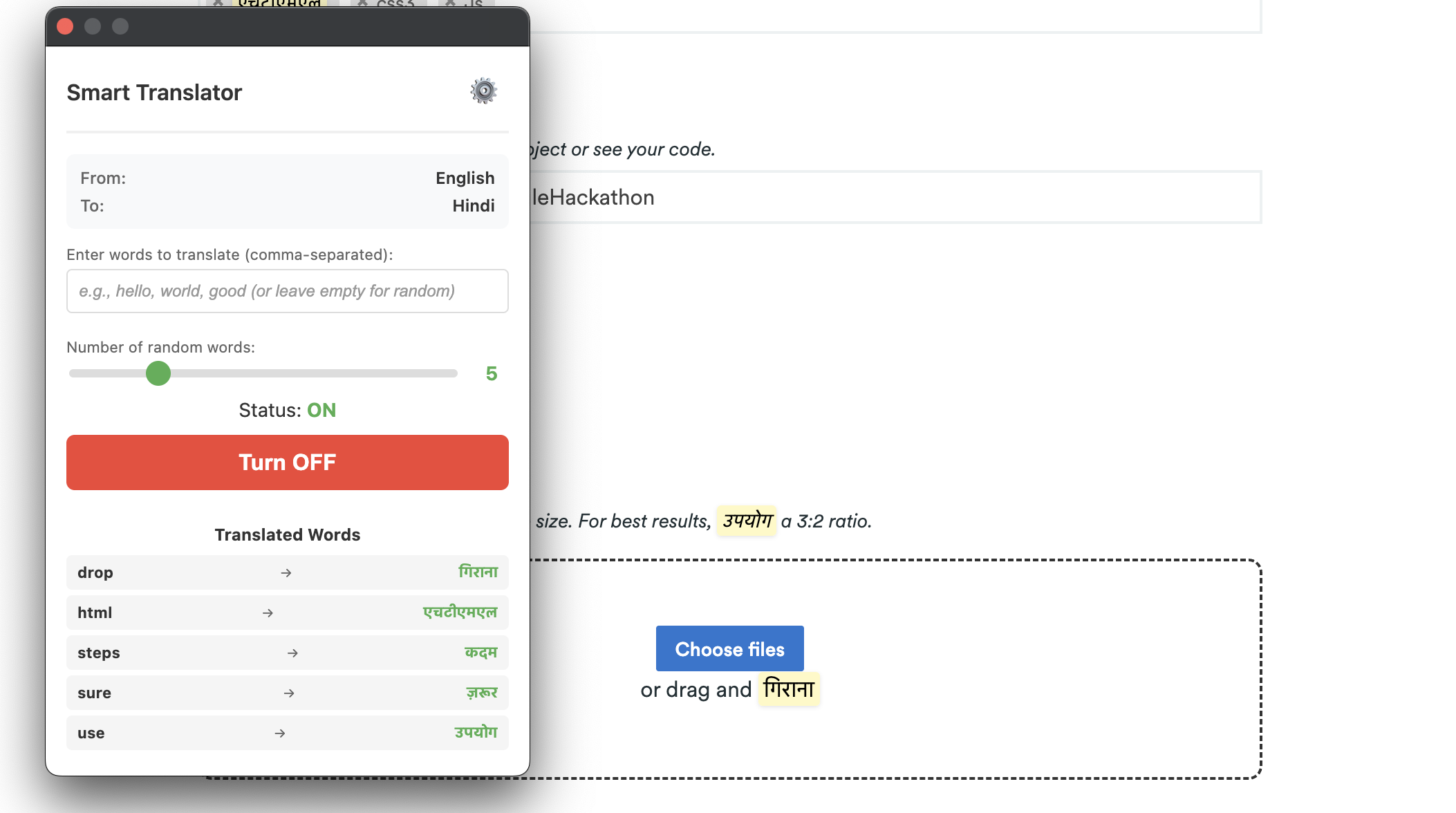
Translated words to hindi
-
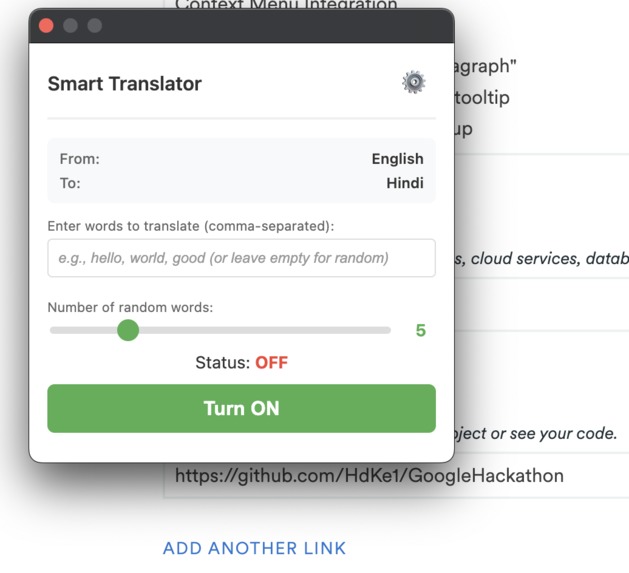
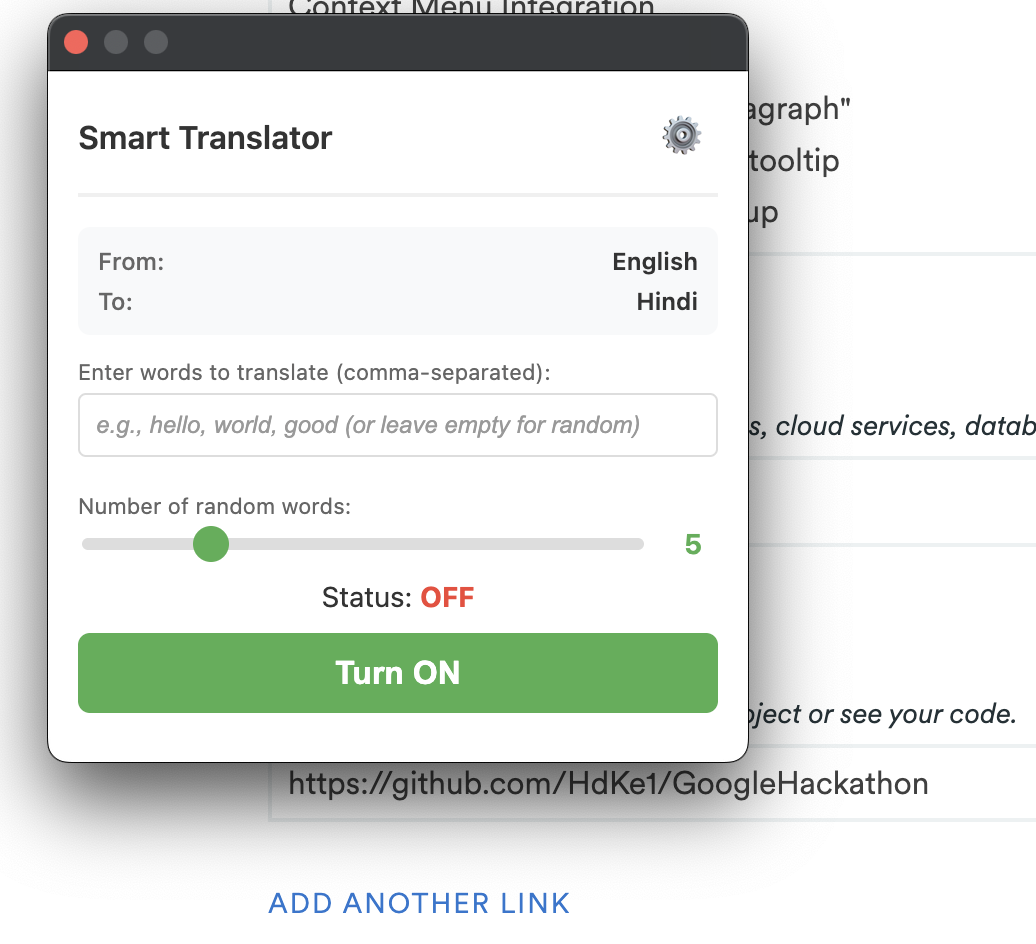
Popup for the extension
Inspiration
As a language learner and developer, I often found myself struggling to understand foreign language content on the web. Traditional translation tools either translate the entire page (losing context) or require copy-pasting text into separate apps (breaking workflow). I wanted something that could help me learn new vocabulary in context - seeing translations right alongside the original text, just like subtitles in a movie.The inspiration struck when I discovered Chrome's new built-in Translator API. I realized I could build a tool that:
Highlights specific words in their native context Provides instant translations on hover Works completely offline after initial setup Helps users gradually learn new vocabulary This extension is for anyone who wants to learn a new language by immersing themselves in real content - whether you're reading Spanish news articles, French blogs, or Telugu documentation.
What it does
Smart Translator is a Chrome extension that intelligently translates selected words on any webpage, highlighting them with beautiful visual indicators and tooltips. Here's what makes it special:Core Features:
🎯 Smart Word Selection - Translates 5-20 random words per page (configurable) or lets you specify custom words 🌈 Visual Highlighting - Translated words appear in gentle yellow with smooth animations 💬 Hover Tooltips - See original words on hover with edge-aware positioning 🌐 20+ Languages - Supports major world languages including Telugu, Hindi, Spanish, French, and more ⌨️ Keyboard Shortcuts - Toggle instantly with Cmd+B (Mac) or Ctrl+B (Windows) 🔒 Privacy-First - All translation happens locally using Chrome's built-in AI models ⚙️ Easy Configuration - Beautiful onboarding wizard with real-time model download progress
How we built it
Manifest V3 - Chrome's latest extension standard Chrome Translator API - Built-in AI translation (no external APIs needed) Vanilla JavaScript - Pure JS, no frameworks for maximum performance CSS3 - Custom animations and responsive design
Challenges we ran into
User Gesture Requirement Hell 🔥 Problem: Chrome's Translator API requires user gestures when downloading models. Initial calls from background scripts failed with "NotAllowedError". Solution: Moved model downloads to the onboarding page where button clicks provide valid user gestures. Then injected scripts into MAIN world (not isolated) to preserve gesture context during actual translation.
- Page Crashes from Rapid Toggling 💥 Problem: Users clicking toggle ON/OFF rapidly caused multiple Translator.create() calls simultaneously, crashing the page's JavaScript engine. Solution: Implemented an operation queue (Map of tabId → Promise) that rejects new operations if one is already running. Added debouncing in popup to prevent concurrent requests. ## Accomplishments that we're proud of Robust Error Handling Gracefully handles tab closures, page navigation, and frame removal Never crashes pages even with aggressive rapid-clicking stress tests Provides user-friendly error messages Performance Optimization Processes 735 highlights in 7.5 seconds on complex pages Works smoothly on simple pages (< 1 second) Smart element filtering reduces processing by 80% Race Condition Mastery Operation queue prevents concurrent operations Debouncing stops duplicate requests Clean state management across popup, background, and content scripts ## What we learned MAIN World vs Isolated Scripts Chrome extensions have two script execution contexts Translator API only works in MAIN world (page's JavaScript context) Security trade-offs: MAIN world has access to page variables but is necessary for certain APIs Service Worker Lifecycle is Tricky Workers sleep after 30s of inactivity Messages can be lost if worker doesn't wake properly Solution: Immediate validation, proper async handling, comprehensive logging DOM Manipulation is Expensive Iterating 50,000 elements takes 60+ seconds Skipping hidden elements saved 80% processing time Limiting scope (1000 elements) is acceptable trade-off ## What's next for Translator Extension Translation History
Track all translated words with timestamps Show history in popup with search/filter Export to CSV for studying
Flashcard Export
One-click export to Anki format Integration with popular flashcard apps Spaced repetition algorithm suggestions
Context Menu Integration
Right-click → "Translate this paragraph" Select text → Instant translation tooltip More intuitive than opening popup

Log in or sign up for Devpost to join the conversation.