Project Story (Devpost Markdown)
Inspiration
I often found myself breaking my workflow whenever I needed to translate words or short sentences while reading documents, coding, or browsing locally. The usual routine — highlight text, manually copy it, switch windows, open a translation website or app, paste, then switch back — was repetitive and disruptive. I wanted a seamless translation experience that stays out of the way until I need it. That’s what inspired me to build Word Selection Translation: a menu-bar translator that works anywhere across my desktop.
What it does
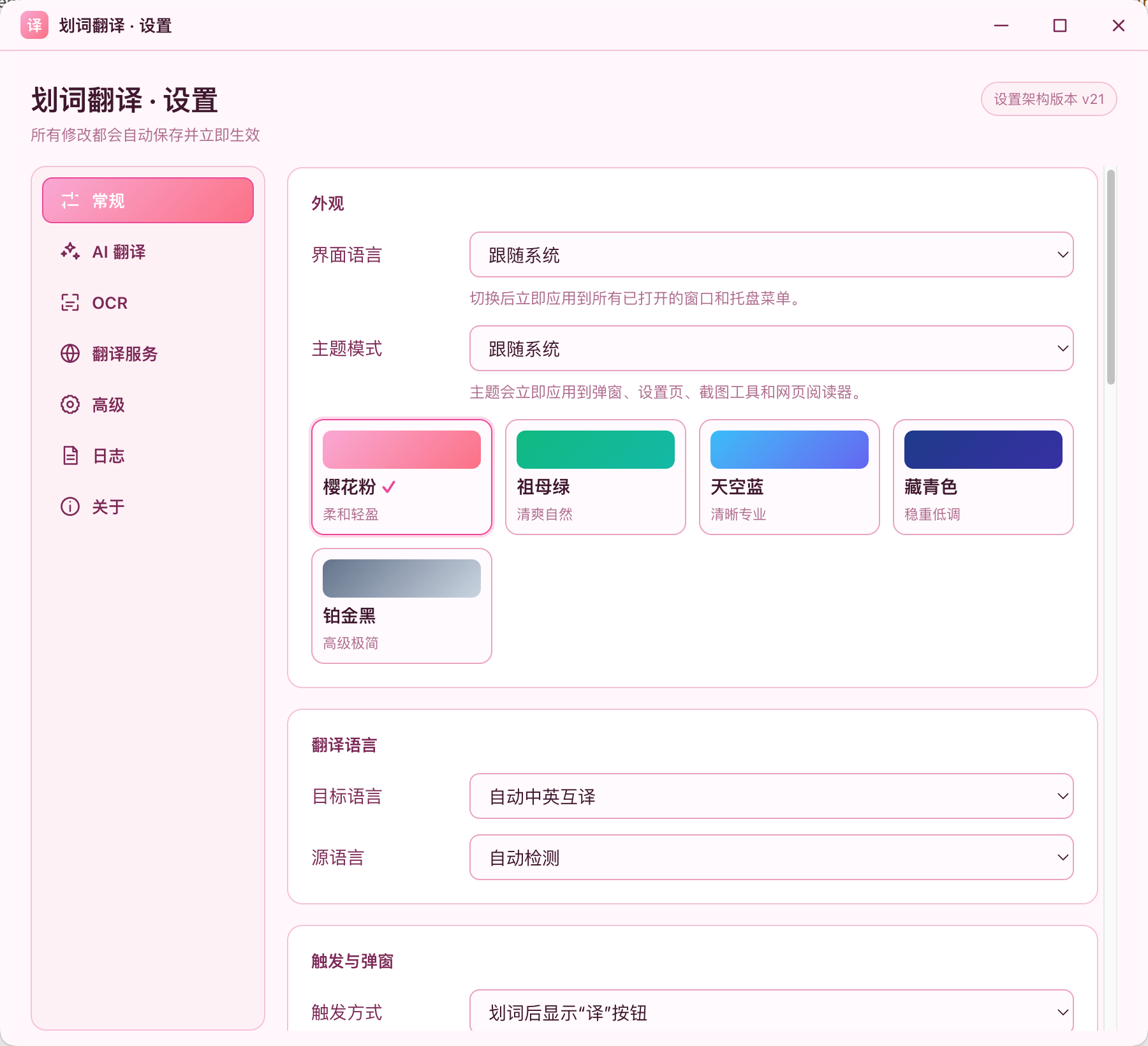
Word Selection Translation is a desktop productivity tool living in the system menu bar. It monitors system text selection, captures highlighted text from any active application, and shows a compact translation popup right beside your selection. No copying manually, no browser tabs, no separate translation window required.
How I built it
I built it as a menu-bar native desktop app. The core foundation is a system-level text selection listener that detects when the user highlights text. Once valid text is captured, the tool triggers its translation workflow. It then renders a lightweight, floating popup positioned near the selected text, so the translation appears contextually. I kept the UI minimal and non-intrusive, prioritizing fast load times and low background resource usage.
Challenges I ran into
The biggest challenge was reliable cross-app text selection monitoring. Different desktop applications handle text selection differently, and some sandboxed apps block simple selection hooks, so I had to design a controlled capture workflow to avoid instability or permission issues. Positioning the popup correctly was another tricky part: I needed to read the screen coordinates of the text selection while making sure the popup never goes off-screen. I also spent time tuning the trigger logic to prevent accidental popups from minor text highlights.
What I learned
This project taught me a lot about desktop system hooks, screen coordinate calculation, and building unobtrusive overlay UIs. I gained practical experience balancing feature convenience with system permission safety. I also learned how important it is to limit background processing for menu-bar tools, since users expect them to run quietly without draining resources.

Log in or sign up for Devpost to join the conversation.