Inspiration
The idea for QuickLator came from seeing how remote teams and freelancers struggle with language differences when working together. With more people working from home and collaborating across borders, I wanted to make it easier for everyone to communicate smoothly, no matter which language they speak.
What it does
My solution helps users communicate better during meetings by using a Chrome extension that offers real-time transcription and translation.
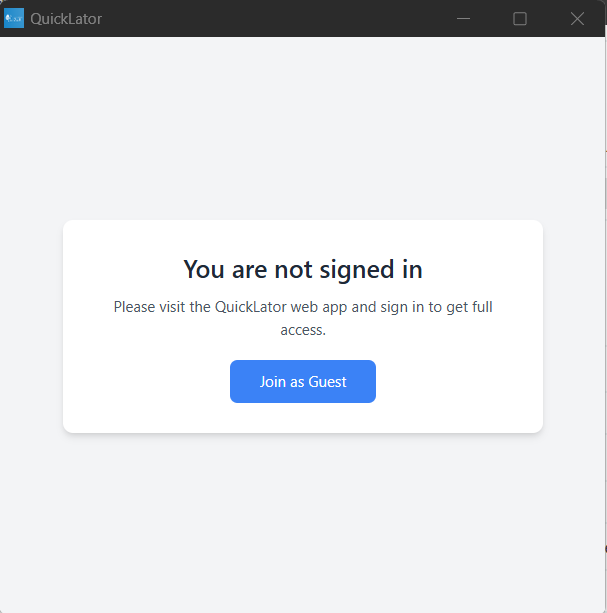
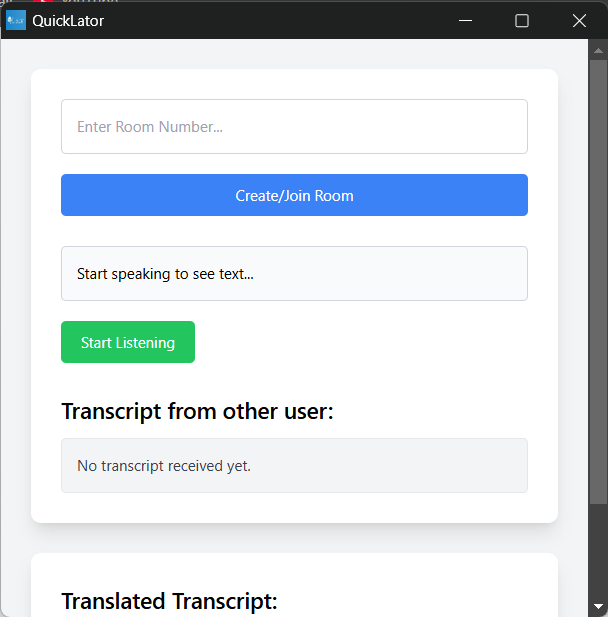
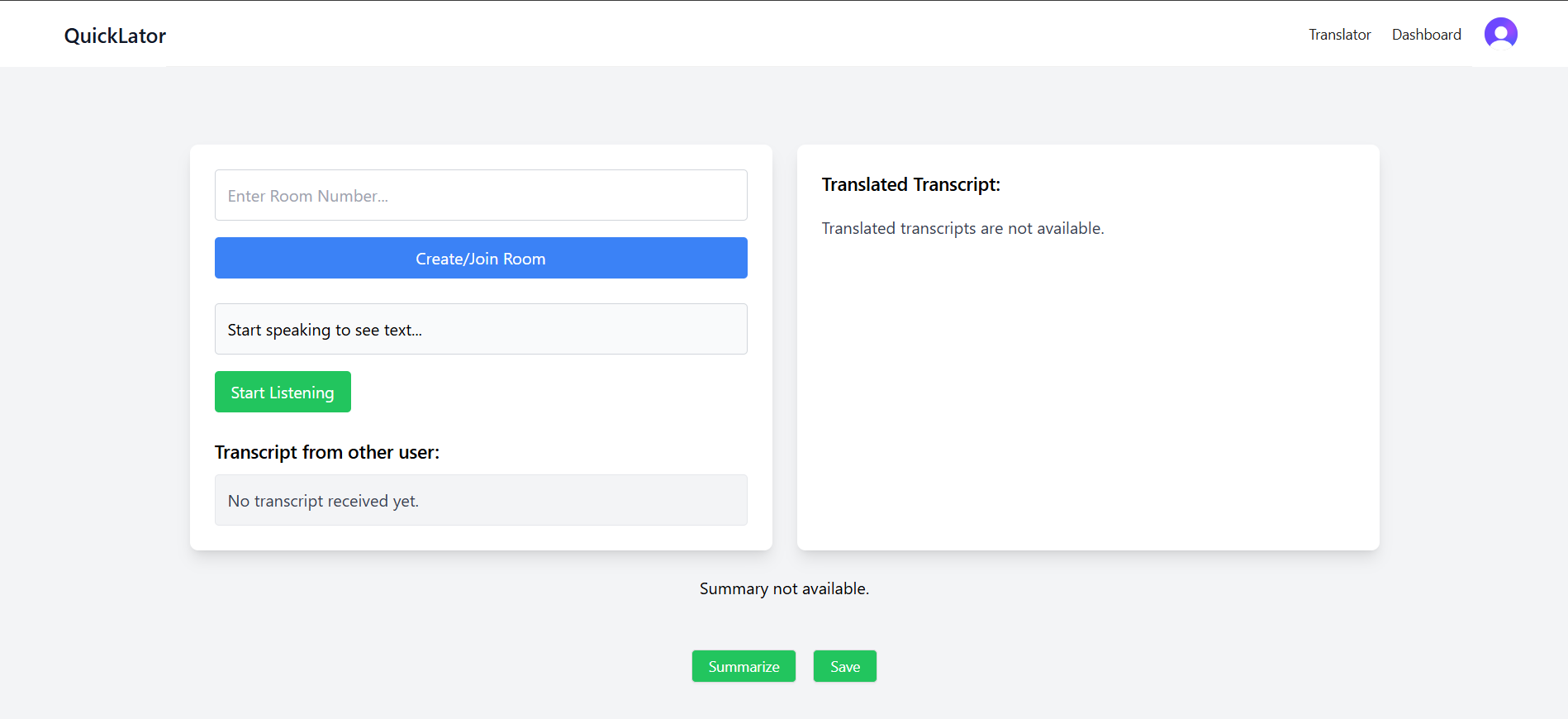
Here’s how it works: Create and Join Rooms: One user can create a room and share it with others. They can join and launch the extension whenever they are in a Google Meet or any other online meeting on Google Chrome.
Real-Time Transcription and Translation: The extension listens to conversations and creates live transcripts. Using the Language Detector API and Translation API, it can quickly translate conversations between English and Japanese (or any other language), helping people talk without language barriers.
Meeting Summarization: After the meeting, users can click a button to get a summary of the discussion using the Summarization API.
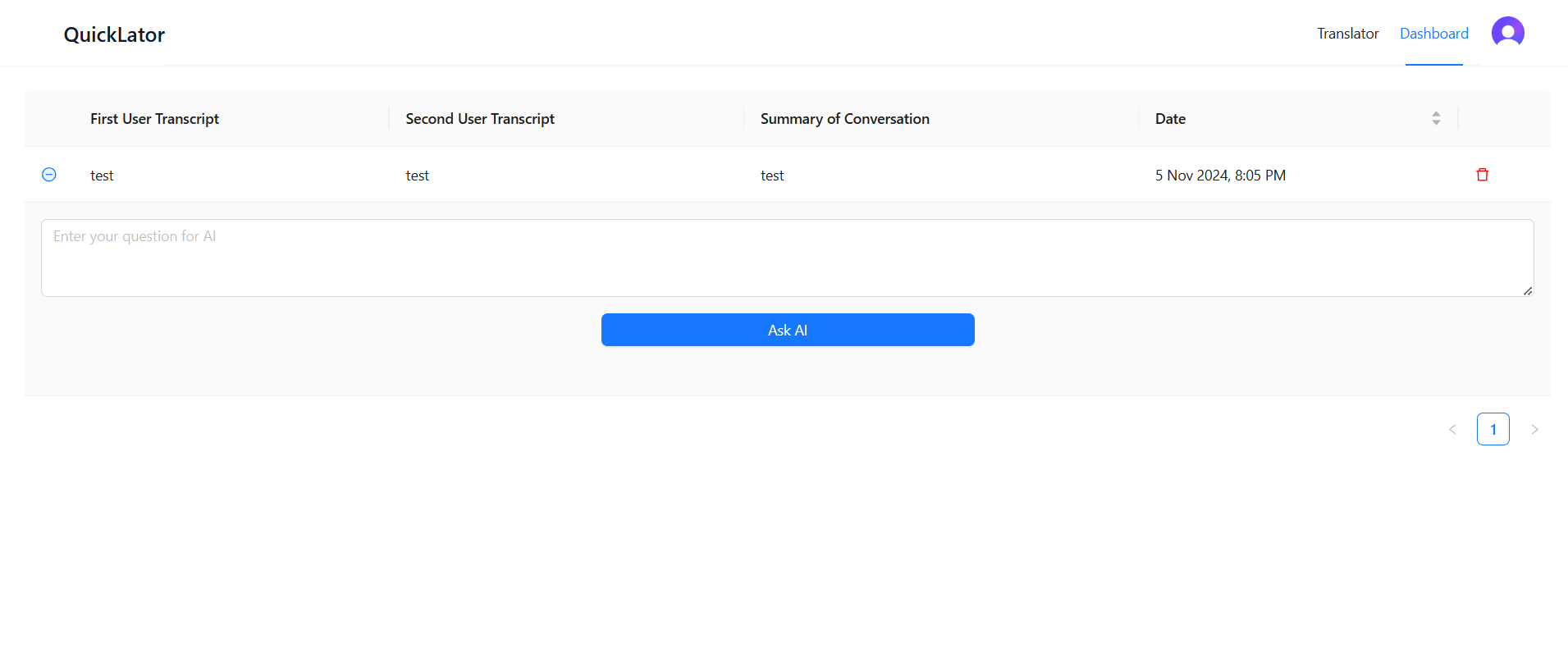
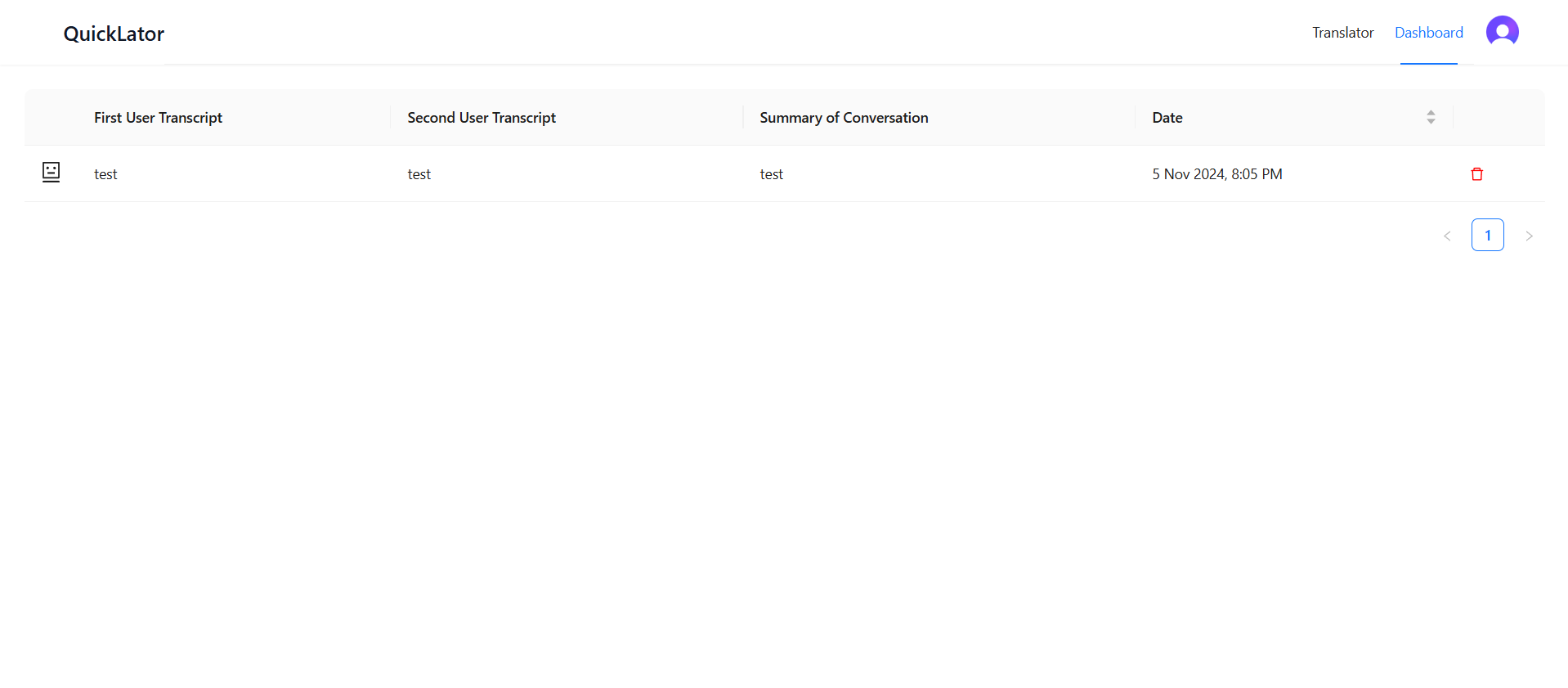
Meeting History Dashboard: I created a web app dashboard where users can check past meetings anytime. The dashboard shows the transcripts for each user along with the meeting summary.
AI-Powered Answers: Users can ask questions about the transcripts using the Prompt API to get quick answers based on the meeting content.
Note : If the Chrome Translation API fails (since it currently only supports English to Japanese), it will automatically switch to the Google Translation API. If the Language Detector fails, it will fall back to the browser’s language settings, ensuring that users do not experience any downtime.
How we built it
I used Google's built-in AI tools to make this extension work. The Language Detector API identifies the language spoken, the Translation API translates the conversations, and the Summarization API creates summaries. For asking questions and getting quick answers, I used the Prompt API.
Frontend: React.js, Tailwind CSS, Antd Server: Node.js Backend: Appwrite Authentication: Clerk
APIs Used: Prompt API: For dynamic responses. Summarization API: To generate meeting summaries. Translation API: For real-time multilingual conversations. Language Detector API: To detect the spoken language.
Accomplishments that we're proud of
I am proud that I was able to build a tool that can help remote teams communicate more easily, especially those who speak different languages.
What we learned
I learned a lot about using different AI tools for real-time language translation, transcription, and summarization. I also learned that getting feedback from users is key to making the app easy to use.
Built With
- ai
- appwrite
- express.js
- google-translate
- node.js
- react
- tailwind
- vercel

Log in or sign up for Devpost to join the conversation.