-
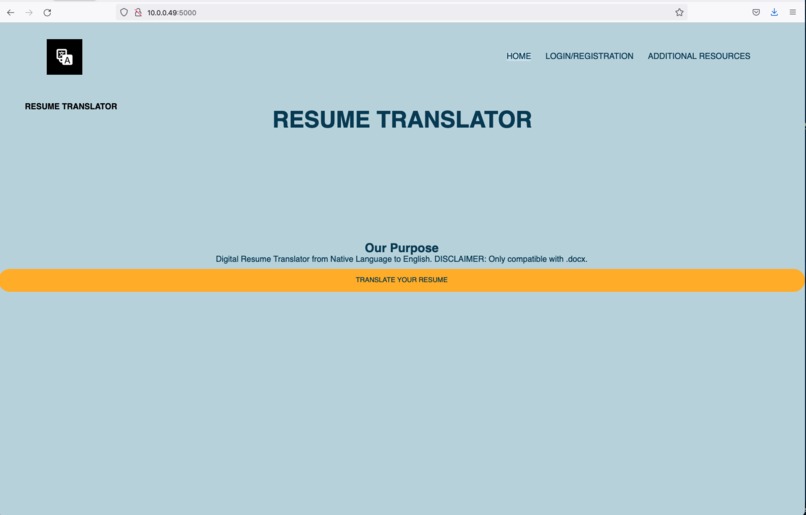
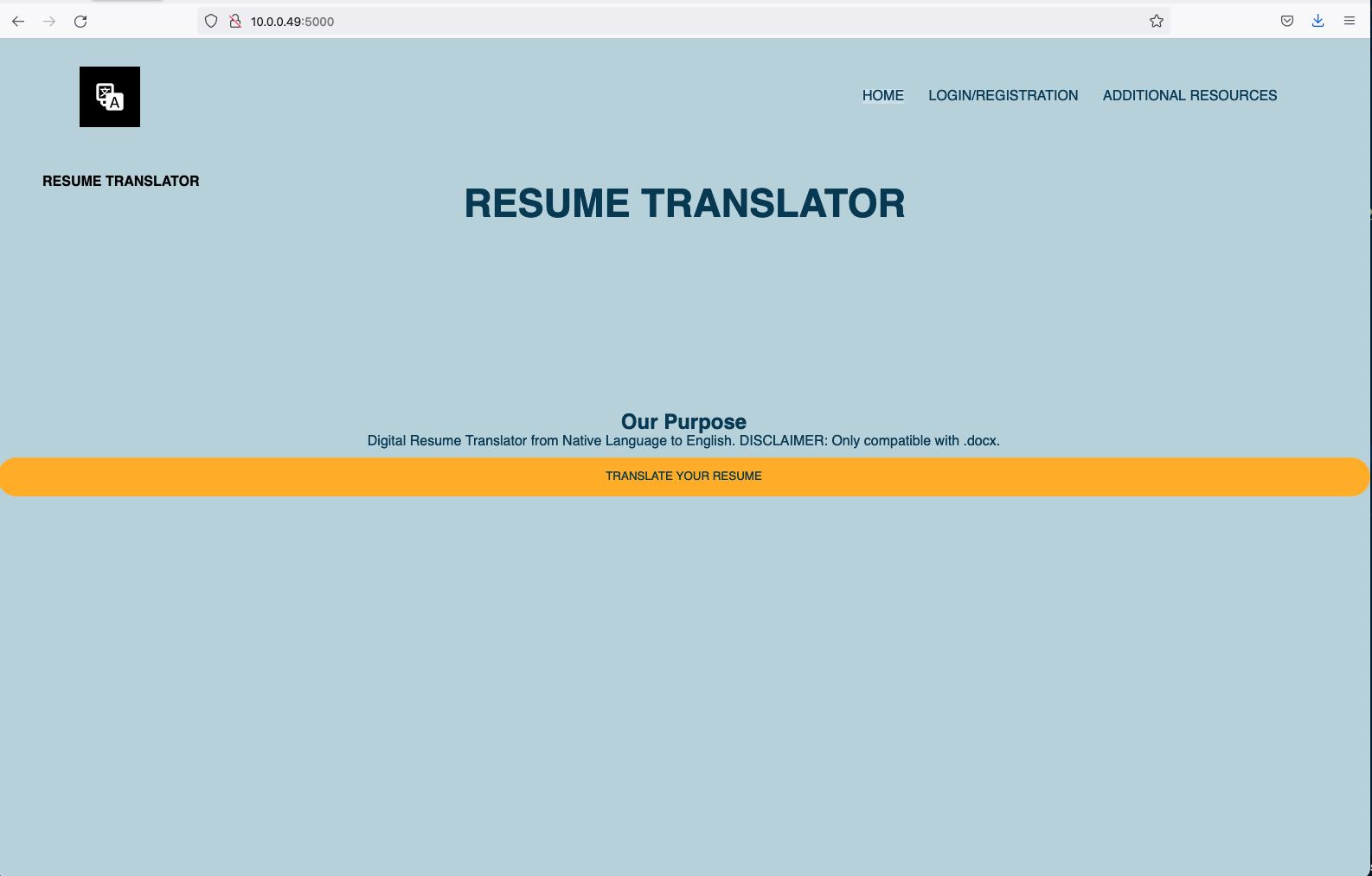
Landing Page
-
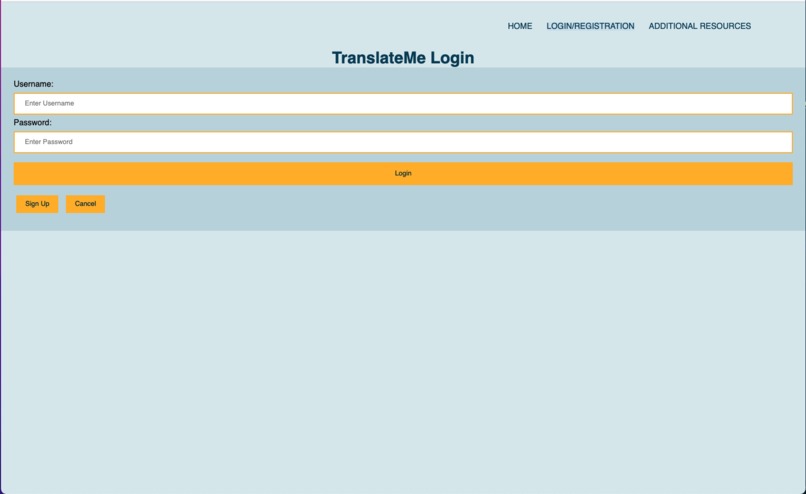
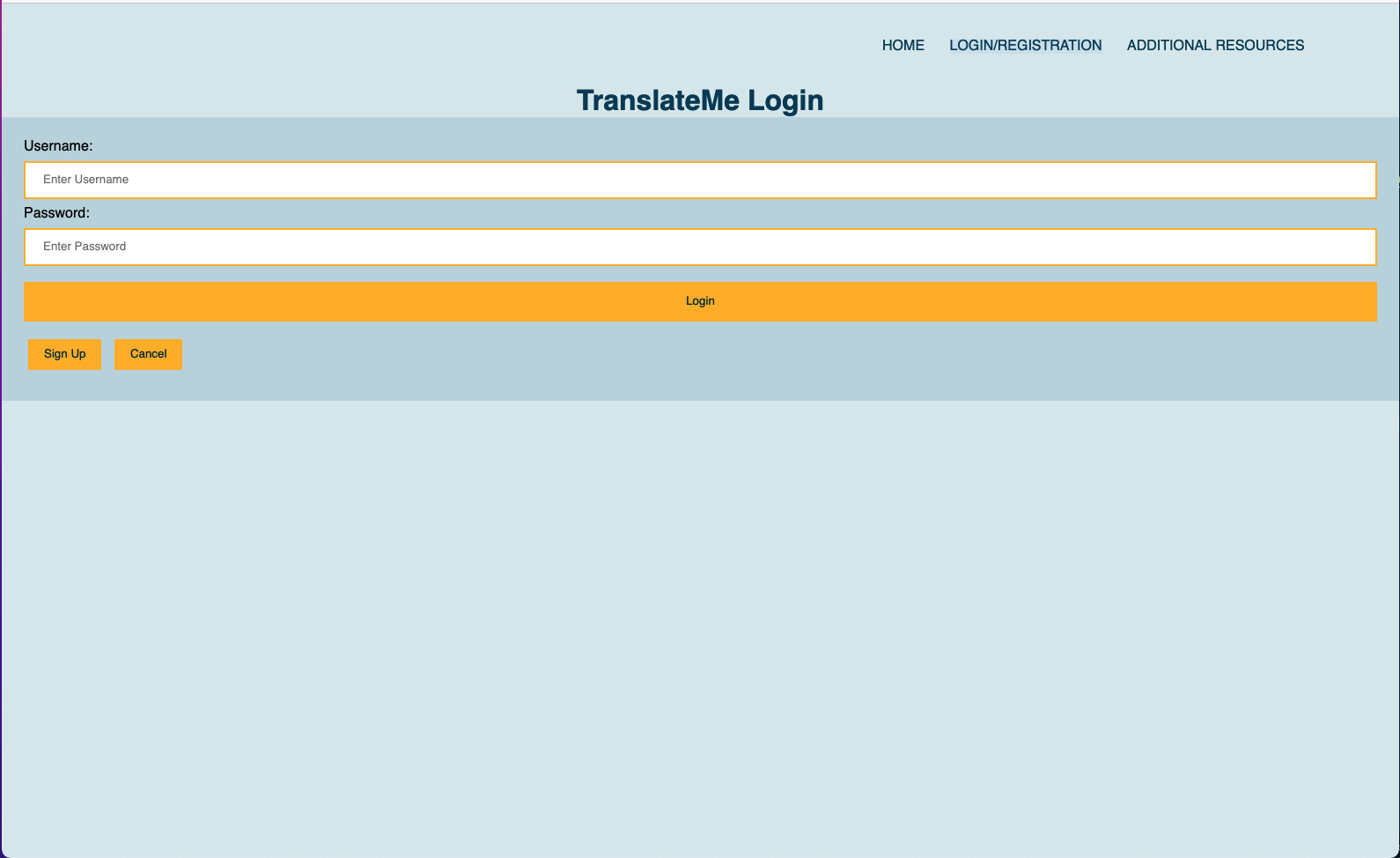
Login Page
-
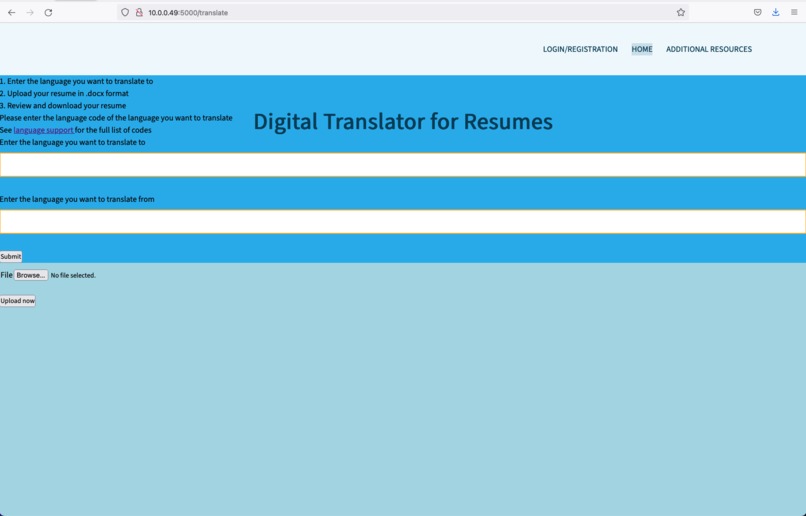
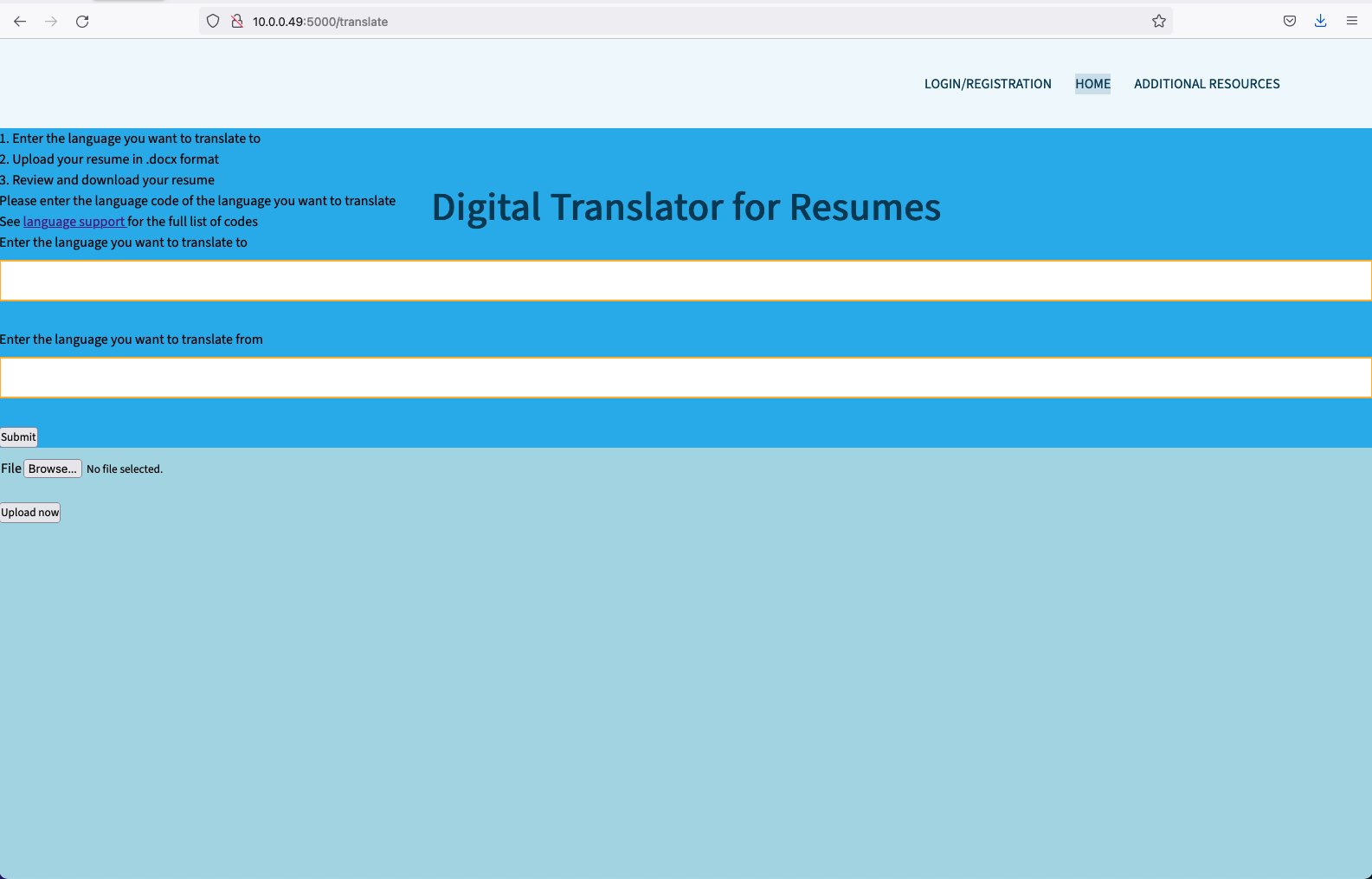
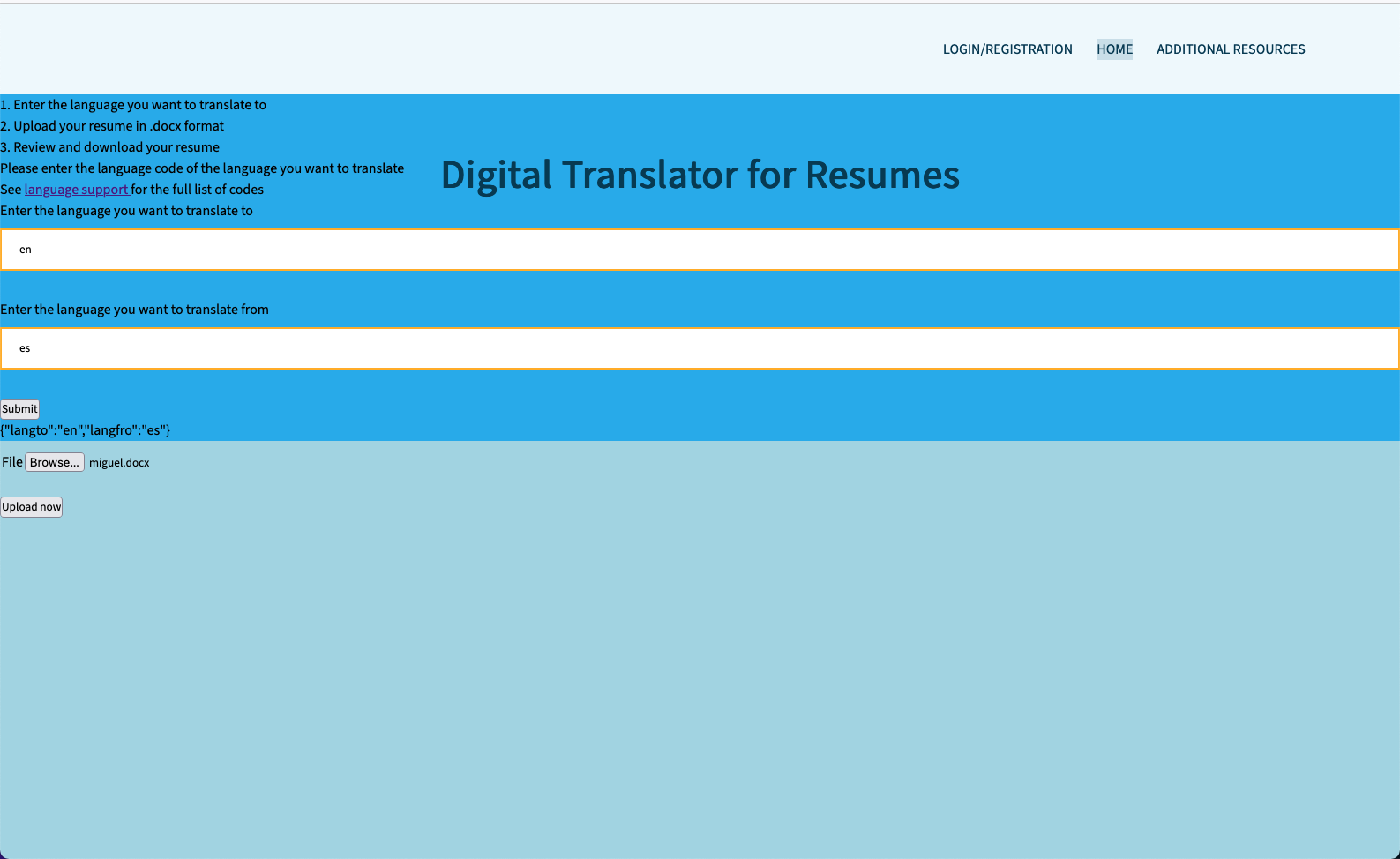
Page to upload the resume
-
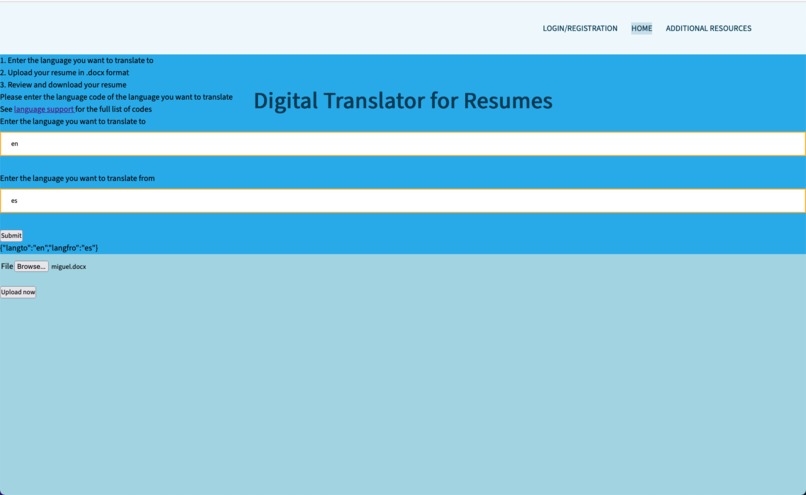
Example of user input for language and role
-
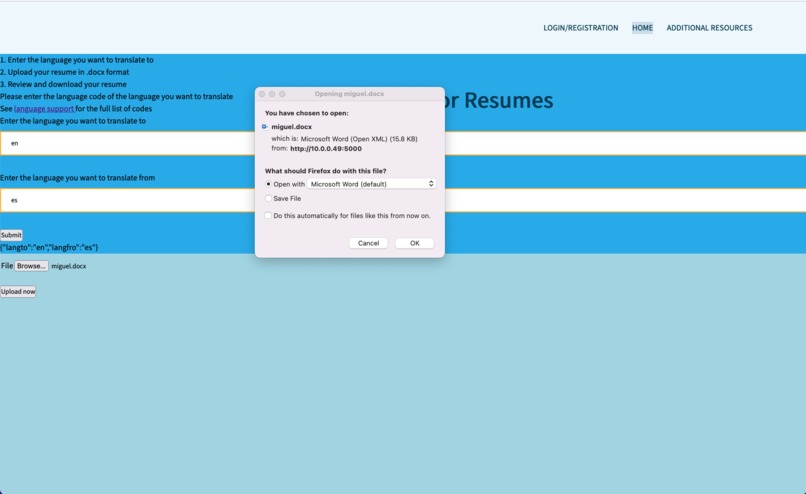
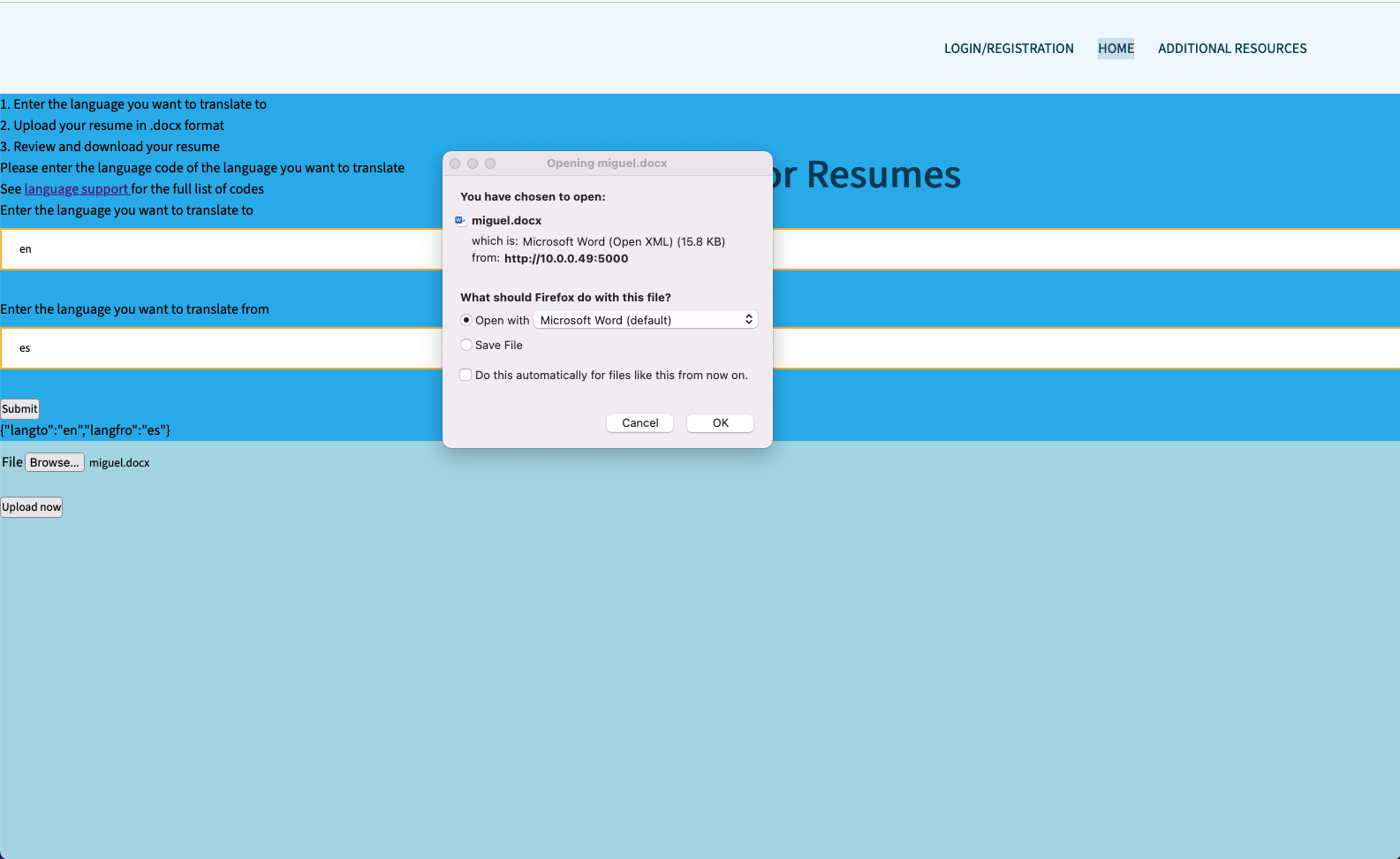
Selecting the resume to translate
-
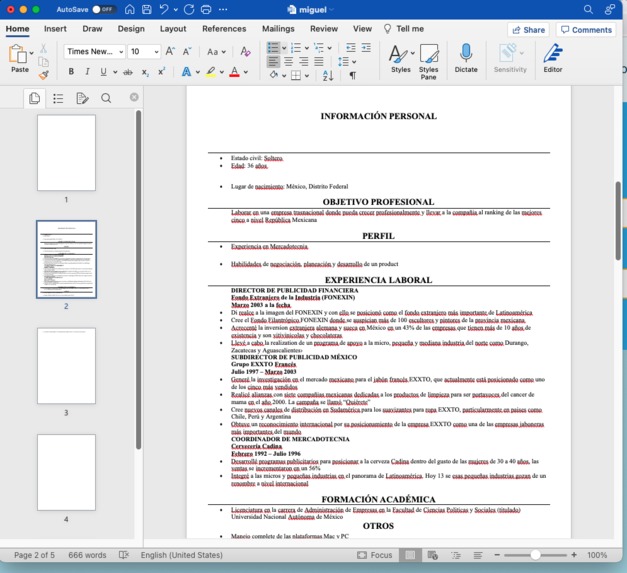
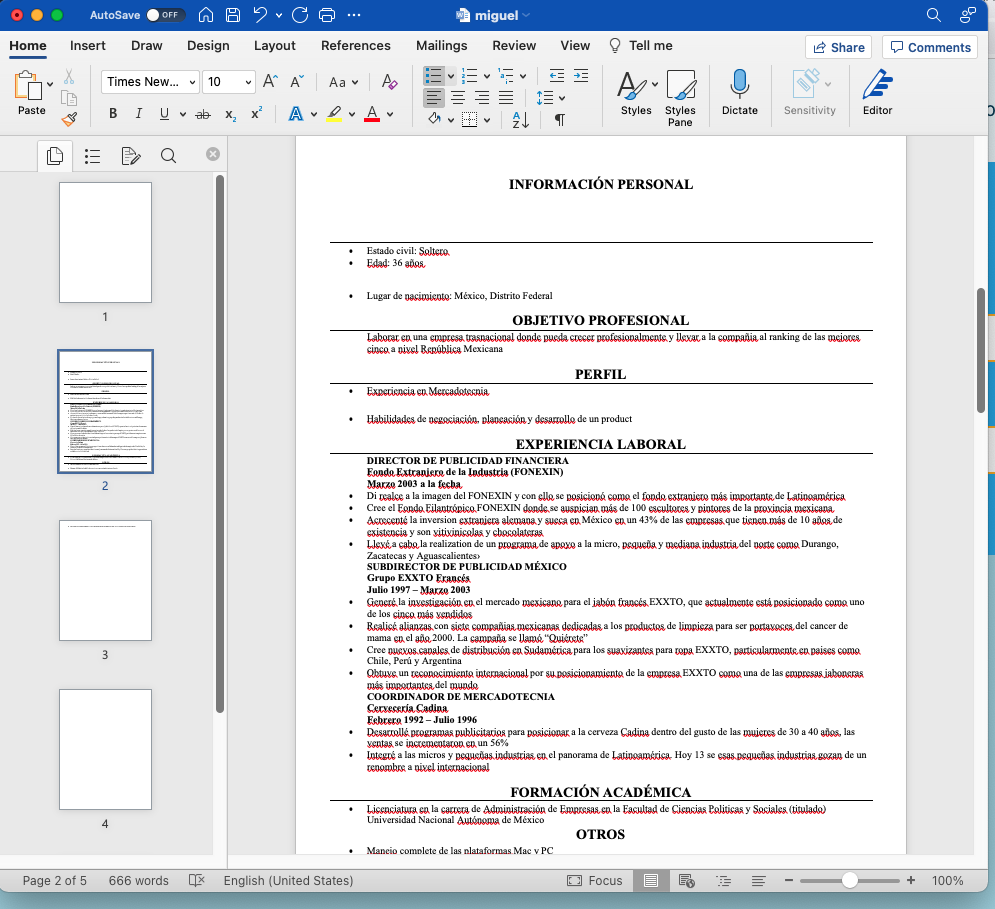
Example of test resume in Spanish
-
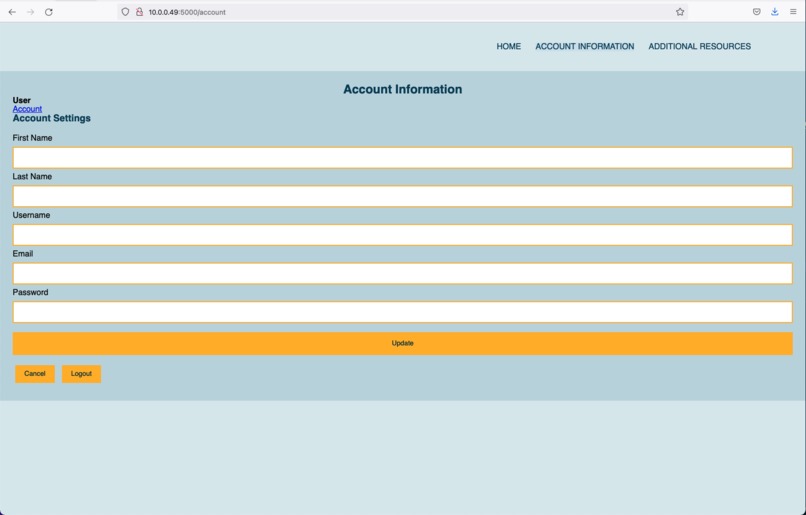
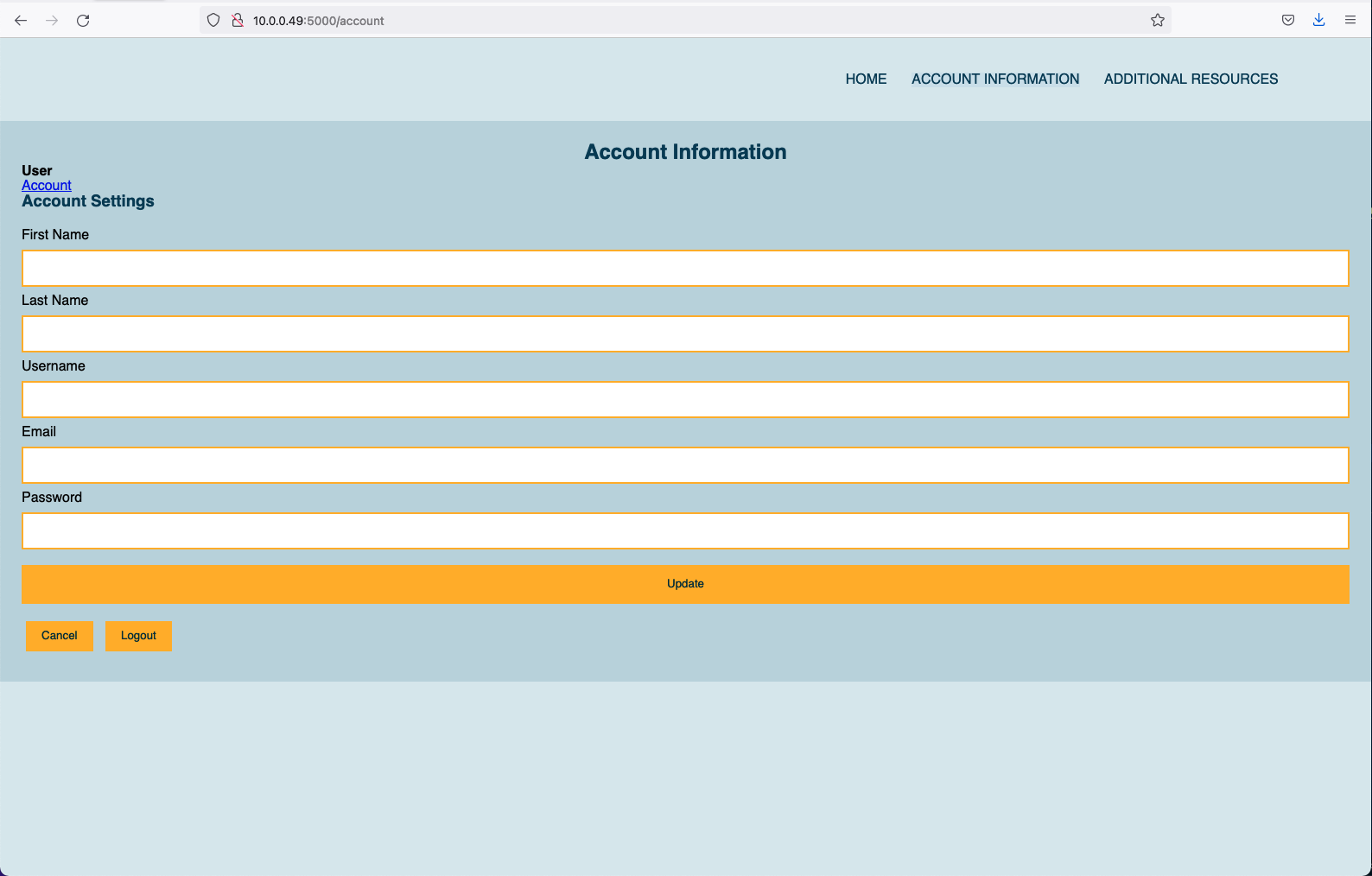
Account Information
-
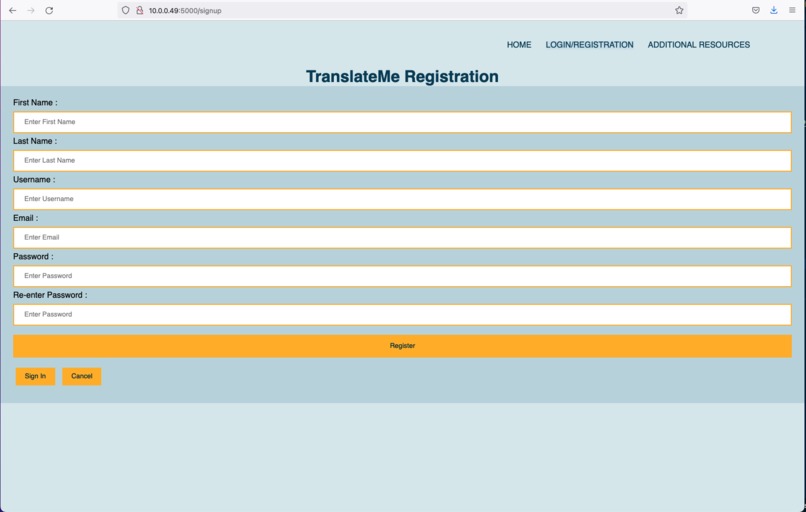
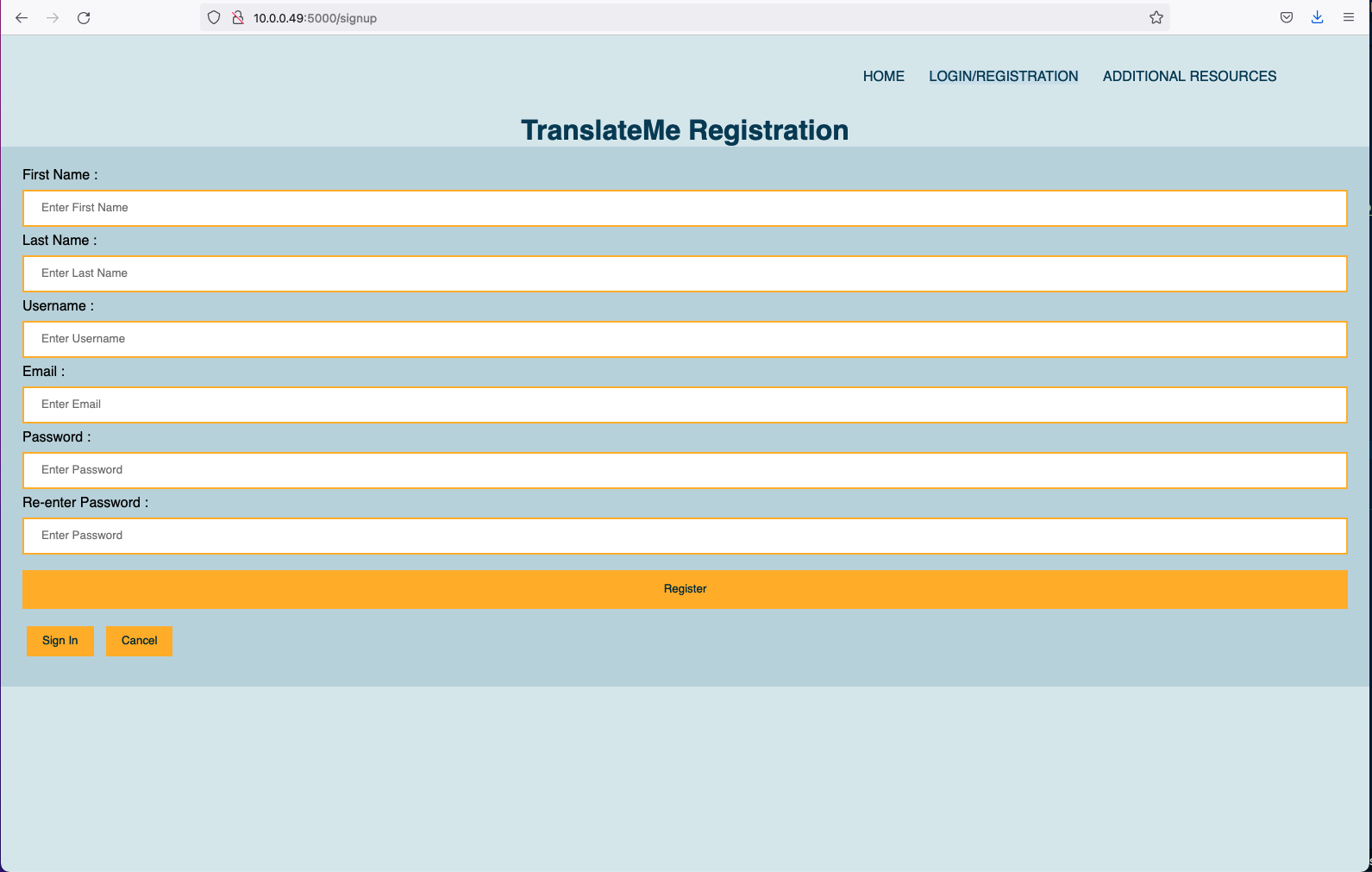
Register for an account
-
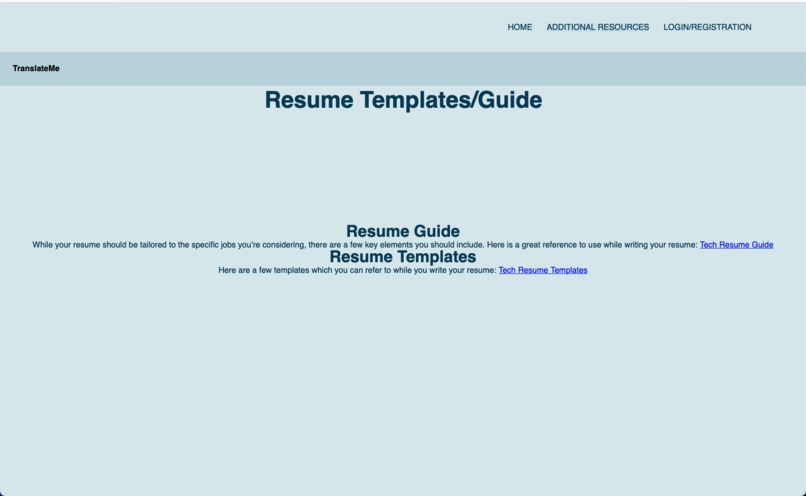
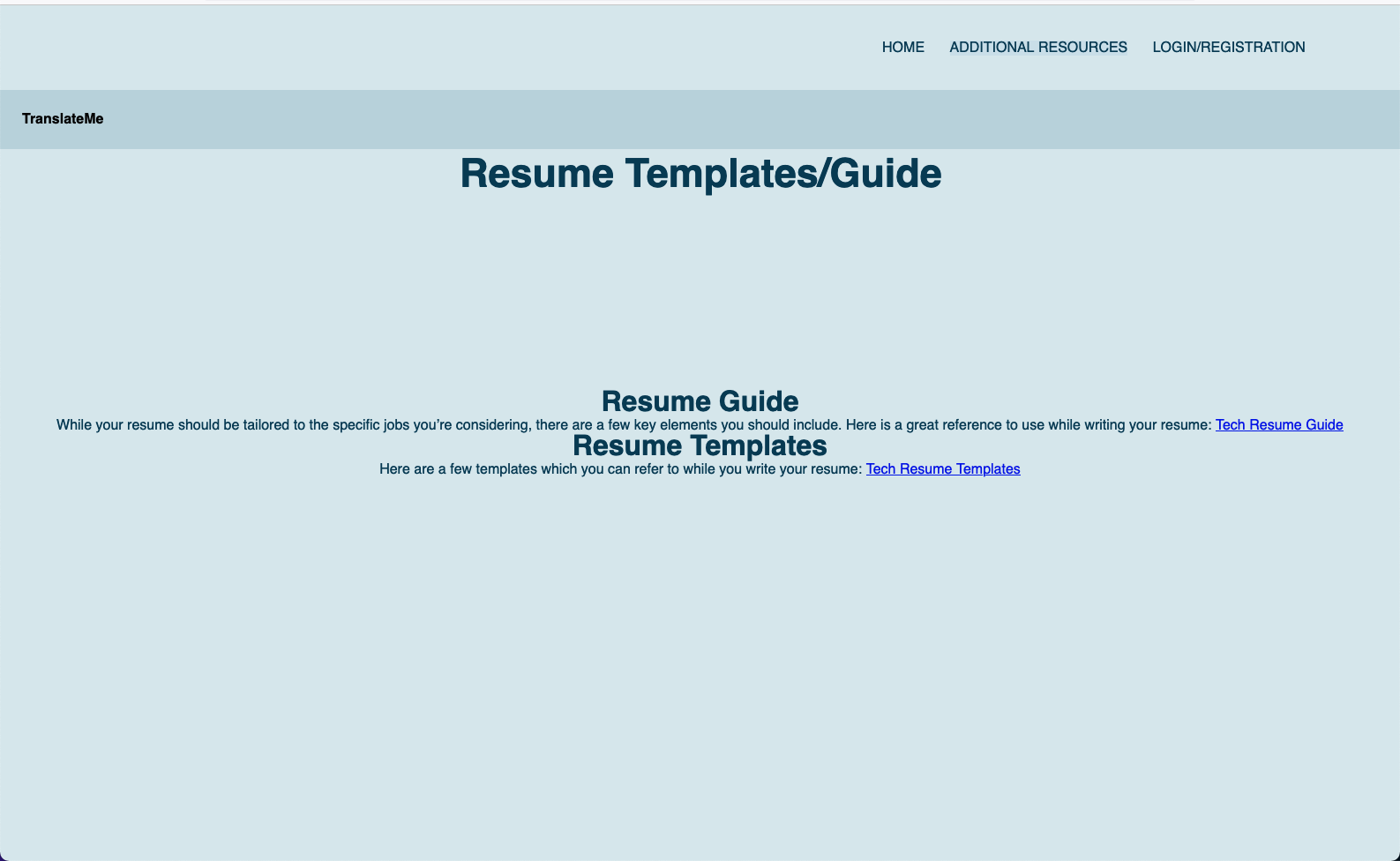
Additional Resources
Inspiration
As a team we started with the assumption that it was difficult for non-native English speakers to access resume building tools or a translator from their native language to English. To bridge the gap and prevent bias in the hiring process we have set out to create a website that seamlessly translates and returns a newly edited document for the user.
What it does
For the challenge, we chose to build a Digital Resume Translator which translates the user’s resume to any language they choose.
Our user would upload a .docx file to our translate page, and we send an async request to the server, which then processes the resume and sends back a translated version. Using the python and google cloud translate REST API, we parsed .docx files and line by line sent an API call to google in order to translate them from the source language to English. Additionally, we created a full stack website using python flask, hosted locally, to route our pages and provide dynamic content.
How we built it
We built this webpage using HTML and CSS for the front end and Python for the backend. We used Flask to bring both pieces together into our webpage.
Challenges we ran into
In the python package python-docx, the replace method had a 255 char limit, so we had to split each line into 255 char long pieces. Also we found collaborating using google cloud to be prohibitive to some of our team members becoming involved in developing on the back end. We spent at least 2 hours of the competition just setting up google cloud authentication for two users. In addition, the google REST api call does not have a clear way to auto-detect the language using the TranslateServicesClient so we had to pivot to passing the codes in for the source text. Funnily enough, the auto detect was working for the RPC API call. Combining the python parsing files application with our built front end and flask routes proved to be challenging in managing version control.
Accomplishments that we're proud of
Getting the google cloud translate api call to run and translate our documents was a huge win, and to send the processed .docx back to the user was a breakthrough in learning for us. Communication in our group was highly effective and made the whole project a joy to work on, with all the pieces moving smoothly together.
What we learned
We received hands-on experience utilizing a google API and learned a lot about the different functions that the google API’s have to offer. We also learned more about the full stack development necessary to merge the front and backend components.
What's next for Translate Me
Other than future user experience improvements, we plan on expanding this tool to support uploading more file formats, such as pdf. Additionally, we plan on further building out the account capabilities so the user is able to save resumes that have already been translated. Lastly, we plan to add a Premium Version where native speakers take a look at your resume and give feedback and add a section where previous users can share their experience using the translating tool as testimonials.


Log in or sign up for Devpost to join the conversation.