-
Asset logo.
-
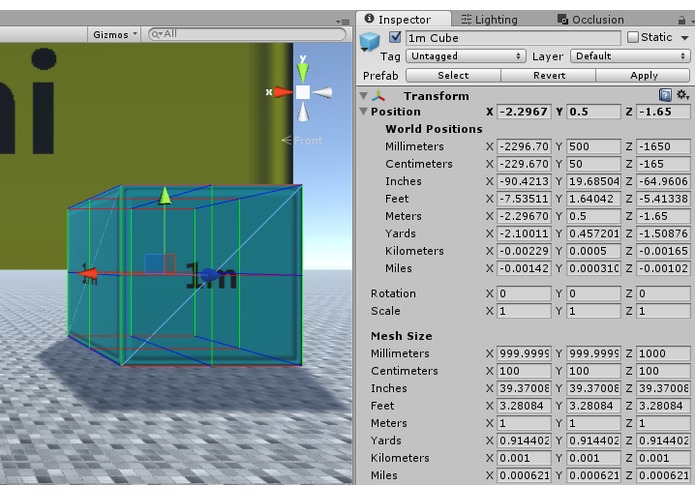
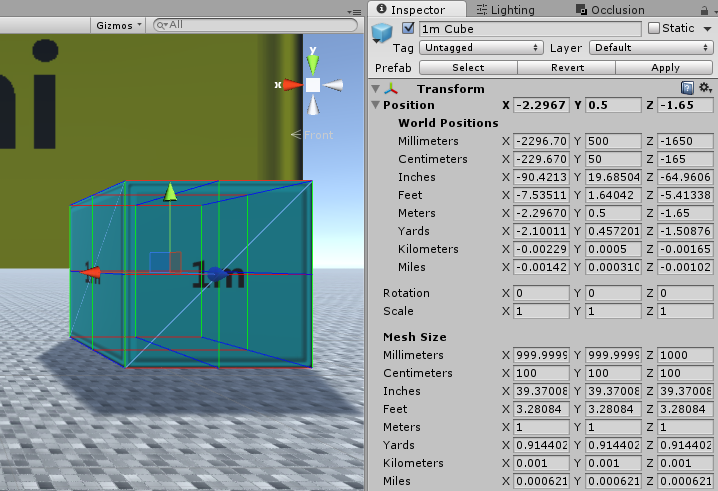
Example of the component on a mesh with the position list expanded.
-
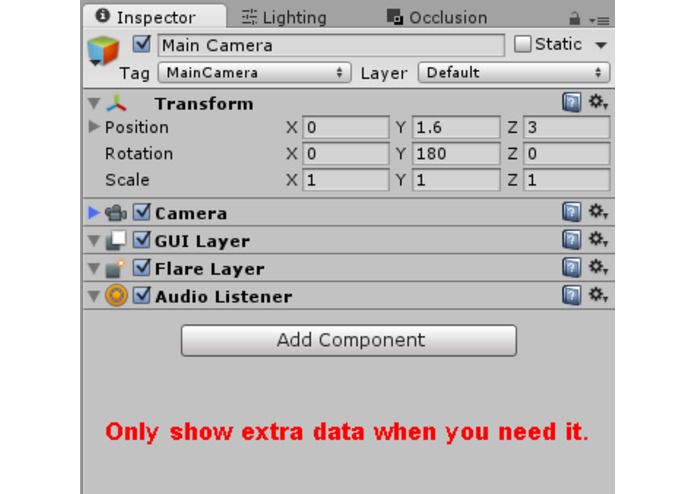
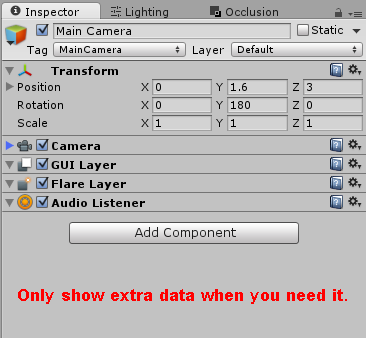
Example of how minimal the component is o other objects.
-
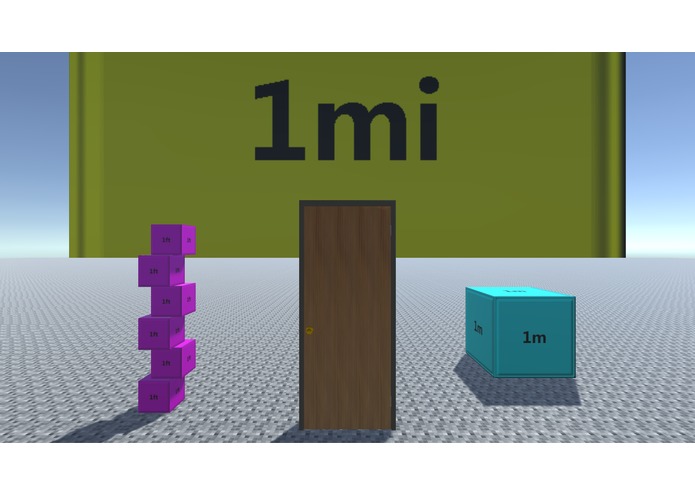
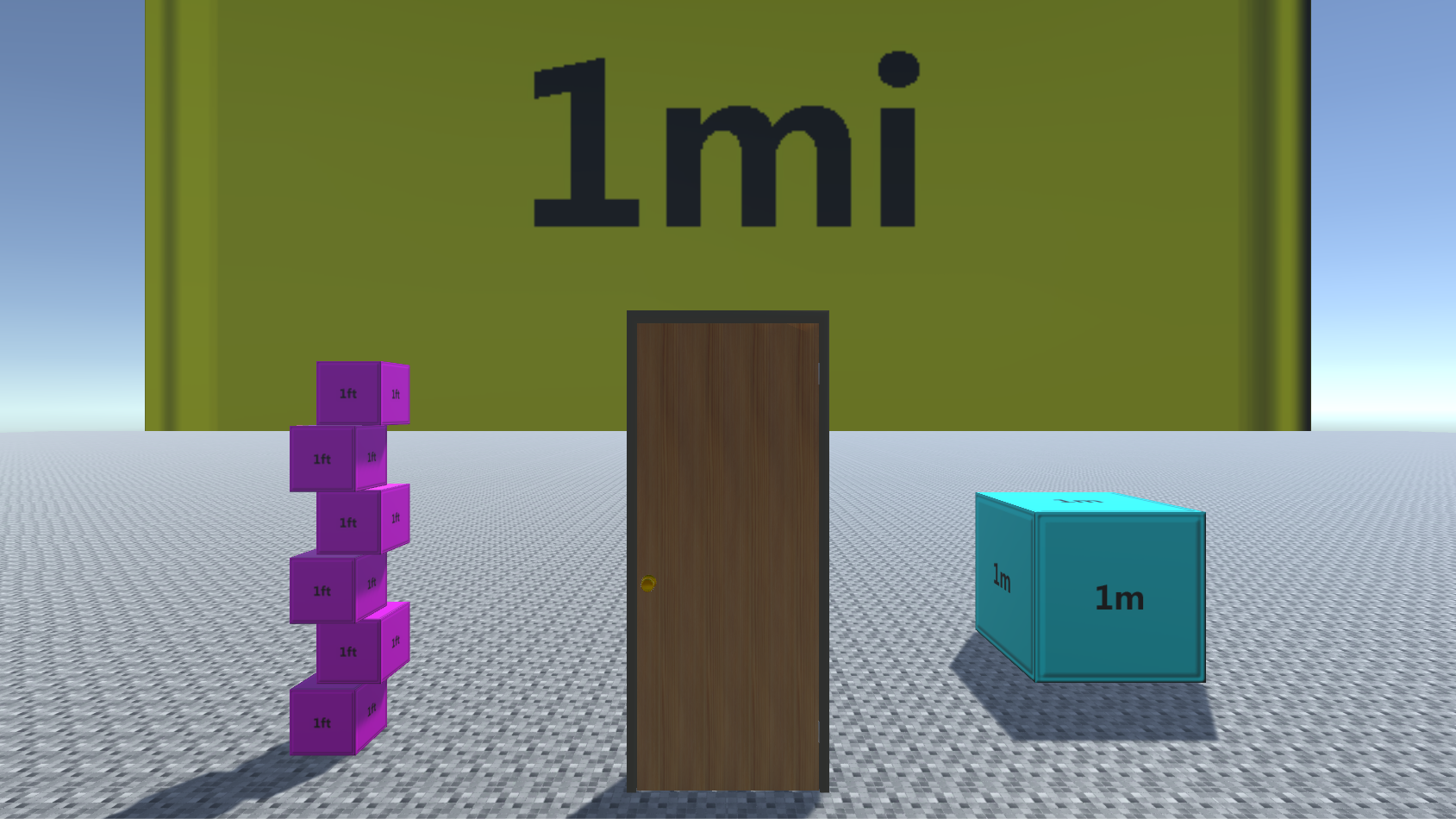
Screenshot of the demo, with some cubes and a door.
Inspiration
Virtual Reality has causes people to realize a new found importance in the size of objects. With traditional screen games you could get away with with a short doorway or large cup, but that doesn't cut it in VR. Additionally, Unitys standard unit of measurement is considered a meter, and those of us who use feet and inches can get confused.
What it does
This is a replacement/addition for Unitys transform component. When selecting a object with a Mesh Renderer it measures and shows its exact dimensions in various units of measurement. When selecting any object, the Position parameter is now a drop down list, still showing the local position value by default, but in various units of measurements you can now find its world position when clicking the arrow.
How I built it
This is a set of C# Unity scripts.
Challenges I ran into
I went through a couple iterations of the asset. Originally it was going to be a standard script you add to a object it self, and only deal with mesh sizes. But as I learned more about Unity and scripting for it I changed it over to an editor script, added support for positions, and extended the Transform class for coders to use this at runtime as they may need.
Accomplishments that I'm proud of
I was able to keep it simple and not drastically change it from the look of the default Transform component. When selecting a object without a Mesh Renderer, visibly the only difference is a tiny, easily ignored arrow.
What I learned
This was my first real foray into editor scripting. I also had to deal with Vector math a lot, so I hope I learned plenty about that! Continuing from the first script asset I put on the asset store, I tried to further myself when extensivly commenting my code, and using wrapper methods to help make confusing bits of code more clear. For my future self and anyone else!
What's next for TransformEx
I have no real plans to expand this at the moment. Just ready for any bug fixing that may come about.
About all I could maybe see doing in the future is using some visual elements to display some positioning info. Like detecting near by meshes to the one you have selected and calculating the distance between the twos edges. And maybe some how allowing you to position the object via parameters in the Transform component based off the other object as a point of reference. Depends on demand and popularity of the current version of the asset.

Log in or sign up for Devpost to join the conversation.