-
-
Real-time transcription
-
The Transcription Component: Replicating Notion's AI Meeting Notes
Inspiration
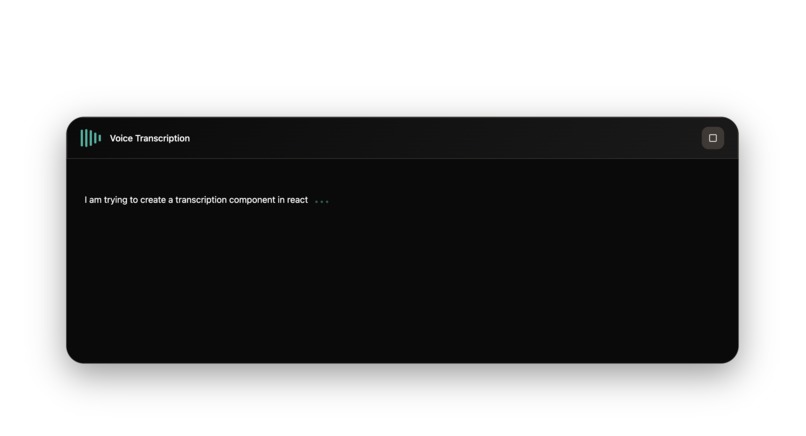
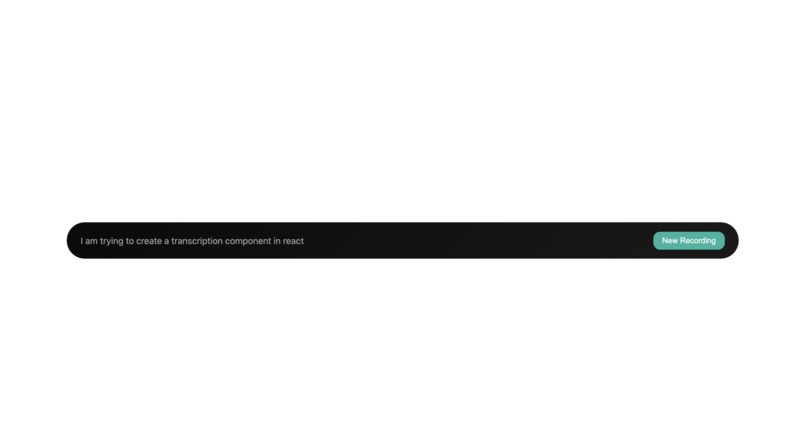
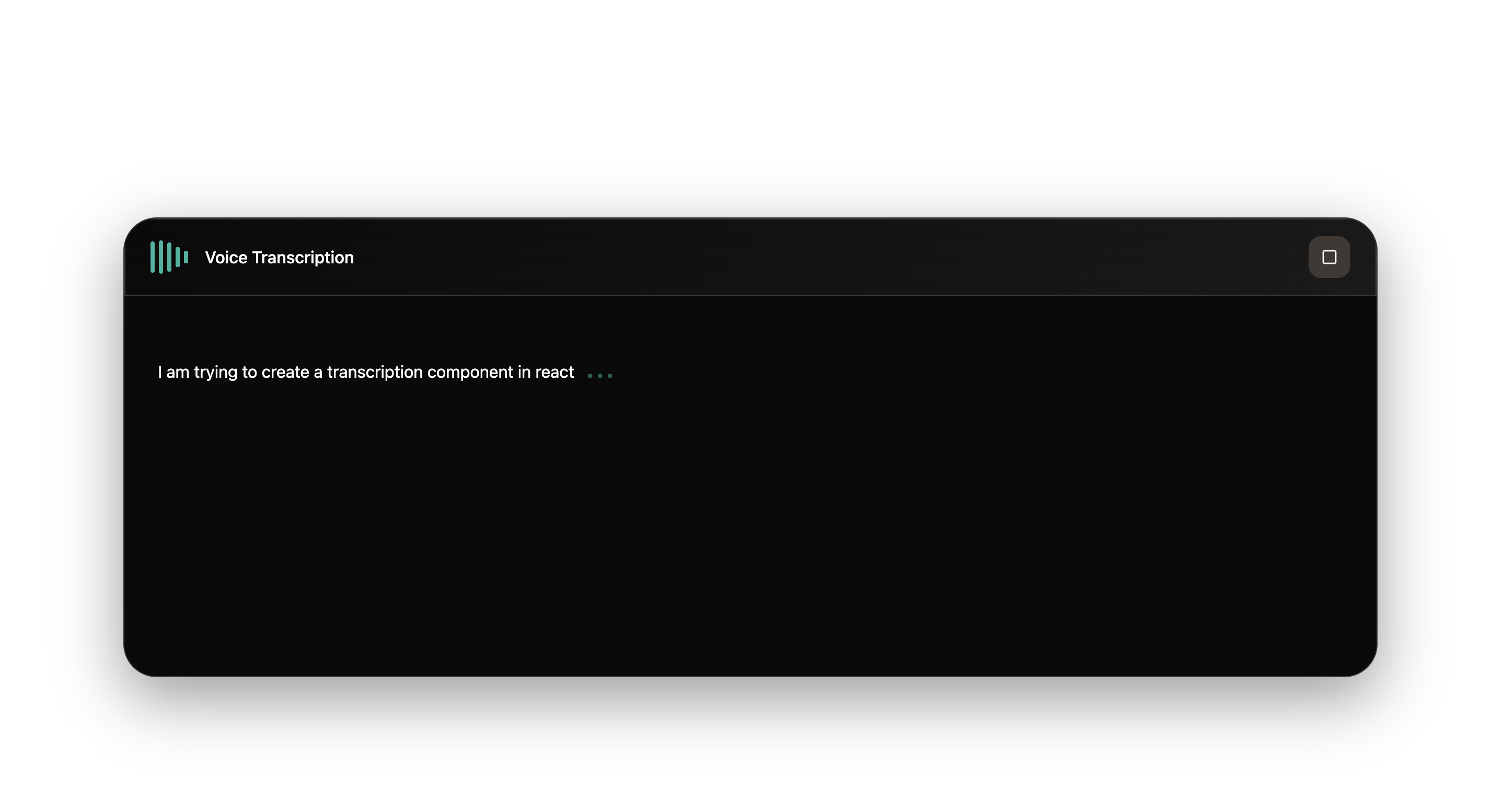
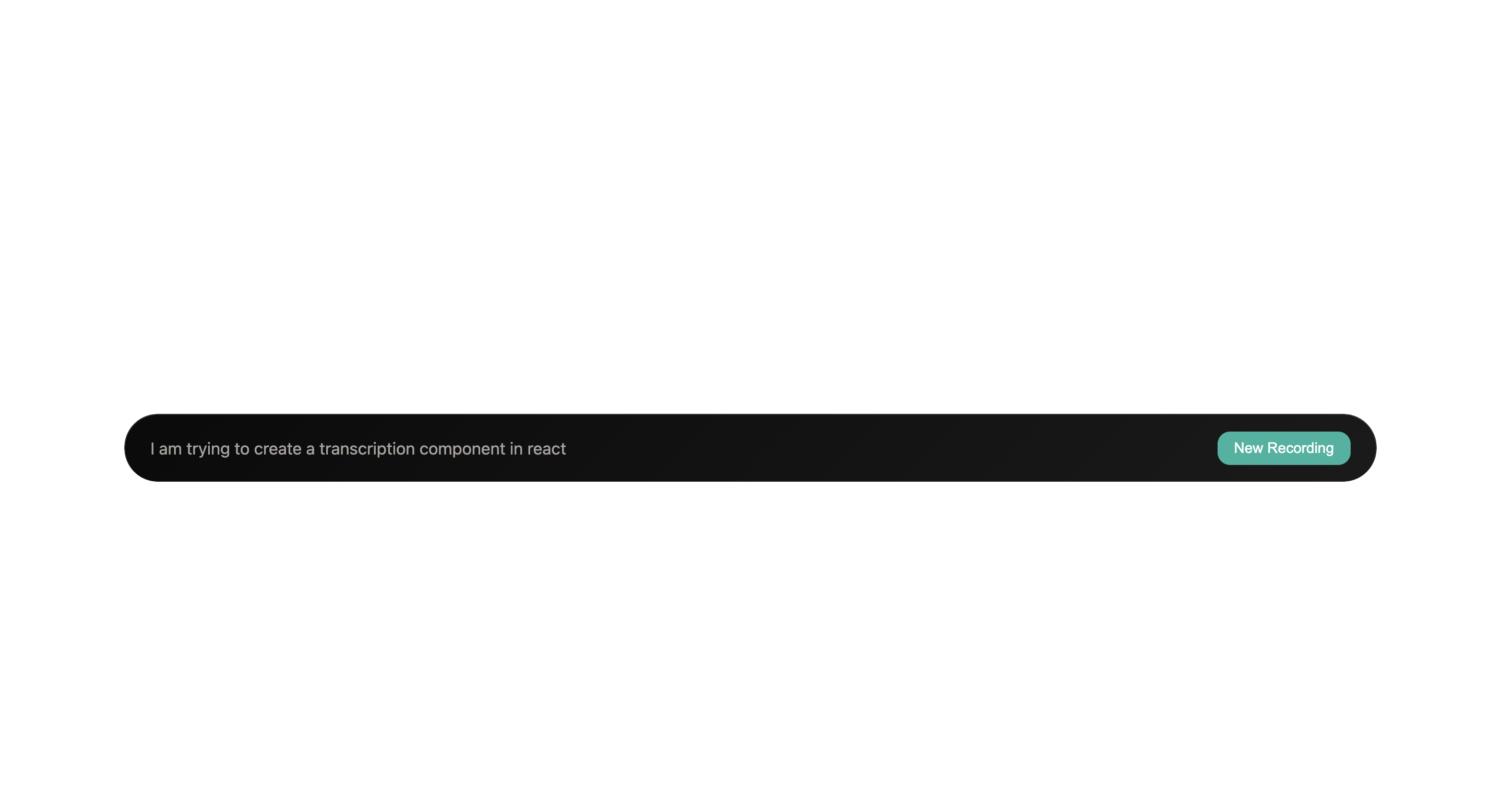
After the success with the llm-abstraction-layer, I wanted to tackle something more visually complex. I was inspired by Notion's AI Meeting Notes feature—the way it captures, transcribes, and organizes audio in a seamless UI. The goal was to build a reusable transcription component that could handle real-time audio input and produce structured, searchable notes.
The Approach
This is where I leveled up my use of Kiro. I used images as inputs to the spec—visual mockups and design references—to communicate exactly what I wanted to build. The spec-driven process was incredibly detailed here because I needed granular control over design tokens and component customization. I switched to Claude 4.5 for this phase because the precision required justified the extra compute.
What I Built
A highly customizable transcription component with:
- Real-time audio capture and transcription
- Design token isolation for theming
- Exposed customization APIs so consumers could adapt it to their own design systems
- Clean separation between the transcription logic and UI presentation
The Learning
This is where I discovered the power of vibe-coding with Kiro. After the spec was fully executed, I iterated through multiple prompts to refine the exact behavior, styling, and customization surface. The speed and accuracy were genuinely impressive—I could ask for a full refactor and get exactly what I envisioned.
I also noticed Kiro was generating unnecessary documentation files (quickstarts, bug-fix reports, etc.) on my prompts. That's when I added a steering guideline to prevent that unless explicitly requested. It kept the workspace clean and focused.
Key Takeaway
The combination of image-driven specs and vibe-coding unlocked a different kind of velocity. I could be exploratory and iterative without losing precision. The component ended up being production-ready with minimal manual tweaks—a testament to how well Kiro's structured approach scales to more complex UI work.

Log in or sign up for Devpost to join the conversation.