-
-
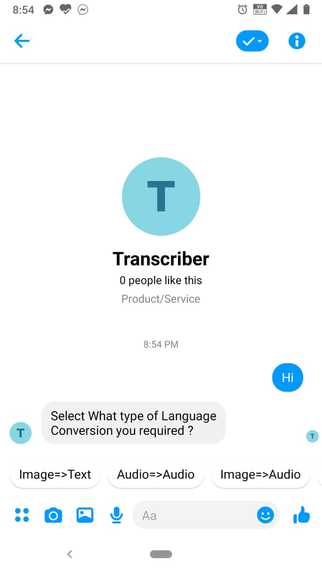
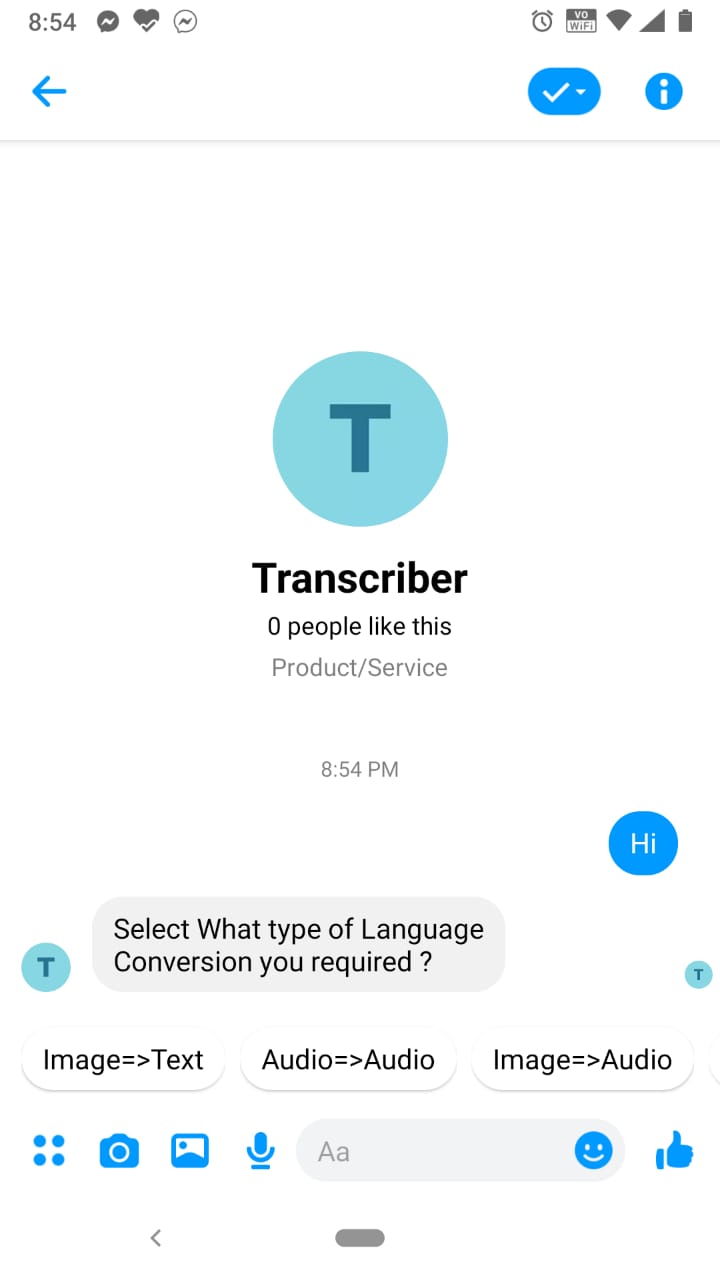
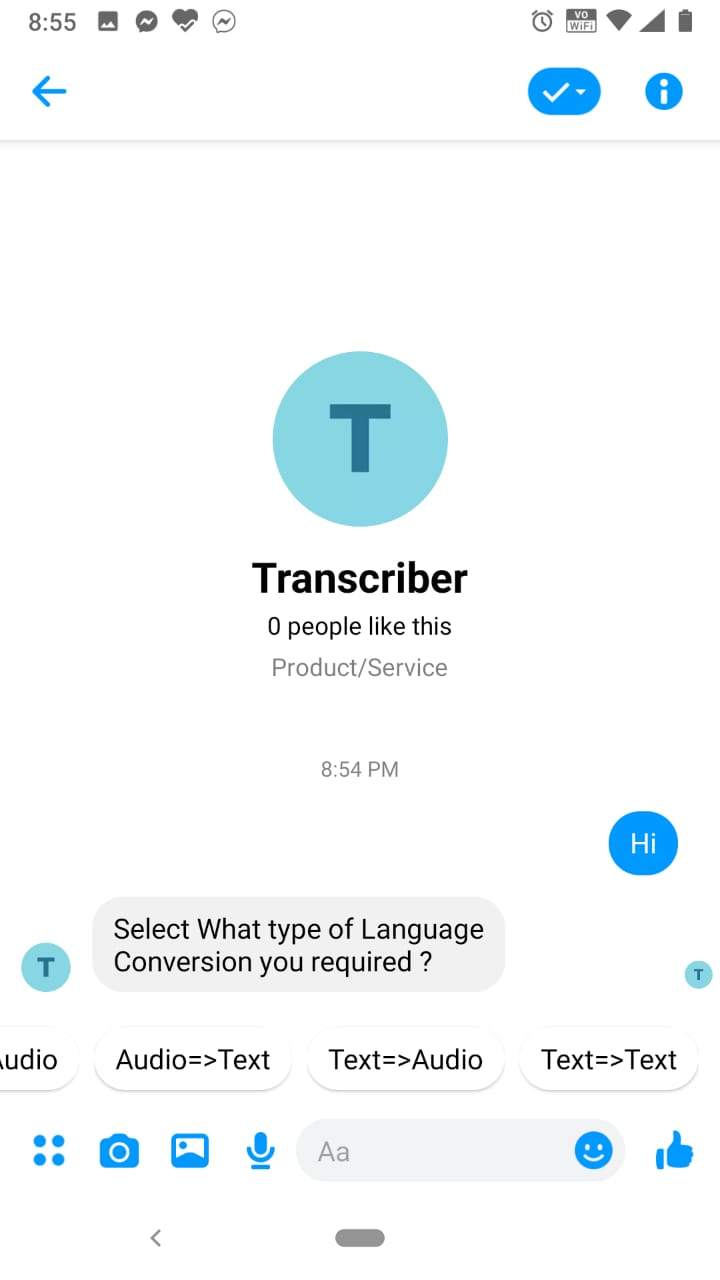
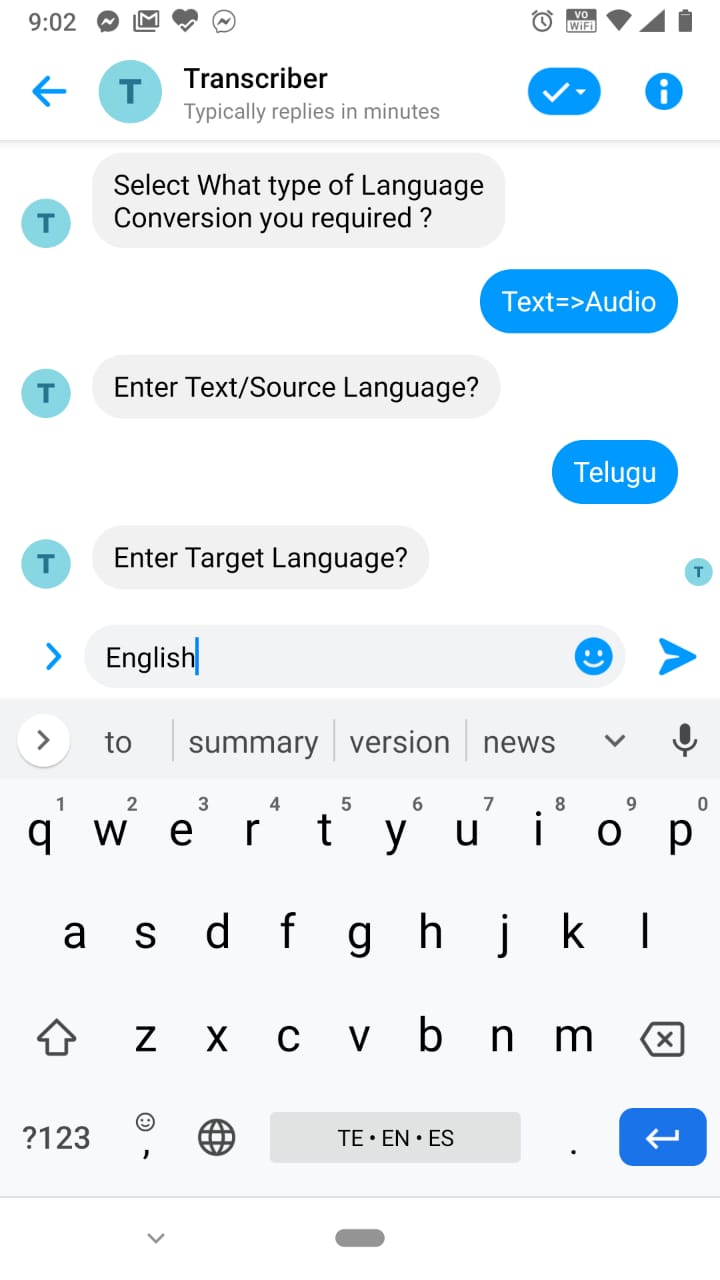
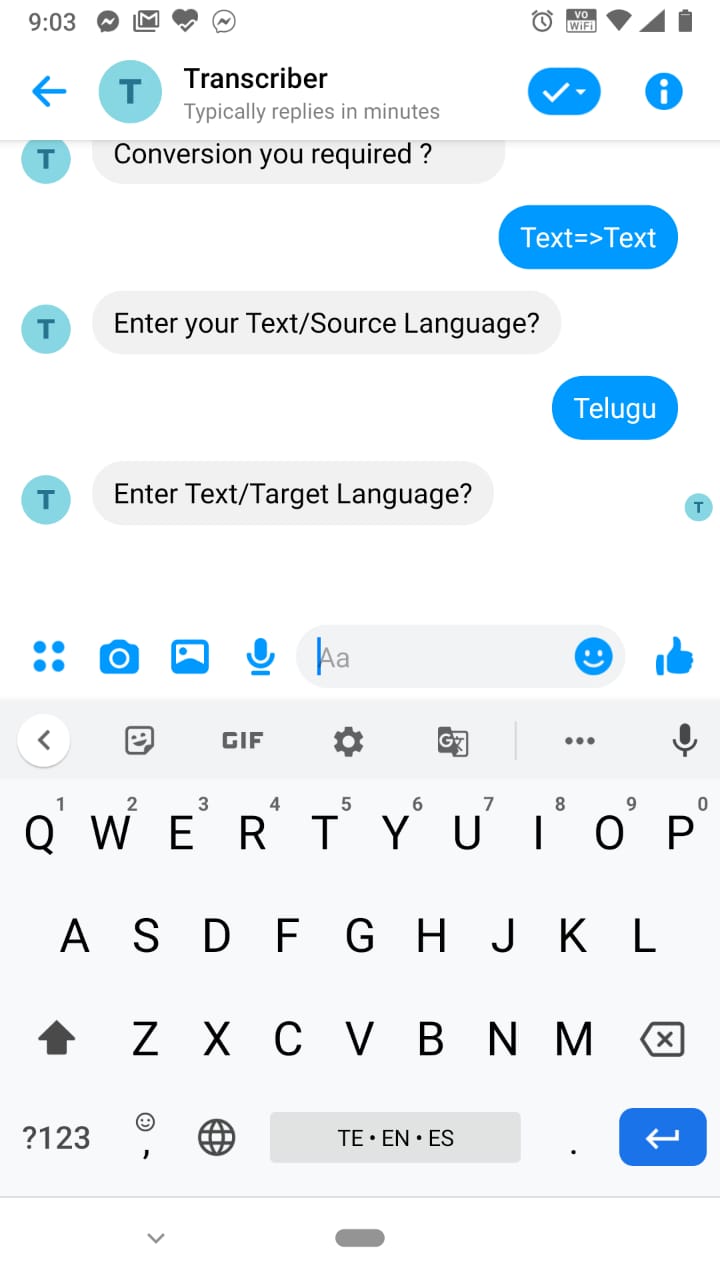
Showing available options
-
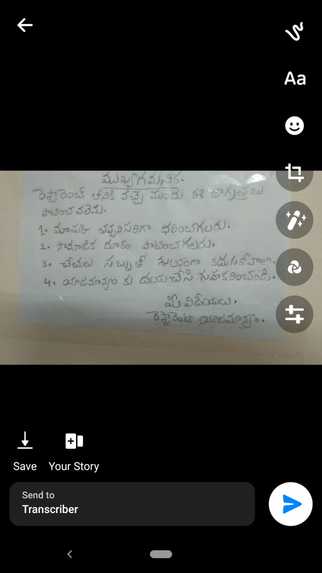
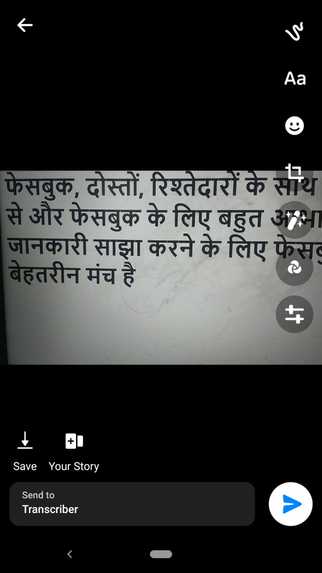
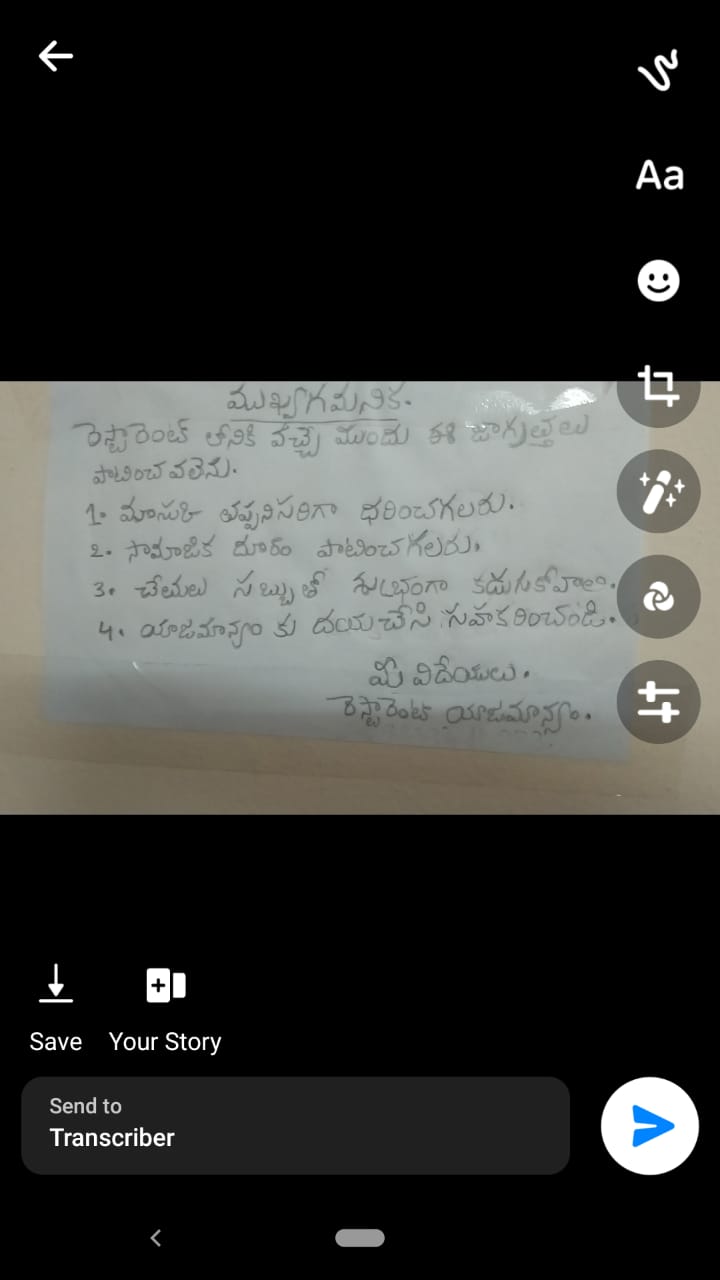
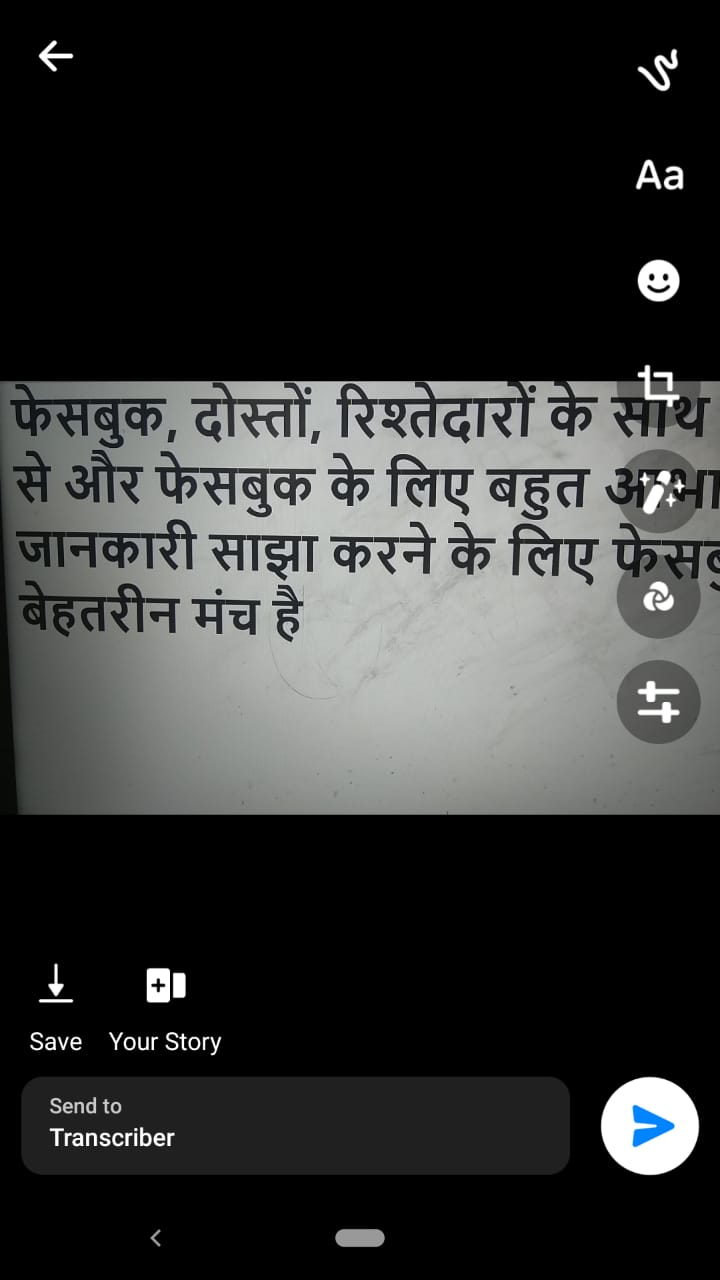
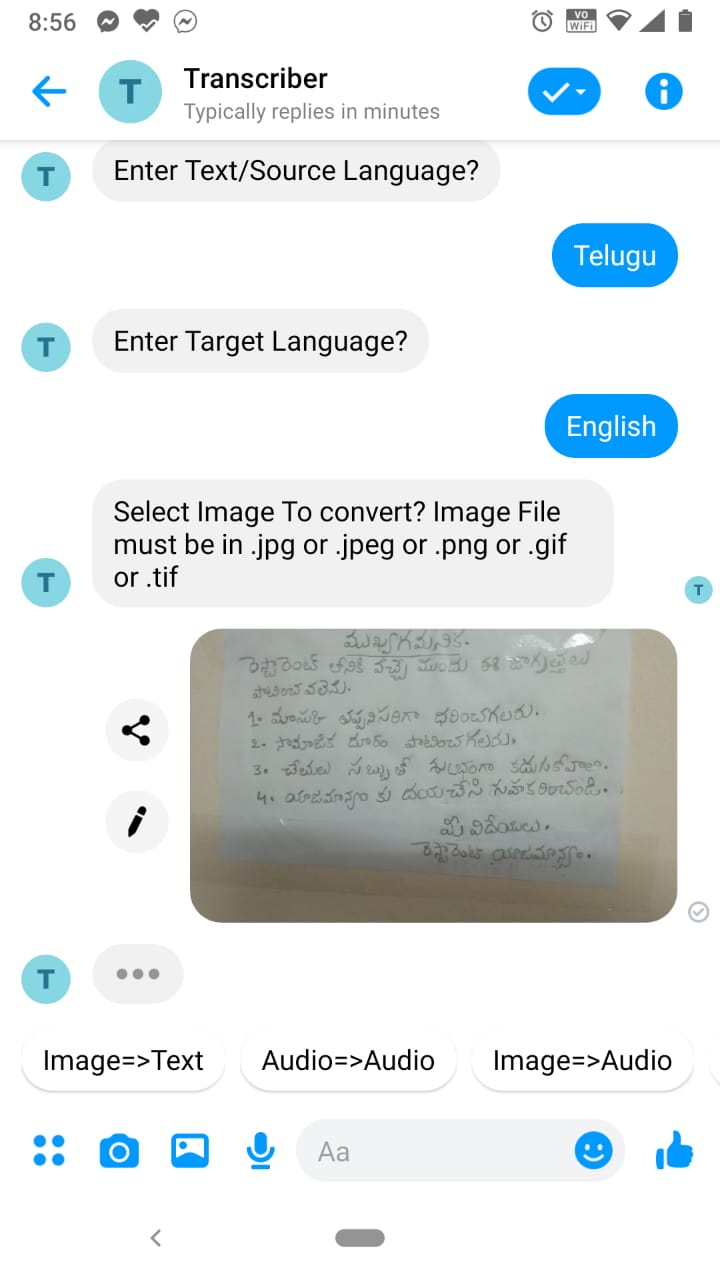
Capturing image with messenger camera
-
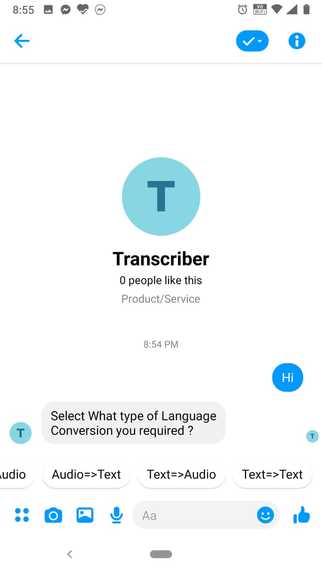
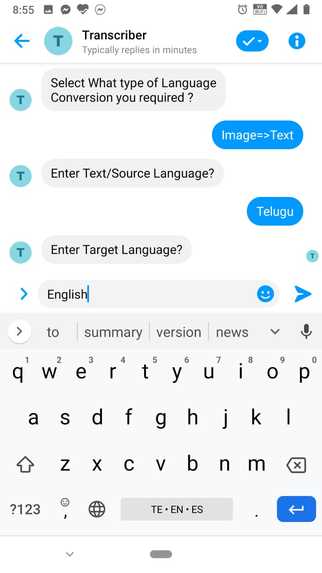
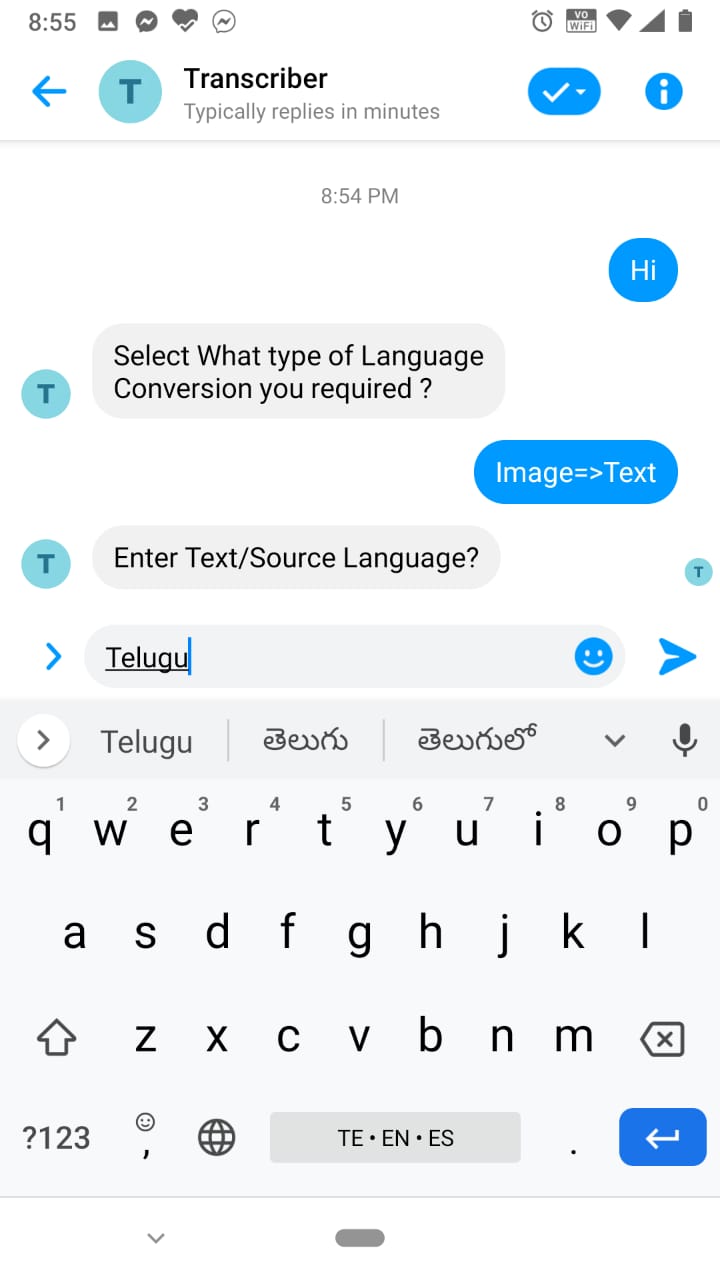
Selecting Image=>Text Option
-
-
-
-
-
-
-
-
-
-
-
-
-
-
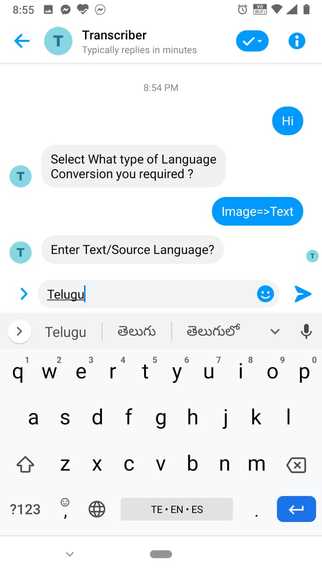
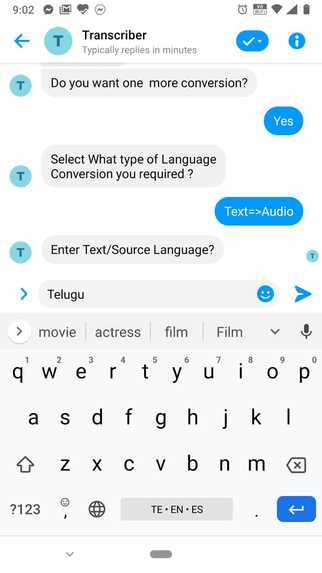
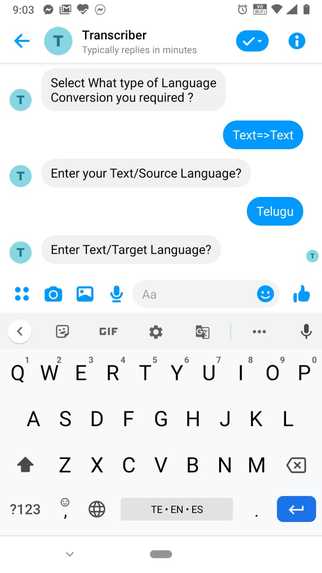
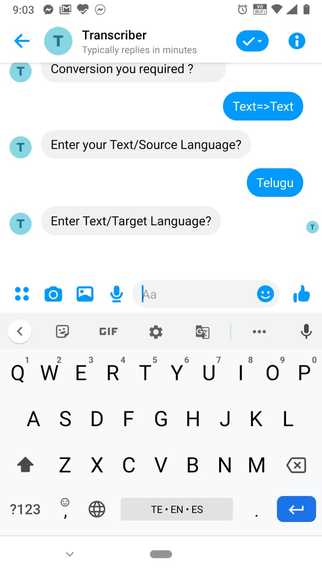
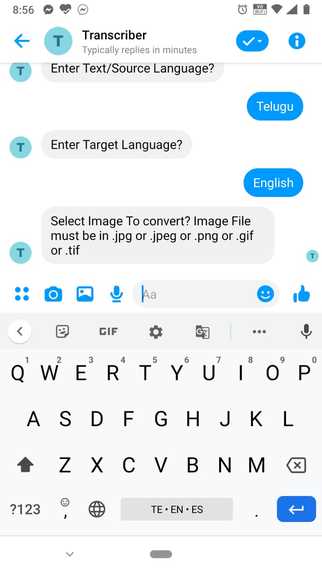
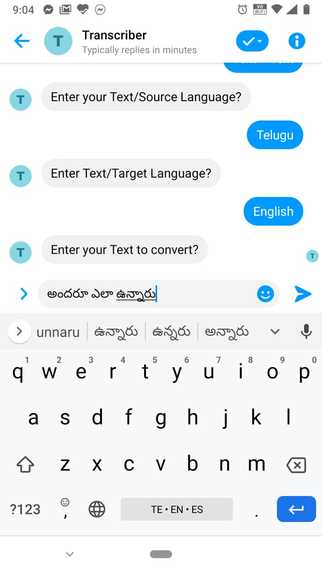
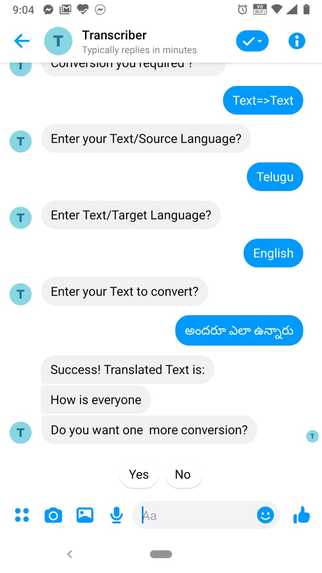
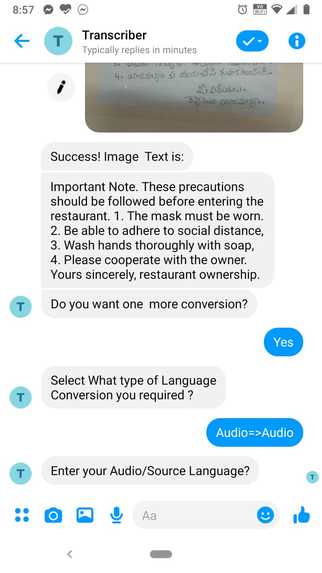
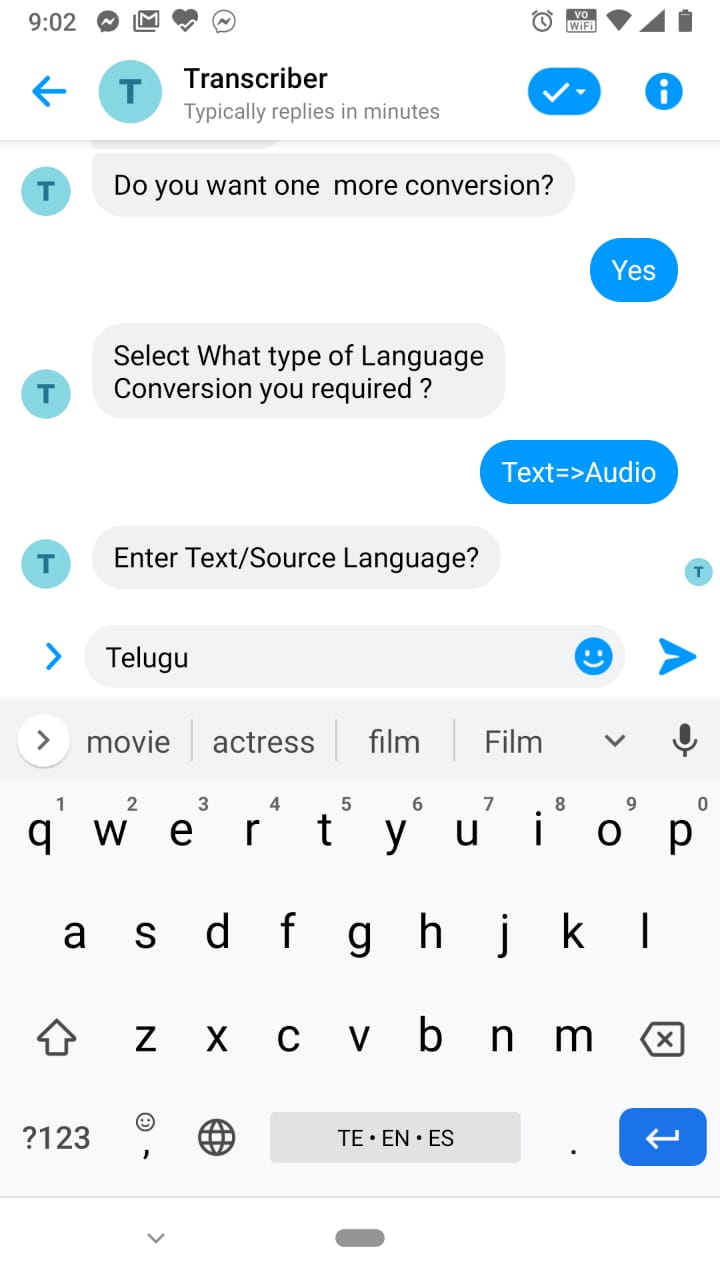
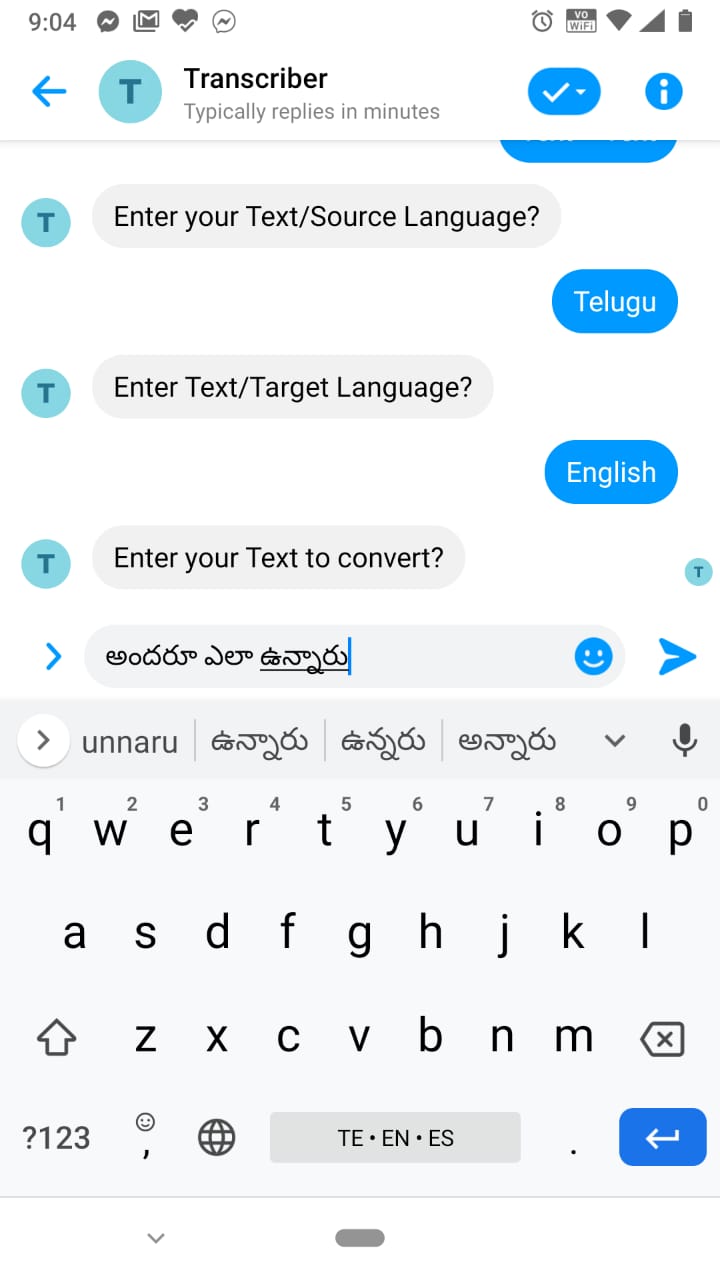
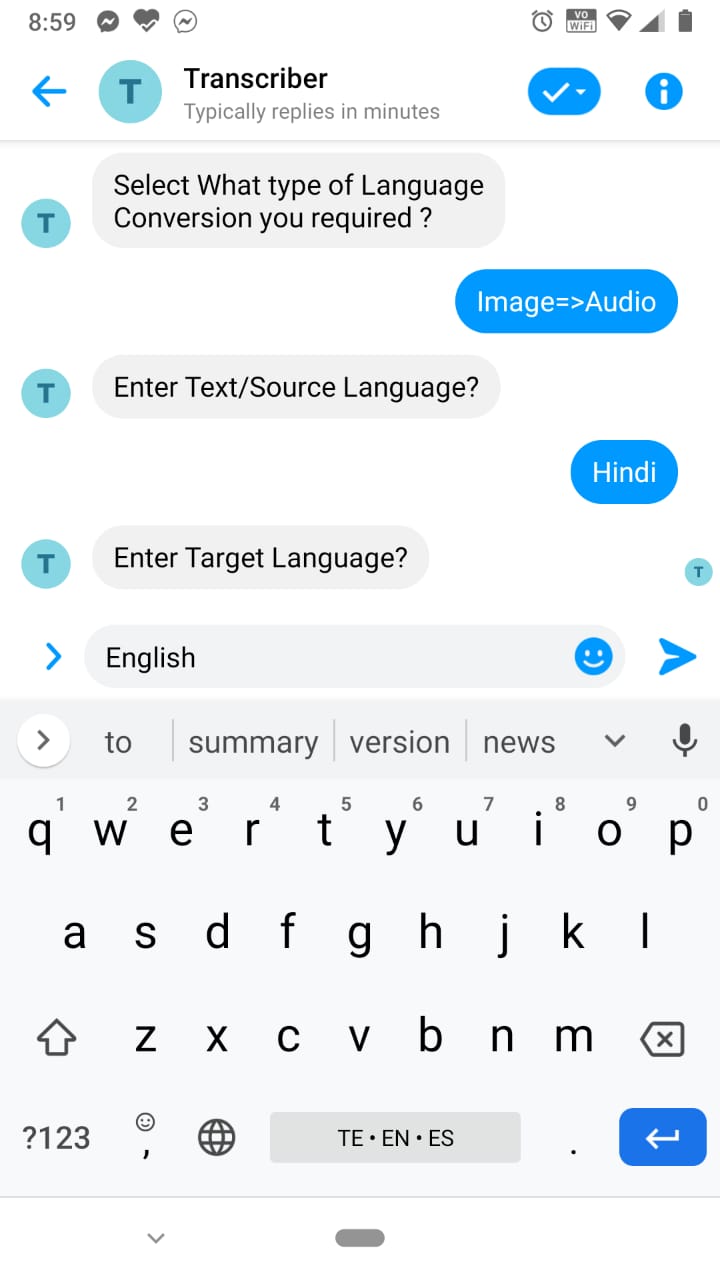
Entering Source Language as Telugu
-
-
-
-
-
-
-
-
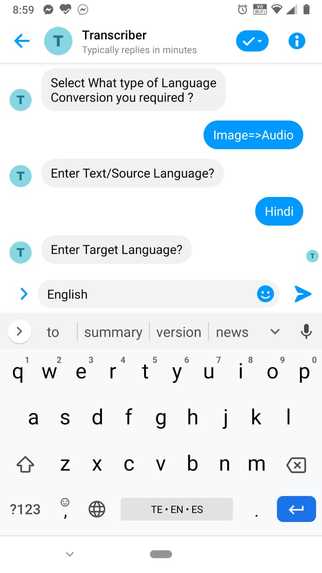
-
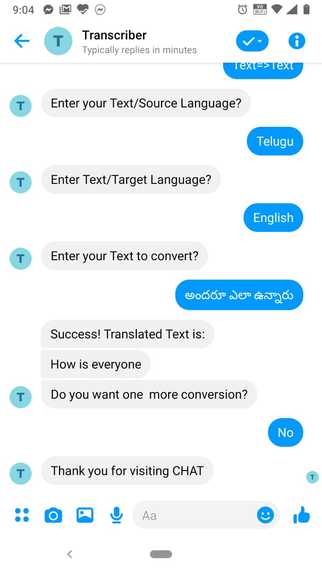
-
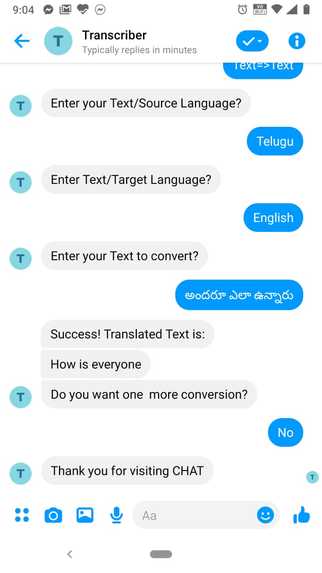
-
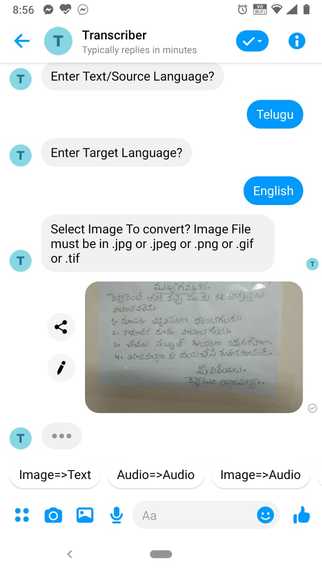
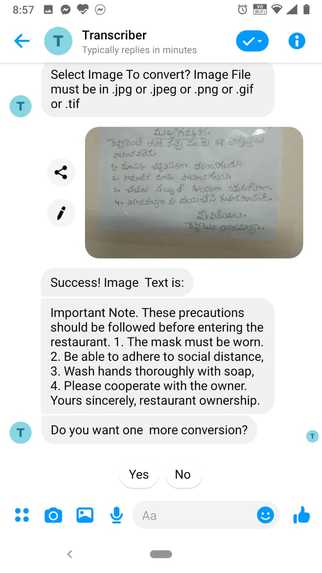
Capturing image with messenger camera
-
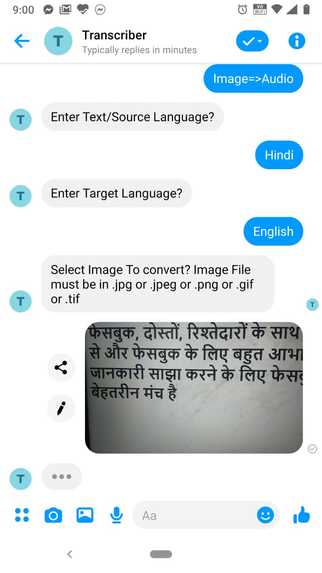
-
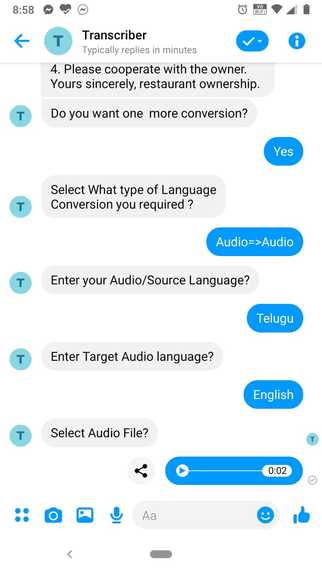
-
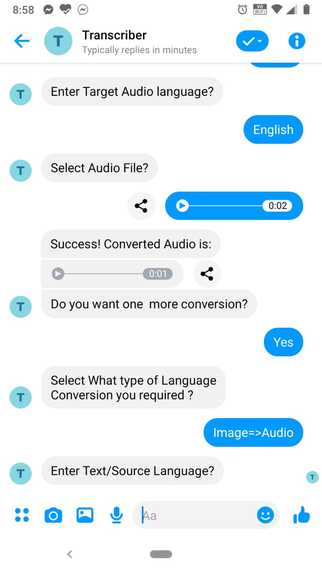
-
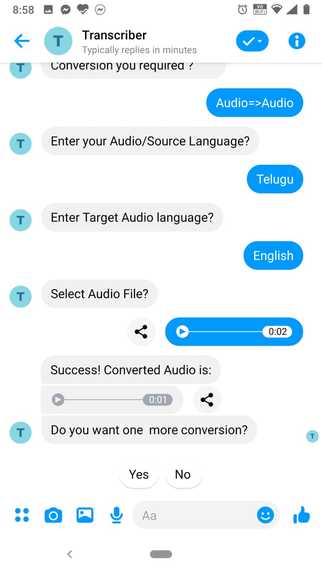
-
-
-
-
-
-

Inspiration
Being a developer, I was excited to work on a project involving a lot of chat bot related concepts, leveraging APIs, computer vision and at the same time making something that I could use every day.
What it does
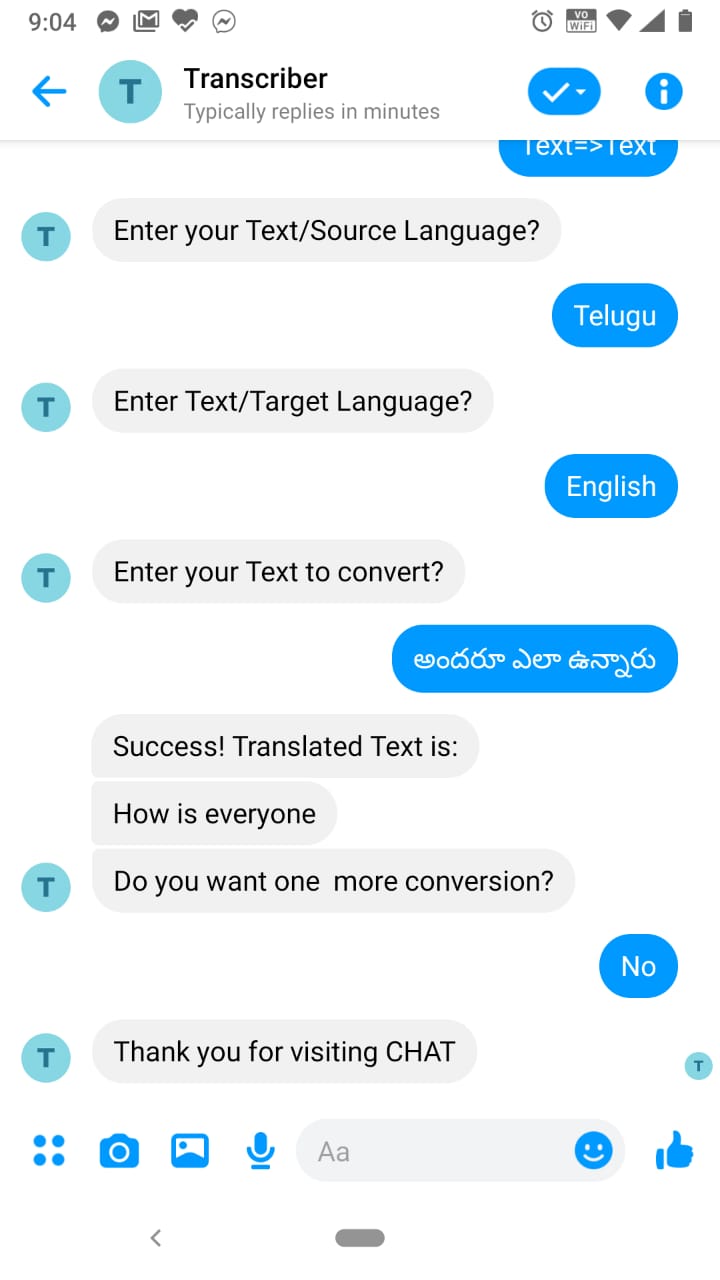
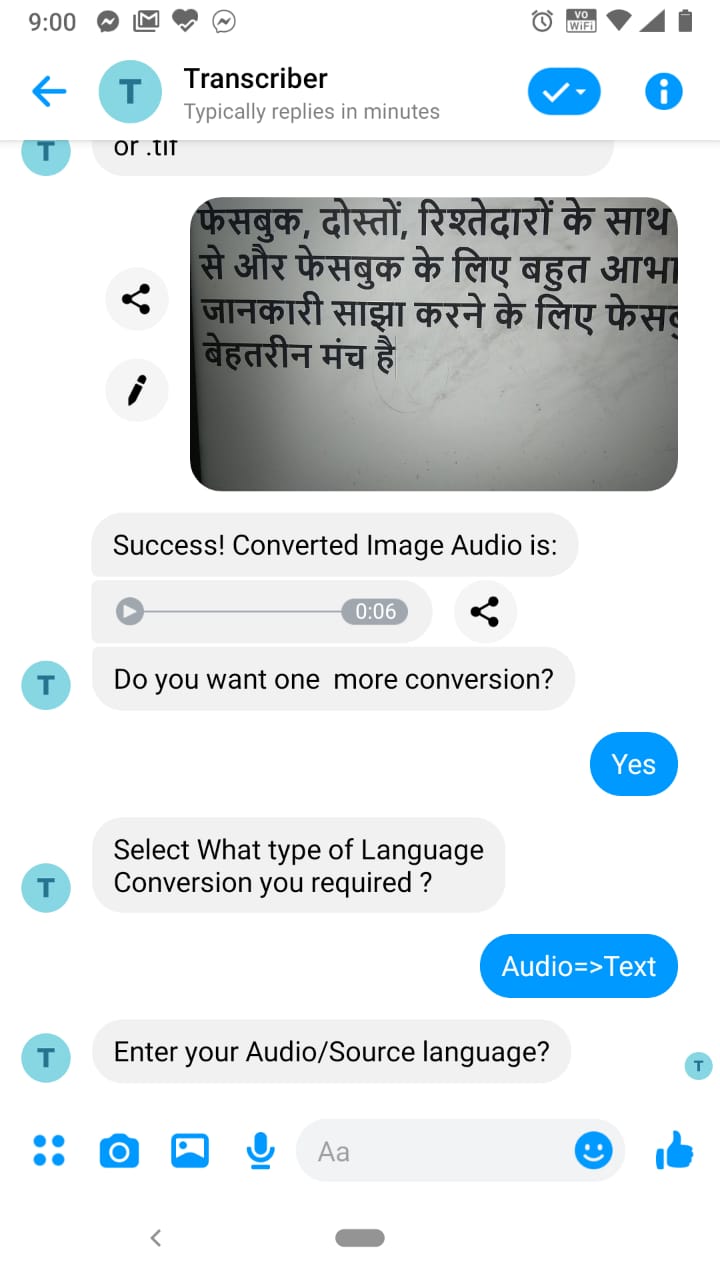
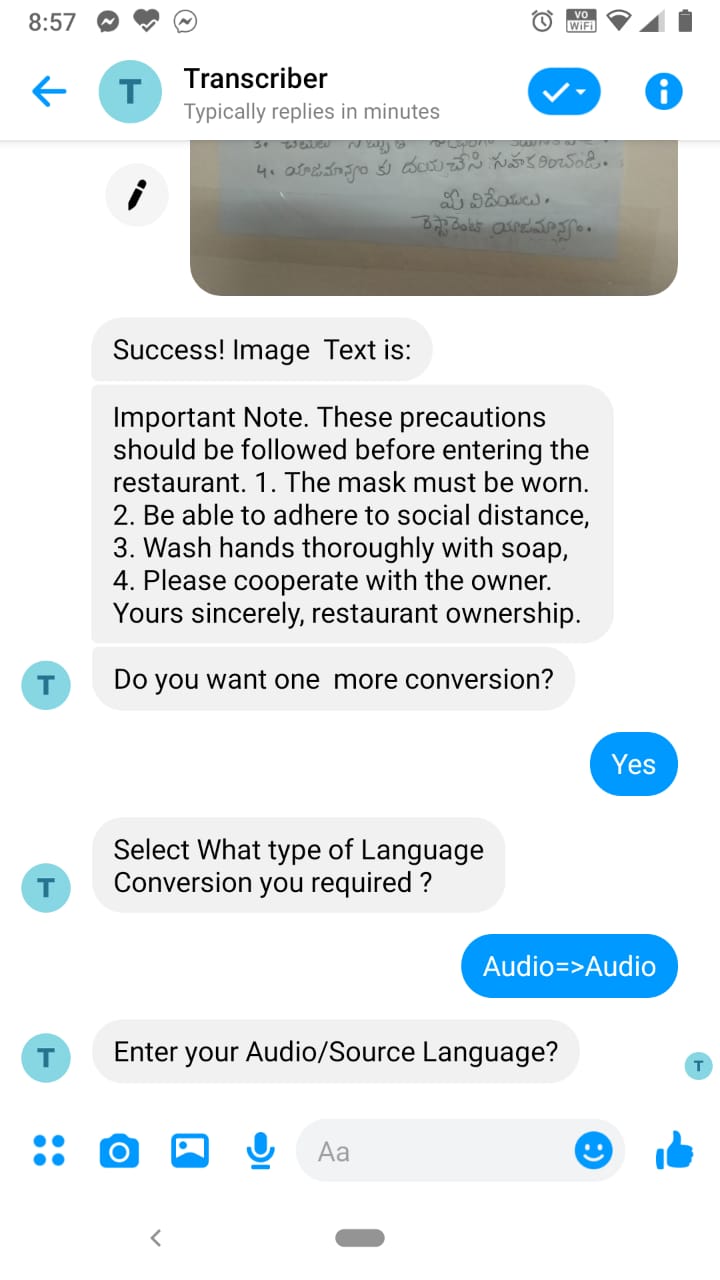
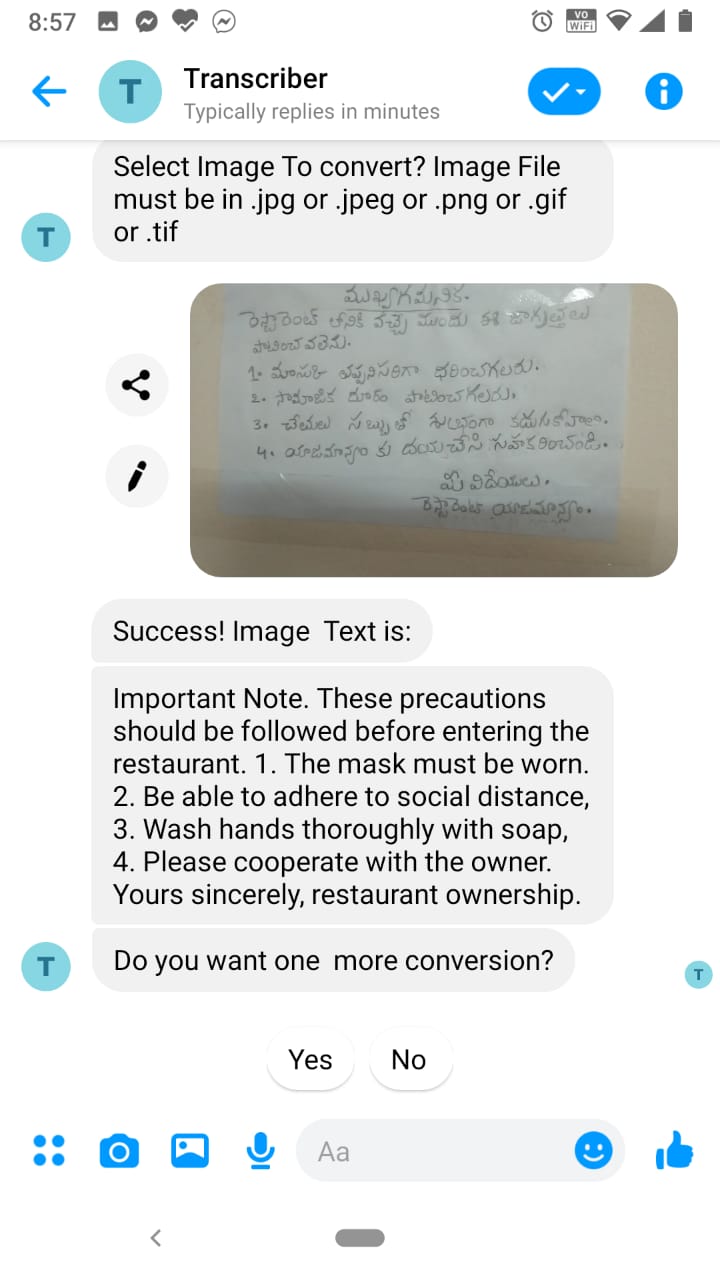
In present world, traveling from one place to another locations is common for business meetings,employment and family trips.People are talking different languages in different locations.While traveling, travelers are facing language barriers problems like communicating with local people,understanding streets sign boards ,understanding local information boards,ordering food in local restaurants and reading local news..etc.
Transcriber is a messenger bot that works in a super-easy and friendly way to solve these language barriers problems.
- Transcriber works easily with Facebook messenger native camera and MIC option.
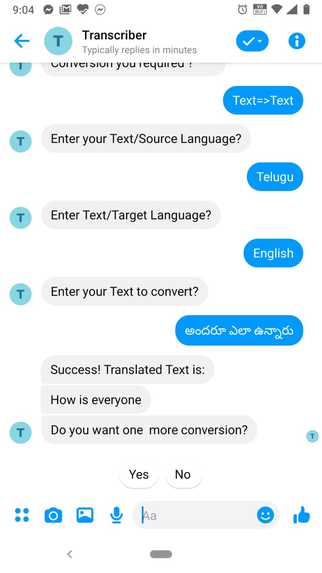
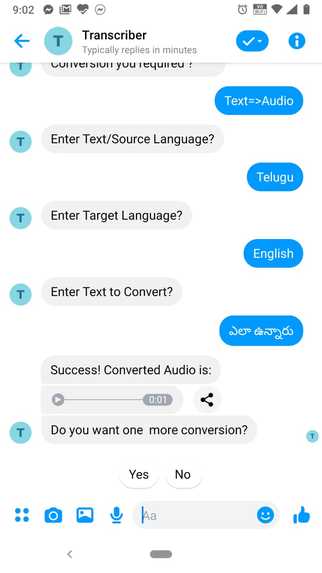
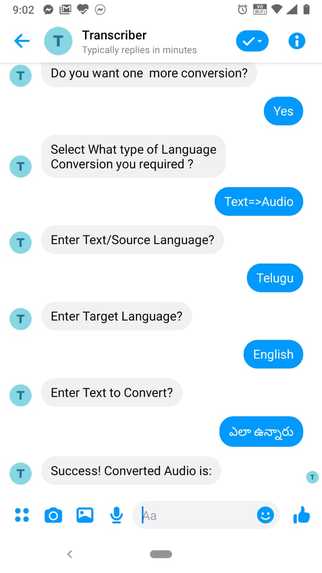
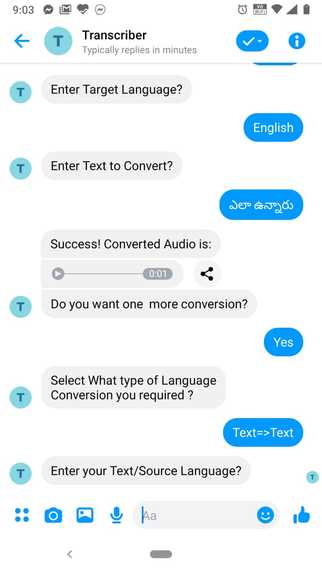
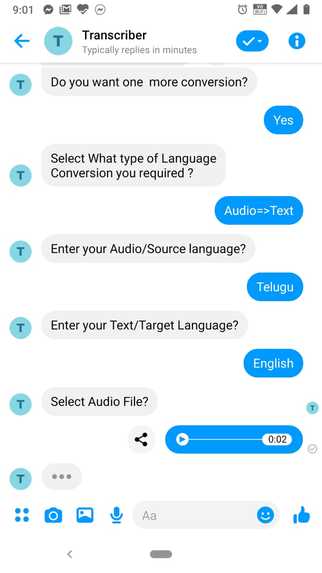
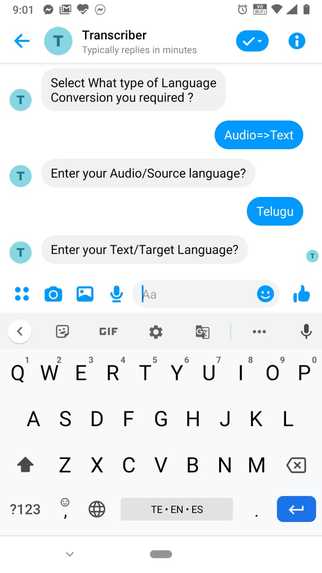
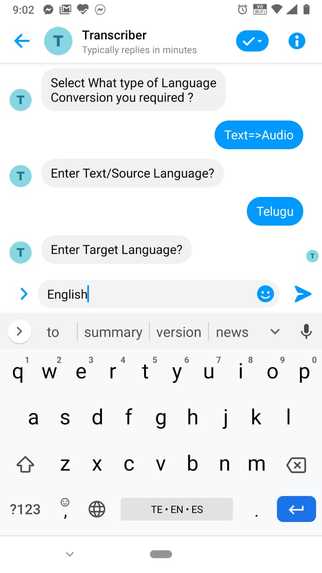
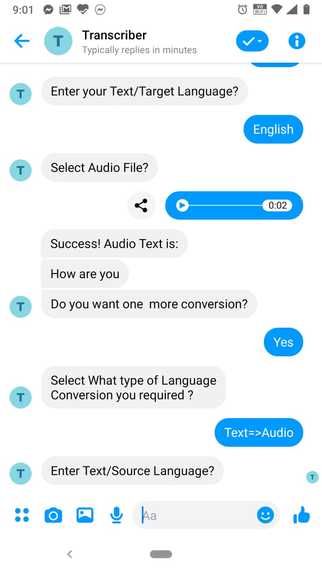
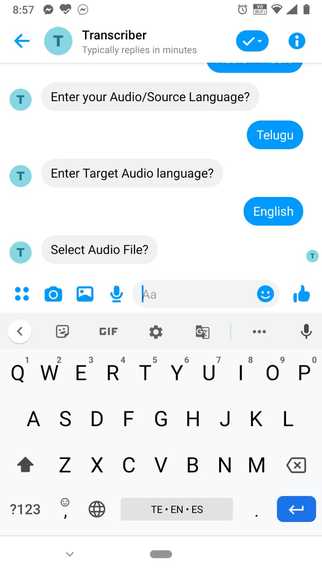
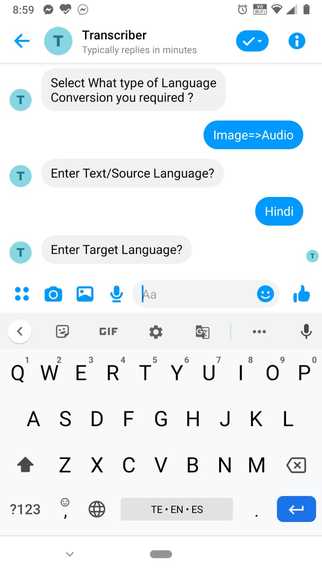
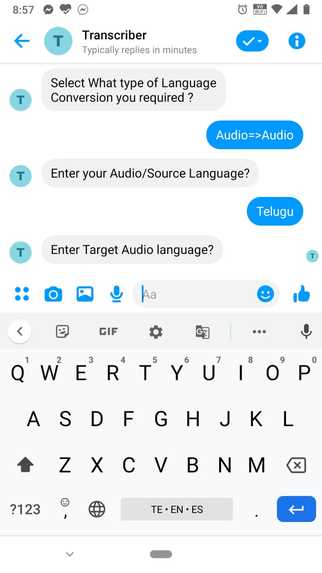
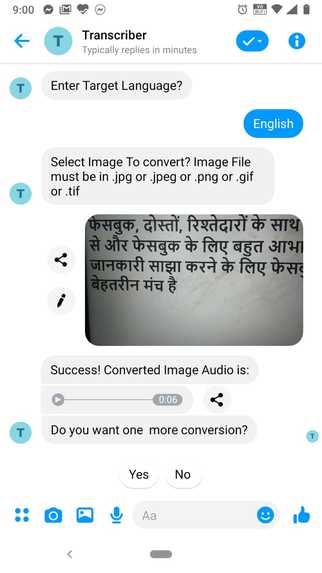
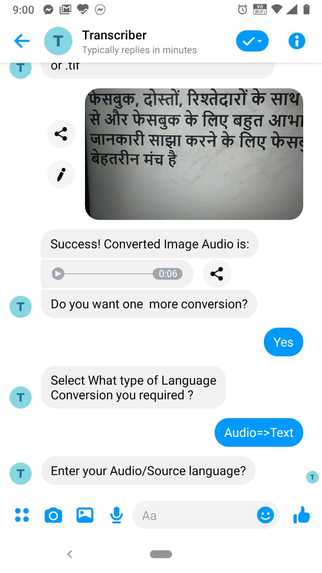
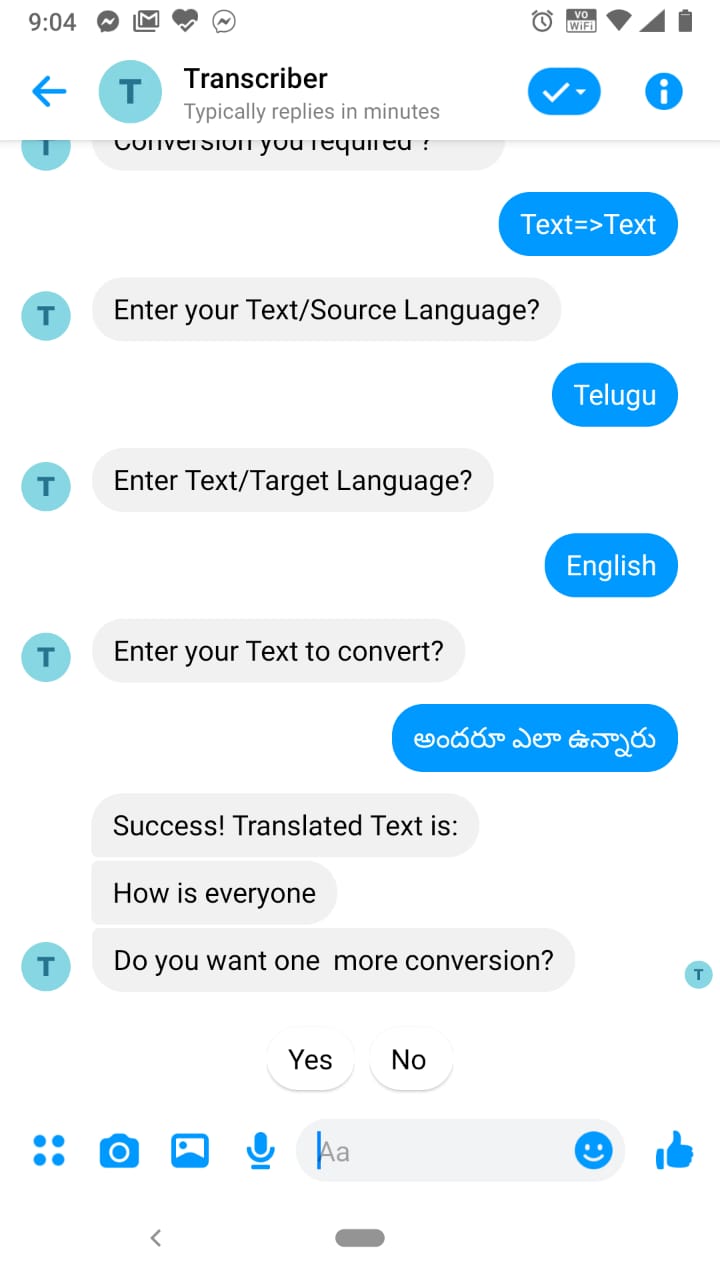
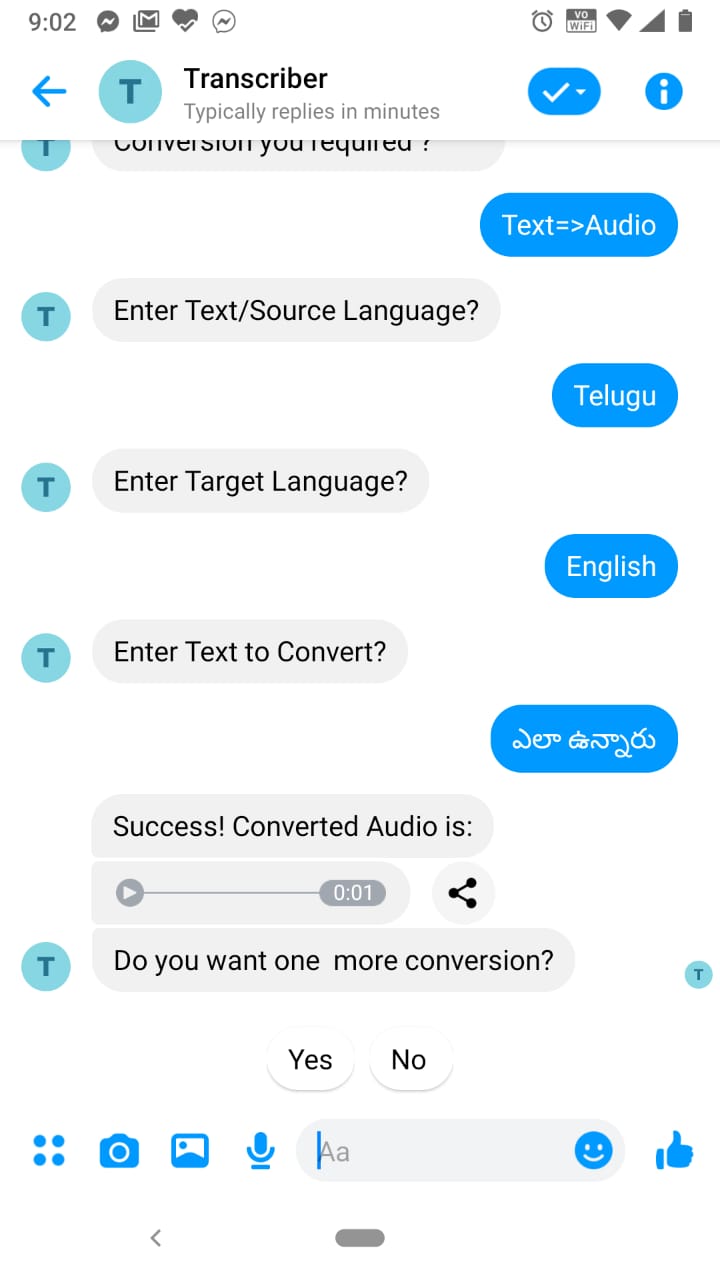
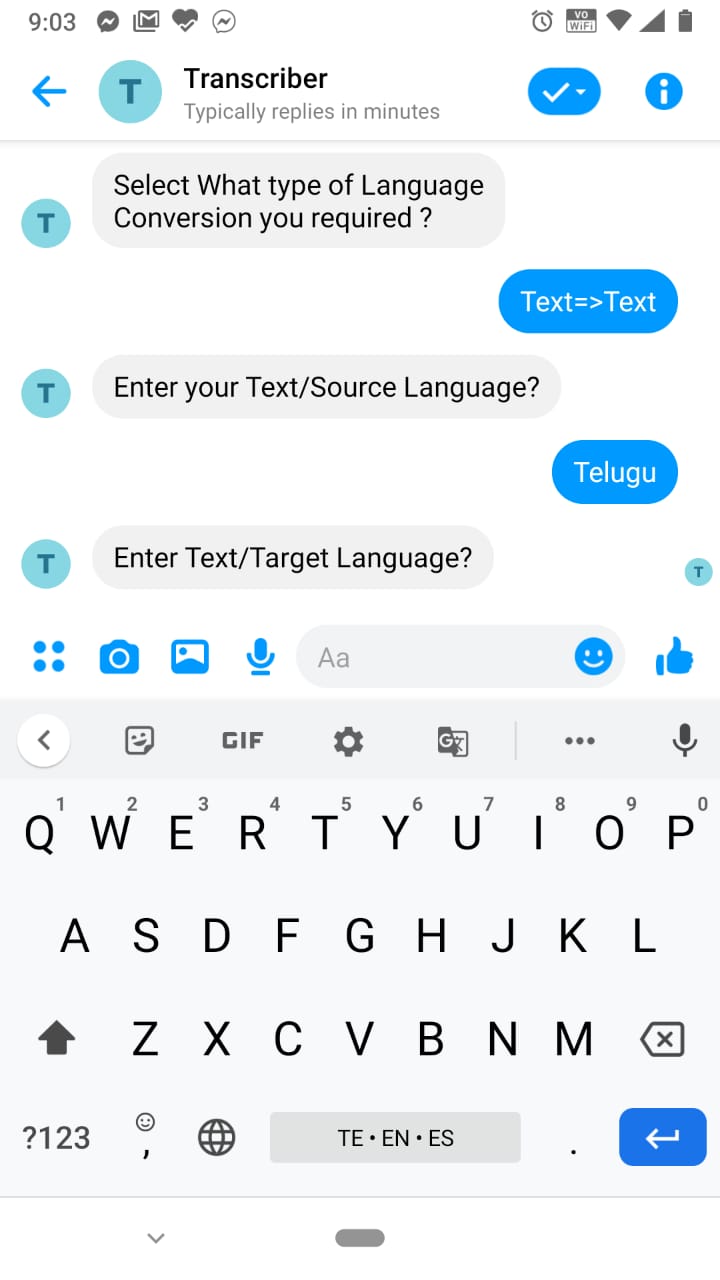
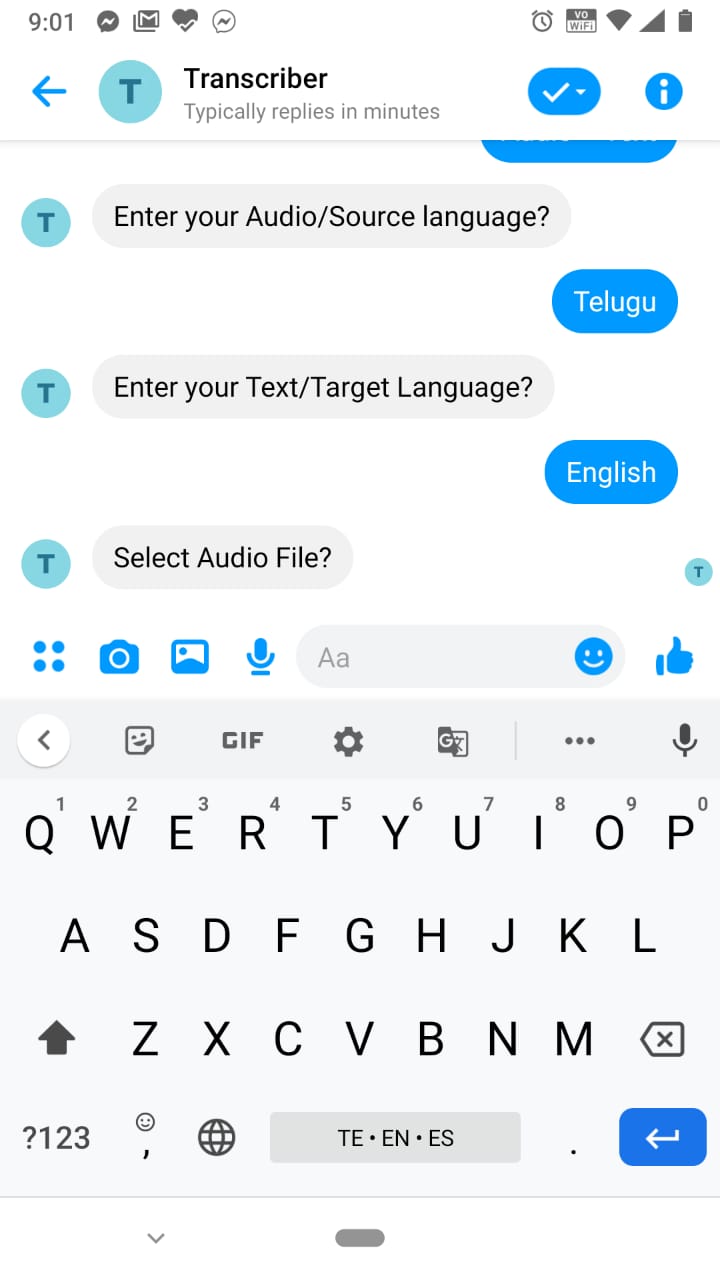
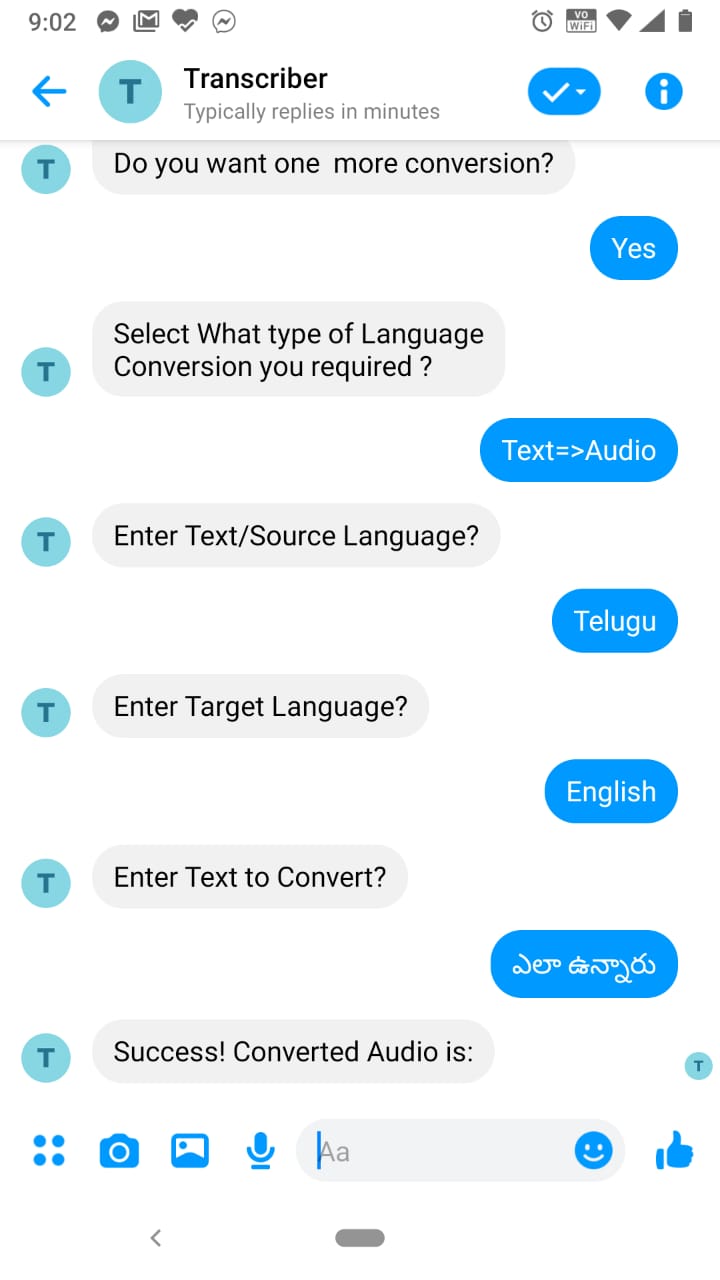
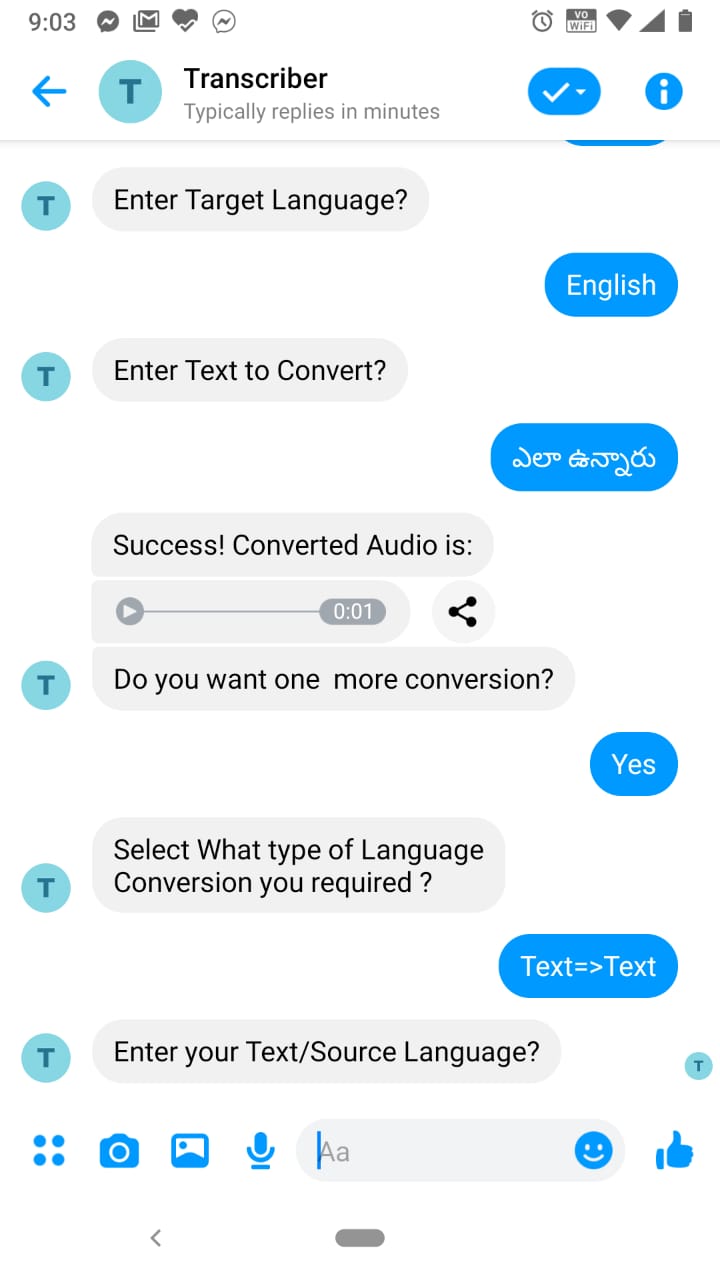
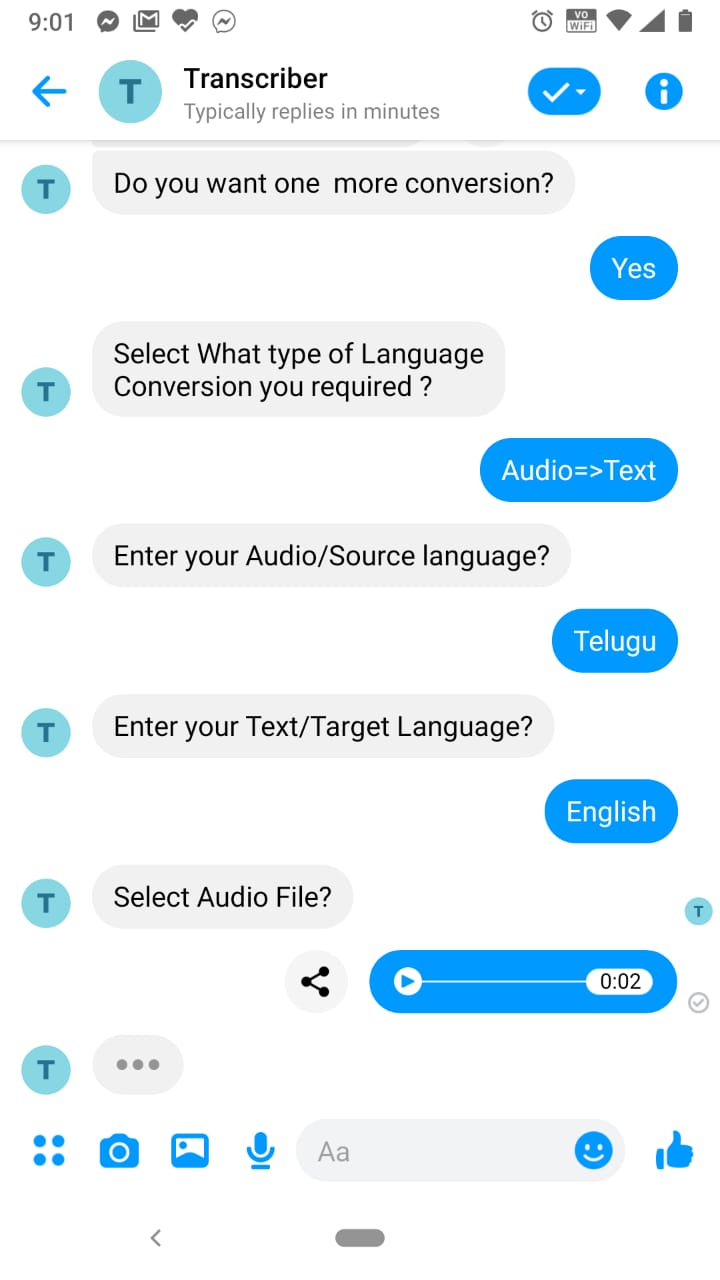
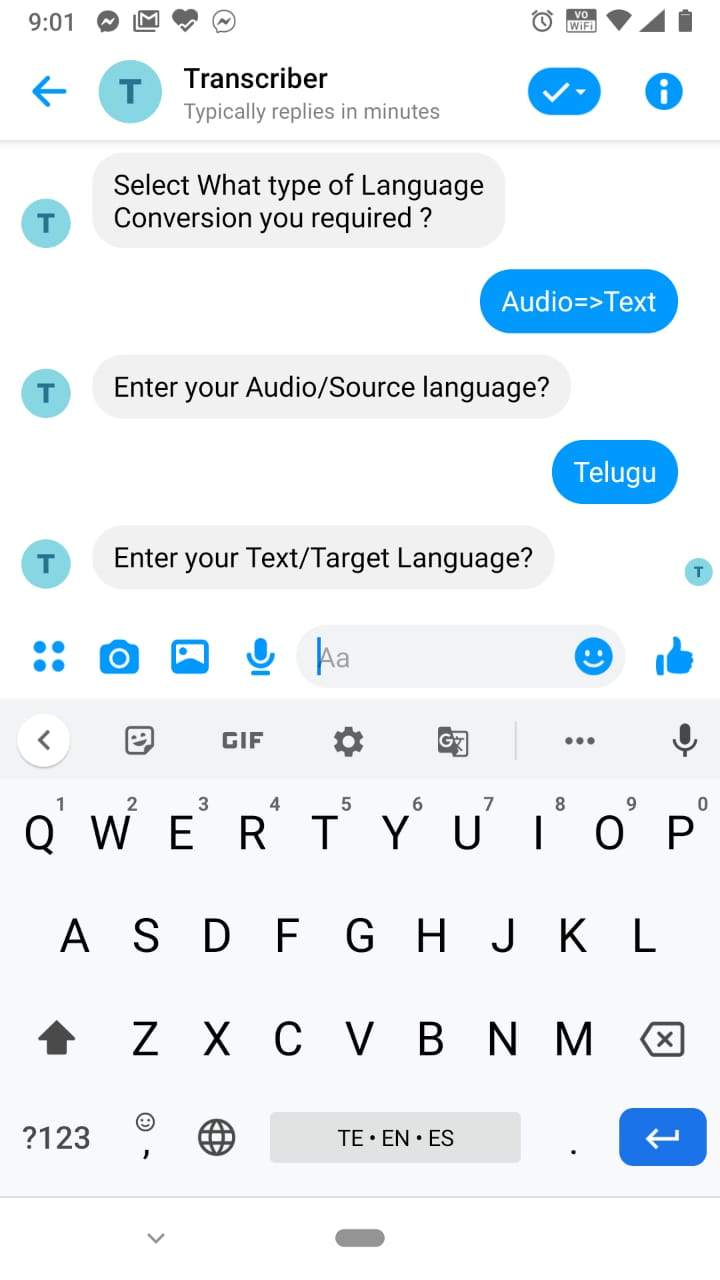
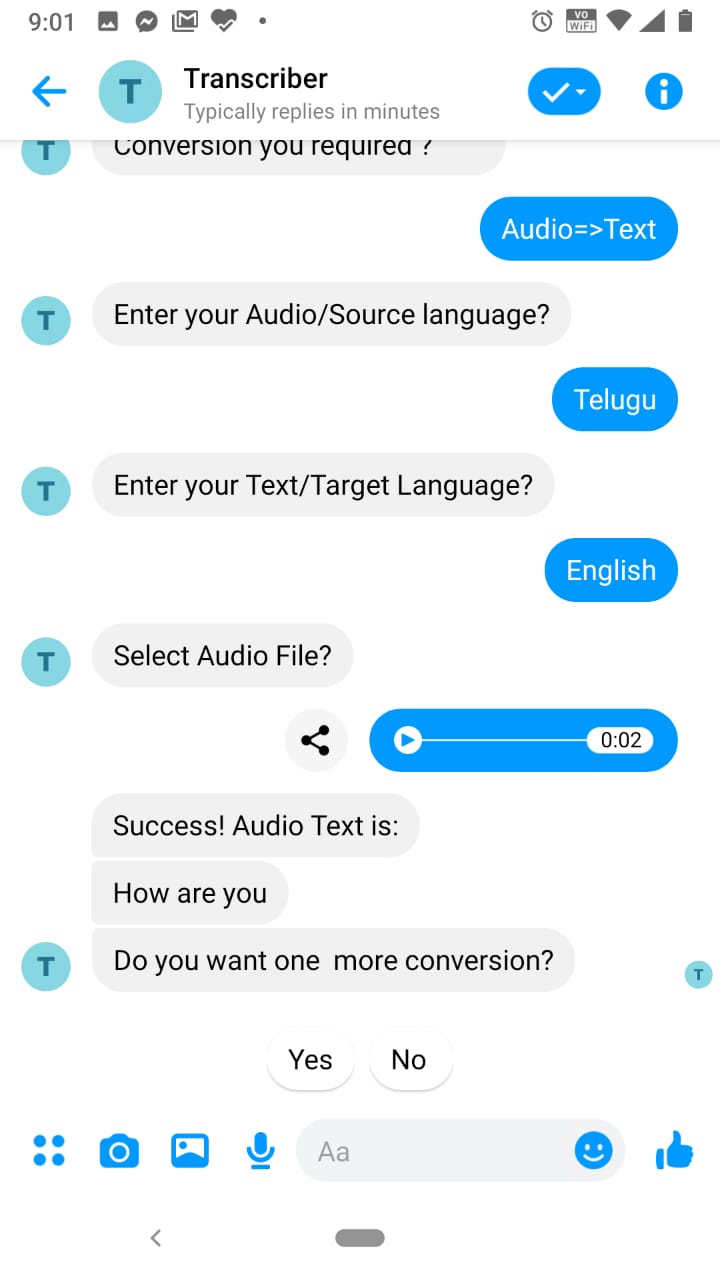
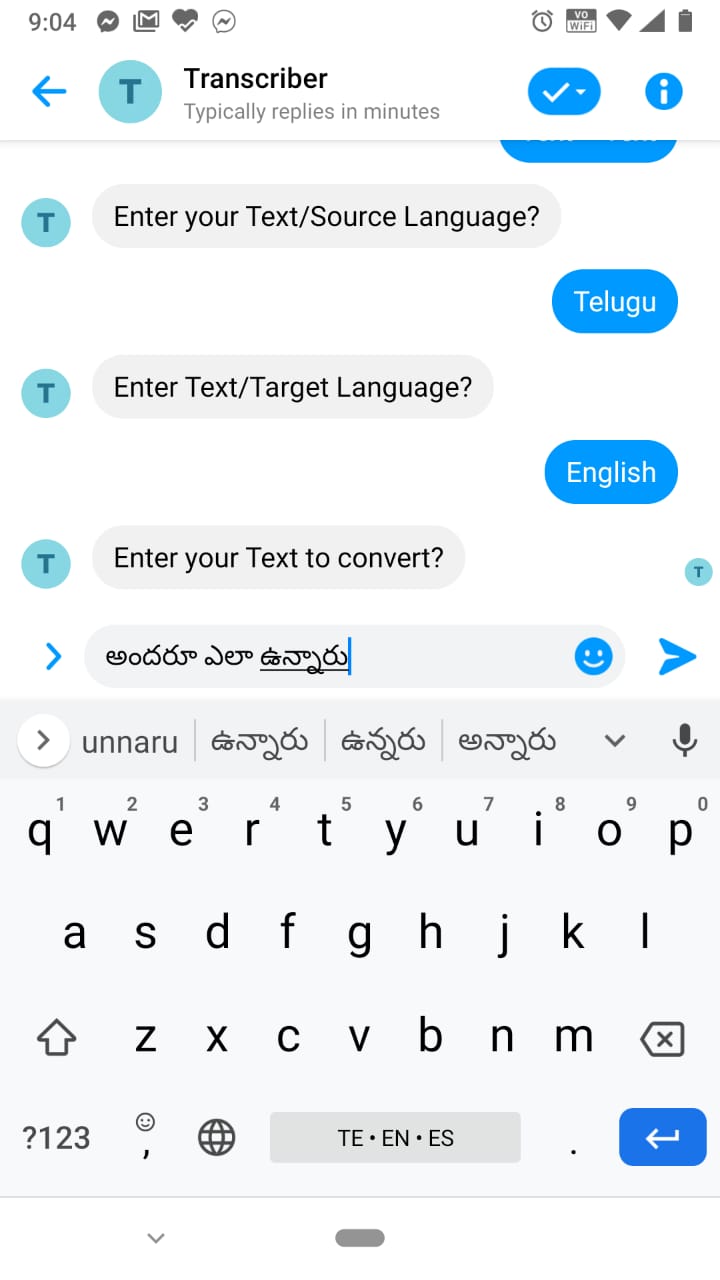
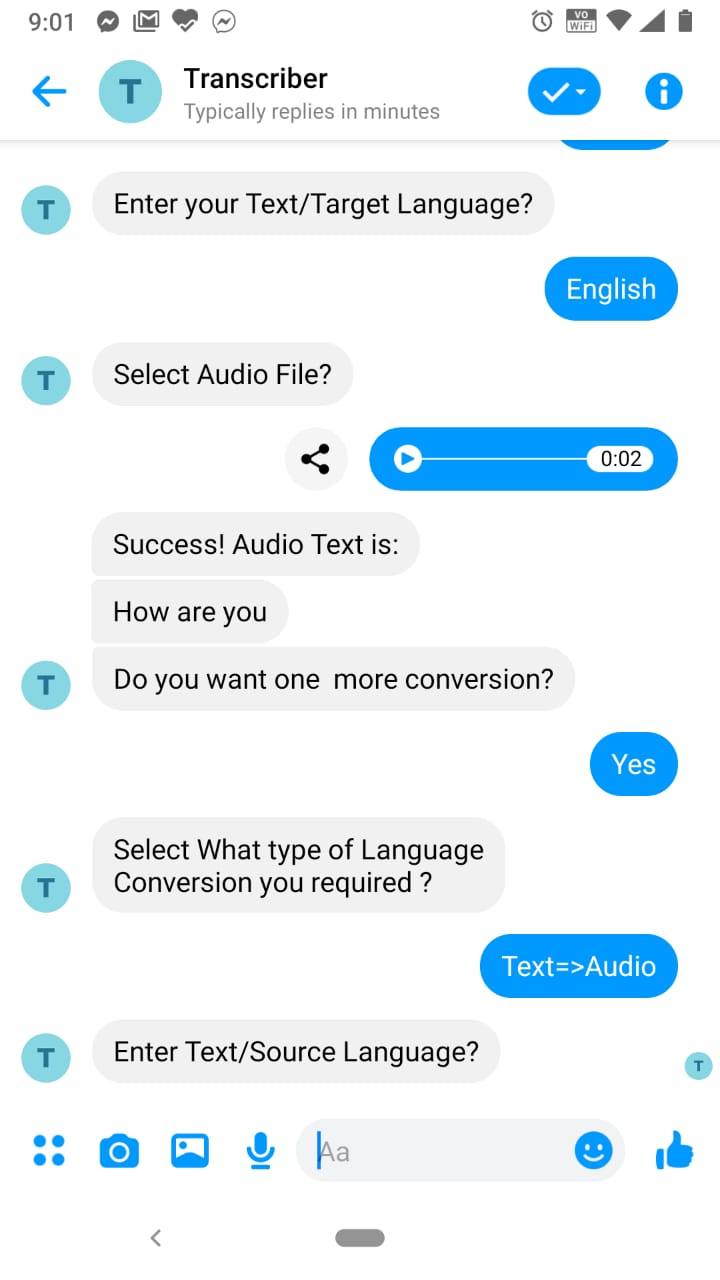
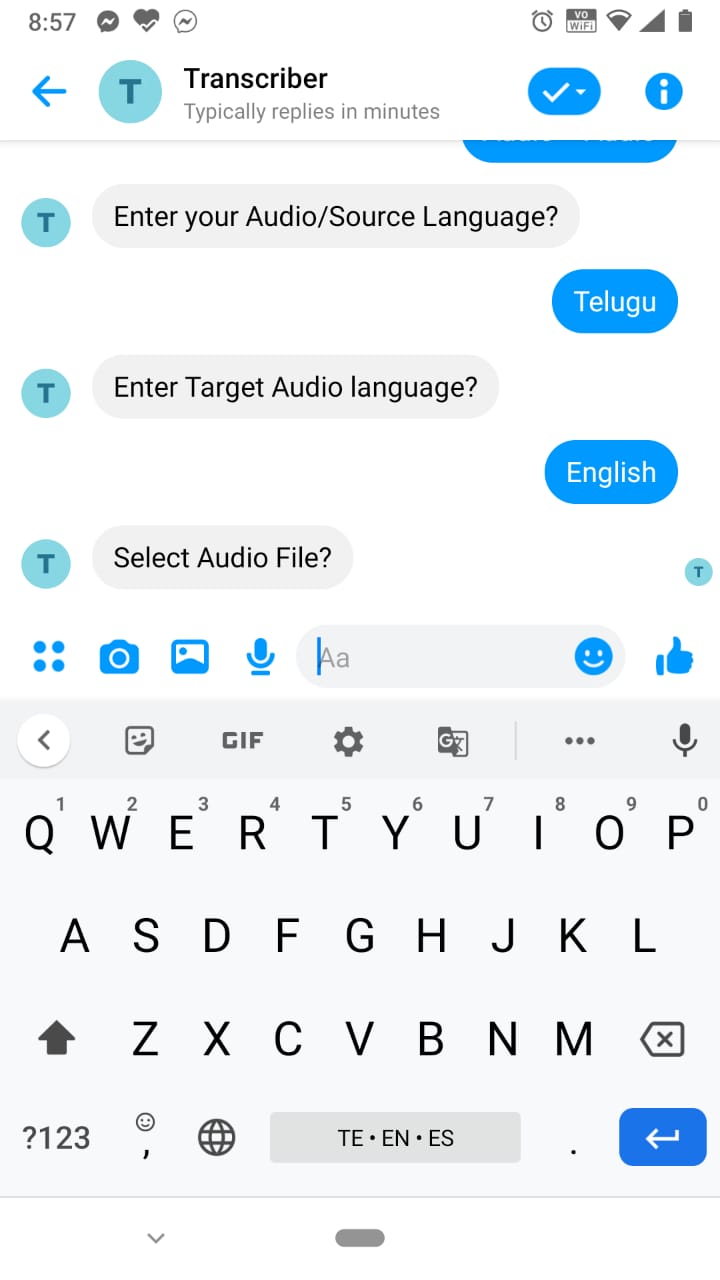
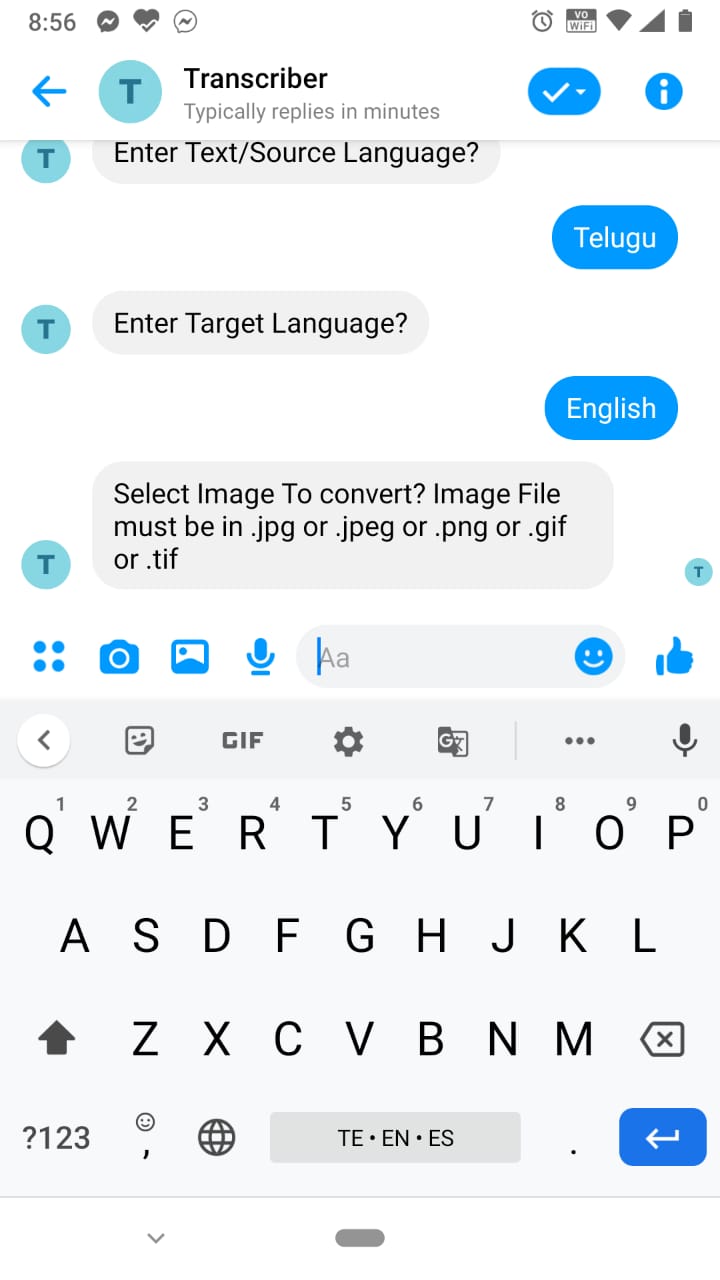
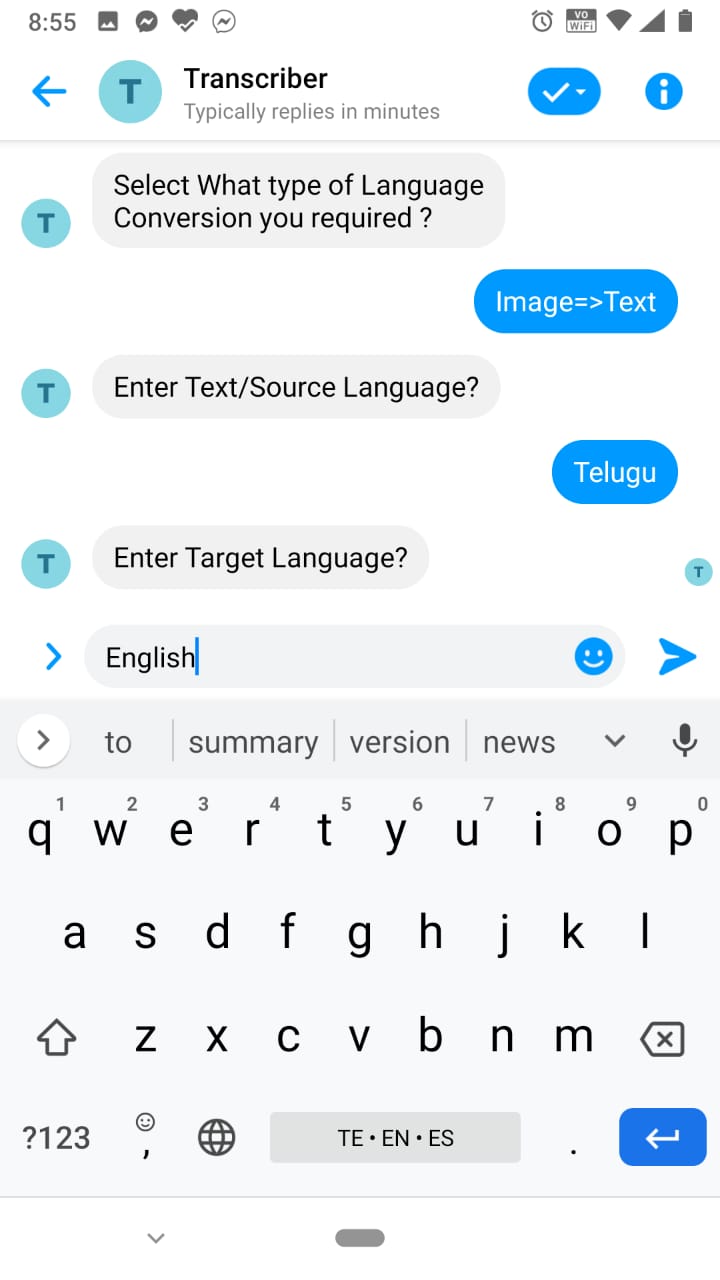
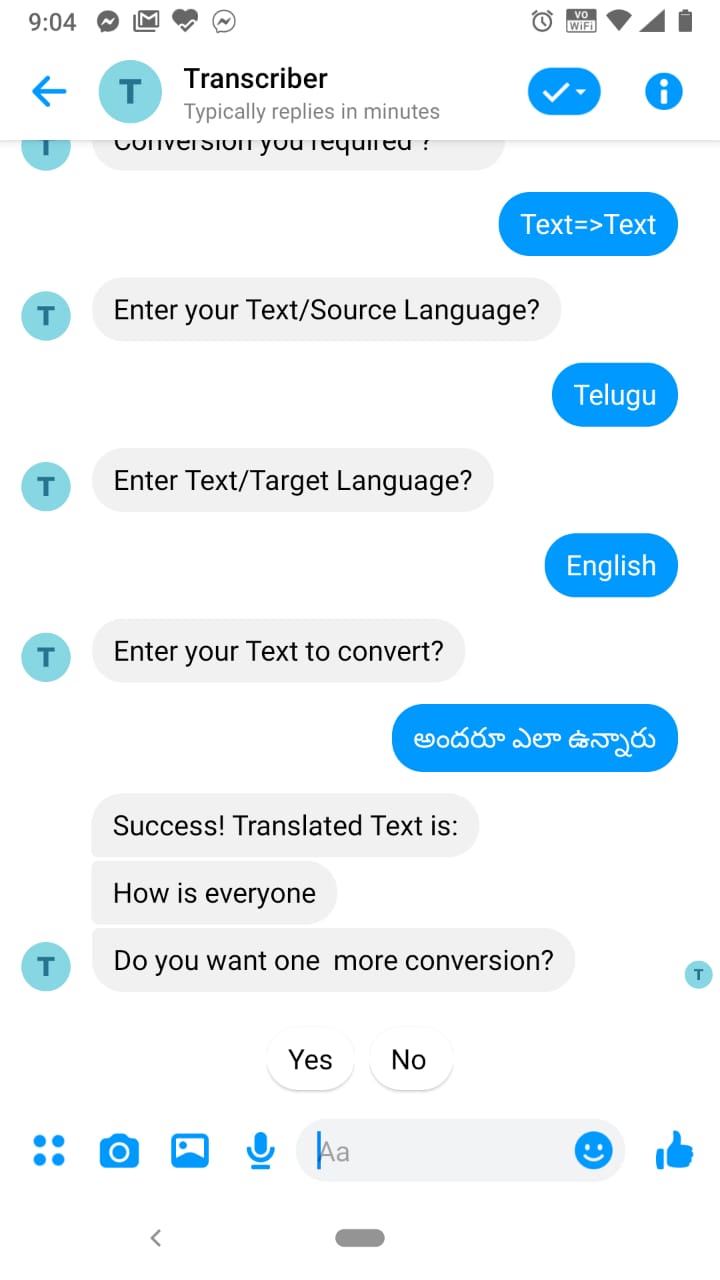
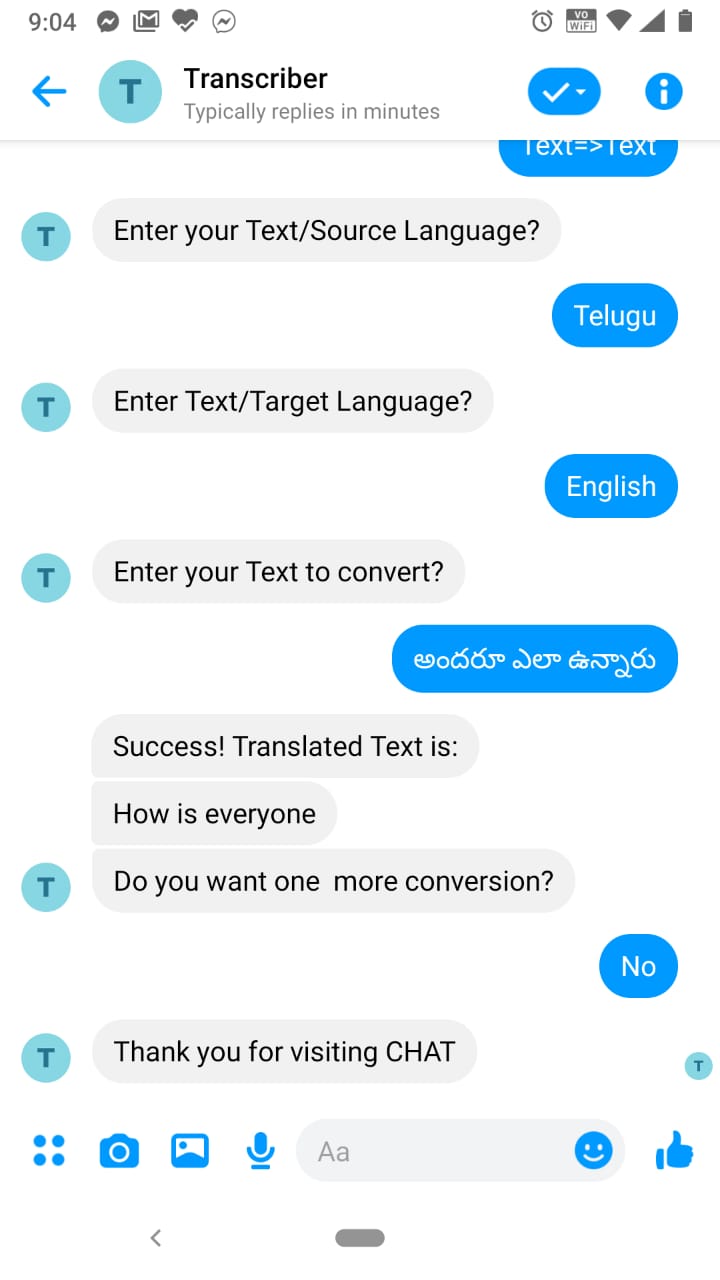
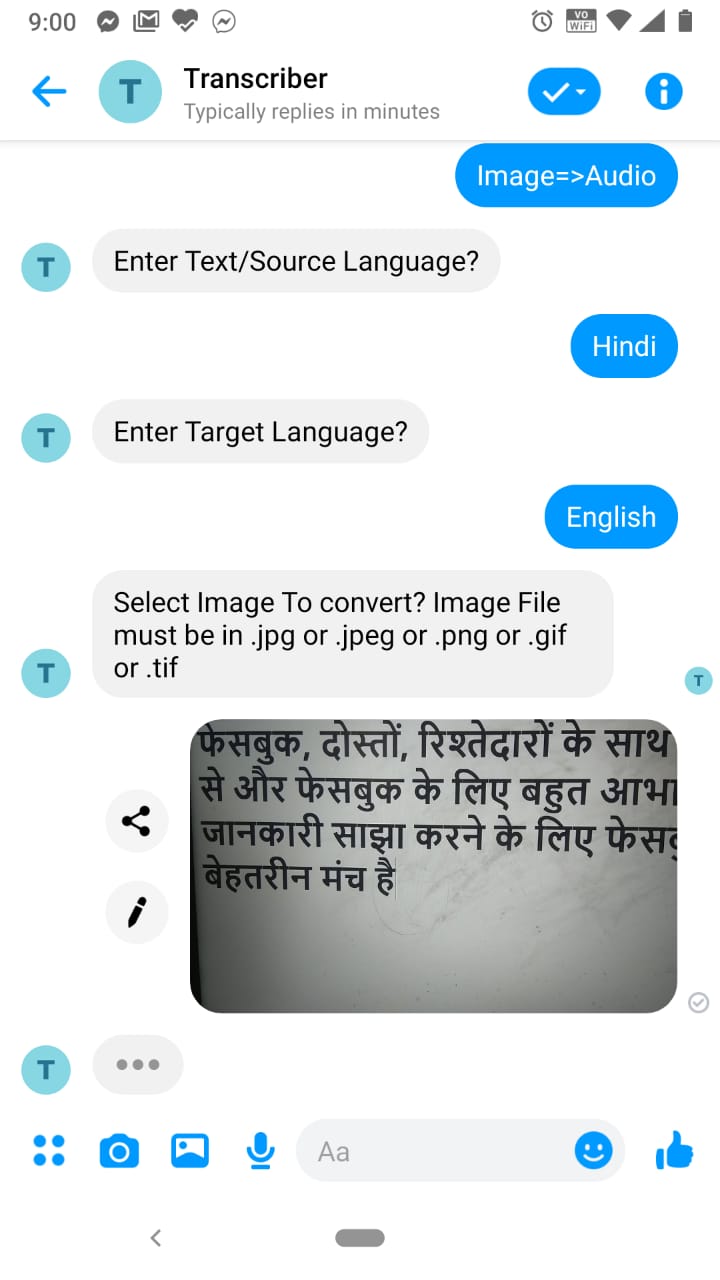
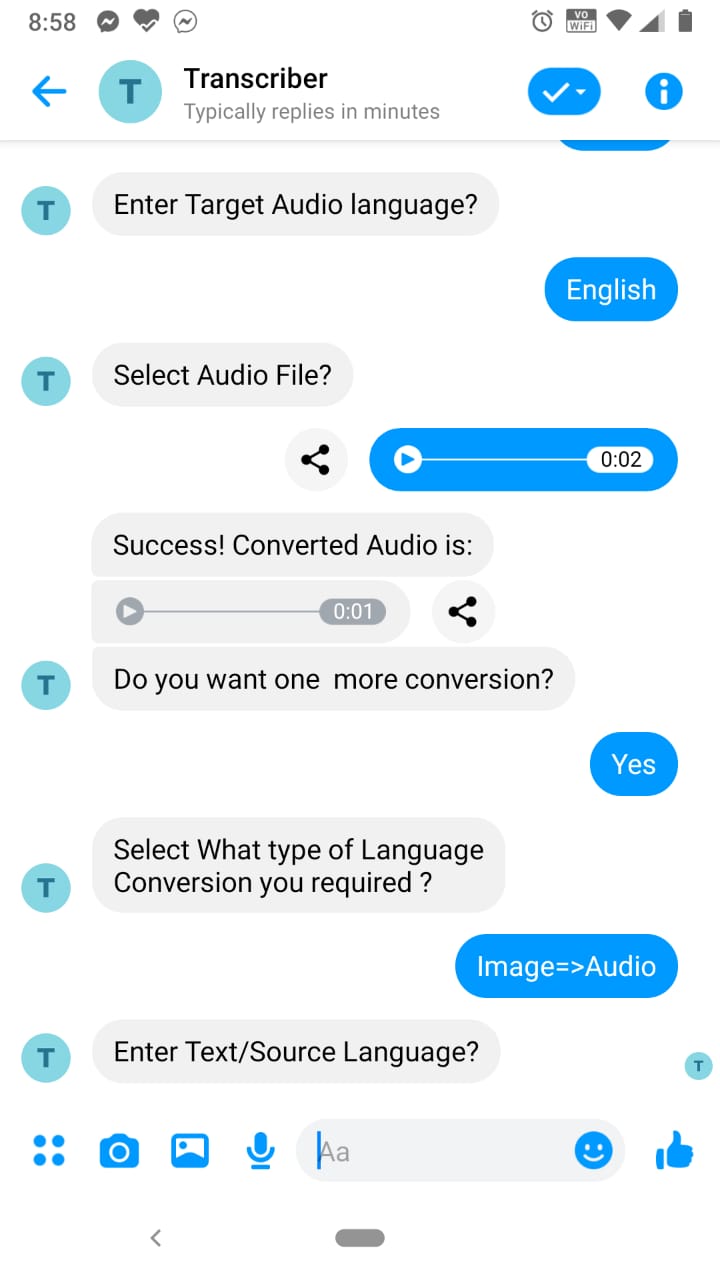
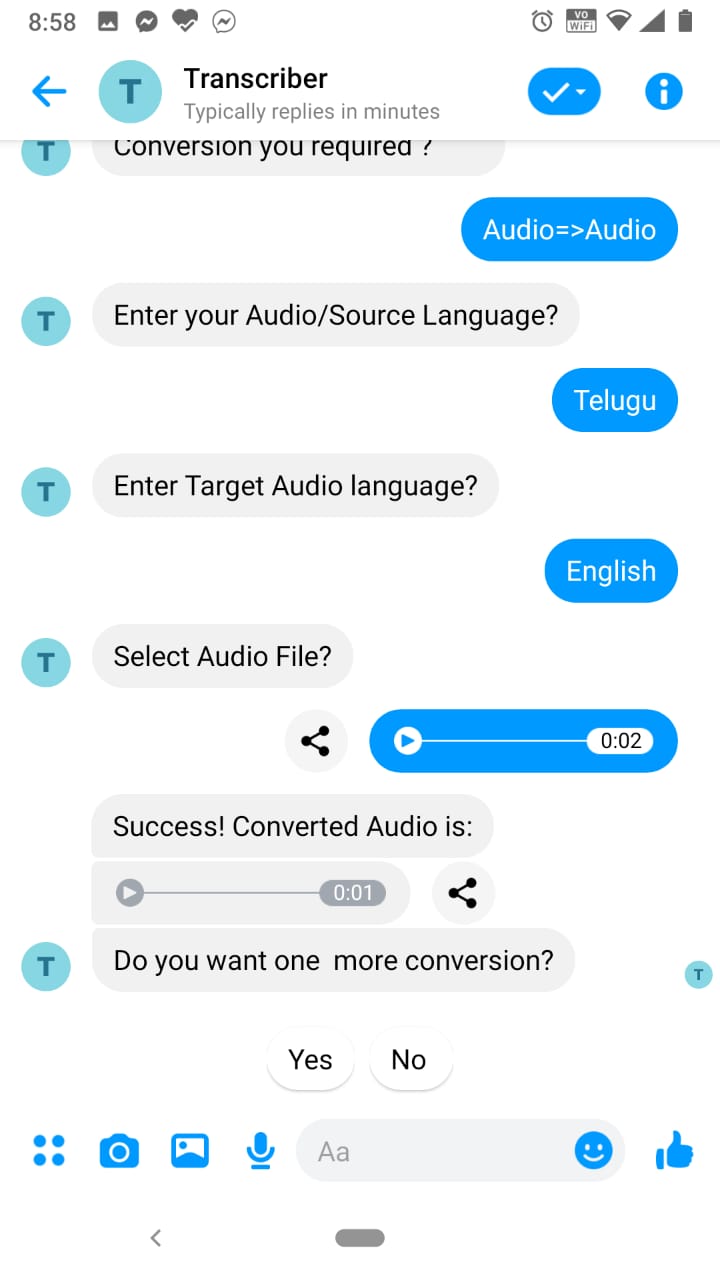
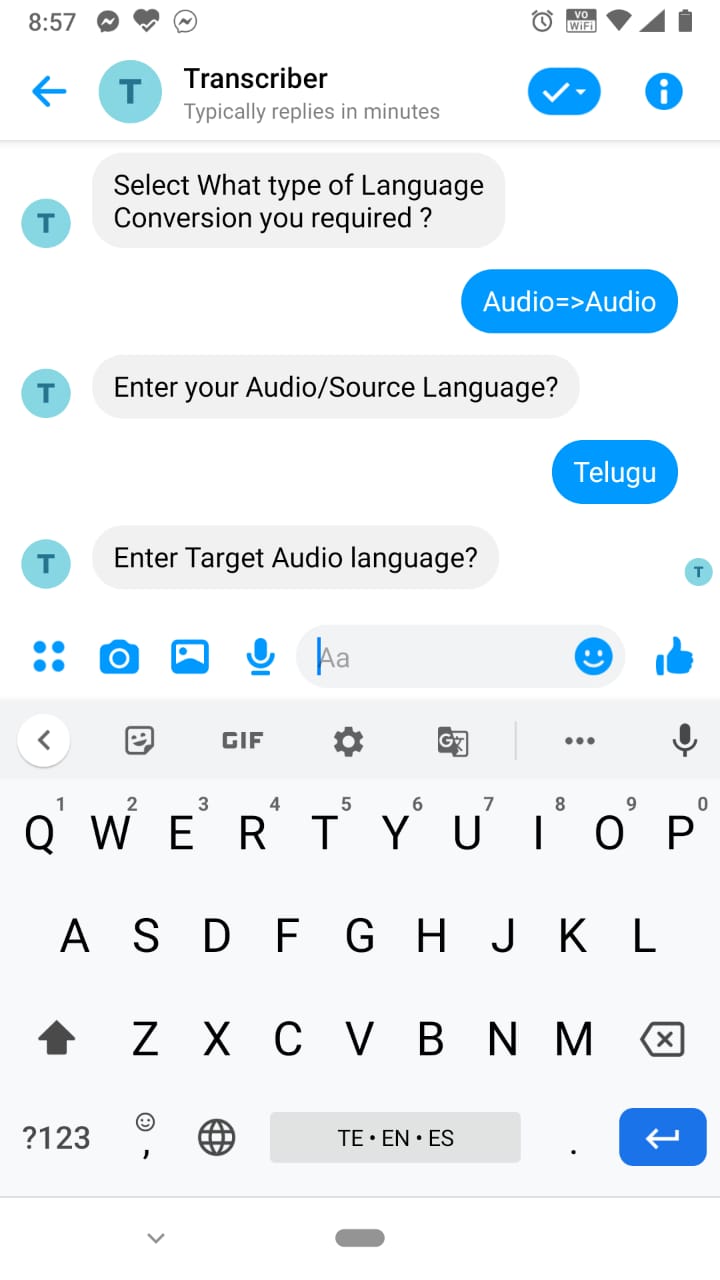
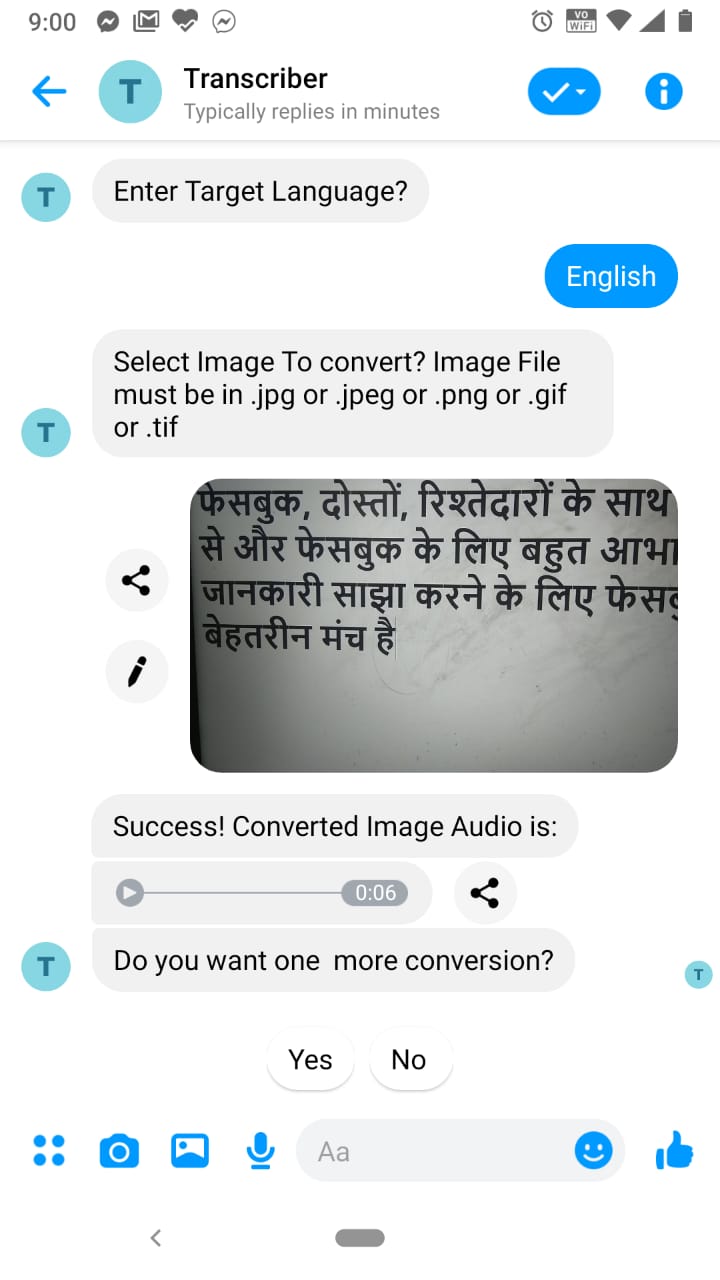
- Transcriber supports Image to Text,Image to Audio,Audio to Audio,Text to Audio,Audio to Text,Text to Text language conversion features.
- One can click a picture of the street sign board or information board and then it converts to desired language either in audio or text format.
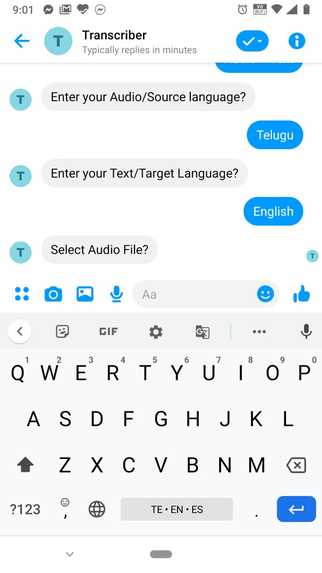
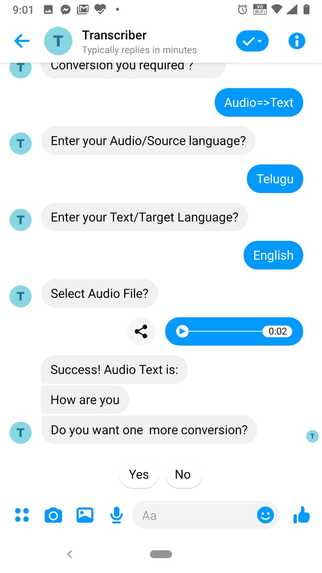
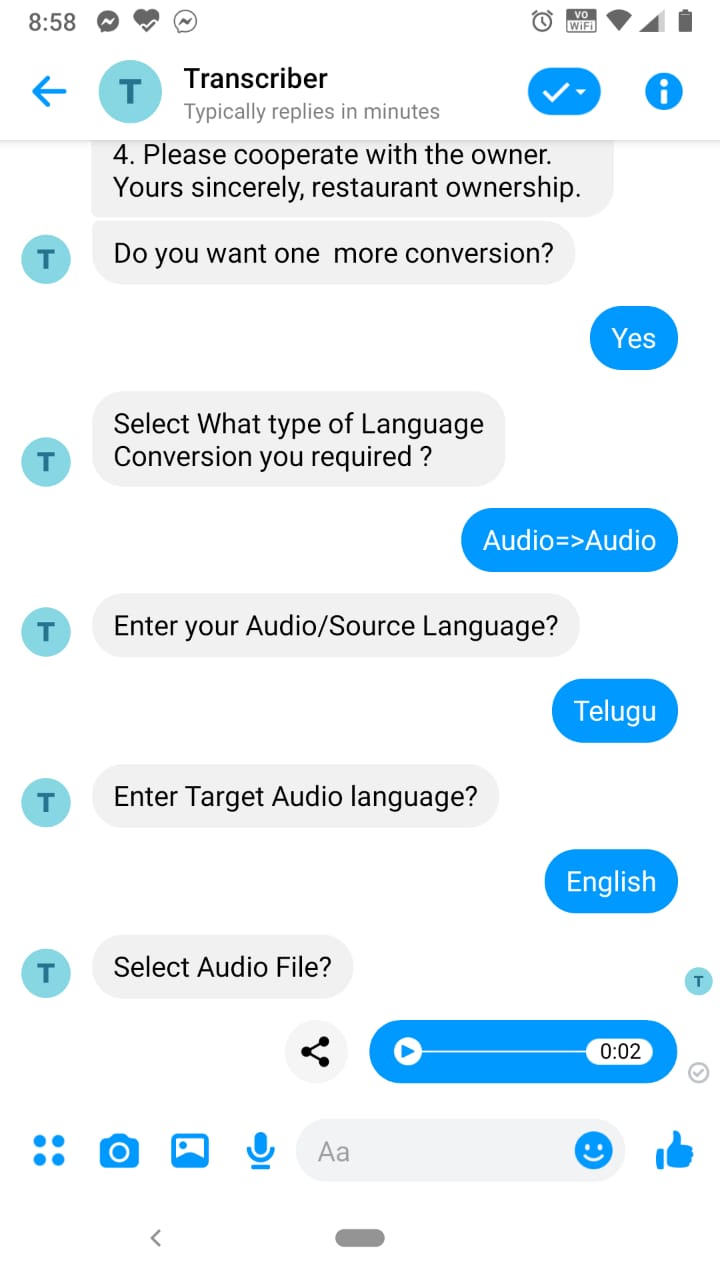
- One can record the voice of person in his native language and then it converts to desired language either in audio or text format.
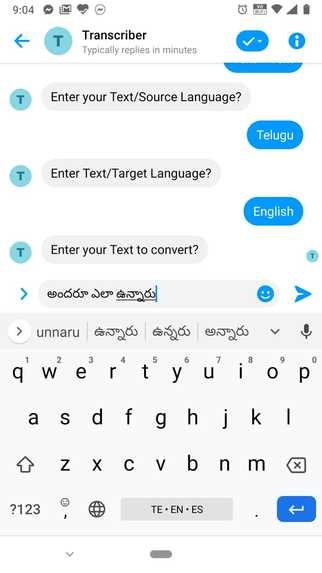
- One can enter the text in his native language and then it converts to desired language either in audio or text format.
How I built it
- Used the messenger platform, with bot framework, C# for backend.
- To extract the text from the image i used Google Vision API.
- To extract the text from the audio file I used Google Speech-to-Text API.
- To convert the extracted text from audio/image file I used Google Translation API.
- To create audio file for converted text I used Google Text-to-Speech API
- Used SOX and FFMpeg library for audio file format conversion.
Challenges I ran into
- Connecting all the APIs and making everything work smoothly.
- When I recording audio through Facebook messenger MIC option, it is creating audio in MP4 format. But I did not find MP4 encoding in Google Speech-to-Text API. For this, I searched a lot of libraries and finally I am able to convert MP4 to FLAC format using FFMpeg Library.
Accomplishments that I'm proud of
- I'm really satisfied with the amount of code I could churn out in a short amount of time.
- Worked on Facebook messenger platform.
- Glad that I could put up an end to end product
What I learned
- Learned how to make an interactive messenger bot.
- Learned Facebook Messaging API, Google Speech-to-Text API, Transaltion API, Text-to-Speech API, - Audio file format conversion using SOX,FFmpeg Libraries
- Learned how to host web apps and make API calls in and around. ## What's next for Transcriber
- At present user have to enter source language. In future I will add API to detect language of selected Image or Audio
Built With
- .net
- bot-framework
- c#
- facebook-messenger
- ffmpeg
- google-speech-to-text
- google-text-to-speech
- google-transaltion
- sox
Log in or sign up for Devpost to join the conversation.