Inspiration
I kept hitting the same wall: I'd record an interview, a lecture, or a long video call and then lose hours scrubbing through it to find the one quote I needed. Existing transcription tools were either expensive, locked behind desktop installs, or quietly used my uploads to train their models. I wanted something I'd actually trust and want to use — fast, accurate, browser-based, and private by default. So I built it.
What it does
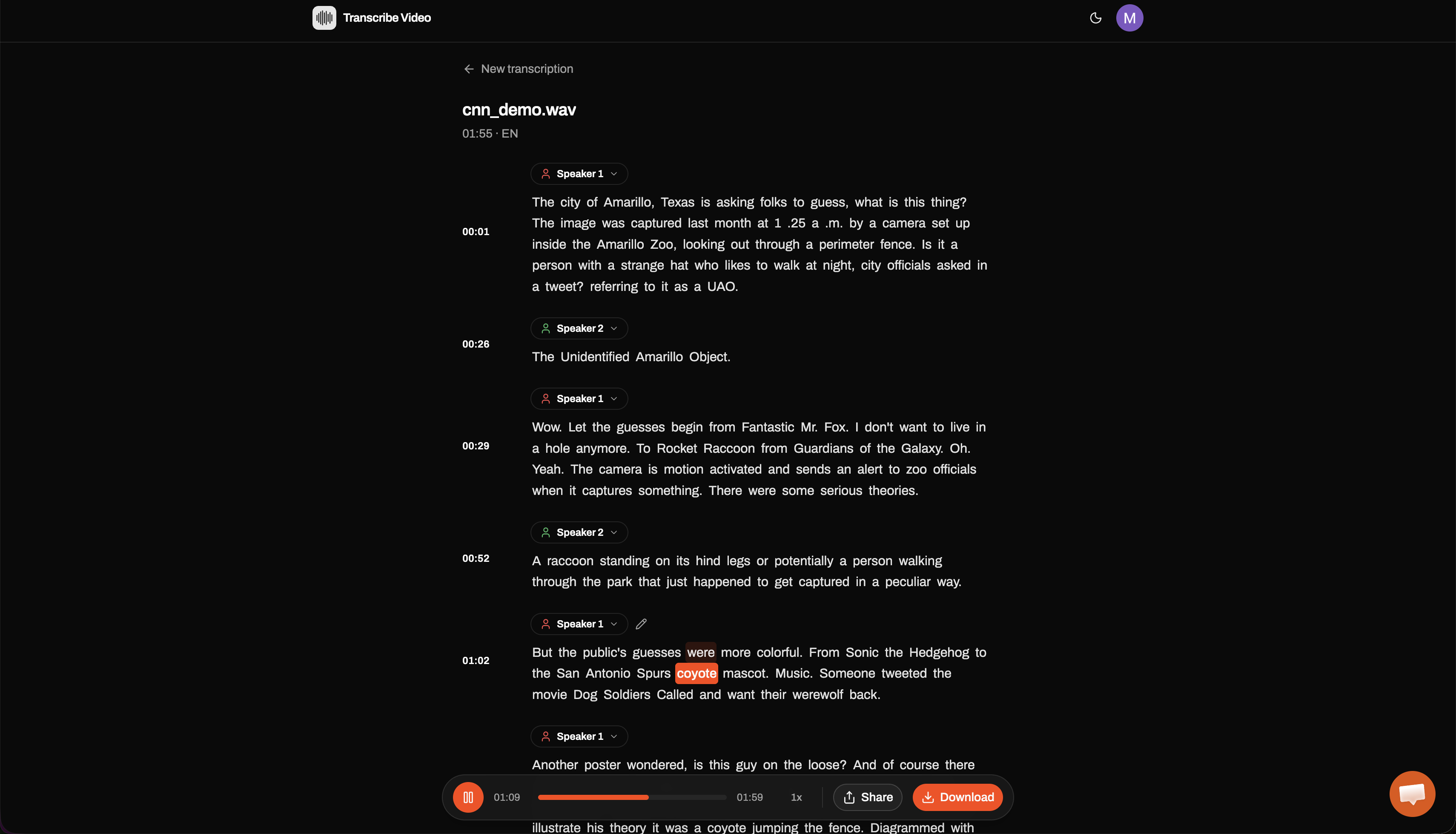
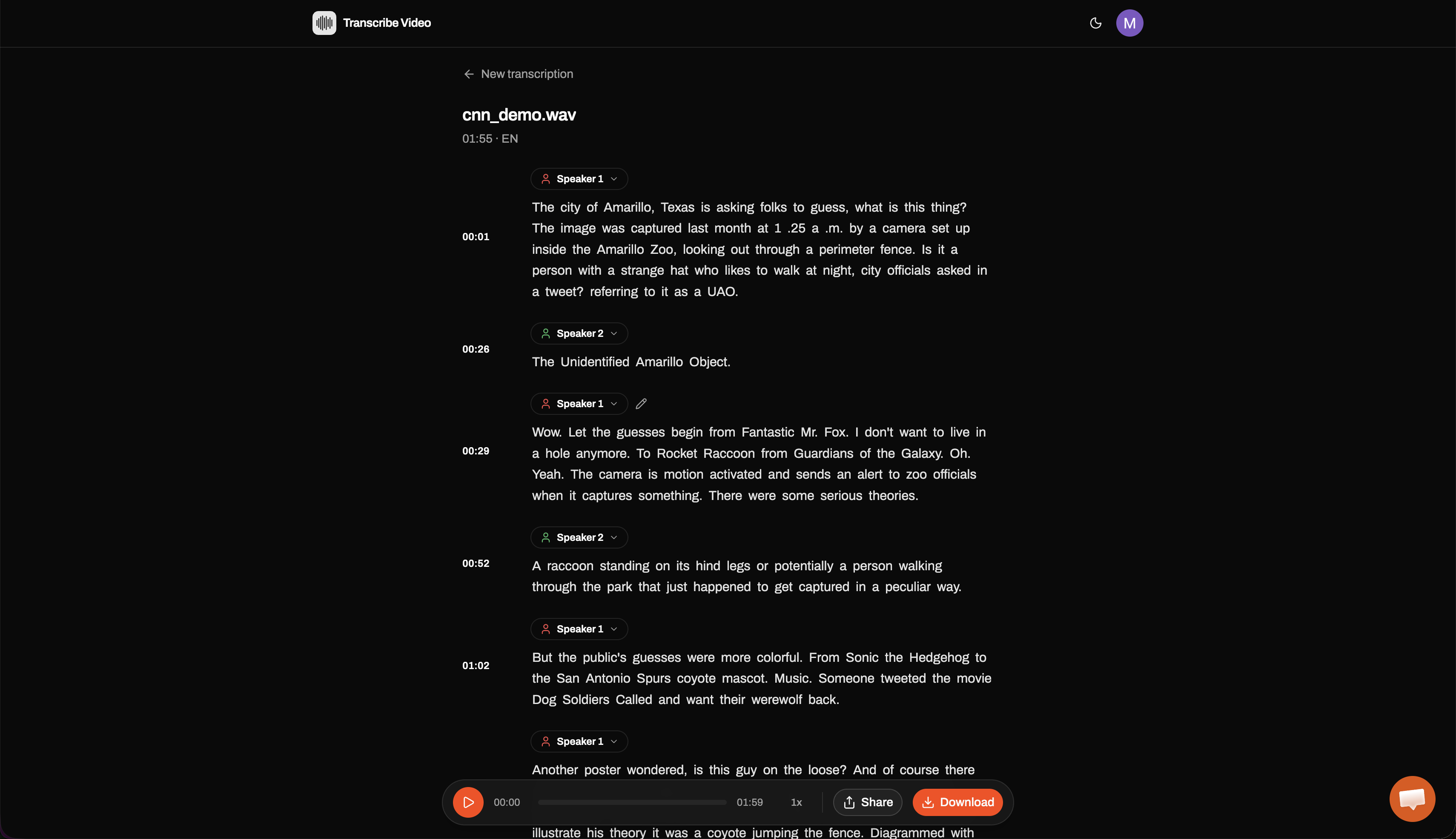
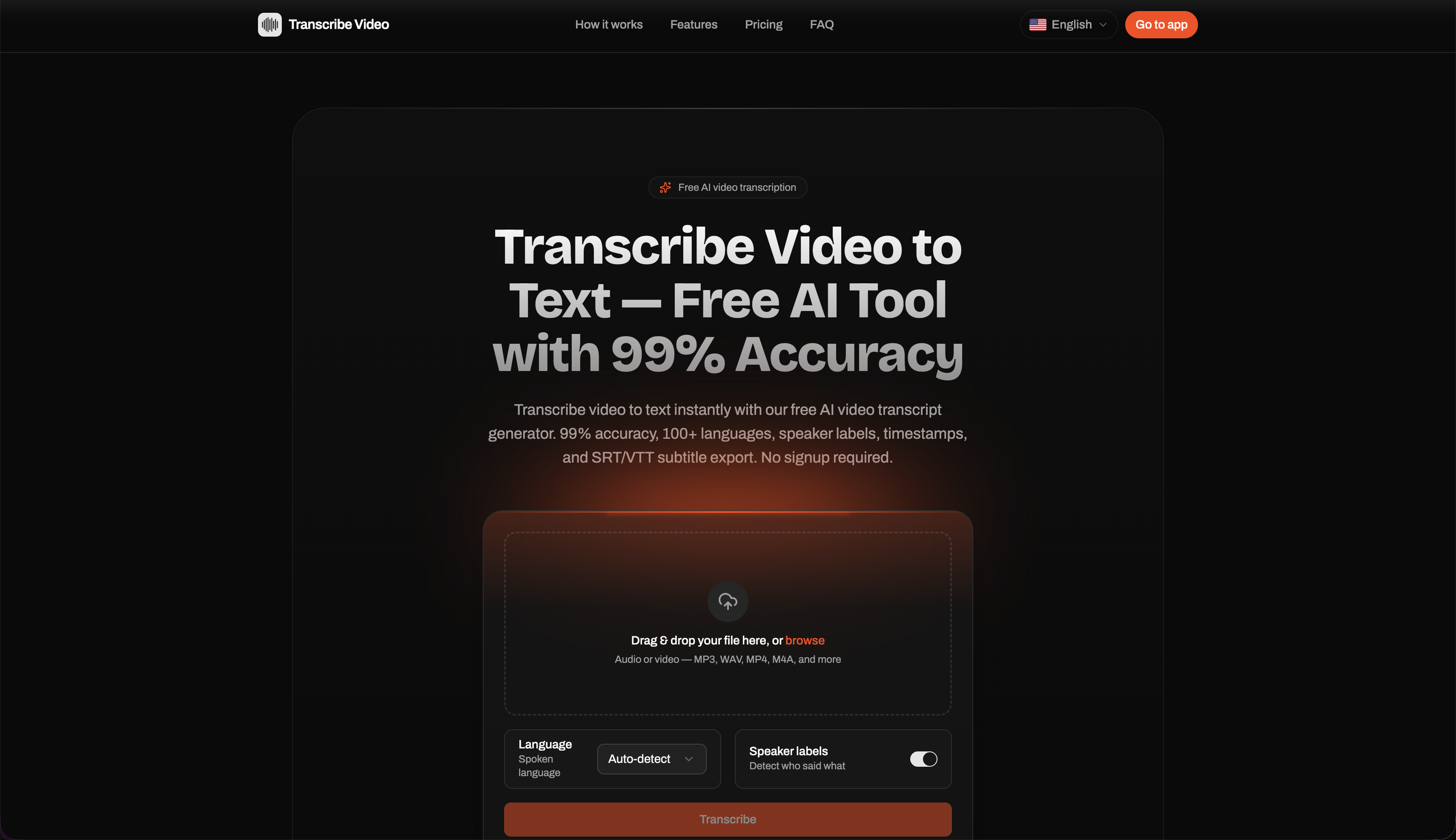
Transcribe Video turns any video or audio file into accurate, timestamped text right in the browser — no install required. You upload a file and get back a transcript with:
- Up to 99% accuracy with automatic speaker identification
- Word-level timestamps with click-to-play (jump to any moment in the media)
- 100+ languages with automatic detection
- Export to TXT, PDF, SRT, and VTT
- Support for 20+ formats (MP4, MOV, WebM, MP3, WAV, M4A, and more)
- A privacy guarantee: your files are never used for model training
It's built for podcasters, journalists, researchers, students, educators, and video creators who need clean text out of spoken content fast.
How I built it
The frontend is a Next.js app handling file upload and the interactive transcript editor, where word-level timestamps are mapped to a media player for click-to-play. Uploaded media is processed by a speech-to-text model that returns word-level timing and speaker diarization, which I normalize into a single transcript format and render into TXT/PDF/SRT/VTT on export. Files are processed and not retained for training.
Challenges I ran into
- Word-level timestamp alignment. Getting timestamps accurate enough that click-to-play feels instant — not "close to the right spot" — took real tuning, especially across languages with different word boundaries.
- Speaker identification on noisy, overlapping audio is genuinely hard; balancing accuracy against speed was a constant trade-off.
- Format sprawl. Reliably handling 20+ input formats and exporting clean SRT/VTT (which have strict timing/line-length rules) meant a lot of edge cases.
- Privacy without compromise — designing the pipeline so files are never used for training while keeping processing fast.
Accomplishments that I'm proud of
- Hitting up-to-99% accuracy while keeping the whole thing browser-based and install-free.
- Click-to-play word-level timestamps that make a transcript feel alive instead of like a wall of text.
- Genuine privacy as a default, not an upsell.
- 100+ language support with automatic detection.
What I learned
That the hard part of transcription isn't getting "good enough" text — it's the last mile: accurate timing, clean speaker labels, correct export formatting, and a UI that lets people use the transcript, not just read it. I also learned how much trust matters; "we don't train on your files" turns out to be a feature people care about as much as accuracy.
What's next for Transcribe Video to Text
- Real-time / live transcription
- Team workspaces with shared transcripts and collaborative editing
- AI summaries, chapters, and action-item extraction on top of transcripts
- More export integrations (Notion, Google Docs, subtitle workflows)
- An API so developers can build on the transcription pipeline
Built With
- claude
- javascript
- react
- vatis


Log in or sign up for Devpost to join the conversation.