-
-
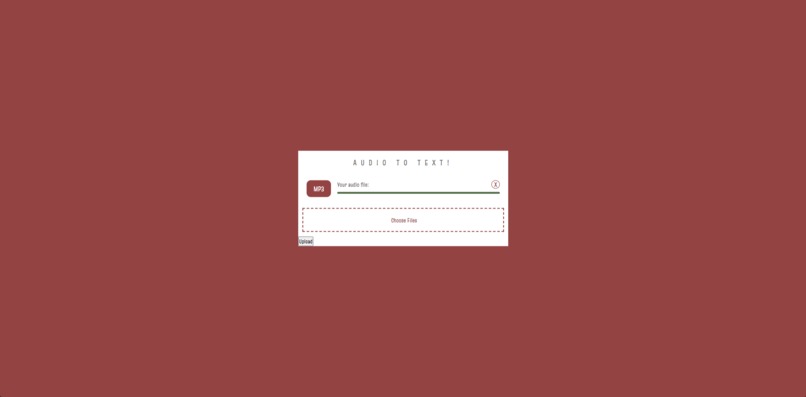
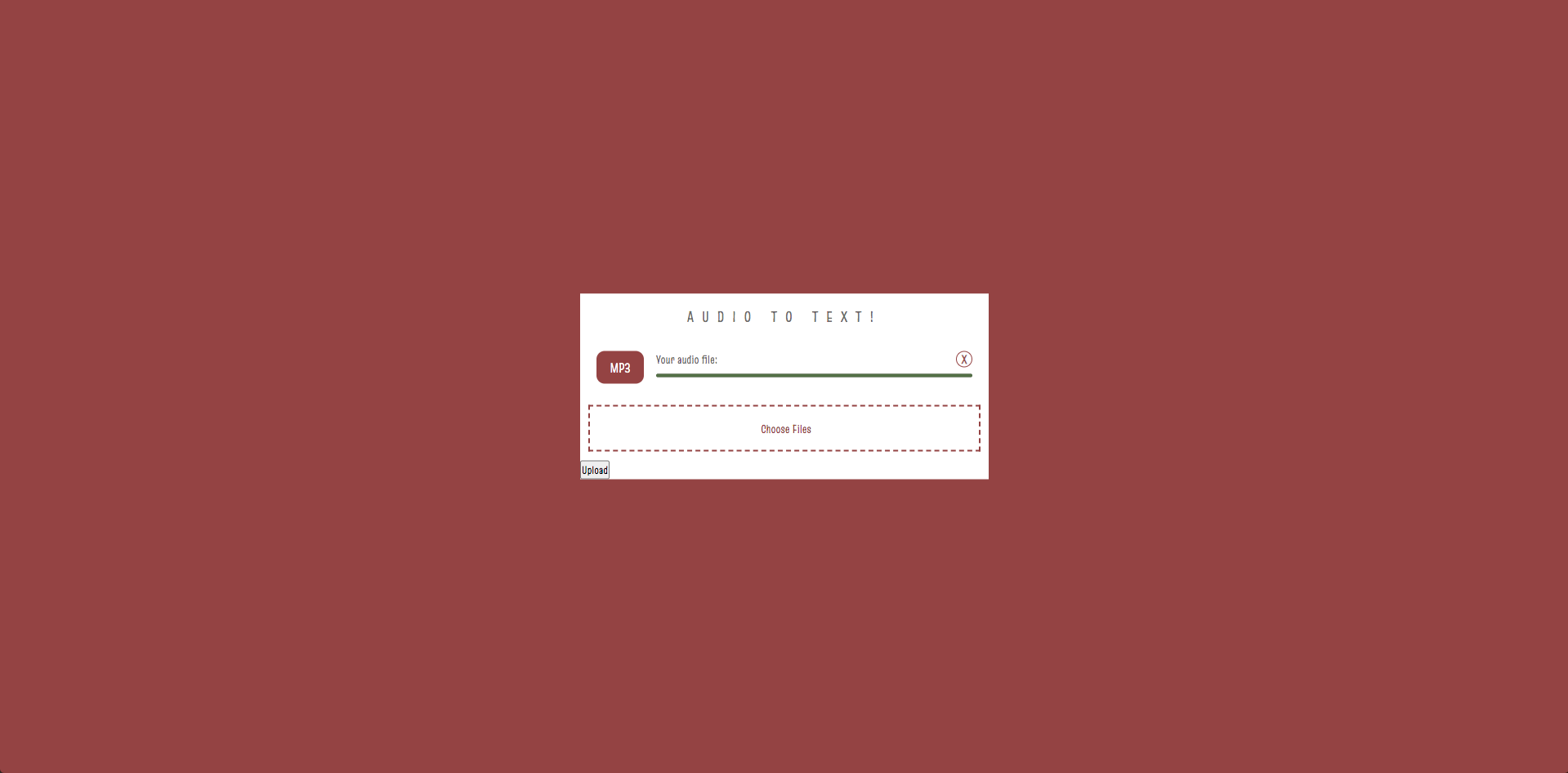
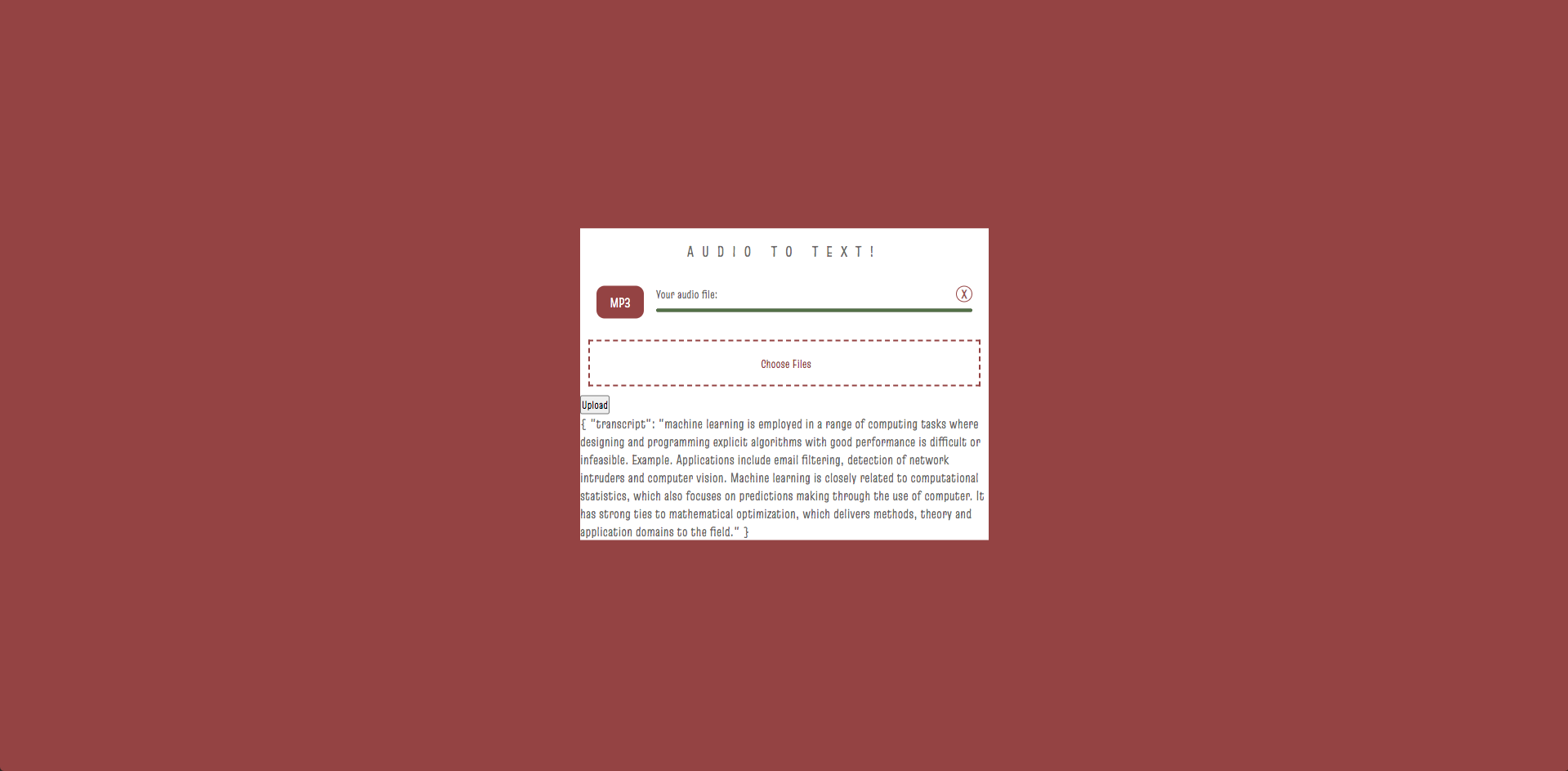
Our website to upload files to transcribe!
-
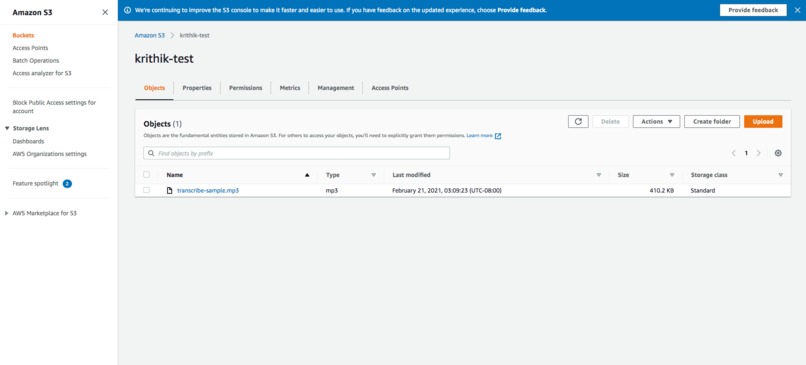
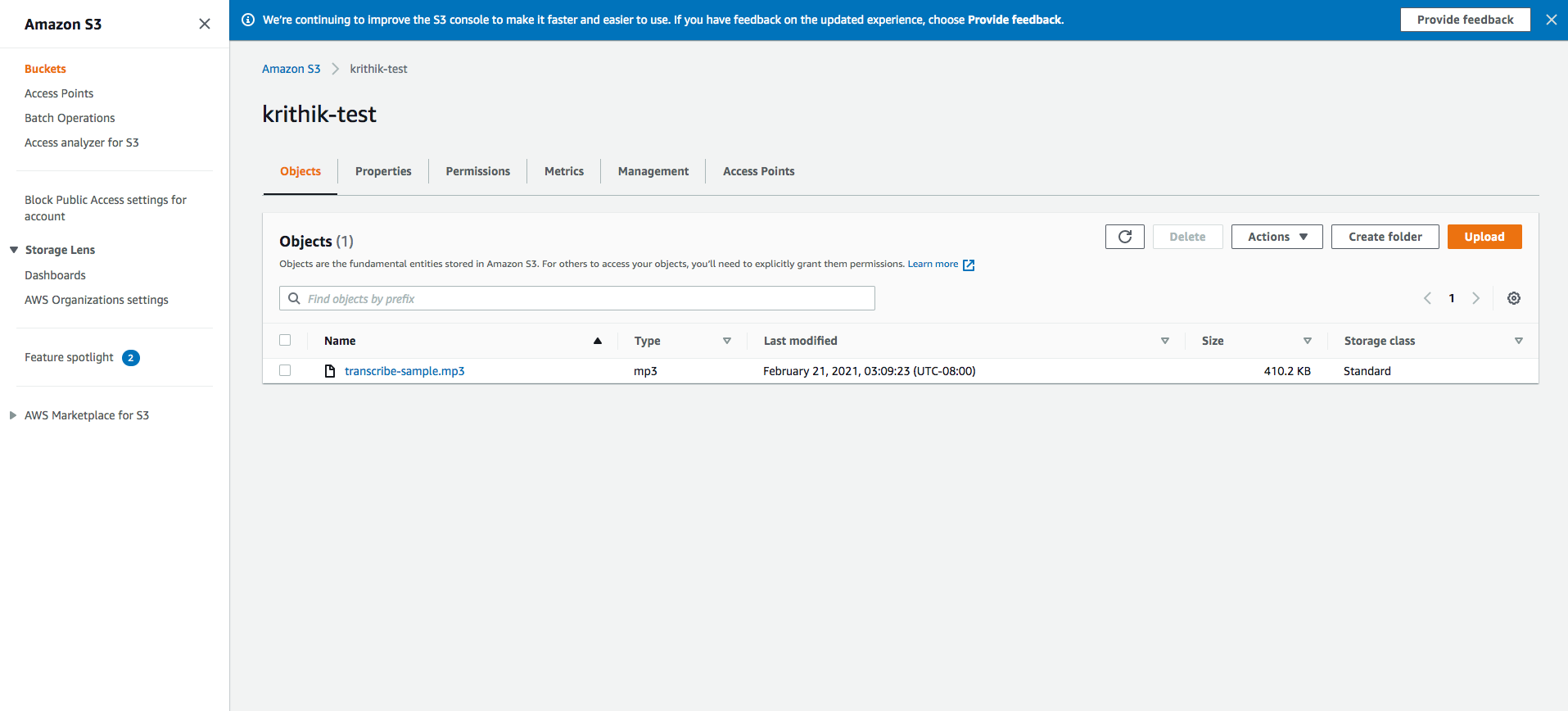
The AWS S3 Bucket
-
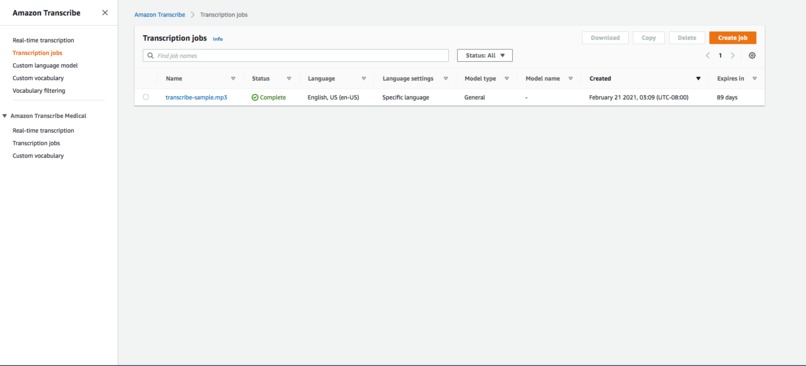
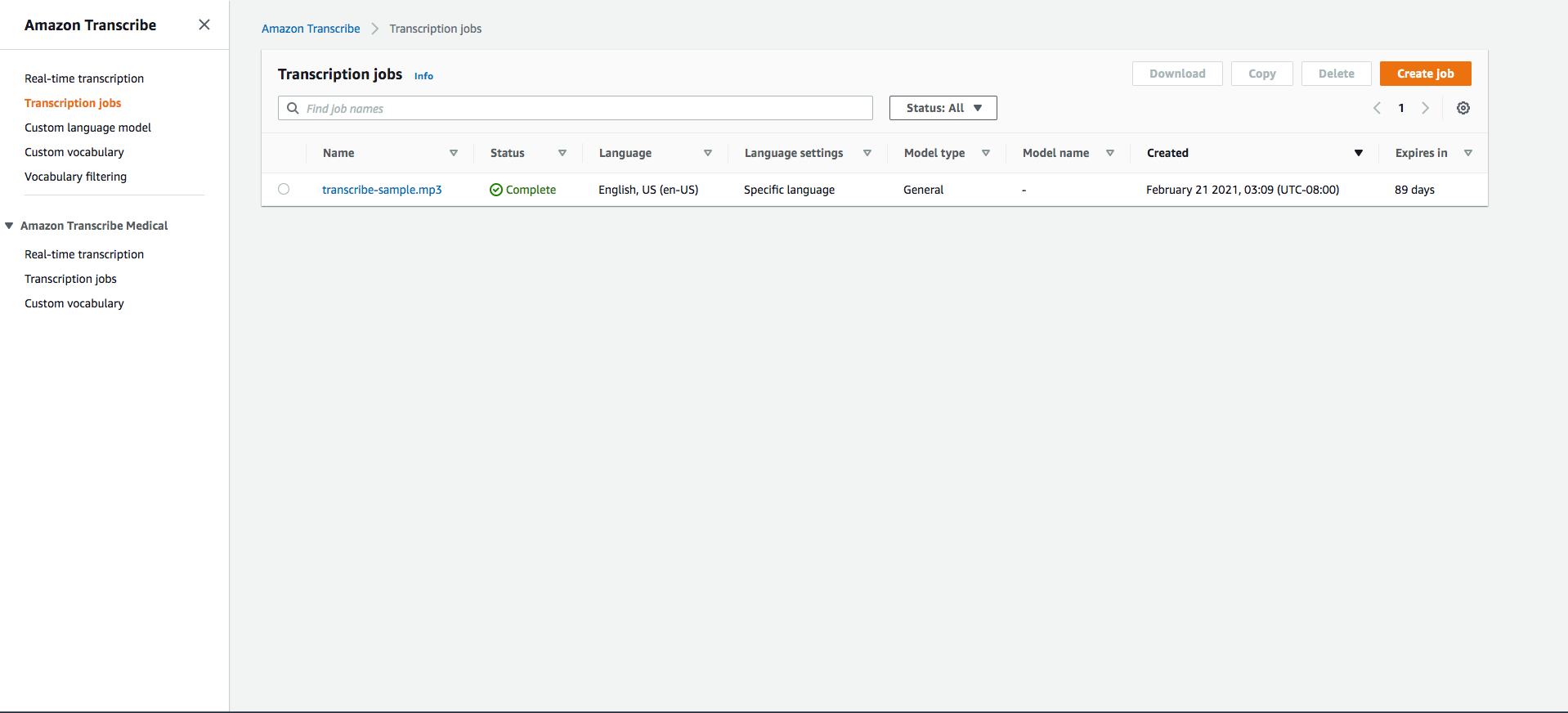
The transcribe job has finished in AWS
-
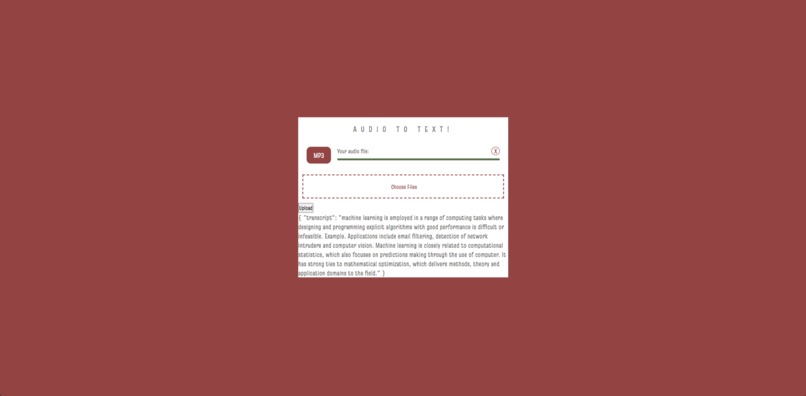
Our transcribed text returned back to the website!
-
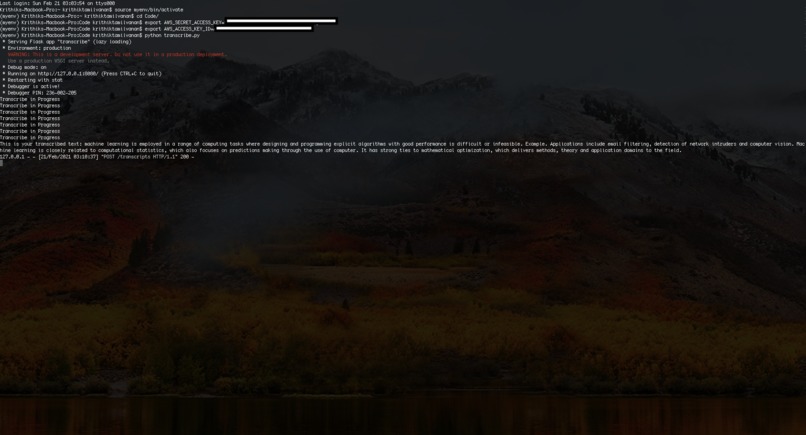
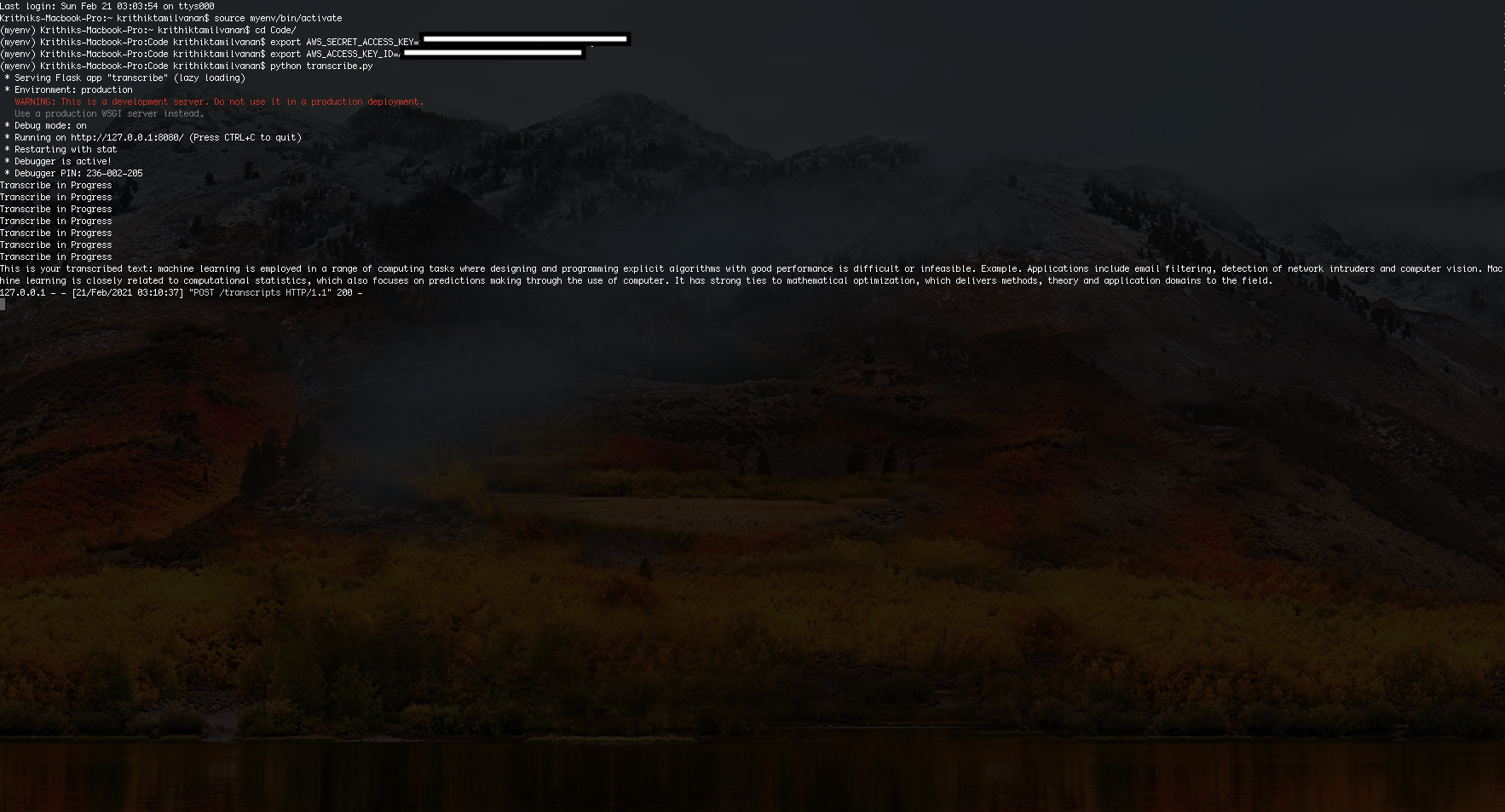
Our API log
Inspiration
My inspiration for this project was to work with a cloud service and implement it in a website. I was really excited about using Python, HTML, Javascript, and CSS to use cloud service in part of my project.
What it does
My project, Transcribe Audio to Text, allows a user to take an audio file, and receive a transcript of it through AWS's transcribe service.
How we built it
Using Python and flask, I built a REST API in order to communicate between my website and AWS. I developed our website using HTML, CSS, and Javascript, and it allows users to upload an audio file to be transcribed. My Python code takes the uploaded audio file and creates a transcribe job in AWS, and later returns the transcript to the website.
Challenges we ran into
All my code was written during the hackathon. While working on my code, I was unable to upload the audio file to s3, and my file kept showing up as 0 bytes. However, I fixed this by realizing that I needed to use the .fileobj method. Furthermore, while working on my website, I could not display the message on the website. I fixed this by using a Javascript function to display the transcript as innerHTML.
Accomplishments that we're proud of
I am really proud of what we learned this hackathon. None of us have ever worked with cloud services before, and using one for the first time was something I am extremely proud of.
What we learned
In this hackathon, I learned a lot of different things, both from the talks and workshops I attended, and from coding too. In coding, I learned how to work with cloud services, and building REST APIs using flask. I also improved my HTML, Javascript, and CSS skills by building a website.
What's next for Transcribe Audio to Text
Next, I am hoping to host my HTML website on a public host, to make it available to more users. I hope that by doing so, my application can help people and users of the internet everywhere. I am also looking to translate other languages in my transcript file.

Log in or sign up for Devpost to join the conversation.