-
-
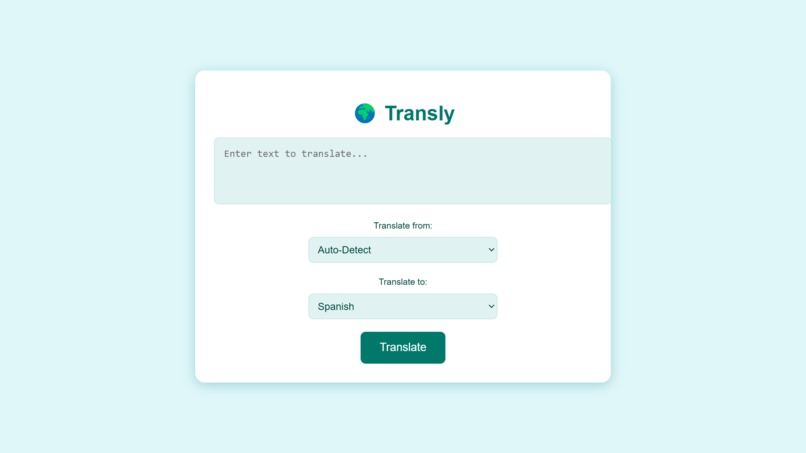
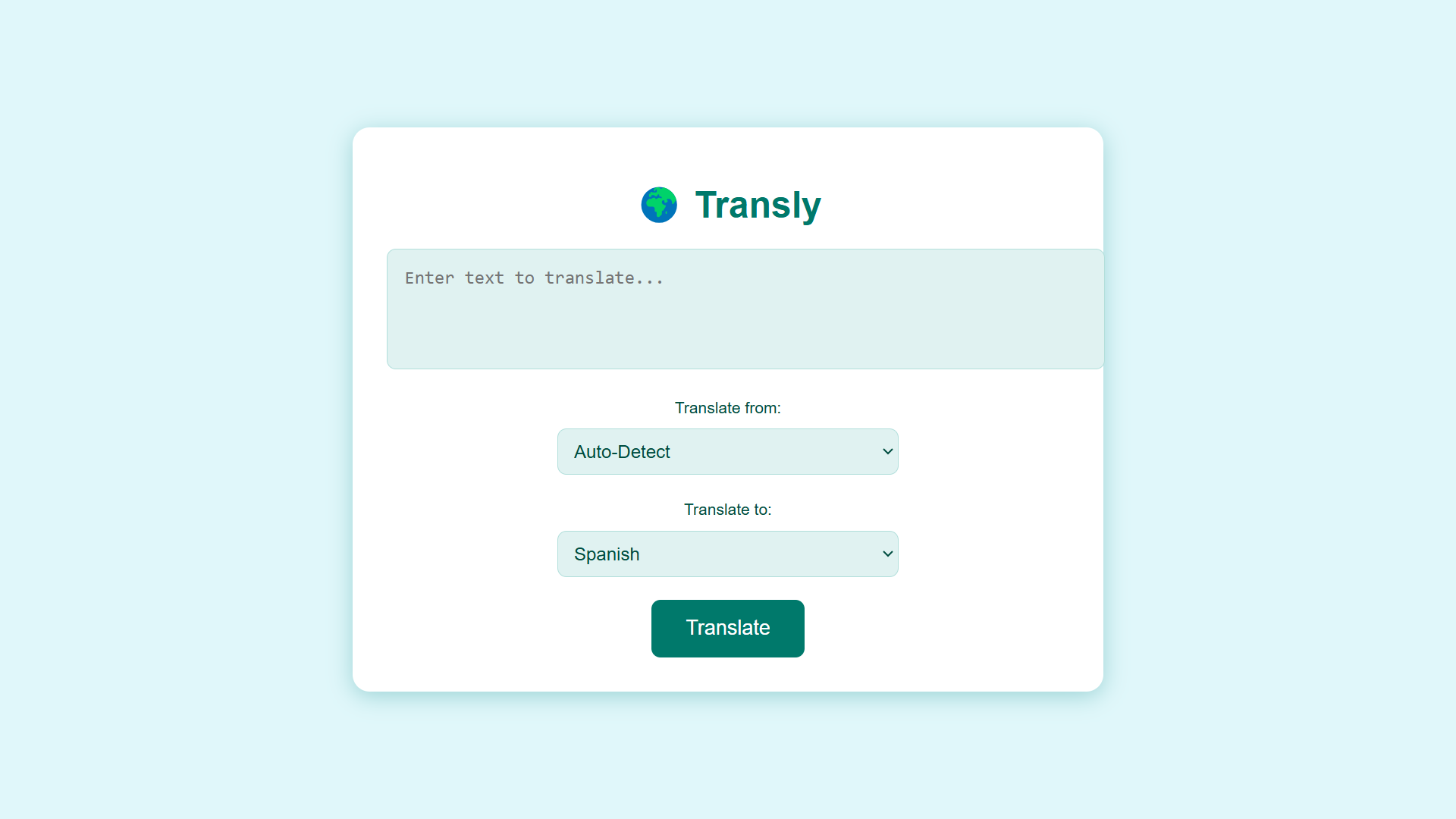
working screenshot of project
Inspiration
The inspiration for Transly came from the need for seamless communication across language barriers. With globalization and the increasing demand for multilingual interactions, we envisioned a tool that could empower users to break linguistic boundaries effortlessly. The goal was to create a user-friendly app that is accessible, functional, and visually appealing, helping users translate text between multiple languages instantly.
What it does
This project was a fantastic learning experience. Here's what we gained:
Frontend Development: Enhancing our skills in React.js for building dynamic and interactive user interfaces. API Integration: Working with Google Translate API and MongoDB to handle translation tasks and store history effectively. Backend Development: Setting up a Node.js backend and integrating a MongoDB database taught us about managing RESTful APIs and handling data. Full-Stack Architecture: Understanding how frontend and backend systems work together to provide a seamless user experience.
How we built it
Frontend: Built using React.js for fast rendering and dynamic updates. Styled with modern CSS for a clean and intuitive user experience. Backend: Developed a Node.js server with Express to handle API requests. Connected to MongoDB Atlas for storing and retrieving translation history. API Integration: Integrated the Google Cloud Translation API for accurate and reliable translations. Deployment: Set up the app for local testing and combined both backend and frontend for deployment.
Challenges we ran into
API Rate Limits: Managing free-tier limitations of translation APIs and optimizing usage. Database Setup: Designing a schema for translation history and ensuring proper connection handling with MongoDB. UI/UX Improvements: Iteratively refining the user interface to balance simplicity with functionality. Real-Time Updates: Ensuring that translation history dynamically updates without refreshing the app.
Accomplishments that we're proud of
Breaking Language Barriers: Transly supports seamless translation between multiple languages, making communication more inclusive and accessible.
Intuitive Design: We created a clean, user-friendly interface with responsive features to enhance user experience across devices.
Seamless Integration: Successfully integrated the Google Translate API with a MongoDB backend, allowing users to save and view their translation history effortlessly.
Real-Time Functionality: Achieved real-time translations with instant feedback, making the app fast and reliable for users.
Scalability: Designed the app to be scalable, with a robust backend and flexible frontend for future enhancements, like speech-to-text and user accounts.
Learning and Growth: Overcame technical challenges in API integration, database management, and error handling, learning valuable lessons in web development and deployment.
What we learned
API Integration:
Mastered integrating third-party APIs like Google Cloud Translate API for real-time language translation. Learned how to handle API errors and optimize requests for better performance. Database Management:
Gained experience using MongoDB Atlas to store and retrieve data efficiently. Designed schemas for saving translation history, ensuring scalability and easy querying. Frontend-Backend Communication:
Understood the flow of data between the React frontend and the Node.js backend. Learned to implement RESTful APIs for seamless communication. Responsive Design:
Explored modern CSS techniques to create a clean and responsive UI for a better user experience across devices. Error Handling and Debugging:
Improved debugging skills by addressing issues in API calls, database connections, and deployment processes. Enhanced error feedback mechanisms to guide users effectively. Team Collaboration:
Worked collaboratively to merge design and functionality, ensuring all components work harmoniously. Future-Ready Development:
Built with scalability in mind, learning how to structure apps for future enhancements like speech translation and user accounts.
What's next for Tranlsy
Adding support for speech-to-text and text-to-speech features for better accessibility. Enhancing the app with offline translation capabilities. Expanding the supported languages to cover regional dialects. Deploying Transly as a Chrome Extension for instant accessibility in browsers. Introducing personalized user accounts for saving translations and settings.
Built With
- css
- express.js
- google-cloud-translate-api
- html
- javascript:
- node.js
- react.js
- visual-studio-code


Log in or sign up for Devpost to join the conversation.