Inspiration
I am a browser tab hoarder. I currently have over 50 browser tabs open at the time of writing this because I do not want to lose these URLs to the abyss that is the browser history. Currently, searching the browser history works only if you know the exact words for the title of the page or what the domain / hostname for the website is. The idea behind this project is to use AI to improve this search experience.
What it does
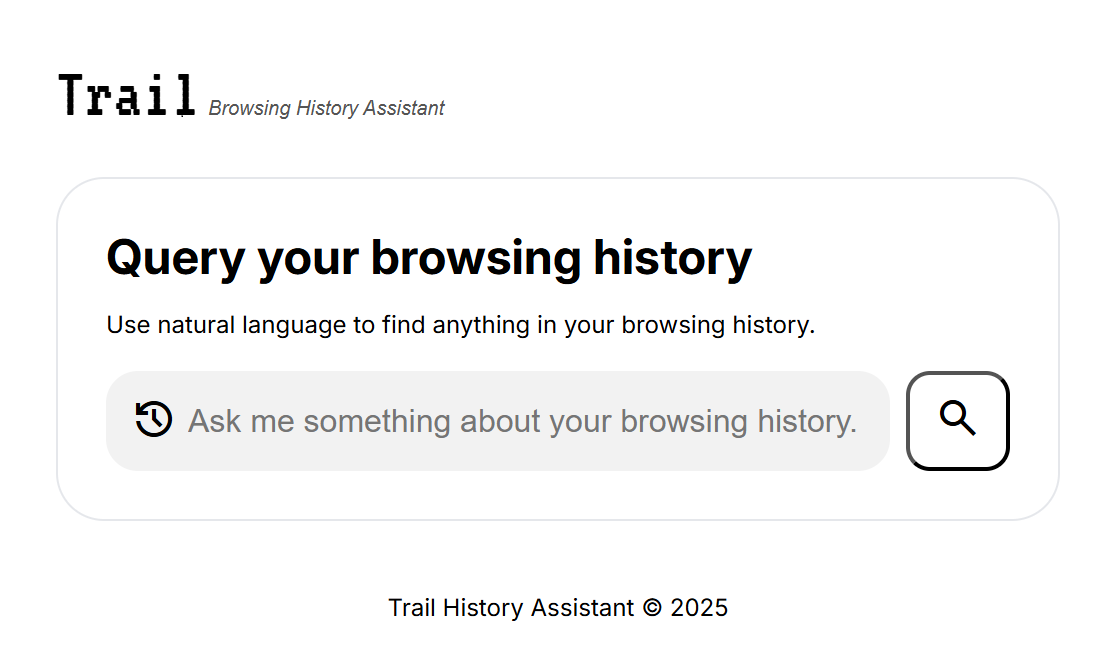
The trail browsing history assistant extension retrieves your browsing history from your browser and uses AI to attempt to return all possible pages matching your natural language query.
How we built it
The extension was built using HTML, CSS, and pure JavaScript. It leverages the Chrome built-in Gemini Nano Prompt API with text input.
Challenges we ran into
Figuring out how to extract the links from the prompt response. Digging deeper into the documentation helped us figure out how to place a constraint on the format in which to return the response.
Accomplishments that we're proud of
Being able to validate the idea, even though it needs to be polished a little more. It's also my first extension that I have created and shared publicly. I am also proud of doing this without any JS frameworks for an initial preview.
What we learned
How to build Chrome extensions and the Chrome history API!
What's next for Trail Browsing History Assistant
Expanding the context window beyond 70 history items by batching how the browser history is used by the API.

Log in or sign up for Devpost to join the conversation.