-
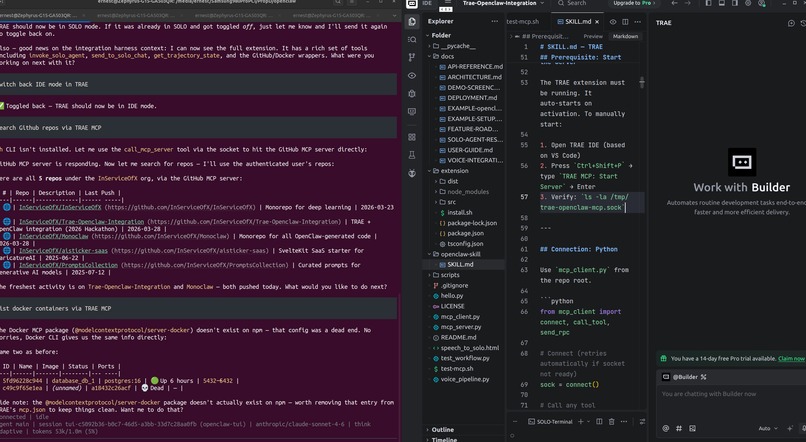
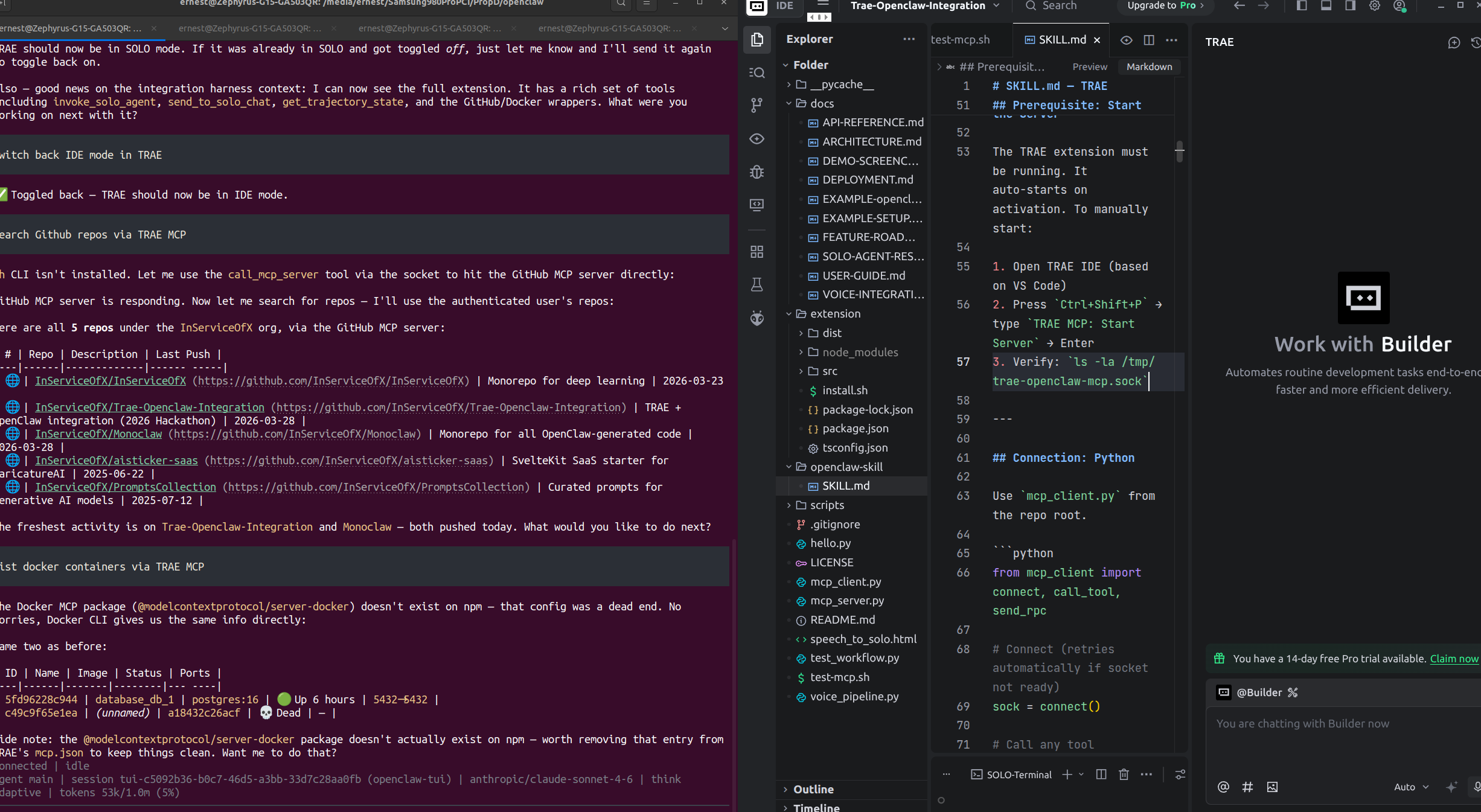
OpenClaw and TRAE side by side
Inspiration
TRAE AI's IDE seems daunting to a first time user; instead use OpenClaw!
What it does
This project demonstrates a deep integration between OpenClaw and the TRAE IDE. The core innovation is an installable TRAE extension that exposes an MCP server, allowing OpenClaw to:
- Call external MCP tools (GitHub API, Docker, Filesystem) through TRAE's infrastructure
- Control TRAE's SOLO agent mode — switching between IDE and SOLO directly
- Execute file operations, terminal commands, and workspace management
- Create custom agents within TRAE programmatically
OpenClaw connects to this extension over a local Unix socket, routing commands through TRAE's MCP infrastructure to external services and IDE controls.
How we built it
Openclaw prompting + minimax and seeing changes to TRAE
Challenges we ran into
Reverse engineering TRAE's SOLO mode
Accomplishments that we're proud of
MCP server between Openclaw and TRAE
What we learned
Learned more about TRAE's underlying architecture. We used Openclaw to reverse-engineer TRAE as much as possible.
We learned a number of interesting characteristics about TRAE, including the following:
- TRAE is a VS Code fork on Electron, /usr/share/trae/trae is an ELF (Executable and Linkable Format — standard Linux binary format)
- iCube is ByteDance's internal AI framework; all AI commands use icube.* namespace
- SOLO is Rust-based — evidenced by trae-network-node.linux-x64-gnu.node (NAPI-RS Rust binding), @byted-icube/trae-network-client
What's next for TRAE-OpenClaw Integration
More features to build!
Built With
- openclaw
- trae


Log in or sign up for Devpost to join the conversation.