-
-
Tradesignal
Inspiration
I’m a full-time trader who kept losing the real battle: discipline. I’d write a rule set at night, then toss it the moment the market twitched. Charts, indicators, “gut feel” — there were too many ways to be subjective, and no neutral referee. I tried pasting screenshots into ChatGPT; the feedback was vague. I fed it raw OHLCV; the sheer volume left the model rambling. So I flipped the script: turn the popular methods I already trust (EMA, MACD, RSI, multi-time-frame pivots) into hard code, hand the distilled outputs to an LLM, and let the AI play the role of that cool-headed third person who never breaks the rules.
What it does
TradeSignal takes a ticker and, in about two minutes, hands me a Markdown playbook that includes:
- Multi-time-frame trend reads (weekly ➜ daily ➜ 30-min) generated by reasoning models.
- Support & resistance zones extracted from algorithmic pivot clustering across time frames.
- A ready-to-trade plan: entry, target, stop, and risk-to-reward math.
How we built it
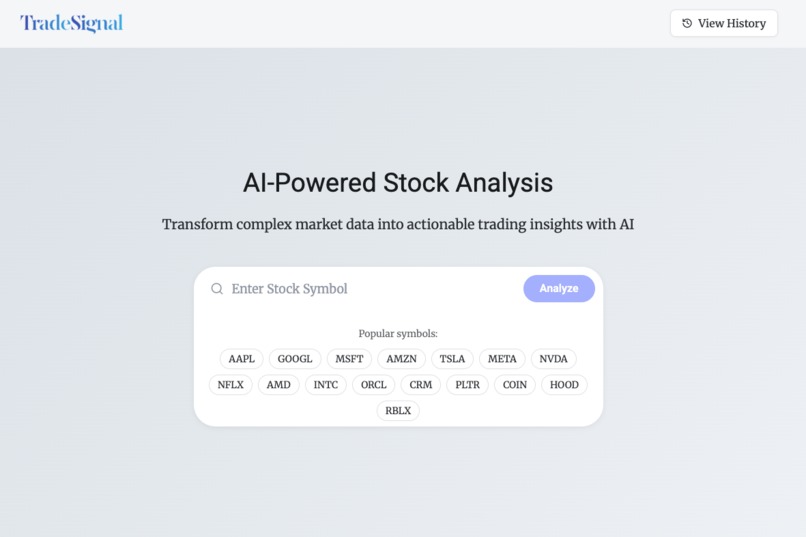
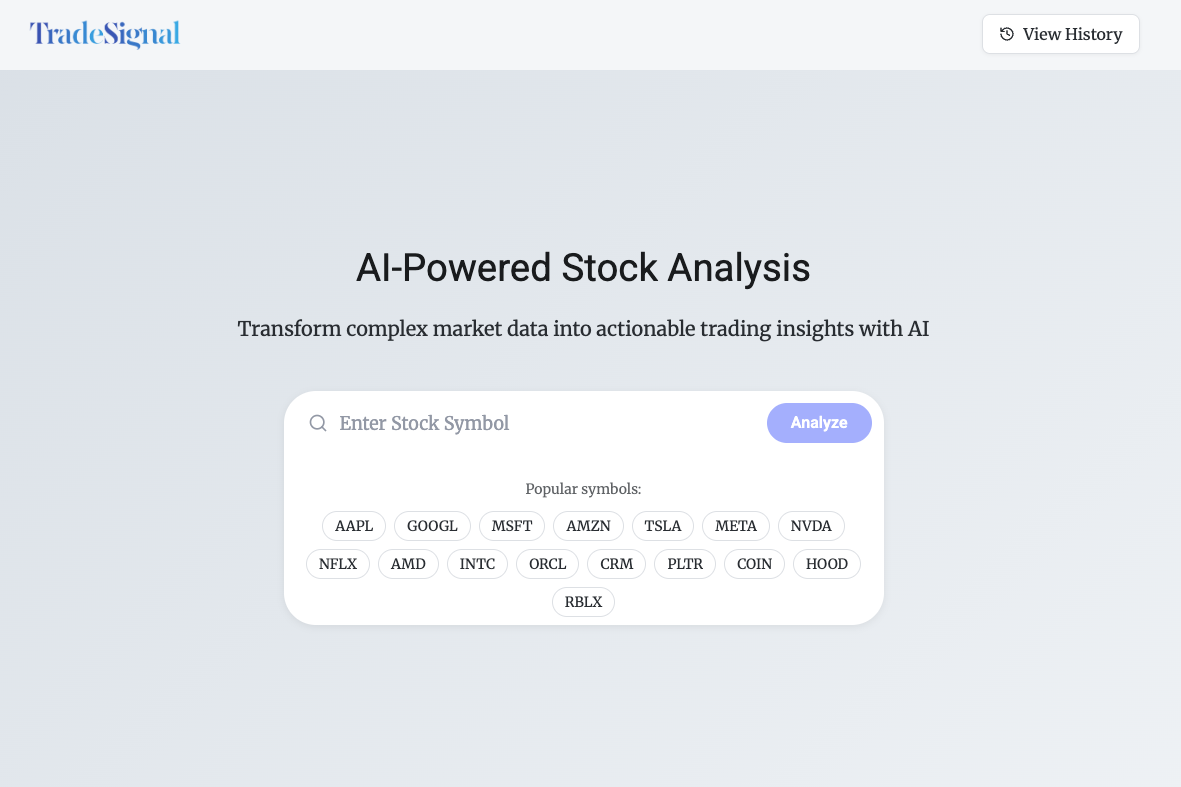
- Frontend — React 18, TypeScript, Tailwind, Vite. One input box, one gorgeous report.
- Backend — Supabase Edge Functions (Deno) pull, cache, and serve OHLCV plus pre-computed indicators.
- AI layer — LLM modal wrapped in edge functions that fire trend, SR, and strategy prompts.
- Data — A Historical-Data-Downloader API for raw bars and a custom Support/Resistance API for clustering logic.
- Storage & Caching — Supabase Postgres tables (historical_data_cache, stock_analyses) keep repeat queries sub-second.
Challenges we ran into
My first big problem was data size. We needed at least a year of price bars in three different time-frames, and that meant a million of rows. At first the app would freeze the moment a user asked for a popular ticker. We fixed this by keeping only the columns the math really needs and by adding a smart cache in front of the database, so repeated requests could come back almost instantly. With the data flowing, we hit the next wall: turning raw indicators into support and resistance levels. I tried one formula after another—changing tolerance percentages, tweaking time filters, and re-writing the swing-point detector—until the numbers on the screen finally matched what my eyes saw on the chart. Last came the freshness problem. Prices change every second, but if we refreshed the cache too often the API bill went through the roof. If we refreshed too slowly, users got old numbers. Night after night I adjusted the refresh time, ran tests, and adjusted again until we found a setting that kept data current without breaking the bank.
Accomplishments that we're proud of
All that work was worth it the first time the app produced a full trade plan in under two minutes. What used to take me an hour with several chart windows now needs only one ticker symbol and one click. Because the cache handles most repeat requests, our data costs are much lower than we feared. Seeing advanced technical analysis packed into such a small, simple workflow still feels a little like magic.
What we learned
I learned that writing prompts for an AI model is real engineering. One extra adjective can change the answer from “okay” to “spot-on,” so I now treat prompt text like production code. I also learned—after restarting the project twice—that you must build a good structure before adding fancy features. Every time we add something new, we pause to refactor so the base stays clean. Finally, splitting the app into small, separate APIs keeps each part easy to test and fix. I no longer want to build big, all-in-one programs; modular code is simply less stressful.
What's next for TradeSignal
- Strategy-based alerts: instead of “price crossed X,” I’ll get pinged when the whole setup triggers.
- Automatic daily refresh so plans stay current without a manual click.
- Historical back-tests on every AI-suggested strategy to surface win-rate and Sharpe.
Built With
- alpaca
- autoprefixer
- deepseek
- deno
- javascript
- perplexity
- postgresql
- react
- replit
- router
- sql
- supabase
- tailwind
- typescript
- vite

Log in or sign up for Devpost to join the conversation.