-
-
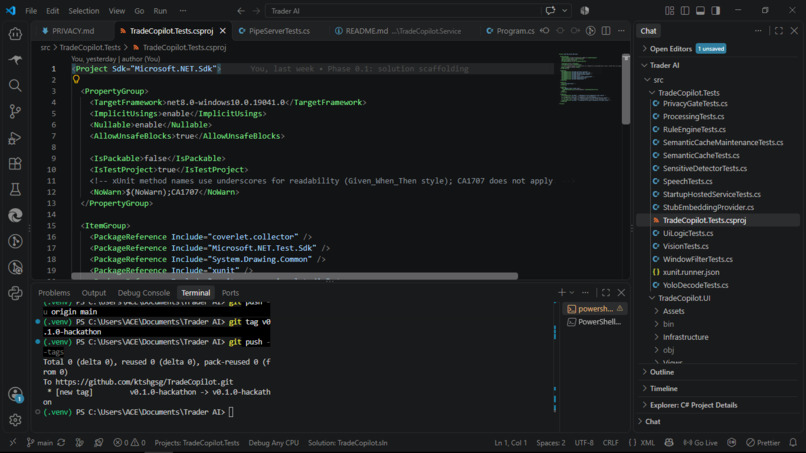
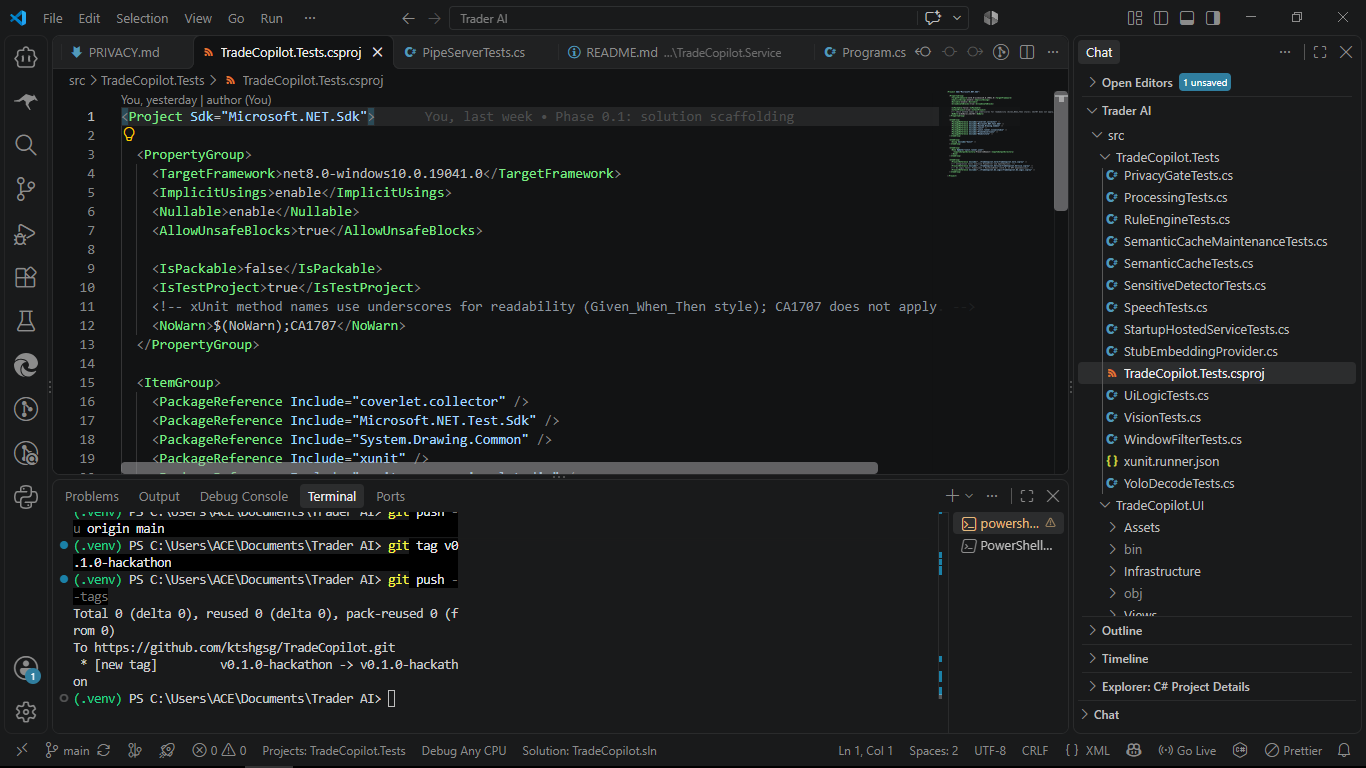
VS code
TradeCopilot — Project Note A local-first AI trading copilot for Windows that reads your chart, speaks Hinglish, and runs entirely on your machine.
The Problem Retail traders in India — and across the world — face a specific, daily friction: chart analysis is dense, fast, and English-first.
A typical Indian retail trader opens a chart with 5 to 10 indicators stacked: RSI, MACD, Bollinger Bands, Volume Profile, moving averages, price action lines, candlestick patterns. They have to parse all of it in real time, cross-reference it against their strategy, and make a decision before the setup invalidates.
Three problems compound this:
Language. Most trading education, tooling, and documentation is English-first. Indian traders think in Hinglish — a natural mix of Hindi and English. Every existing tool forces them to translate their intuition into English before acting.
Cognitive load. Reading a chart means holding many things in mind at once — RSI value, MACD crossover state, support and resistance levels, candlestick patterns, trend direction. Humans are bad at this under time pressure. They miss setups because they were looking at the wrong panel.
Privacy. Every existing AI trading assistant either requires uploading your screen to a cloud service, asks for API keys to third-party LLMs, or hooks into your brokerage account. Traders reasonably don't want their screens, positions, or strategy leaving their machine.
Existing solutions don't address this. TradingView has alerts but no conversation. ChatGPT needs a screenshot paste and doesn't know your chart. Copilot-style coding assistants don't understand markets.
The Solution TradeCopilot is a Windows desktop application that continuously reads your screen, understands what you're looking at, and answers questions about it — in Hindi, Hinglish, or English — by voice or text. Everything runs on your PC. Nothing leaves it.
Core idea: the AI should look at the same chart you're looking at, and talk to you in the language you think in.
What it does Watches your screen continuously at 2 FPS using the DXGI Desktop Duplication API — the same low-overhead capture path used by OBS. Frame changes are detected via perceptual hashing, so static charts don't waste CPU.
Reads indicator values from the visible chart via Windows OCR. RSI, MACD, price, volume, and any other numeric panel that appears on screen are extracted automatically.
Applies a rule engine for common trading questions: overbought, oversold, MACD crossover, support break, resistance break, head-and-shoulders, double top/bottom, bull/bear flag, triangle formations. These answers return in under 100 milliseconds, no LLM involvement.
Answers freeform questions with a local language model. Qwen2.5-1.5B-Instruct runs on CPU at 3–8 seconds per response. It receives the OCR text and any detected patterns, and produces a natural Hinglish or English answer, bounded by rules that keep answers under three sentences and require citing numbers from the chart context.
Speaks the answer in Hindi using Piper TTS with the Rohan voice model. Roman-script Hinglish is transliterated to Devanagari before synthesis, so the model reads it with correct Hindi phonetics rather than English letter-by-letter pronunciation.
Listens in Hindi or Hinglish via Whisper ASR. Push-to-talk with Ctrl+Alt+Space. The transcript appears in the chat and is answered.
Caches answers semantically. Repeat questions within the same chart context return in under 100 milliseconds from an encrypted local vector database. A trader asking "RSI kya hai?" five times a day gets instant answers after the first.
Protects privacy. Windows with titles matching user-defined patterns (banking apps, password managers, wallets) are excluded from capture. OCR content matching sensitive keywords (password, OTP, CVV, Aadhaar, PAN, account number) is dropped before ever reaching the LLM or cache. The cache is encrypted at rest with Windows DPAPI. Every action is logged to a local audit file with no content leakage — only short reason tags.
Has a panic button. Ctrl+Shift+X stops capture, kills the microphone, and stops TTS in one action. For traders in a hurry.
Architecture text ┌──────────────────────────────────────────────────────────┐ │ Windows Service (auto-start, background) │ │ │ │ DXGI Screen Capture (2 FPS, primary monitor) │ │ ↓ │ │ Perceptual Hash Gate (skip unchanged frames) │ │ ↓ │ │ Windows OCR + YOLO Pattern Detector │ │ ↓ │ │ Chart Context Hash (chart state fingerprint) │ │ ↓ │ │ Privacy Gates: window title exclusion, sensitive OCR │ │ ↓ │ │ Agent State (latest OCR, patterns, frame) │ └──────────────────────────────────────────────────────────┘ ↓ ┌──────────────────────────────────────────────────────────┐ │ Query Pipeline (per user question) │ │ │ │ 1. Language Detection (En / Hi / Hinglish) │ │ 2. Semantic Cache Lookup <5 ms │ │ 3. Rule Engine <100 ms │ │ 4. Vision Engine (GPU-gated) 1–40 s │ │ 5. Local LLM (Qwen2.5-1.5B) 3–8 s │ │ │ │ Each result is cached for instant repeat queries │ └──────────────────────────────────────────────────────────┘ ↓ ┌──────────────────────────────────────────────────────────┐ │ WPF Tray App + Overlay (top-right) │ │ │ │ - Chat interface with streaming answers │ │ - Push-to-talk microphone button │ │ - Global hotkeys │ │ - Settings: capture region, language, voice, privacy │ │ - Communicates with service via named pipe │ └──────────────────────────────────────────────────────────┘ Stack: .NET 8, WPF, LLamaSharp (Qwen2.5-1.5B via GGUF), Whisper.net (base model), Piper TTS, Windows.Media.Ocr, Vortice.Direct3D11/DXGI, Microsoft.Data.Sqlite with sqlite-vec, all centrally versioned via NuGet CPM.
Size and cost: ~1.5 GB of models downloaded once. Runs entirely on CPU. Zero API costs. Zero network calls after setup. On a 2-core i3 with 4 GB RAM, the whole system idles under 5% CPU when the screen is static.
Key Technical Decisions Why 2 FPS instead of 60? A trader doesn't need millisecond screen awareness. They need "what's on screen right now" answers. At 2 FPS with perceptual-hash change gating, the system processes fewer than 10 frames per minute on a static chart. That's a 300x reduction in OCR and analysis cost with zero observable loss. The "every frame" spec sounds impressive but burns battery and money for nothing.
Why OCR instead of vision model for reading numbers? Vision models hallucinate numbers. On a Q4-quantized small VLM, "RSI 72" might come back as "RSI 70" — and a trader will act on it. Windows.Media.Ocr reads the pixels as text and returns the exact value. It's 100x faster and 1000x more accurate for this specific task. The LLM reasons over the numbers; it never reads them.
Why a local LLM instead of GPT-4? Three reasons. First, cost: GPT-4 at 50 queries per day per user, at 500 users, is real money the project can't sustain. Second, privacy: uploading chart data to a cloud API defeats the entire premise. Third, offline: traders use this in offices with restrictive networks, or during travel. A 1.5B model on CPU produces coherent Hinglish, handles the narrow domain fine when guided by OCR context, and costs nothing per query.
Why Hinglish transliteration instead of trained Hindi TTS? Piper's Hindi voices are trained on Devanagari. Feeding them Roman-script Hinglish makes them read letters phonetically ("kay-arr-oh" instead of "kaa-roh"). The transliterator converts Roman to Devanagari using a curated dictionary seeded from the language detector, so karo becomes करो. Piper then reads it natively. This is 60 lines of code versus training a new voice model.
Why the semantic cache is the moat. No other trading tool caches answers contextually. The cache key is (query_embedding, chart_context_hash) — so "RSI kya hai?" at 9am and "RSI kya hai?" at 3pm are different entries because the chart has moved. But "RSI kya hai?" asked twice in the same minute is a cache hit at 5 milliseconds. After a day of use, most queries return instantly. This is what makes the product feel fast even though the LLM is slow.
Why privacy gates are not optional. A tool that continuously reads your screen is a surveillance tool unless deliberately designed otherwise. Window exclusion, sensitive OCR drop, DPAPI encryption, content-free audit logging, panic hotkey — these aren't features, they're the minimum for a product that captures banking passwords if a user has a banking tab open. Skipping any of them makes the product dangerous.
What's Built Component Status DXGI capture with change gating ✅ Complete, 21/21 frames per 10s window Windows OCR extraction ✅ Complete, tested on rendered PNGs Perceptual hash gate ✅ Complete, skips 80%+ of frames Rule engine (11 rules) ✅ Complete, 60%+ match rate on corpus Language detection (En/Hi/Hinglish) ✅ Complete, 187 marker words Semantic cache with encryption ✅ Complete, DPAPI + sqlite-vec Local LLM (Qwen2.5-1.5B) ✅ Complete, coherent Hinglish output Whisper ASR ✅ Complete, base model, ~5–8 s per query Piper Hindi TTS ✅ Complete, with Hinglish transliteration Orchestrator with tiered fallback ✅ Complete, cache → rules → vision → LLM Privacy gates + audit log ✅ Complete Panic, pause, resume hotkeys ✅ Complete Windows Service + named pipe ✅ Complete WPF tray + overlay UI ✅ Complete Vision engine (Moondream2 bridge) ⚠️ Implemented, GPU-gated Test suite 387 tests, all green at commit 6410c3b What's Roadmap Vision on GPU. The Moondream2 Python bridge is implemented and tested in isolation. On an NVIDIA GPU with 8+ GB VRAM, it runs at 1–2 seconds per query and describes chart shape, trend, and pattern visually. On CPU it's 20–40 seconds, which isn't interactive. The engine disables automatically when no GPU is available, and queries fall through to the LLM + OCR path. This is honest: the feature exists, it needs the right hardware.
Classical chart vision. OpenCV-based candle extraction, trendline detection via Hough transform, template matching for doji/hammer/engulfing patterns. This is 10x more accurate than a small VLM for chart patterns and runs in milliseconds on CPU. It's the correct long-term answer for pattern detection.
Cloud fallback (opt-in). For hard questions, route to GPT-4o-mini vision. Breaks the "100% local" claim, so it's opt-in only, with a visible toggle and per-query confirmation.
Fine-tuning on real trader speech. The current Hinglish handling is good but the LLM is generic. Fine-tuning on 500–1000 real Hinglish trading queries would materially improve accuracy on jargon.
Installer. Currently shipped as source + PowerShell bootstrap. An Inno Setup .exe with code signing would let non-technical users install in one click. Requires an EV code signing certificate ($300+/year or free via SignPath Foundation for OSS).
Why This Matters India has one of the largest retail trading populations in the world — over 100 million demat accounts and growing. The vast majority of these traders are self-taught, mobile-first, and think in Hinglish. They read tutorials in English, watch YouTube in Hindi, and make decisions in a mix of both.
Every AI tool built for them assumes English input, cloud processing, and desktop-first workflows. TradeCopilot is a bet that the opposite is possible: that a small local model can be useful when constrained to a narrow domain, that Hinglish is a first-class input, and that privacy is a feature traders will pay attention to.
The result is a product that feels unlike anything else on the market — you open it, it's already watching your chart, and when you ask "RSI overbought hai kya?" it answers in your language, immediately, without sending a single byte to a server.
Open Source MIT licensed. All models used are Apache 2.0 or permissive. No proprietary dependencies. The codebase is ~15,000 lines across 5 projects.
Repository: github.com/ktshgsg/TradeCopilot Release: v0.1.0-hackathon
One Paragraph Pitch TradeCopilot is a local-first AI trading copilot for Windows. It watches your screen, reads the numbers on your chart via OCR, understands what's happening in Hinglish, Hindi, or English, and answers questions by voice or text — all on your PC, no API keys, no cloud, no data leaks. It runs a small language model, a rule engine, and a semantic cache in a tiered pipeline so common questions return in under 100 milliseconds and freeform ones in a few seconds. It speaks Hindi natively via Piper and listens via Whisper. It excludes banking windows, drops sensitive OCR content, and encrypts everything it stores. Built for the 100 million Indian retail traders who think in Hinglish and deserve a tool that thinks the same way.

