-
-
TrackTask app logo
-
Splash Screen
-
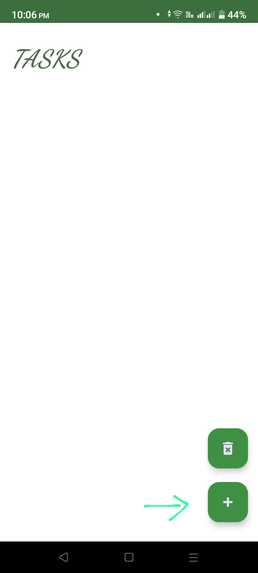
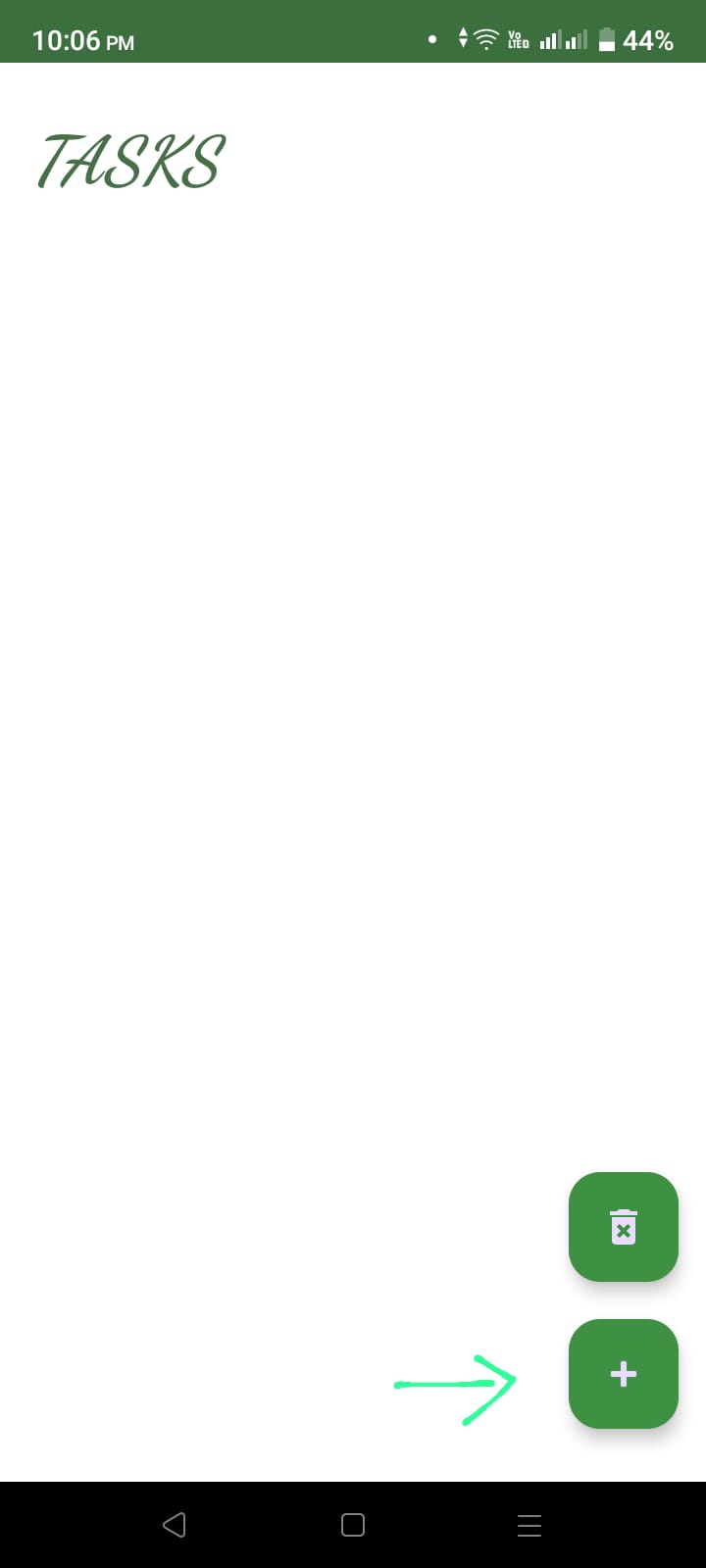
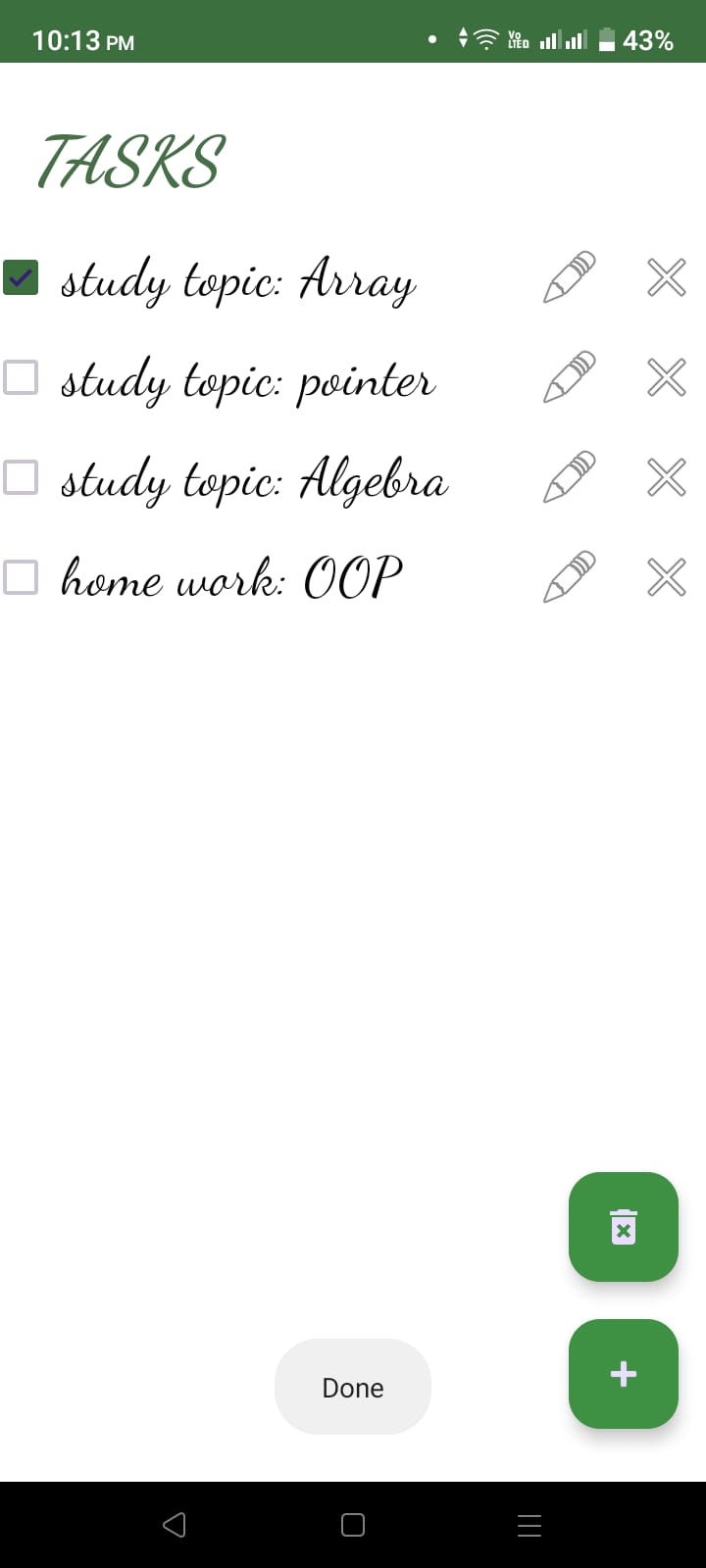
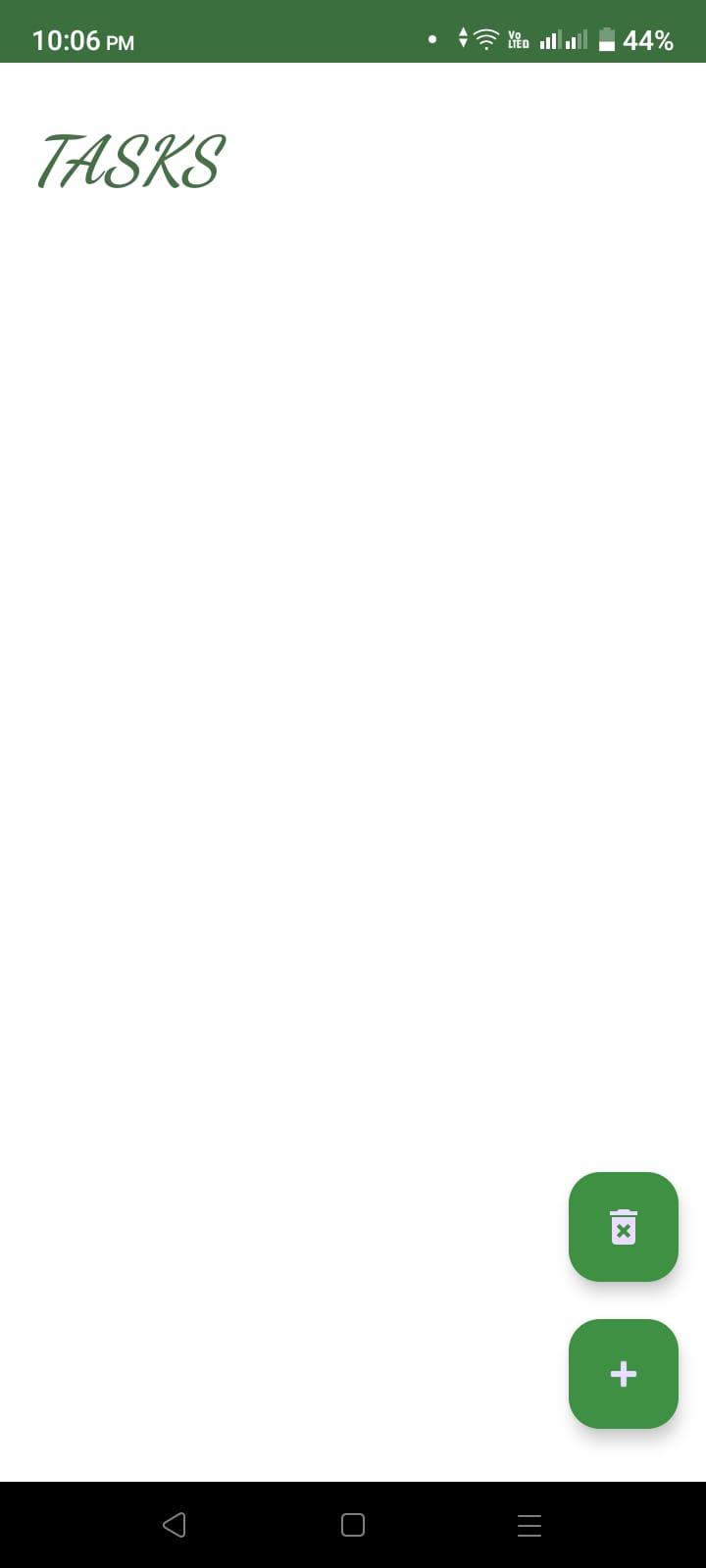
Main user interface
-
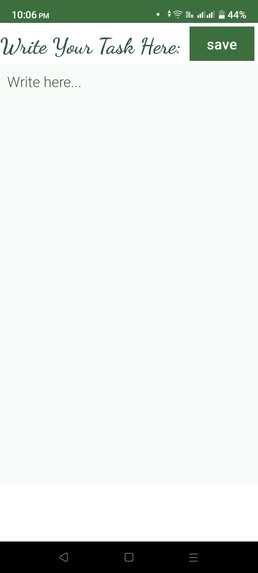
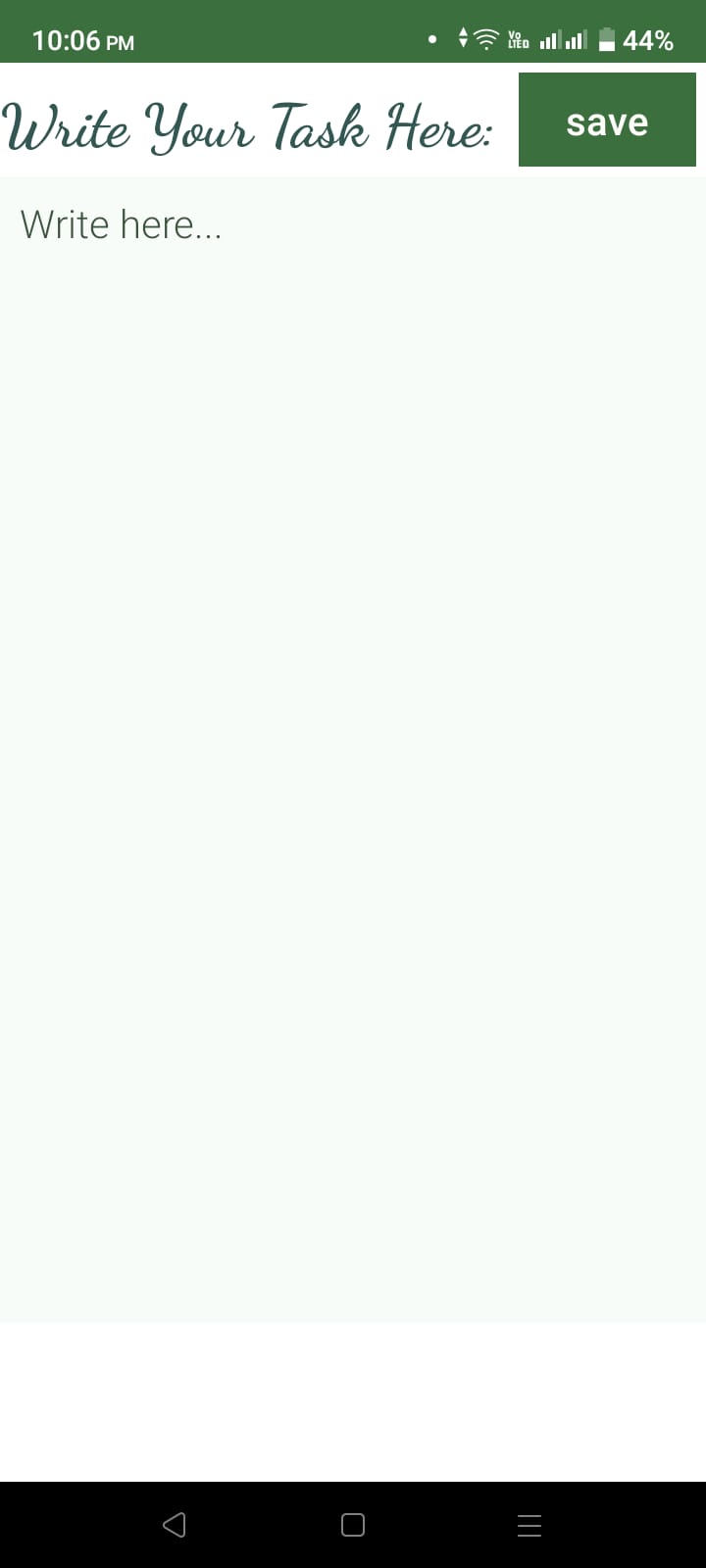
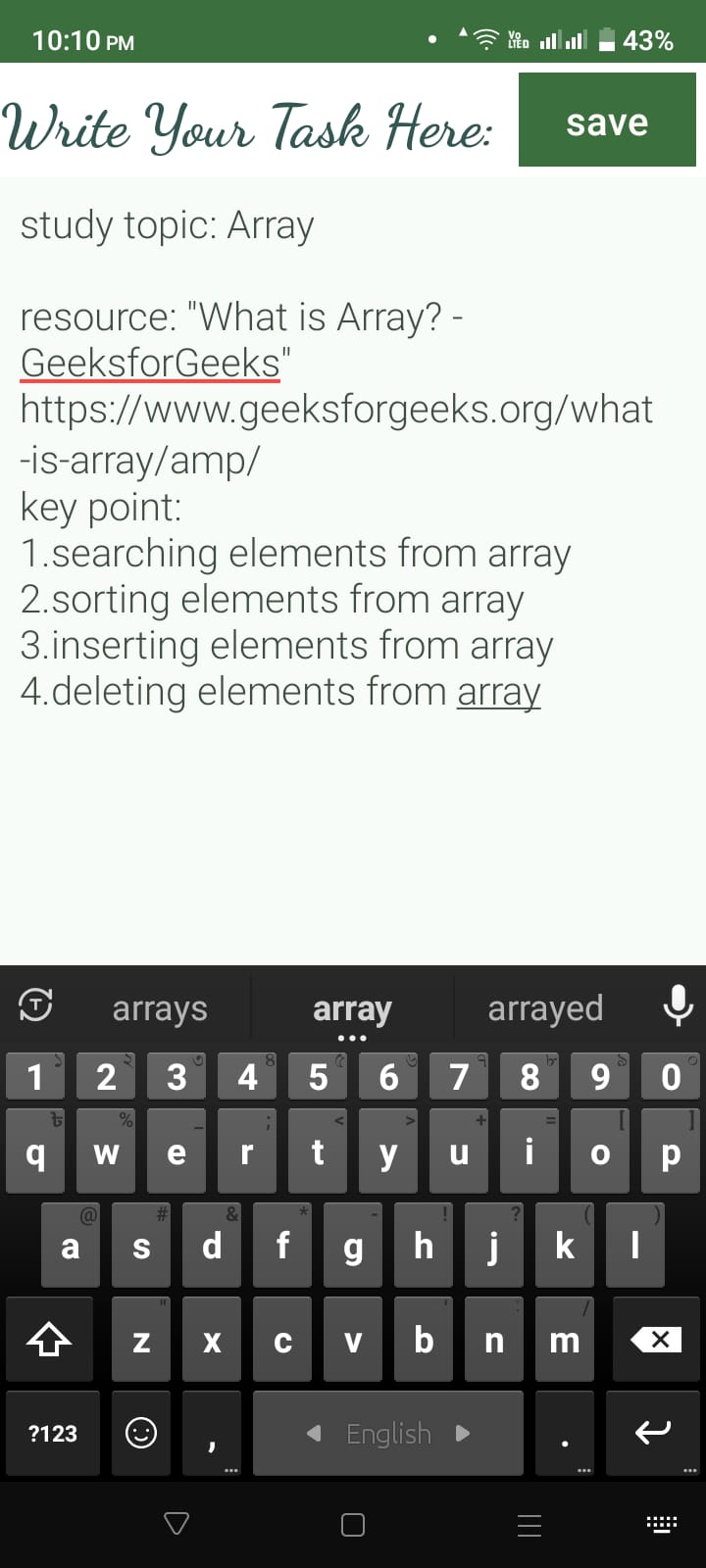
New task added activity
-
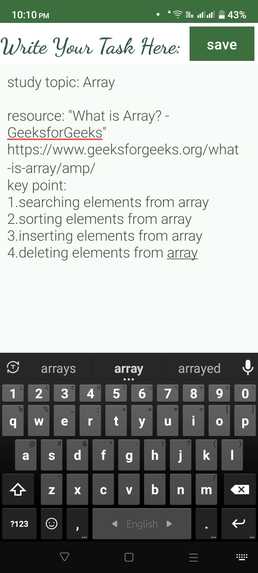
-
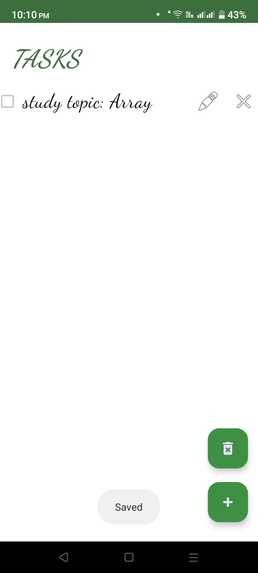
-
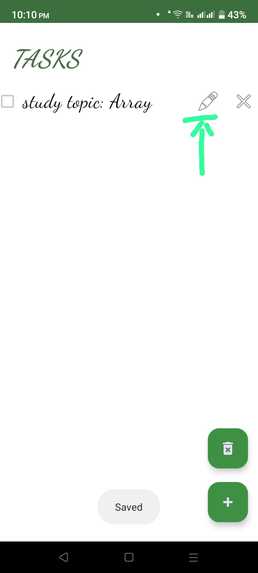
-
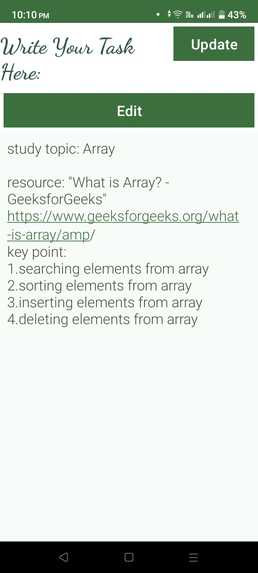
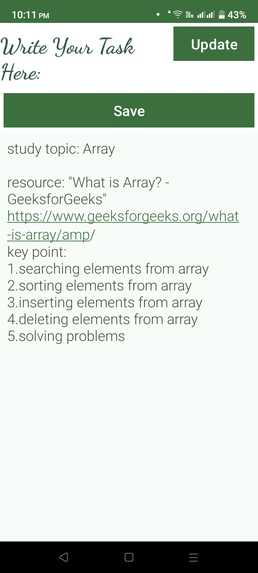
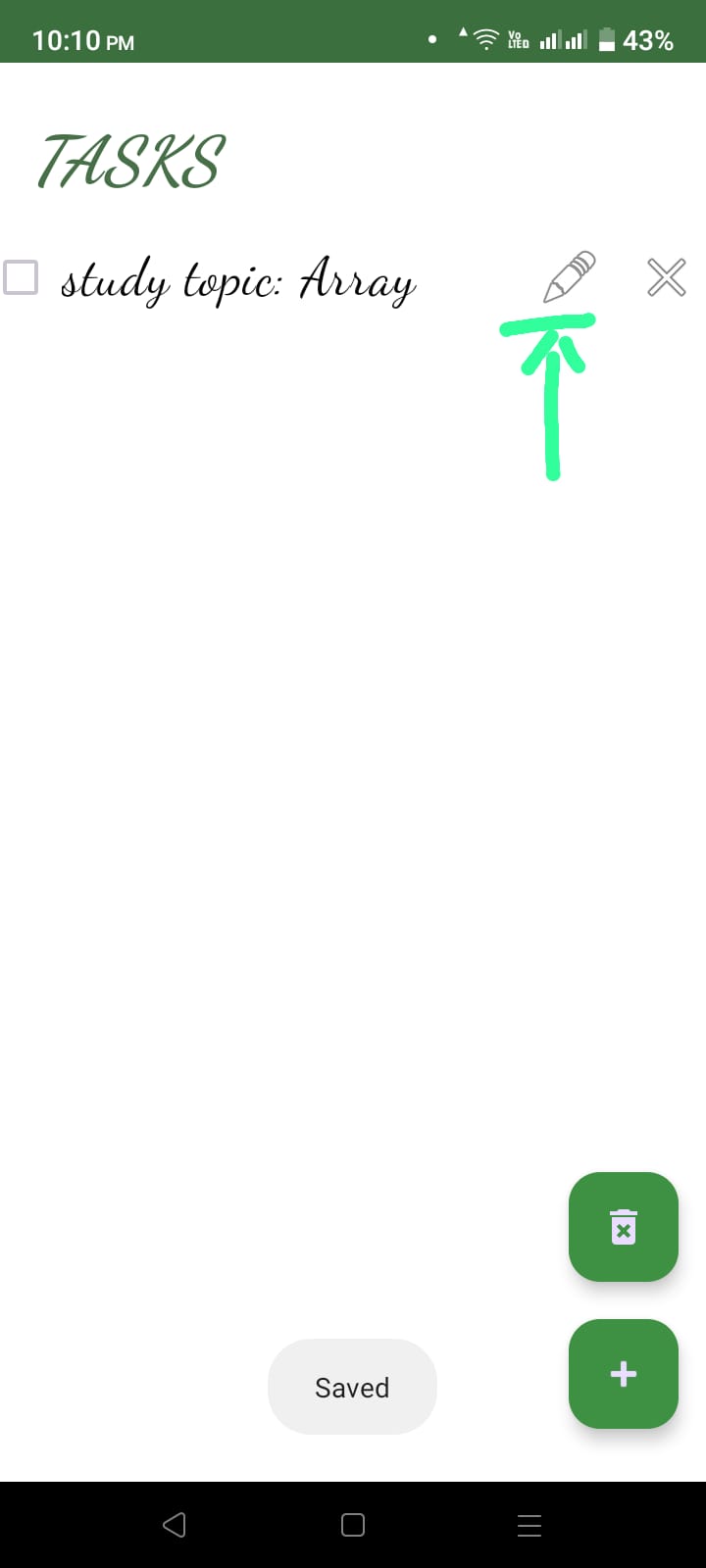
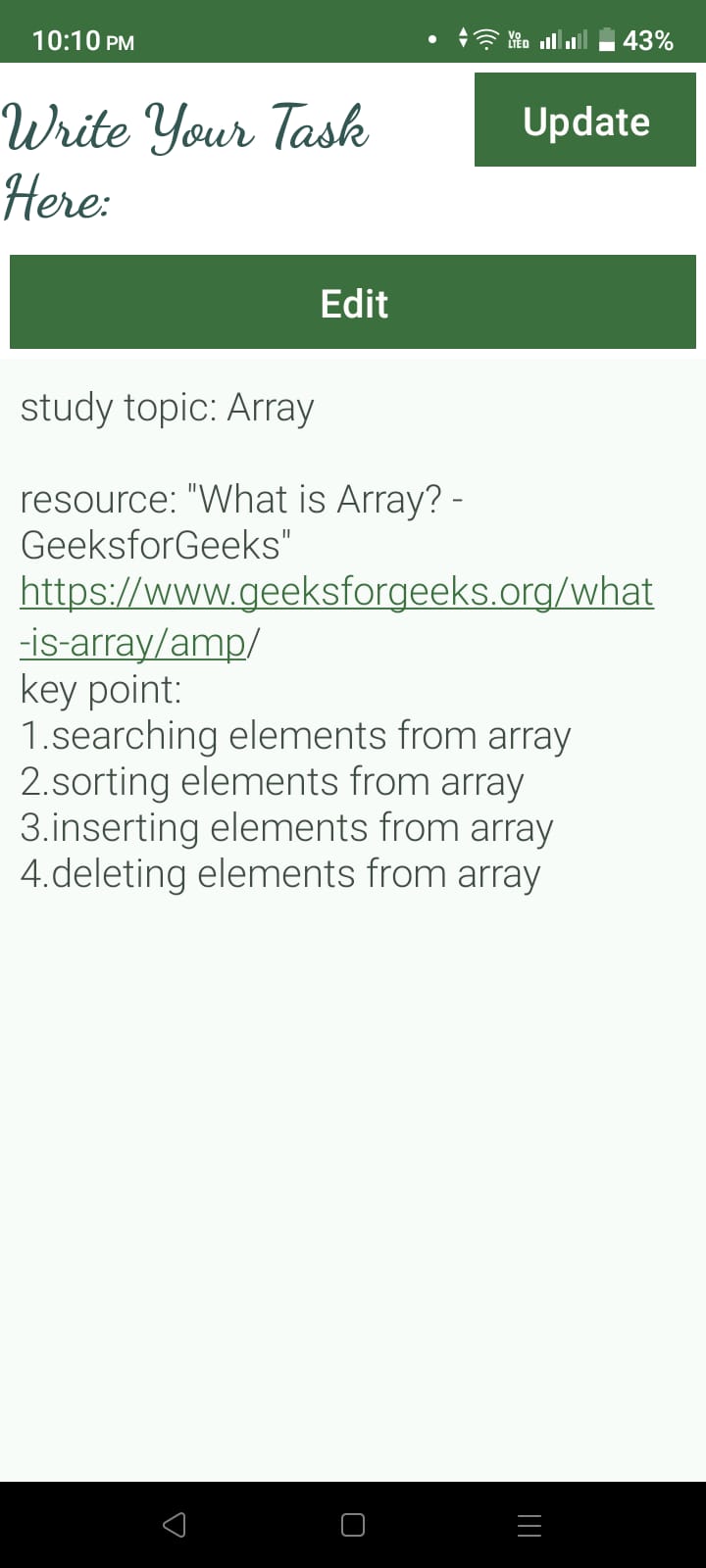
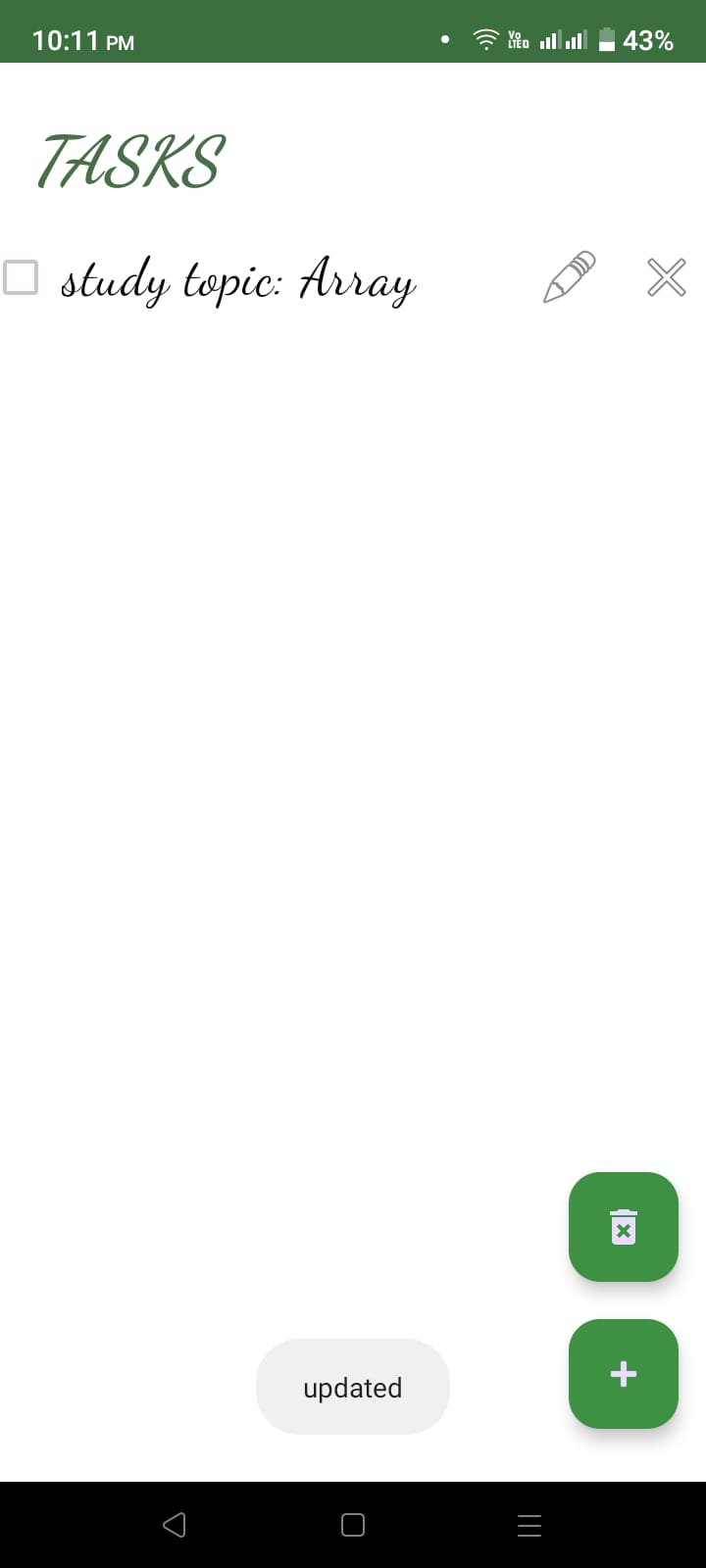
Update task activity
-
-
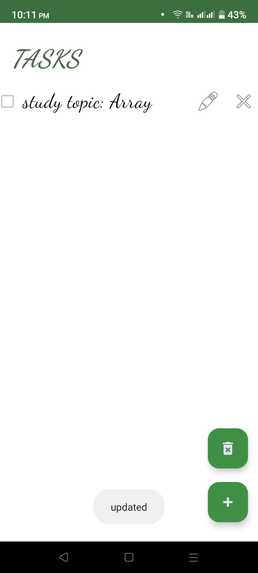
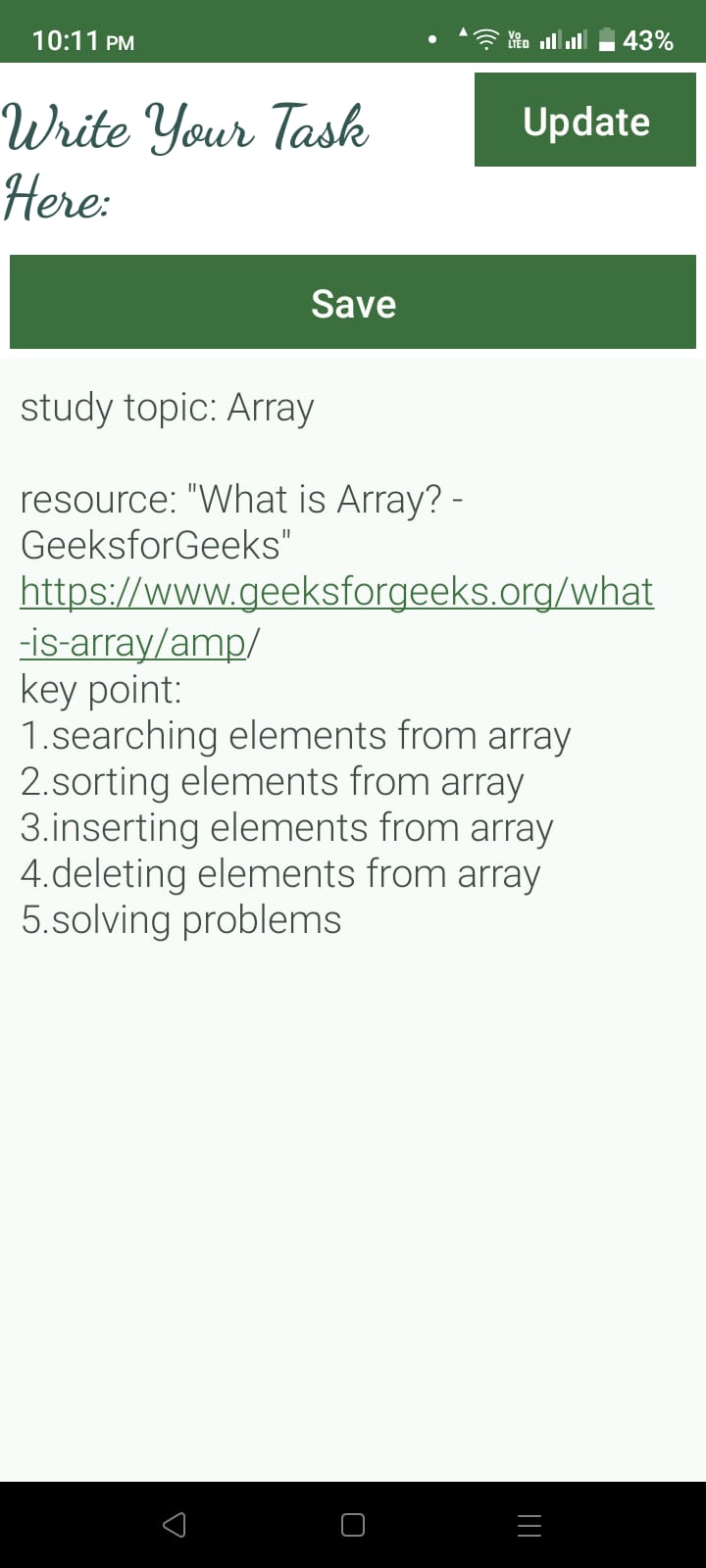
Updated task
-
-
-
-
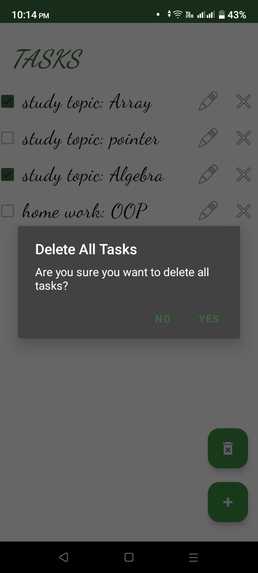
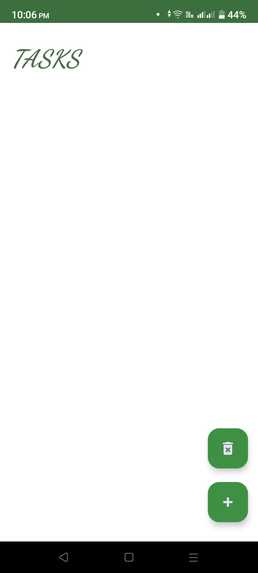
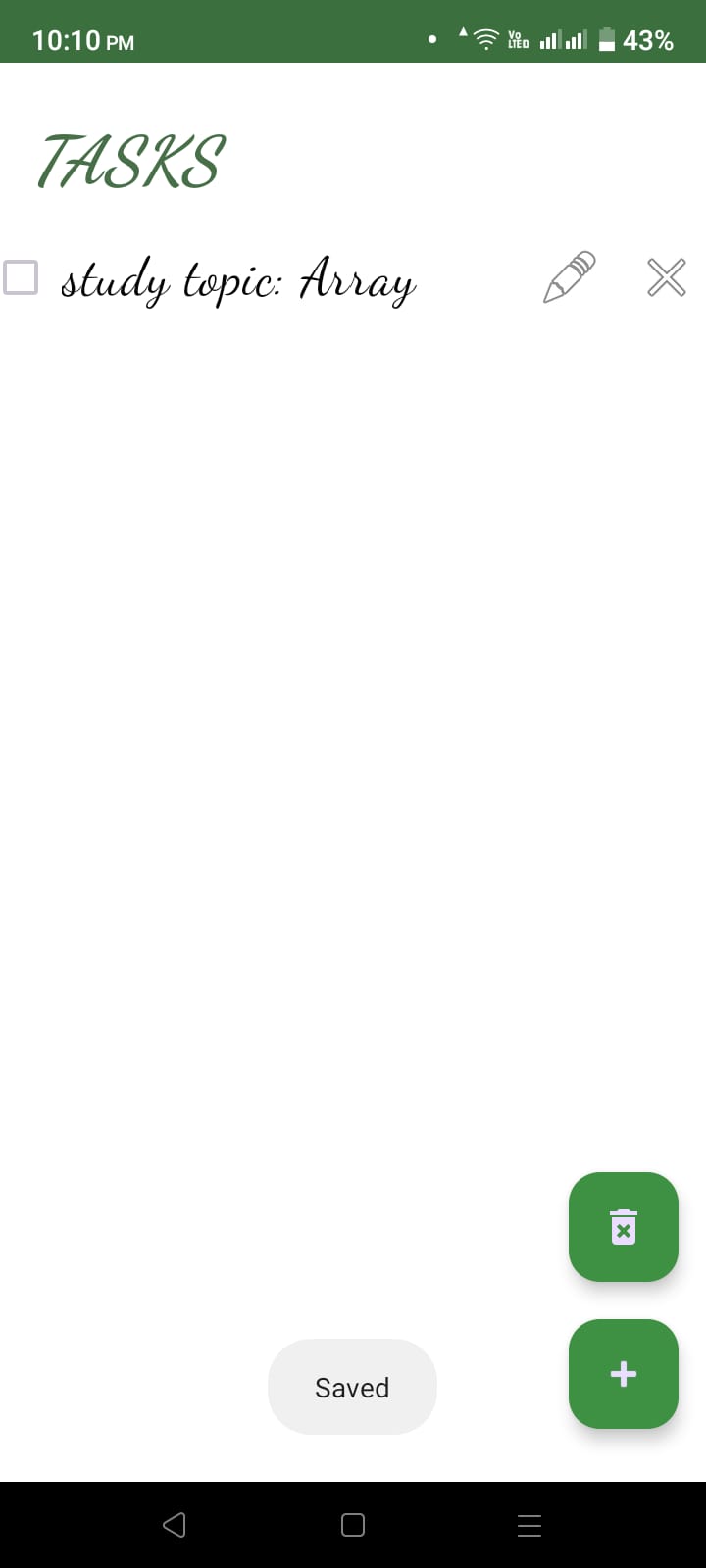
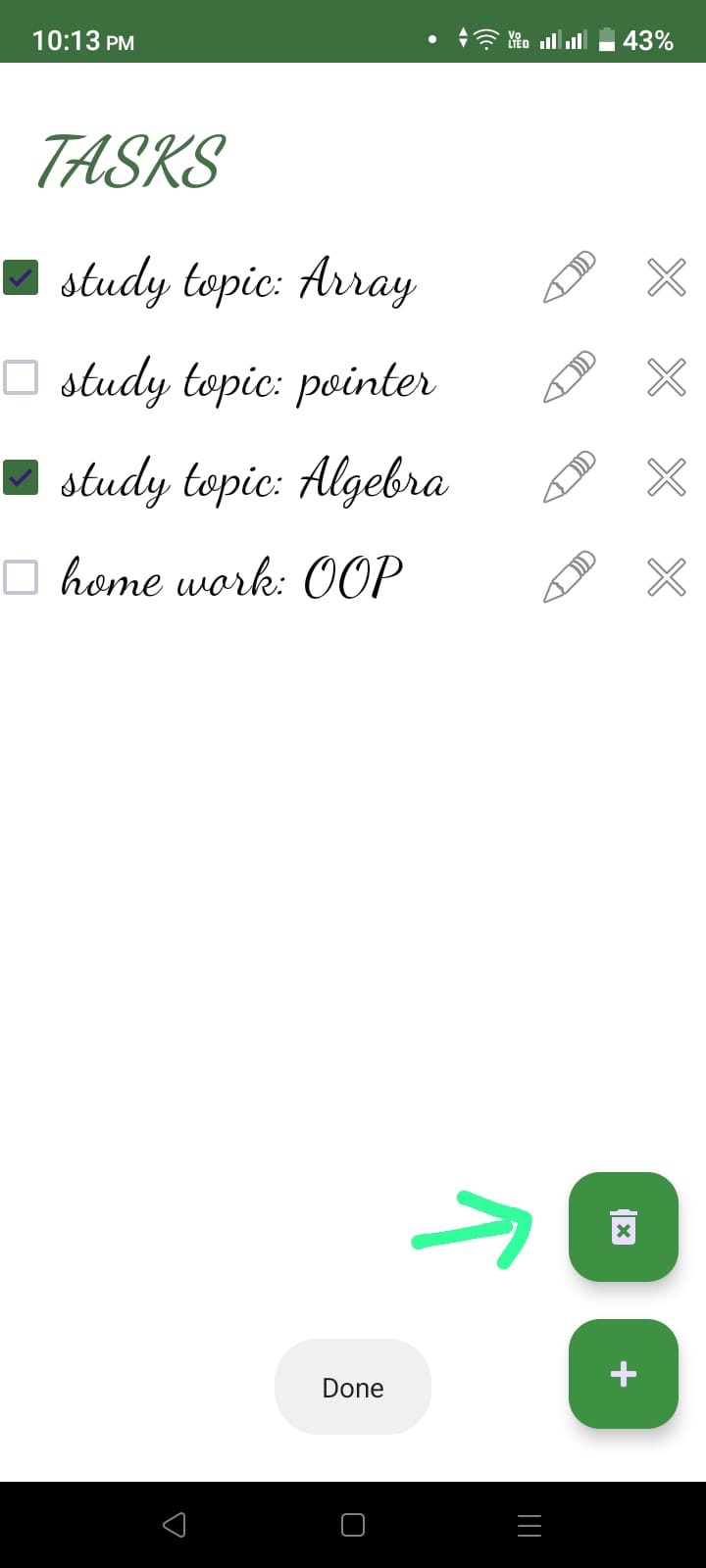
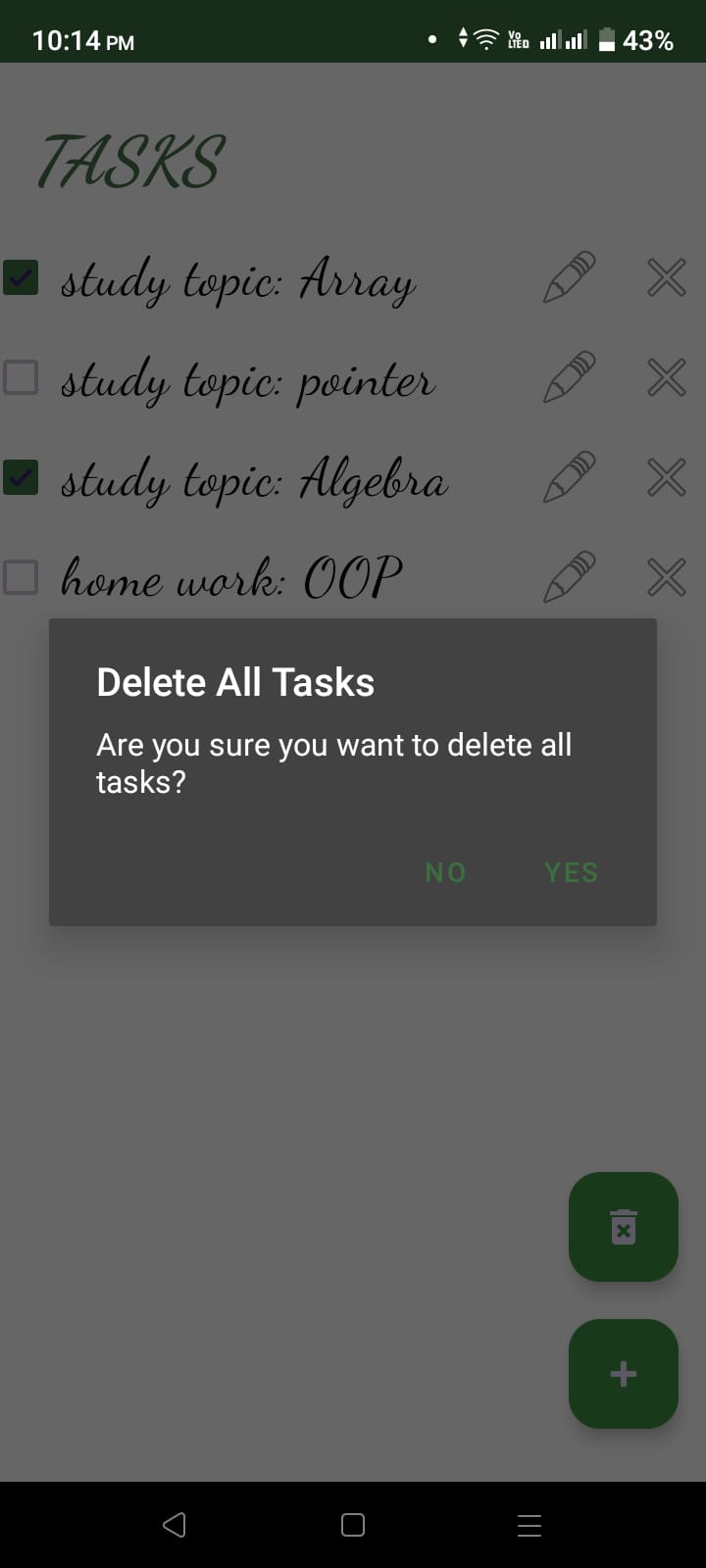
delete all task
-
Inspiration
The inspiration behind the creation of TrackTask stems from a fundamental need: to provide a minimalist, focused, and highly productive tool for students and individuals alike. In a world where complex task management applications often overwhelm users with an abundance of features and options, TrackTask dares to take a different approach.
Our inspiration came from the realization that students, in particular, require a solution that enhances their productivity while simplifying their daily routines. Traditional to-do apps often offer a plethora of features, which, while valuable in some contexts, can become a source of distraction. TrackTask aims to break away from this complexity, providing a clean and straightforward user experience.
What It Does
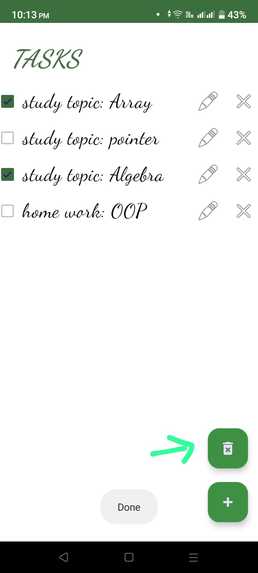
TrackTask is a straightforward, yet powerful, task management application. At its core, it provides a checklist-style interface that allows users to create, manage, and complete tasks with ease. The primary features of the app include:
Task Creation: Users can quickly add tasks and to-dos as part of their study plan or daily routine.
Task Details: Users can attach relevant information to each task, ensuring they have everything they need at their fingertips.
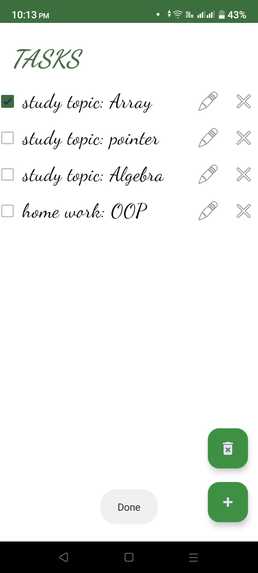
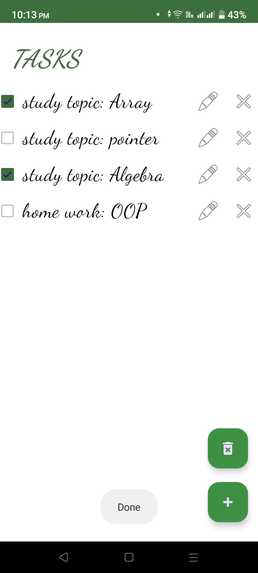
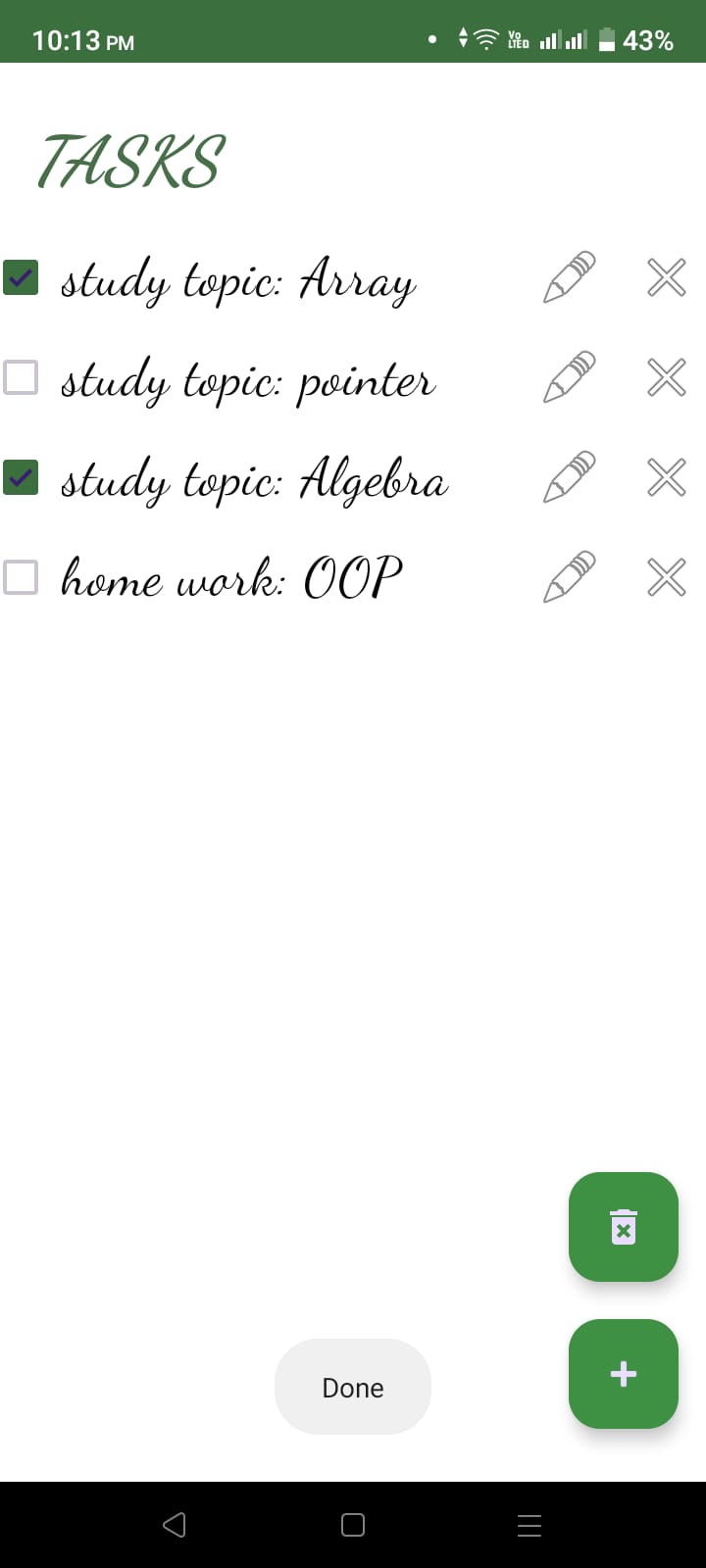
Task Completion: When a task is completed, it can be marked as done, providing a sense of accomplishment.
Minimalist Interface: The app's clean design minimizes distractions, keeping users focused on their work.
How We Built It
TrackTask is built using modern Android app development technologies. The core elements of its architecture include:
Kotlin: The app is primarily developed in Kotlin, a modern and concise programming language for Android.
Room Database: To store and manage tasks, TrackTask uses the Room Persistence Library, which provides a simple and efficient way to work with a SQLite database.
ViewModel and LiveData: The app leverages the ViewModel and LiveData components to ensure the separation of UI data and logic from the user interface. This ensures that data updates are efficiently handled and reflected in the user interface.
Coroutines: Asynchronous operations, such as database transactions and network requests, are handled using Coroutines, making the app highly responsive and efficient.
Material Design: TrackTask follows Google's Material Design guidelines, offering an attractive and intuitive user interface.
Challenges We Ran Into
While developing TrackTask, we encountered several challenges:
Database Management: Implementing room database structure and ensuring seamless data synchronization was a complex task.
User Experience Design: Crafting a minimalist yet visually appealing user interface required a careful balance between simplicity and aesthetics.
Real-Time Updates: Implementing real-time updates to tasks and priorities in response to user interactions was a technical challenge.
Accomplishments That We're Proud Of
Despite the challenges, we achieved significant milestones with TrackTask:
Simplified Task Management: We successfully created an app that streamlines task management and prioritization.
Minimalist Design: The minimalist design received positive feedback for its user-friendliness.
Seamless Task Completion: The intuitive task completion feature enhances the user experience and provides a sense of accomplishment.
What We Learned
During the development of TrackTask, we gained valuable insights into several areas:
Android Development: We deepened our knowledge of Android app development, particularly regarding database management and asynchronous programming.
User-Centered Design: We learned the importance of designing applications with the end-user in mind, focusing on simplicity and functionality.
Efficient Task Management: We realized that productivity apps need not be complex; a minimalist approach can be highly effective.
What's Next for TrackTask
The journey for TrackTask doesn't end here. Our plans for the future include:
Cross-Platform Support: We aim to expand TrackTask to other platforms, making it accessible to a broader audience.
Cloud Integration: We're considering cloud integration to enable users to access their tasks from multiple devices.
Customization: Adding limited customization options to cater to users with different productivity preferences.
Feedback-Driven Improvements: We'll continue to refine the app based on user feedback, ensuring it remains a practical tool for students and individuals striving for enhanced productivity.
Built With
- android
- android-studio
- kotlin
- room


Log in or sign up for Devpost to join the conversation.