Inspiration
This project was inspired by a small aquarium fish lamp that I keep nearby while studying. The calm underwater environment and soft lighting create a relaxing atmosphere that helps me focus. I wanted to recreate that feeling in a digital form.
What it does
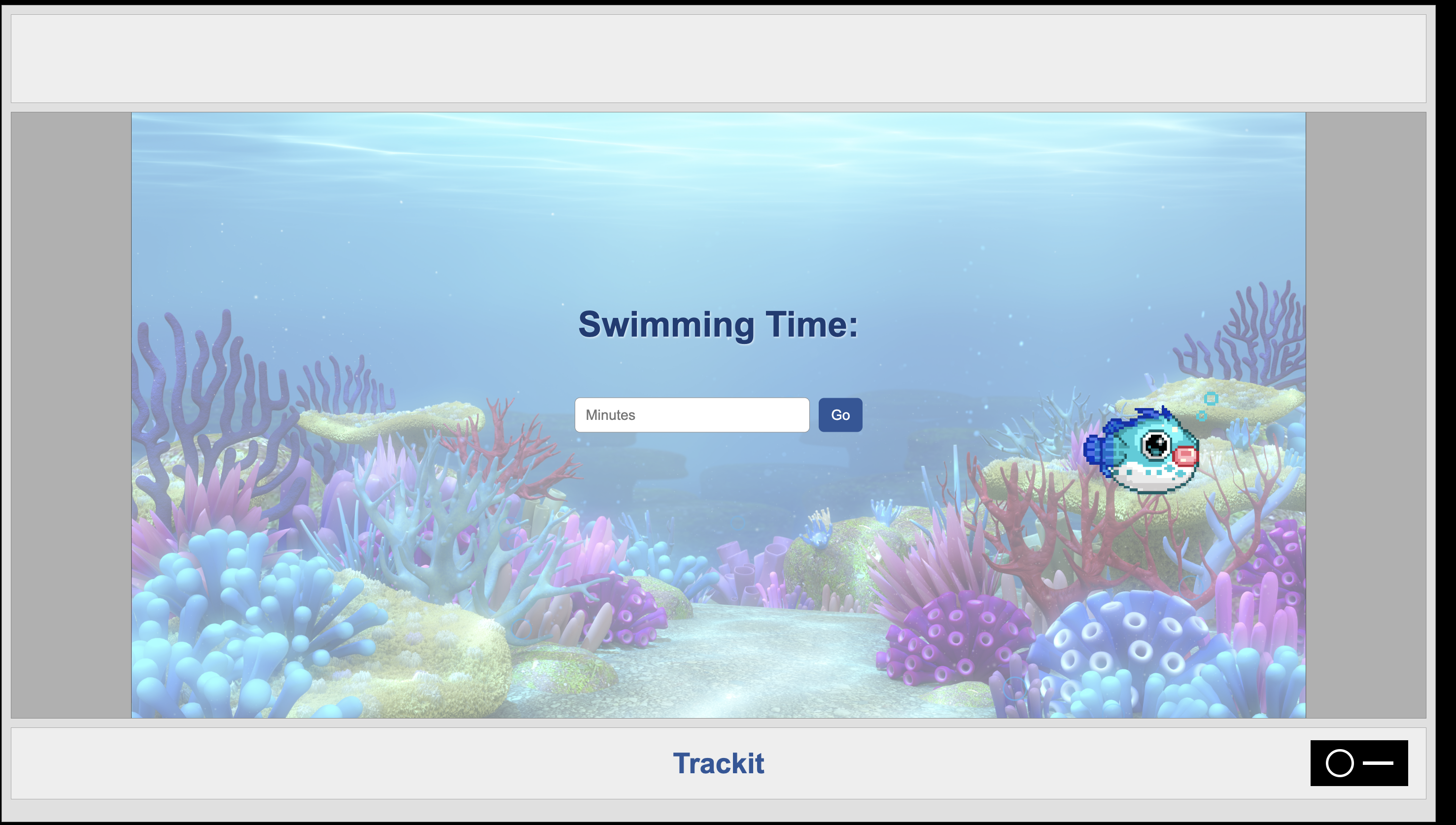
TrackIt is a focus timer web application designed to make time tracking more engaging and calming. Users enter a focus duration, choose a fish avatar, and begin a session inside a digital aquarium environment. A lamp-style toggle switch controls the timer: the circle starts the session and the dash pauses it. While the timer runs, the fish swims and the aquarium environment responds visually with lighting changes and bubble animations.
How we built it
The application was built using Flask as the backend framework to serve pages and manage routing. The frontend uses HTML templates for the interface, CSS for styling and animations, and JavaScript for timer logic and user interactions. The user flow includes entering a focus time, selecting a fish avatar, and controlling the timer using a lamp-style switch that starts or pauses the session. CSS animations are used to simulate fish movement and floating bubbles to create a fun background.
Challenges we ran into
One challenge was coordinating the timer logic with the visual elements of the interface.
Accomplishments that we're proud of
The combination of animations and lighting changes is simple ,but creates something beautiful that I find visually satisfying.
What we learned
Through this project, I learned how to use CSS keyframes and Connection UI interactions with application logic. I also learn how to take and idea and break it into small steps.
What's next for TrackIt
Future improvements for TrackIt include storing focus sessions in a database such as SQLite so users can track their progress over time. Additional features could include a history page to view past focus sessions, statistics for daily or weekly focus time, and more customizable aquarium themes and fish avatars

Log in or sign up for Devpost to join the conversation.