-
-
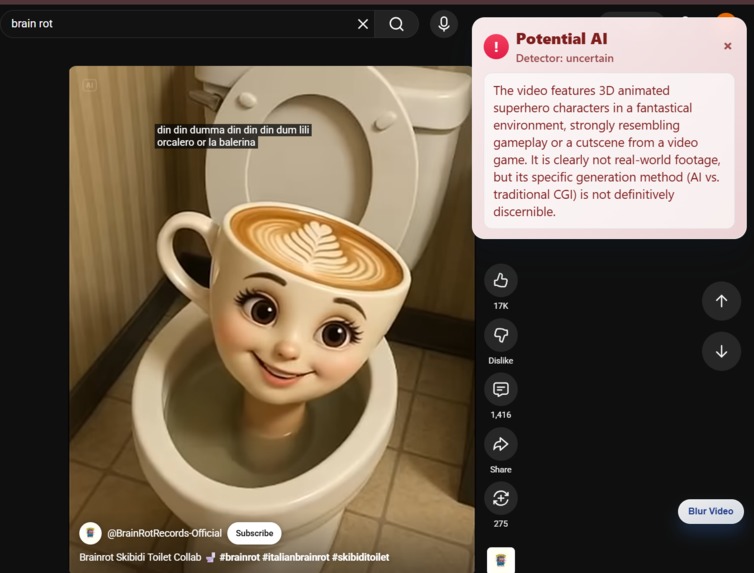
Detection of AI Video
-
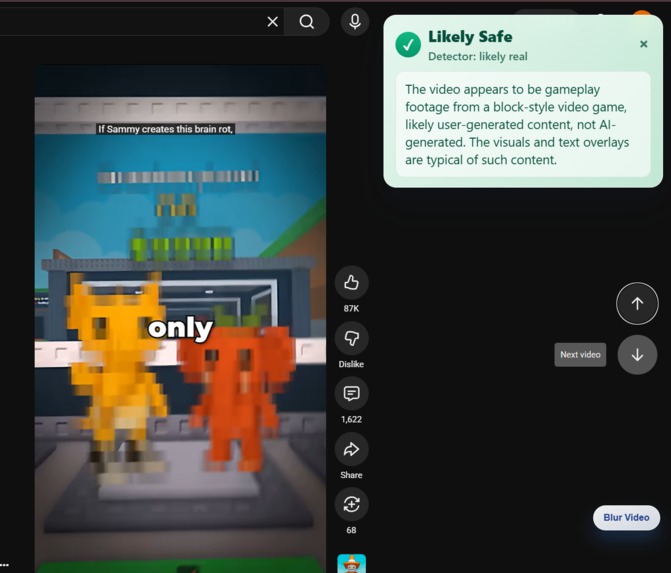
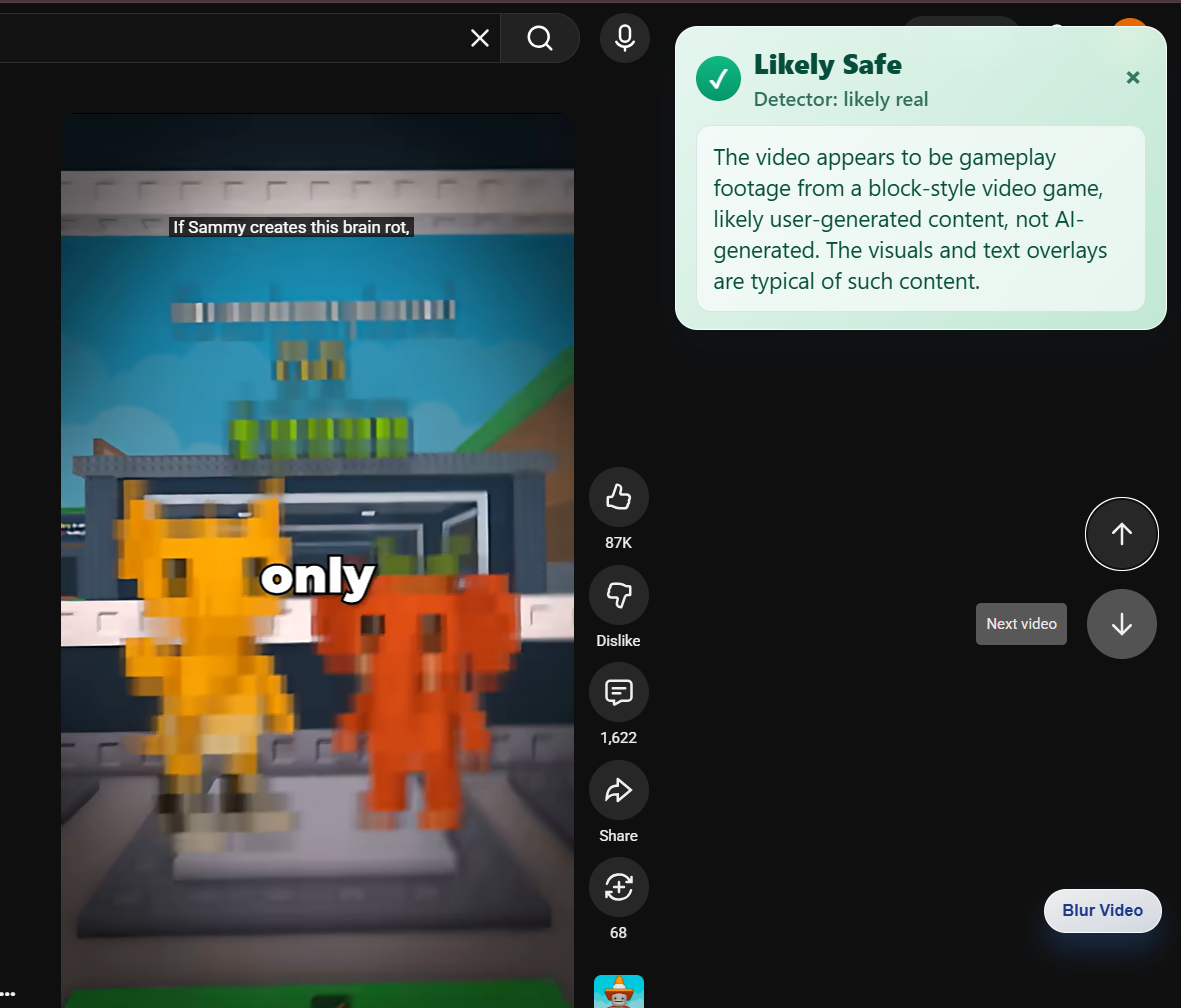
Detection of non AI video
-
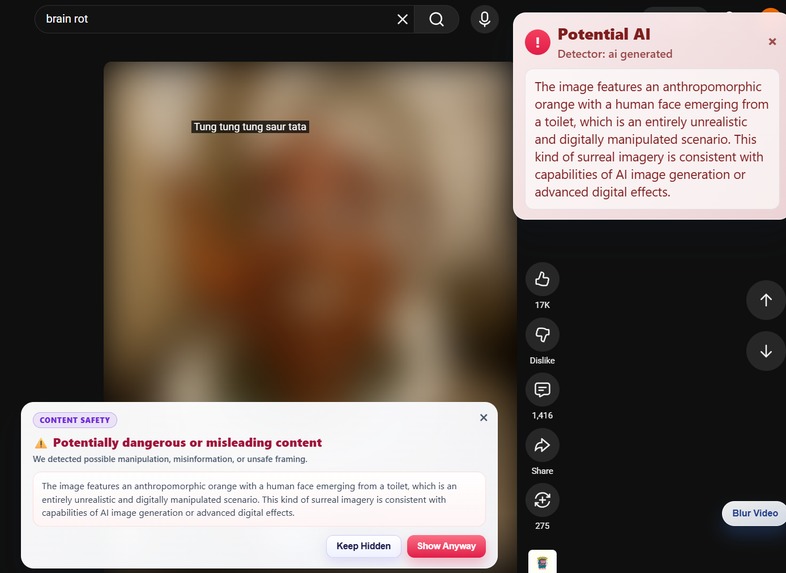
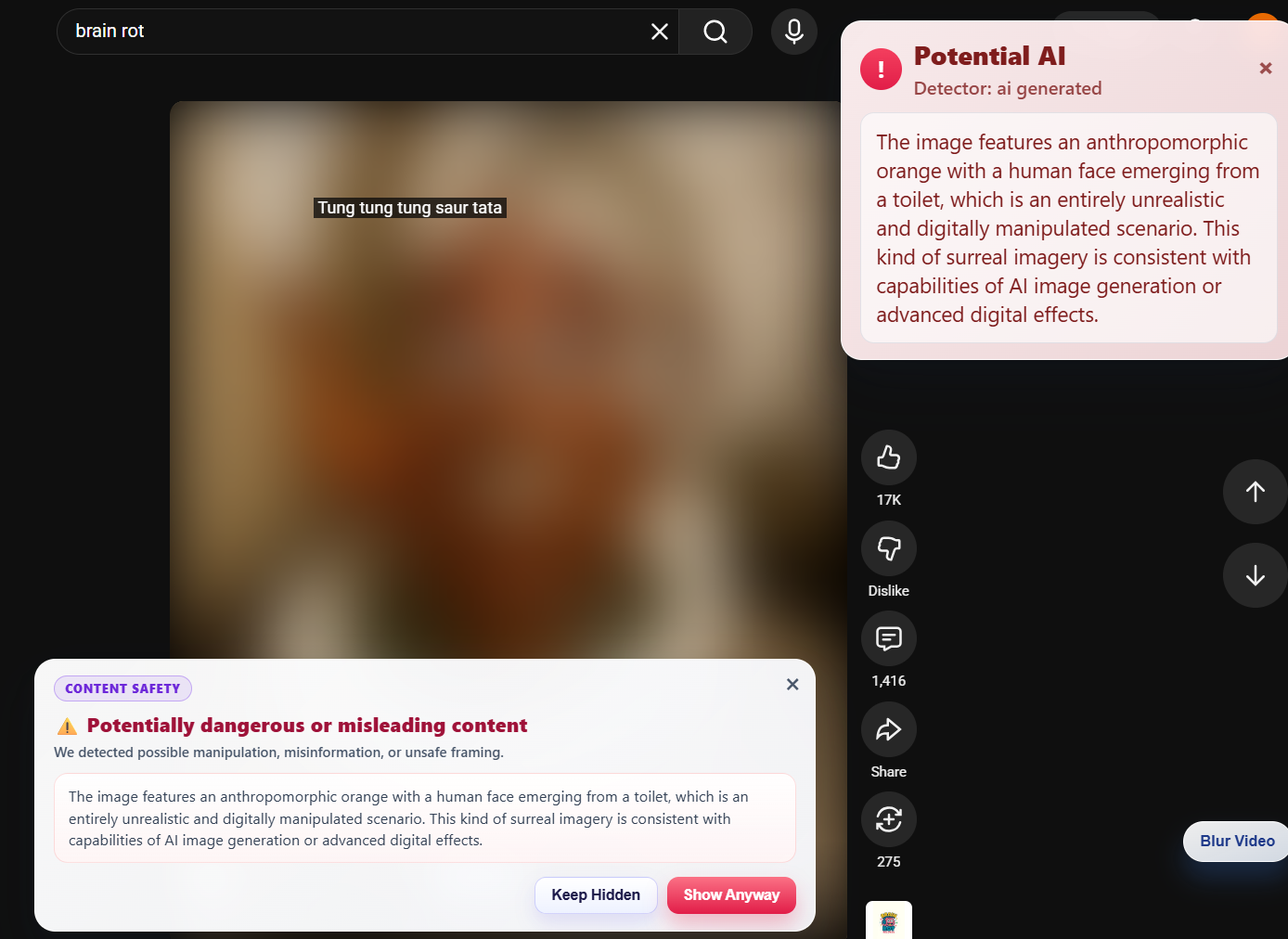
Detection of AI Video and Blurred
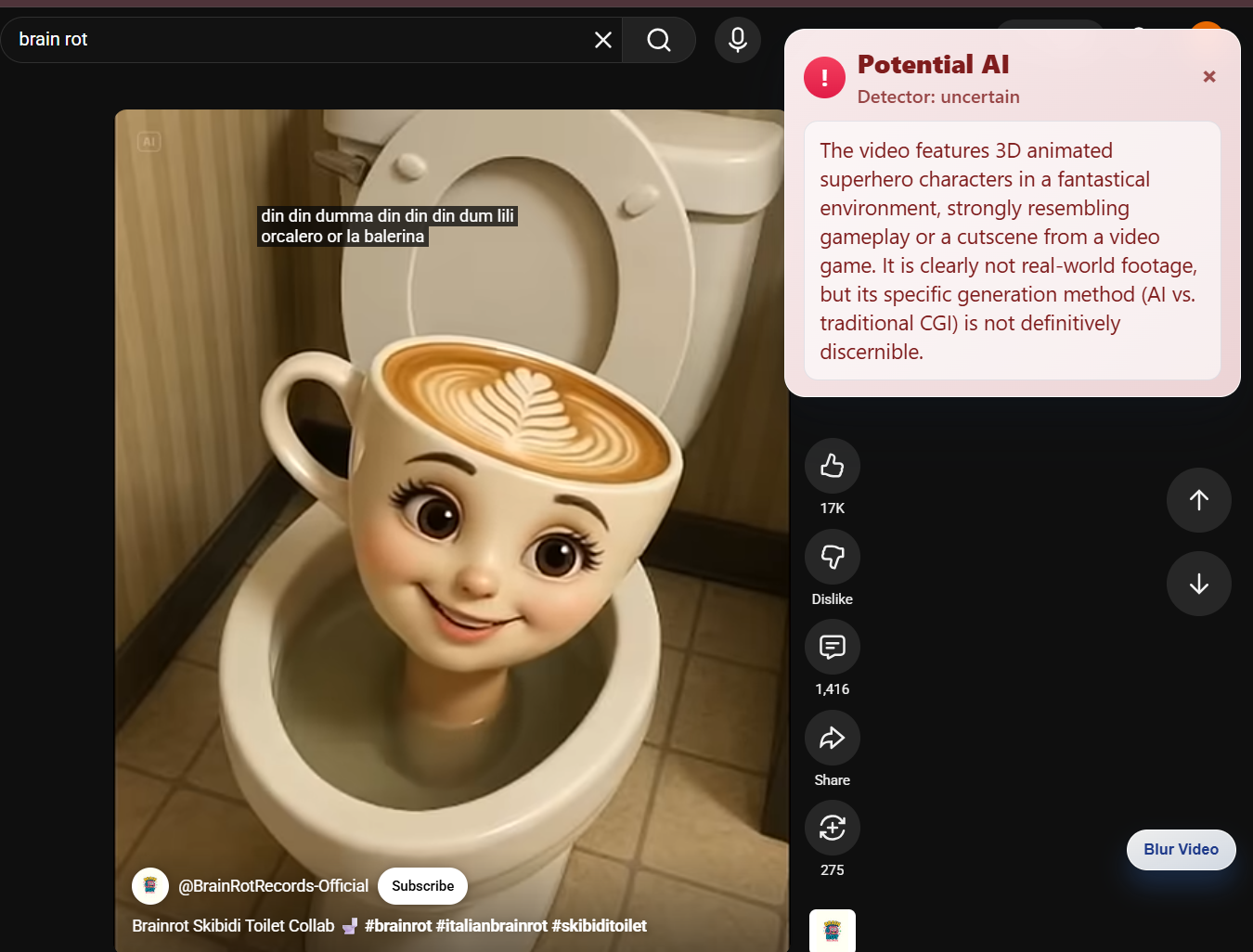
TraceX
💡 Inspiration
At dinner, we started noticing something strange. Our parents would bring up shocking "news" they saw on short videos, and our younger siblings would repeat random facts from YouTube Shorts like they were completely true. When we checked, some of those videos were exaggerated, misleading, or even fully AI-generated.
It wasn't that they weren't smart — it's just that the content looked so real and spread so fast. We realized how easy it is for anyone, especially the people we love, to fall into brainrot content or false information without even knowing it.
That's when we decided we didn't just want to talk about the problem — we wanted to build something that could help protect families like ours. That's how TraceX was born.
🔍 What It Does
- User opens a video or post.
- TraceX scans the content in real time.
- If it detects brainrot patterns, or AI-generated media, a warning appears.
- For high-risk content, the video is blurred and labeled.
- The user can choose to continue watching or exit, with context provided.
🛠️ How We Built It
Frontend — Chrome Extension
We built a Chrome extension using HTML, CSS, and JavaScript. When a user opens a YouTube video, the extension captures the video URL and sends it to our backend, then displays a popup warning based on the risk level returned.
Backend — Node.js
Our Node.js server receives the video link from the extension and forwards it to the Gemini LLM using a secure API key. The backend processes the AI response and returns a structured JSON result.
AI Analysis — Gemini API
Gemini analyzes the video context and classifies it into risk categories:
- Misinformation
- Brainrot patterns
- Triggering content
- AI-generated media
System Flow
Video URL → Node.js Backend → Gemini API → JSON Response → Extension Popup
🚧 Challenges We Ran Into
- API Rate Limits: Real-time scanning can quickly hit request limits.
- Detecting "Brainrot": Defining measurable signals for addictive or low-value patterns wasn't straightforward.
- Short-Form Video Complexity: Shorts and Reels move fast, making contextual analysis difficult.
🏆 Accomplishments We're Proud Of
- Built a fully working Chrome extension that analyzes videos in real time.
- Successfully connected our frontend, Node.js backend, and Gemini AI into one smooth pipeline.
- Turned a real-life family problem into a functional, deployable prototype.
📚 What We Learned
- This was our first time building a Chrome extension — we had to learn manifest files, permissions, content scripts, and popups from scratch.
- Communication is as important as code. Explaining ideas clearly helped us solve problems faster as a team.
- We learned how to divide roles, stay patient when things didn't work, and support each other through the process.
🚀 What's Next for TraceX
| Plan | Details |
|---|---|
| Expand beyond YouTube | Support TikTok, Instagram Reels, and Facebook |
| Mobile integration | Build a mobile-friendly version or companion app |
| Personalized safety settings | Let users adjust sensitivity levels based on age or preference |

Log in or sign up for Devpost to join the conversation.