-
-
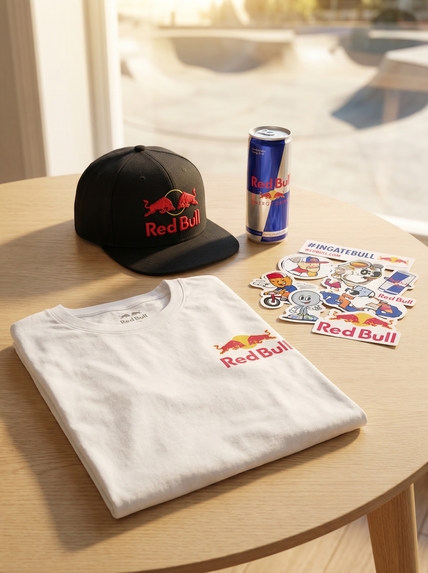
generated with traceUI
-
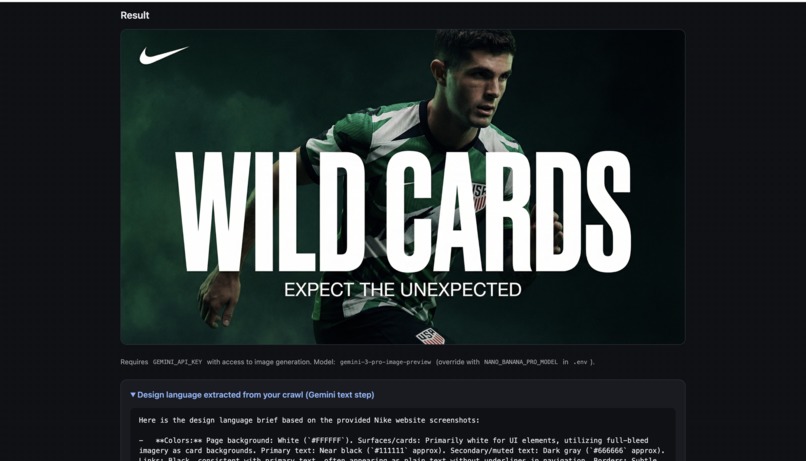
generated with traceUI
-
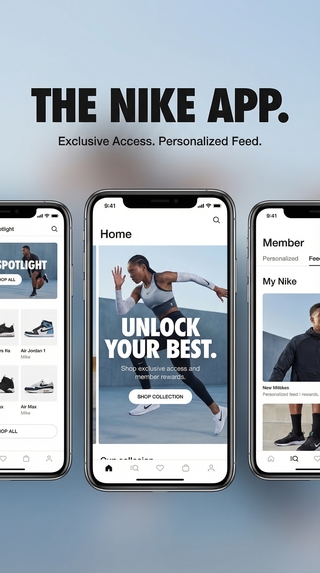
generated with traceUI
-
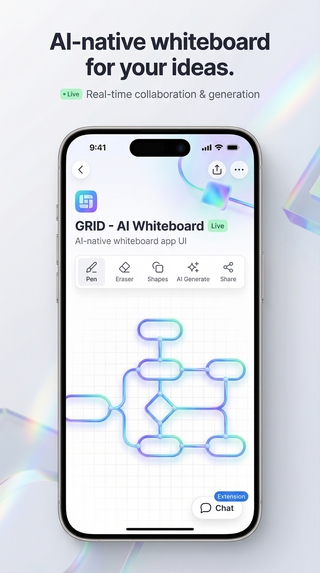
generated with traceUI
-
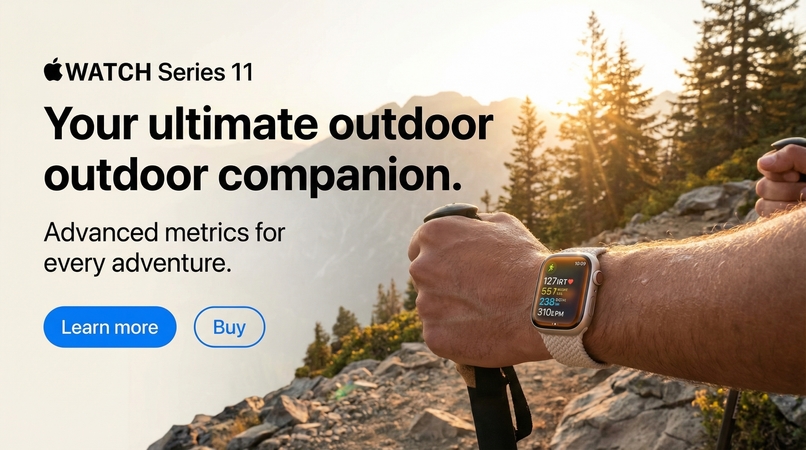
generated with traceUI
-
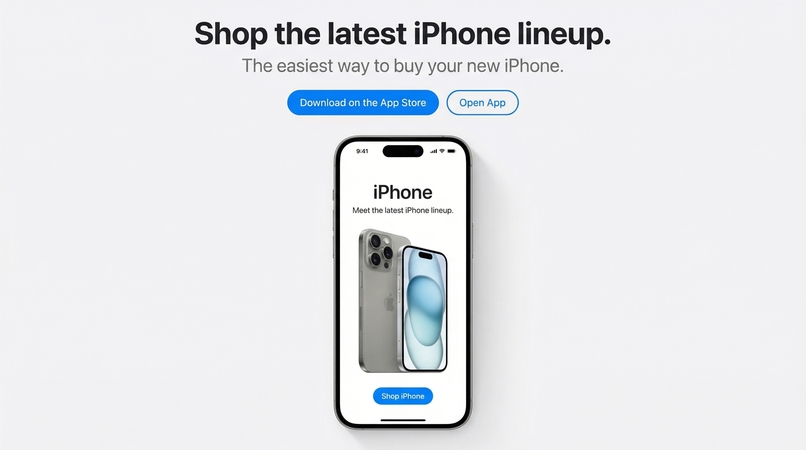
generated with traceUI
-
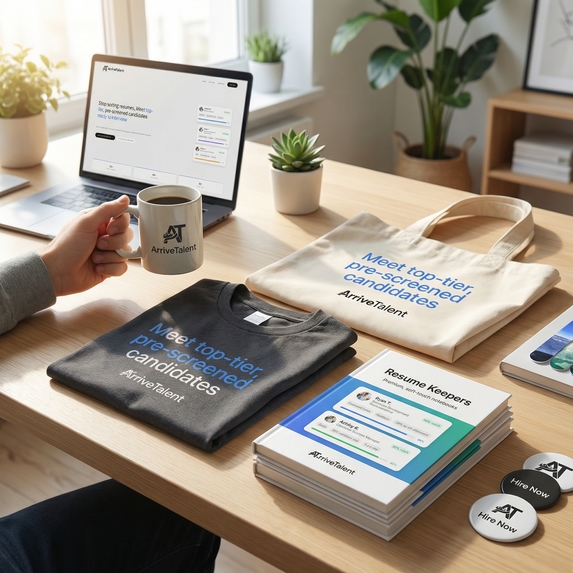
generated with traceUI
-
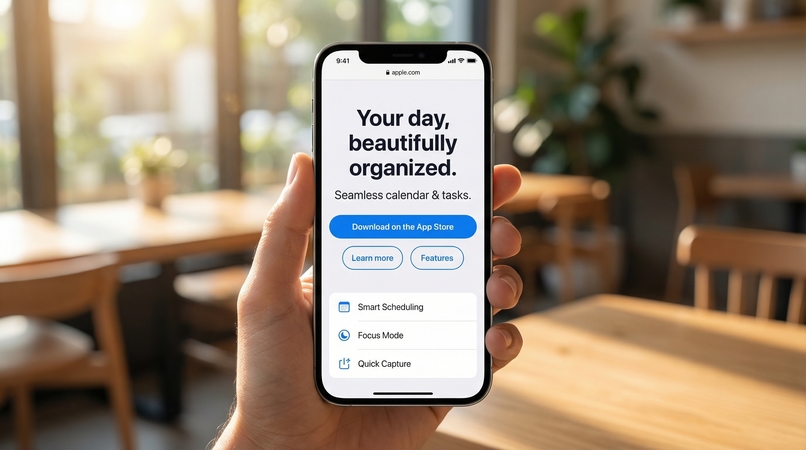
generated with traceUI
-
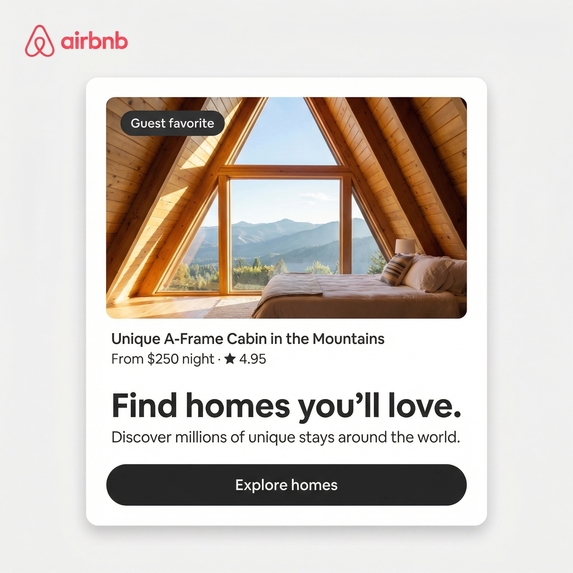
generated with traceUI
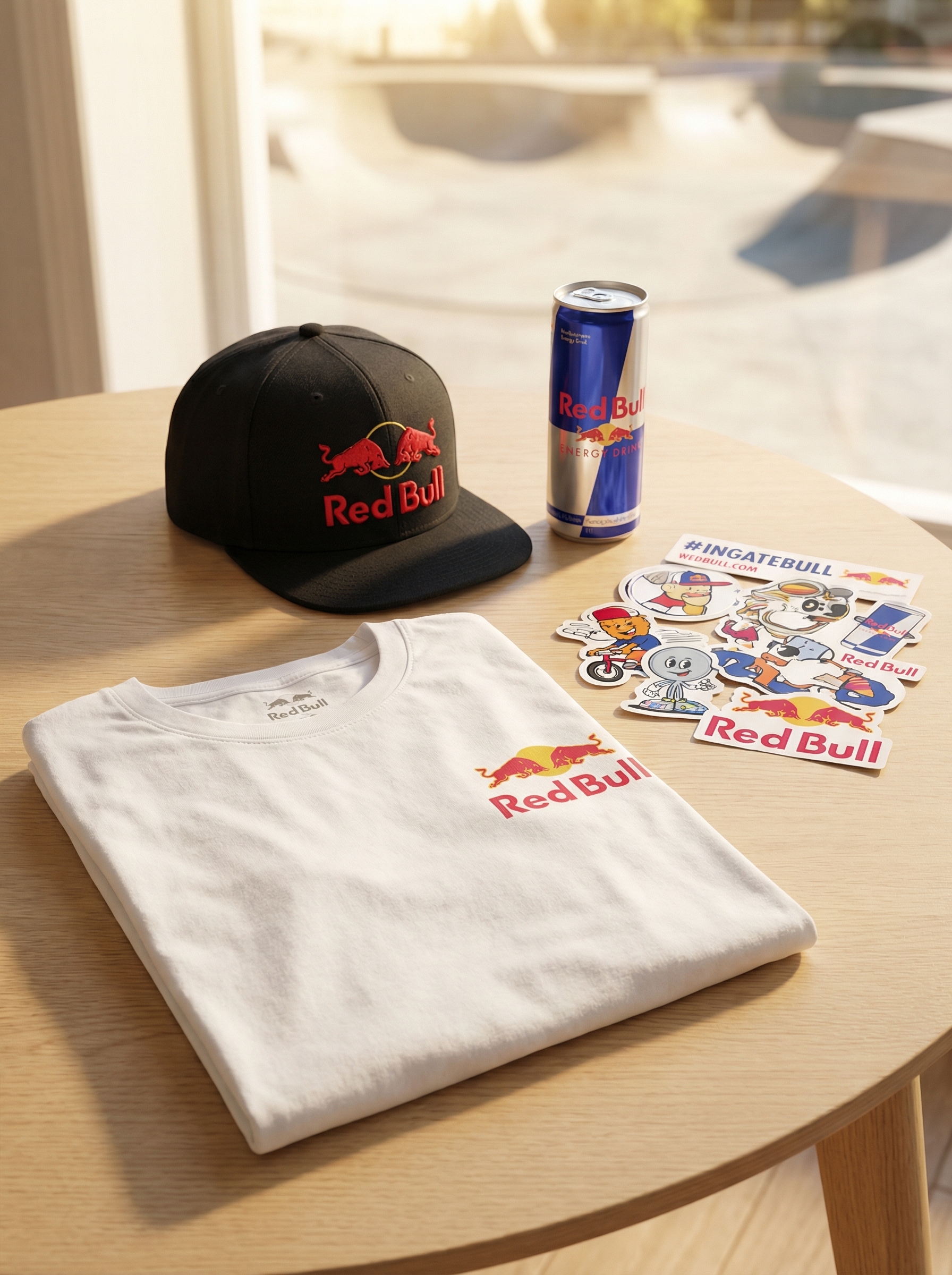
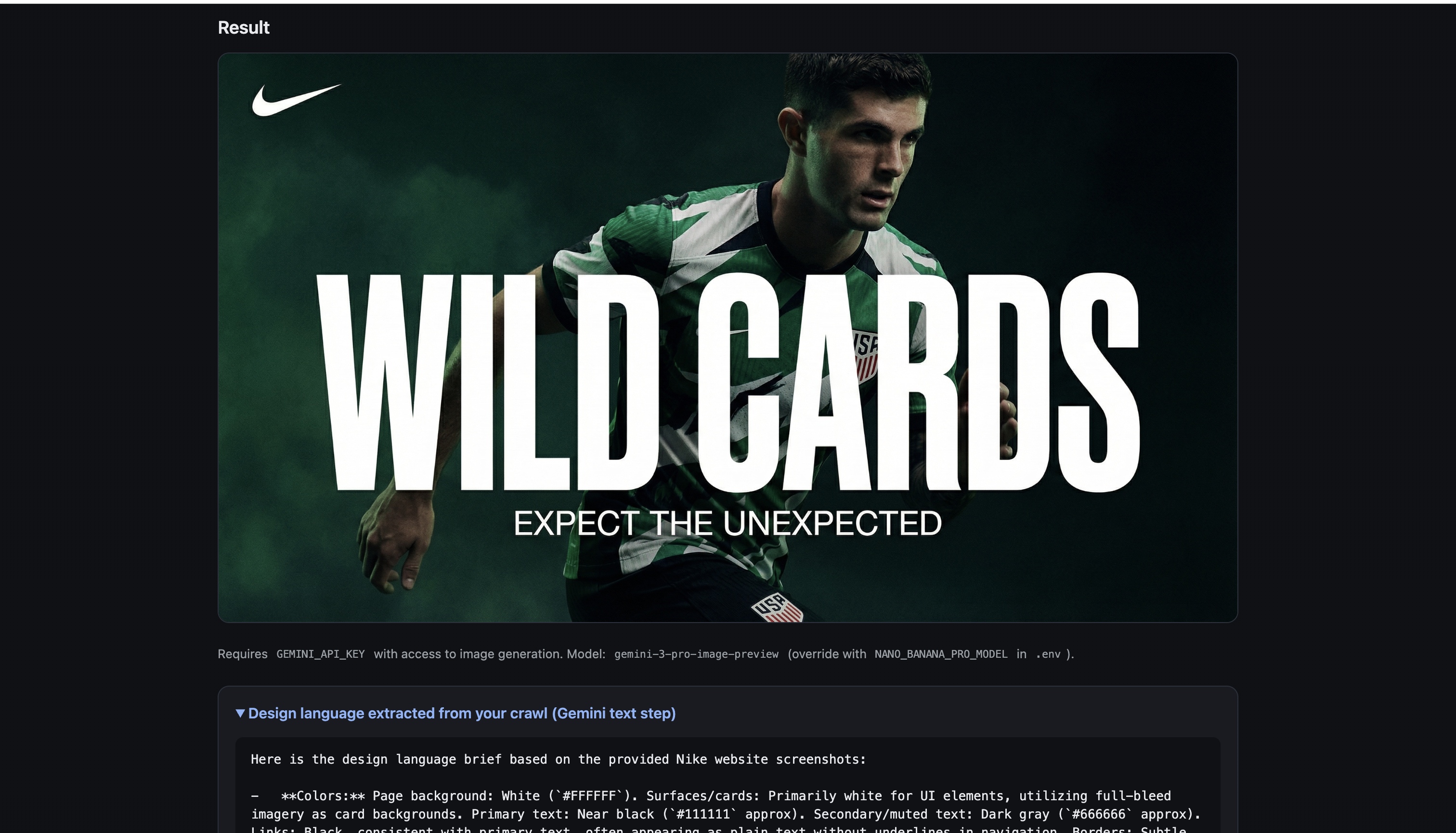
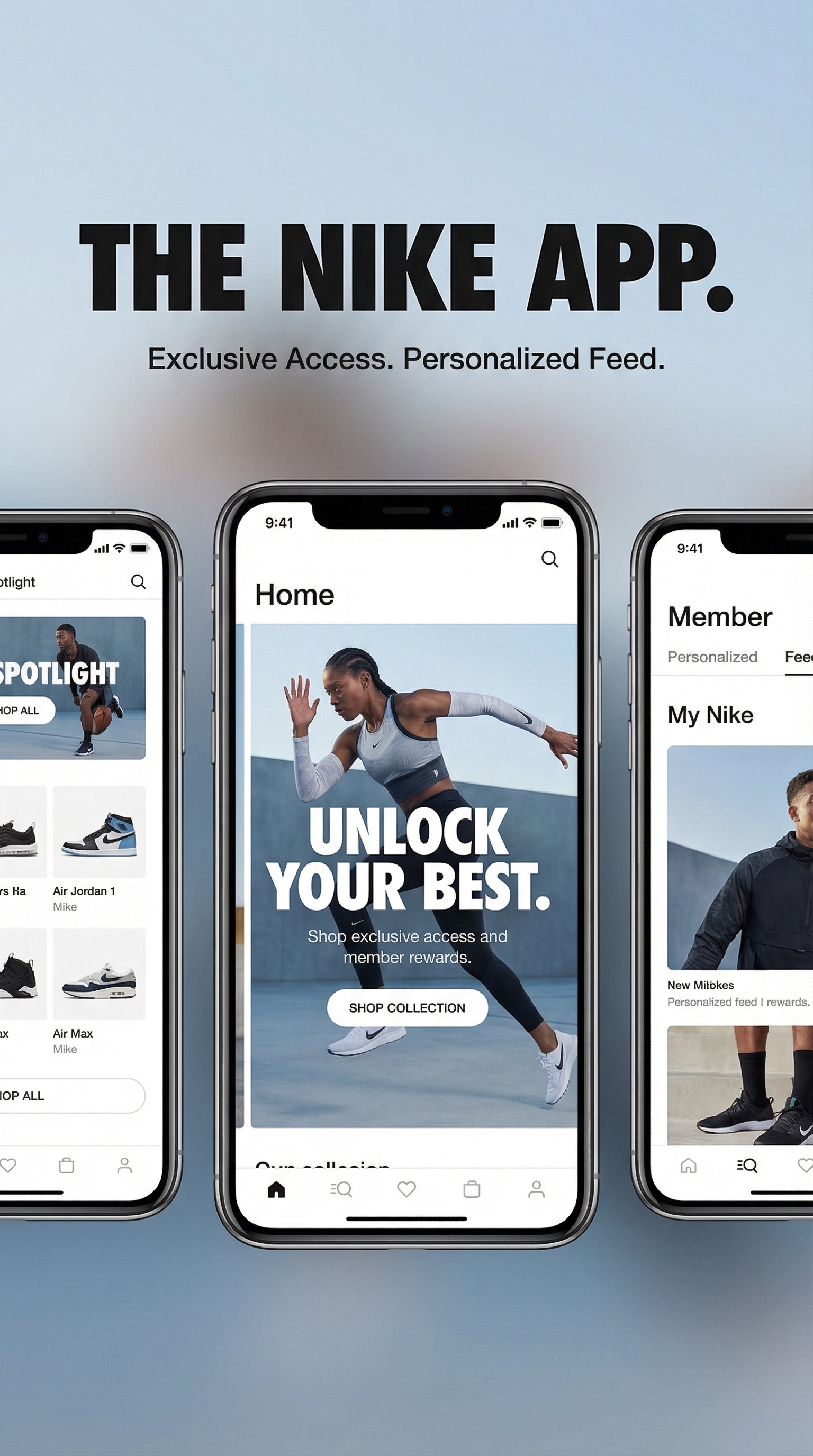
traceUI
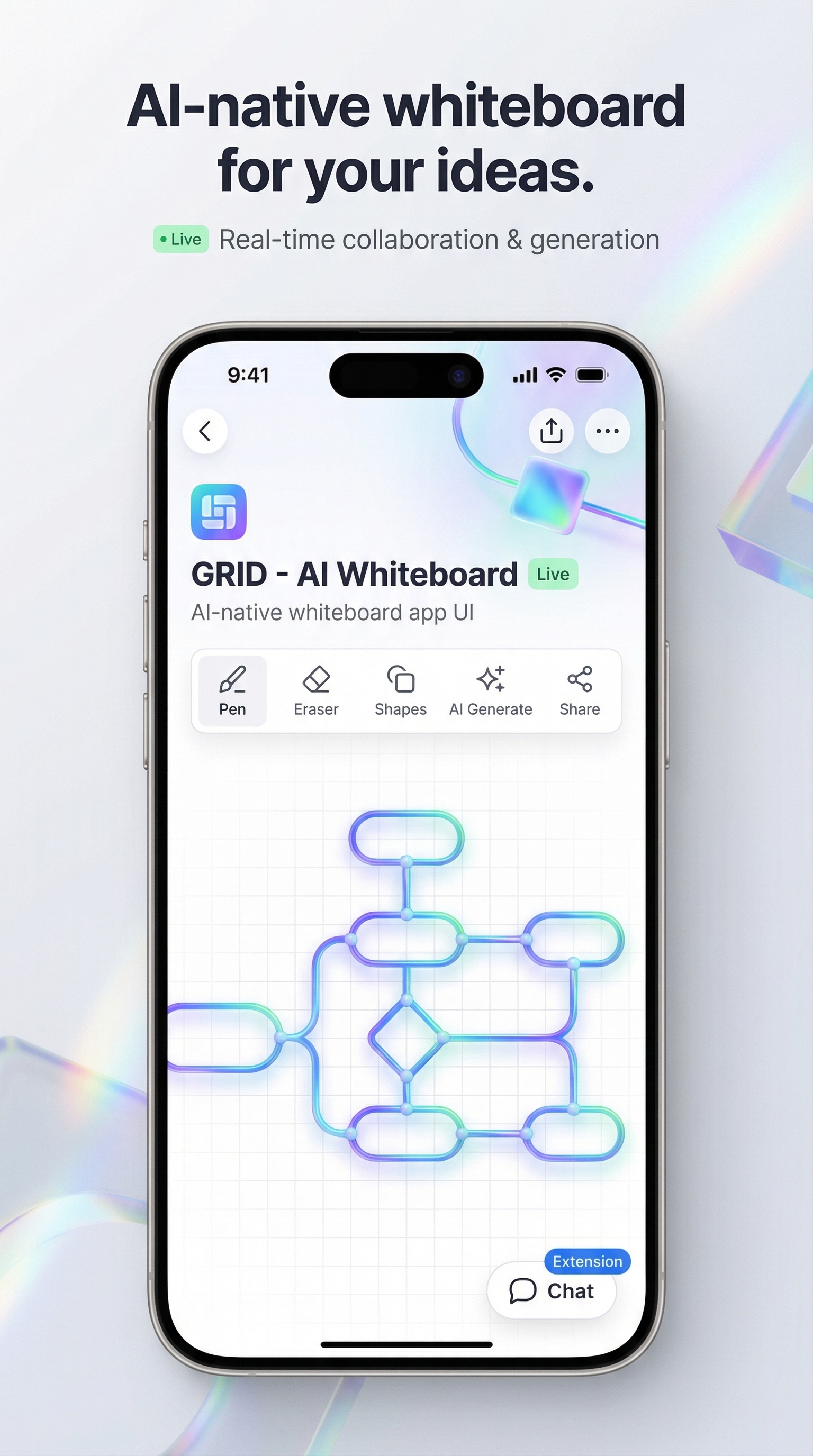
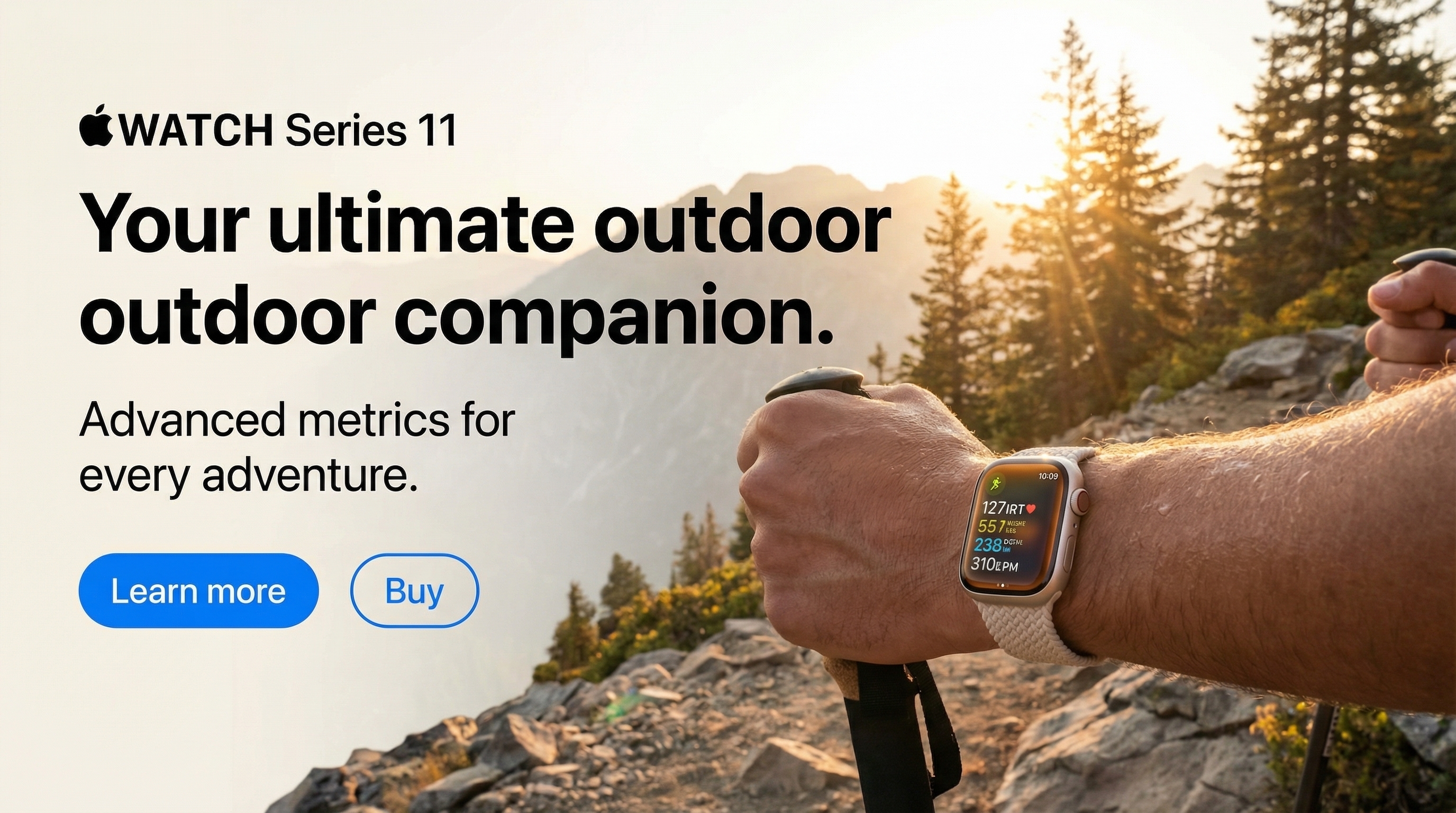
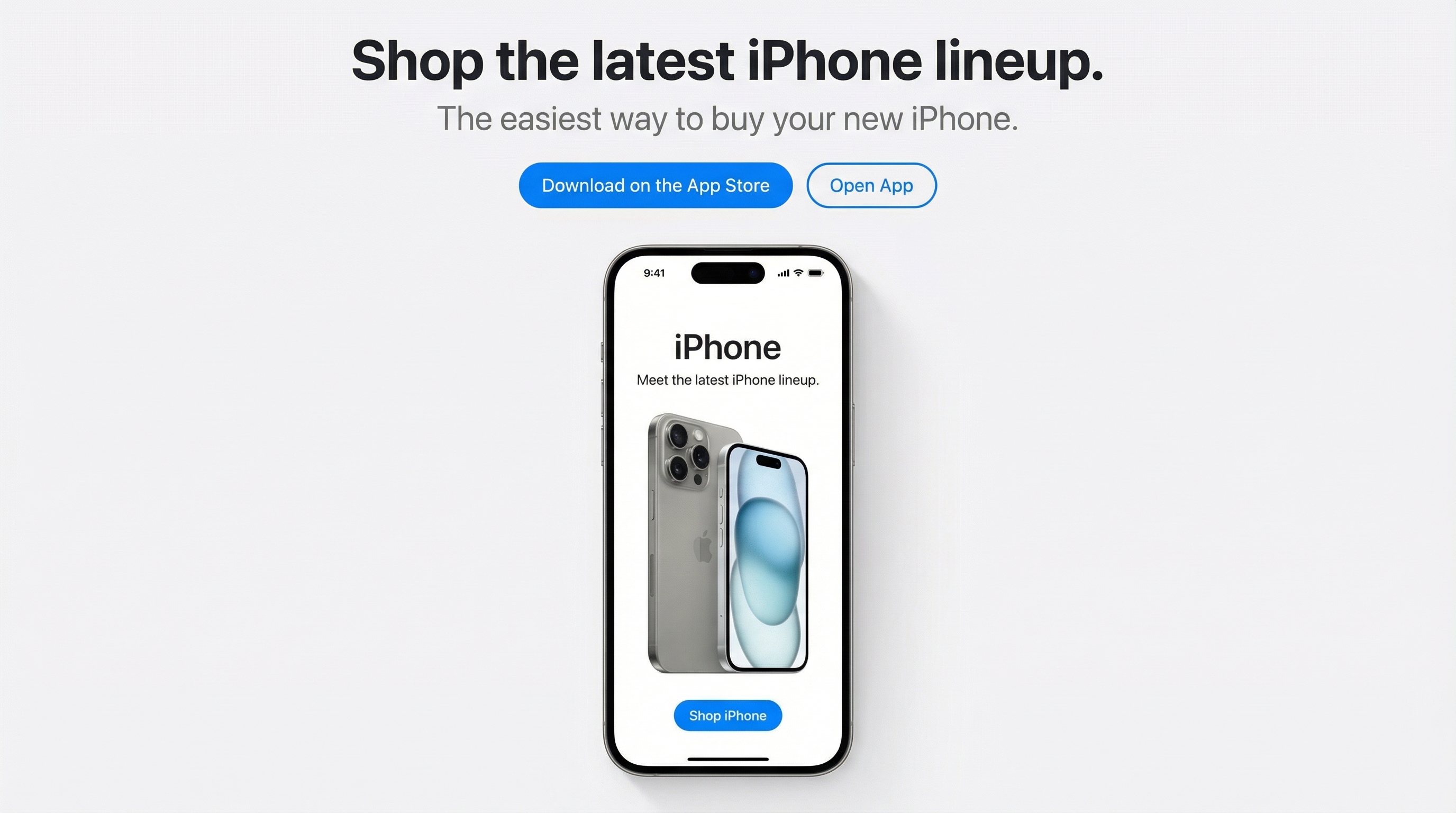
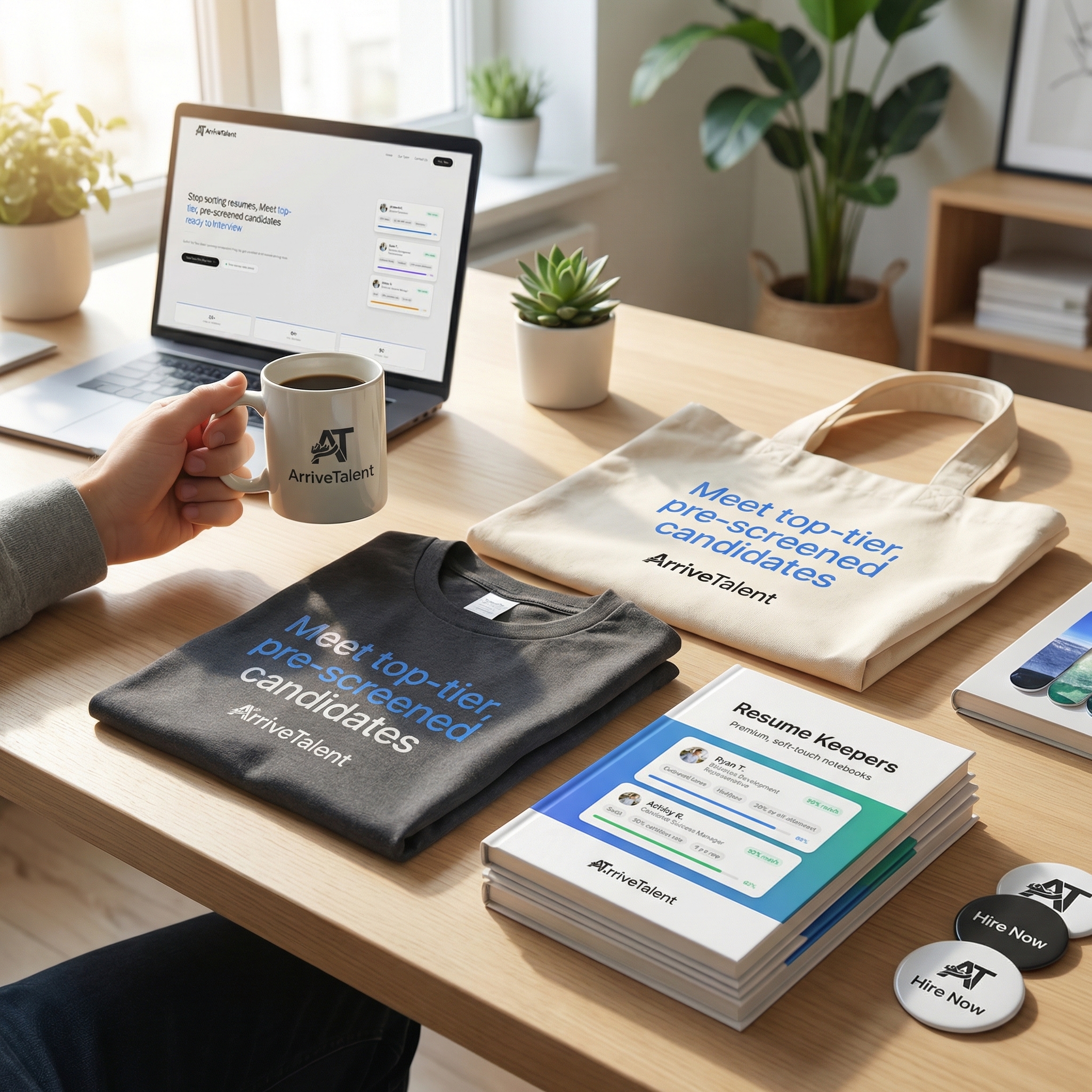
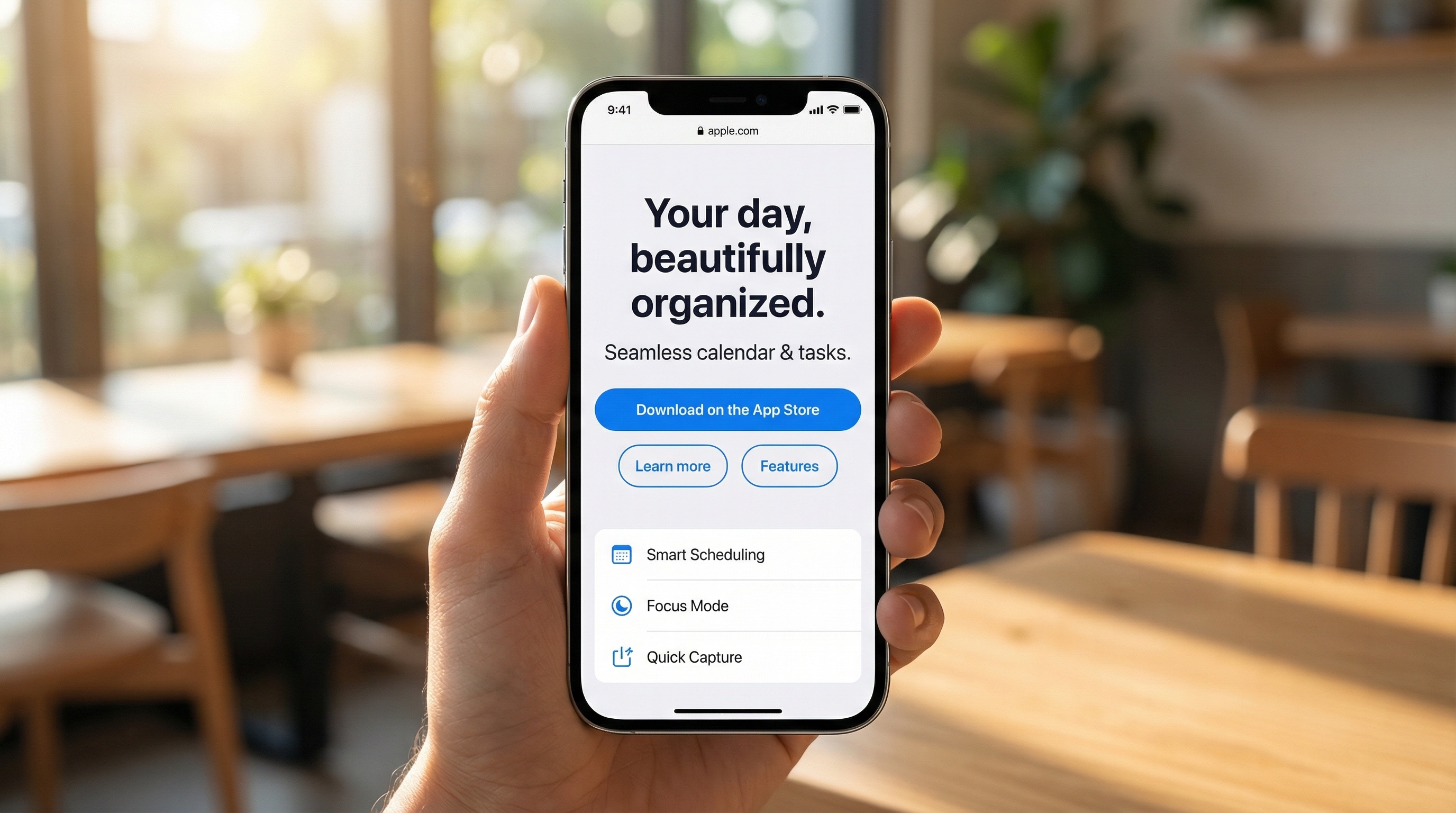
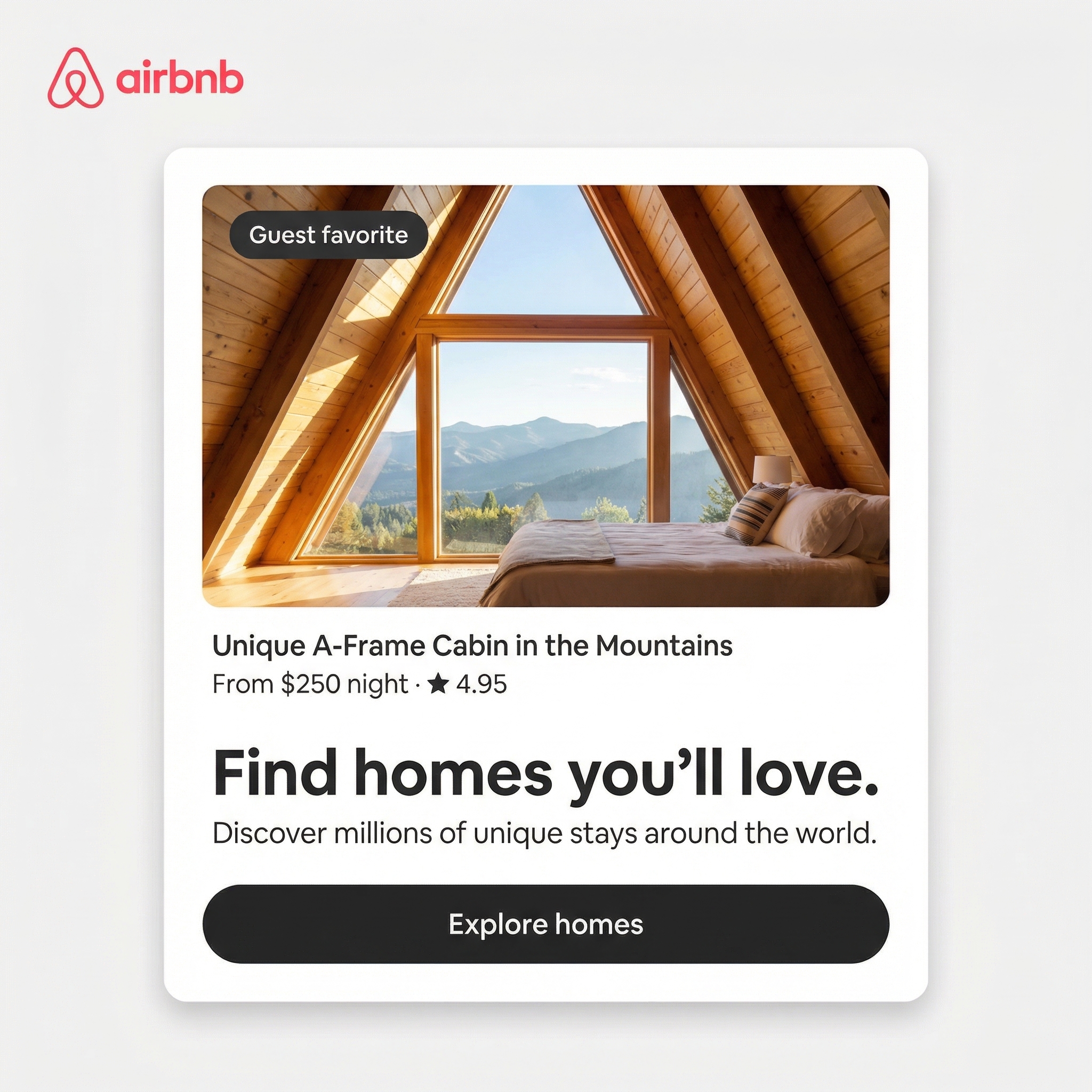
traceUI crawls any public website, extracts its visual design language, and generates on-brand marketing mockups using Google's Gemini models. Give it a URL, pick the pages that represent the brand, choose an output format, and get back ad creatives that match the site's actual colors, typography, and UI patterns.
Built with Express, Playwright, Sharp, Firebase, and the Google GenAI SDK. Deployed on Railway.
How it works
- User submits a URL. The server launches headless Chromium, crawls the site via BFS, and screenshots each page.
- User selects screenshots and an output category (paid social, app store, YouTube thumbnail, merch/3D, or brand poster).
- Gemini 2.5 Flash analyzes the screenshots and writes a design language brief (colors, typography, UI patterns, tone). This is cached per session.
- The brief, screenshots, category rules, and user prompt are sent to Gemini's image model, which generates the mockup.
- The image is uploaded to Cloud Storage, metadata is written to Firestore, and the client gets back a data URI immediately.
Inspiration
I got this idea from a simple problem: making new ads for a brand takes too much time. People usually take screenshots by hand, study colors and style, and keep changing prompts again and again. I wanted to make this easier and faster.
What it does
traceUI takes a website link, scans the site, learns its design style, and creates matching marketing mockups. Users can pick pages, choose the type of output, and generate one image or many variations. The output stays close to the real brand because we use real screenshots as input.
How we built it
I built traceUI using Express for the backend and a simple web client on the frontend. Playwright crawls websites and takes screenshots. Sharp resizes images. Gemini 2.5 Flash analyzes the design, and Gemini 3 Pro creates the final mockups. I used Firebase for login, database, and file storage, and I deployed everything on Railway.
Challenges we ran into
The biggest challenge was getting good images that still matched the brand. At first, the images looked nice but did not match the website style. So I improved the prompts and made screenshots more important in the process. Another challenge was safe crawling, so I added URL and DNS checks. I also had to keep the app fast and affordable.
Accomplishments that we're proud of
I am proud that traceUI works end-to-end: from one URL to final mockups in one flow. I am also happy that users can generate multiple creative directions, not just one result. I also built important protections like login, usage limits, and secure storage from the start.
What we learned
I learned that great AI output depends on good inputs and clear rules. Prompt structure and image quality matter a lot. I also learned that safety and usage limits are not optional, they are a core part of the product.
What's next for traceUI
Next, I want users to edit brand style settings like colors, fonts, and spacing before generating images. I also want to add team collaboration, reusable templates, and easy export formats for ad platforms. In the future, I want traceUI to keep learning from brand updates and generate fresh creatives automatically.
Built With
- css3
- express.js
- firebase
- firestore
- gemini
- html5
- javascript
- playwright
- railway

Log in or sign up for Devpost to join the conversation.