-
-

Mobile View
-
Overview
-
Hero
-
How it works

Inspiration
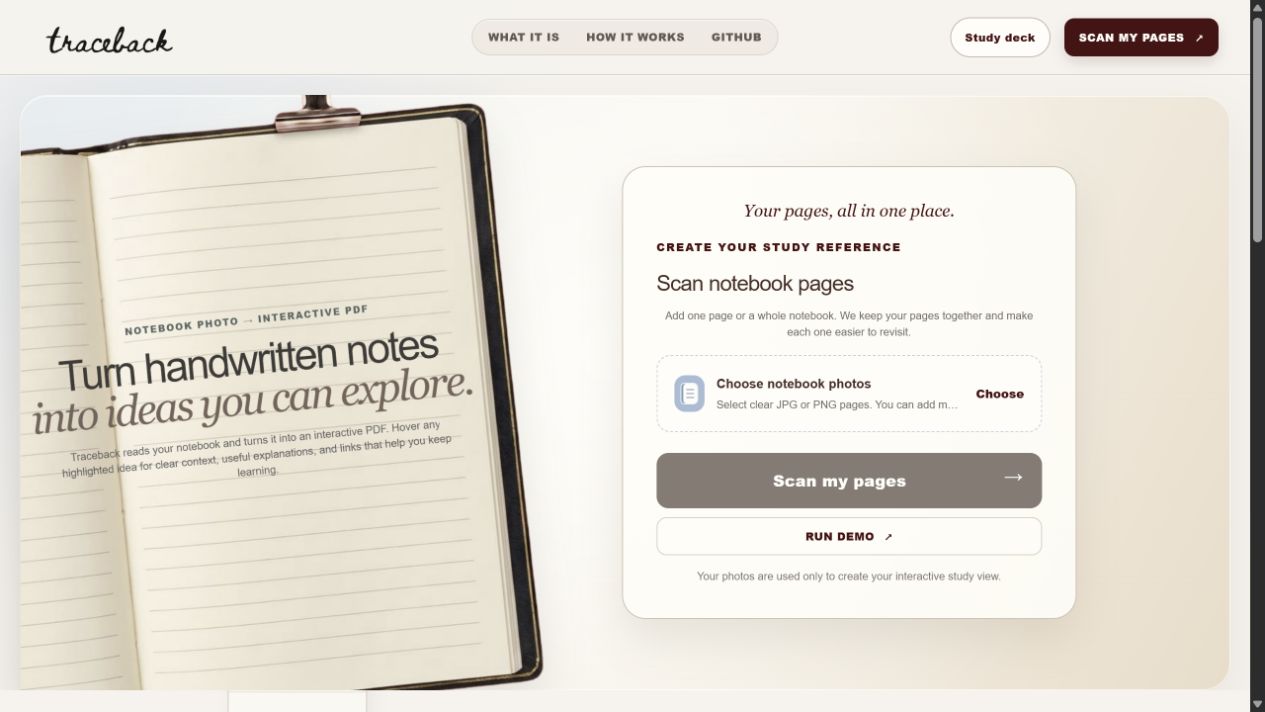
A lot of studying still starts on paper. The problem is what happens next. You photograph the page, drop it in a folder, and never open it again. It is not searchable, it is not reviewable, and standard OCR gives you back a flat text dump that is often less useful than the original photo.
We wanted the jump from notebook to laptop to be worth making. Not just transcription, but a study surface: readable notes, the concepts pulled out, and review material generated from the same page you wrote by hand.
What it does
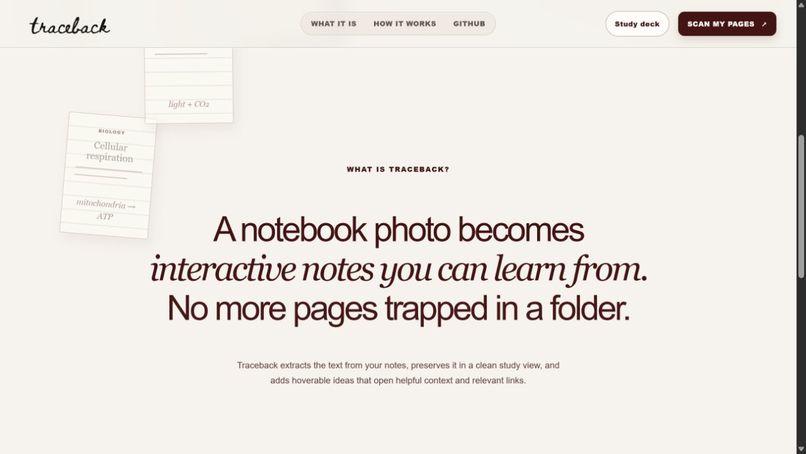
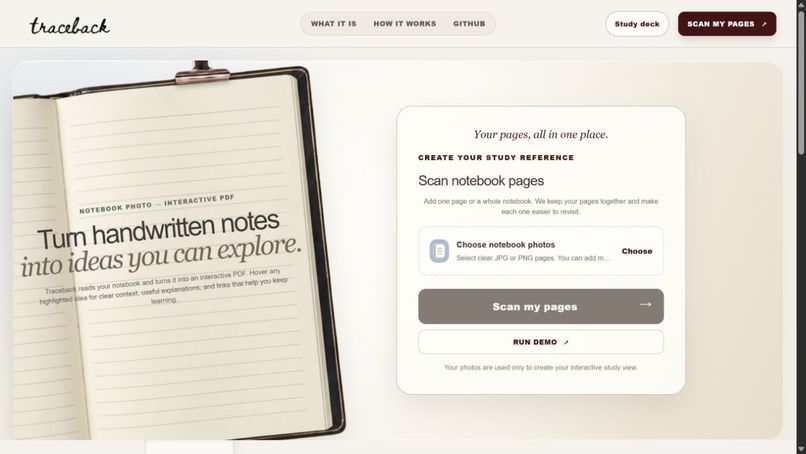
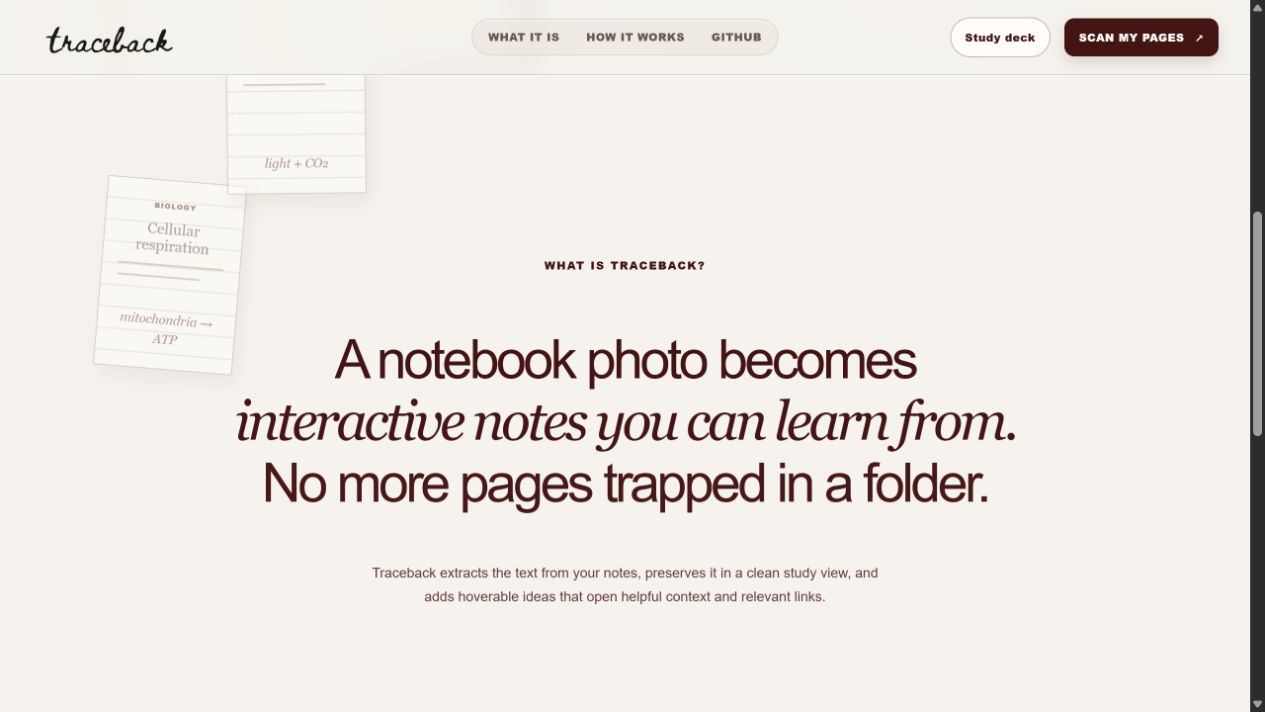
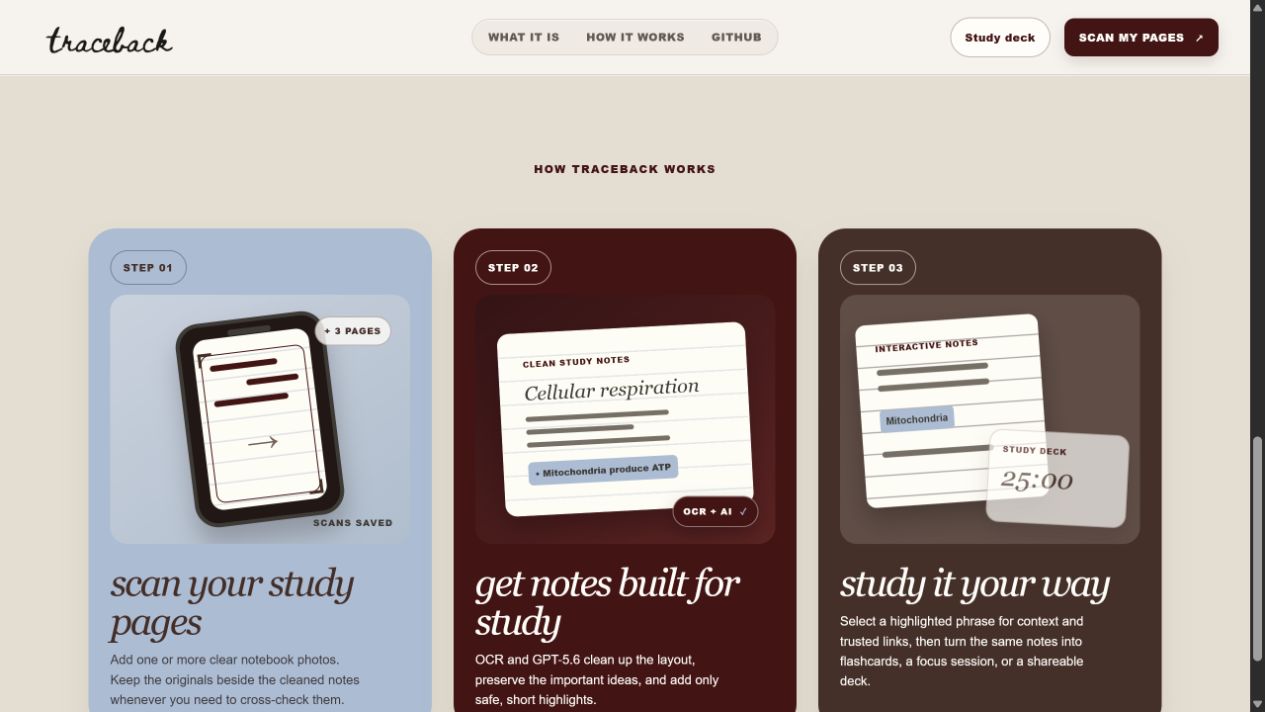
Traceback takes one or more photos of a notebook page and produces:
- Clean, structured notes with headings, bullets, and numbered items
- Short interactive highlights of 1 to 5 words, each with a one-sentence explanation and trusted learning links
- A concept graph of the relationships found on the page
- Flashcards generated from the cleaned notes and selected highlights, reviewed with tap-to-flip and swipe-to-rate
- A saved study set that keeps the notes, the original scans, and the cards together
- A built-in 25/5 Pomodoro timer
- A shareable study-deck link that publishes the notes, highlights, and cards while keeping the uploader's original scans private
The original page stays available in the app the whole time, so you can always cross-check the output against what you actually wrote.
How we built it
The frontend is Next.js 16 with React 19, TypeScript, and Tailwind CSS v4. The backend is a FastAPI service on Python 3.12. Persistence is PostgreSQL through Supabase with versioned migrations. It is a pnpm monorepo with a generated TypeScript API client so the web app and API stay in contract.
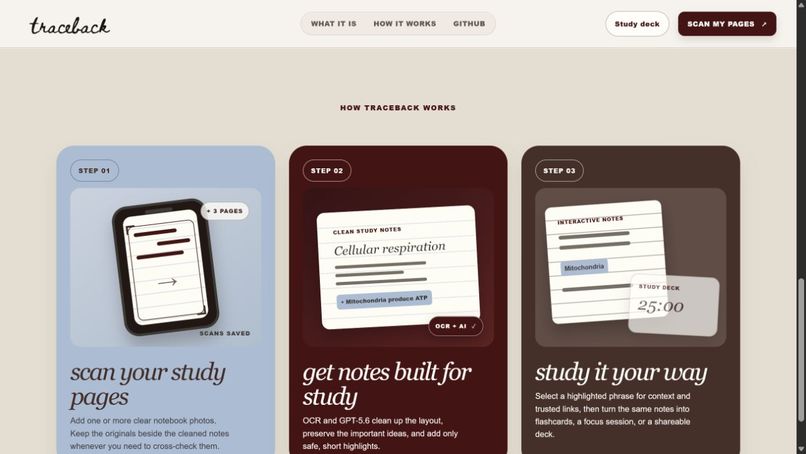
The analysis pipeline works like this:
- The web app uploads the page images to the API. The browser never touches OpenAI or database credentials.
- OCR and layout analysis using EasyOCR with OpenCV extracts text and bounded regions from the page.
- GPT-5.6 Terra receives the page image alongside those bounded OCR regions, not unbounded user text, and returns a Pydantic-validated result: typed notes, 3 to 8 short highlight phrases with coordinates, one-sentence explanations, and source-search queries.
- Server-side validation rejects any phrase that is too long, duplicated, or absent from the typed notes before the frontend can render it.
- The same model generates flashcards grounded in the cleaned note text and the highlights the learner selected.
We also built a deterministic path that runs without a live model call, so the app stays usable and never claims AI analysis succeeded when it did not.
We used Codex throughout the build: the Next.js experience covering upload, processing, interactive notes, concept graph, study decks, and responsive and accessibility states; the FastAPI structured-analysis path and its validation rules; the flashcard review flow and shareable deck endpoints; and the test and typecheck workflow that gates merges.
Challenges we ran into
Model output the UI could trust. The first version let the model return highlights freely, and it would sometimes highlight a whole OCR line or a phrase that did not exist on the page. Overlaying that on a student's own handwriting is worse than not highlighting at all. We fixed it by constraining highlights to short phrases and validating every one against the rendered text server-side before it can reach the frontend.
OCR on real handwriting. Raw OCR output on a notebook page is messy, and sending it as plain text to a model just launders the errors. Passing the page image together with bounded OCR regions gave the model enough evidence to correct itself instead of guessing.
Failing honestly. Demos break. We made the fallback path explicit and labelled rather than silent, so the app degrades to note-based results instead of presenting a fallback as if it were model analysis.
Sharing without oversharing. Notebook pages contain personal material. We rebuilt the share flow to exclude the original uploads and publish only the cleaned notes, highlights, and cards.
Accomplishments that we're proud of
- It runs end to end. Scan, notes, highlights, context, flashcards, study deck, and share link all work in one flow rather than as separate demos.
- The highlight validation. Nothing renders on top of a learner's page unless it passed a server-side check against the typed notes.
- The app is honest when the model is unavailable. The deterministic fallback is labelled, not disguised.
- Privacy was a design decision, not a patch. Share links never carry the original scans.
- The repository is set up so someone else can actually run it:
make setup,make dev, andmake checkas a single merge gate, with tests and typechecks in place.
What we learned
Structured output contracts change how you design the product, not just how you parse a response. Once the model had to return validated fields, it became obvious which parts of the interface we had no business rendering unverified.
We also learned that the useful multimodal work here was not "read this image." It was giving the model two sources of evidence, the image and the OCR regions, and letting it reconcile them.
And building the fallback early was worth it. It forced us to be precise about which claims the interface makes about its own output.
What's next for Traceback
- Spaced repetition scheduling on top of the existing card ratings
- Multi-page study sets that link concepts across pages
- Better handling of diagrams and equations, which OCR currently struggles with
- Collaborative decks, so a class can build one study set together
- Mobile capture, so the photo and the notes happen on the same device
Built With
- codex
- easyocr
- fastapi
- gpt
- next.js
- openai
- opencv
- pnpm
- postgresql
- pydantic
- python
- react
- supabase
- tailwindcss
- typescript
- vercel


Log in or sign up for Devpost to join the conversation.