Inspiration
In a classroom, the teacher's voice only tells part of the lesson.
A teacher might draw a graph and say, "this line increases here," or work through an equation while explaining it out loud. If you can't see the board, "this line" doesn't tell you much. A transcript doesn't fix that because the missing information is visual.
That was the problem I wanted to work on with Trace: how can a blind student get both sides of a classroom lesson, what the teacher says and what they put on the board?
What it does
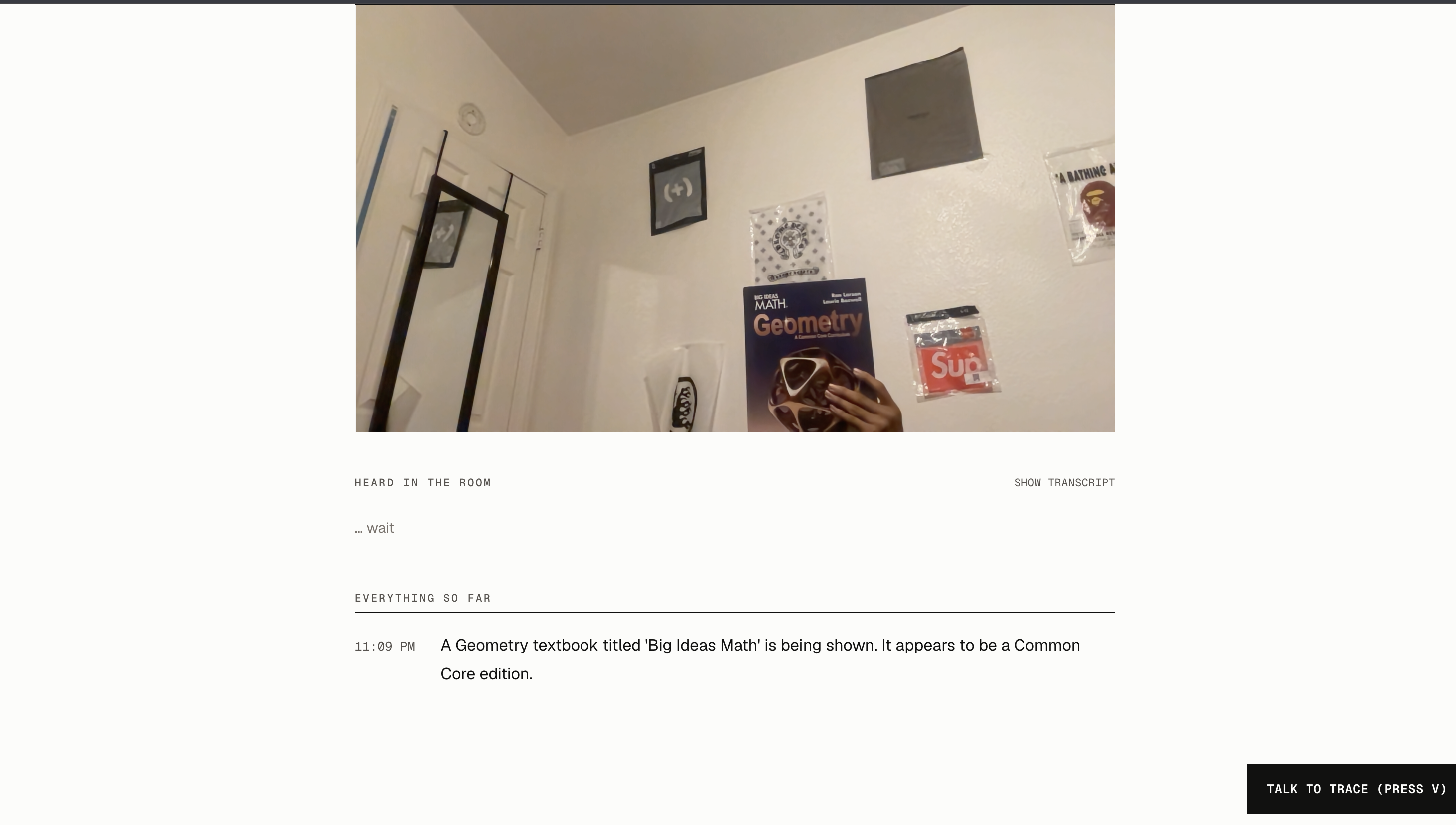
Trace is a web app that listens to the teacher while watching the classroom board through a camera.
It combines those two sources instead of treating them separately. If a teacher is explaining a graph, for example, Trace has both the teacher's words and the image of the graph to work from when describing what is happening.
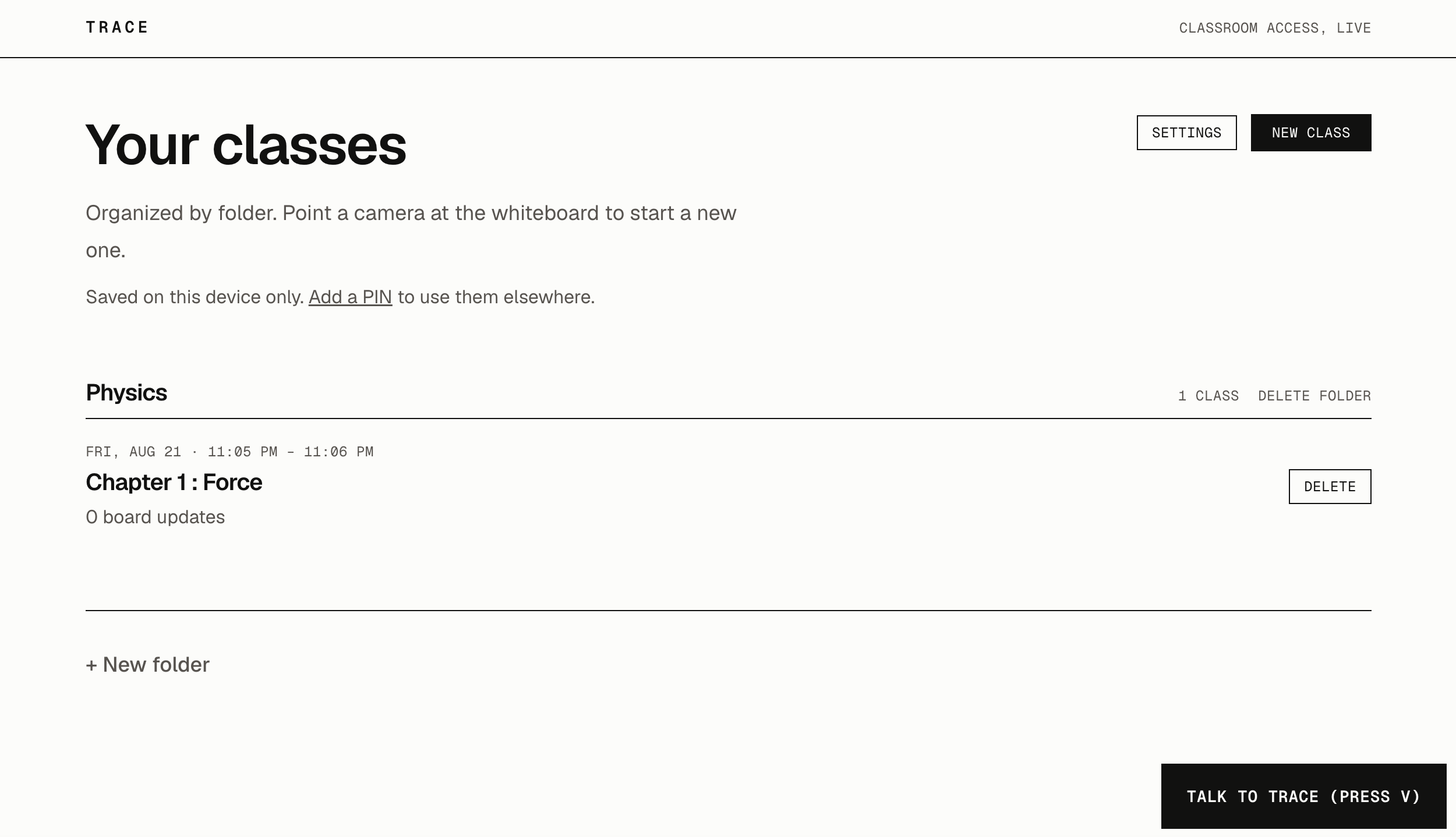
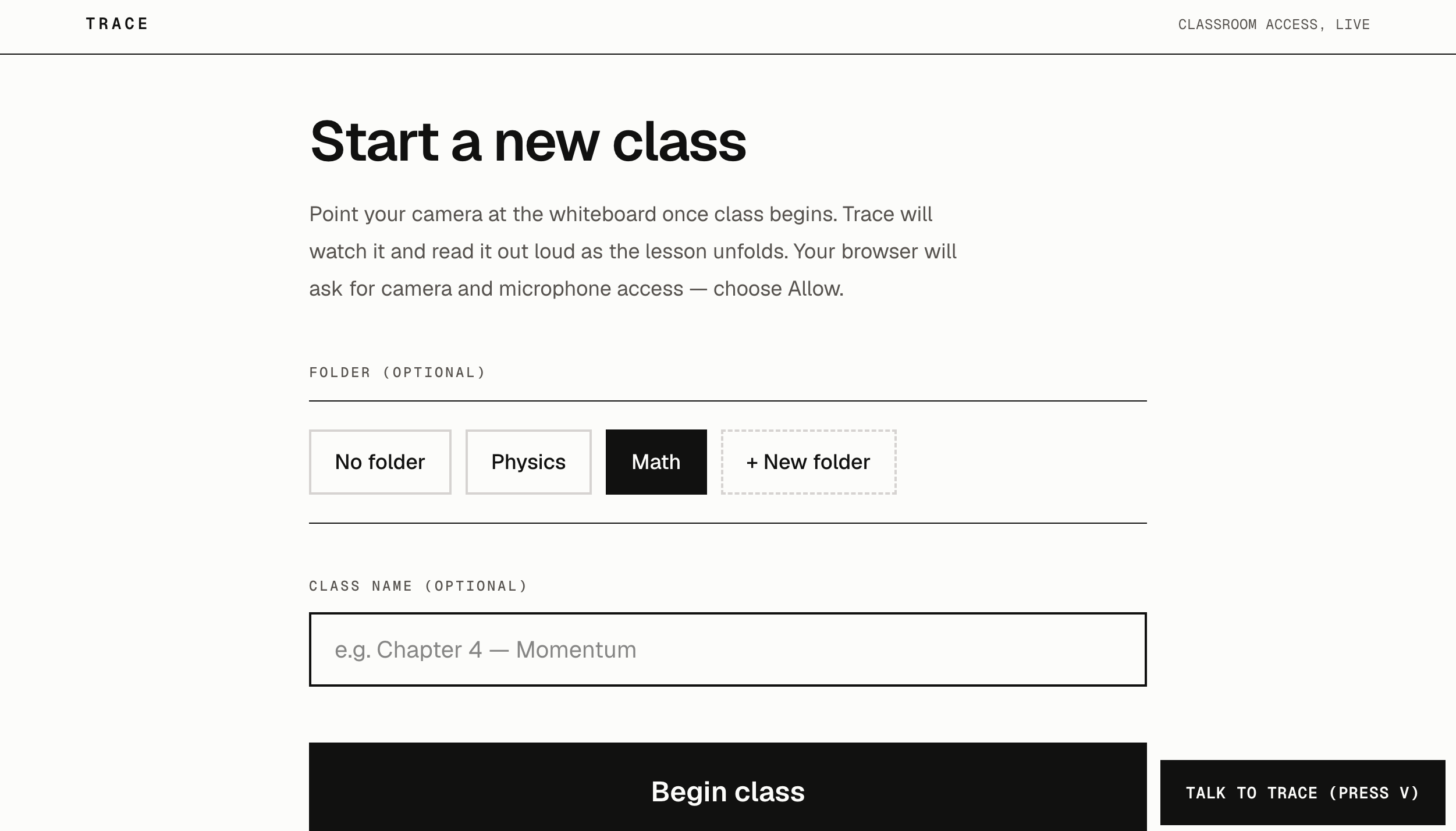
Trace also saves lessons. Whiteboards are temporary by nature. A teacher can finish an example, erase it, and move on within a few minutes. Trace keeps that information available so the student can come back to it later.
I also didn't want someone to need a mouse to use an app made for blind students. The main controls can be operated using voice and the spacebar.
How I built it
I built Trace as a web app because I wanted it to work from a normal browser without requiring special hardware or an installation.
The camera captures the board while the microphone captures the teacher. Trace uses a vision model to understand what is being written or drawn and combines that with the teacher's speech for context. The resulting description is then read aloud using text-to-speech.
I used ElevenLabs for the voice because I wanted it to sound clear and natural instead of robotic. For a blind student, audio is one of the main ways Trace communicates what is happening during the lesson.
Lessons are saved so they can be opened again after class, and I built voice and keyboard controls so the important parts of the app don't depend on pointing and clicking.
Challenges
One problem I ran into was deciding how often Trace should look at the board.
My first instinct was basically, camera is running, so keep analyzing it. That isn't very useful. Most consecutive frames are nearly identical, and constantly processing them wastes time and API calls.
I had to make Trace care about changes, not just frames.
The harder problem was combining the microphone and camera in a useful way. Speech and board content make sense together during a lesson. The teacher might say "move this over here" while changing an equation. Neither the transcript nor a picture of the board completely explains that on its own.
I also spent a lot of time thinking about controls. A normal web interface assumes the user can find and click buttons. For Trace, that assumption doesn't make much sense, which is why voice control and the spacebar became part of the main interaction instead of optional accessibility settings.
What I learned
Before building Trace, I mostly thought about accessibility as changing how information is displayed: reading text aloud, increasing contrast, adding labels, and things like that.
This project made me think more about where the information comes from in the first place.
If important information on the board never makes it into the digital lesson, making the interface more accessible afterward doesn't bring that information back.
I also learned a lot technically from getting several browser and AI systems to work together: live camera and microphone input, vision models, speech processing, text-to-speech, lesson storage, keyboard and voice interaction, and deploying the whole thing as a web app.
Trace is still a prototype, but the part I'm happiest with is that it doesn't just make a transcript. It tries to capture the part of a lesson that a blind student would otherwise miss.
Built With
- ai
- api
- css
- elevenlabs
- github
- mediadevices
- nebius
- next.js
- postgresql
- prisma
- qwen2.5-vl
- react
- speech
- studio
- tailwind
- typescript
- vercel
- web


Log in or sign up for Devpost to join the conversation.