
Inspiration 🤯

As artists, it is in our DNA to allow us to create and portray our feelings and emotions through different forms and mediums. Social media has opened the doors for choreographers and dancers to showcase these emotions to broader audiences at a faster rate. Yet, amidst this exposure, the true essence of authorship often fades into the background. Many creators find their work celebrated without proper recognition, their unique expressions overshadowed in a sea of content. This is why we created Trace AI—to reclaim authorship and ensure that every dancer receives the acknowledgment they deserve.

What it does ✅

Let us get one thing clear. Trace AI is an innovative functionality and not an application. As mentioned above, Trace AI aims to properly recognize choreographers on social media platforms and allow the general public to enjoy their creations without worrying about crediting the artist.

How we built it ⚙️

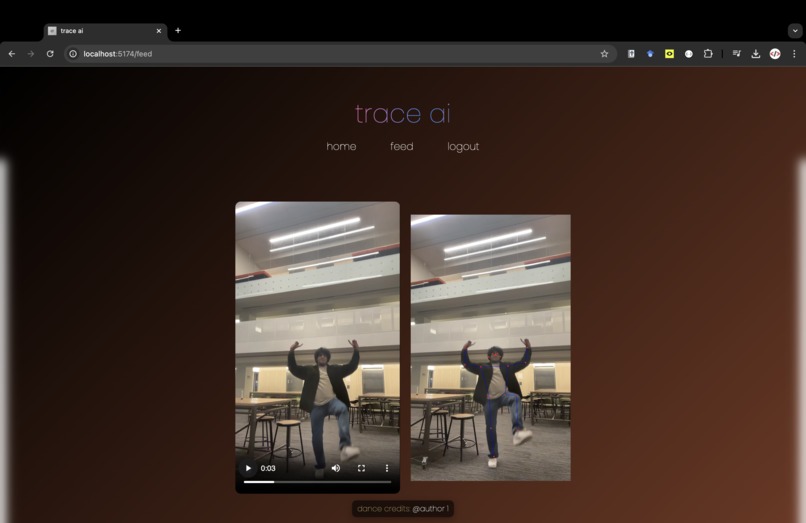
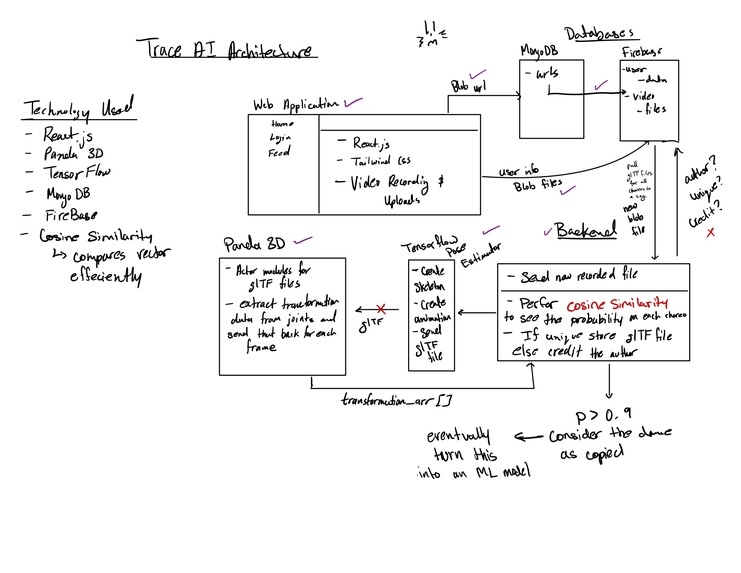
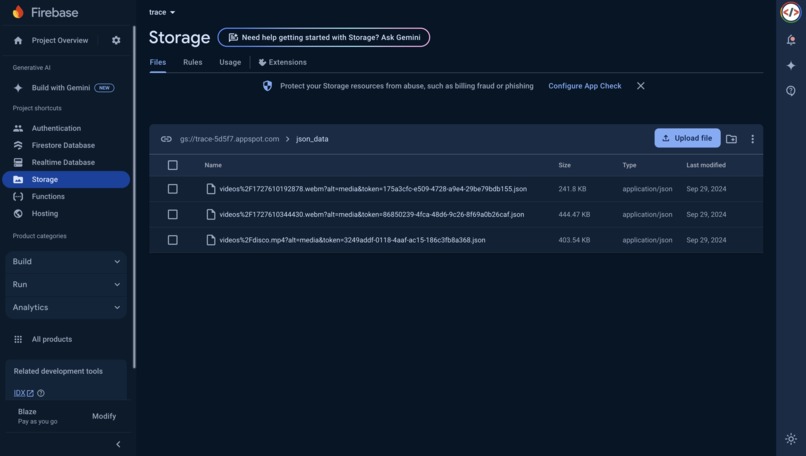
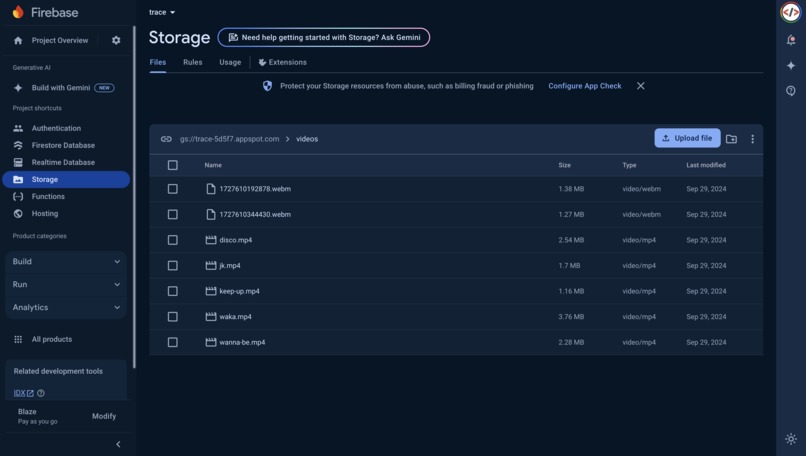
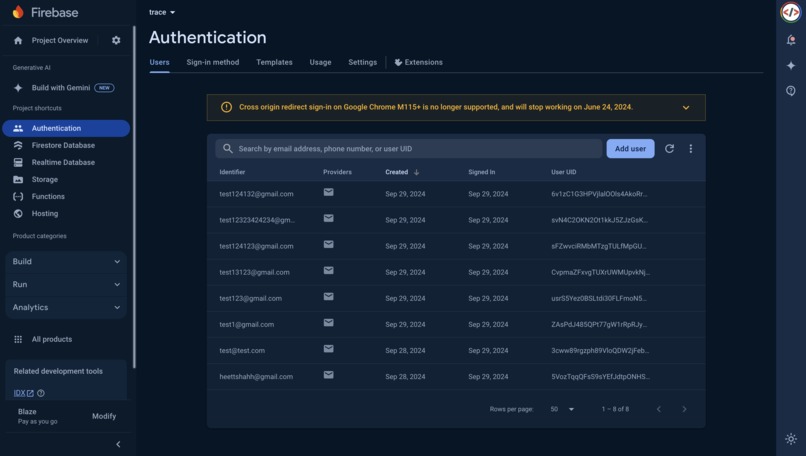
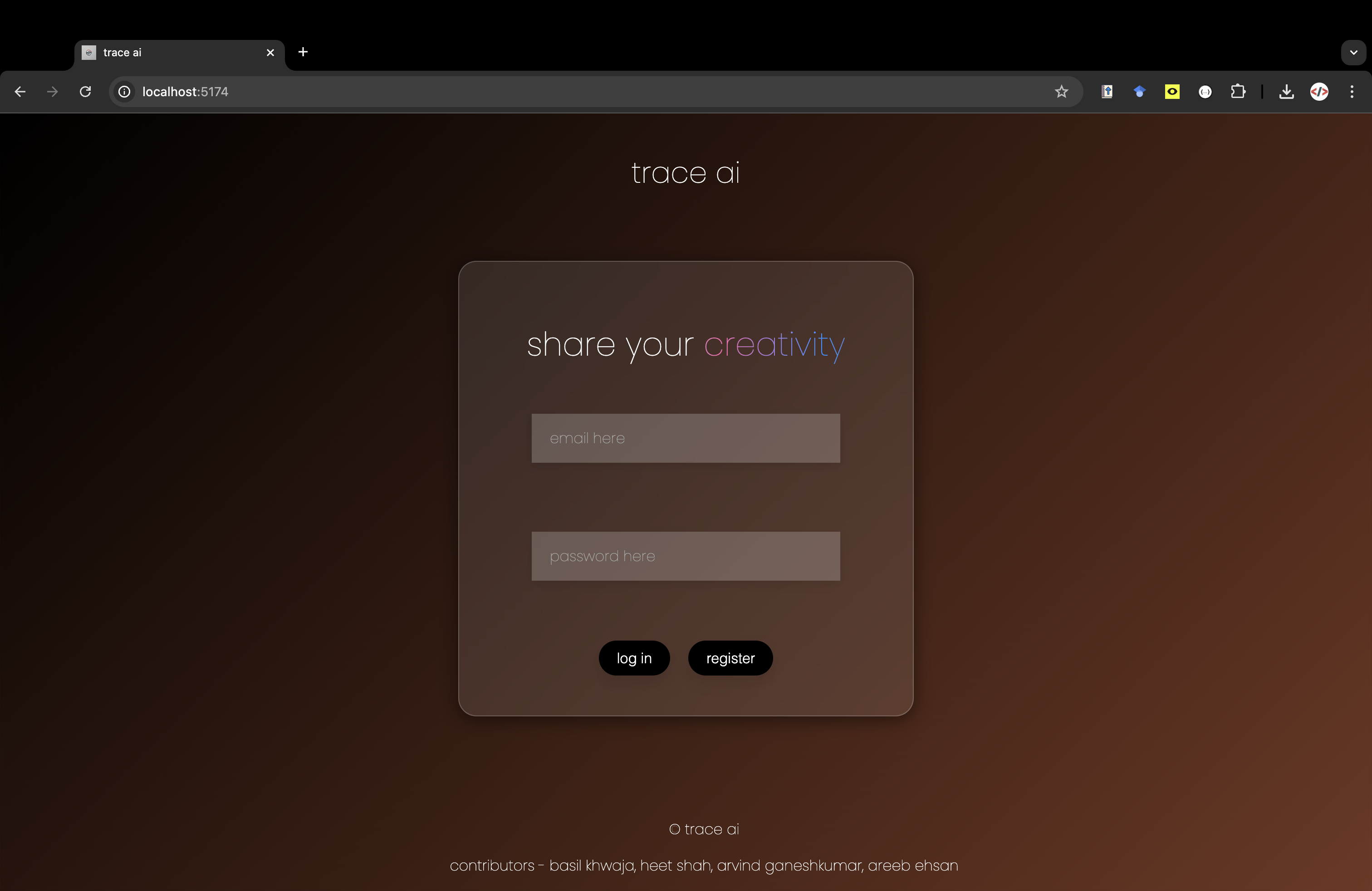
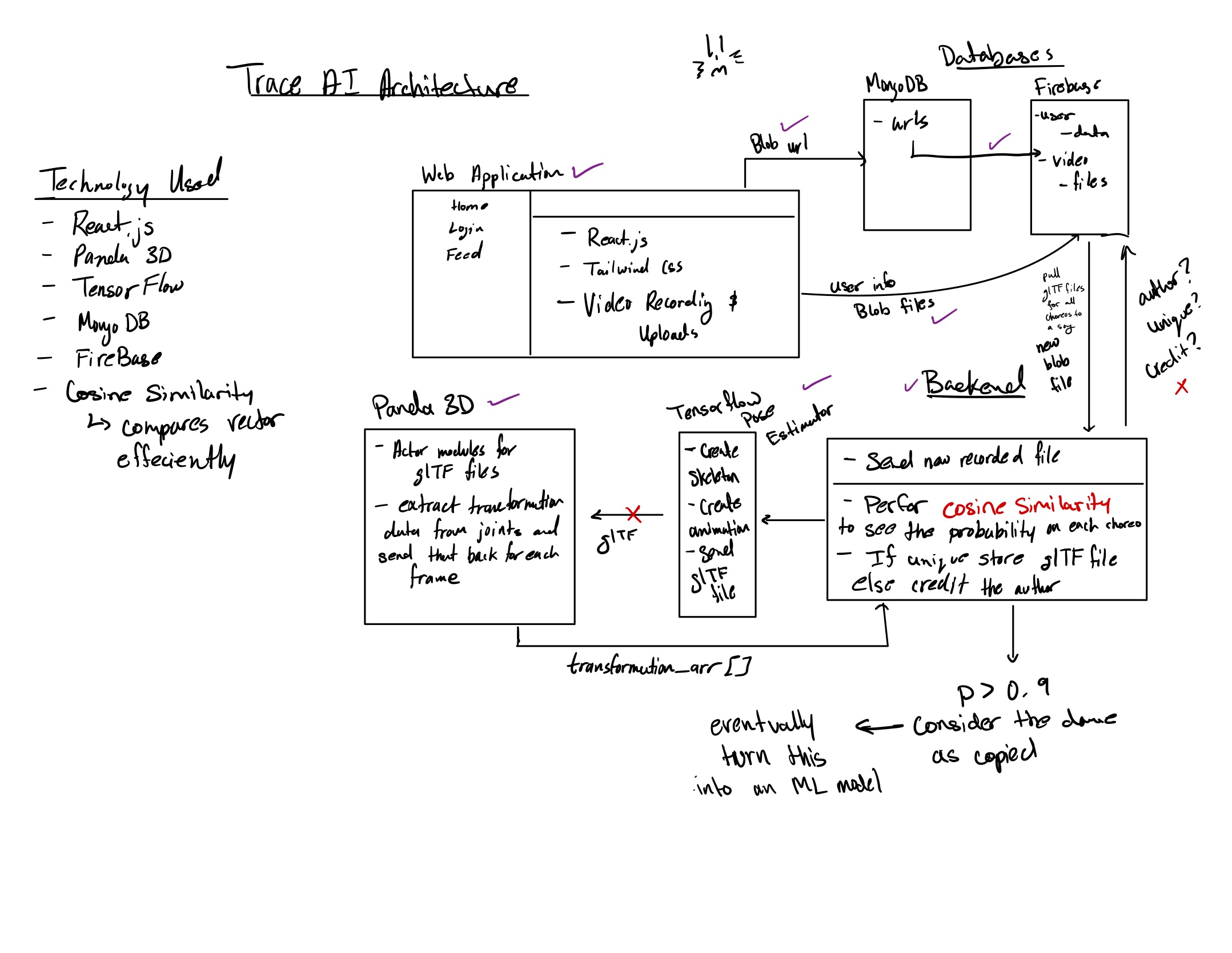
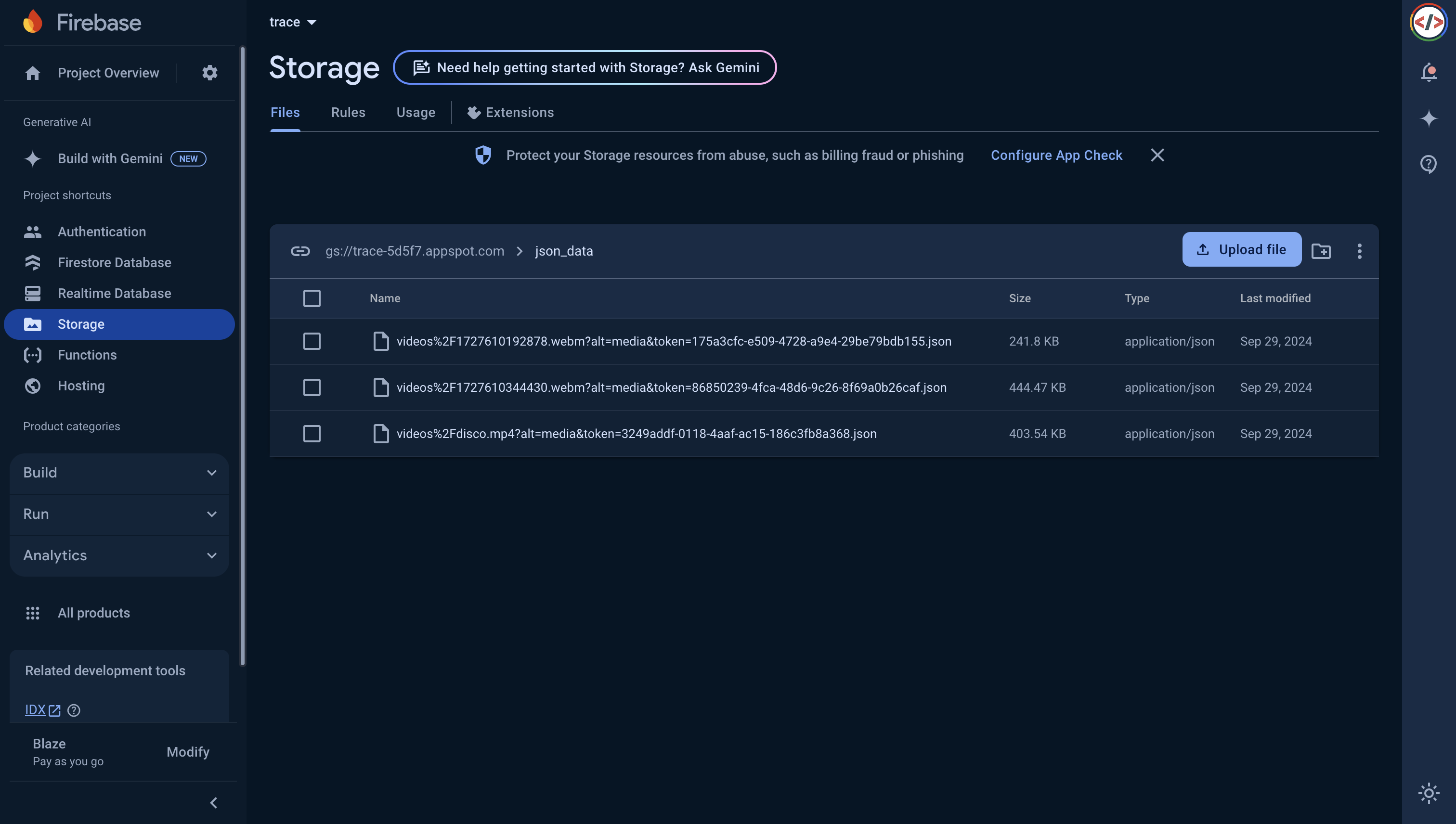
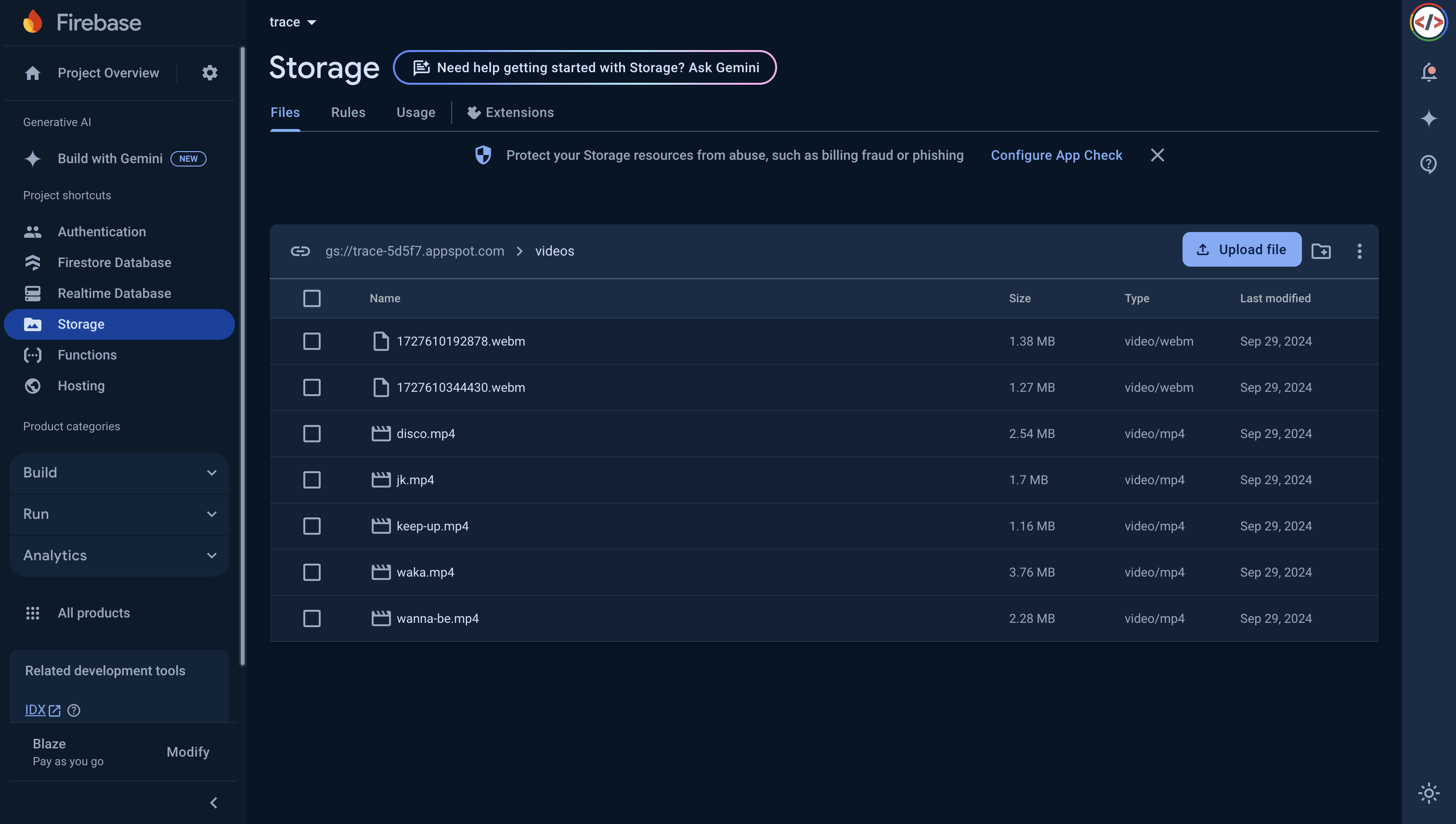
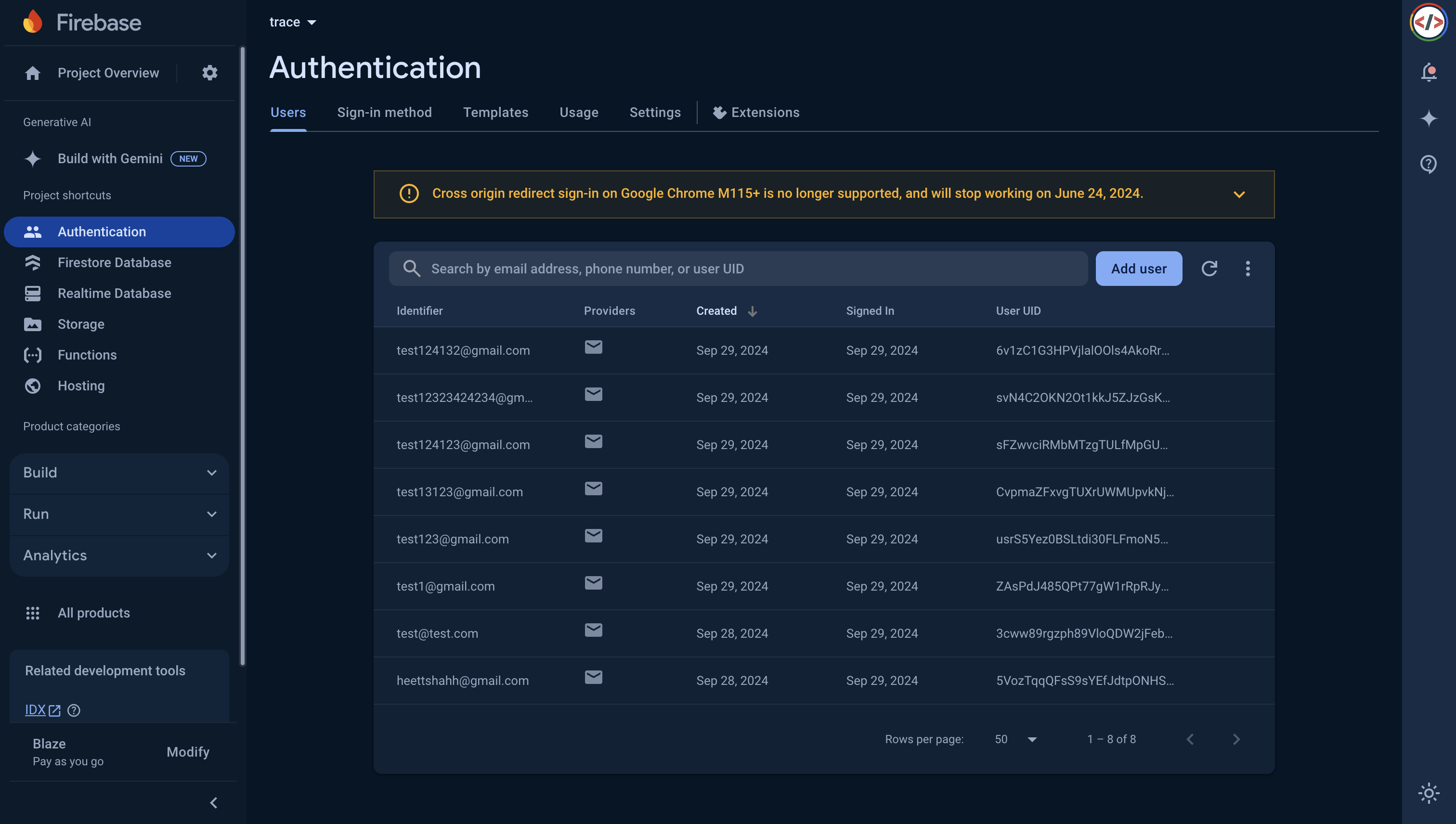
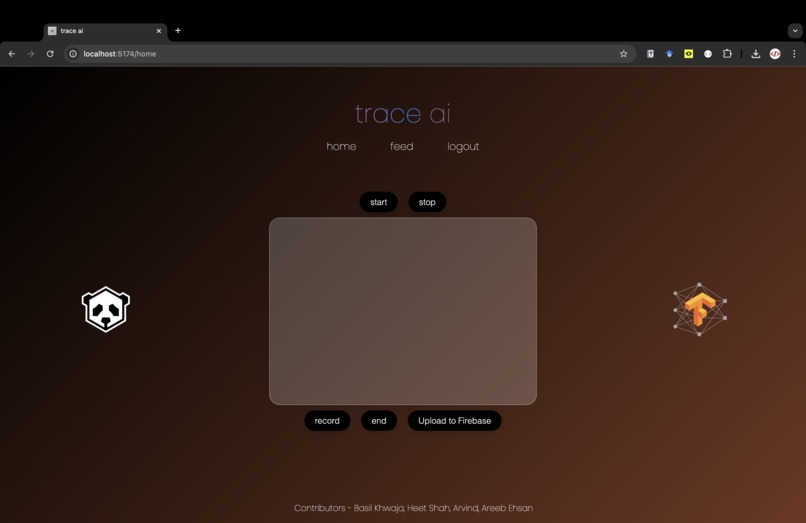
We categorize Trace AI into two parts. The Full Stack and the Analysis. Tackling the full stack first, the front end was created with the React API and CSS. Now for the backend, we used both MongoDB and Firebase for handling video data and user data. We decided to have two separate backends to store the URLs of the videos uploaded, while Firebase holds the user data and the actual uploaded files of the user.

Challenges we ran into 😤

The biggest challenge that we ran into and currently still have is converting the data collected from the TensorFlow position estimate into a 3D glTF file to be used by Panda 3D to carry out the mesh analysis.

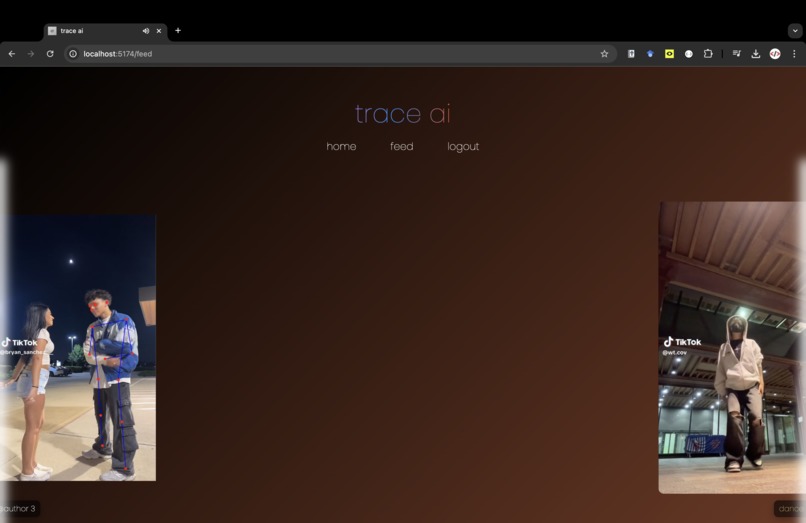
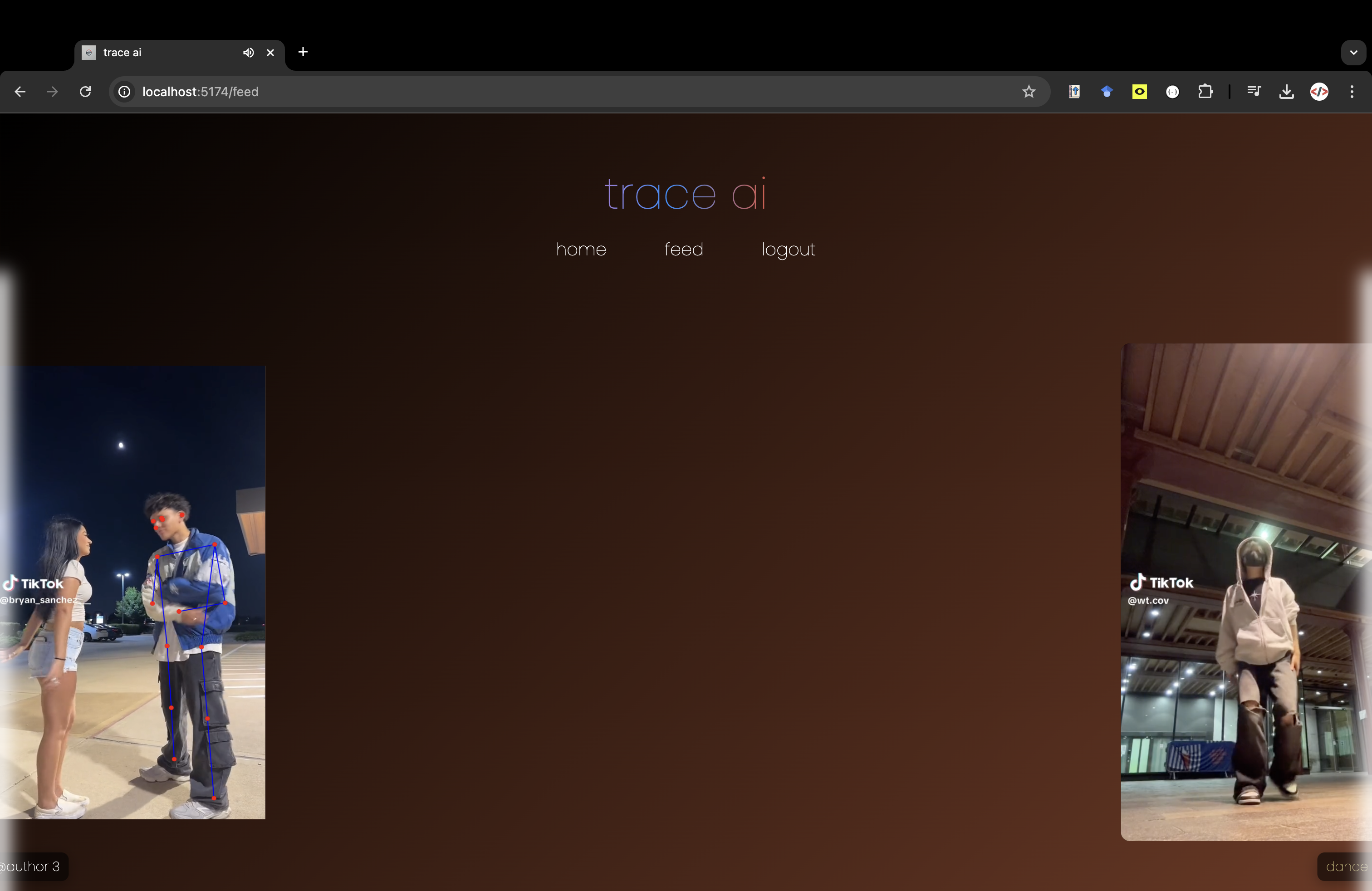
Some other challenges that ran into but were able to solve were analyzing 3D animations and comparing joint transformations between two animations. We were struggling with mapping the TensorFlow model with a "feed" model that we were running on our website but were eventually able to solve it by using Intersection Observer API to track what elements were in frame and off-screen.

Accomplishments that we're proud of 🥳

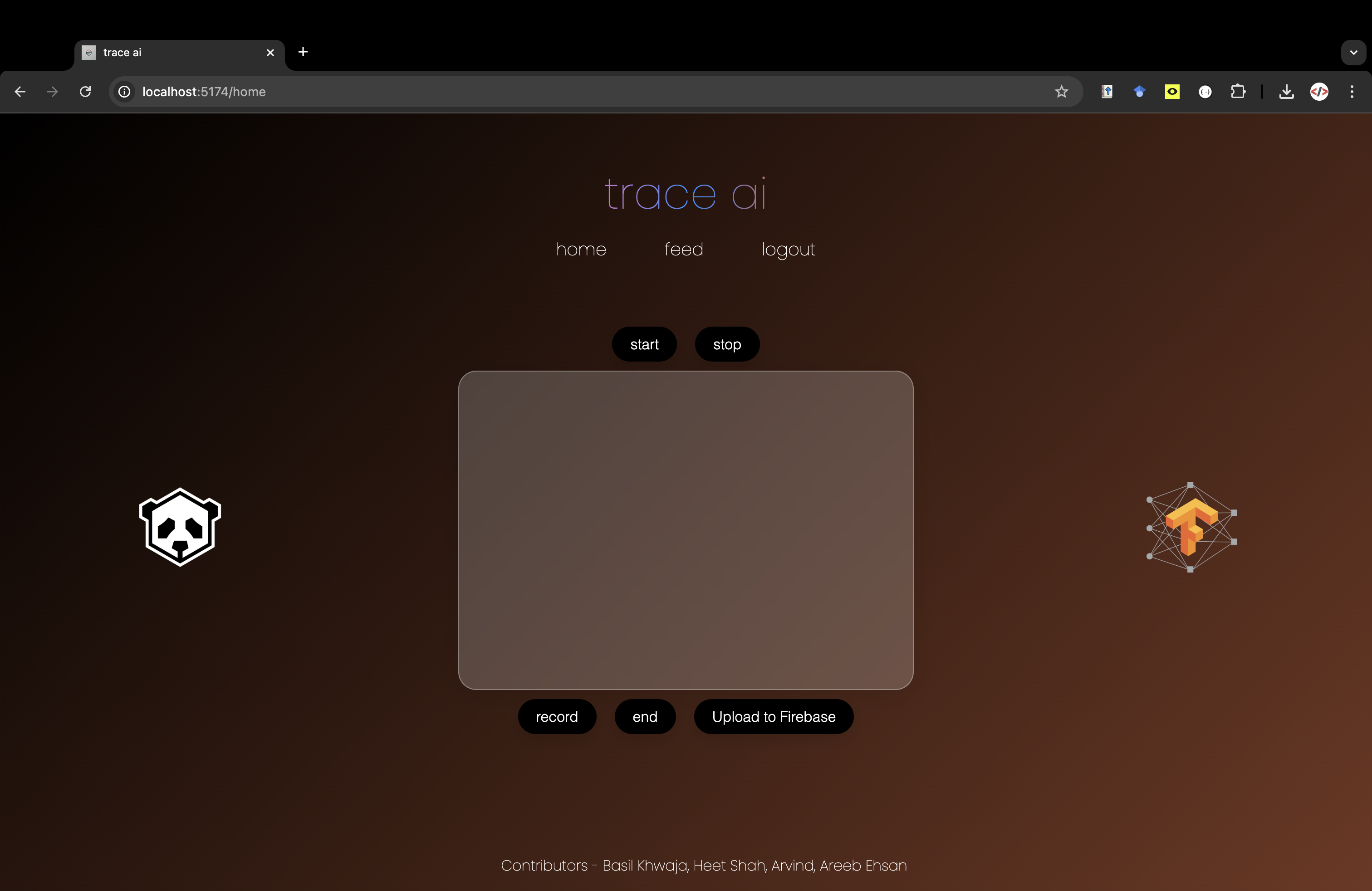
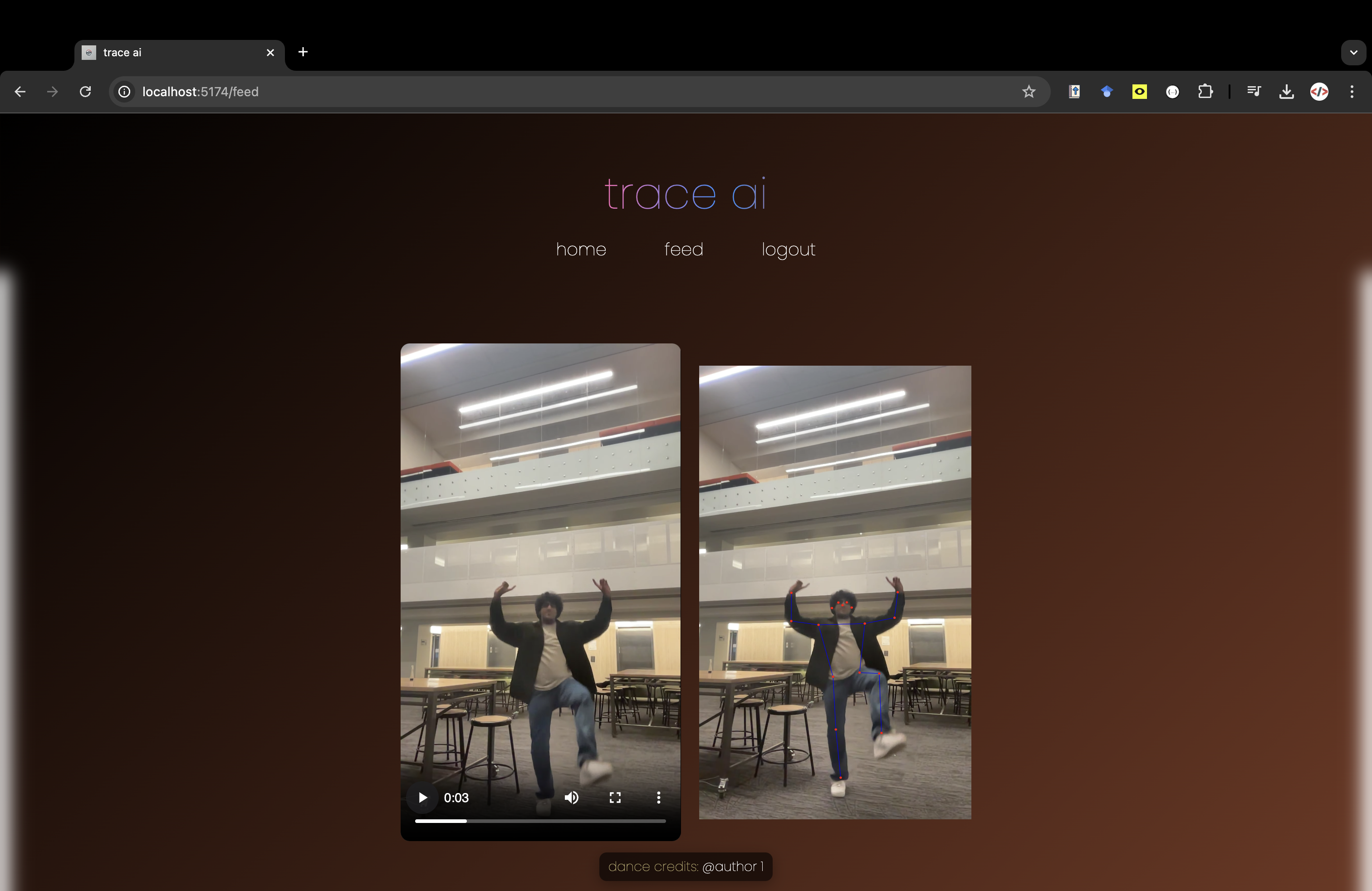
We are proud of everything honestly. Our main goal going into this was to create something innovative and to be able to show tangible results. Therefore, the feed page and the main page are one of the big things we are proud to show off as they show off a lot of integrated systems. In addition, we are also proud of creating an analysis method using Panda 3D as something we hope to integrate in the future as these 3D models can be used with AR glasses and bring the art of dance into our lenses.

What we learned 💭

The major things that we learned with this project are to iterate fast and to make the bare minimum quickly. This allowed us to focus our efforts on trying to create as many basic functionalities quickly and integrate them as we predicted that would take us the majority of the time.

What's next for Trace AI 🚀

The first thing we will tackle is the outstanding problem we are currently facing with integrating the TensorFlow Model with the Panda 3D Mesh Analysis. In addition, we also want to do a lot of code cleanup and make some functionality on the site more fleshed out.

In addition, when our team was brainstorming for this idea we realized there were numerous corner cases that we must consider with the authorship ideas. A student uploads choreography that was taught at a workshop, but the platform detects them being the first person to upload the dance. How do we properly track dance groups? How do we differentiate improv, musicality, and freestyle when addressing similarities in dances?

Even though there are corner cases for us to consider, we hope to take this idea further by utilizing the 3D Mesh to its maximum ability and integrating it with AR glasses. Since we create meshes out of these dances that are 3D renders, we can put these meshes onto AR glasses and project them on the lenses. We thought of the idea of basically bringing the concept of Just Dance to any dance that is created and you can learn with AR glasses.

Built With

Share this project:

Updates

posted an update

Python in the Pipeline

Python plays a crucial role in the backend analysis for Trace AI. After a dance video is uploaded, pose estimation data is extracted from the video using TensorFlow JS. These pose estimations are stored as JSON files, containing keypoints that represent human body joints at each frame of the video.

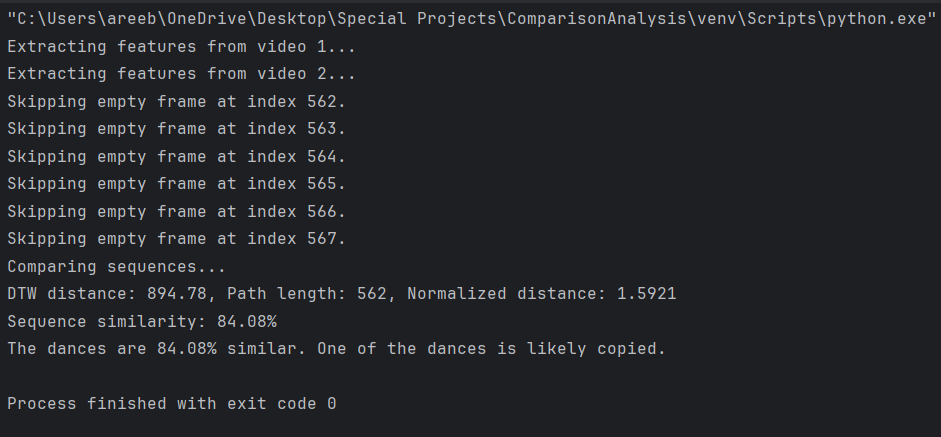
The core of our comparison process is Dynamic Time Warping (DTW), which measures the similarity between two sequences of dance movements. Below, I’ll walk you through how the code processes and compares choreography data.

1. Loading and Normalizing Pose Data

The first step in our analysis is to load the pose estimation data from the JSON files. Each file contains keypoints, such as the coordinates for the shoulder, elbow, wrist, hip, knee, and ankle.

def load_pose_data(file_path):
    """Load pose data from a JSON file."""
    with open(file_path, 'r') as f:
        return json.load(f)

Once we load the data, we normalize the keypoints based on the torso length, which helps standardize the size of the person in the video and eliminates variations caused by different camera distances or body sizes.

def normalize_keypoints(pose):
    """Normalize keypoints based on torso length and center the pose."""
    keypoints = {kp['name']: np.array([kp['x'], kp['y']]) for kp in pose}

    # Calculate the torso length
    if 'left_shoulder' in keypoints and 'left_hip' in keypoints:
        torso_length = np.linalg.norm(keypoints['left_shoulder'] - keypoints['left_hip'])
    else:
        torso_length = 1.0  # Default to 1 to avoid division by zero

    # Center the pose at the hip center
    if 'left_hip' in keypoints and 'right_hip' in keypoints:
        hip_center = (keypoints['left_hip'] + keypoints['right_hip']) / 2
    else:
        hip_center = np.array([0.5, 0.5])  # Default center

    # Normalize keypoints
    normalized_keypoints = []
    for kp in pose:
        coord = (np.array([kp['x'], kp['y']]) - hip_center) / torso_length
        normalized_keypoints.append({'x': coord[0], 'y': coord[1], 'name': kp['name']})

    return normalized_keypoints

2. Calculating Joint Angles

Next, we compute the angles between key joints, such as the elbows, shoulders, hips, and knees. These joint angles provide crucial information about the dance moves and enable a more detailed comparison between two dancers.

def calculate_joint_angles(pose):
    """Calculate angles between joints."""
    keypoints = {kp['name']: np.array([kp['x'], kp['y']]) for kp in pose}

    angles = {}

# Example: Left Elbow Angle Calculation

   if all(k in keypoints for k in ['left_shoulder', 'left_elbow', 'left_wrist']):
        v1 = keypoints['left_shoulder'] - keypoints['left_elbow']
        v2 = keypoints['left_wrist'] - keypoints['left_elbow']
        angles['left_elbow_angle'] = angle_between_vectors(v1, v2)

    # Continue for other joints...

    return angles

These joint angles are then normalized and combined with the keypoint data to create a comprehensive feature vector representing each frame in the video.

Feature Extraction

We extract the features from each frame of the video, consisting of normalized keypoints and joint angles. This allows us to represent a dancer's movement in a structured format that can be compared frame-by-frame with another video.

def extract_features(video_data):
    """Extract feature sequence from video pose data."""
    features_sequence = []
    for idx, frame in enumerate(video_data):
        if not frame:
            continue
        pose = frame[0]
        normalized_pose = normalize_keypoints(pose)
        angles = calculate_joint_angles(normalized_pose)
        feature_vector = []
        for kp in normalized_pose:
            feature_vector.extend([kp['x'], kp['y']])
        for angle in angles.values():
            feature_vector.append(angle / 180.0)  # Normalize angles
        features_sequence.append(feature_vector)
    return features_sequence

Comparing Sequences with Dynamic Time Warping (DTW)

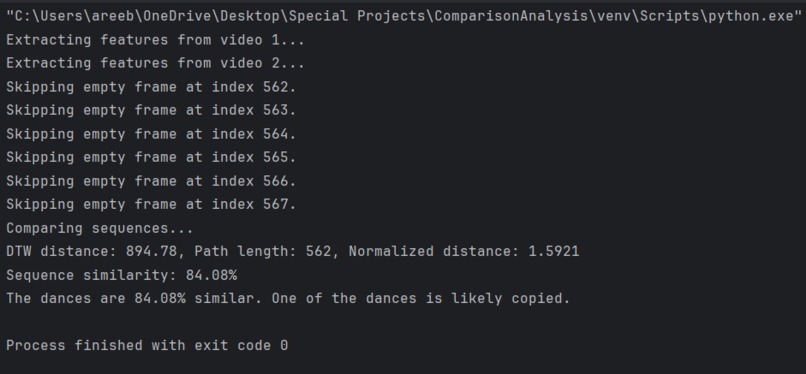
To compare two sequences of dance movements, we use Dynamic Time Warping (DTW), which finds the optimal alignment between two time-dependent sequences, even if they have different lengths. DTW helps us handle variations in speed and timing between different dancers performing the same choreography.

def compare_sequences(sequence1, sequence2):
    """Compare two sequences using Dynamic Time Warping (DTW)."""
    distance, path = fastdtw(sequence1, sequence2, dist=euclidean)
    normalized_distance = distance / len(path)
    max_normalized_distance = 10.0  # You may need to adjust this value
    similarity = max(0, 100 - (normalized_distance / max_normalized_distance) * 100)
    return similarity

After comparing the sequences, we return a similarity score, which indicates how much one video resembles another. A high similarity score suggests that one dance might be a copy of the other.

Challenges and Next Steps

One of the main challenges we faced was converting the 2D pose data from TensorFlow into a 3D mesh file compatible with Panda 3D for more advanced analysis. Although we made significant progress on keypoint-based analysis, we are still working on fully integrating the mesh analysis with Panda 3D.

Our next steps include refining the pose data analysis and enhancing the user interface, so dancers and users can easily track choreography authorship and originality. We are also exploring using augmented reality (AR) glasses to bring these 3D dance models to life.

If We Had More Time...

We would definitely have tweaked our GUI to dynamically tag uploaded videos with accurate credits and ownership acknowledgement. This can be done through an iterative process, comparing every JSON file uploaded to Firebase to each other but itself.

Log in or sign up for Devpost to join the conversation.