-
-
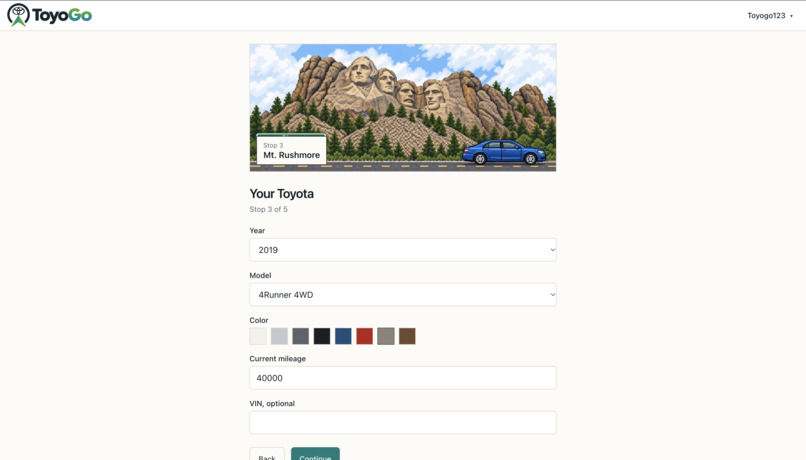
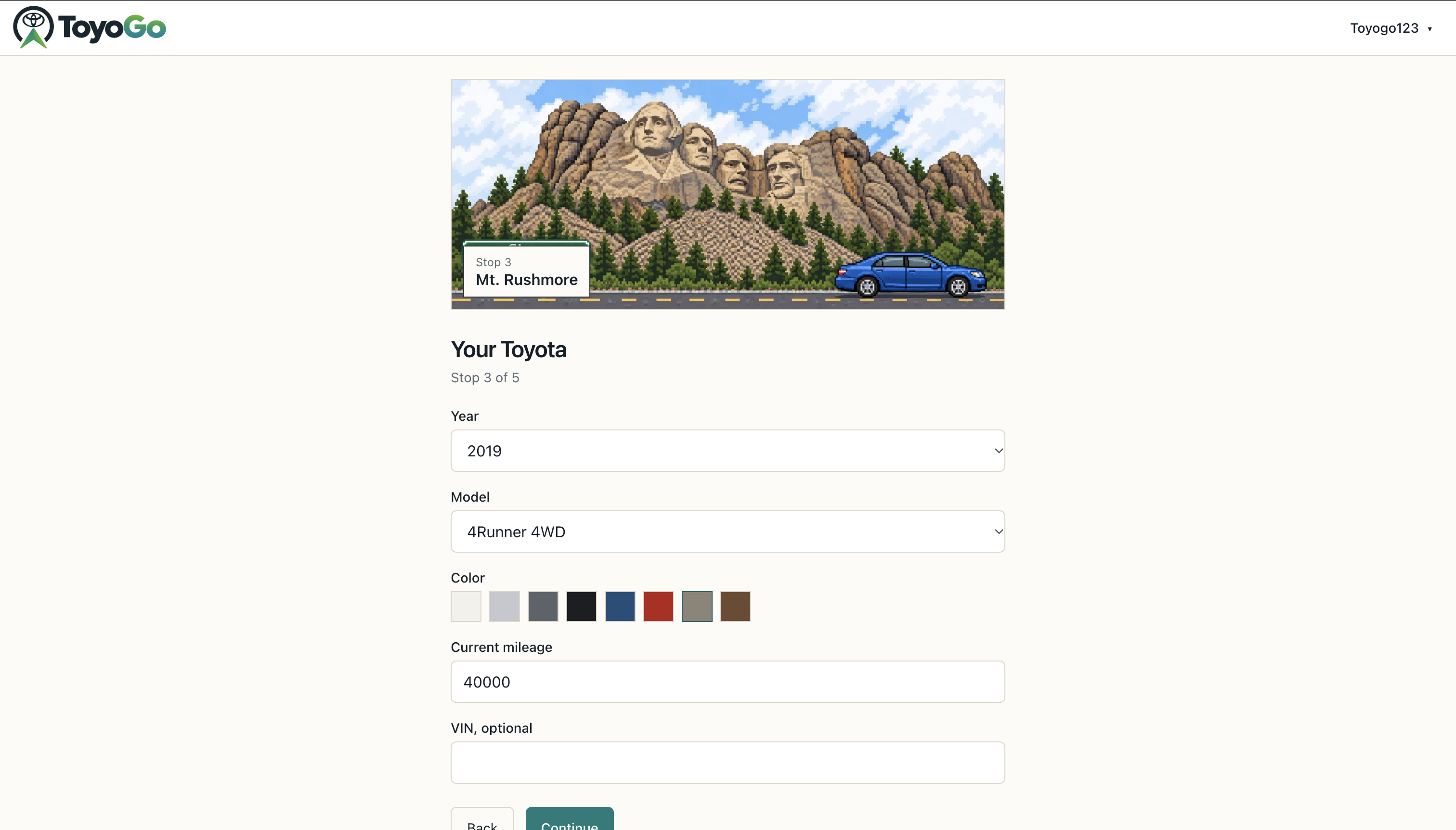
Car model and year updating page
-
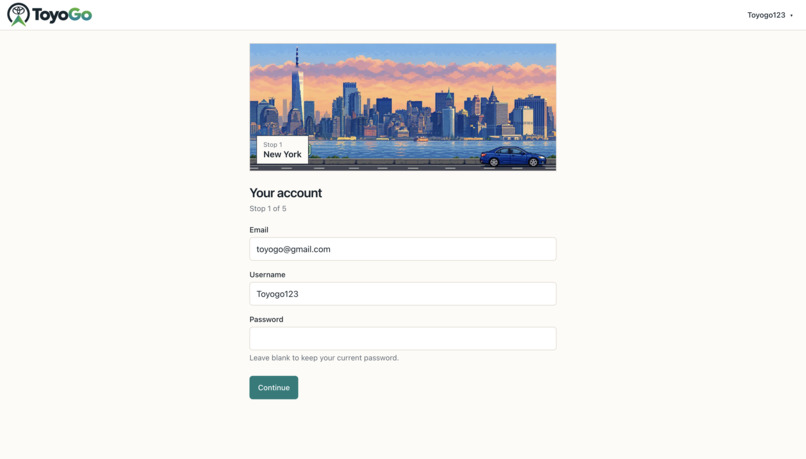
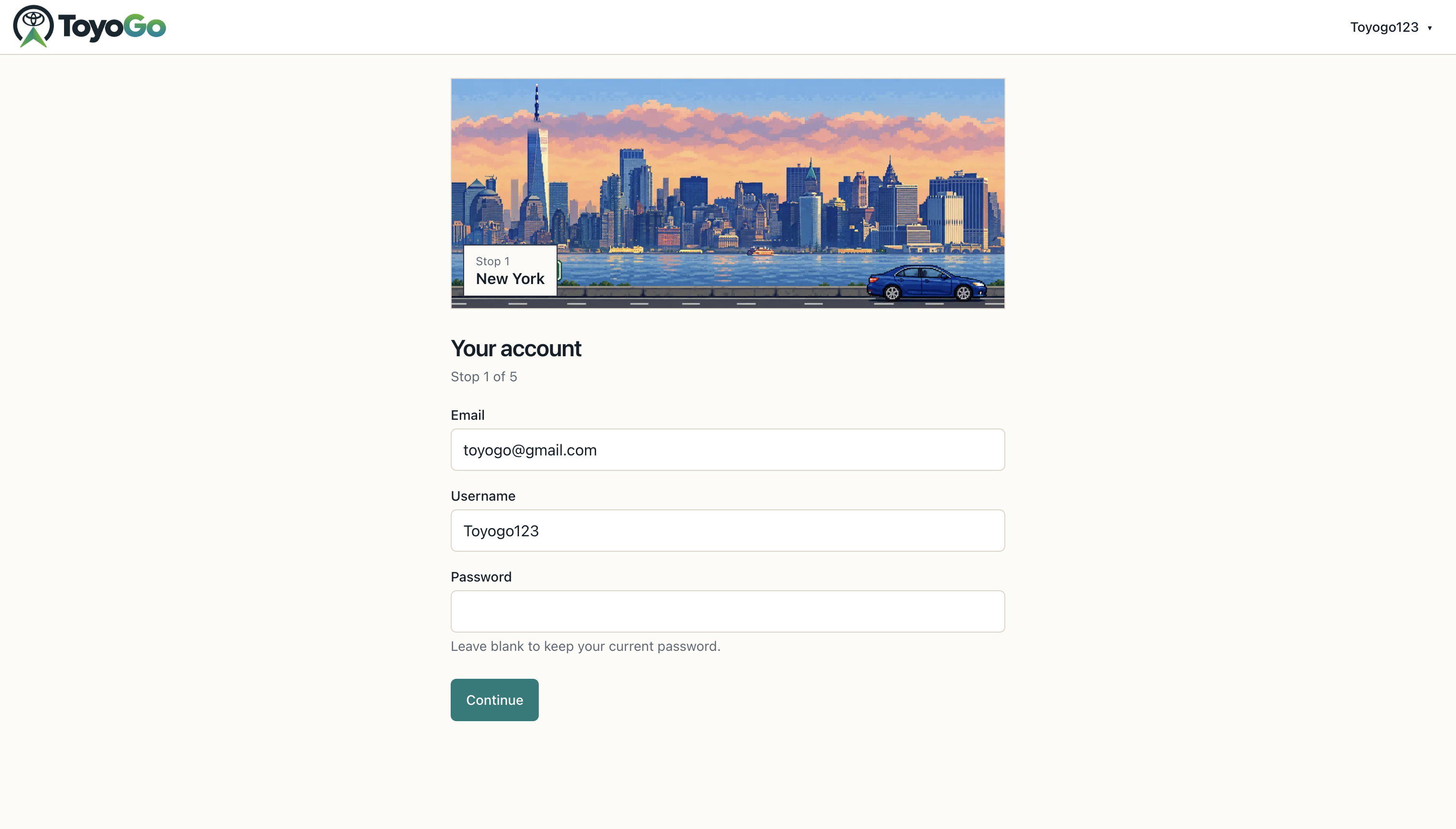
Account information updating page
-
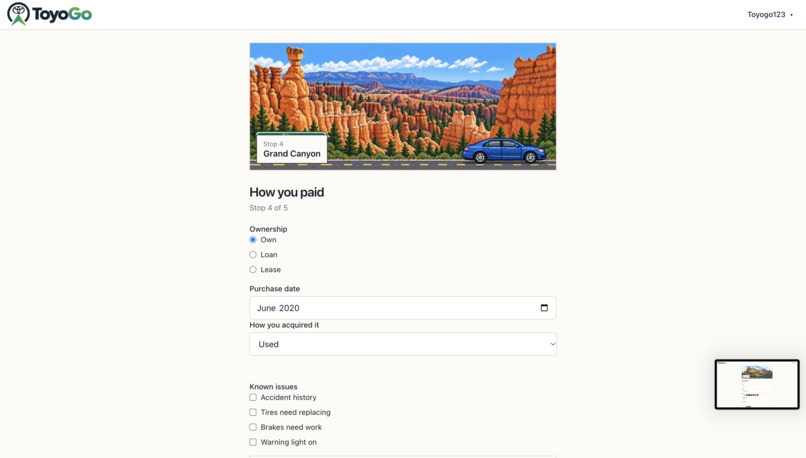
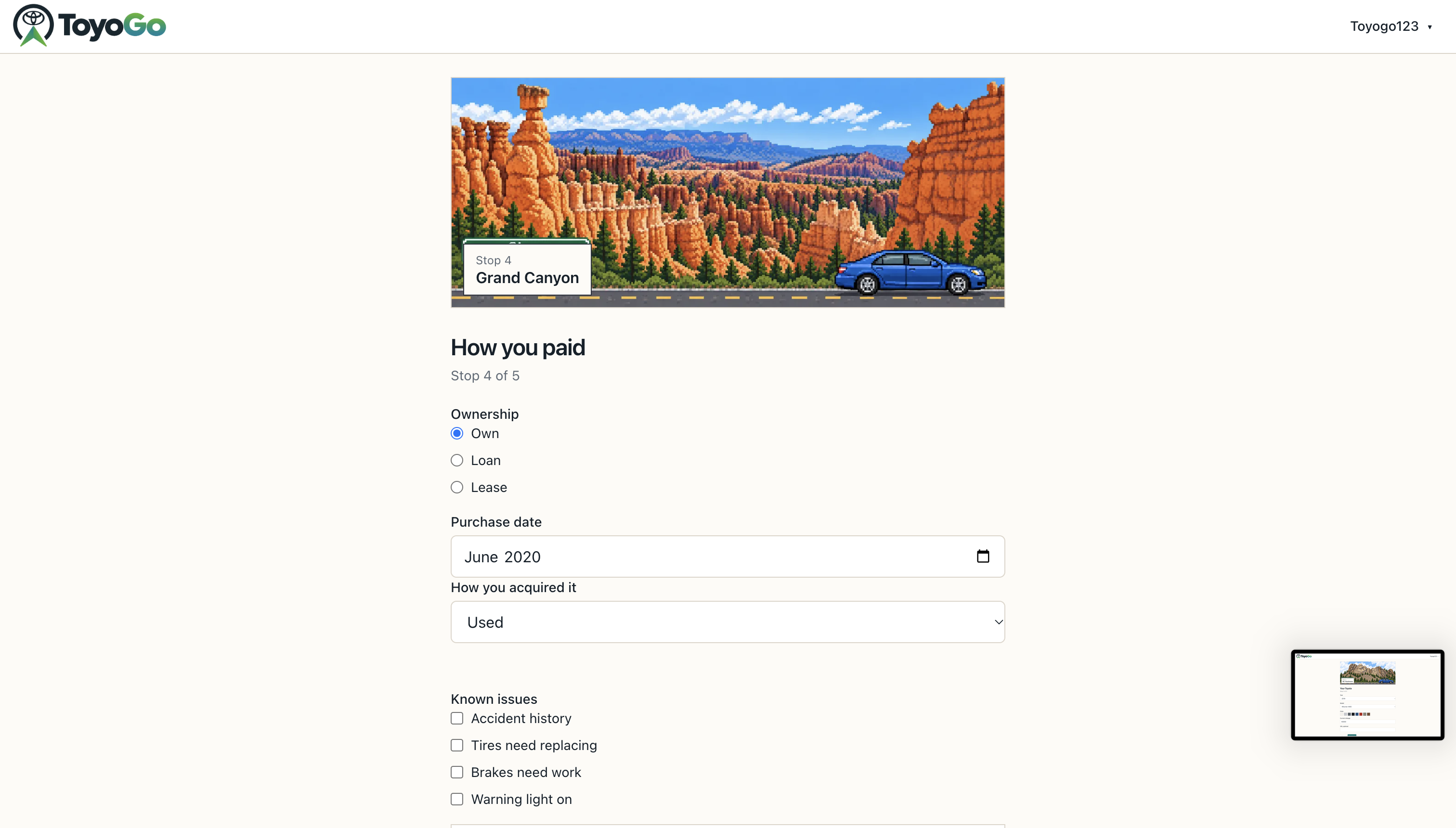
Finances updating page
-
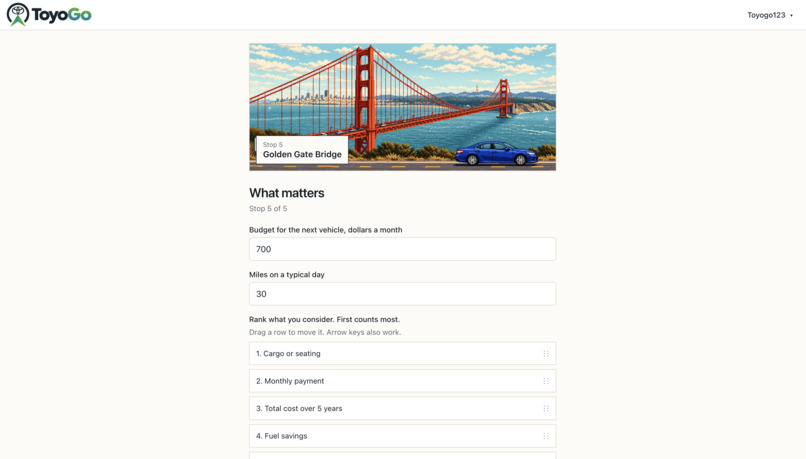
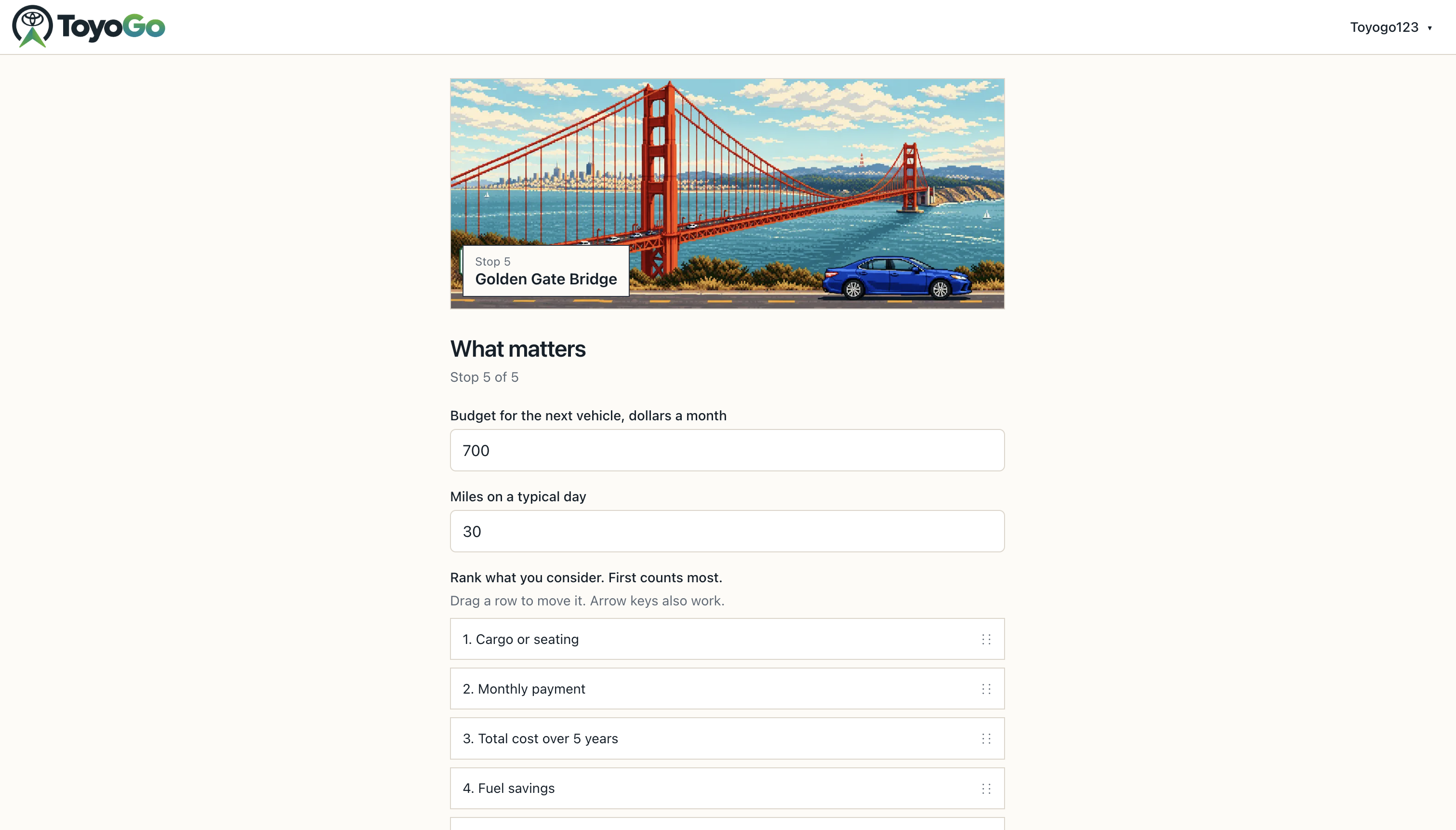
Personal car needs customization page
-
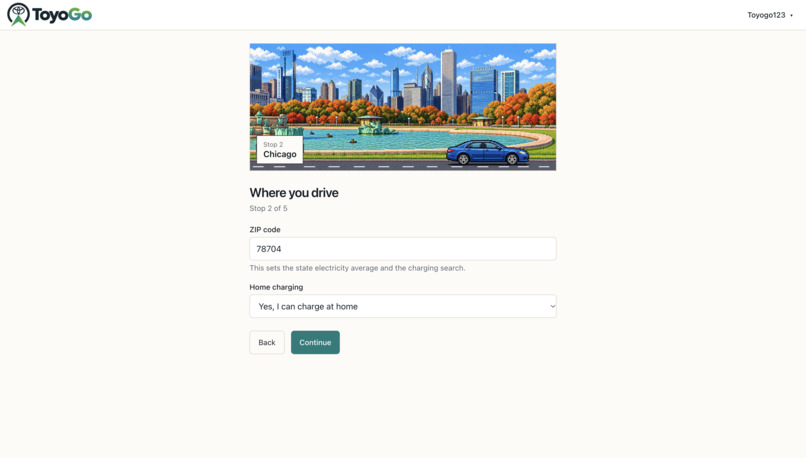
Personal information updating page
-
Log in page
-
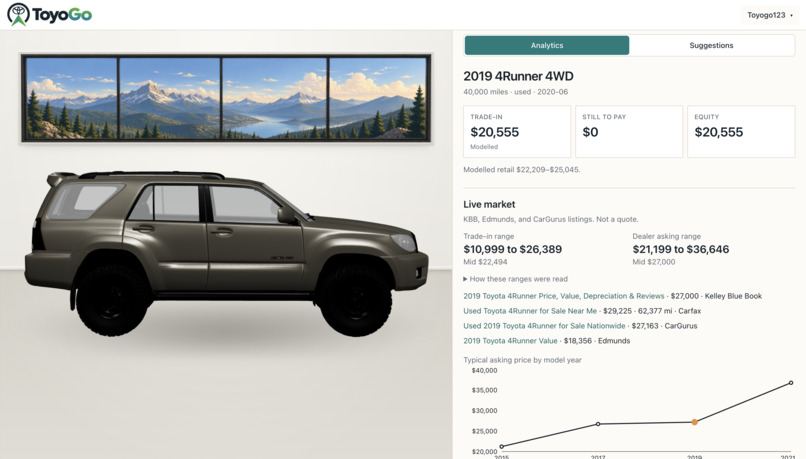
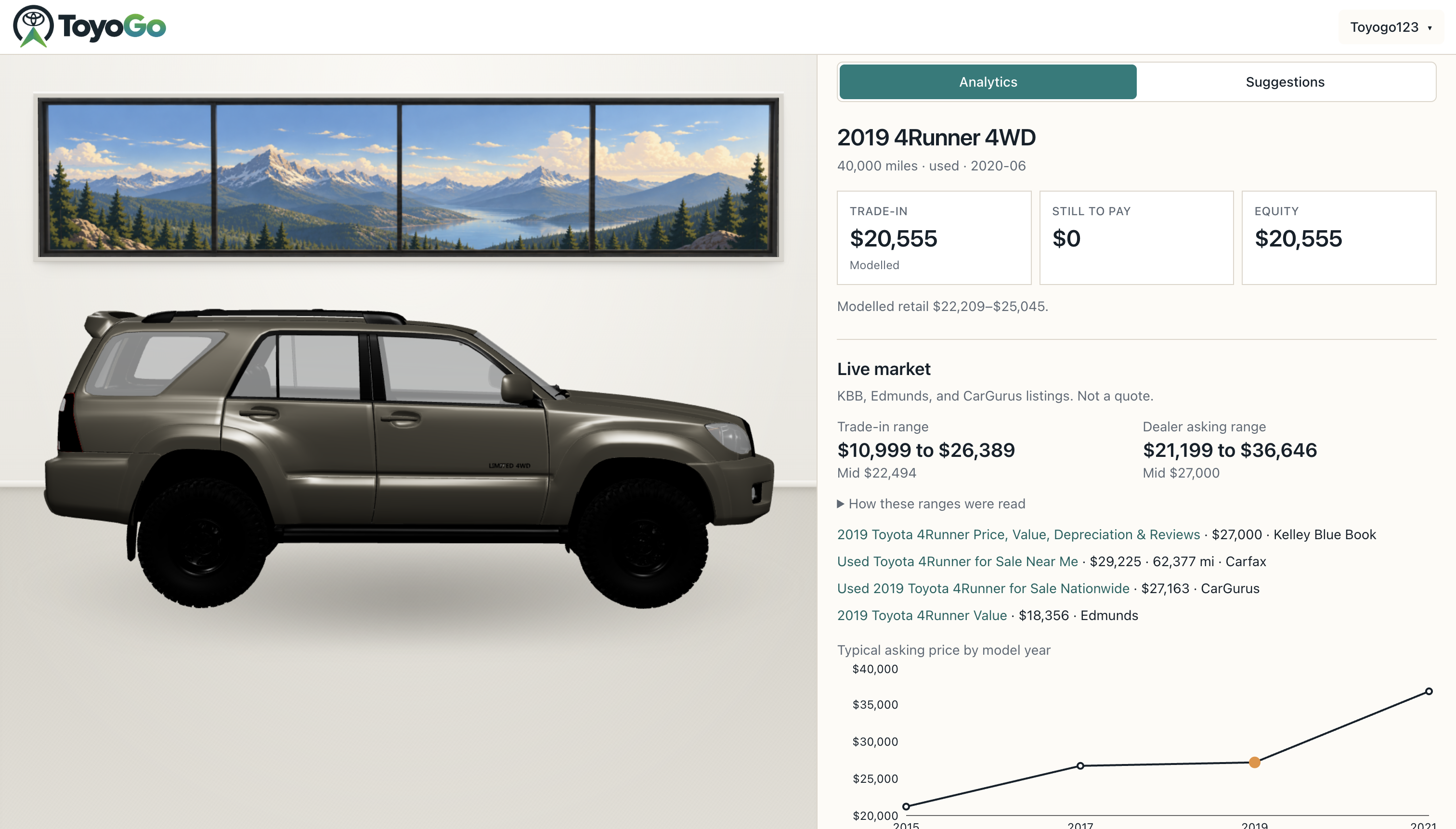
Trade-in estimation page
-
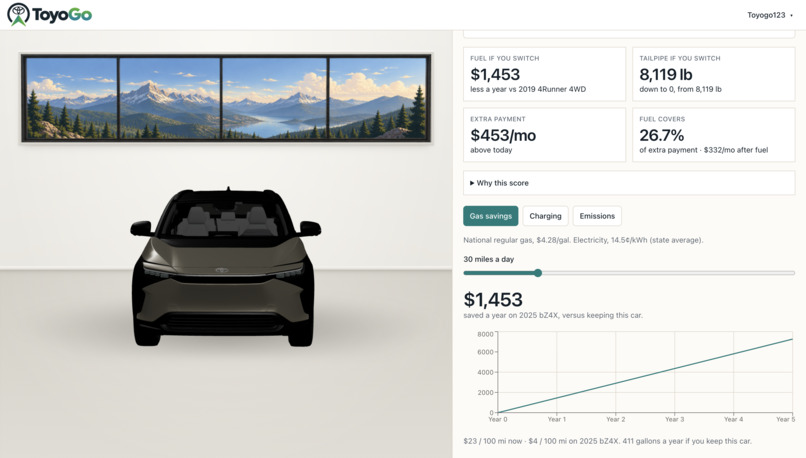
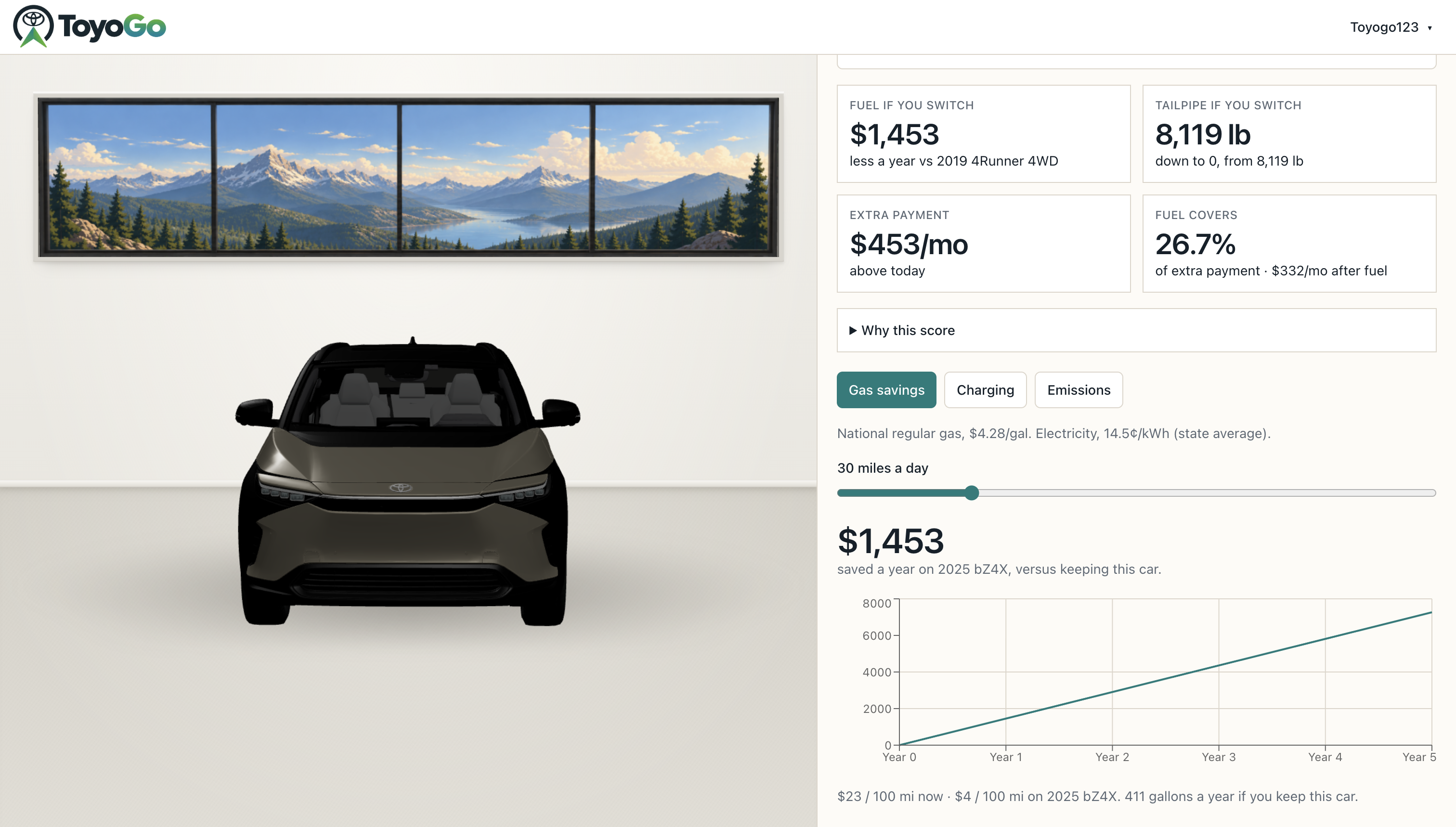
Gas savings dropdown
-
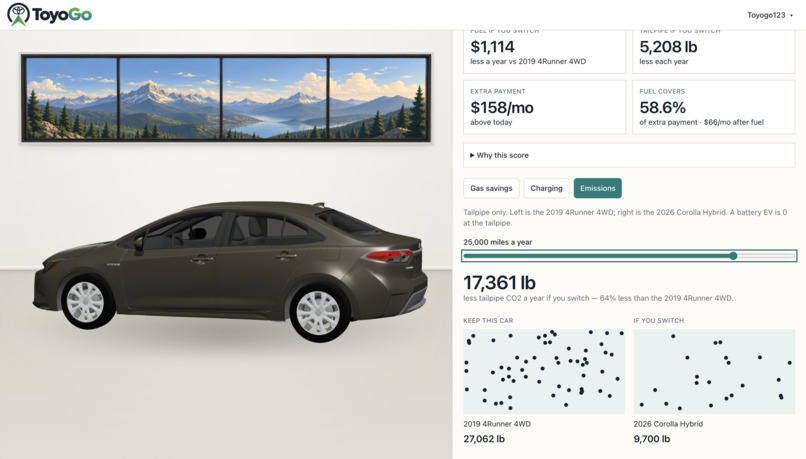
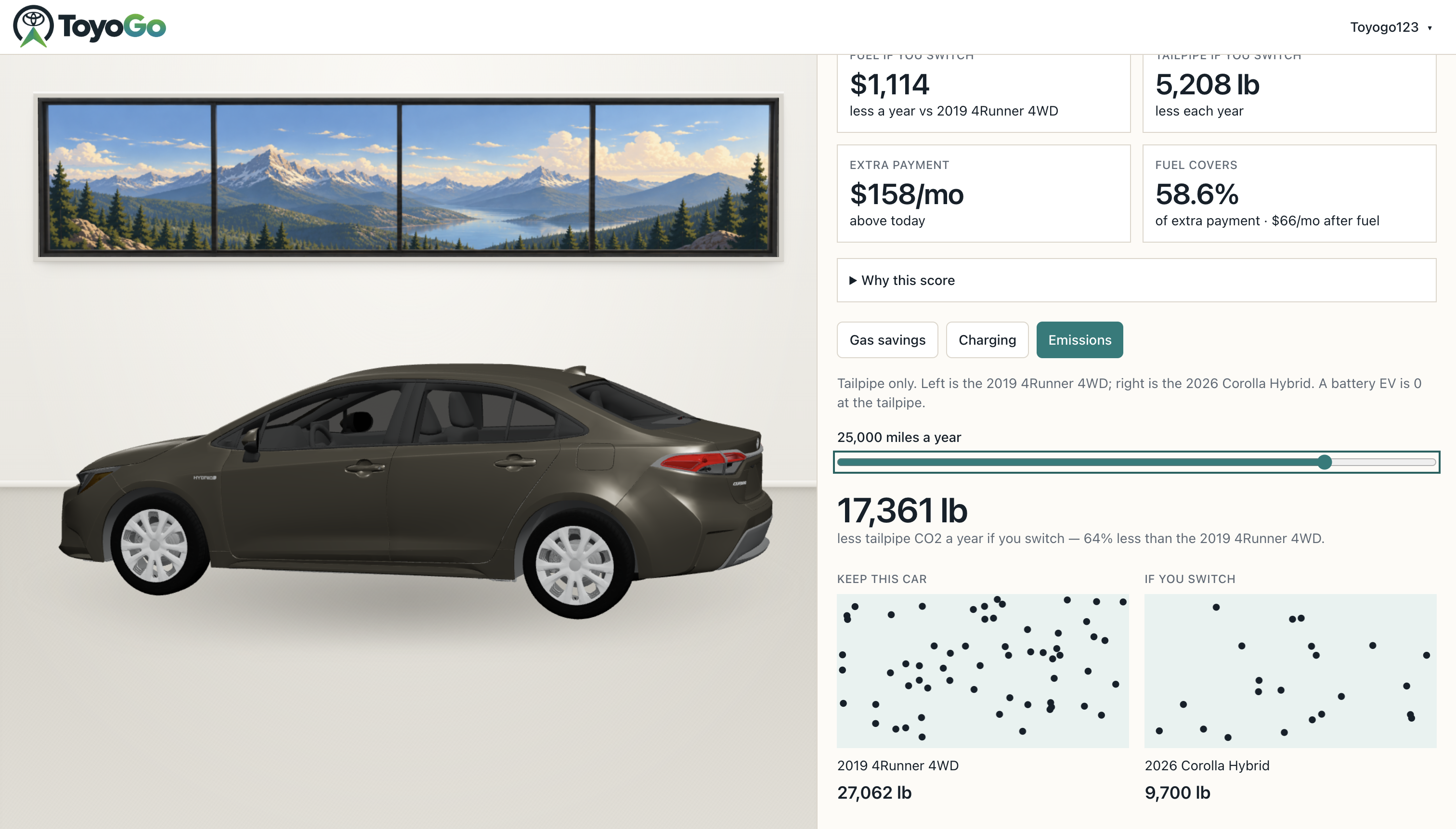
Emission comparison dropdown
-
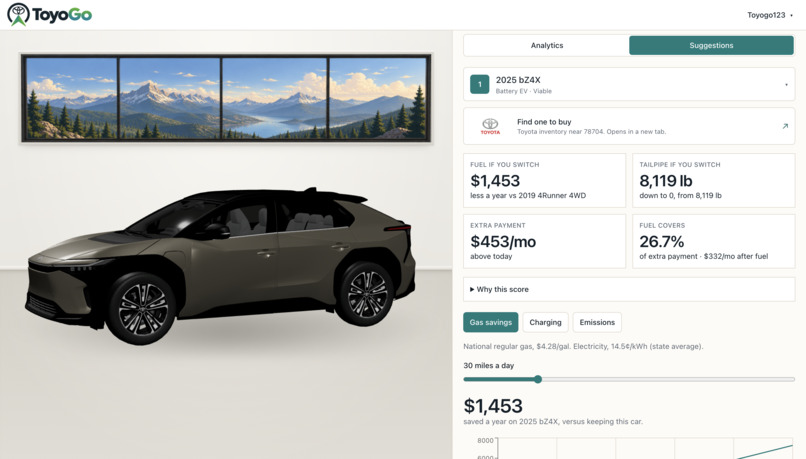
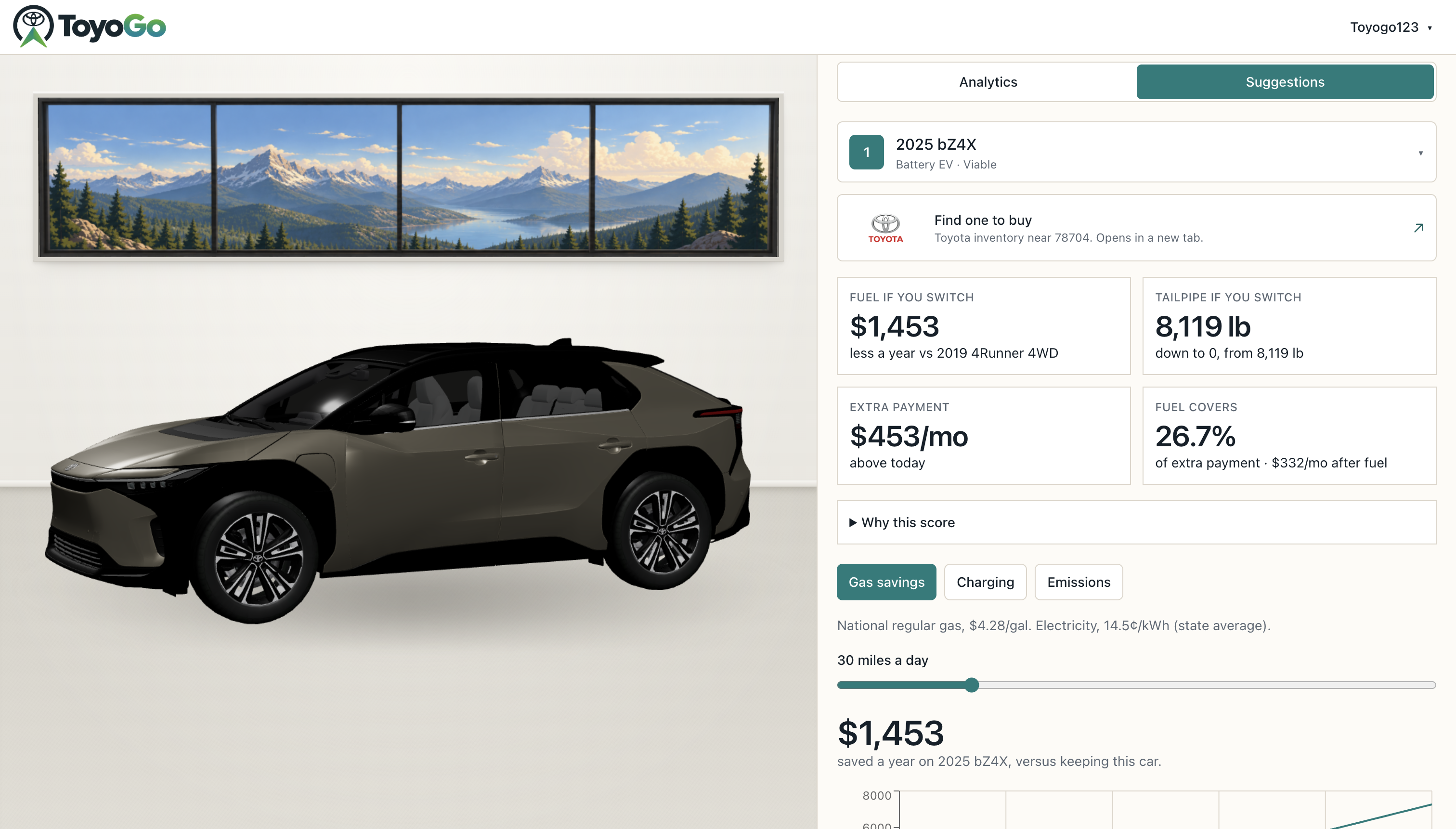
EV/Hybrid recommendation page
-
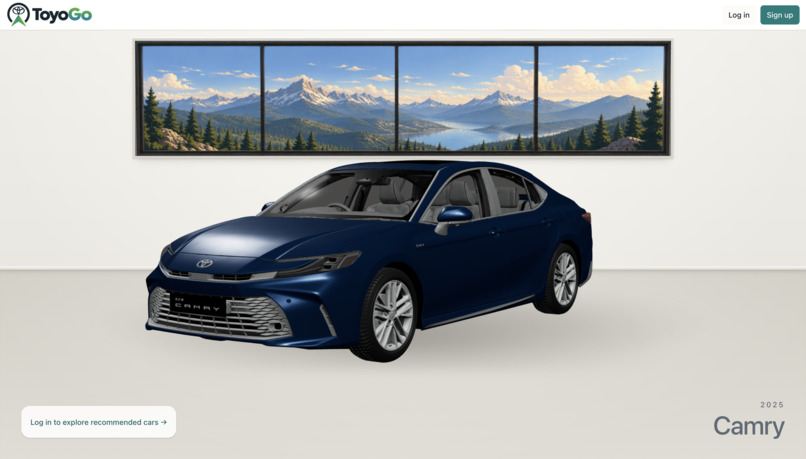
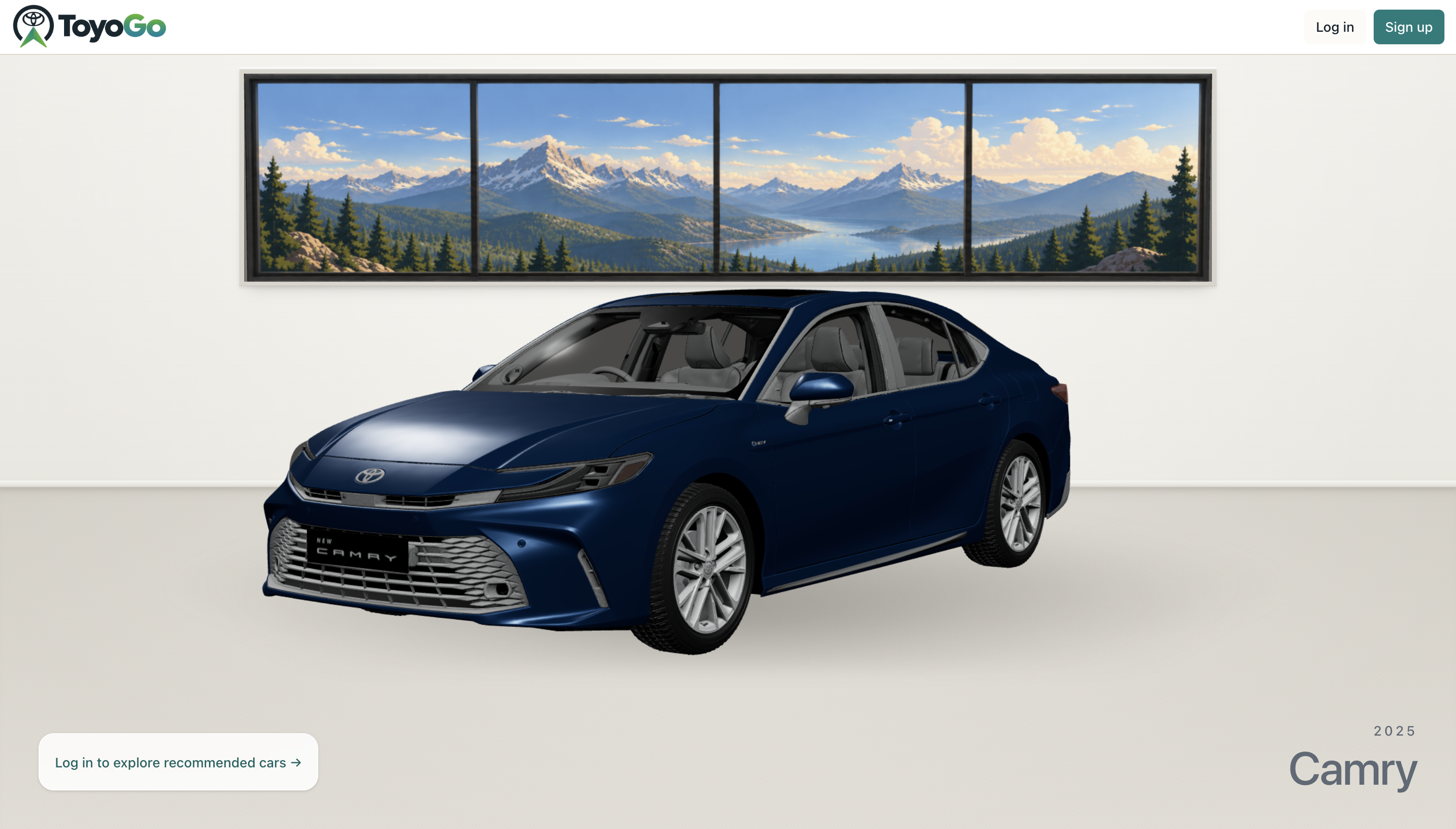
Initial home page without logging in
-
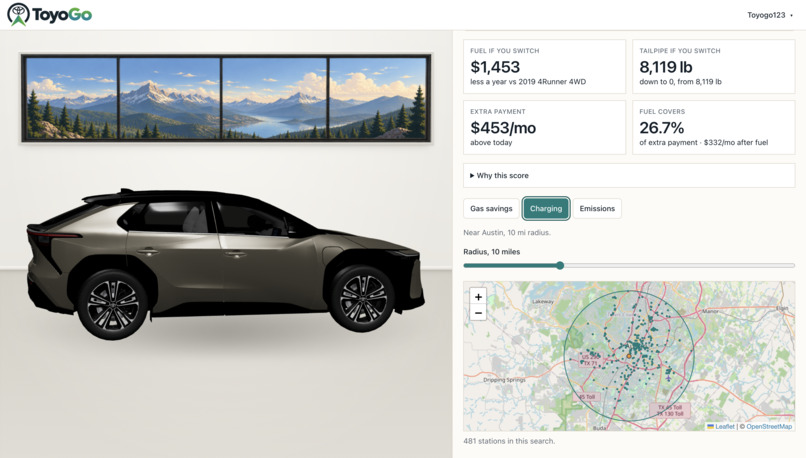
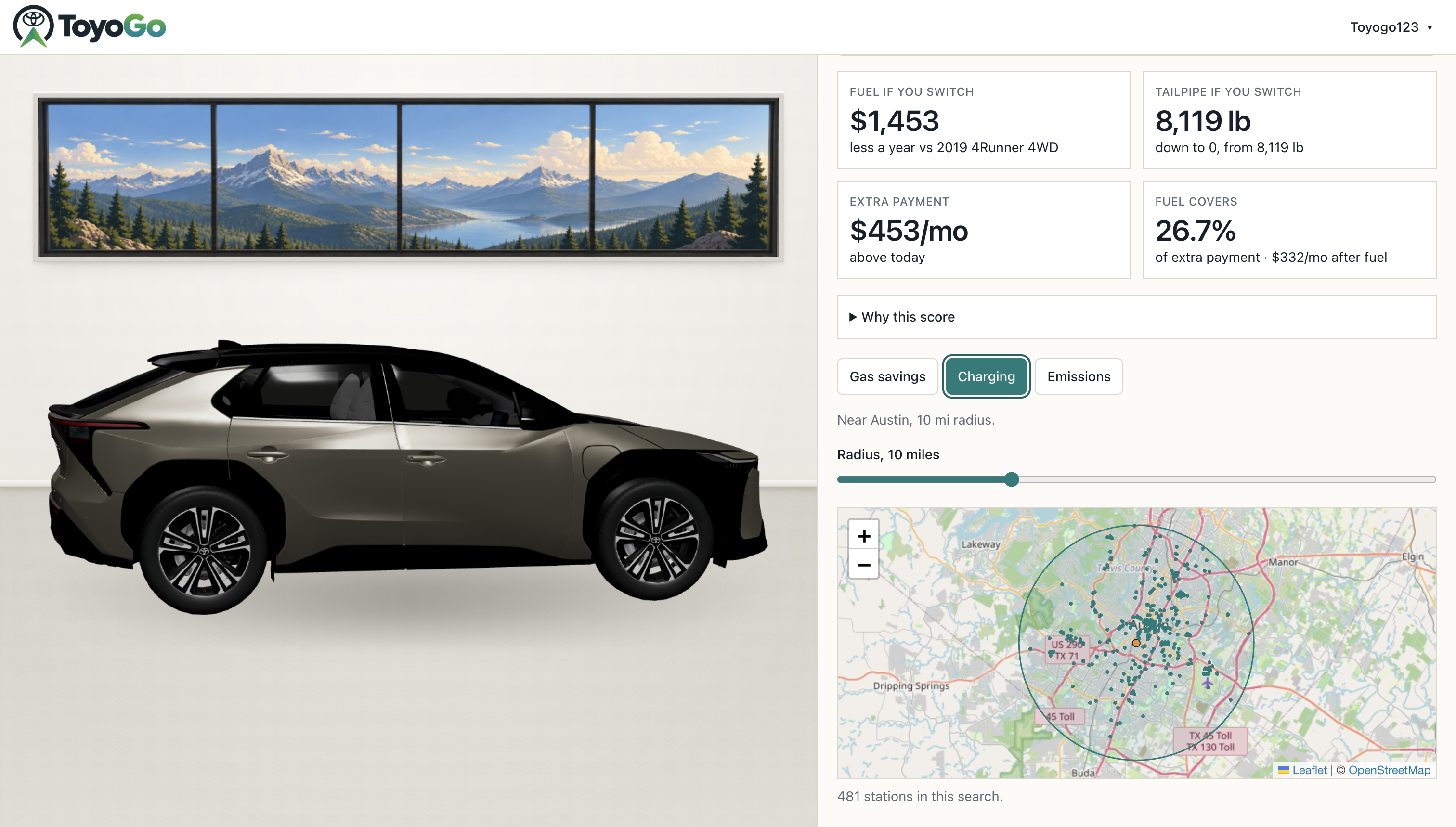
EV charging station near you dropdown
-

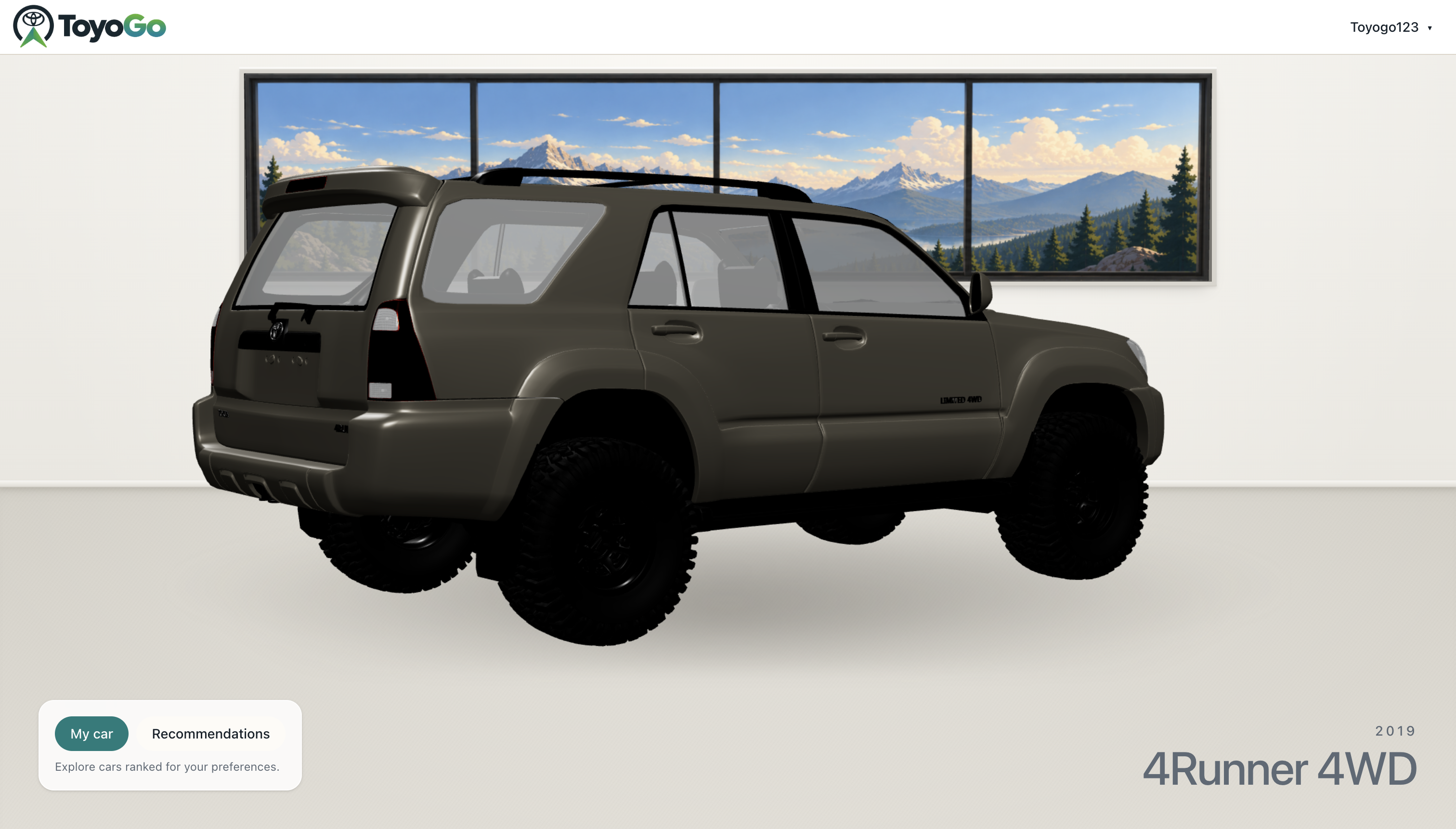
Home screen after logging in
Inspiration
Toyota Financial Services asked: "Given my situation today, what's the smartest next move for me and my Toyota?" For an owner thinking about a hybrid or EV, answering that today means a dealer visit, a loan calculator, a fuel calculator, and guesswork about the trade-in. We wanted one honest answer, based on the loan or lease the customer already has. This will help the user feel more confident about purchasing a new Toyota hybrid or EV and advance Toyota’s commitment to a cleaner and more sustainable future.
What it does
ToyoGo shows a Toyota owner what switching to a hybrid, plug-in hybrid, or EV would really cost them each month, and ranks Toyota's electrified models by what that customer cares about.
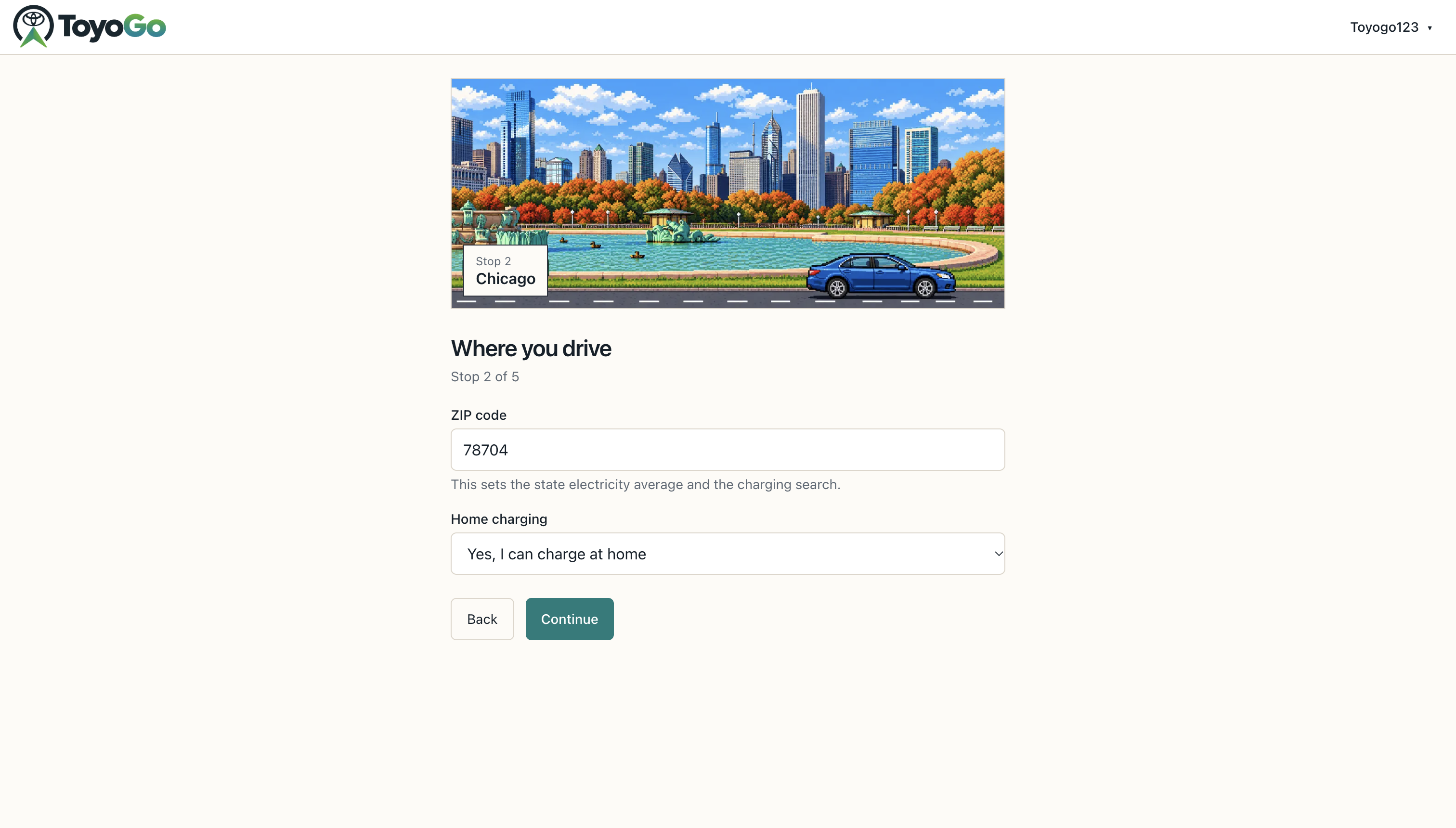
Personalize: The customer enters their Toyota, its condition, and their actual contract: loan (amount, APR, term, months left, payment), lease (payoff, months left), or owned. They also enter a ZIP code, home charging access, a monthly budget, daily miles, and a drag-ranked list of six priorities: monthly payment, 5-year cost, fuel savings, emissions, space, and performance.
Simplify: Each suggested car comes with one plain sentence that settles the money question:
"Fuel saves 50/mo, which is 60% of the extra 85/mo payment. After fuel, the switch costs 35/mo."
If the trade-in is underwater, ToyoGo says by how much and shows that amount rolling into the new loan. A live market check shows a trade-in range, a dealer asking range, and real comparable listings from KBB, Edmunds, and CarGurus. Each suggestion also has gas savings over 5 years, nearby chargers, and CO2 vs. the current car.
Guide: ToyoGo removes any option more than 25% over budget, then ranks the rest. A "Why this score" panel shows how much each of the customer's priorities moved the score. The 3D viewer switches to the suggested Toyota in the customer's paint color, so they see the car they would drive next. It also provides a link to Toyota Websites that directs them to cars of that model that are available for purchase nearby, based on the user's zip code.
Value: For TFS, ToyoGo turns "I'm curious about EVs" into a priced, financed Toyota. That is a new TFS contract, and a customer kept in the Toyota family at trade-in time instead of shopping elsewhere.
The math
All money is in integer cents, in tested TypeScript (64 unit tests). Loan payment, with monthly rate \(r\) and term \(n\): $$M = \frac{P\,r}{1-(1+r)^{-n}}$$
Trade-in equity, which is rolled into the next loan if it is negative: $$E = \text{Trade-in} - \text{Payoff}$$
The "fuel covers" sentence, with extra payment \(\Delta M\) and monthly fuel savings \(S\): $$\text{Fuel covers} = \frac{S}{\Delta M}, \qquad \text{Net monthly cost} = \Delta M - S$$
Ranking, with weights \(w = (0.34, 0.22, 0.16, 0.12, 0.09, 0.07)\) set by the customer's priority order, normalized benefits \(\hat{b}_k\), and a penalty \(\mu \in {1, 0.75, 0.3}\) for charging, range, budget, equity, or payback problems: $$\text{Score} = \Big(\sum_k w_k\,\hat{b}_k\Big)\cdot\mu$$
Responsible AI
The formulas pick the car. Gemini only does two things:
- It rewrites the top result in plain language after the score has picked it. It runs at temperature 0 (to minimize randomness) and is told not to change any number.
- It reads search results for the market check. Its ranges are rejected unless \(0 < \text{low} \le \text{mid} \le \text{high}\).
If Gemini fails, the page still shows every number. Market prices are labeled "Not a quote." Loan documents stay in the browser, and VINs are never stored.
Synthetic data
The signup comes prefilled with a customer. Our engine also includes three simulated TFS customers: a Corolla lease ending in 90 days, a Tacoma owner whose income dropped, and a Highlander owner who needs more room. Vehicle specs come from real EPA FuelEconomy.gov data. All contract terms and prices are examples.
How we built it
Next.js 15, React 19, TypeScript, and Tailwind, deployed on Vercel with our .tech domain and Postgres accounts. Three.js and React Three Fiber for the 3D Toyotas (Blender → Draco-compressed GLB). EPA FuelEconomy.gov, Open Charge Map, SerpApi, and Gemini for data. Cursor and Grok Bot: We used Grok bot to summarize pull requests every hour, and we used Cursor to implement our 3D Blender models of the cars and assist with general development.
Challenges
- No free API gives US trade-in values, so we built a depreciation model and added a live market check from listing data.
- We first let Gemini calculate loan amounts. The numbers were sometimes wrong, so we moved all math into tested code.
Accomplishments that we're proud of
The 3D car changes with the answer. On Analytics, the viewer shows the car you drive now. Open Suggestions and it swaps to the Toyota we recommend: Corolla Hybrid, Camry Hybrid, or bZ4X. Click a different option and the car changes again. Every model is repainted in the color you picked at signup. Each model came from a different source with different material names, so we wrote one matcher that finds the body paint on every model and leaves the glass, chrome, tires, and lights alone. The car on screen is the car you would drive next, in your color.
A real charger map from your ZIP code. Your ZIP code becomes a map location, and we pull public chargers within 30 miles from Open Charge Map. The radius slider (2 to 30 miles) filters those pins in the browser, so the map updates instantly with no new request. If Open Charge Map takes more than 3 seconds or is down, the map uses a saved Austin sample instead of breaking. A standard hybrid gets no map at all. The app explains that it charges itself while driving, so we never show a hybrid buyer a charging problem they don't have.
From "should I switch?" to "find one near me" in one click. Every suggestion has a "Find one to buy" button with the Toyota logo. It opens Toyota's own inventory search for that exact model, filtered to the ZIP code from signup. Switch from the Corolla Hybrid to the bZ4X and the link switches with it. The model-to-inventory mapping is unit tested, so the button never sends someone to the wrong car. The answer ends at a real Toyota on a real lot, which is where a TFS financing offer starts.
What we learned
- Keep the AI away from the math. Gemini got loan amounts wrong early on. Once every number came from tested code, and Gemini only read search results and wrote plain sentences, the results stayed the same every run.
- Car finance is more than the monthly payment. We learned amortization, negative equity, lease payoffs, and the gap between trade-in and dealer asking prices. A lower payment can also mean a longer loan, which is why 5-year cost is its own priority.
- Plan for every API to fail. SerpApi, Gemini, Open Charge Map, and FuelEconomy.gov each have a fallback, so the page stays complete on slow hackathon Wi-Fi.
- 3D on the web is mostly about the files. Most of the work was in the models themselves: scaling, finding the paint material, and file size. The 4Runner model alone is 23 MB.
- How to ship as a first-time hackathon team. Small pull requests, hourly PR summaries from Grok bot, and Cursor for the 3D work kept everyone working on the same code without stepping on each other.
What's next
- Next-step routing: our engine already sorts customers into self-service, an eligible offer, or a specialist follow-up, with a handoff brief. Bringing that into the dashboard is next.
- Real TFS account data and offers, and current local gas and electricity rates instead of national or state averages.
Built With
- next.js
- react
- serpapi
- tailwind
- typescript


Log in or sign up for Devpost to join the conversation.