-
-
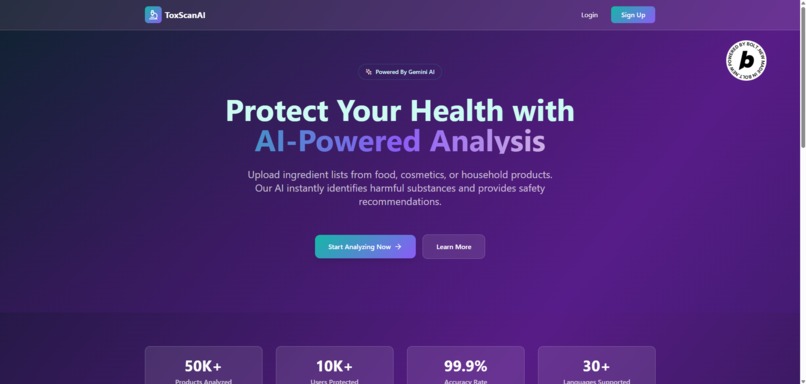
Landing Page
-
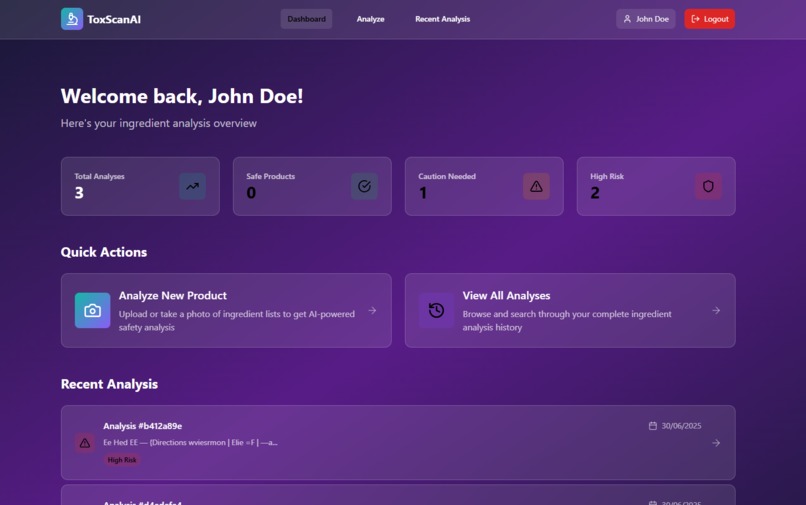
Dashboard Page
-
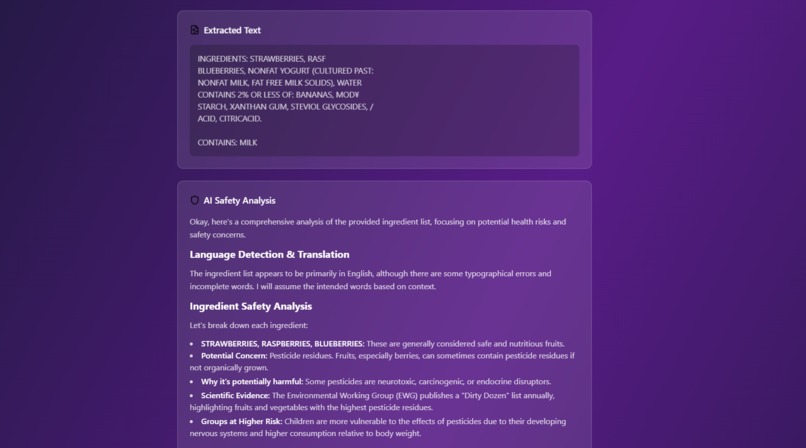
Analysis
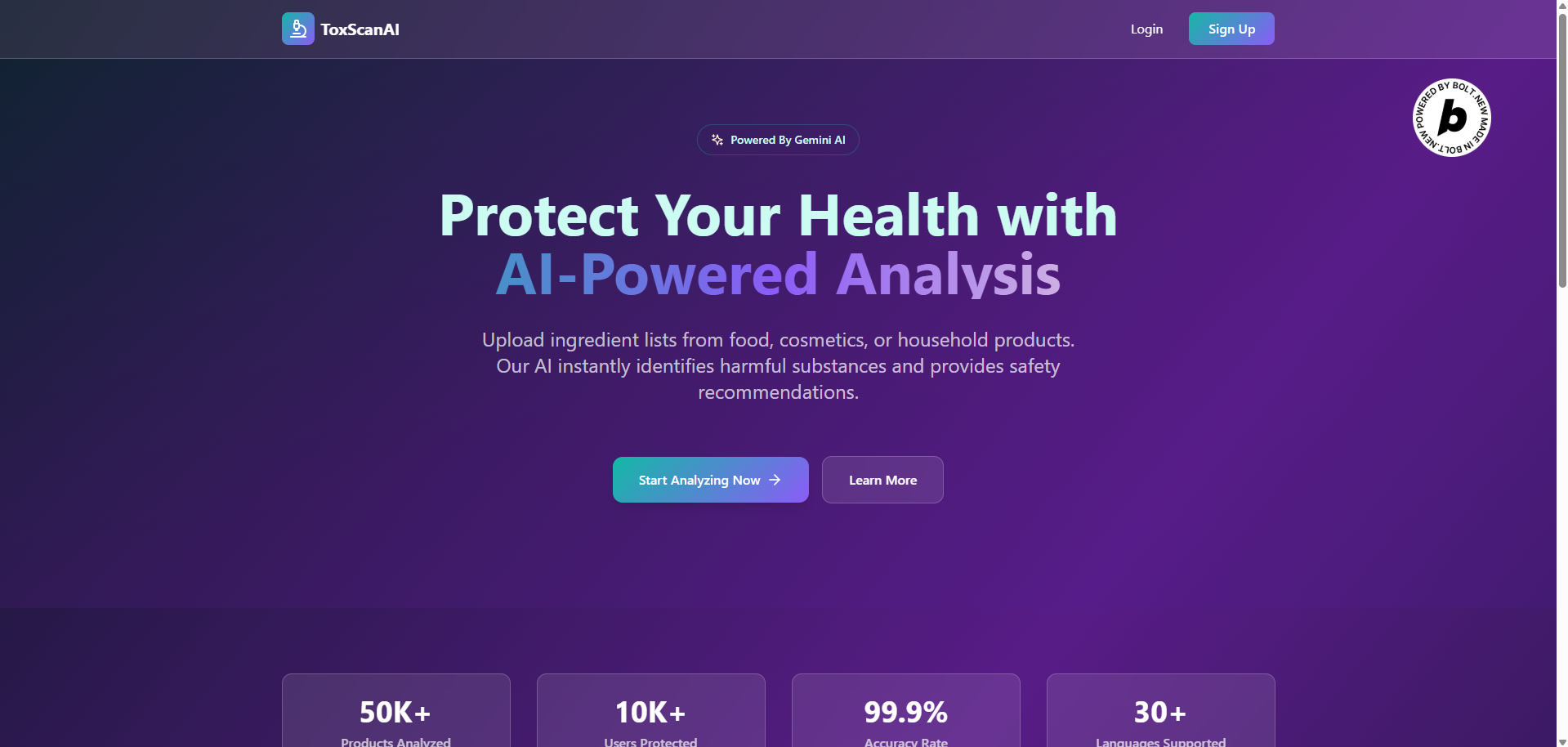
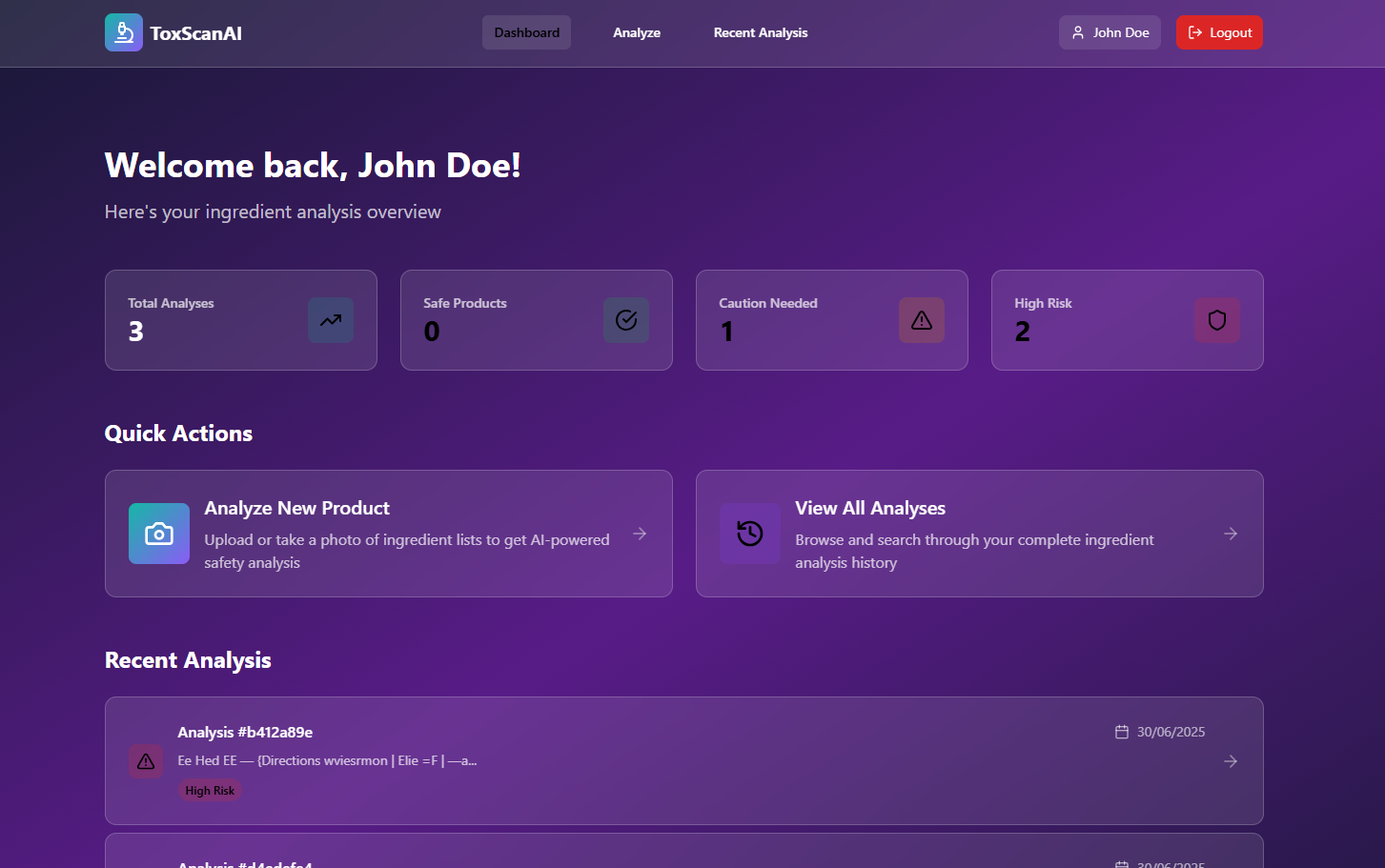
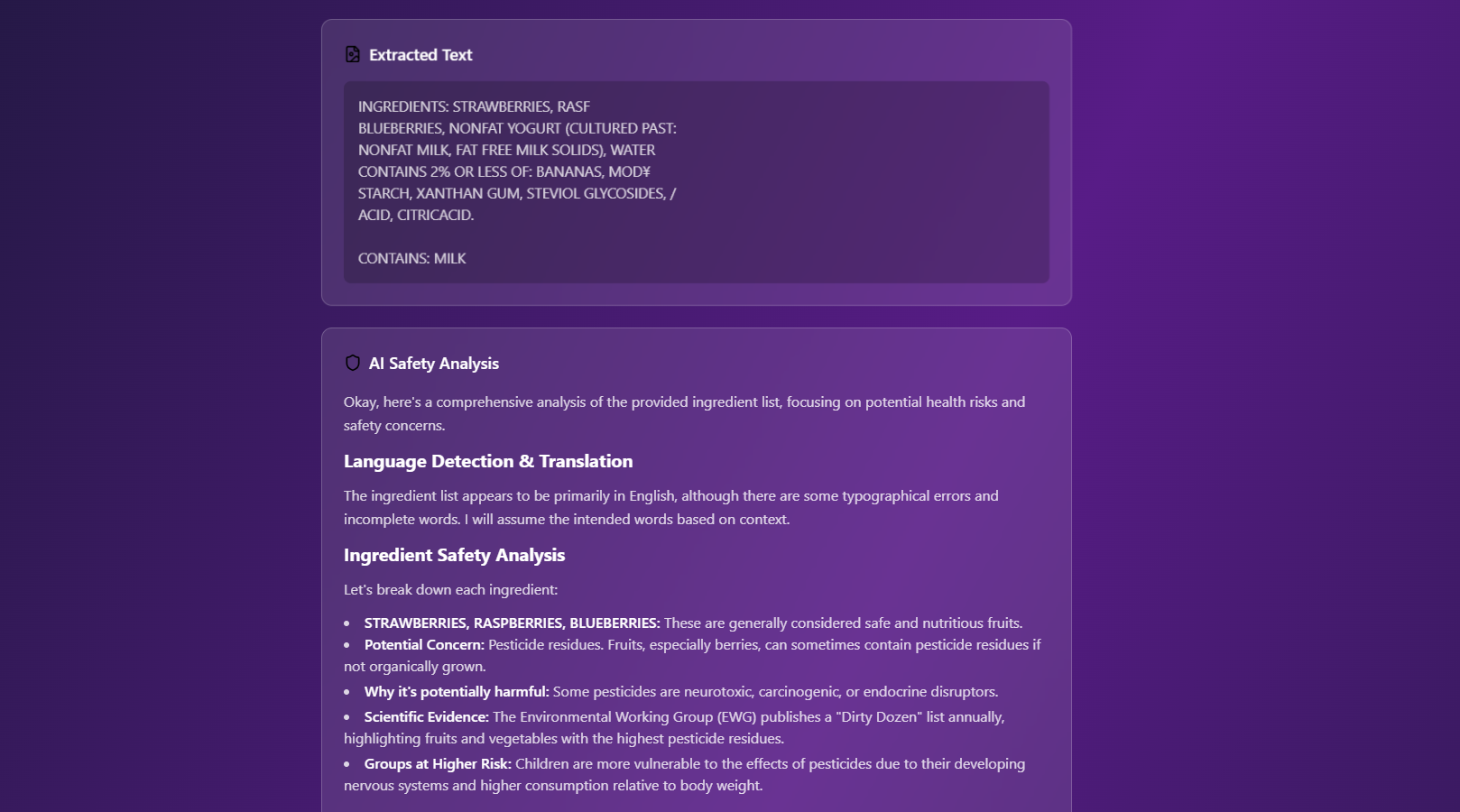
Inspiration
Every day, consumers unknowingly use products that contain harmful ingredients—whether it's in food, skincare, or cosmetics. We realized how difficult it is for everyday people to understand ingredient labels filled with scientific jargon or foreign languages. This inspired us to build ToxScanAI, an AI-powered web app that empowers users to scan product ingredient lists, instantly detect harmful substances, and get safe usage recommendations—right from their phone.
What it does
ToxScanAI enables users to:
- 📸 Upload or take a photo of a product’s ingredient list.
- ✂️ Crop the image to focus on the relevant section.
- 🔍 Use OCR to extract the text and detect the language.
- 🌍 Translate foreign text to English (via Google AI).
- 🤖 Analyze each ingredient using Google AI to detect:
- Carcinogens
- Neurotoxins
- Hormonal disruptors
- Substances dangerous to children or pregnant women
- ✅ Recommend whether the product is safe, should be used in moderation, or avoided.
How we built it
Frontend: Built with React and TailwindCSS, featuring:
- Mobile-first design
- Glassmorphism with elegant gradients
- PWA support for offline and installable experience
- Crop tool for precision scanning
Backend: Built using Node.js with Express:
- Handles image uploads
- Processes OCR using Tesseract.js or optionally Google Vision API
- Uses Google Translate API for language translation
- Sends ingredient text to Google AI (Gemini API) for analysis
- Stores scan history in PostgreSQL, using
uuidfor primary keys
Security & Access Control:
- Authentication for user-specific access
- Write operations restricted to authorized users only
Challenges we ran into
- Getting reliable OCR output from low-quality or poorly-lit images
- Filtering out non-ingredient text (marketing phrases, branding)
- Making AI responses trustworthy and well-cited
- Ensuring mobile PWA performance while keeping the UI responsive
Accomplishments that we're proud of
- Built a complete end-to-end AI-powered app that works across devices.
- Seamlessly combined OCR, translation, AI text analysis, and markdown rendering.
- Created a sleek and intuitive user experience with minimal friction.
- Ensured accessibility and mobile usability with a robust frontend design.
- Knowing that this tool could help someone avoid harmful products and make healthier choices makes all the effort worthwhile. That impact is what drives us.
What we learned
- Fine-tuning OCR and translation workflows to handle edge cases
- Prompt engineering to get accurate, citation-backed answers from Google AI
- Using AI to store data in PostgreSQL for flexibility
- Optimizing React components for speed and efficiency in a PWA environment
- Implementing progressive enhancement for real-world usage (slow networks, low-end devices)
- I learned about new technologies that I never used before Node.js, Express.js, Tesseract.js, and TypeScript.
What's next for ToxScanAI - AI Ingredient Analyzer - Safe Products with AI
- 📱 Launch mobile apps (via React Native) for native experience
- 🔗 Integrate barcode/QR code scanning to autofill ingredient data
- 🧠 Expand AI to support more product categories (cleaning agents, pet food, etc.)
- 🌍 Add multilingual support for voice guidance and regional product databases
- 🧪 Partner with researchers and regulatory agencies to improve ingredient safety detection accuracy
- 📊 Build community-powered ingredient reviews and crowdsourced warnings
Built With
- express.js
- google-ai-api
- javascript
- node.js
- react
- sql
- tailwindcss
- tesseract.js
- typescript
- vite


Log in or sign up for Devpost to join the conversation.