-
-
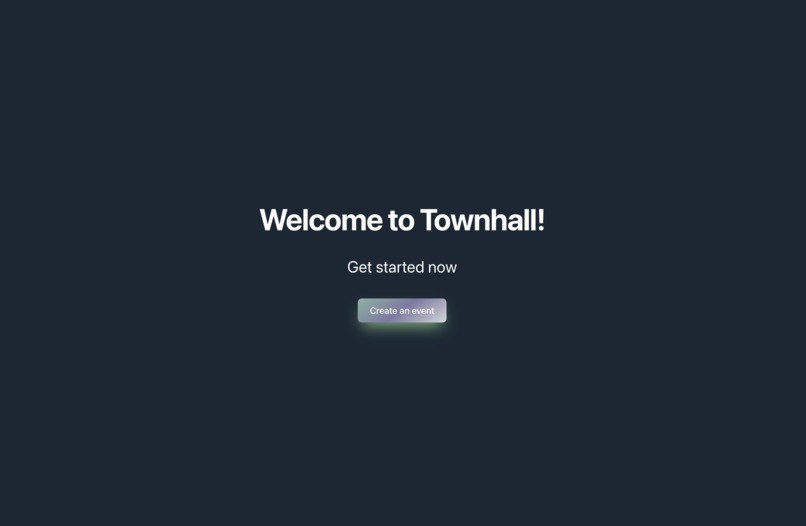
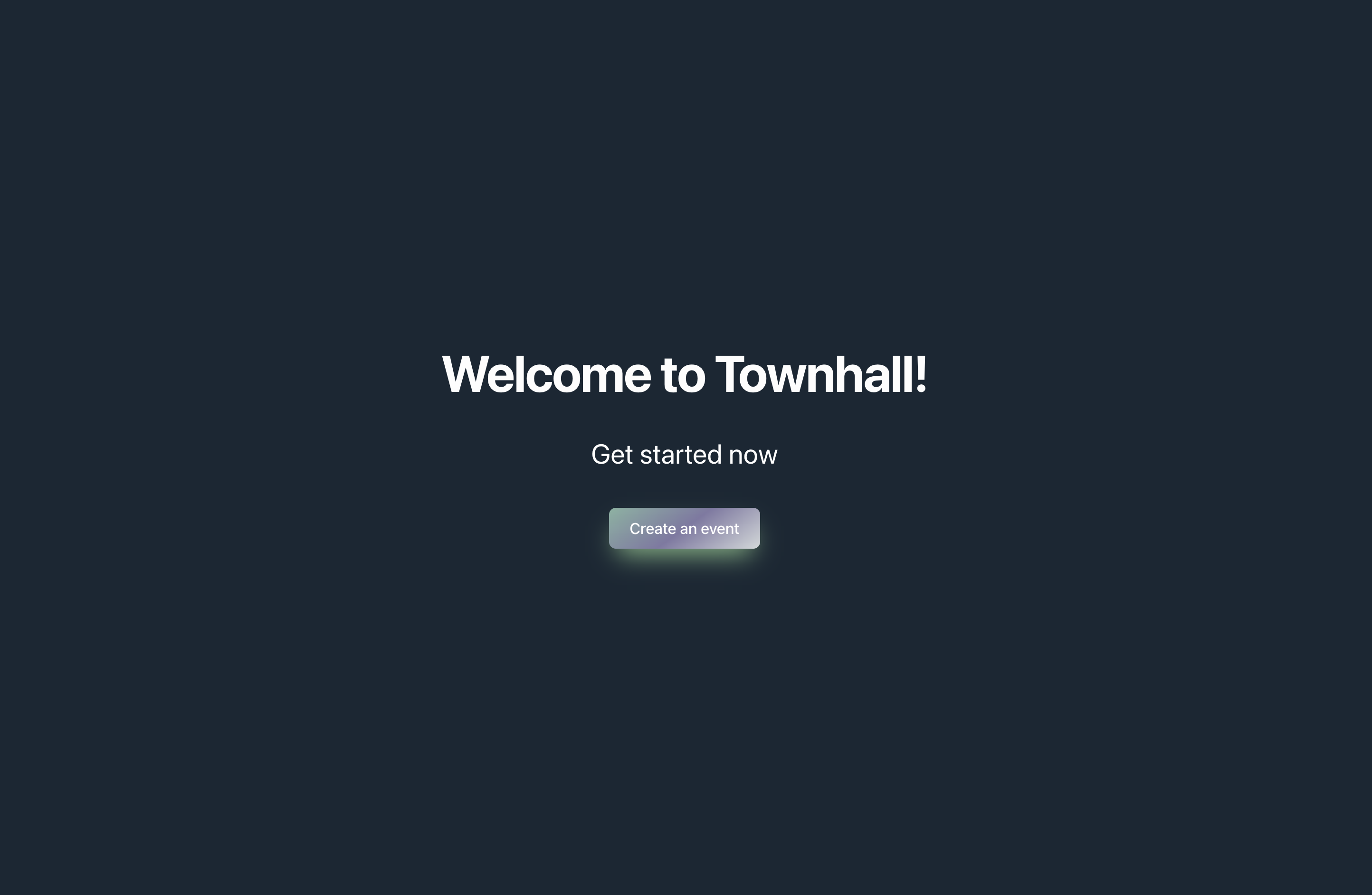
Home page
-
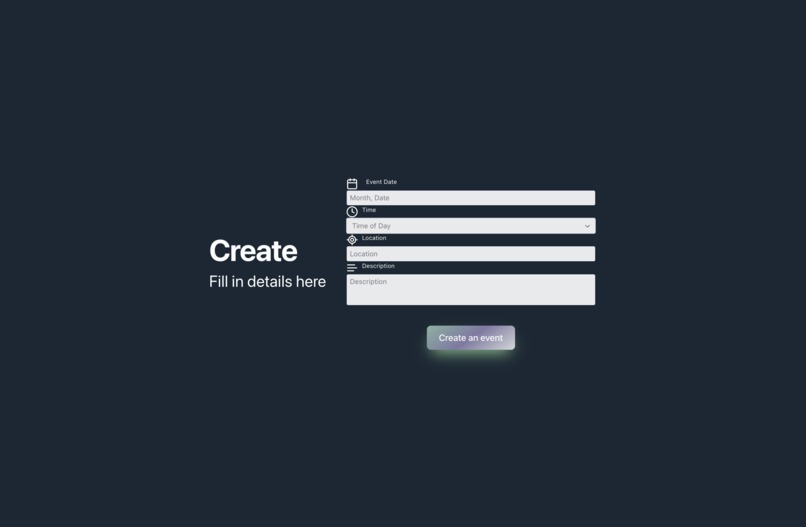
Help create an impactful event for people with common interests
-
-
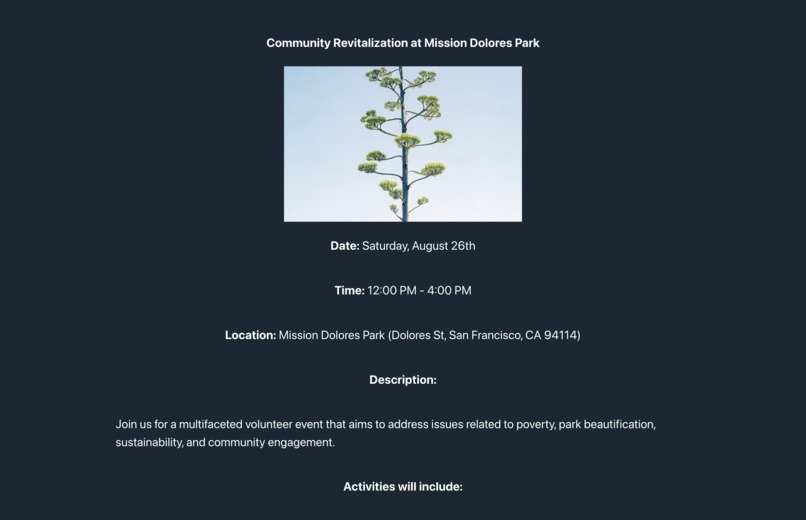
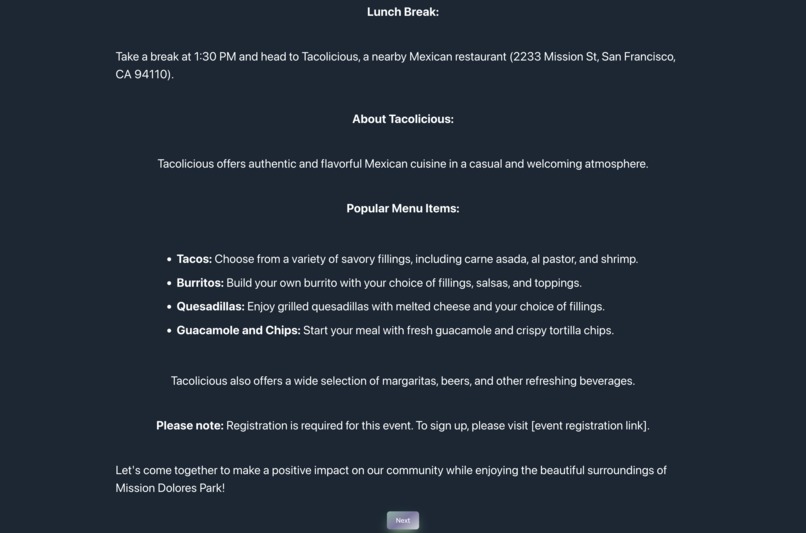
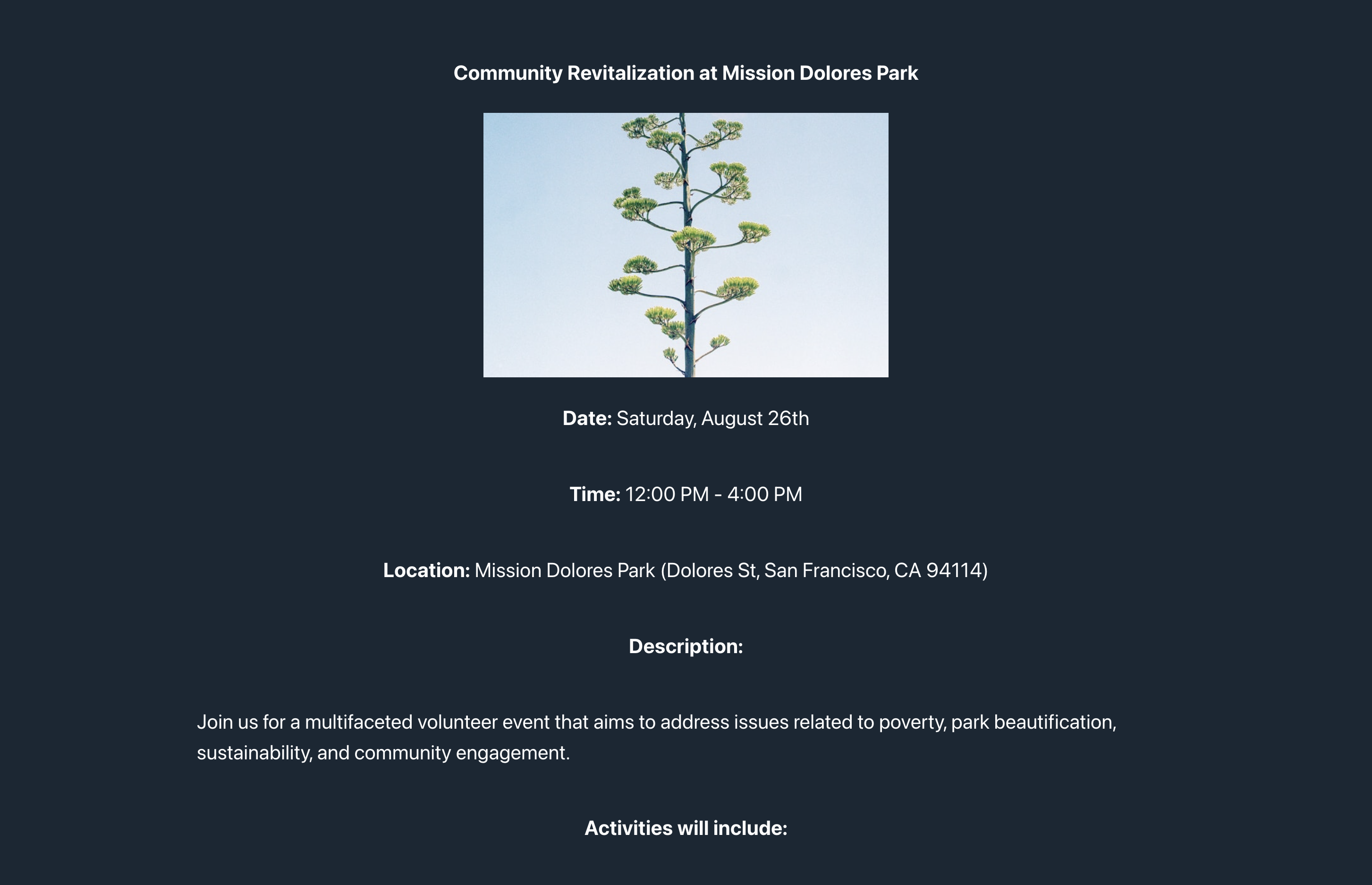
Gemini created event based on people's interests
-
Inspiration 💡
Over 75% of adults in the United States do not participate in volunteering activities, missing out on over a projected 12 billion hours of community service projects. As 32% of nonprofits reported that recruiting was their biggest challenge, much of the lost volunteer hours can be attributed to a lack of exposure to volunteer events. The pervasive difficulty nonprofits face finding passionate volunteers is unacceptable, given technology’s extensive capabilities and reach throughout society today.
Over 35% of volunteers said their main reason for volunteering was socializing. This led us to imagine a world where nonprofits had plentiful, passionate volunteers to carry out their missions. Through Townhall, we developed a solution to this persisting issue by incorporating people’s interests and accommodations into community bonding service events to encourage volunteering and social connection.
We know that if Townhall were implemented in larger cities with more users, the database would be curated more precisely to each individual’s interests, leading to a lasting improvement in each community across the US. Townhall currently only has a limited database of users, so the suggestions may be vague. As more people use Townhall, each generated project will become more diverse and impactful – connecting a collaborative environment for communities and nonprofits.
What it does 😼
With Townhall, you can connect with your local community and collaborate on nonprofit-sponsored volunteer events that are in your best interests. Find your cause, and make a difference. Here’s how the app works:
Create
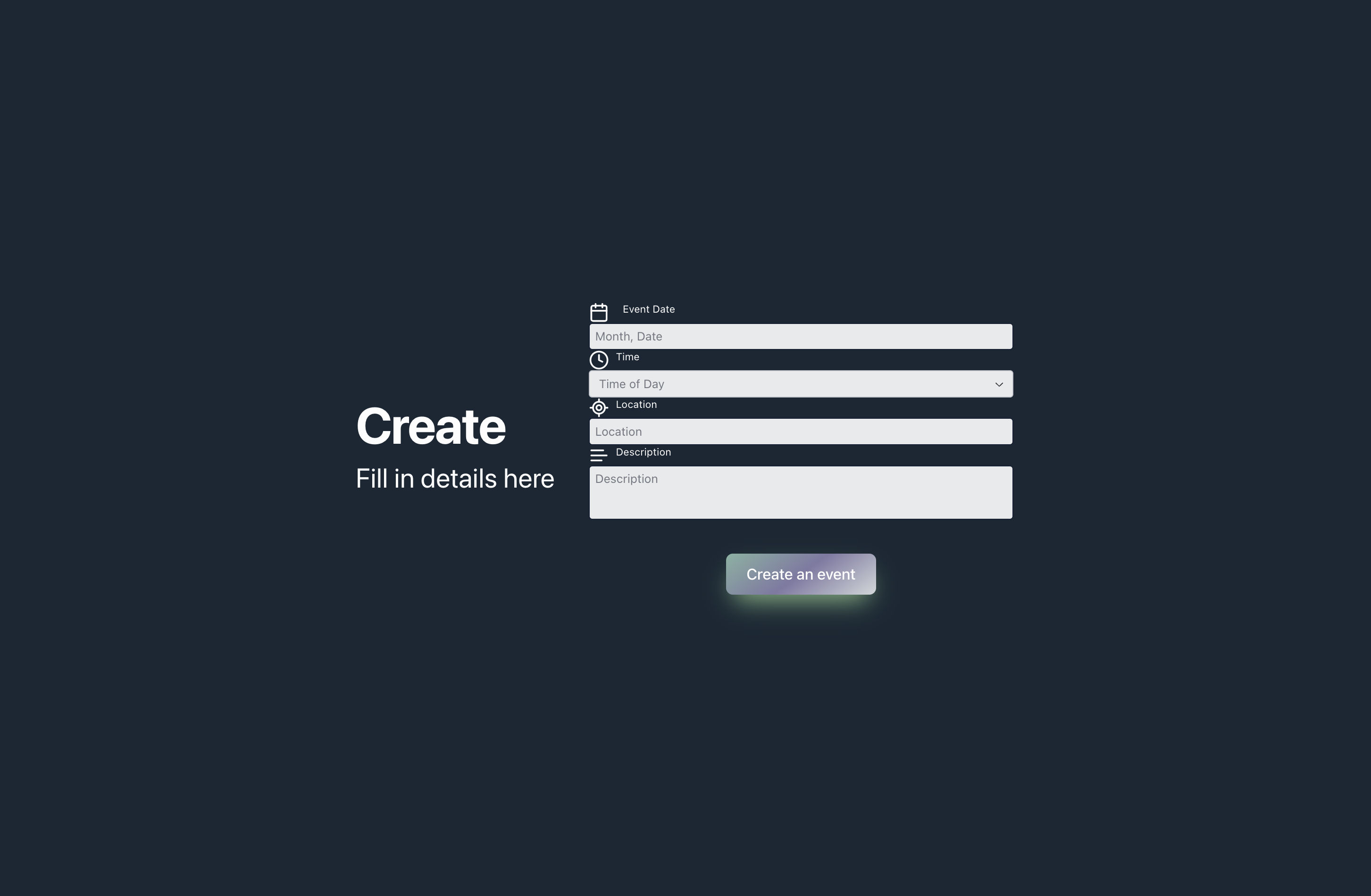
Enter personal preference details like available location, time, and activity
See Your Event
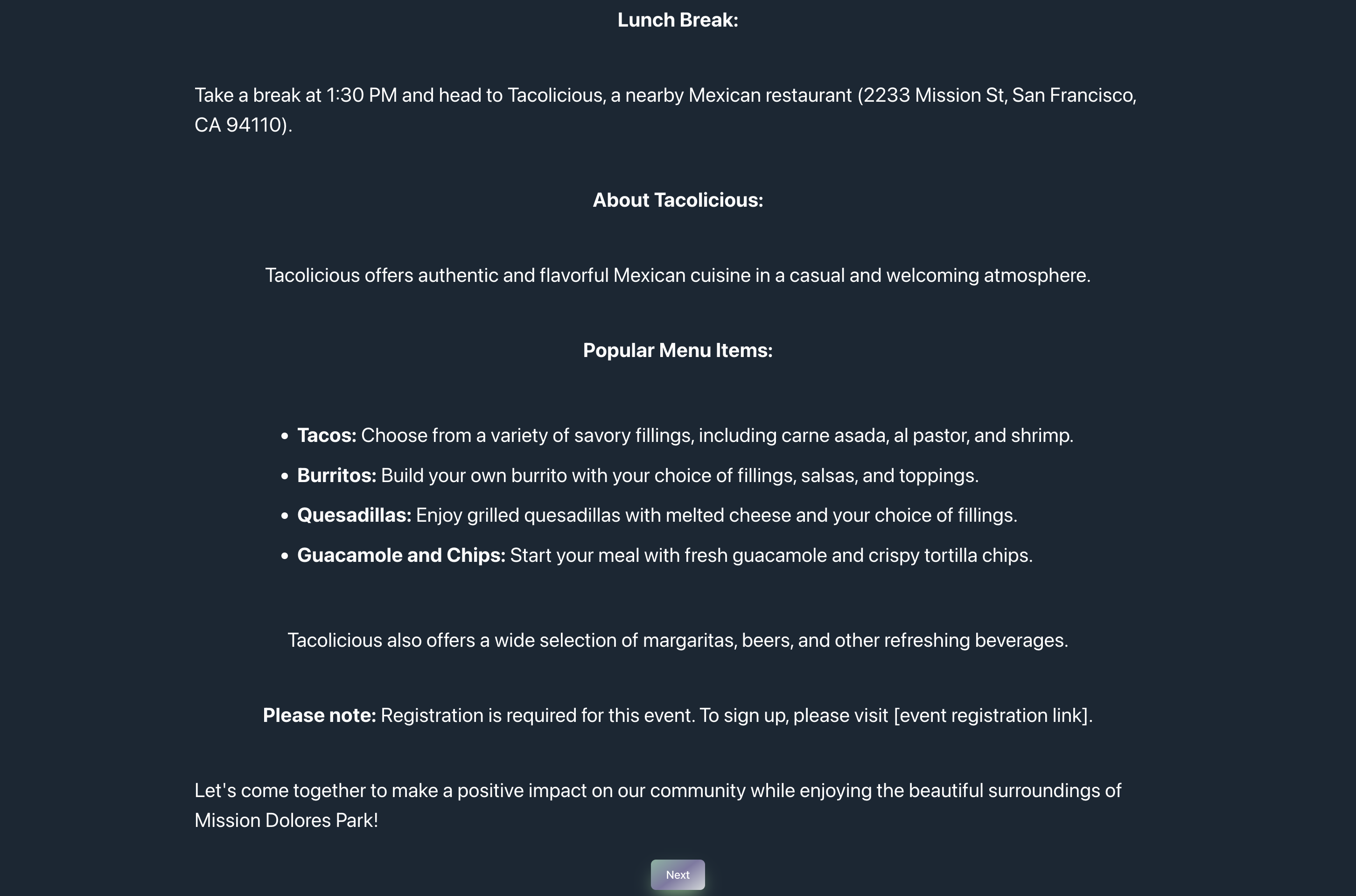
Gemini API generates a detailed event based on multiple data entries from people in the area. Using this data, the API matches people with similar interests and availabilities and creates an event. The event page will include the venue/directions, time/date, and even a description of the event and its activities. It also includes a social aspect of going for food after the event. The API will find local restaurants and display detailed descriptions of their menus.
Post
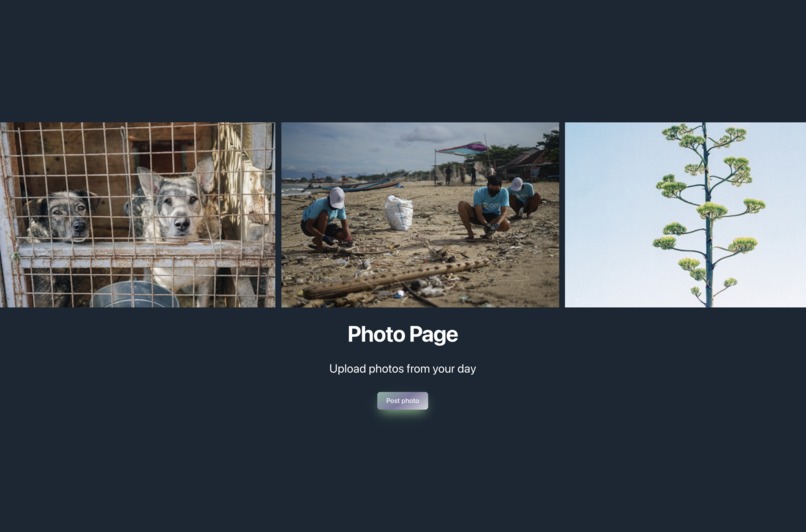
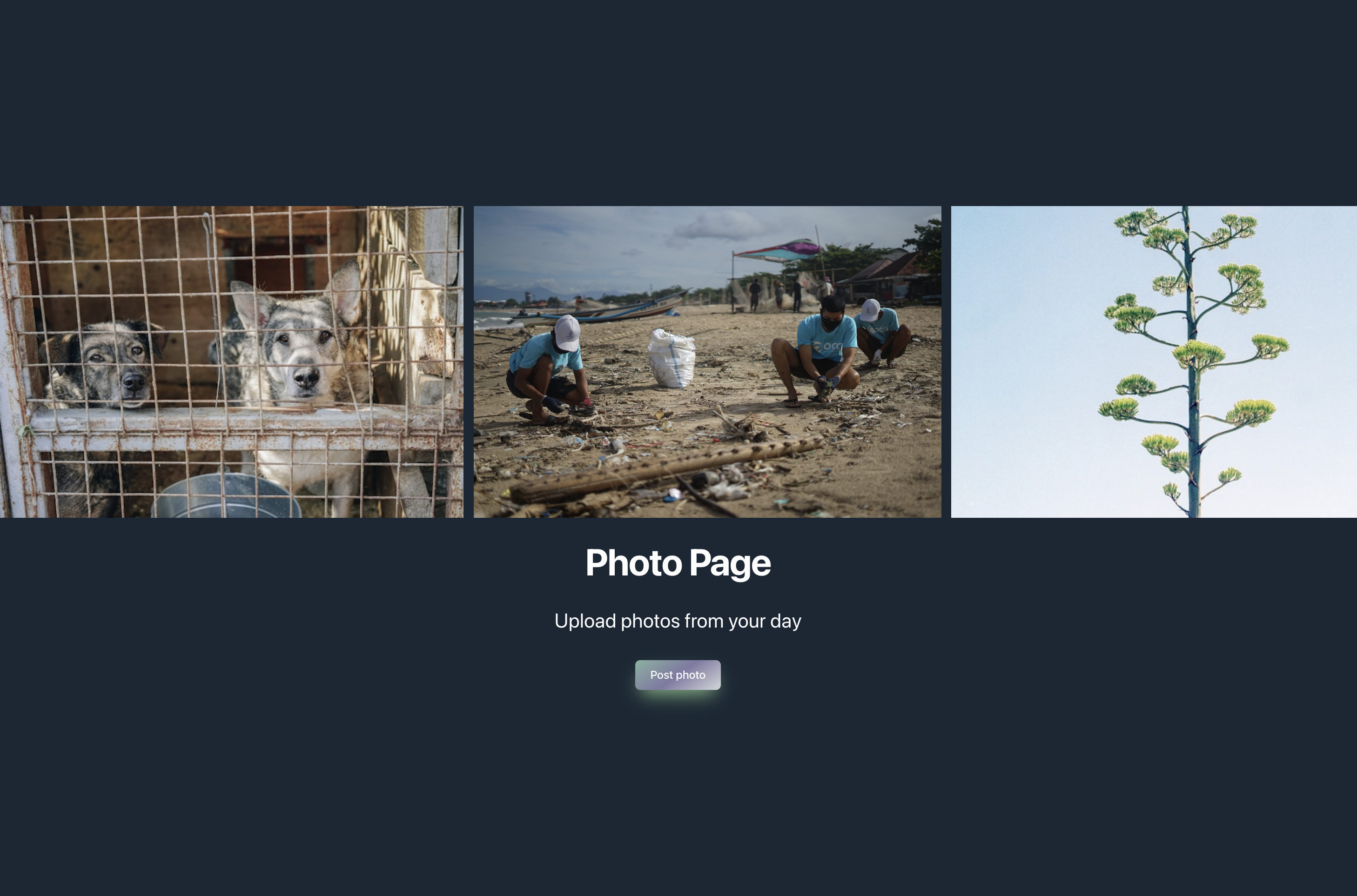
See photos taken by other volunteers around the world who you can draw inspiration from. You can also upload your pictures onto the website and share them on various social media platforms. This not only increases exposure for the website, but also allows volunteers to be proud of their work.
Challenges we ran into 😩
Out of our team of 4, three of us have almost no coding experience (2 have minimal coding experience, and another has less than a year of experience). With this experience, we spent a lot of time with setting up environments, and experimented a lot with each of the tools below.
Github

Alvin Tan pushed 4 million lines of code 💀 less than a day after downloading VS Code for the first time. As first-year students with minimal project experience, navigating and learning git was difficult; we experienced hours of encounters with merge conflicts, “fatal errors”, and learning about maintaining the project structure through git.
Gemini
Gemini is a crucial API used on our website. The automatic curation of an event is an important aspect of making volunteering opportunities more accessible and available. However, even though the Gemini output was amazing beyond expectations, we encountered many problems with its consistency. A 50/50 chance that the API printing “The Volunteer Event:” was a typical and common problem that was only fixed with two specific statements asking it not to write that. We also encountered a difference in the responses provided by the API vs the Gemini website. This was fixed using specific statements and a specially made template that we suggested the API follow. We had tremendous success and the events made are better than most people can make in a short time.
Reflex
One of the things we realized was the documentation for Reflex was missing information regarding some main things:
- Retrieving information from posts
- Styling components We wrote documentation on the problems we ran into, and the remedies (most of the time which we got from trial and error) for them below:
Retrieving information from posts
with rx.session() as session:
    print("Checkpoint One")
    session.add(
        Post(
            date=self.form_data['date'],
            time=self.form_data['time'],
            location=self.form_data['location'],
            description=self.form_data['description']
        )
    )
    print("Checkpoint Two")
    session.commit()
Above is an excerpt from our code which retrieved information from the post. Each of the post attributes had a name, e.g. “date,” which we could retrieve from the form data as shown above. We figured this out by printing the form_data, and experimenting with how to extract each data value to save within Post.
Styling components
rx.form(
    rx.flex(
        rx.hstack(rx.icon("calendar"), rx.text("Event Date", size="1"), spacing="4"),
        rx.input(
            placeholder="Month, Date",
            name="date",
            style={"width": "500px"},
        ),
        direction="column",
    ),
Note that “style={“width”: “500px”}, was something that did not appear in the Reflex documentation clearly– the documentation uses widths with percentages, and does not clarify which components it is valid on or not. With this, we were able to change the width of the inputs.
Accomplishments that we're proud of 🤩
We were able to go from installing Visual Studio Code, and setting up GitHubs to deploying our first website with the help of Reflex!

Above is our initial sketch of the outline of our website, Townhall. Through a lot of trouble shooting, and reading through documentations, we were able to implement a lot of Reflex’s core components including data displays that utilized the Lucide.dev library, layout features like flex, centers, boxes, and h/vstacks, and forms! Finally, we were able to upload our form data to Reflex’s sqlmodel. Finally, we were able to deploy our app!
Additionally, we’re proud of how we improved our user interface using Reflex. See progression photos below (contains three iterations).

What we learned 👀
A lot! Learning how to utilize 3rd party APIs (Gemini) for leveraging artificial intelligence, databases, and Reflex for the front and back end, git for project structure, and more; with minimal experience, we spent a large portion of time reading documentation, using Gemini to research code and style, and simply traversing the complex world of shell language. Besides the technical exposure, a pivotal moment as a group of mostly first-time hackathon participants was the experience shared with other teams. We loved walking around and sharing ideas, inspiring others and ourselves, and receiving critical suggestions for our product. This irreplaceable experience inspired us to pursue further collaborative developer projects and hackathons.

What's next for Townhall 🤔
Townhall goes beyond traditional social media by fostering a community focusing on social good. Townhall has numerous features that will be implemented to provide a more immersive experience. For nonprofits, it will foster a collaborative community, encouraging those driven by intrinsic goals to work together to fulfill their passions. Nonprofits can collaborate on events made through Townhall, paving the way for bigger and more influential volunteer events.

Additionally, we’ll begin establishing relations with local restaurants to encourage more users to use our services. This will strengthen the bond between users, who can receive discounts at these restaurants after contributing to Townhall suggested projects, and it will also provide another avenue for users to bond with one another.
With an increase in incentives and exposure, the influx of Townhall users will help curate more specific activities, allowing people to connect with those who share similar interests and have a passion for volunteering. We understand that people pride themselves on their good deeds, and adding a feature that allows users to post photos and share to social media platforms will not only increase awareness, but also provide volunteers with a tangible memory to look back on and encourage them to participate again in Townhall’s events.

Log in or sign up for Devpost to join the conversation.