-
-
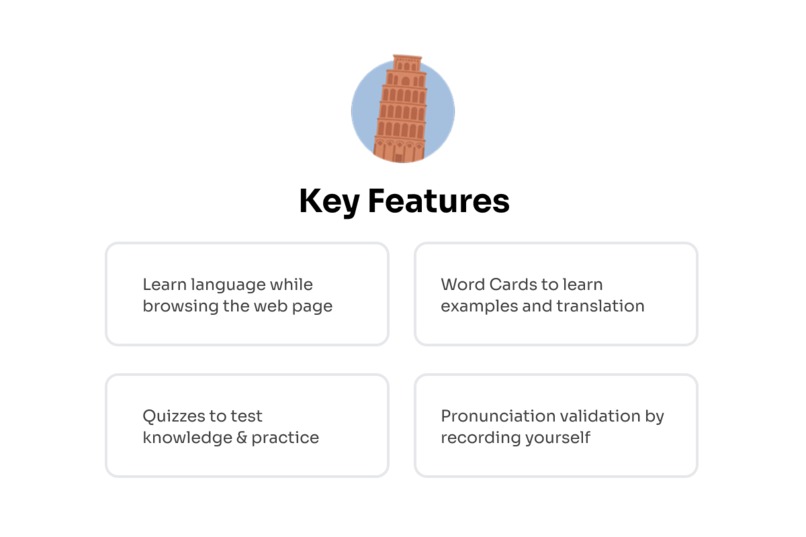
Key features
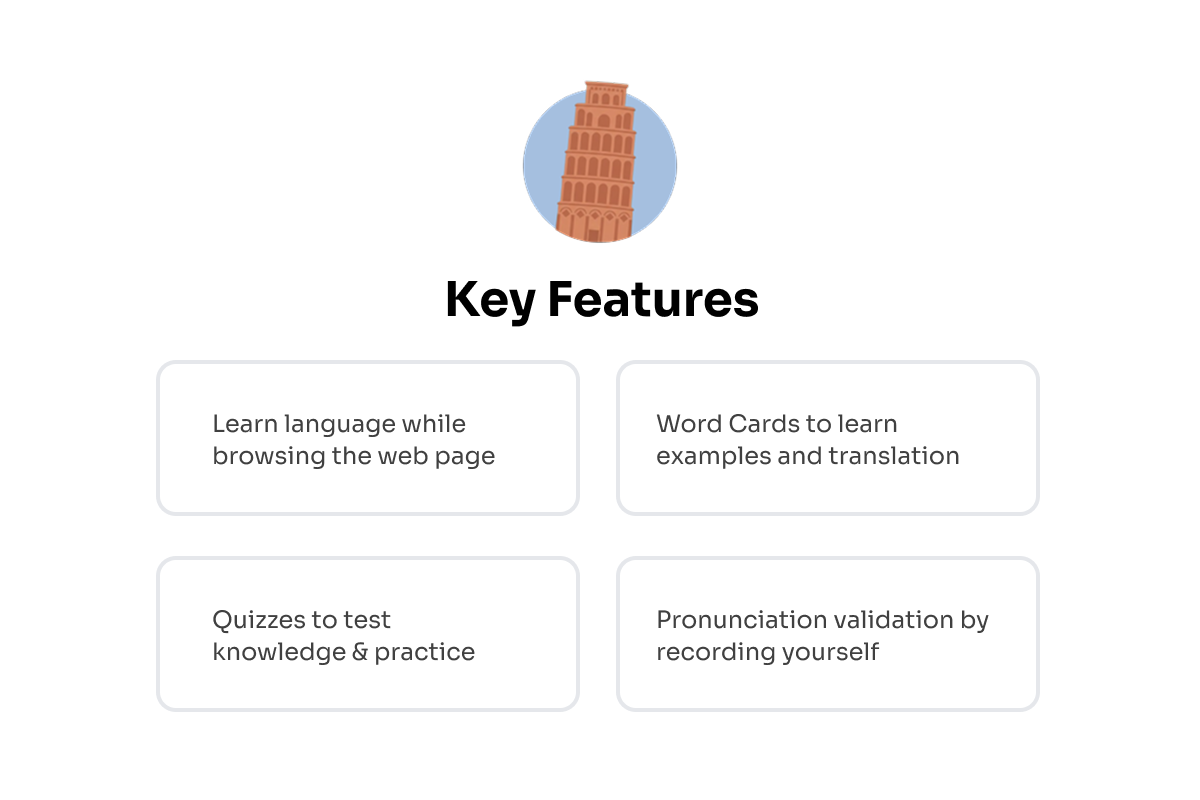
Tower of Babel - Learn While You Browse
Inspiration
What if you could learn a new language without ever opening a textbook?
For millions of language learners worldwide, the journey from textbook exercises to real-world fluency feels impossible. Traditional apps offer isolated lessons disconnected from content you care about. You memorize words in a vacuum, only to forget them days later.
Tower of Babel was born from a simple realization: the best way to learn a language is to live in it. Instead of treating language learning as a separate activity, we wove it seamlessly into daily web browsing. Every page becomes a personalized lesson, every word a potential learning moment—all powered by Chrome's revolutionary Built-in AI.
The Legend Behind the Name
In ancient Mesopotamia, humanity united to build a tower reaching the heavens: the Tower of Babel. According to legend, this ambition led to the confusion of languages, scattering people across the earth, unable to understand one another. Our Tower of Babel seeks to reverse this ancient curse. Where the original tower divided humanity through linguistic confusion, our extension reunites us—transforming that same diversity of language from a barrier into a bridge, one webpage at a time.
What It Does
Tower of Babel is an intelligent Chrome extension that transforms any webpage into an immersive language learning environment using 5 Chrome Built-in AI APIs running entirely in your browser.
🎯 Core Features
1. Intelligent Word Selection
- Uses Chrome's Prompt API (Gemini Nano) to select which words to translate based on your skill level, word frequency, and context
- Ensures you're challenged but not overwhelmed—learning at exactly the right pace
2. Seamless Page Translation
- Translates selected words into French or Spanish using Chrome's Translation API
- Preserves original page layout perfectly
- Progressive loading: instant results on visible content, lazy loading as you scroll
3. Interactive Word Cards
- Hover over translated words for elegant learning cards featuring:
- Translations in both languages
- AI-generated example sentences contextual to the webpage (Prompt API)
- Native pronunciation via Text-to-Speech
- Word encounter statistics
4. Context Menu Translation
- Standard Translation: Quick translation using Translation API
- Simplify & Translate: First simplifies complex text using Chrome's Rewriter API, then translates—perfect for difficult content
5. Built-in Quiz System
- Multiple Choice: AI generates realistic wrong answers (Prompt API)
- Pronunciation Practice: Record yourself, validated by Prompt API with audio input (multimodal AI)
- Progress tracking across all words
6. Image Translation
- Uses Prompt API with image input (multimodal AI) to identify and translate image content
- Supports visual learners with comprehensive multimodal learning
7. Multi-Language Support
- 🇫🇷 French (fr-FR)
- 🇪🇸 Spanish (es-ES)
- Both downloaded during onboarding for instant switching
How We Built It
🏗️ Tech Stack
Frontend:
- React 19 + TypeScript
- Tailwind CSS 4
- Radix UI for accessibility
- Lucide React for icons
Chrome Extension:
- Manifest V3
- CRXJS Vite Plugin for hot module replacement
- Content Scripts for webpage integration
- Background Service Worker for state management
- Side Panel API for persistent interface
🤖 Chrome Built-in AI Integration
Tower of Babel showcases all 5 major Chrome AI capabilities:
- Prompt API (Gemini Nano)
- Word selection based on difficulty
- Quiz generation with realistic distractors
- Contextual example sentences
- JSON schema validation for structured output
- Translation API
- Batch translation of sentence groups
- Word-level precision
- Streaming results for instant feedback
- 100% offline after model download
- Rewriter API
- Text simplification before translation
- Makes complex content accessible
- Preserves context and meaning
- Multimodal AI - Image Input
- Image content identification
- Visual vocabulary building
- Multimodal AI - Audio Input
- Pronunciation validation via transcription
- Language-specific feedback (French vs Spanish)
⚡ Key Technical Implementations
Parallel Progressive Processing
Batches of 5 sentences → 3 concurrent operations
= Instant visible content + lazy off-screen loading
Smart Text Extraction
- Recursively traverses complex DOMs
- Handles shadow DOMs, iframes, dynamic content
- Preserves semantic boundaries and layout
- Sentence-level batching for contextual translation
Service Layer Architecture
PromptService,TranslatorService,RewriterService,QuizService, etc.- Consistent lifecycle:
initialize() → isReady() → operate() → destroy() - Makes adding new AI features trivial
Challenges We Ran Into
1. Complex DOM Text Extraction
Problem: Modern websites have intricate structures with shadow DOMs, iframes, and nested elements.
Solution: Built a sophisticated traversal system that respects semantic boundaries, filters non-visible elements, and preserves text node structure for accurate replacement.
2. Translation Without Breaking Layouts
Problem: Replacing text in the DOM can cause reflows and break designs.
Solution: Careful DOM manipulation with data-* attributes for tracking, CSS classes for styling, and maintaining original text node structure.
3. AI Model Initialization
Problem: Model downloads can be slow on first use.
Solution: Elegant onboarding with parallel downloading for all language pairs, real-time progress tracking, and intelligent caching.
4. Generating Quality Quiz Questions
Problem: Creating realistic but incorrect multiple-choice answers is surprisingly hard.
Solution: Leveraged Prompt API's structured output with JSON schemas, contextual prompts for plausible distractors, and validation to filter duplicates.
5. Pronunciation Validation
Problem: Accurately assessing spoken language requires sophisticated audio processing.
Solution: Combined MediaRecorder API for high-quality capture with Prompt API's audio input for transcription and language-specific validation.
Accomplishments That We're Proud Of
✨ First extension to integrate all 5 Chrome Built-in AI APIs in a single cohesive experience
🎯 Context-aware learning that generates examples directly related to what you're reading
⚡ Progressive loading system that translates pages of any size without slowdown
🔒 100% privacy-first: All AI processing happens locally—zero data sent to servers
🌍 Universal compatibility: Works on any website—news, social media, blogs, documentation
🎓 Scientifically grounded: Based on spaced repetition, contextual learning, and active recall
What We Learned
Chrome's Built-in AI is a game-changer. Running powerful AI models entirely in the browser with no server costs, no latency, and complete privacy was mind-blowing. The multimodal capabilities (image + audio) opened possibilities we hadn't imagined.
Prompt engineering is an art. Crafting prompts that consistently produce structured, high-quality outputs required extensive iteration. JSON schema validation was crucial for reliability.
User experience trumps features. Our initial version translated everything, overwhelming users. The intelligent word selection and progressive loading made all the difference.
Performance optimization is critical. Balancing AI processing with smooth UX required batching, caching, concurrent operations, and careful memory management.
What's Next for Tower of Babel
More Languages: German, Italian, Portuguese, Japanese, Chinese—as Chrome adds language pairs, we automatically support them
Spaced Repetition System: Scientifically timed review of learned words
Grammar Explanations: Use Prompt API to explain grammatical structures in context
Learning Analytics: Detailed progress tracking, vocabulary growth charts, and learning streaks
Educational Partnerships: Integration with schools and universities for formal education
Built With
- css
- google-ai
- google-web-speech-api
- html
- react
- tailwind


Log in or sign up for Devpost to join the conversation.