Inspiration
Classic tower defense is played on a flat screen, but it has always felt like a board game: a map, little pieces, and a plan you lay out before the battle starts. We wanted to bring it back to the tabletop, literally. With mixed reality on Meta Quest, your own coffee table can become the board, and with hand tracking you can pick the towers up with your fingers like real game pieces. We also wanted to swap the usual "spam more towers" loop for a puzzle: fewer pieces, more thinking.
What it does
Tower Defense turns any table into a battlefield.
- Scan and anchor: a scanning wave sweeps over your room's mesh. You lay your hand flat on a table, a ring fills over two seconds, and the diorama locks onto that spot. It's saved as a spatial anchor, so next time you can pick up where you left off.
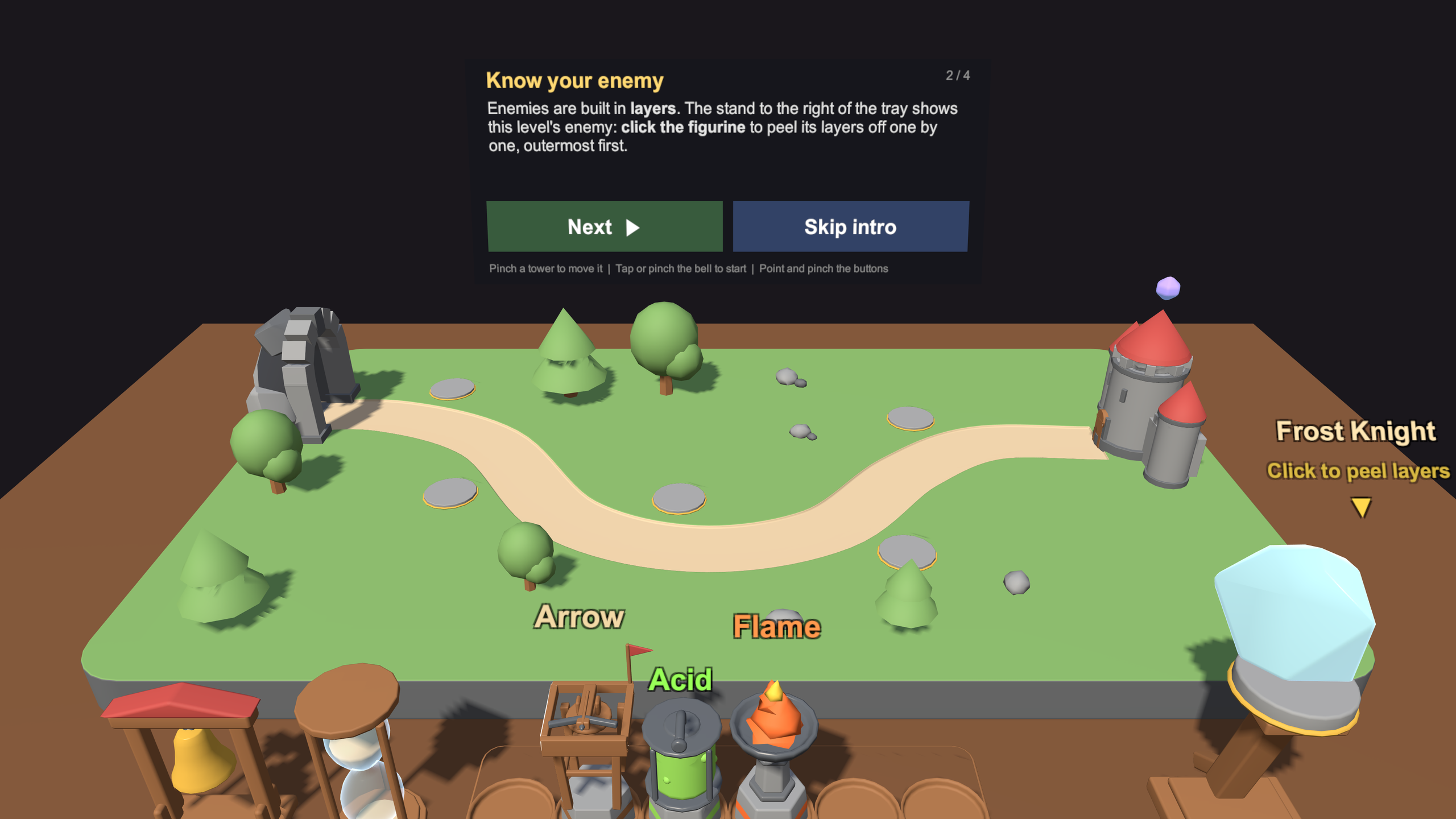
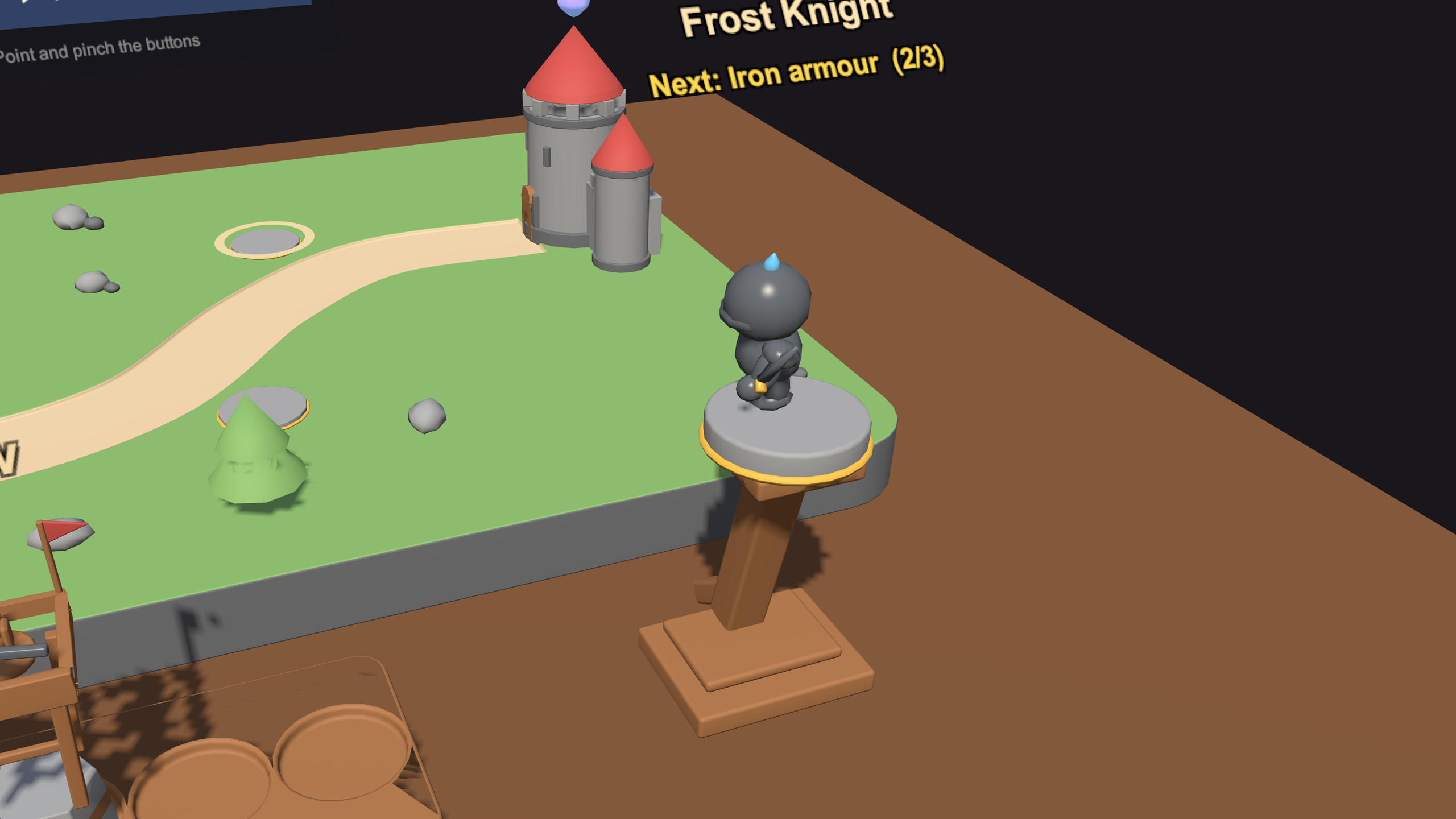
- Know your enemy: enemies are built in layers. Frost Knights wear ice over iron armour; Stone Golems hide a core inside a stone shell. You tap the figurine on an inspection stand to peel the layers off one by one.
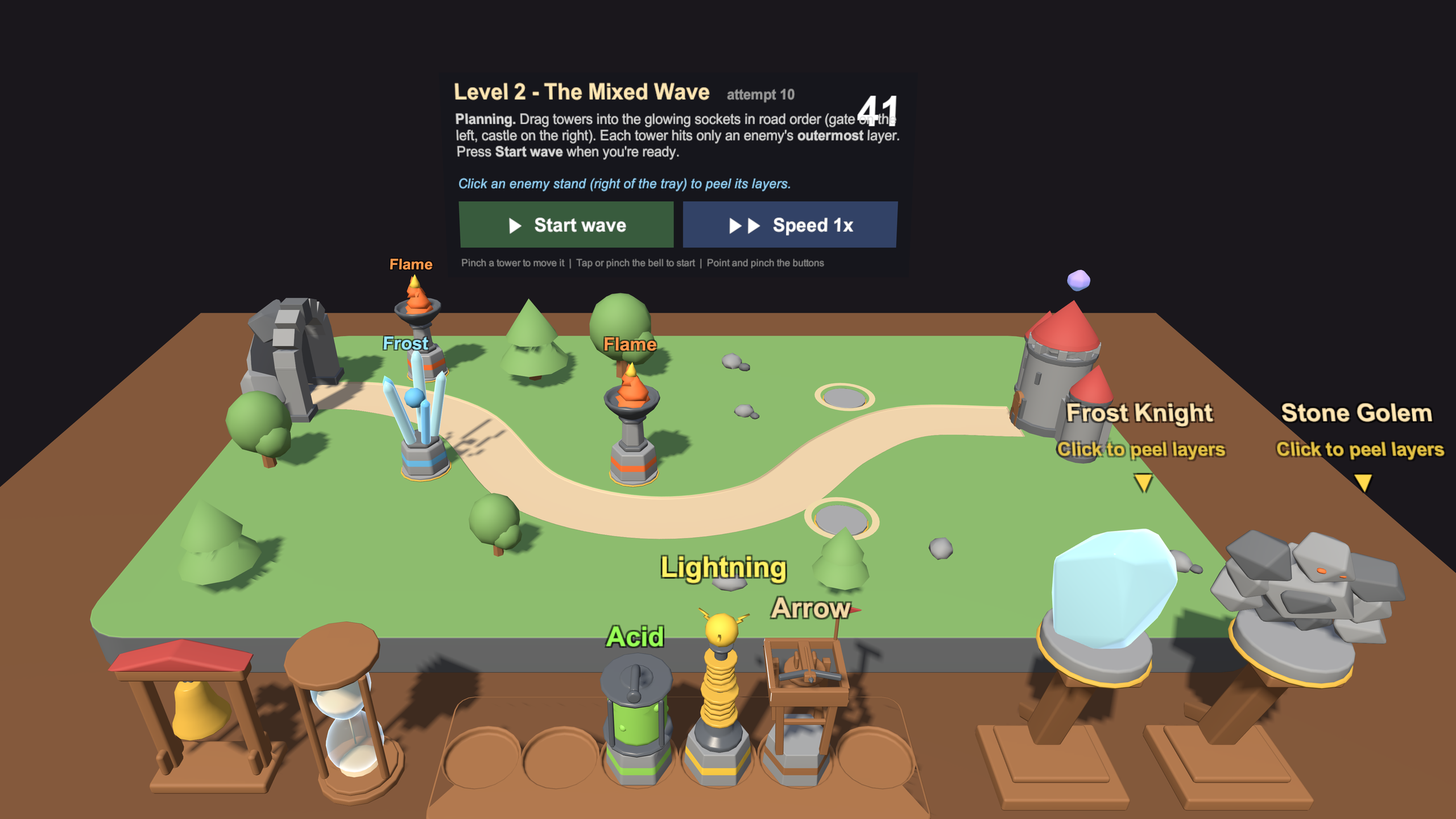
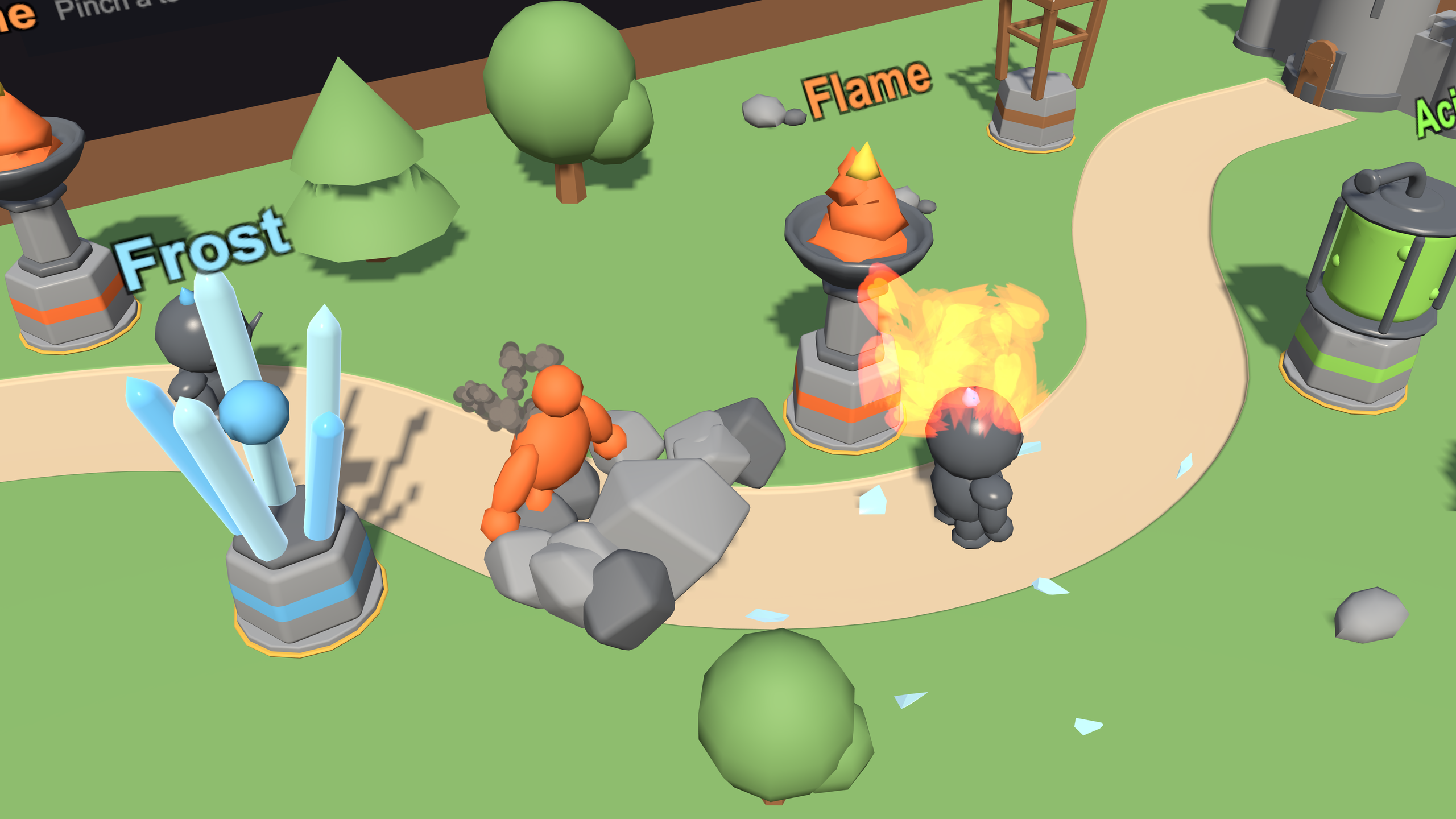
- Order is everything: each tower only hits the outermost layer. Flame melts ice and heats stone, Acid dissolves armour, Frost cracks a heated shell (but can refreeze a thawed knight), and Arrows finish the job. Lightning is a decoy. You pinch towers from a tray into glowing sockets in the right order.
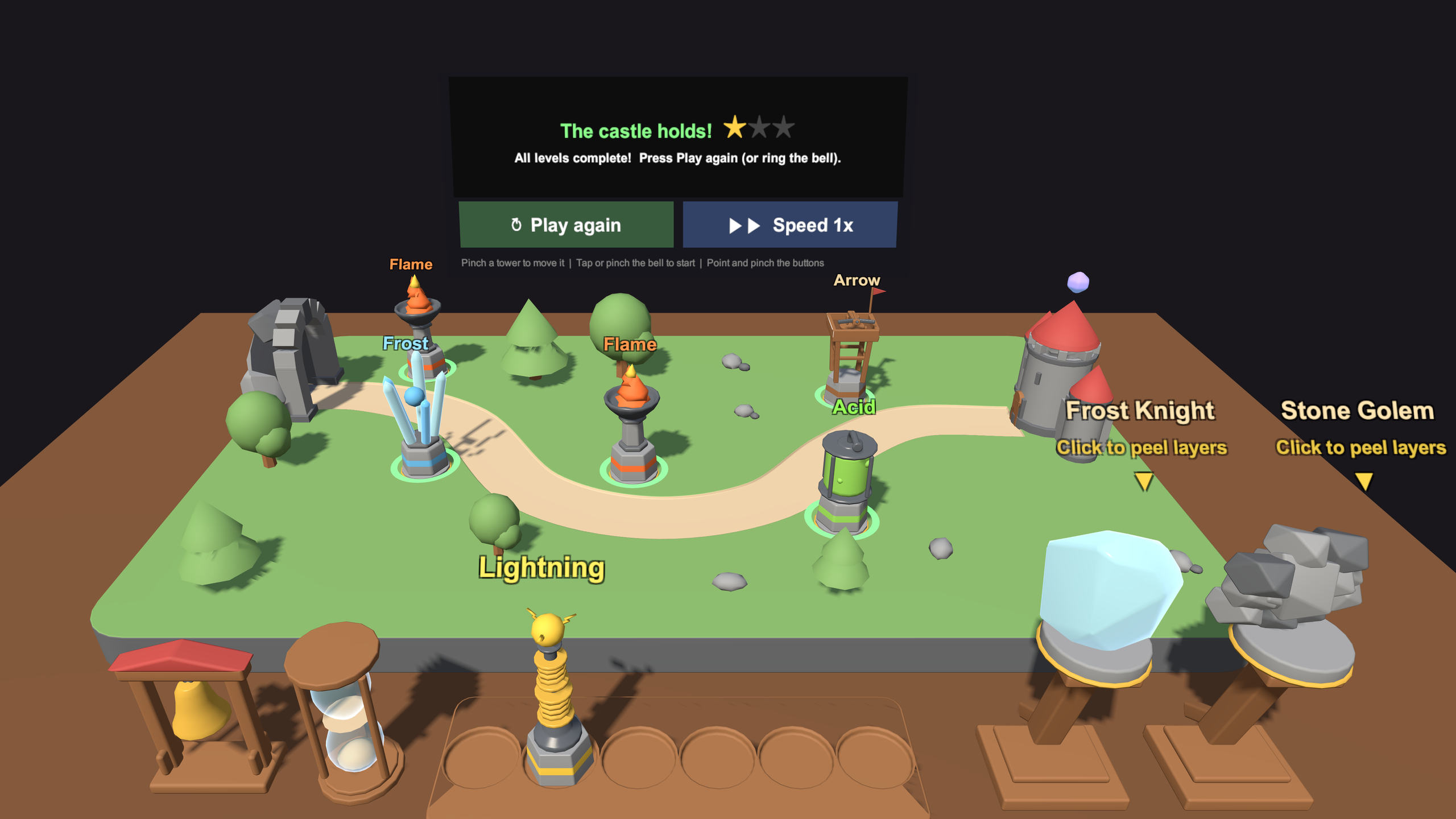
- Ring the bell: tap the bell to send the wave and watch it play out. Green sockets helped, grey ones did nothing. If one enemy reaches the castle, its crystal cracks.
How we built it
- Unity 6 (URP) with OpenXR and the Meta XR SDKs: Core, Interaction SDK and the Mixed Reality Utility Kit (MRUK).
- Passthrough MR: MRUK loads the room, and a custom URP shader draws the scan wave and grid over the scene mesh.
- Hand placement: we read the palm pose from ISDK hand data, raycast against the scene mesh, and sample a grid of points to check the surface is level and big enough. The best rotation is chosen to line the board up with the table's edges.
- Anchoring trick: instead of moving the diorama (all gameplay math is in world space), we shift the tracking space so the real table lands on the board's origin, using MRUK's world-lock offset.
- Input-agnostic gameplay: the game was first built with a mouse behind a small
ITowerDragSourceinterface, so hand input (near pinch, ray pinch, fingertip poke) plugged in without touching the game rules. - Tooling: the Meta VR CLI (
metavr) for docs and the Meta XR Simulator, plus Unity's command-line pipeline for scripted scene builds, Play-mode tests and screenshots.
Challenges we ran into
- Moving a world built at the origin. All positions assumed the board sat at (0,0,0). Re-architecting would have meant touching everything, so we offset the player instead, and then had to make that work with MRUK's world locking, which rewrites the tracking space every frame.
- Spatial anchors and frames of reference. Our first saved anchor came back in the wrong place because it was created a frame after the view shifted. Creating it before applying the offset fixed it.
- Detecting a hand on a surface. Hand tracking is least reliable right at a table's surface, and a simple raycast accepts tilted hands and chair arms. We added palm-direction, flatness and size checks, plus a "hold still" requirement.
- Real tables are small and crooked. A 1.0 × 0.8 m board rarely fits, so we allowed a 50 × 50 cm minimum with overhang, and search rotations so the board aligns to the table.
- Testing without a headset. The simulator's hands couldn't be scripted, so we built debug hooks that push a fake palm through the same placement code.
Accomplishments that we're proud of
- A full onboarding loop (scan → place → lock → reveal) that feels magical the first time the board ripples onto your real table.
- A puzzle-style tower defense where which order you place towers matters more than how many you have.
- The board appears in exactly the same spot on your table the next time you play.
- The original game logic ported to hands and MR with almost no changes, thanks to the input abstraction.
- Automated checks (drag tests and win/loss scenarios) that run in the simulator after every change.
What we learned
- Design input as an abstraction from day one. It made the jump from mouse to hands nearly free.
- In mixed reality, coordinate frames (tracking space, world lock, anchors) are where the subtle bugs live.
- Hand-tracking UX needs forgiveness built in: hold-to-confirm, generous radii and clear visual feedback.
- Real rooms are messy. Build for small, uneven, rotated surfaces, not ideal ones.
- Simulator testing gets you far, but hand feel and performance have to be tuned on a real headset.
What's next for Tower Defense VR
- More levels and enemy types with new layer combinations, plus new towers that interact with each other.
- On-device tuning of hand placement and performance on Quest 3 and 3S.
- Shared multiplayer: two players around the same physical table using shared spatial anchors.
- A board that scales to fit smaller tables.
- Shadows and occlusion on the real table, so the diorama feels physically grounded.
- Store release on the Meta Horizon Store.
