-
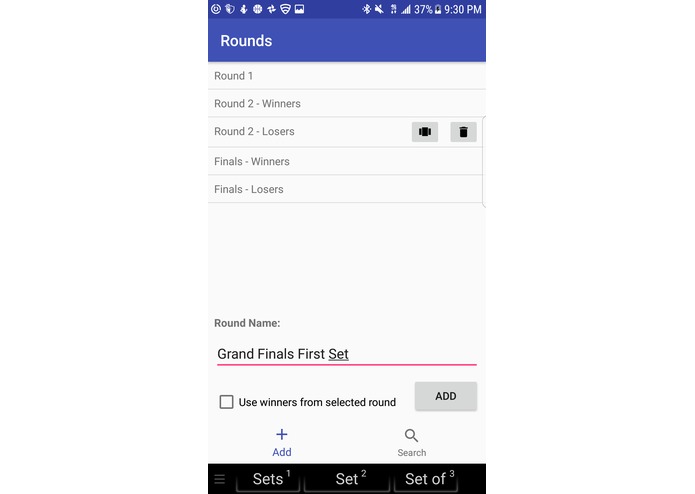
Add or delete a round
-
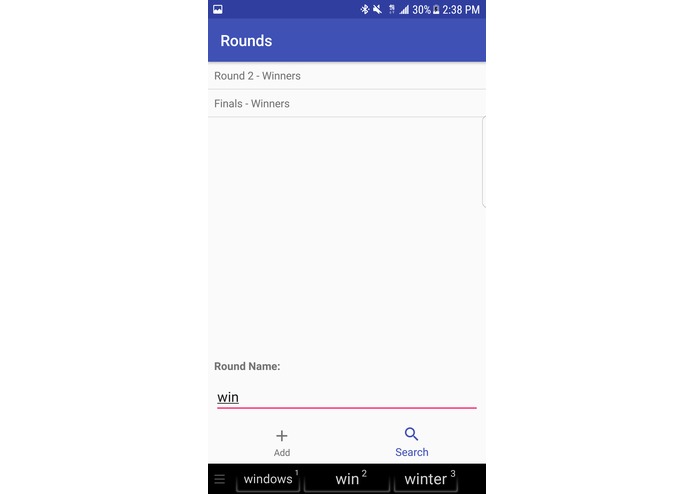
Search through rounds
-
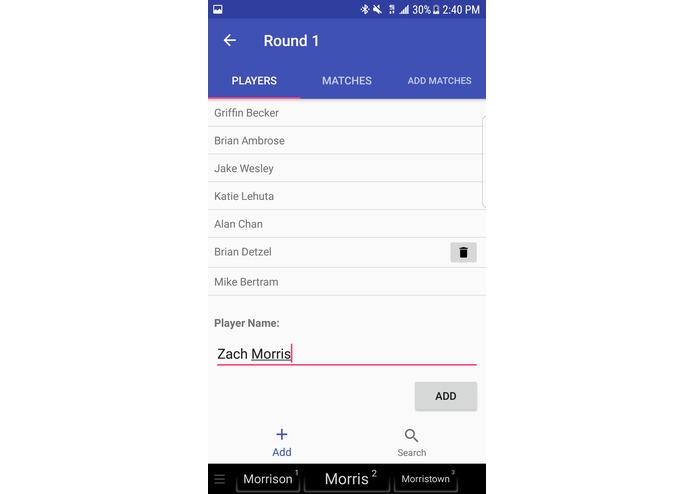
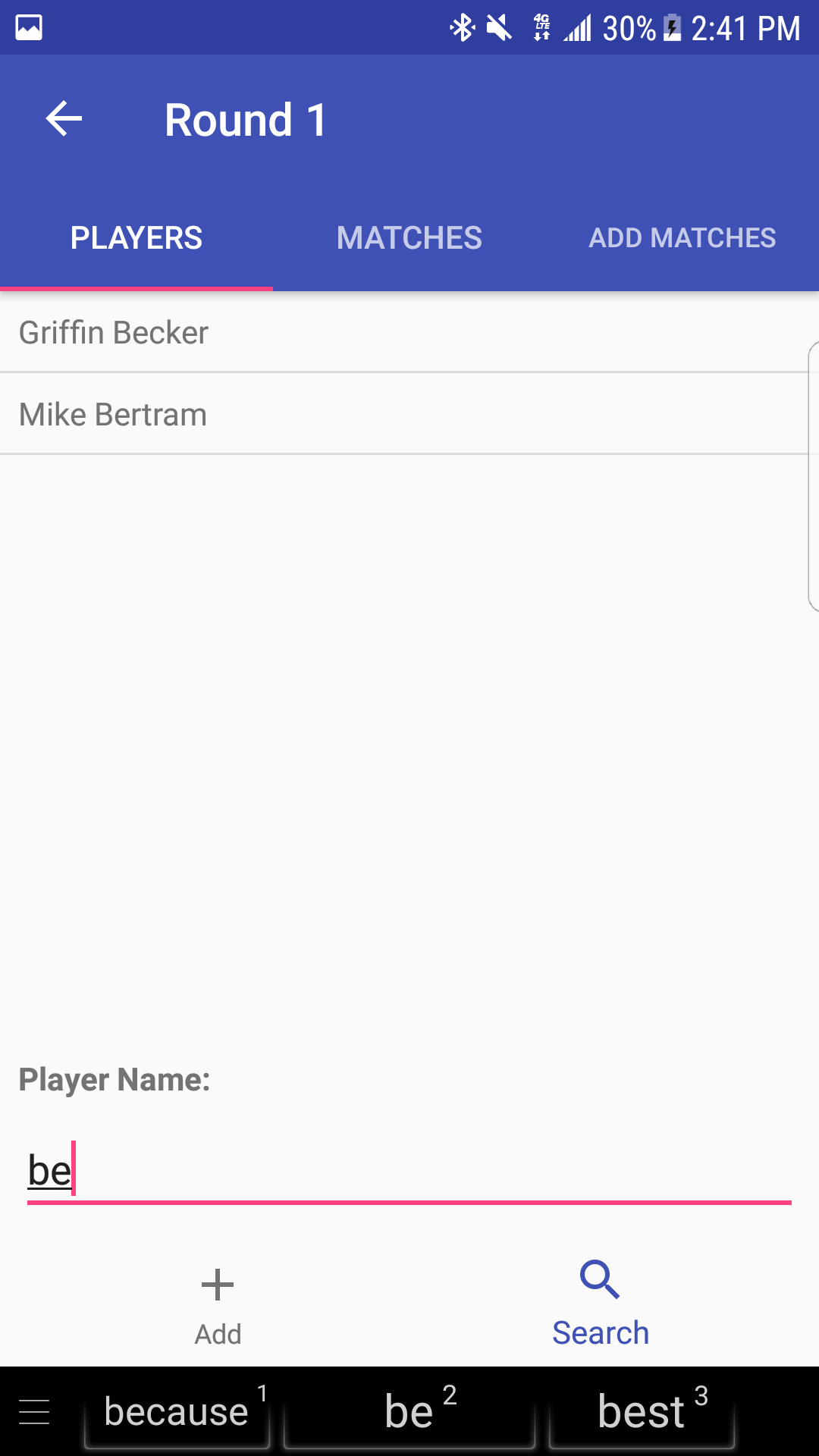
Add or delete players in a round
-
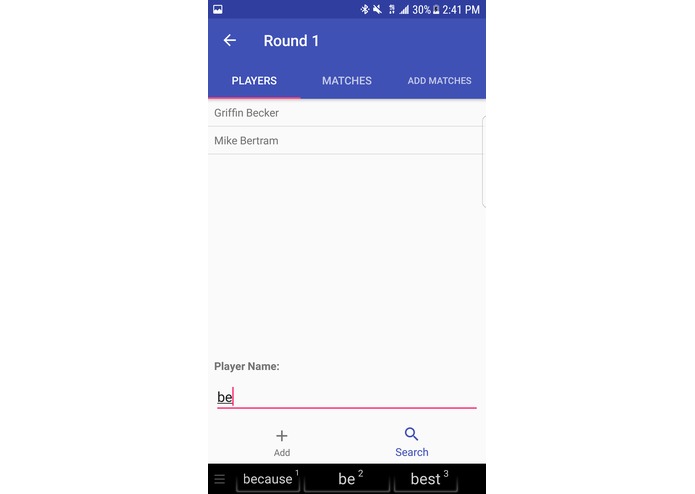
Search players in a round
-
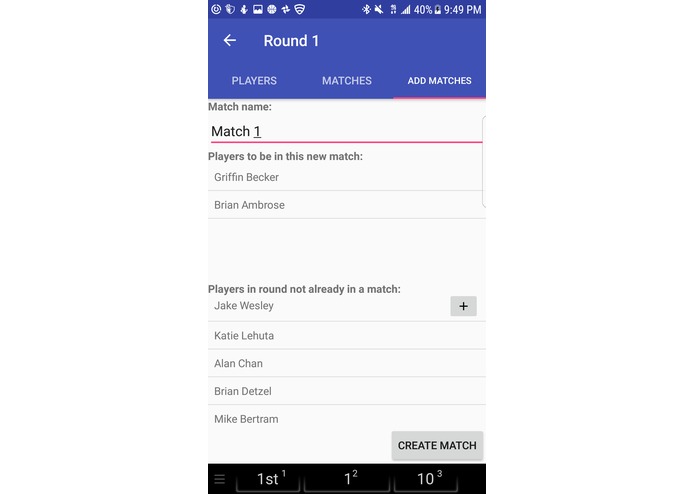
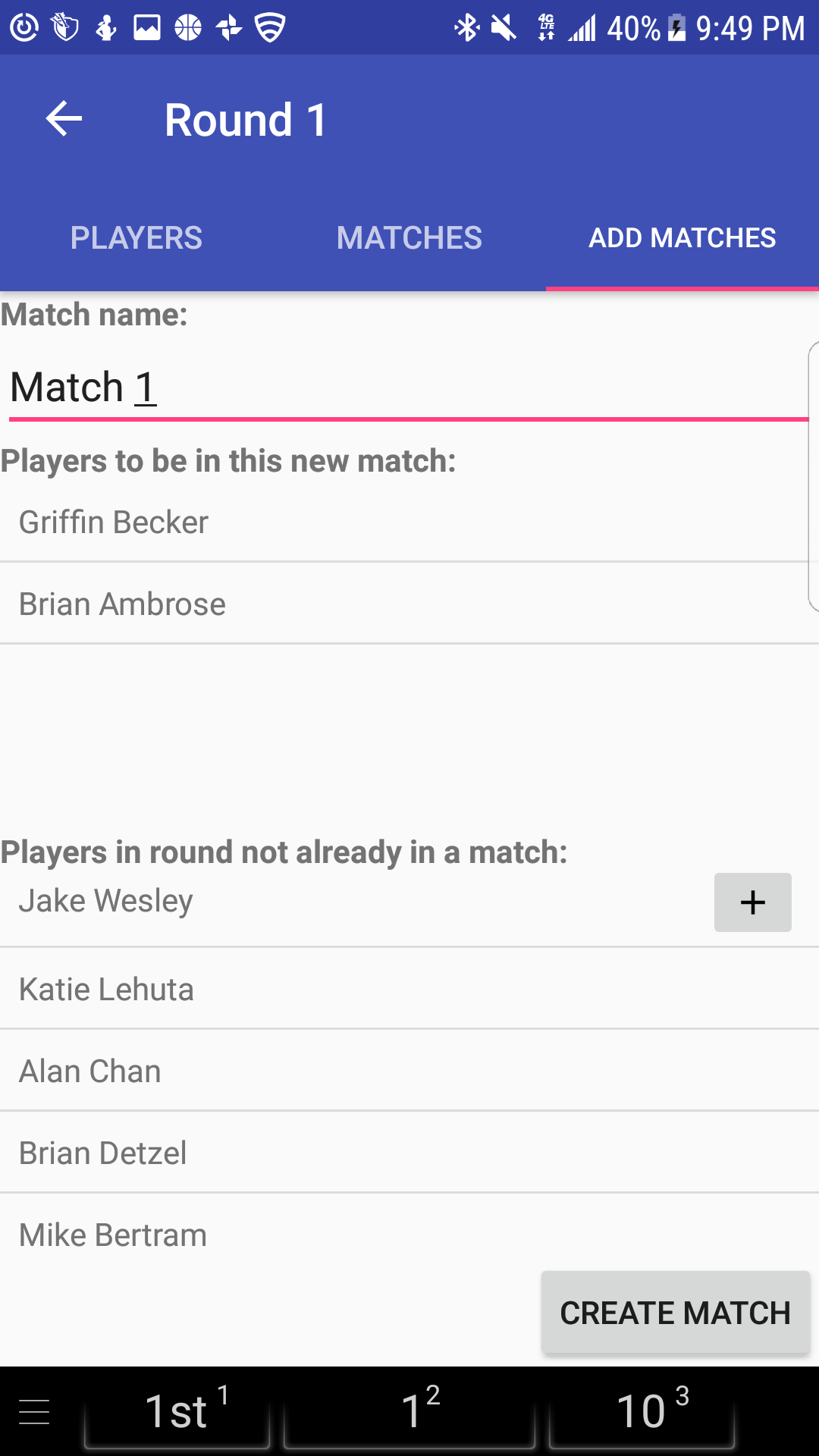
Add matches to a round
-
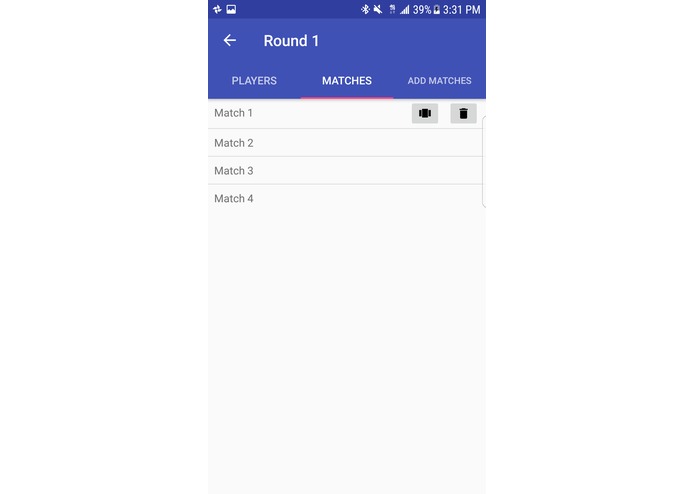
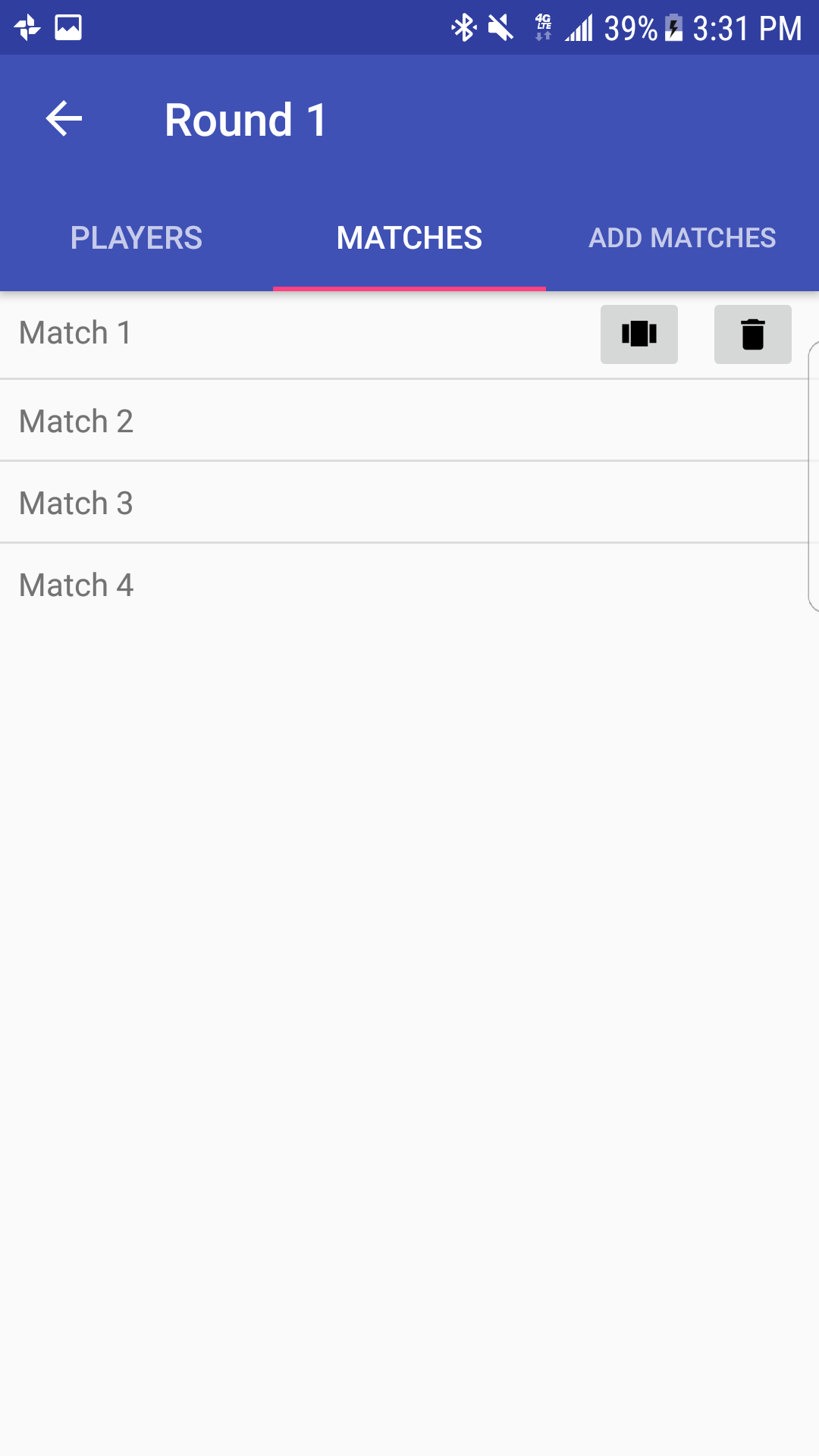
Remove or enter match
-
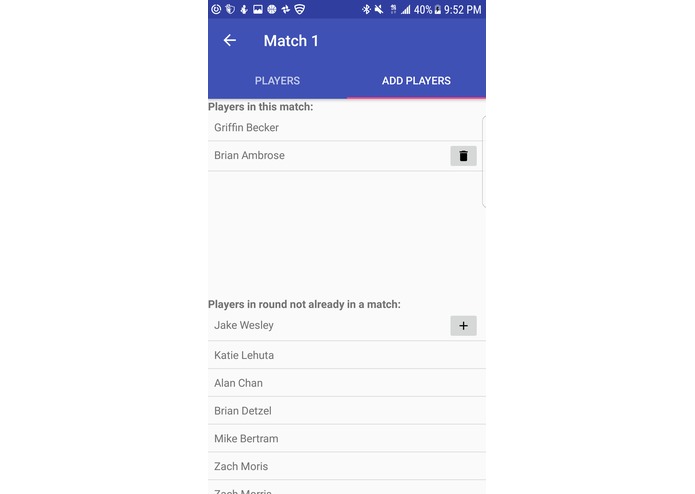
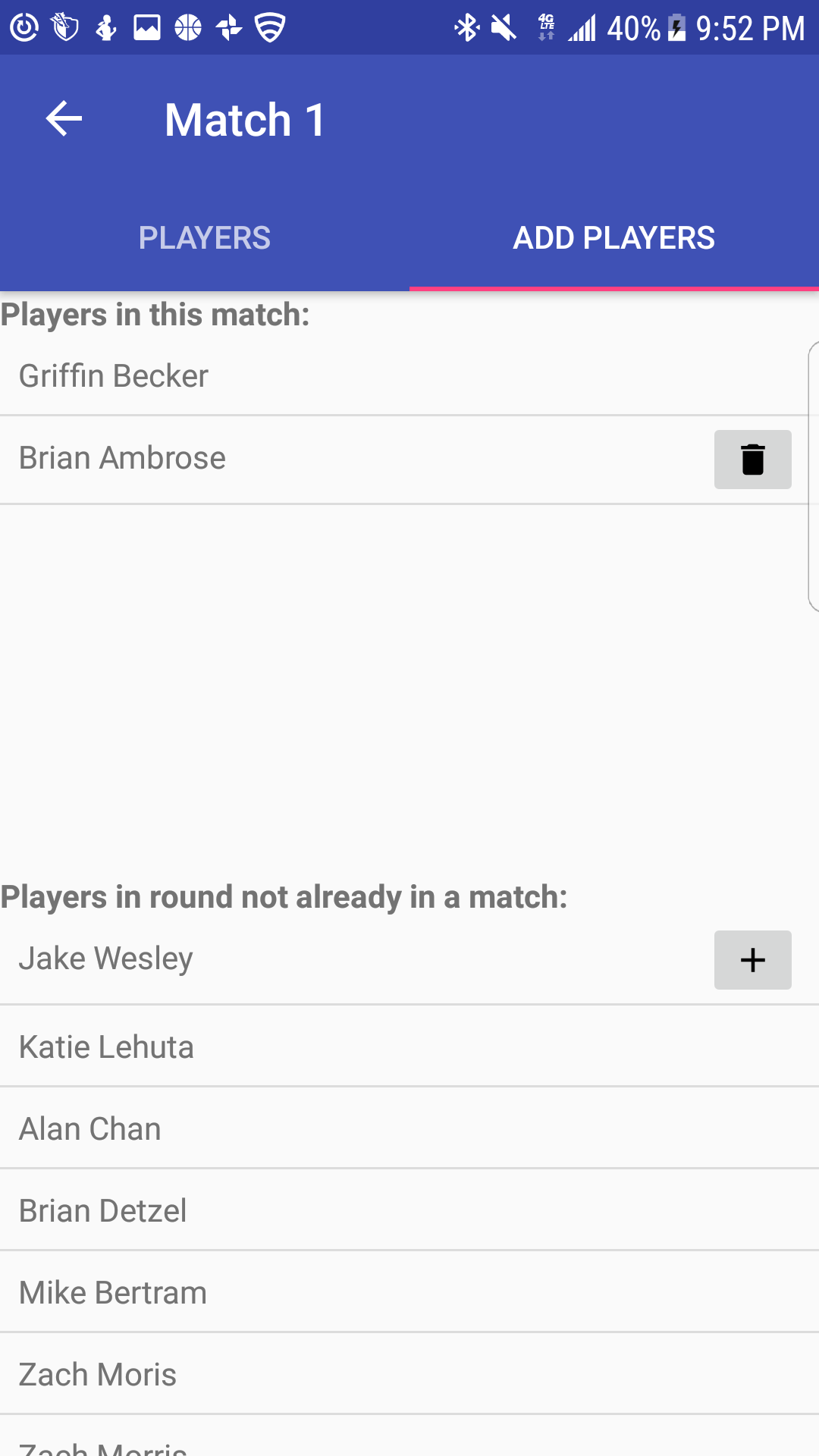
Add or remove players in a match
-
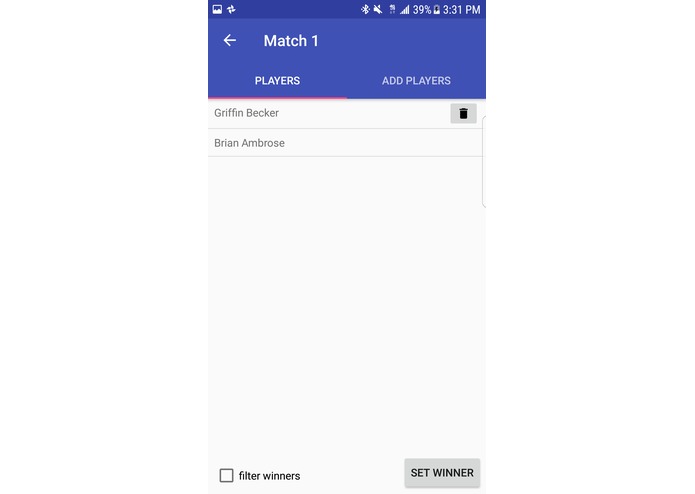
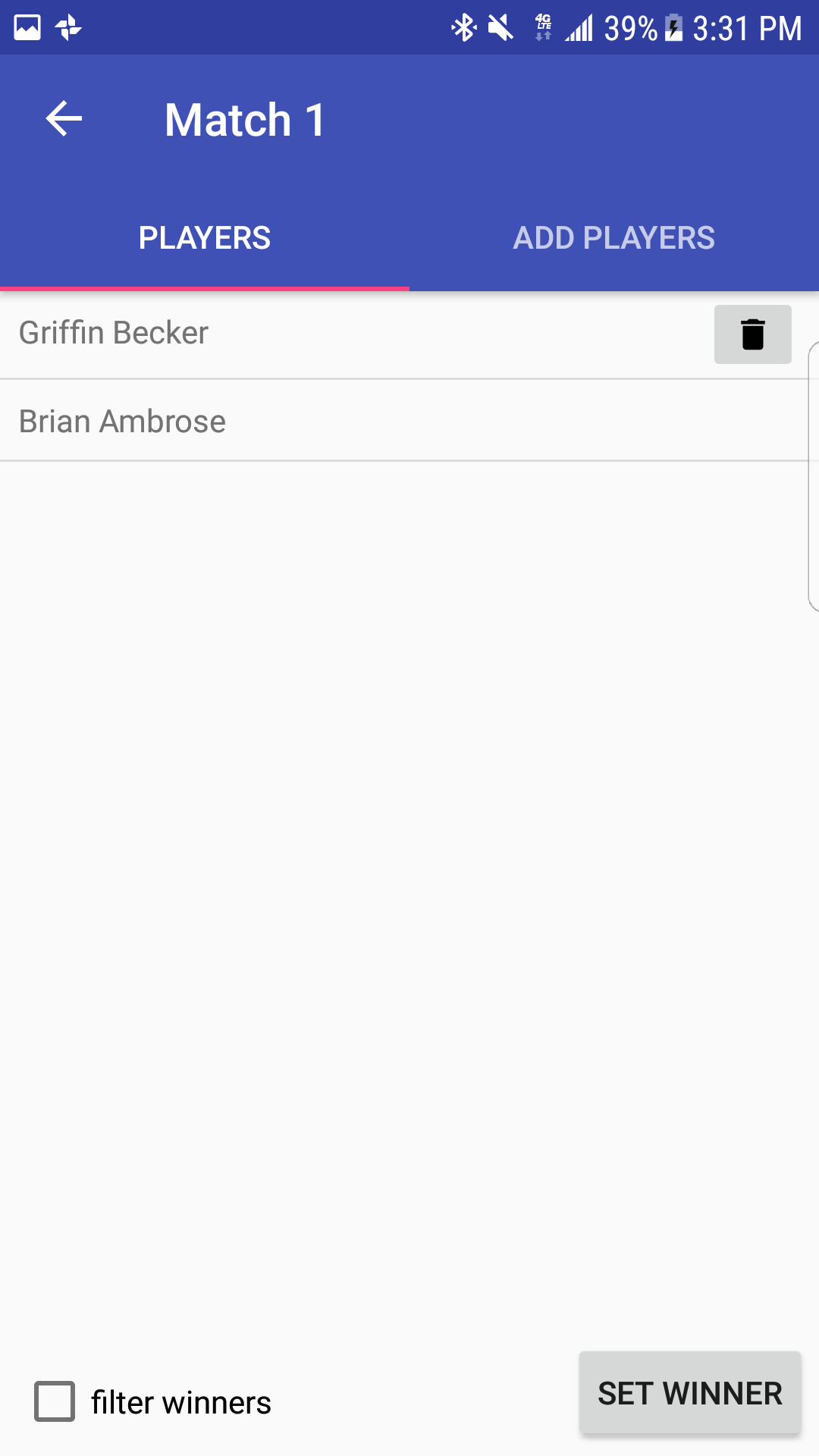
Set winners in a match
-
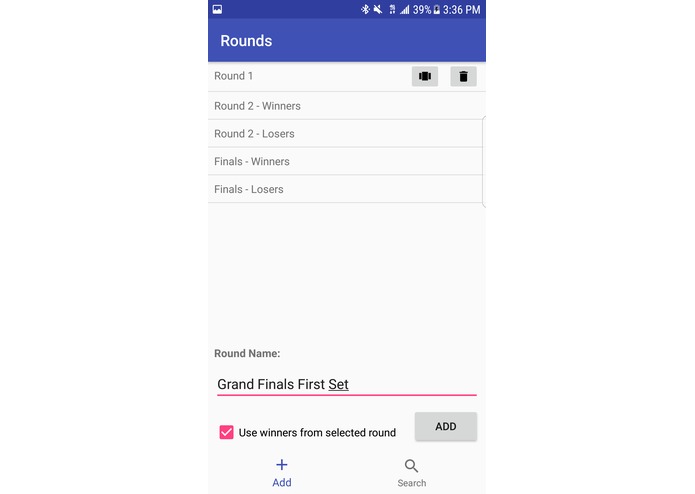
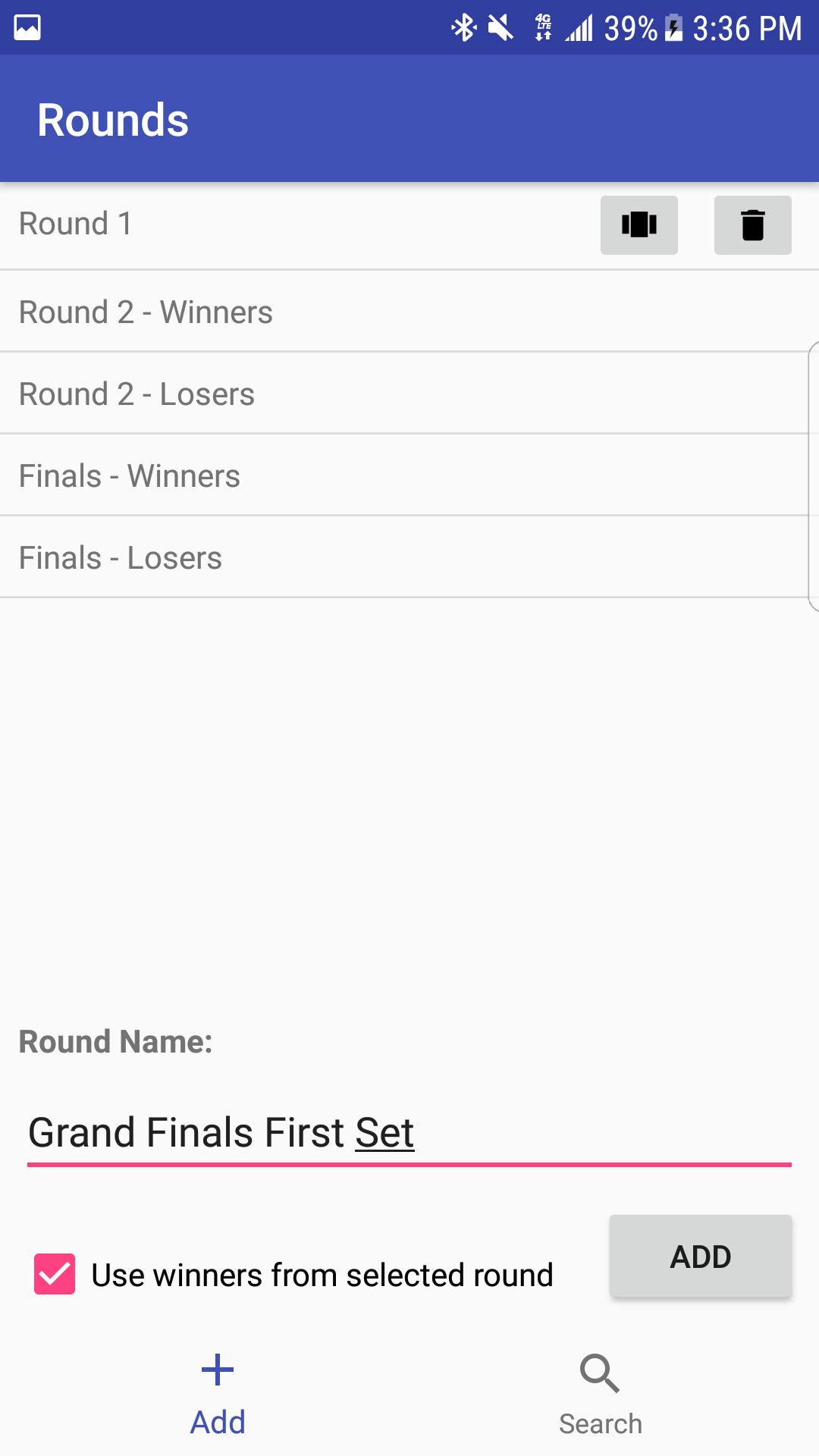
Use a previous round's winners to create a new round
-
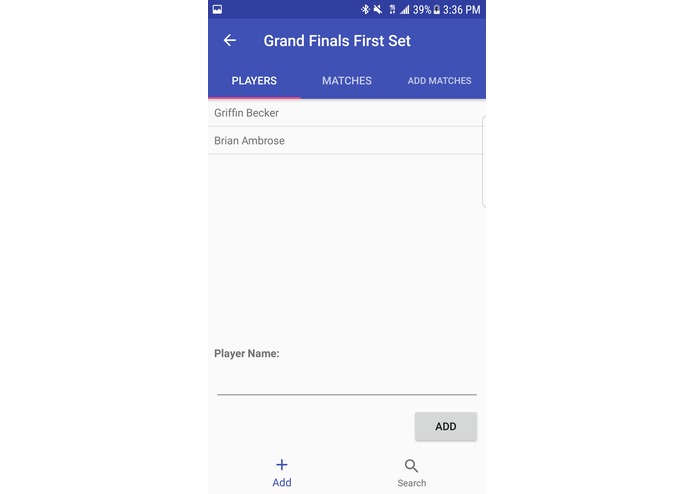
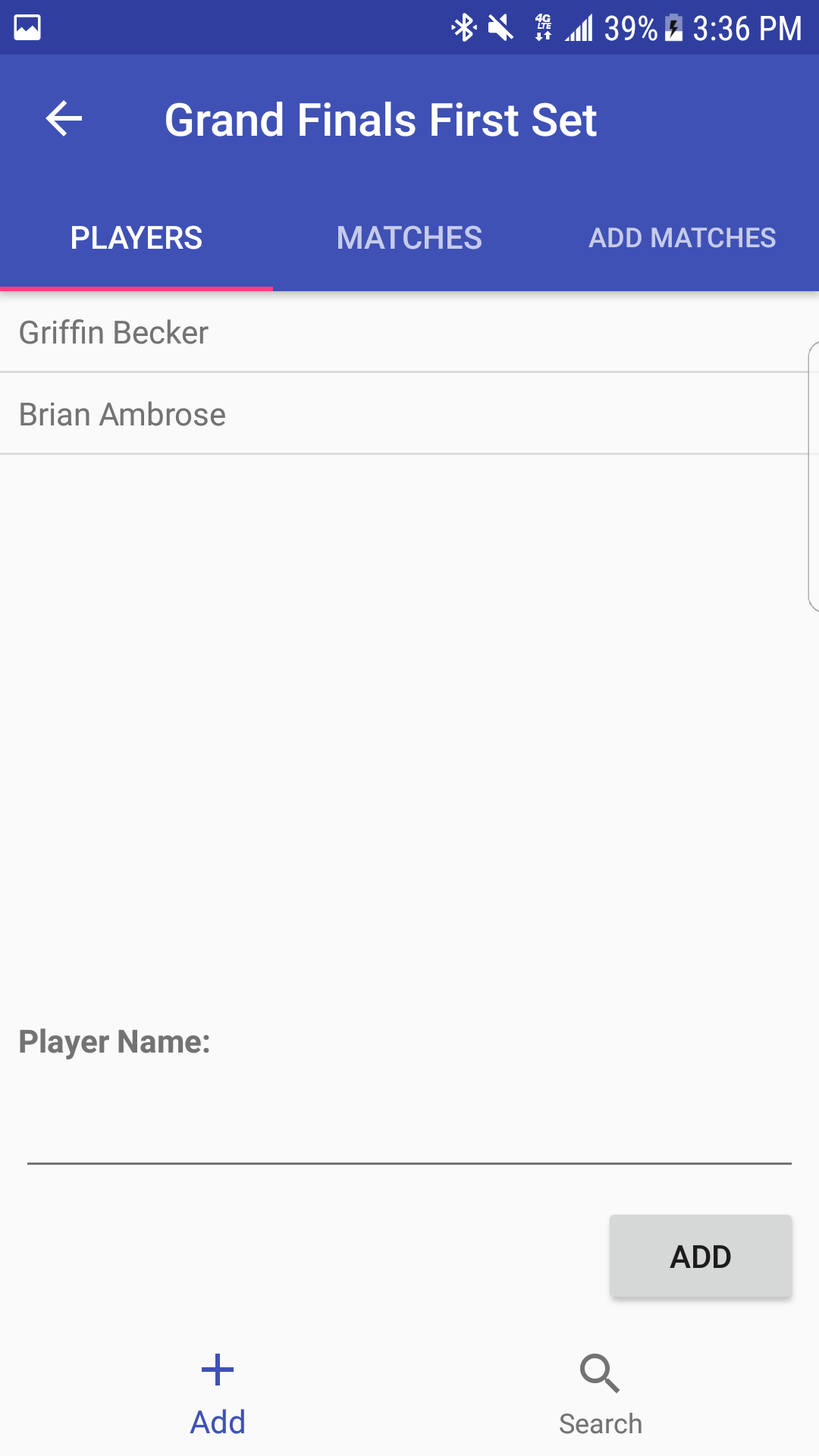
(result) Use a previous round's winners to create a new round

TournamentManager
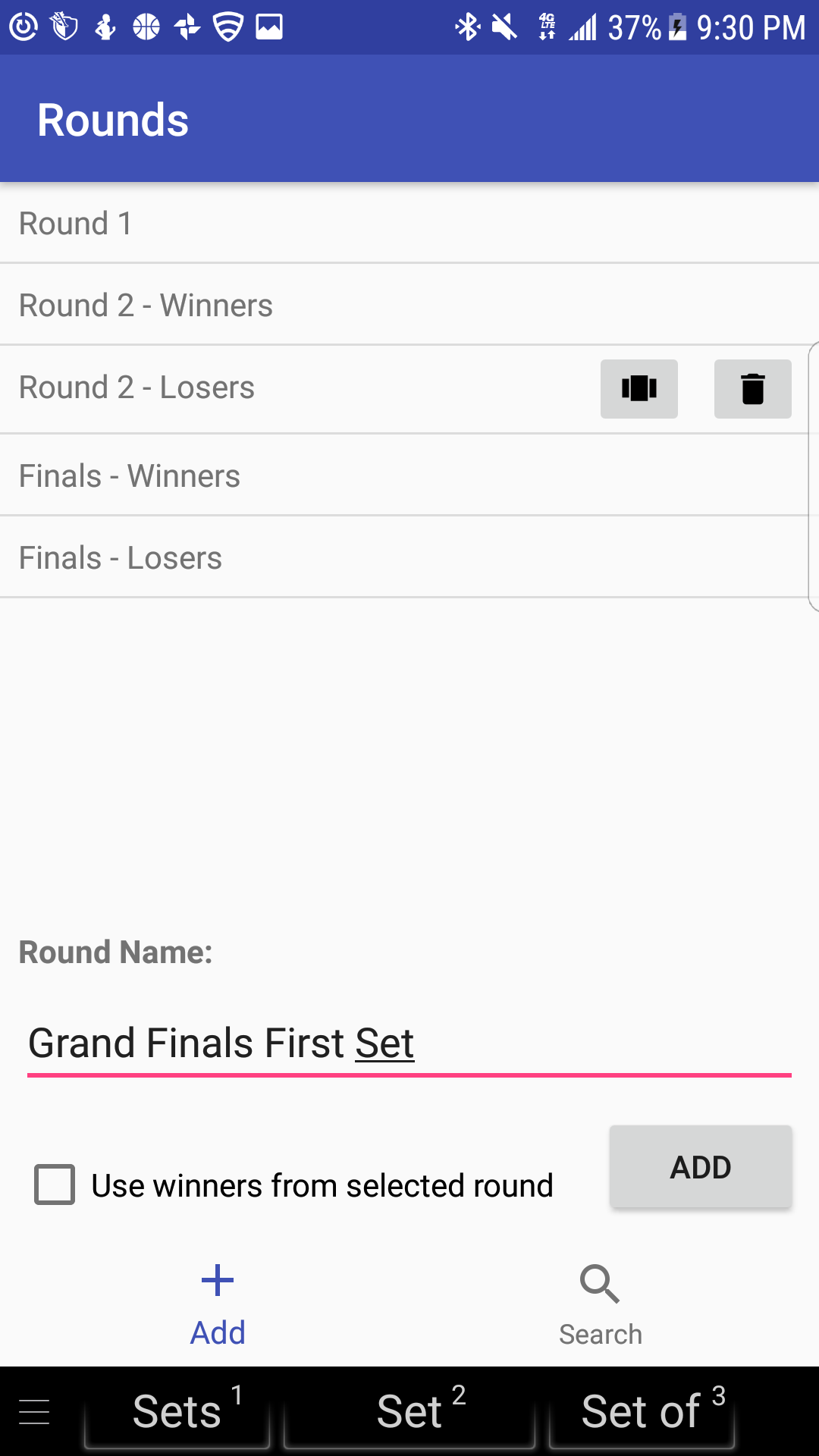
TournamentManager is an Android app for tournament organizers to run a tournament in a highly flexible manner. Have you ever wished you could add players mid-tournament? Or set two winners per match instead of just one? This app allows just that by offering you full control over a simple model instead of shoehorning your tournament into complicated or predefined brackets.
What TournamentManager is and is not
This app is not for viewing or displaying a tournament in a pretty graph. TournamentManager is strictly meant for running a tournament behind the scenes. The hope for this app is to help local and student organizers - who don't have custom-tailored software - to keep their tournament running smoothly.
Tournament Model
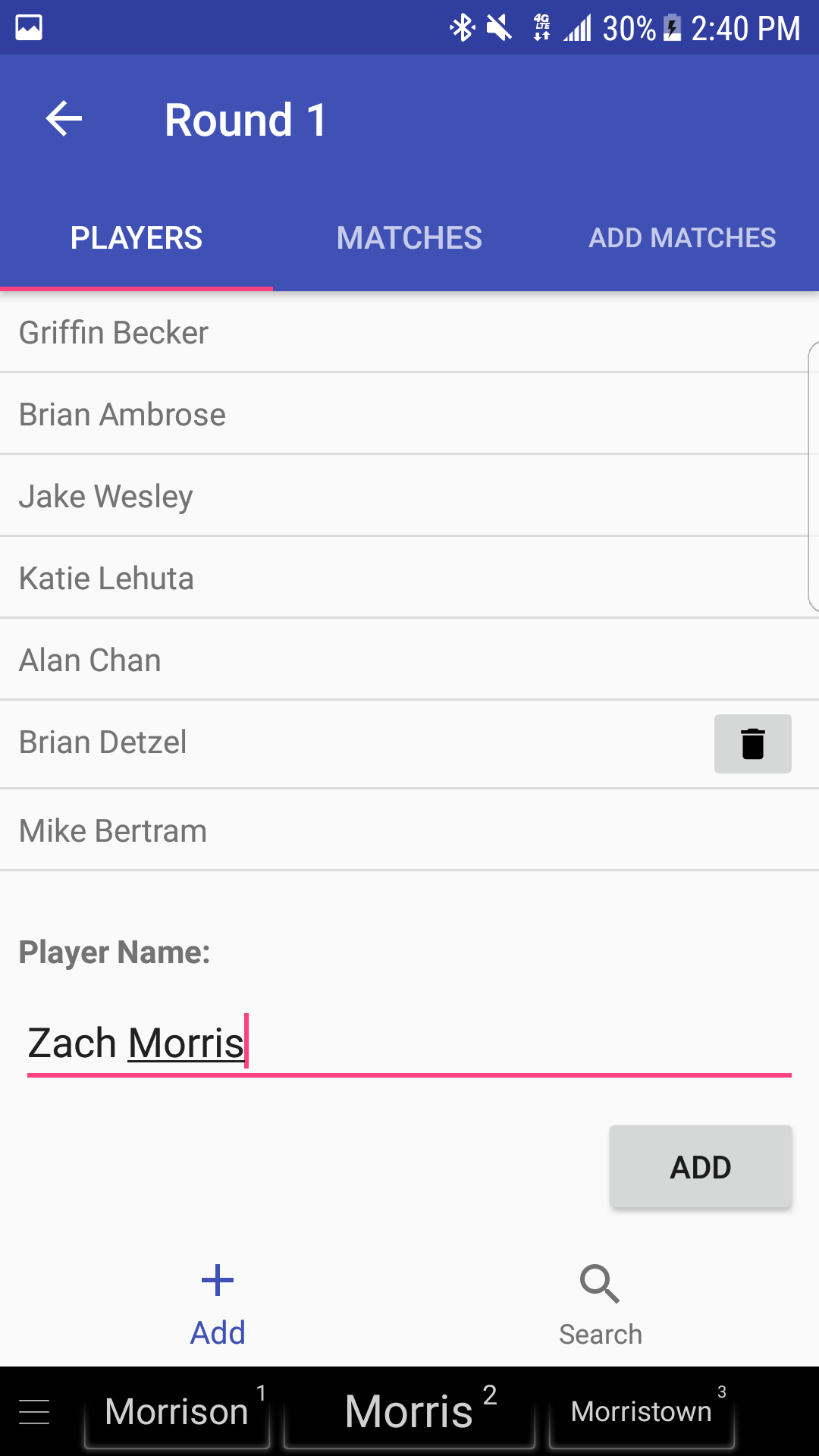
- Hierarchy = Tournament -> Round -> Match -> Player. This means multiple players per match, multiple matches per round, and multiple rounds per tournament.
- Each round and match can be given custom names
- Rounds may be created with an empty list of matches and players or with a list of players from a previous round's winners.
- Matches can be freely created or deleted
- Players must be created in a Round. They can then be freely added or removed from matches, or deleted from a Round.
- Players may be set as winners in a particular Match. Once set as winners for a Match, the players are also winners for the Match's parent Round.
Installation
The latest unsigned apk may be downloaded and installed on the releases page. I am working on getting TournamentManager on the Google Play Store.
What's next
Bugs to fix:
- Disallow duplicate names
- Disallow white space or an empty string as names
- Currently the Enter key will create a new line in a text edit box. The Enter key should map to a button.
Improvements or features to make:
- A more distinctive name and UI theme!
- Allow the user to view all the winners for a particular Round
- Allow the user to create a Match with randomly selected players from the remaining players in a Round
For a user tutorial, visit the README on Github.

Log in or sign up for Devpost to join the conversation.