🌍 TouristBuddy – Your Personalized Travel Assistant
🚀 Inspiration
Traveling to new places is exciting, but finding the best places to visit, planning routes, estimating costs, and managing time can be overwhelming — especially in a new city or country. The idea for TouristBuddy was born from this problem. I wanted to build a tool that acts like a local travel planner in your pocket — combining the power of Google Maps APIs with AI recommendations.
🧠 What I Learned
Throughout the development of TouristBuddy, I explored:
- How to integrate multiple Google Maps Platform APIs for dynamic and responsive travel experiences.
- Using Google Gemini APIs to generate contextual, real-time travel recommendations.
- Designing intuitive user flows for seamless mobile and desktop experience.
- Rate limiting, geolocation accuracy, and optimizing API calls for speed and budget efficiency.
🛠 How I Built It
TouristBuddy is built as a responsive, mobile-first web application with the following stack:
- 🌐 Frontend: HTML, TailwindCSS, JavaScript
- 🗺 Google Maps Platform APIs:
- Maps JavaScript API
- Places API
- Geocoding API
- Directions API
- Distance Matrix API
- Maps JavaScript API
- ⚙️ Backend/Logic:
- Google Cloud Functions for API orchestration
- Supabase for storing saved plans and analytics
- Google Gemini API for smart, AI-powered travel tips and contextual insights
- 📱 UX/UI:
- Animations and effects using Lottie + responsive SVGs for delight
- 💡 AI-Powered Features:
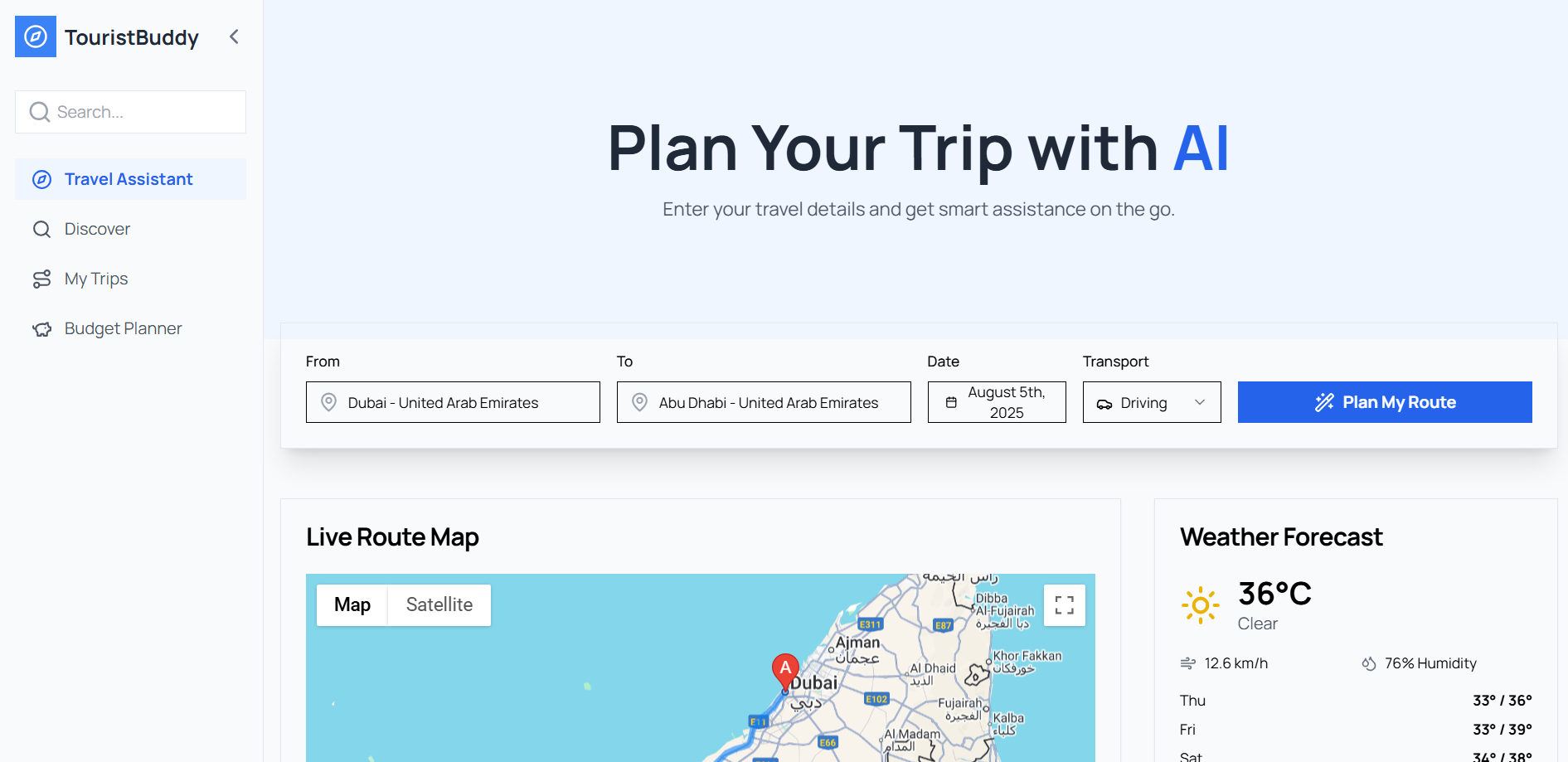
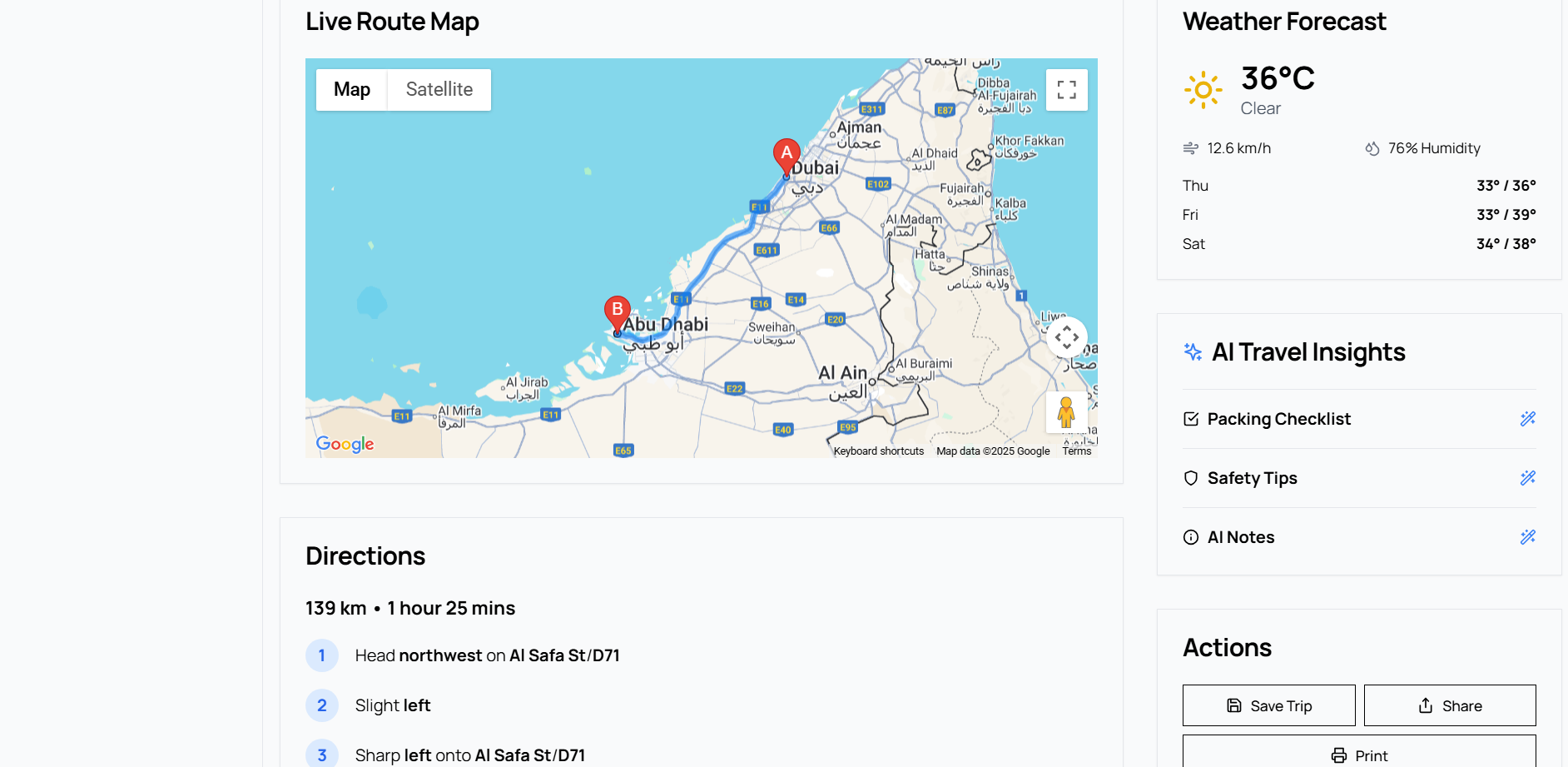
- Auto-route planner
- Budget & time estimators
- Nearby suggestions with personalized tips
💻 Features
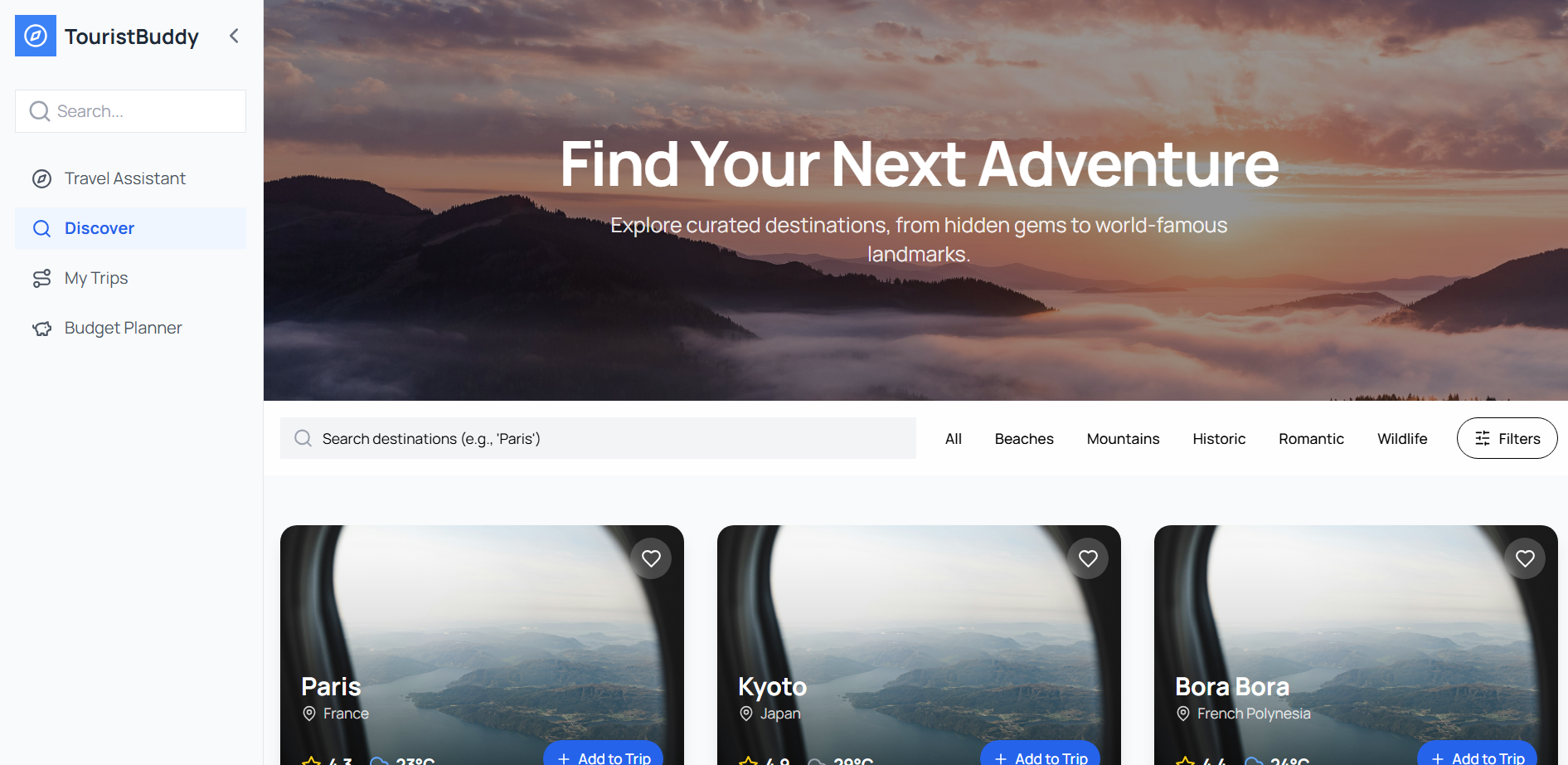
- 🔍 Discover Top Tourist Attractions based on city
- 🧠 AI-powered suggestions based on interest (nature, food, history, etc.)
- 📍 Smart Route Planner using Maps APIs
- 💸 Budget Estimator (includes travel, stay, and food)
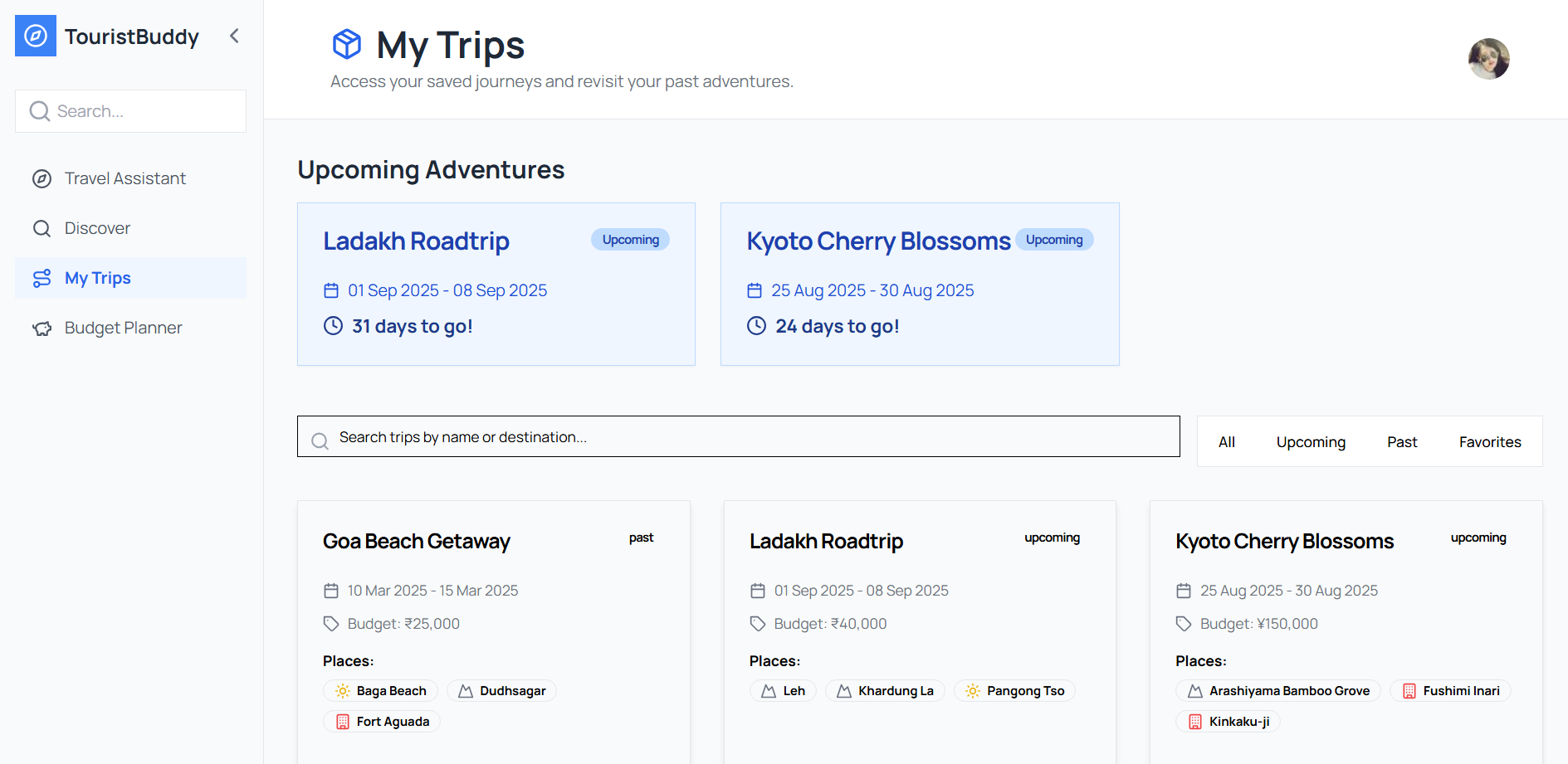
- 📅 Travel Day Planner with durations & best travel times
- 📦 Save, share & print your trip plan (coming soon)
⚔️ Challenges I Faced
- Rate Limiting: Google APIs have strict quotas. I had to create a logic that optimized calls and minimized redundant usage.
- Location Precision: Extracting user intent and matching that to the right location in Maps was tricky. Places API helped, but refining results was key.
- AI Contextualization: Making the Google Gemini AI responses more specific to city + interest + travel time required prompt tuning and memory logic.
- Design Scope: Keeping it minimal but useful was a balancing act. I kept iterating using user feedback and rapid prototyping via Bolt.new.
🏁 What's Next?
- 🌐 Add multilingual support (Arabic, Spanish, Hindi, etc.)
- ✈️ Flight and Hotel API integration
- 📱 Launch a Progressive Web App (PWA) version
- 🤝 Collaborate with local tourism boards and travel influencers
“TouristBuddy is not just a planner, it’s your smart travel companion.”
Explore the live version: https://xfel.io/ Home page Design: https://go-with-ai.lovable.app
Built With
- framer-motion-&-lottiefiles-(for-animations)
- google-gemini-api
- google-maps-directions-api
- javascript-/-html-/-css
- openweathermap-api
- revenuecat
- supabase-(for-saved-trips-&-backend-logic)
- weatherapi.com


Log in or sign up for Devpost to join the conversation.