


Inspiration
App Inventor tutorial required me to have a map of Paris citing tourist destinations. I decided to redesign mine on the user experience thread of "getting around Paris" and went from there.
How it works
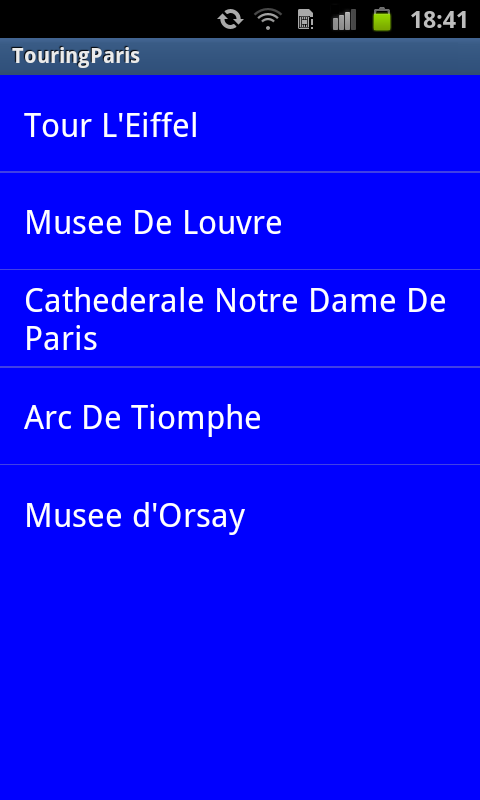
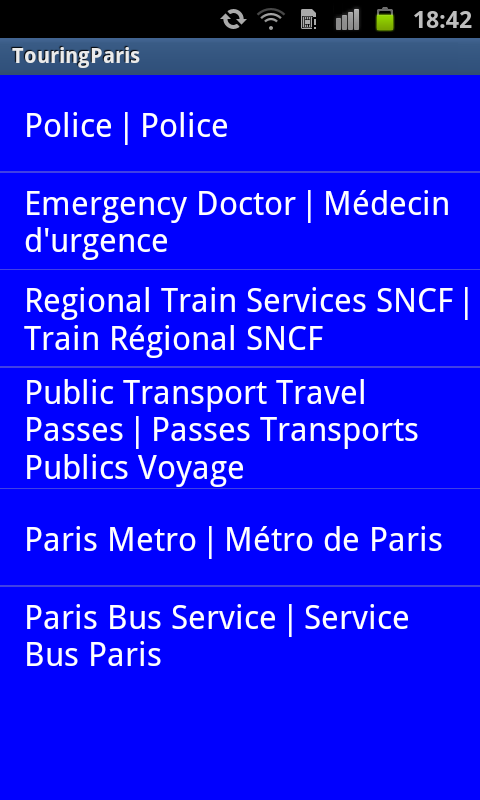
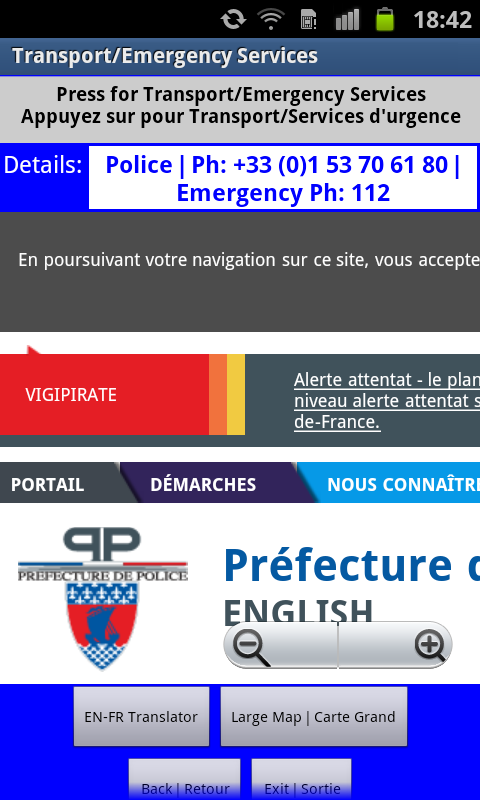
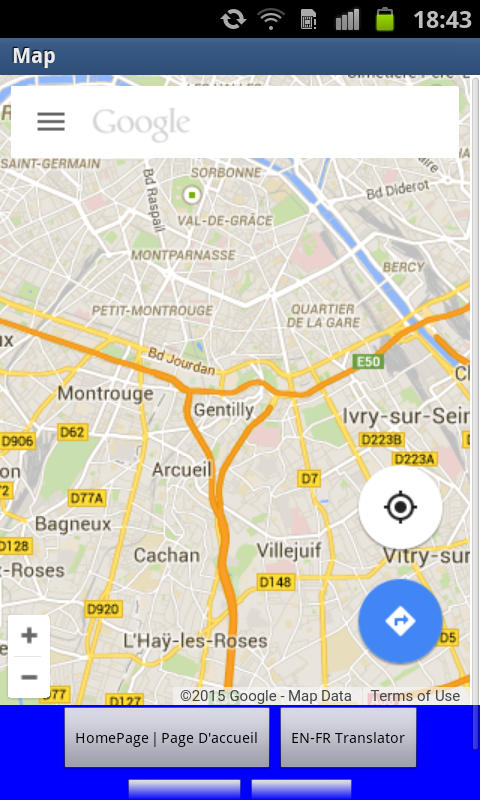
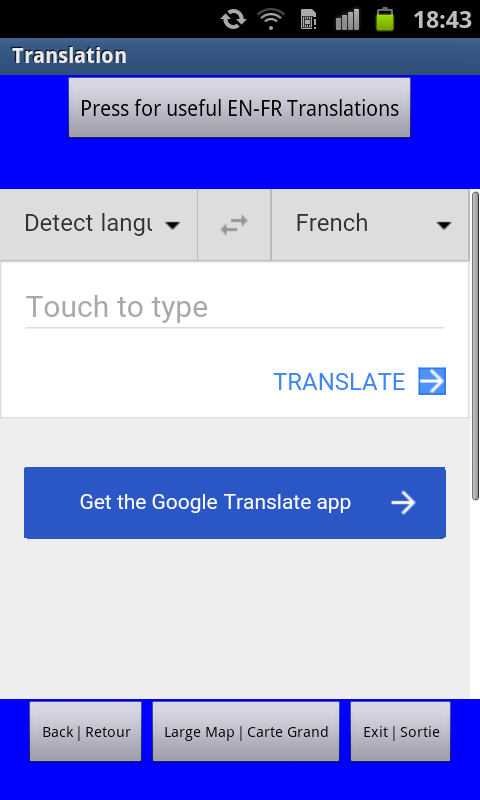
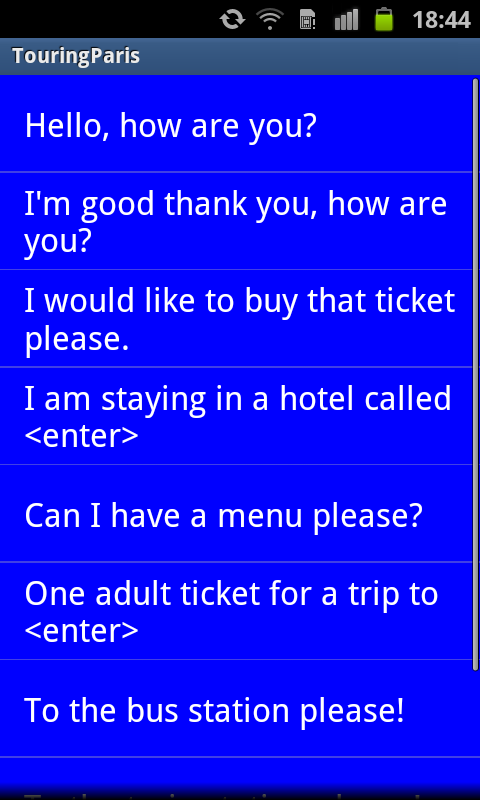
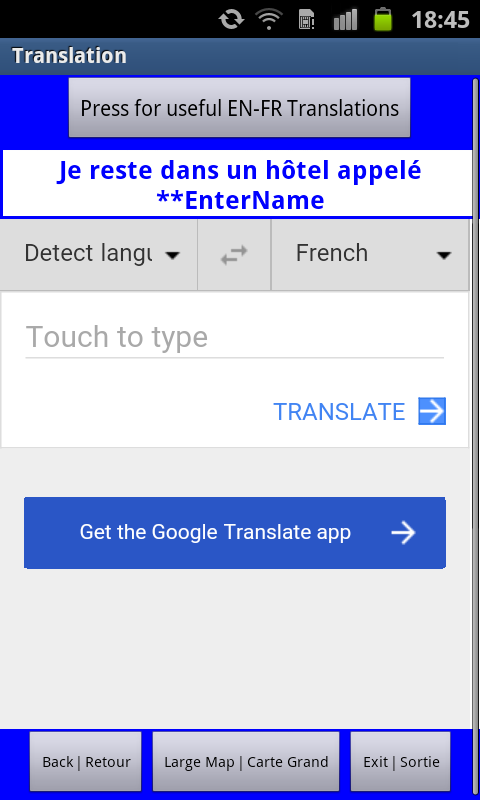
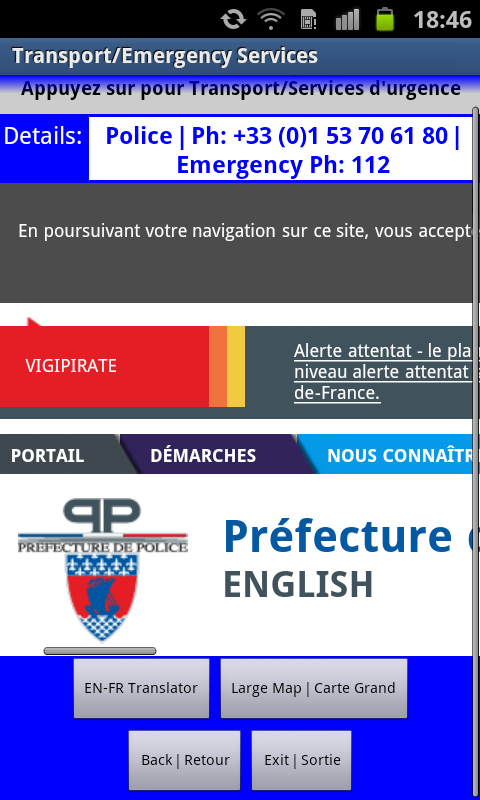
This is a navigational app experience to allow visitors of Paris to easily enjoy the city and navigate its tourist hotspots. It allows the user to quickly check out the top five tourist destinations through the App by obtaining brief details, including contact details for the tourist site selected. It also has navigational tools including Google Maps, top transport and emergency websites for visitors staying in Paris along with a quick guide to French phrases commonly used to navigate Paris and a Google translator ‘in-app’ set to English-French for the smooth user experience.
Challenges I ran into
Google Maps did not perform well when I had navigational calls on the Map domain from two different sized App pages on screens 1 and 3 in prototype iterations of the App. I got around it by installing contact and coursery information on image files instead of the Google site address for the locations. The main map performed as expected when the conflict was removed in favour of more information faster through image files to the customer on the main landing screen.
Accomplishments that I'm proud of
Resolving the problems and incorporating three functional aspects into a single user experience to navigate Paris on vacation without needing to chase multiple websites including Google maps. It can all be done in-App.
What I learned
Google Maps is cool but has limitations. App inventor can be a little clumsy with the blocks, which needs dynamic thinking to stay ahead of and acheive desired outcomes.
What's next for Touring Paris
Better website embedding, refinement of design.

Log in or sign up for Devpost to join the conversation.