-
-
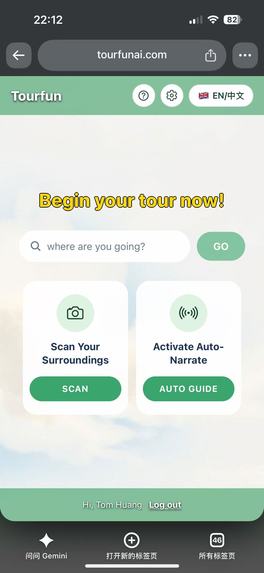
home page
-
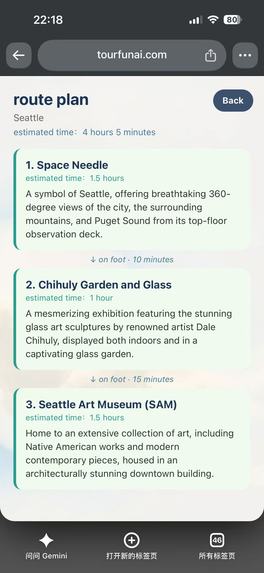
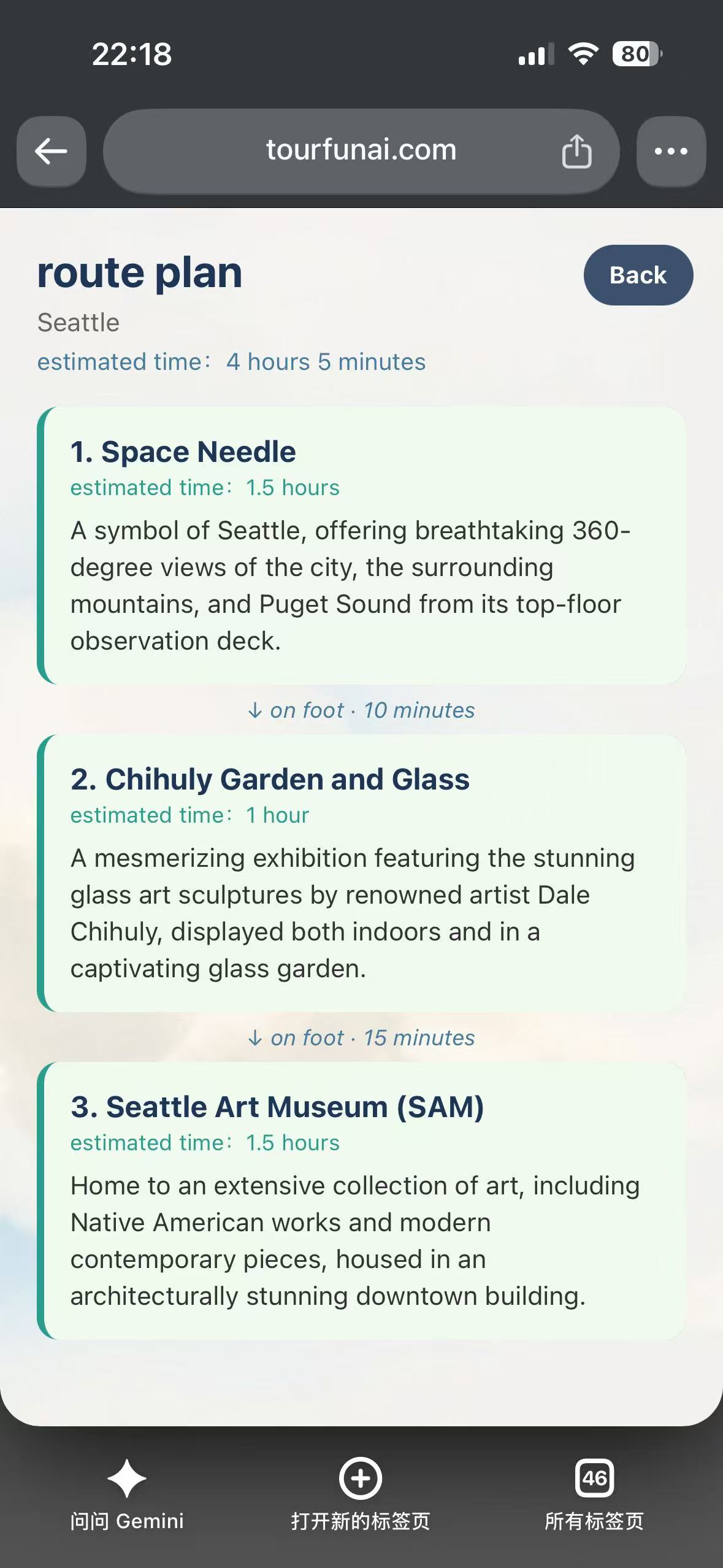
Trip planning page
-
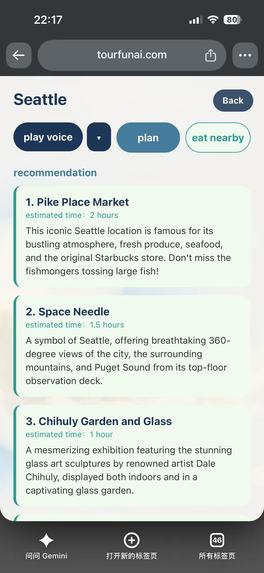
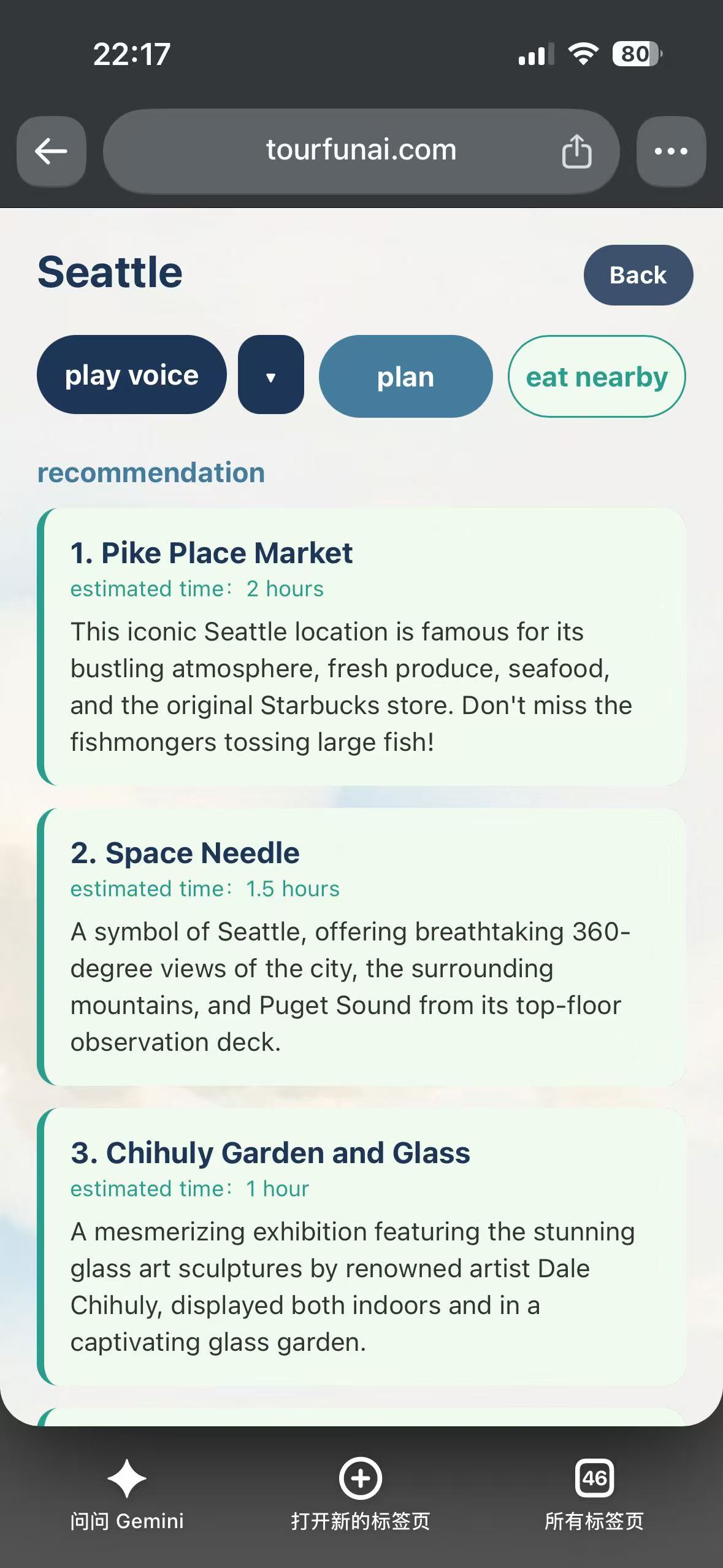
Spot recommendation page
-
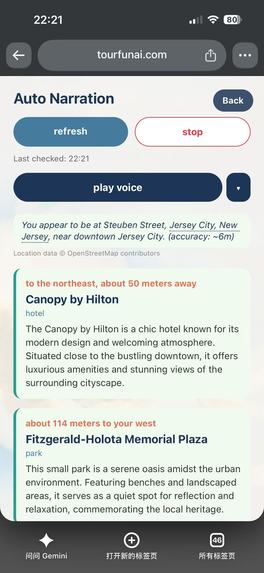
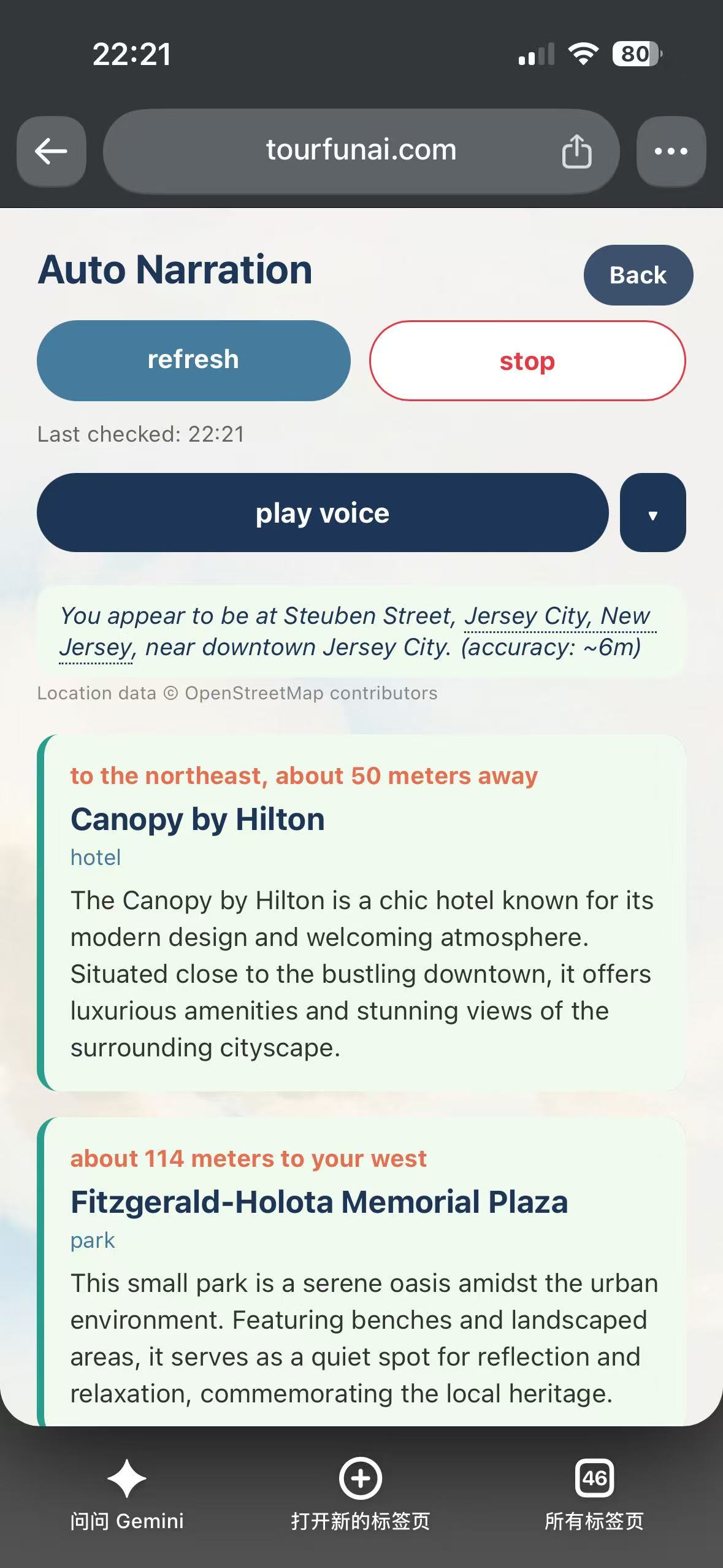
Auto recognition and introduction page
-
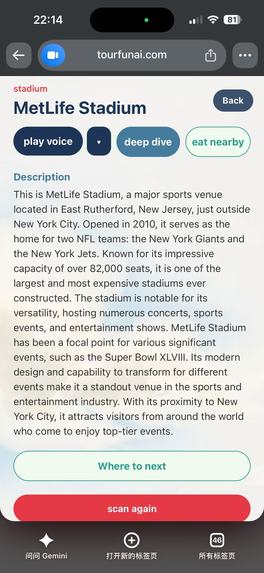
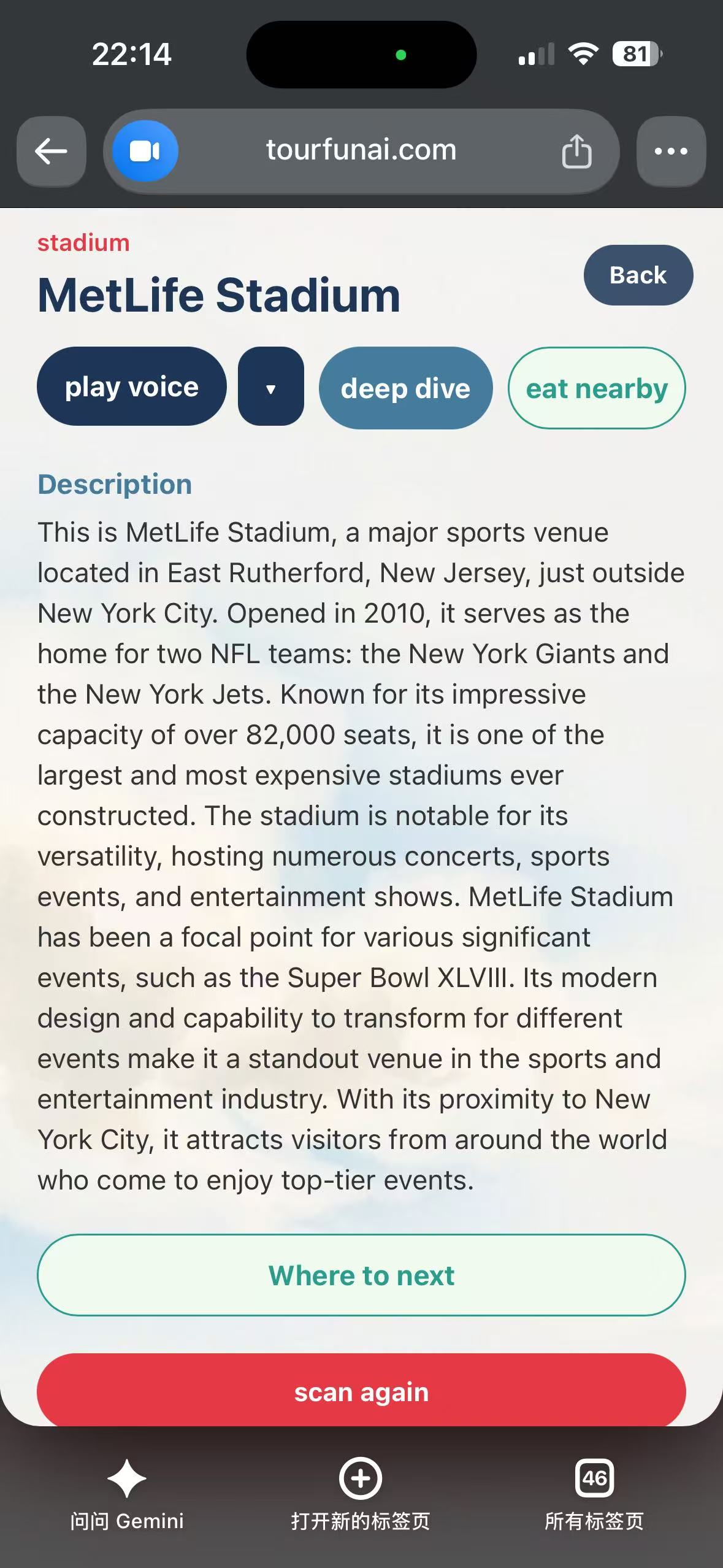
introduction page
-
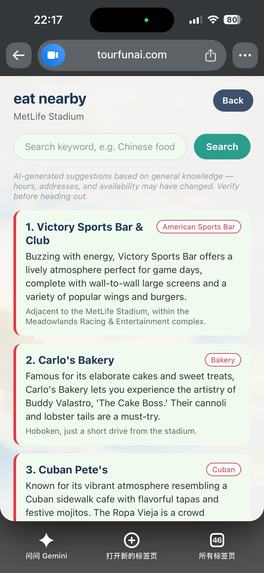
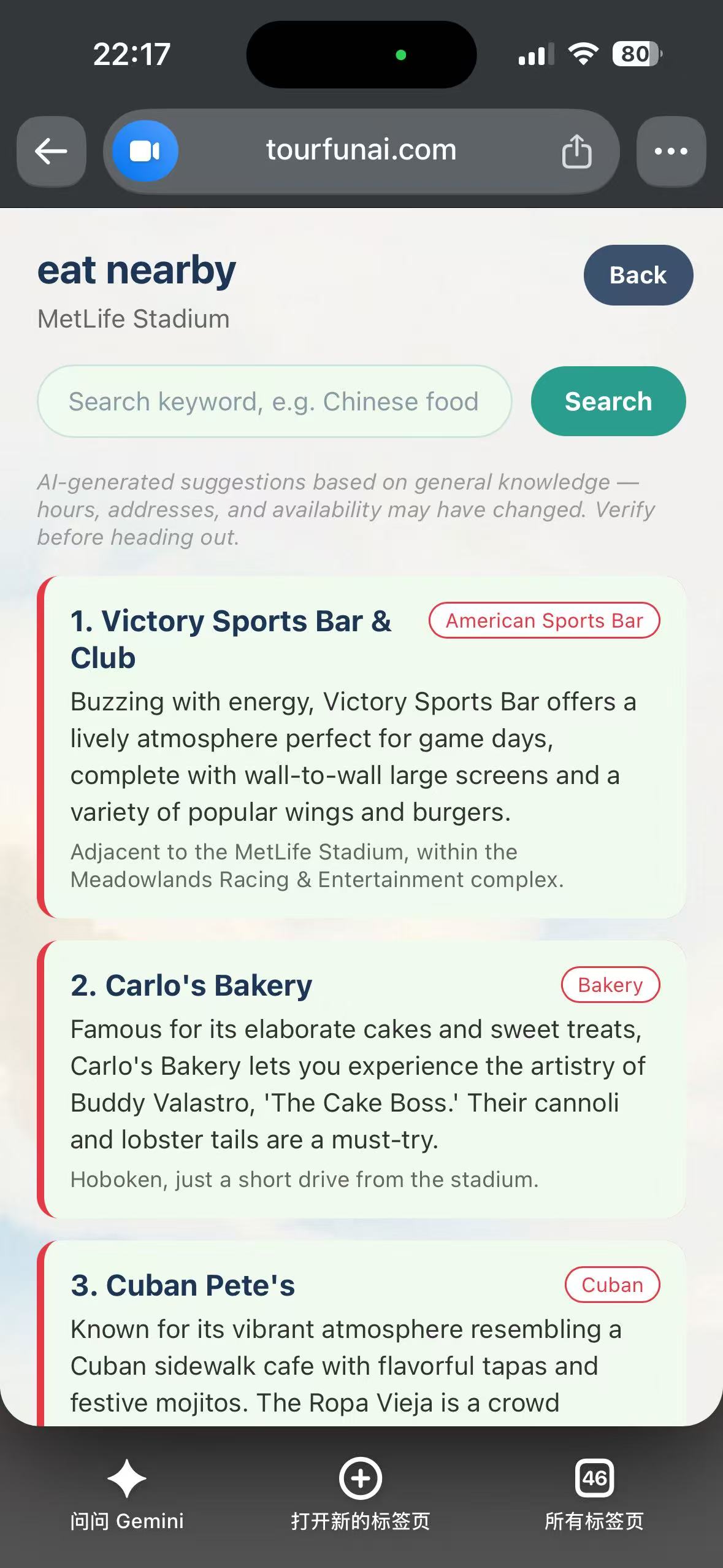
Nearby restaurant recommendation page
-
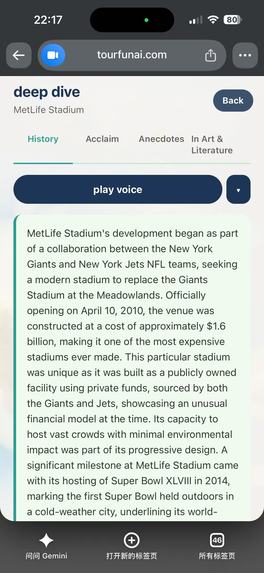
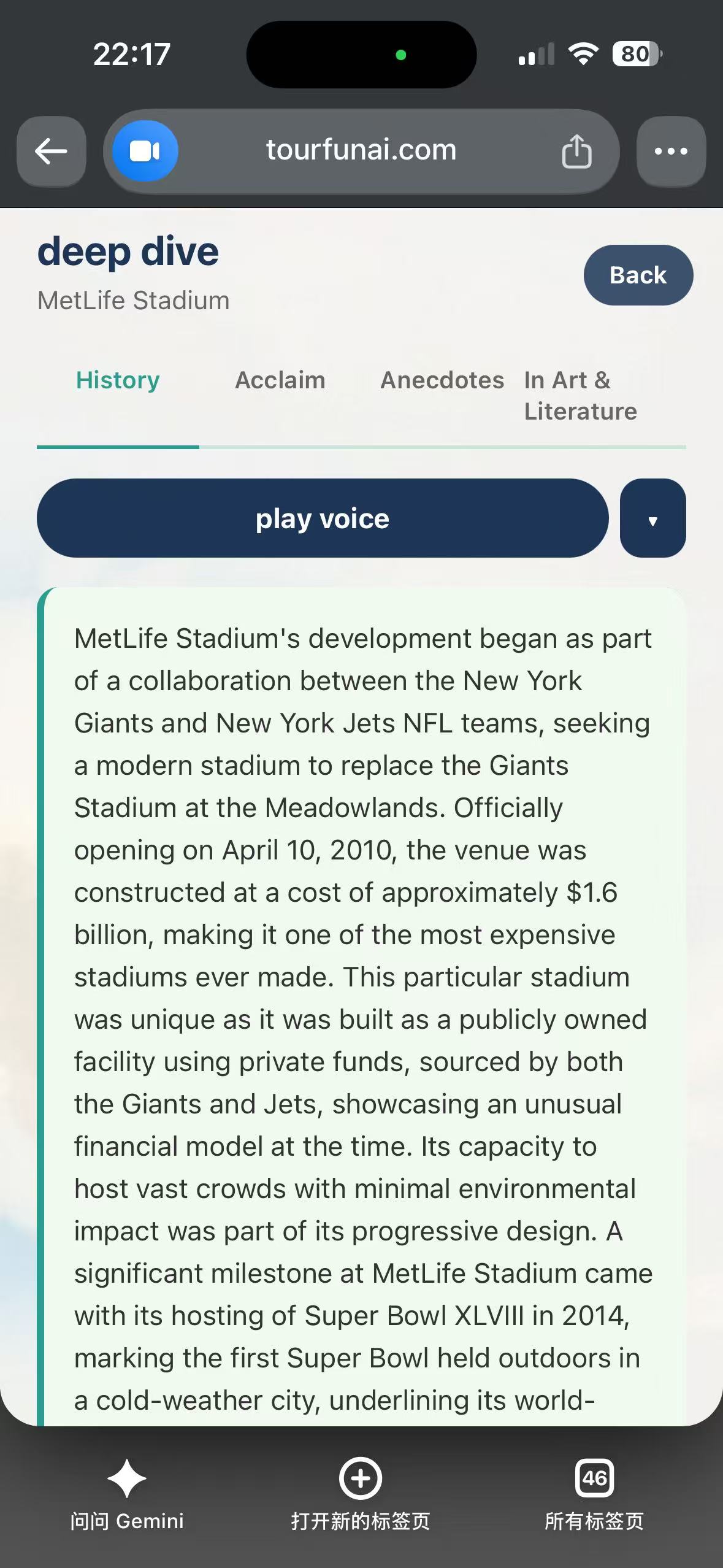
deep dive introduction page
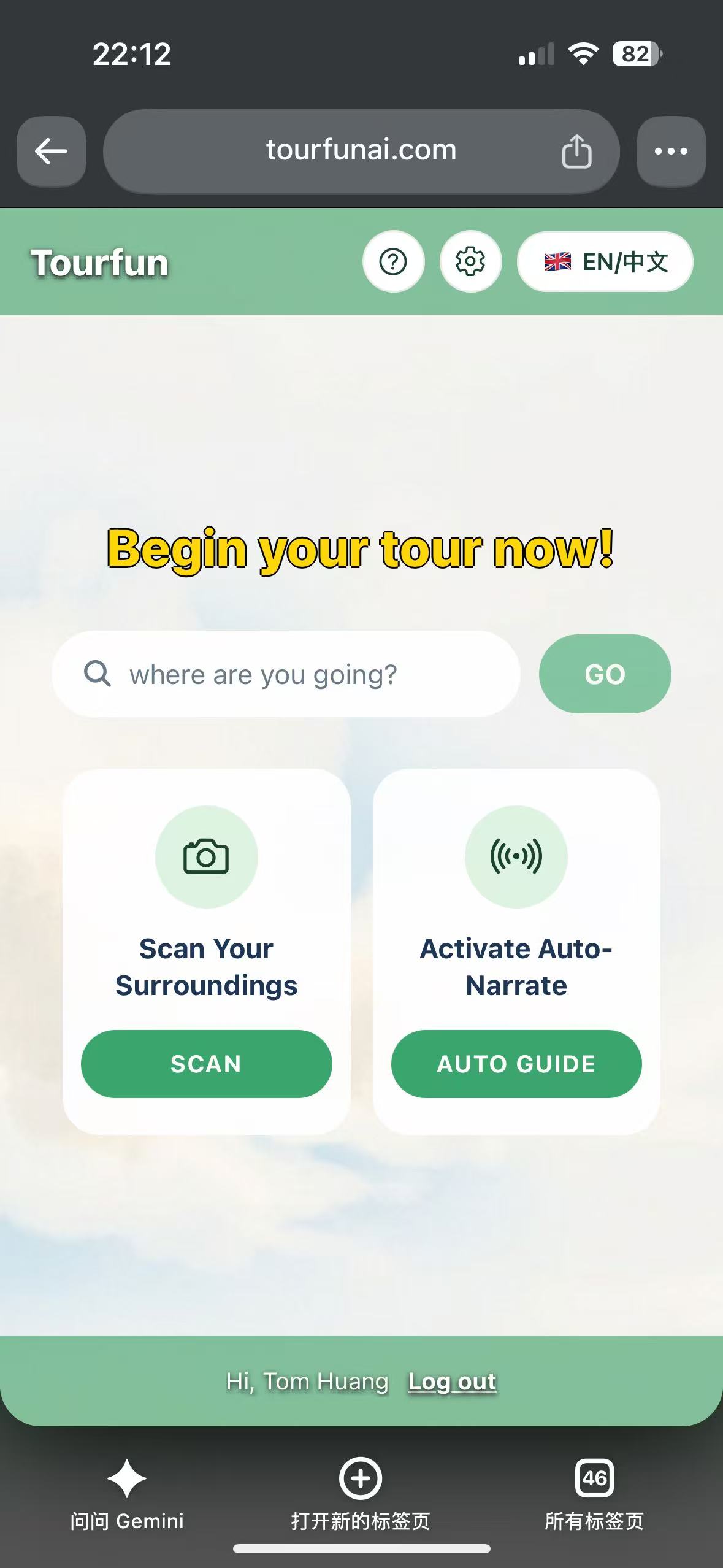
Inspiration
Anyone who's traveled somewhere new knows the routine: you either pay for a guided tour you have to follow on someone else's schedule, or you wander around alone, snapping photos of things you don't fully understand and separately googling "best restaurants near [landmark]" afterward. We wanted something in between — a guide that's always in your pocket, costs nothing to start, and actually looks at what you're looking at right now instead of reciting a script written for the average tourist.
Toursay started from a simple question: what if your phone's camera could recognize any landmark — not just famous ones, but an ordinary bridge, a mural, a random old building — and explain it to you on the spot, in your own language, in your own voice preference?
What it does
Toursay is a bilingual (English/Chinese) AI tour guide that works four ways:
- Search a destination — type where you're going and get a curated list of recommended sights, an estimated visit time, and an optional AI-planned walking route between the ones you pick.
- Scan your surroundings — point your camera at anything, and the AI identifies it and gives you a rich, spoken explanation, with an optional "deep dive" into its history, cultural significance, or notable stories.
- Auto-guide mode — turn it on and just walk; it silently checks your GPS location and compass heading every few minutes and narrates whatever's nearby, with no photo needed.
- Eat nearby — from any of the above, jump straight into restaurant recommendations around wherever you currently are.
Every result can be read aloud, with a free default voice and optional premium natural-sounding voices (including several Chinese dialects) for subscribers, and every new registered user gets a 30-day free trial of the premium tier.
How we built it
The frontend is a single React Native + Expo codebase that ships to iOS, Android, and web from the same source — so a feature built once (like the onboarding tour or the photo scanner) works identically everywhere. The backend is a lightweight Node/Express service that wraps GPT-4o for image recognition and narration generation, backed by Firebase for authentication and Stripe for subscriptions, all deployed on a DigitalOcean droplet behind Nginx under our own domain.
For the auto-guide feature, we grounded the AI's landmark recognition against real OpenStreetMap/Overpass point-of-interest data and free Nominatim reverse geocoding, so it's describing things that are actually near the user's real coordinates rather than hallucinating well-known landmarks it "remembers" from training data. Voice narration blends a free built-in engine with Microsoft Azure's neural TTS voices for a more natural-sounding premium tier.
Challenges we ran into
Building one codebase for both native apps and the web surfaced a long list of platform-specific gotchas: mobile Safari's on-screen keyboard silently shrinking the visible viewport and breaking centered layouts; React Native's layout engine (Yoga) computing absolute positioning relative to a parent's border box instead of its padding box, unlike normal CSS; and a real bug inside Expo's own web implementation of continuous GPS location tracking that silently dropped every location callback, which we only found by tracing through the library's internals.
Location accuracy for the auto-guide feature was its own saga — a single GPS reading often returns an early, coarse Wi-Fi-based fix before the chip finishes a proper cold start, so we had to poll for the best reading within a time budget rather than trusting whatever came back first. We also had to design real cost controls around a feature that, by nature, calls a paid AI endpoint on a timer rather than in response to a single tap — a movement threshold to skip redundant calls, pausing when the tab or app is backgrounded, and an automatic session timeout.
Accomplishments that we're proud of
We shipped a genuinely cross-platform product from one codebase, with real-world GPS grounding that keeps the AI honest about what's actually nearby, a tiered access model that lets anyone use the core features forever for free, and a first-time user onboarding tour that adapts to whichever platform and screen size it's running on.
What we learned
Cross-platform "write once" only holds up if you actively hunt for the handful of places where web and native genuinely diverge — keyboards, viewport units, and safe-area insets each have their own quiet rules. We also learned that grounding an LLM in real structured data (POI databases, geocoding) beats prompt-engineering alone when the answer needs to be about a specific, real place rather than something plausible-sounding.
What's next
Native mobile Google Sign-In (currently web-only pending a dedicated development build), deeper route planning across multi-day itineraries, and expanding voice narration to more languages and dialects.
Built With
- azure-cognitive-services
- digitalocean
- firebase
- gpt-4o
- javascript
- nginx
- node.js
- overpass-api
- react-native
- react-native-web
- stripe
- typescript

Log in or sign up for Devpost to join the conversation.