Inspiration
Within our group, we have many friends and family that are at a heightened risk to sun exposure due to serious health conditions. While they usually make an effort to stay in the shade as much as possible, having a device to alert them when they've been exposed too long, will be highly beneficial.
What it does
Our device records data from an ultraviolet light and air quality sensor. This data is transferred to an api where it is cleaned, stored in a SQL Database, and then served through a web-socket to then be displayed on a live dashboard.
How we built it
Hardware From the very beginning of the project, we determined that a device from the Raspberry Pi family was the ideal choice due to its straightforward integration. We found that the Raspberry Pi Pico W was the easiest and smallest option, allowing us to connect to Wi-Fi to send sensor data via an API. This was crucial, as it meant we could process information on the device and transmit it remotely.
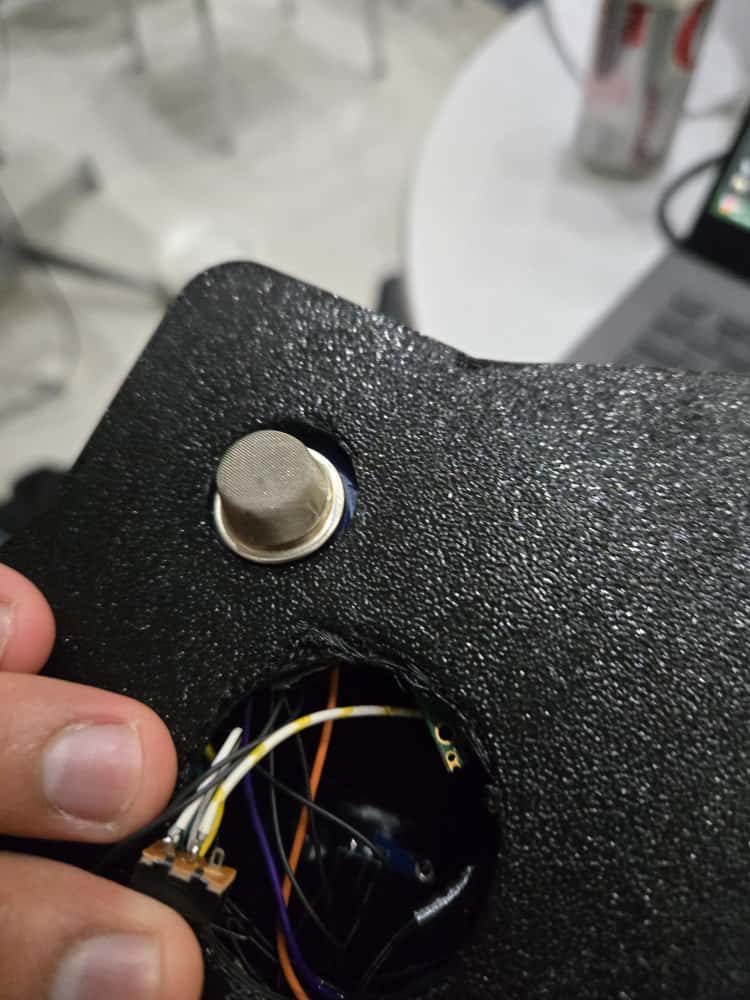
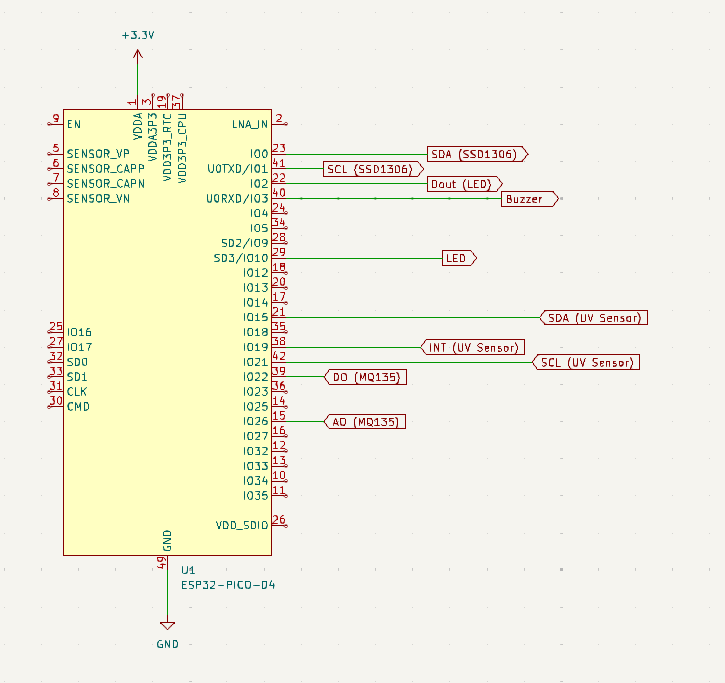
Given this approach, we knew our sensors needed to be both accurate and have low-power consumption. With this in mind, we selected the LTR390 UV sensor and the MQ135 air quality sensor, two top contenders in their respective classes, ensuring the data we collected would be of the utmost accuracy.
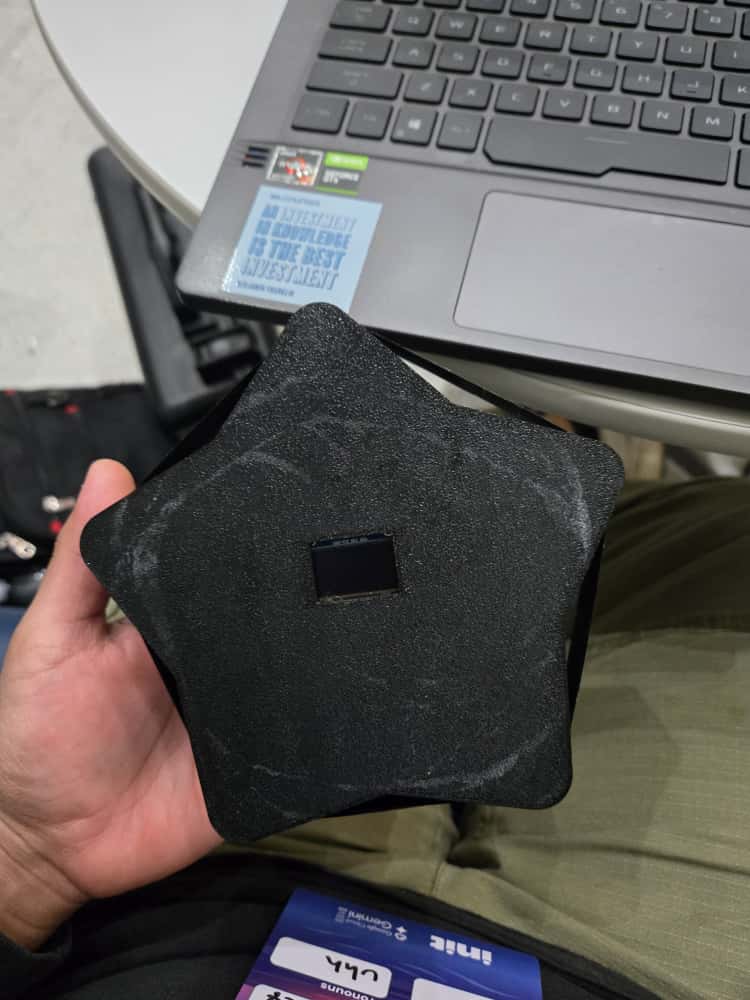
To enhance the user interface, we integrated an SSD1306 OLED display. Its primary purpose is to show raw data when the UV index is low and the main concern is air quality. Its secondary purpose is to display faces that correspond to the UV index, ranging from a happy face at a UV index of 1 to a dangerous one at a UV index of 11. Every component of this project works together to provide the user with clear, actionable data relevant to their location.
API The API is built on FastAPI where we have an endpoint dedicated to receiving the data captured by the raspberry pico2w. There, the data is cleaned to ensure proper formatting. It is then stored on a SQL Database running on the sqlite3 engine. On another endpoint, we are serving a web-socket to enable live updates between the data found in the database and the front-end visualization.
Dashboard The live dashboard is running on a flask web server and all the web-socket connectivity is handled by JavaScript within an HTML document. Data is updated every second to reflect any new readings provided by the physical sensors.
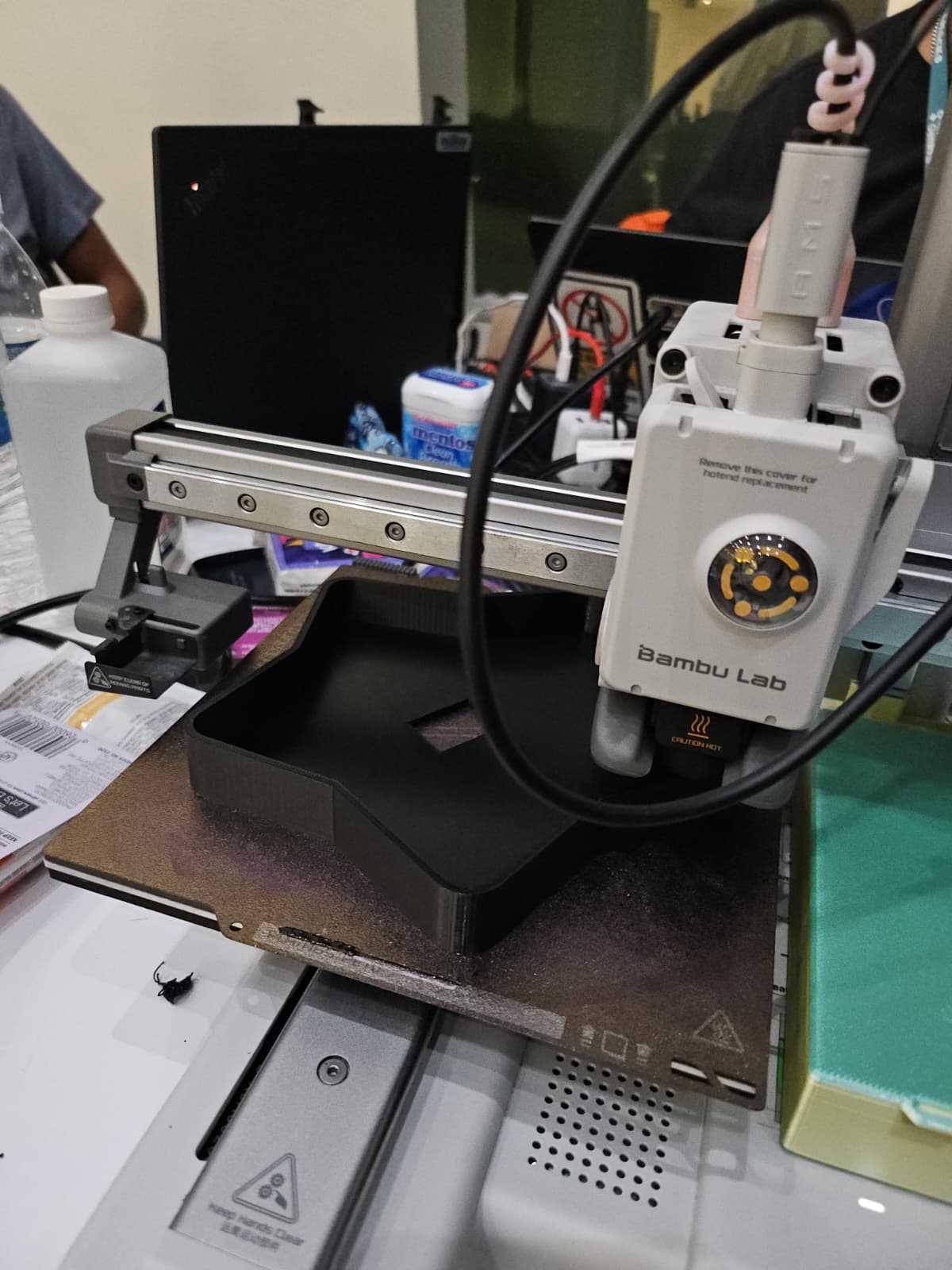
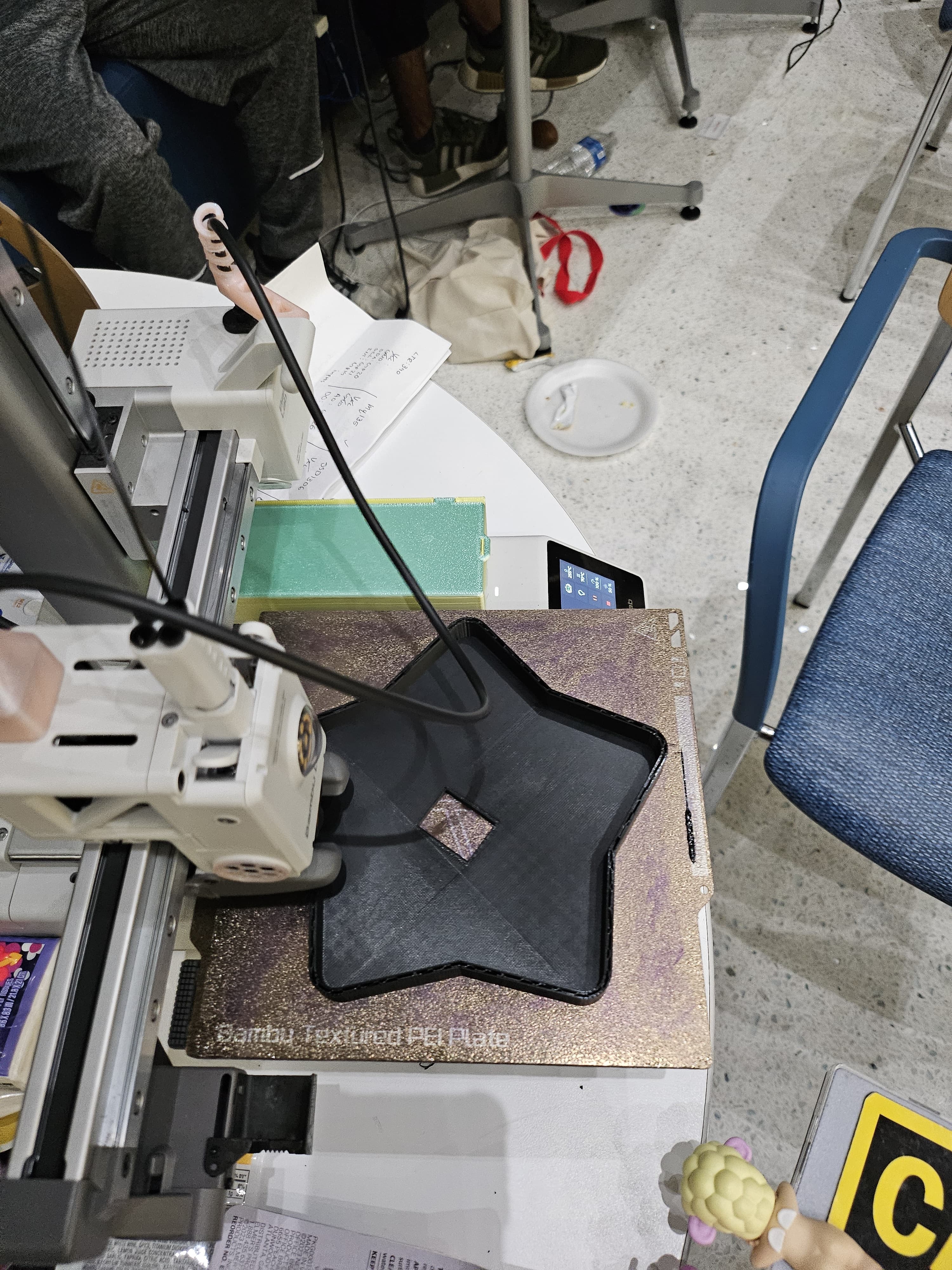
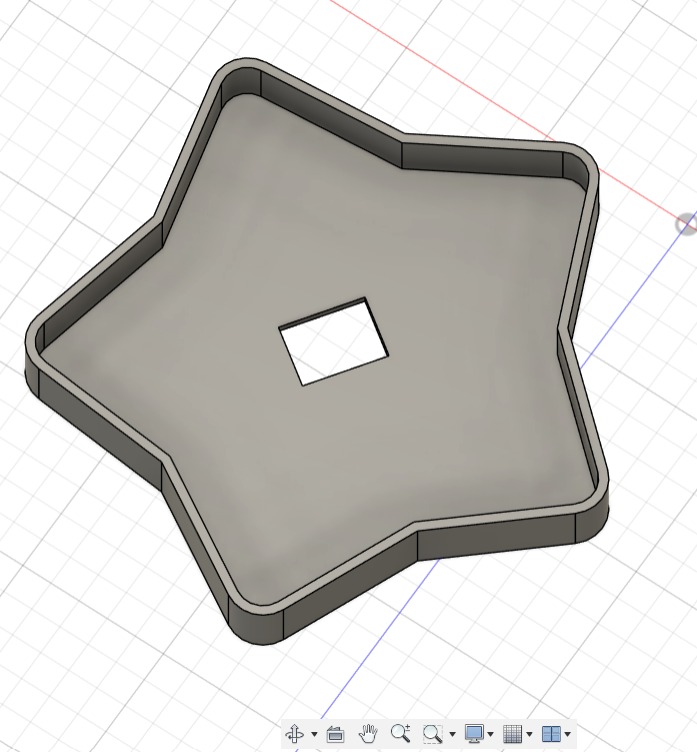
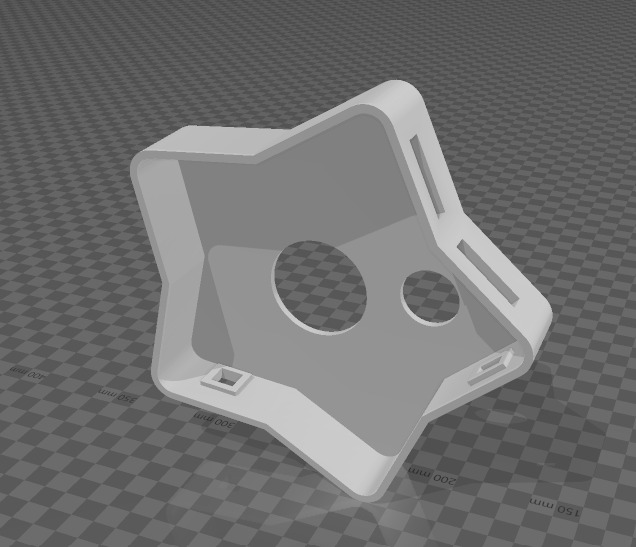
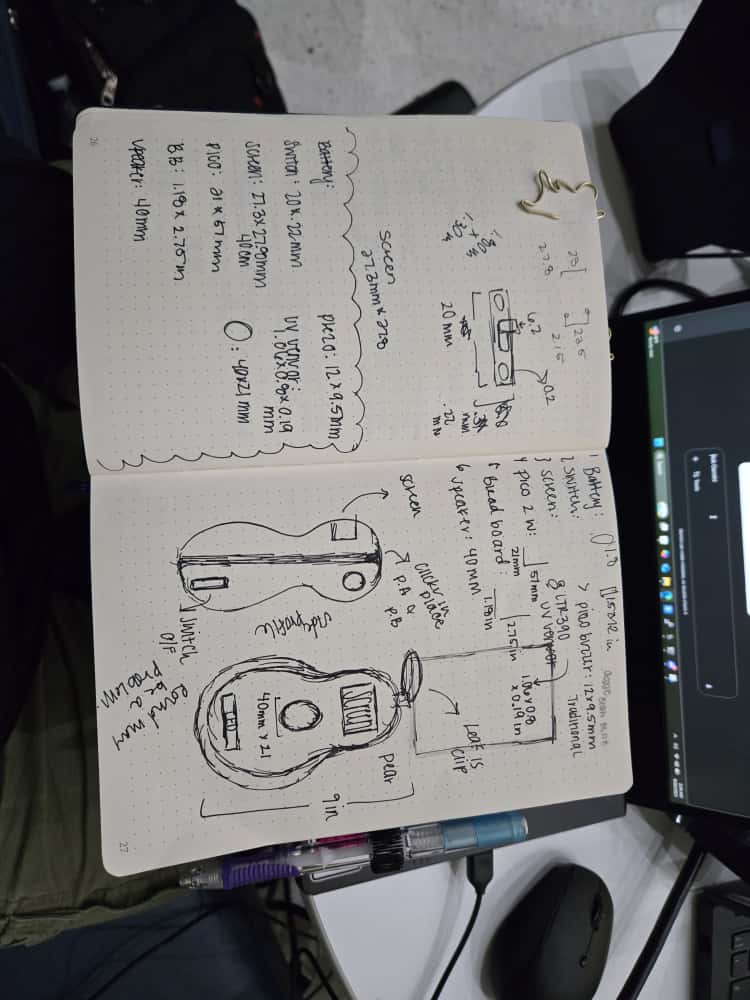
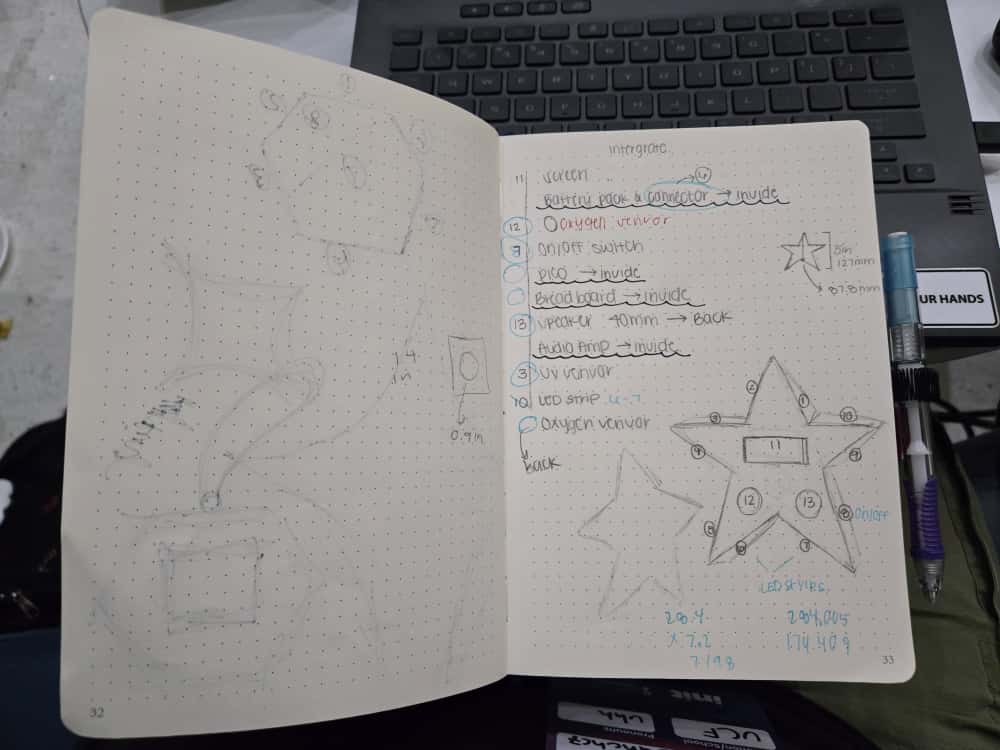
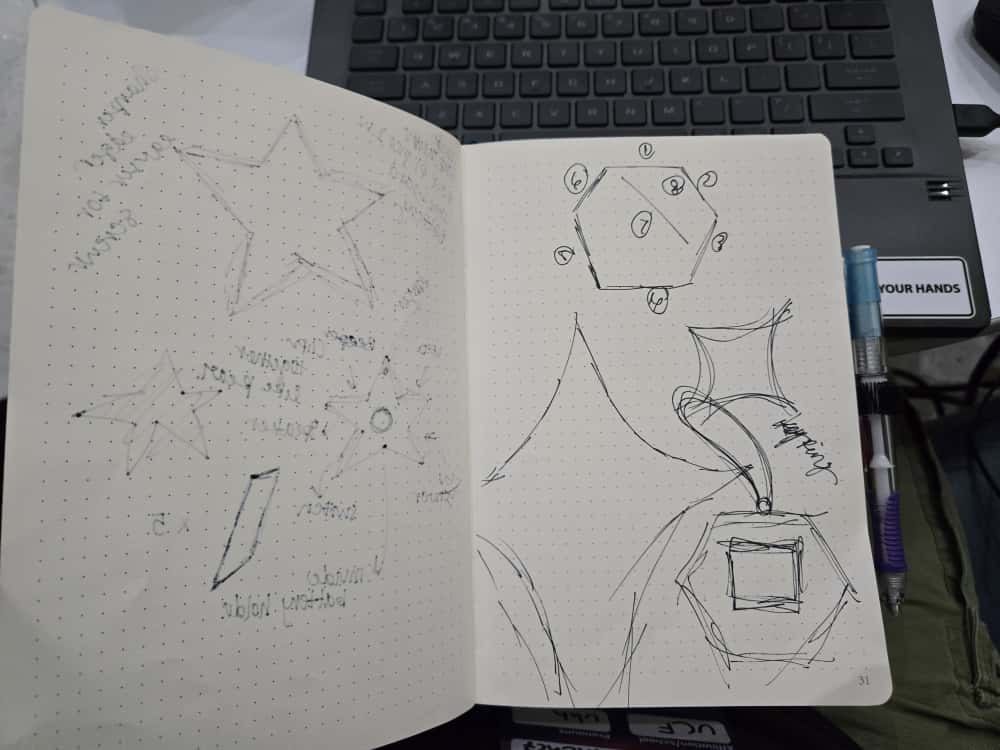
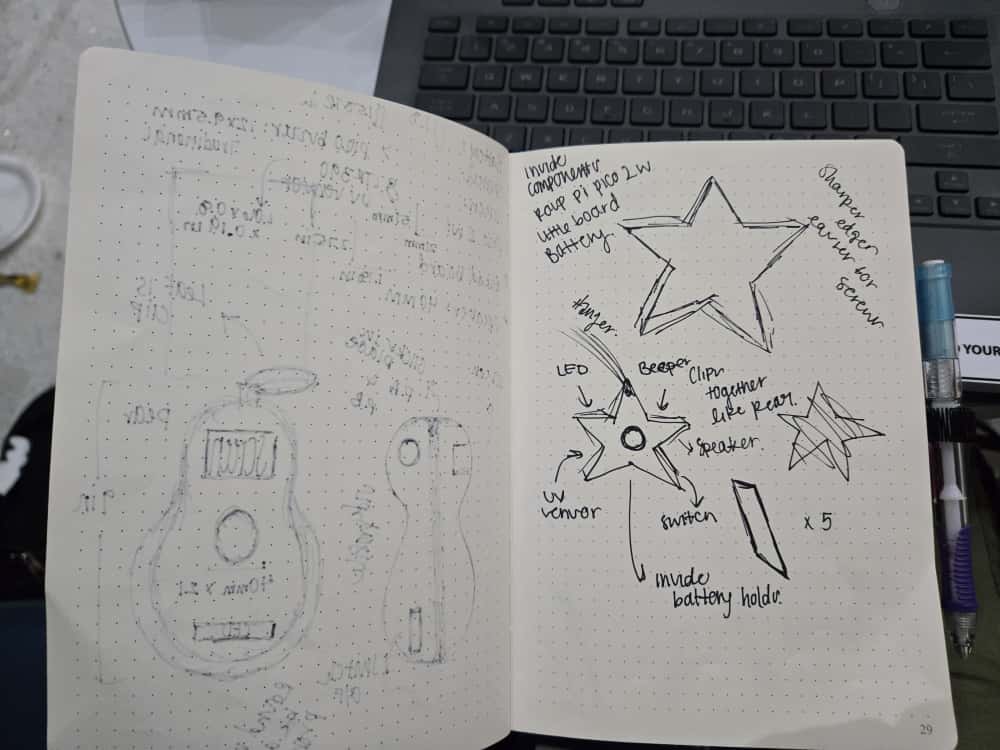
Design When developing the star-shaped case for the oxygen and UV sensor — also known as Though Love — our priority was to seamlessly integrate all required components into a compact and cohesive design. Rather than creating something bulky or purely functional, we aimed for a form that is both visually striking and practical. The star shape was chosen to capture attention and evoke a sense of uniqueness, transforming the device from a simple tool into an accessory. Our goal was to design a product that people would be proud to wear or attach to their bag or purse — something that blends technology with style.
Challenges we ran into
Software One challenge we faced on the software side of the project, was the network communication between our devices. We have 3 different devices that need direct communication, those being the raspberry pico, and 2 laptops. Since we were originally using FIU's WI-FI, the DHCP IP would often change especially after leaving campus for the night. This would force us to update our code in order to reflect these changes. To solve this issue, we used our own portable router which acted as a central gateway that allowed for static IP assignment.
3D Printing To demonstrate proof of concept, we created a 3D-printed prototype of the casing. This stage presented several challenges. One of the main issues was poor adhesion to the print bed, which caused the prints to lift and resulted in uneven surfaces. We also faced difficulties in determining the precise cutout dimensions for each component, which required running multiple test prints, each taking hours to ensure accurate measurements. After experimenting with solutions, applying a glue stick to the print bed significantly improved adhesion and produced level, high-quality prints. Following a few rounds of test runs, we were able to achieve the correct measurements for all the component cutouts. This ensured that each part fit securely in the final prototype. Although achieving these results required considerable time and iteration, it was an essential step in proving that the design could be both functional and practical.
Hardware During this project, we ran into some unexpected challenges. A major issue was getting the UV sensor to work properly with the Pico, as the I2C communication was not responding in time. This made troubleshooting a nightmare.
What we learned
Web-Socket In terms of software, previous to this event, we had no experience in using web-socket technology. The use of this technology improved development and the end user's experience as data being displayed can be updated as quickly as it is being gathered.
Backend Technologies I learned while working on the hardware how the Pico communicates with the backend. Up until recently, I had worked solely on hardware and basic coding. However, I was able to understand the different ways a backend server can extend a device's reliability and improve its user experience. This will help me grow my skill set in the future.
What's next for Tough Love
Our current bot is just a proof of concept, but we have a clear roadmap for its future. To enhance the experience, we plan to integrate a speaker for communication and add Bluetooth connectivity. This would allow us to downsize the case and make the device truly portable.
We also want the bot to generate loving but snarky comments via AI. This feature would give the bot a unique personality and make interactions more engaging. Although we weren't able to accomplish this during the hackathon, we hope to achieve it in a future iteration of the project.
Built With
- fastapi
- flask
- javascript
- micropython
- python
- sqlite
- websockets


Log in or sign up for Devpost to join the conversation.