-
-
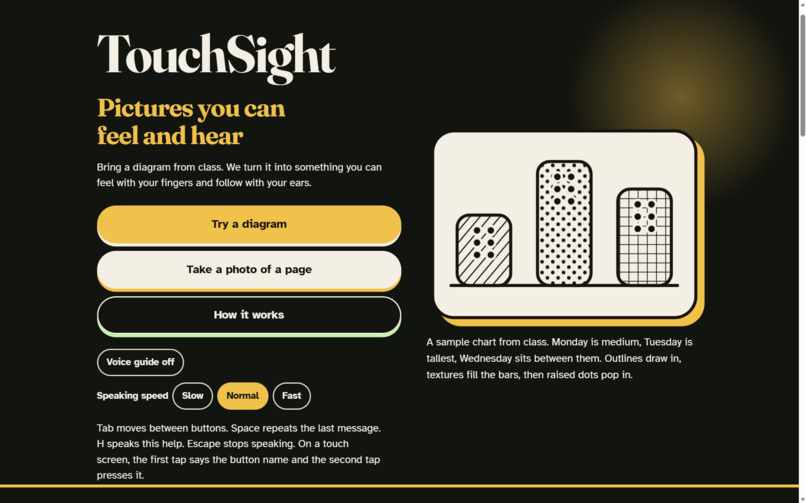
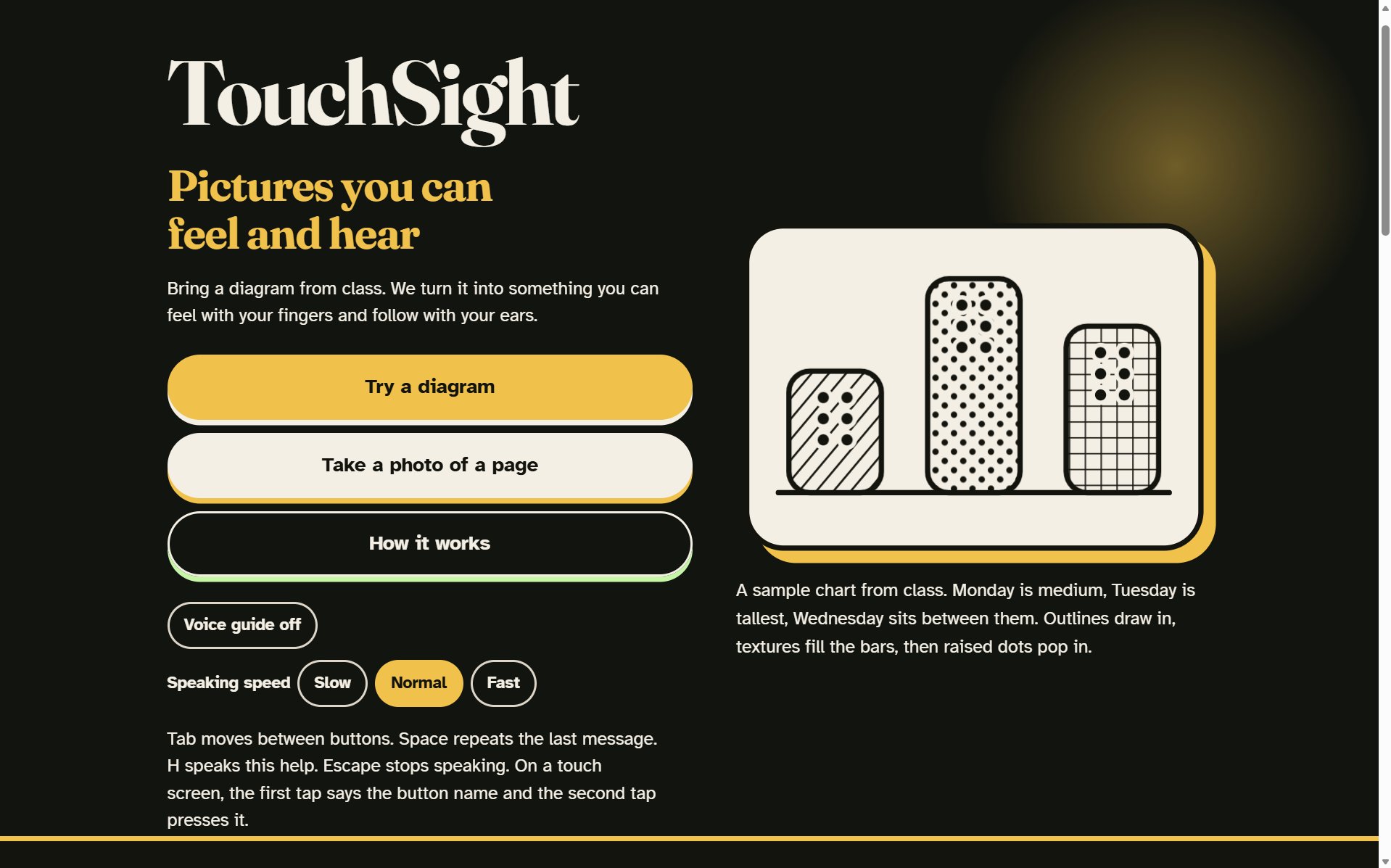
Landing Page
-
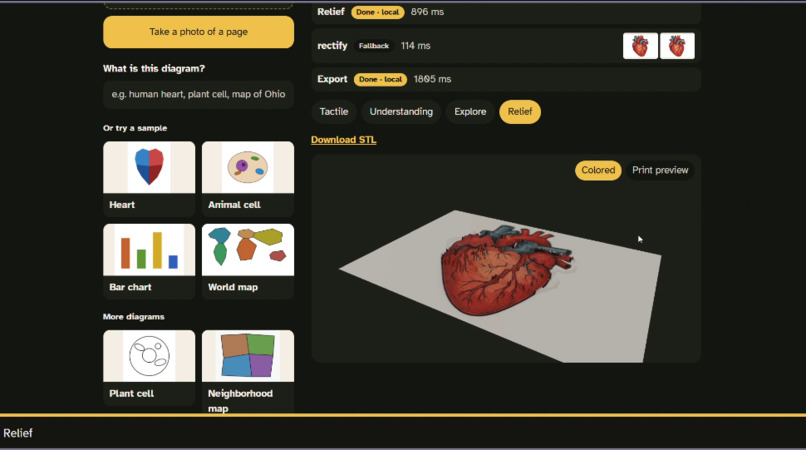
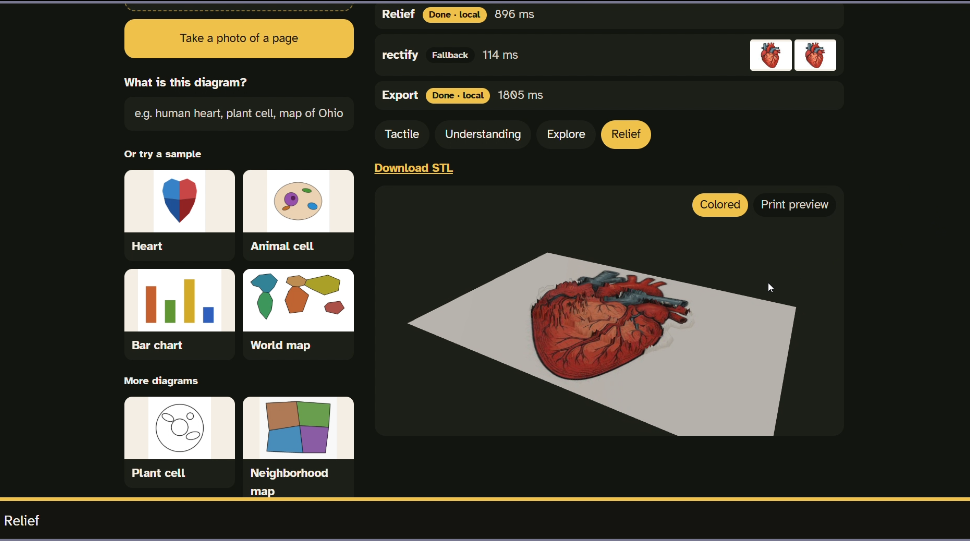
the 3D heart
-
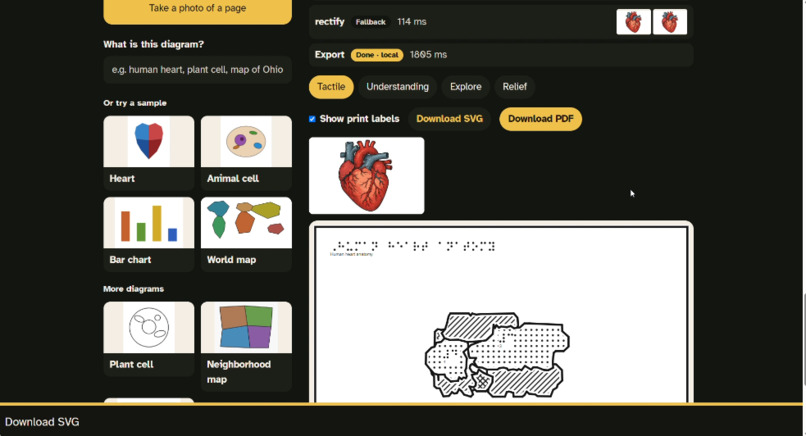
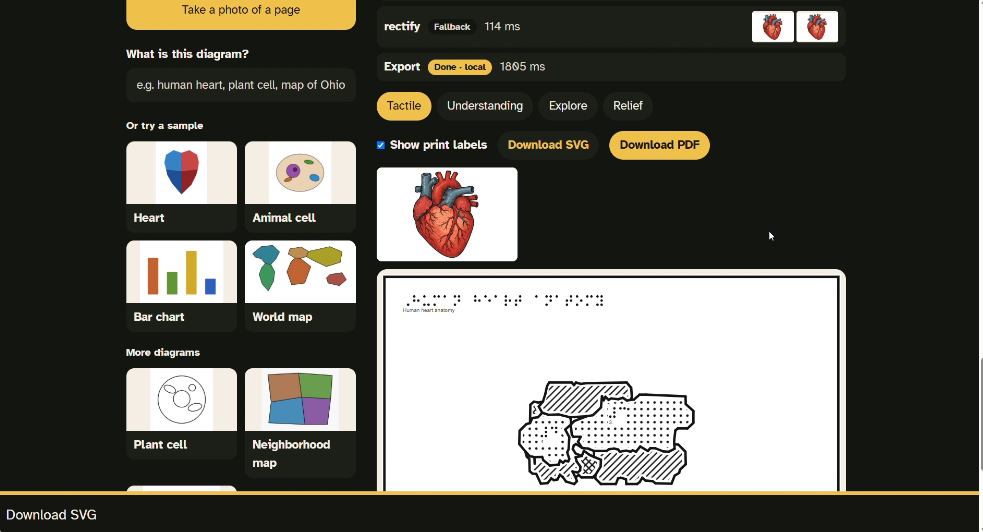
the tactile sheet with Braille
-
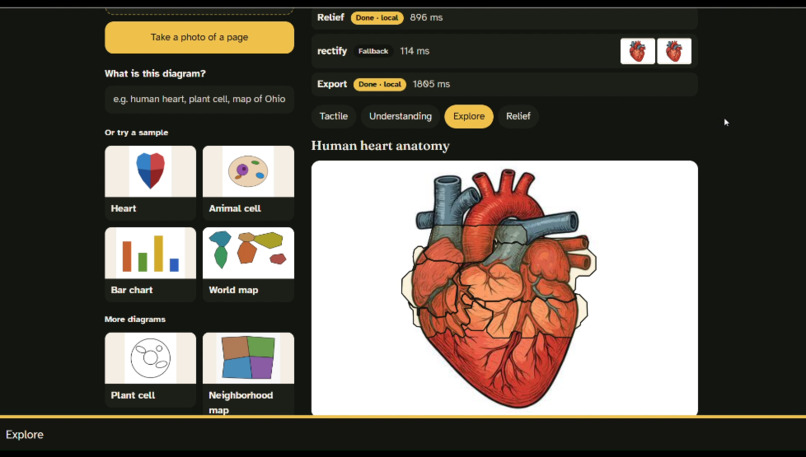
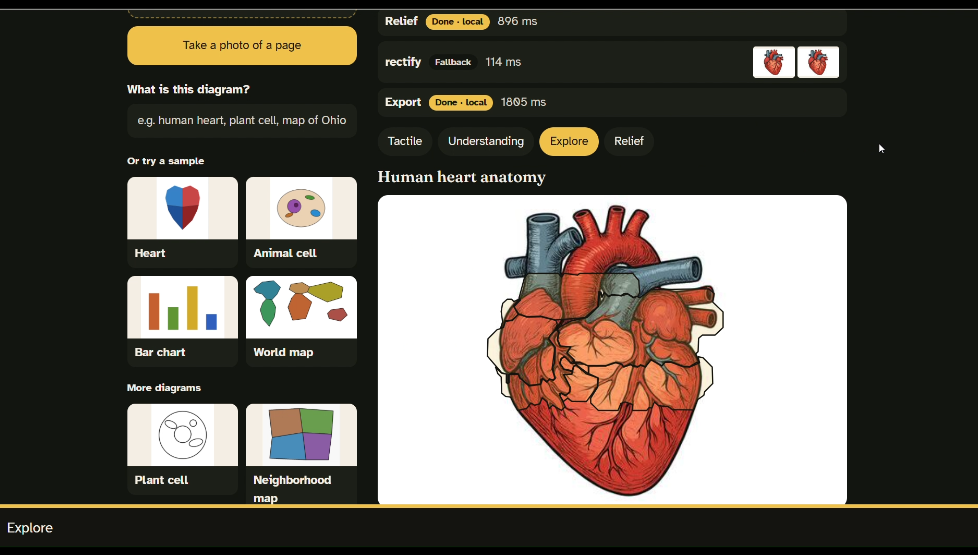
Explore mode
Inspiration
Think about any science class. The teacher puts up a diagram of the heart, and everyone learns from it. Everyone except a blind student.
Blind students learn diagrams through tactile graphics: pictures with raised lines, textures, and Braille that you read with your fingers. The problem is that someone usually has to make each one by hand, and that can take hours for just one picture. So most diagrams in a textbook never get made, and the student just misses out.
We wanted to change that. A blind student should get to study the same picture as everyone else, at the same time.
What it does
TouchSight takes any diagram, uploaded or photographed with a phone, and turns it into three things:
- A tactile sheet. Print it on swell paper and the lines rise up so you can feel them. Every part gets its own texture, so parts that touch never feel the same, and every label is real Braille.
- A 3D model. You can spin it on screen, tap any part to hear its name, or download it and 3D print it, so a student can hold it.
- Explore mode. A student slides a finger over the picture and hears what they're touching. They can also ask questions out loud, like "What does the left ventricle do?"
The whole app is voice-first. It talks from the moment you open it, so a blind student can use it without seeing the screen.
How we built it
- Frontend: React and TypeScript, with Three.js for the 3D model and the browser's speech tools for voice.
- Backend: Python and FastAPI, running an 8-step pipeline:
- Rectify: straighten phone photos of a page with OpenCV
- Understand: Gemini vision figures out what the diagram is and names each part with real terms
- Segment: OpenCV's GrabCut cuts out each part, guided by where the AI says it is
- Simplify: smooth the shapes so they're easy to feel
- Texture: give touching parts different patterns
- Braille: draw real Braille dots at standard sizes
- Relief: build the 3D model
- Export: PDF, SVG, and STL files
- Deployment: live on Vercel and Render, with GitHub Actions running our tests on every change.
Challenges we ran into
- The AI described shapes, not meaning. At first it called heart chambers "blue polygon" and "upper left section." That's useless to a blind student. We rewrote the prompt around teaching, added a "What is this diagram?" hint, and made it retry when it uses color or shape words.
- Detailed drawings broke apart. Realistic illustrations have lots of small lines, and normal segmentation chopped them into pieces. Switching to GrabCut guided by the AI fixed it.
- Layers inside layers. With the Earth's layers, the outer layer kept swallowing the inner ones. We fixed it by turning outer parts into rings.
- Free API limits. We hit Gemini's daily limits, so we built automatic switching between models, plus caching.
- Browsers block sound until you click. That's why TouchSight opens with a "tap anywhere to start" screen.
What we learned
Accessibility isn't something you add at the end. It changes every decision, from how buttons work to how the 3D model is shaped. We also learned that tactile graphics have real rules, like spacing, texture contrast, and Braille sizes, and the software has to follow them.
What's next
- Testing with teachers of the visually impaired
- Contracted (Grade 2) Braille
- Converting a whole textbook chapter at once
- More subjects: math graphs, chemistry, and maps of any place


Log in or sign up for Devpost to join the conversation.