Inspiration
Ordering kiosks, ticket machines, clinic check-in tablets and microwave panels have all turned into smooth glass. For blind and low-vision people there is nothing to feel, so the choices are to ask a stranger, read out a PIN to them, or walk away. Researchers have worked on this for about ten years: VizLens and StateLens (Carnegie Mellon) used crowd workers to label screens, Toucha11y (University of Maryland) put a small robot on the kiosk, and blindAR ran on HoloLens glasses. Every one of them needed extra people, extra hardware or a headset. We wanted something that works with the phone already in your pocket and needs no change to the kiosk.
What it does
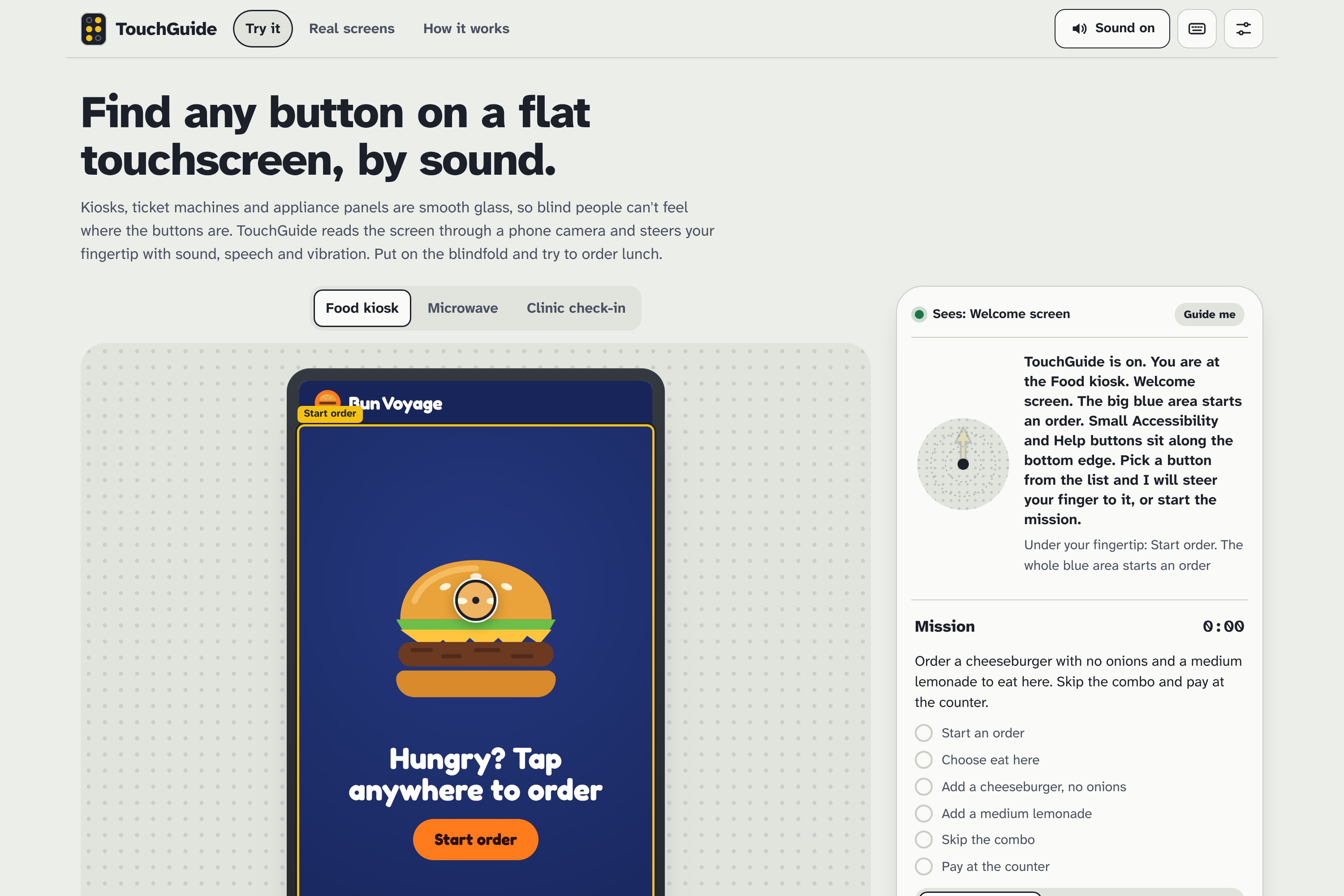
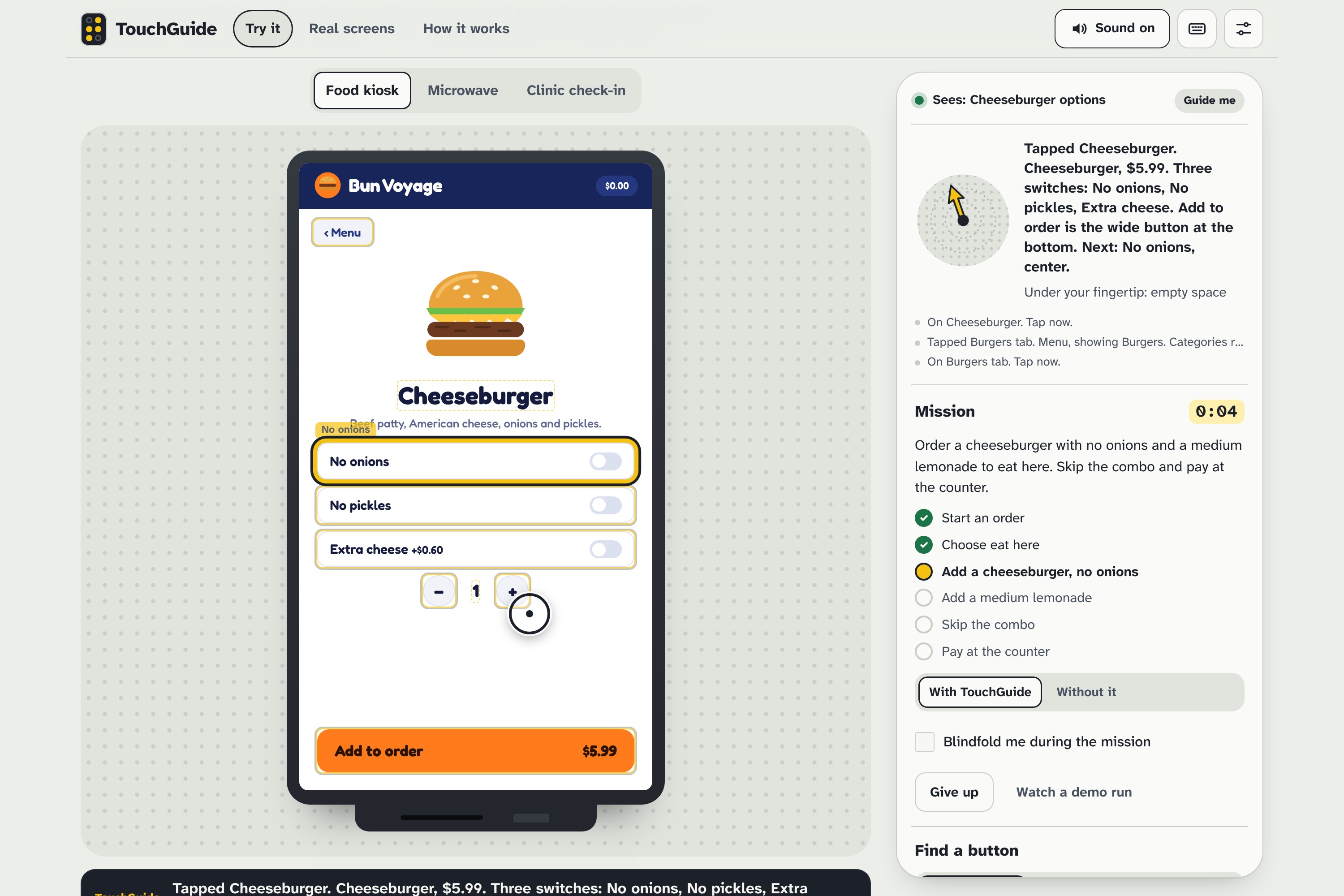
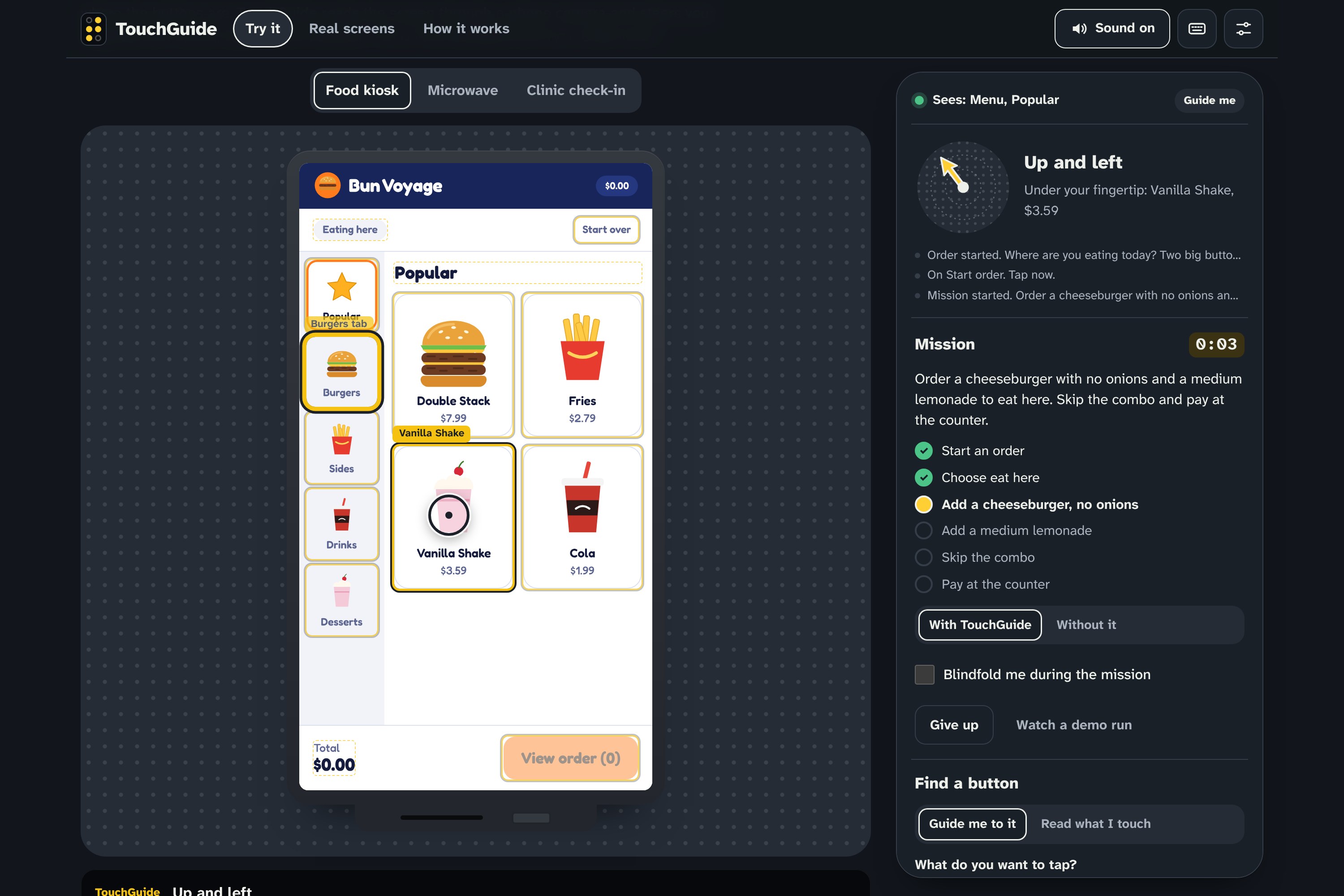
TouchGuide sees the screen and your fingertip, then steers your finger to the button you want:
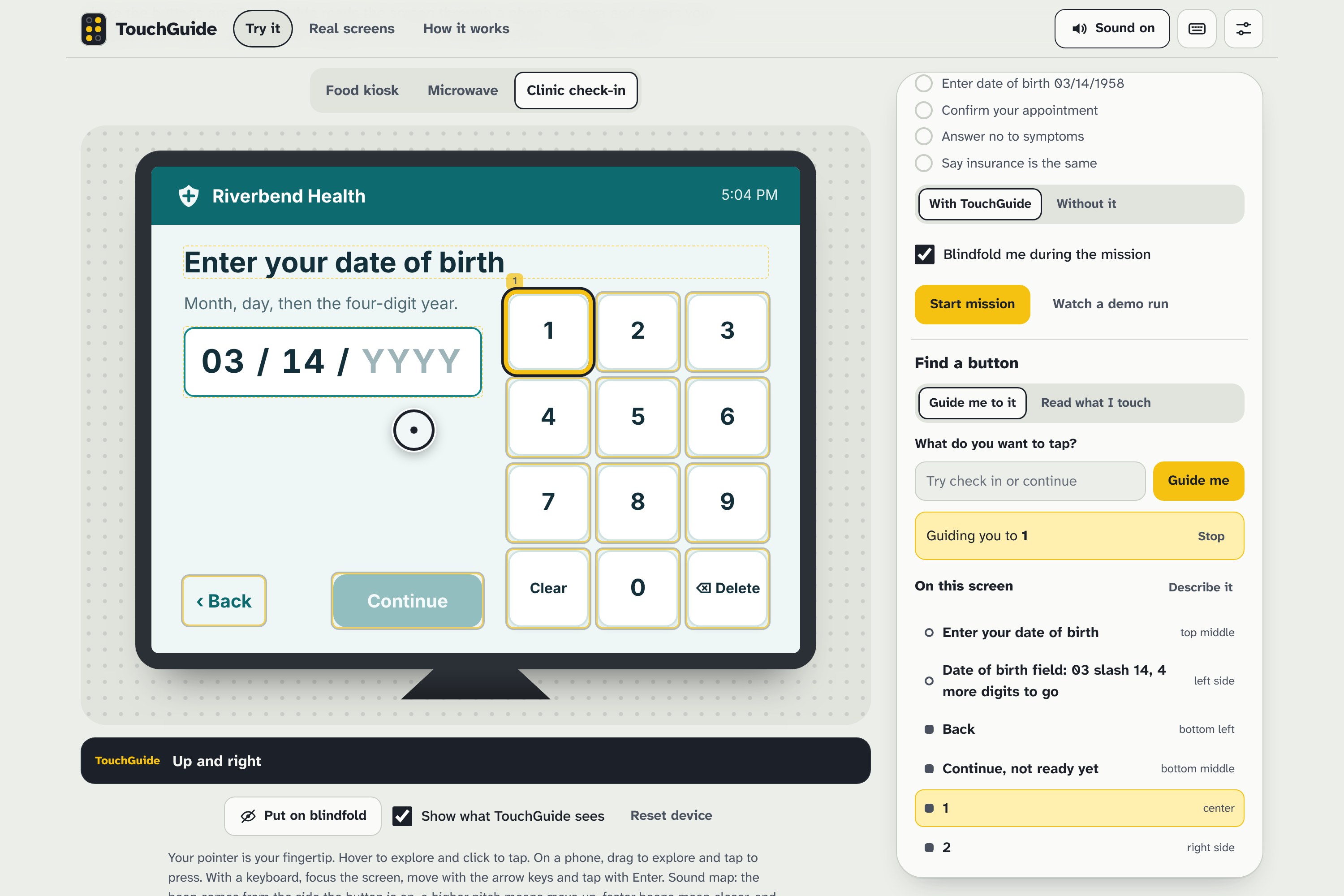
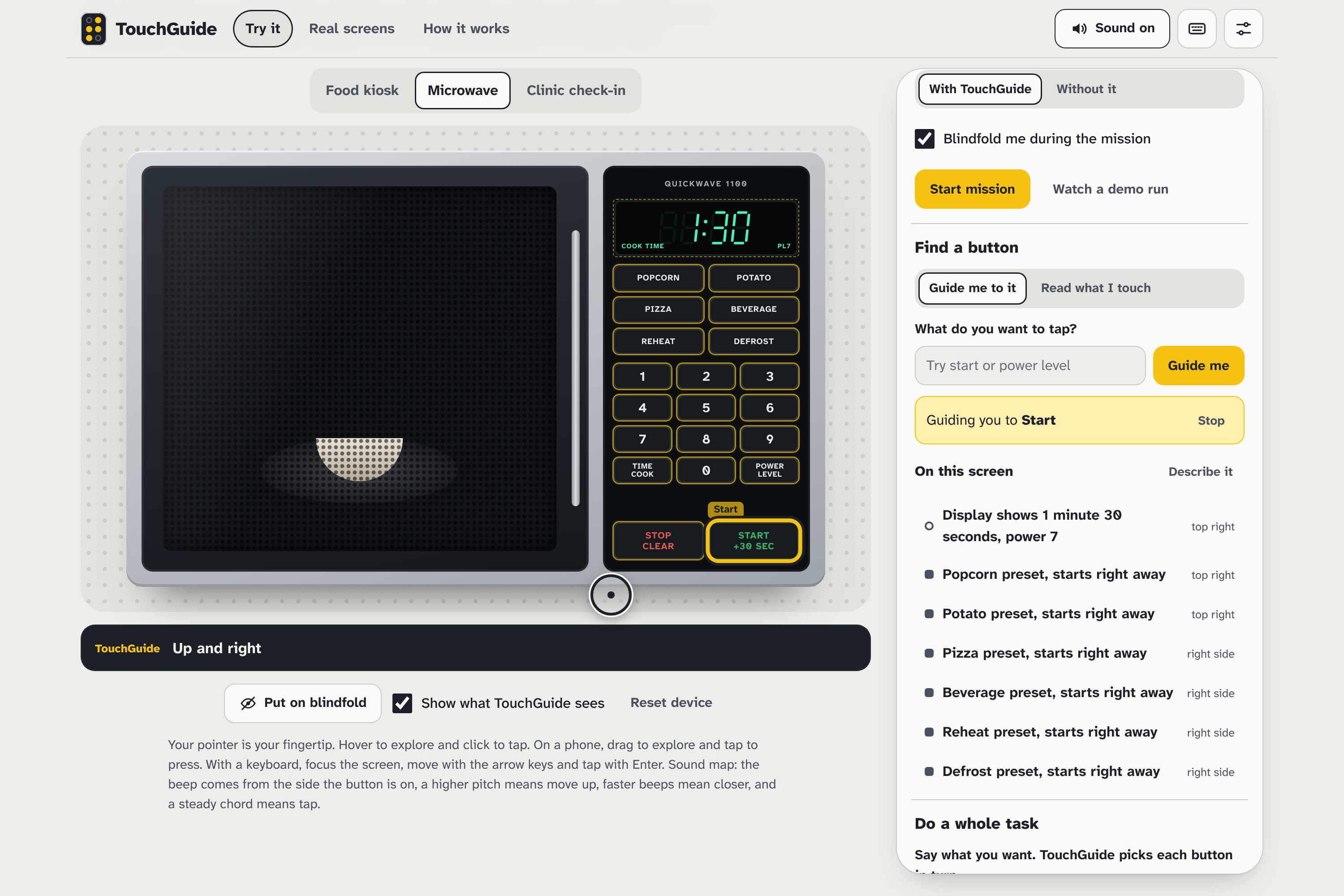
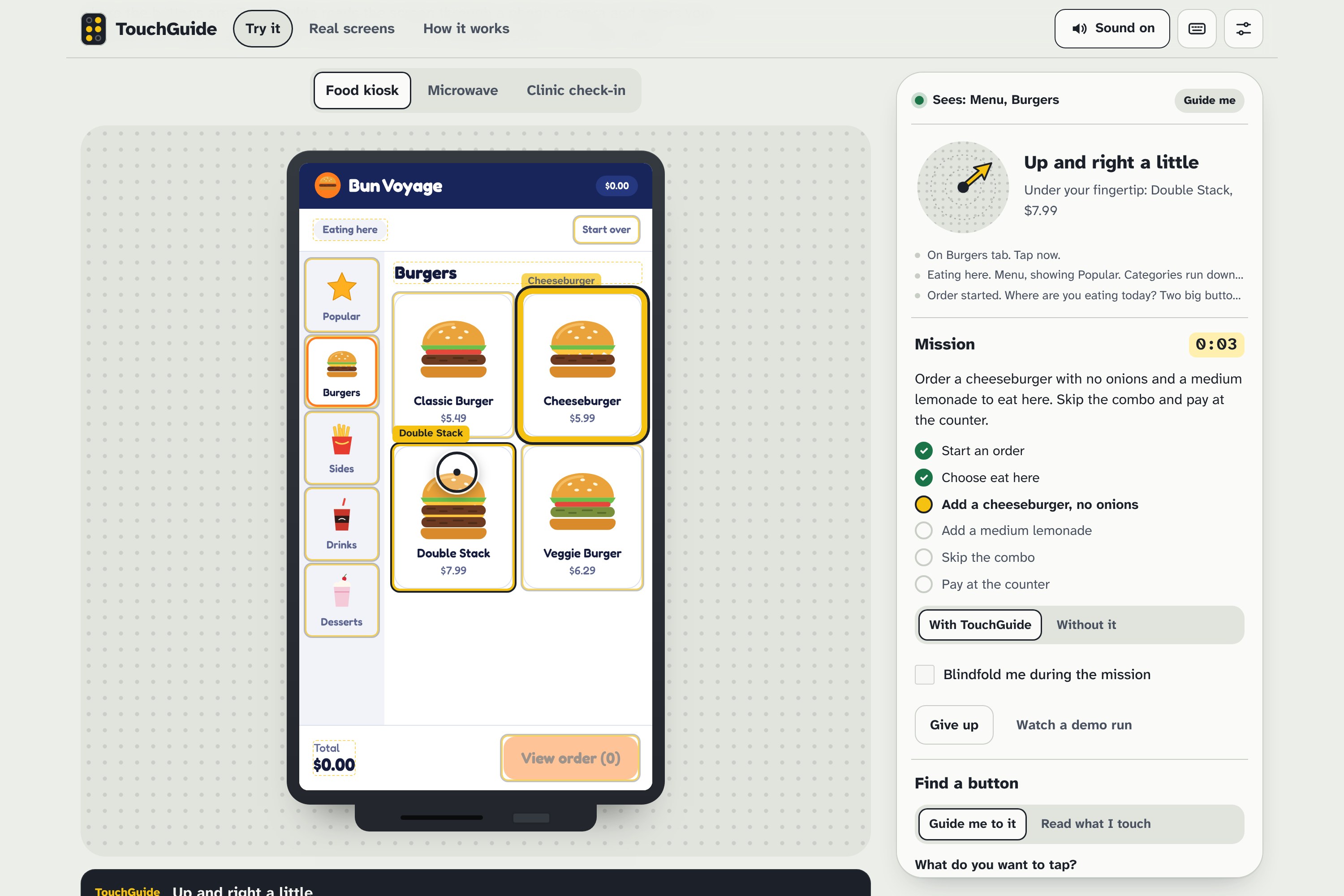
- Guide me to it: pick a button and follow the sound until you hear a steady chord, then tap.
- Read what I touch: slide your finger around and hear each button's name, like VoiceOver for a screen that has none.
- Do a whole task: say "a large fries and two cookies to take out" and TouchGuide plans every tap, asking you only when the kiosk needs a choice.
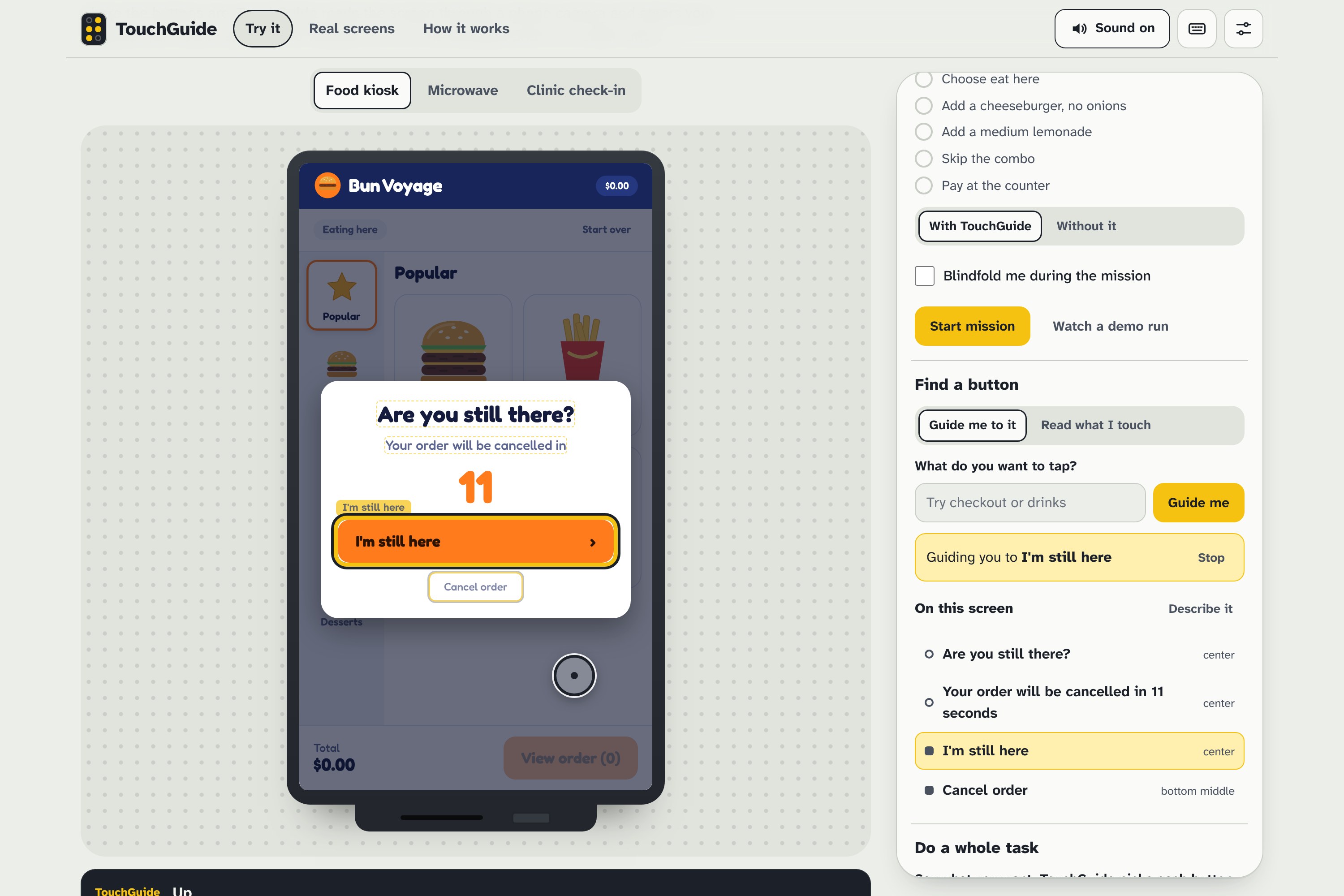
- Catches pop-ups: when a kiosk throws an "Are you still there?" time-out, TouchGuide warns you and guides you to dismiss it before your order is cancelled.
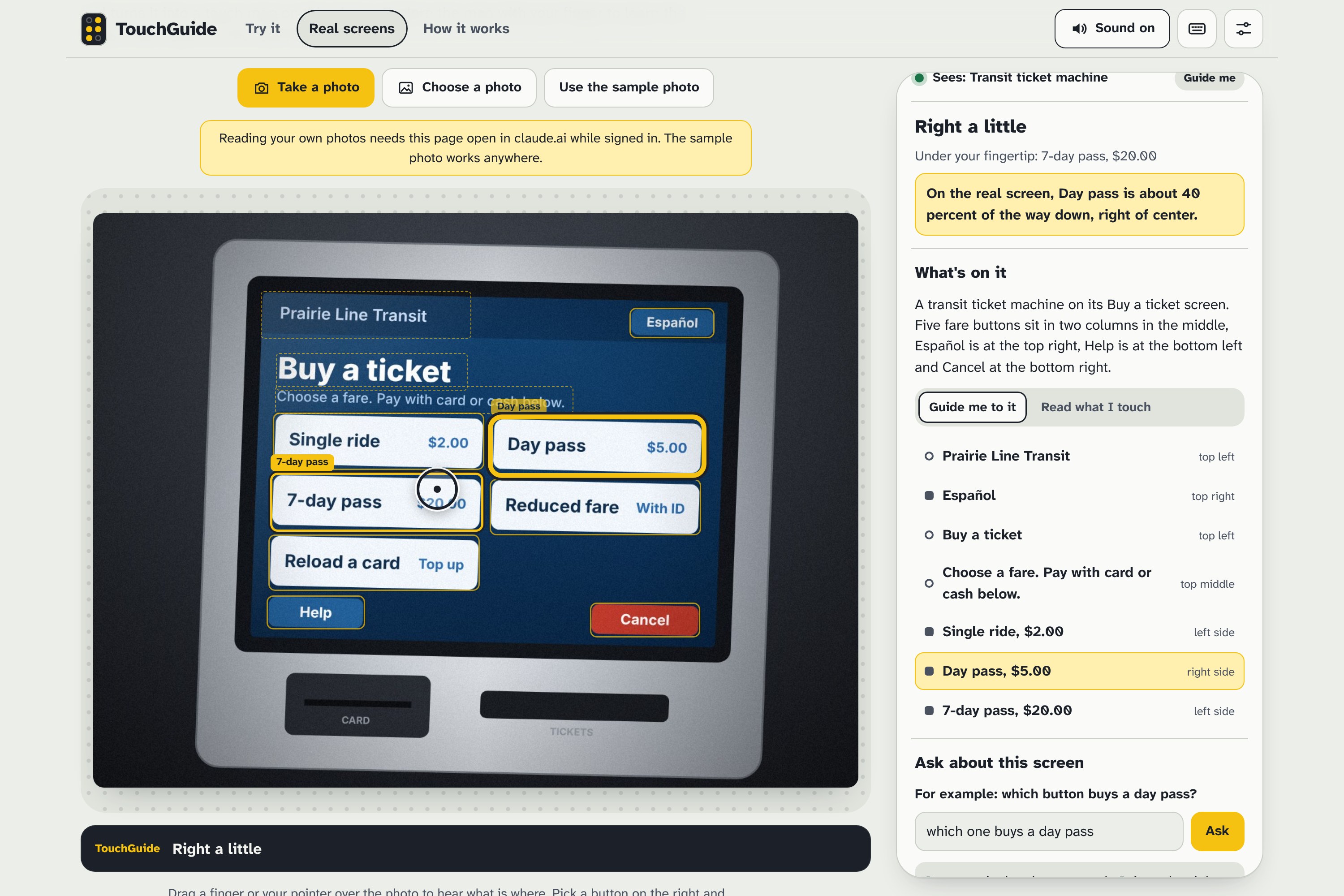
- Real screens: take one photo of any machine. Claude finds every control and its position, turns the photo into a touch map you can explore, and tells you where a button sits on the real screen.
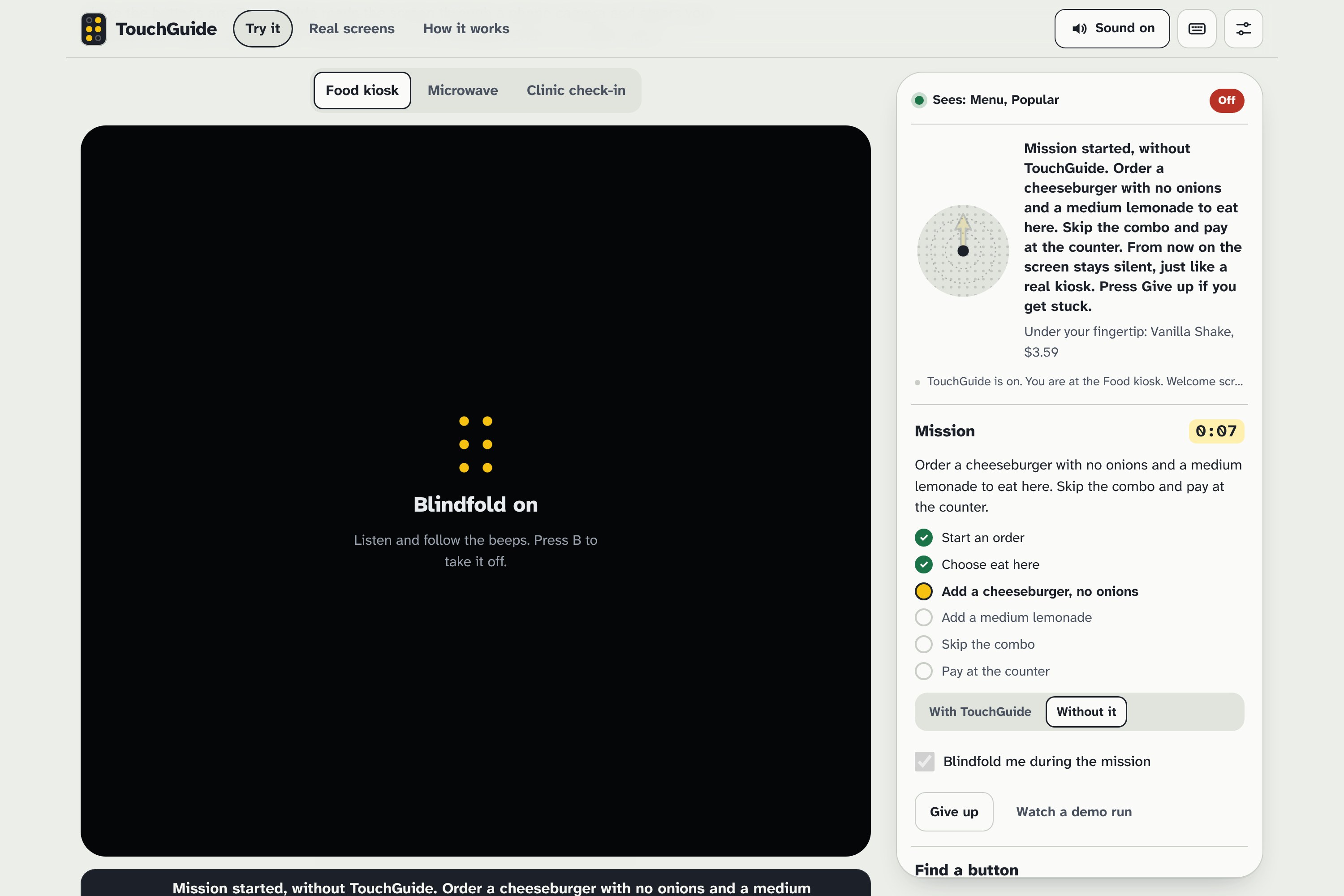
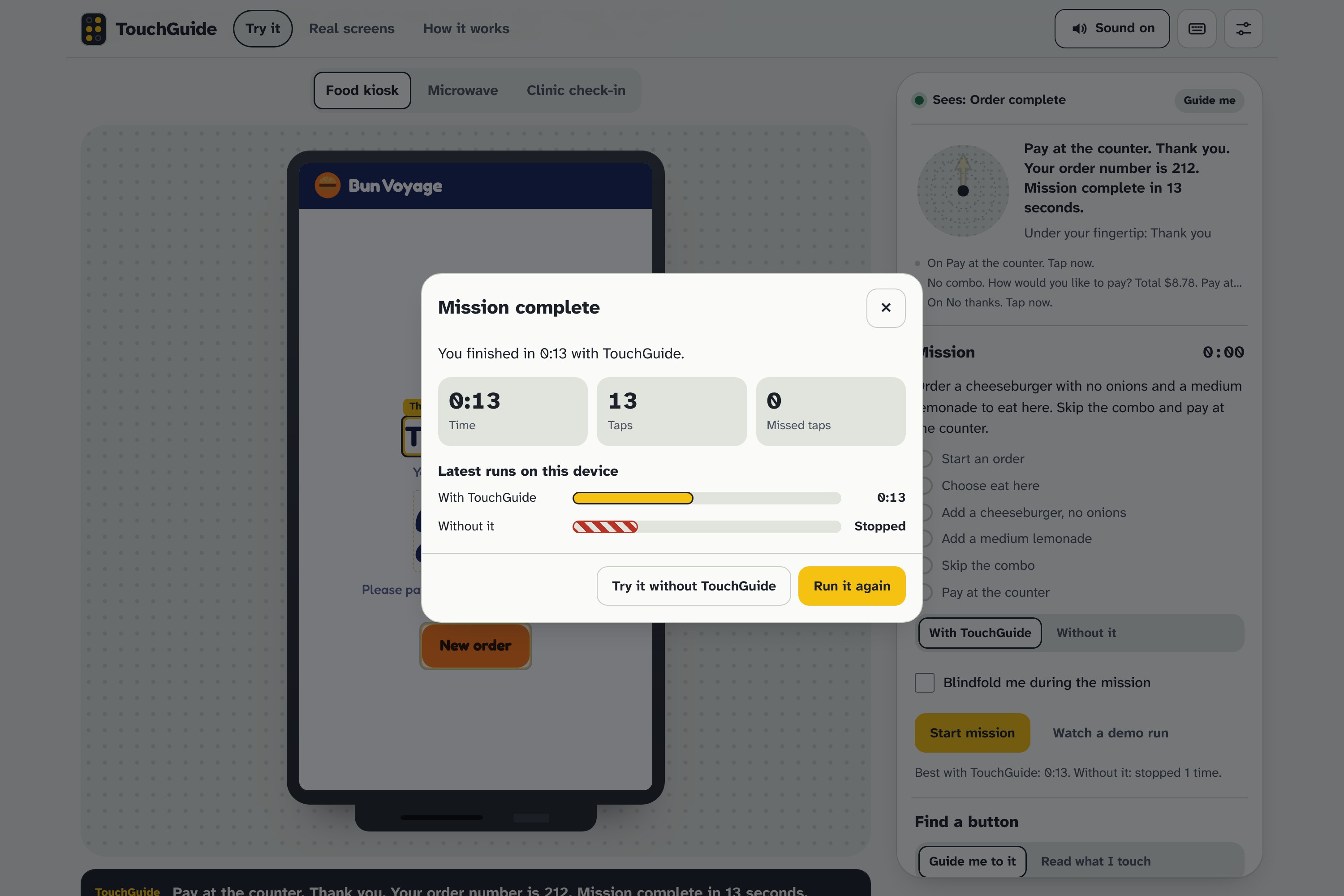
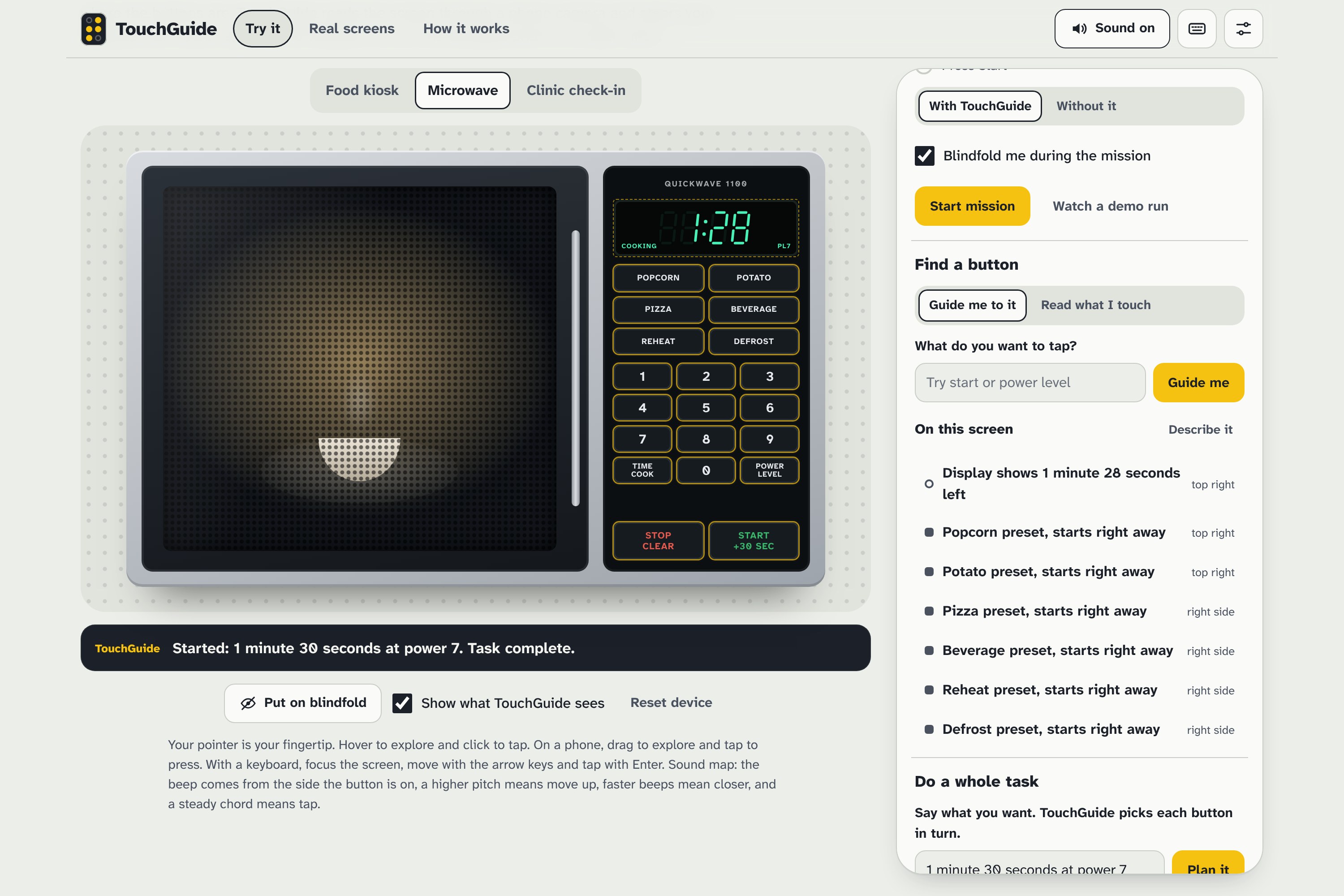
The prototype includes three practice devices (a fast-food kiosk, a microwave panel and a clinic check-in tablet), blindfolded missions you can run with or without TouchGuide to feel the difference, and a demo run where a virtual fingertip follows the sound by itself.
How we built it
TouchGuide is a single web app in plain HTML, CSS and JavaScript, with no framework.
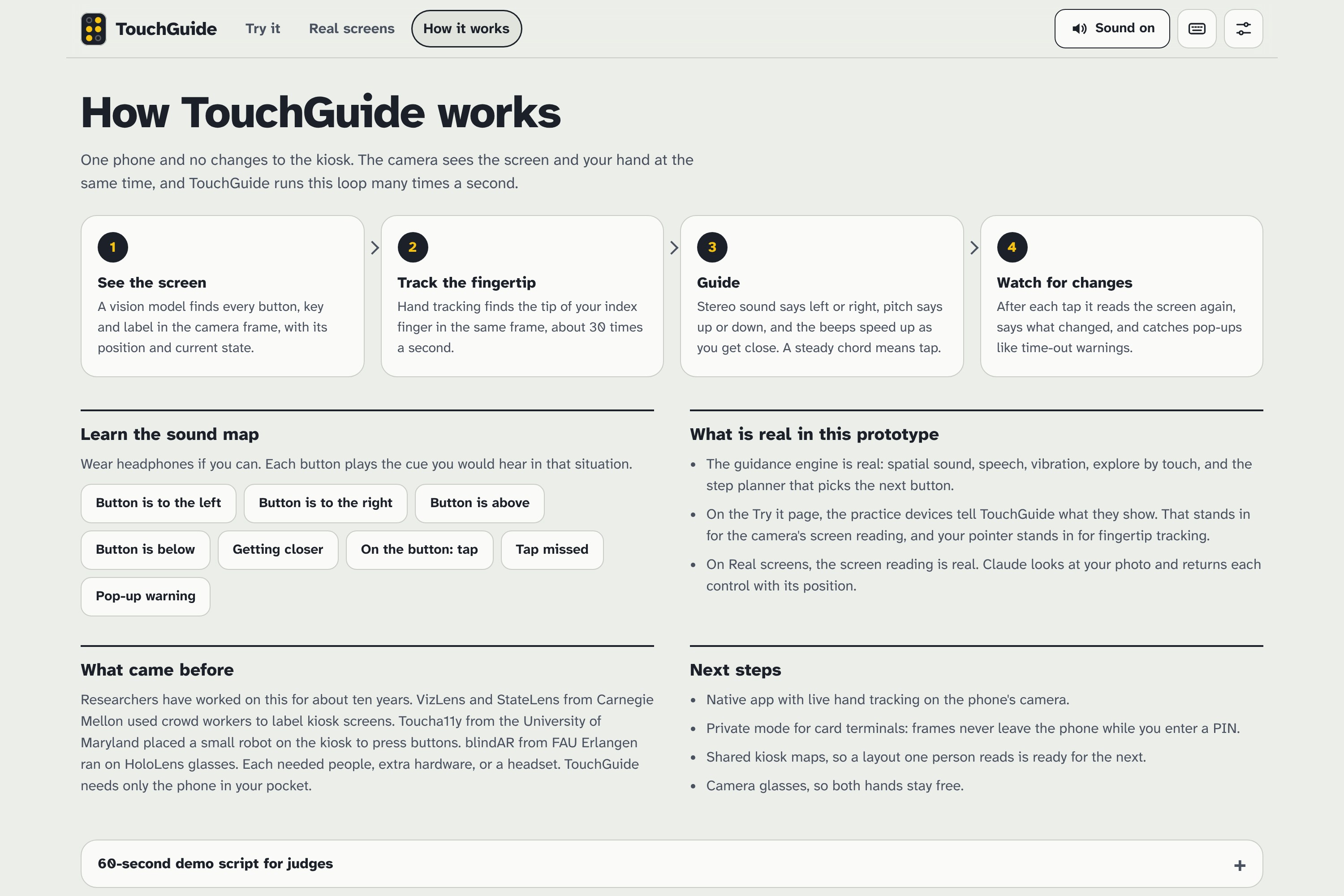
The sound map. Every frame we compare the fingertip with the target button. Stereo panning tells you left or right, pitch tells you up or down, and the beep rate tells you how close you are:
$$ p = \operatorname{clamp}\left(\frac{\Delta x}{0.45\,W},\,-1,\,1\right) \qquad f = 587.33 \cdot 2^{9u/12},\quad u = \operatorname{clamp}\left(\frac{-\Delta y}{0.45\,H},\,-1,\,1\right) $$
$$ t_{\text{beep}} = 110 + 650 \cdot \min\left(\frac{d}{0.5},\,1\right)\ \text{ms} $$
Here \( \Delta x, \Delta y \) is the offset from fingertip to button, \( W, H \) is the screen size, and \( d \) is the distance to the button's edge divided by the screen diagonal. Inside the button, the beeps become a steady chord. We generate all of it with the Web Audio API, add spoken directions ("up and left, a little") with the Web Speech API, and add vibration on Android phones.
The screen model. Each practice device exposes its buttons with labels and positions, standing in for what a vision model sees in a camera frame. For real photos, Claude returns every control as labelled bounding boxes, and the same guidance engine runs on the photo.
The planner. Each device has a small planner that knows the kiosk's flow. It looks at the current screen and the goal, picks the next button, and re-plans after every tap, so mistakes get corrected instead of breaking the task.
Speech that doesn't talk over itself. Steering chatter, confirmations, screen descriptions and warnings each get a priority level. A time-out warning interrupts everything, and steering is dropped while a screen description is playing.
We built the whole UI in Atkinson Hyperlegible, the typeface the Braille Institute designed for low-vision readers. We tested every mission end to end with automated browser runs at desktop and phone sizes.
Challenges we ran into
- No live camera in the sandbox. Our hosting blocks camera access, so live hand tracking couldn't ship in the prototype. We moved real-screen support to photos and kept the pointer as a stand-in for the tracked fingertip. We say so plainly in the app.
- Making sound learnable in seconds. Our first version only spoke directions, which was too slow. Pitch plus panning plus beep rate lets your hand move before a sentence finishes. We added a page that plays each cue on its own.
- Kiosks fight back. Upsell pop-ups, a tiny "No thanks" link and silent time-outs are exactly what breaks a blind user's order, so we built them into the practice kiosk and taught TouchGuide to handle them.
- Speech collisions. Without the priority system, a direction would cut off "your order will be cancelled in 15 seconds."
Accomplishments that we're proud of
A blindfolded first-time user can finish the full kiosk order with TouchGuide. The same person usually gives up within a minute without it.
What we learned
Accessibility is mostly about feedback timing. People don't need a perfect map; they need a fast loop between moving their hand and hearing whether it was right. We also learned how much of a kiosk's state lives in pop-ups and timers that a sighted user never thinks about.
What's next for TouchGuide
- A native app with live fingertip tracking from the phone camera.
- A private mode for card terminals, where frames never leave the phone during PIN entry.
- Shared kiosk maps, so a layout one person reads is ready for the next.
- Camera glasses, so both hands stay free.
Built With
- accessibility
- anthropic
- canvas
- claude
- claude-vision
- css3
- google-fonts
- html5
- javascript
- playwright
- pointer-events
- python
- svg
- vibration-api
- web-audio-api
- web-speech-api

Log in or sign up for Devpost to join the conversation.