Inspiration
Screen-time limits are easy to ignore, and they never give you anything to do instead. We wanted a nudge people would actually enjoy, followed by something better to do. So we built Spike, a sarcastic little cactus who chirps you off your phone like a friend ribbing you, then hands you three ideas that fit your life.
What it does
Touch Grass is an AI companion that runs a simple loop: Catch → Chirp → Redirect → Reward.
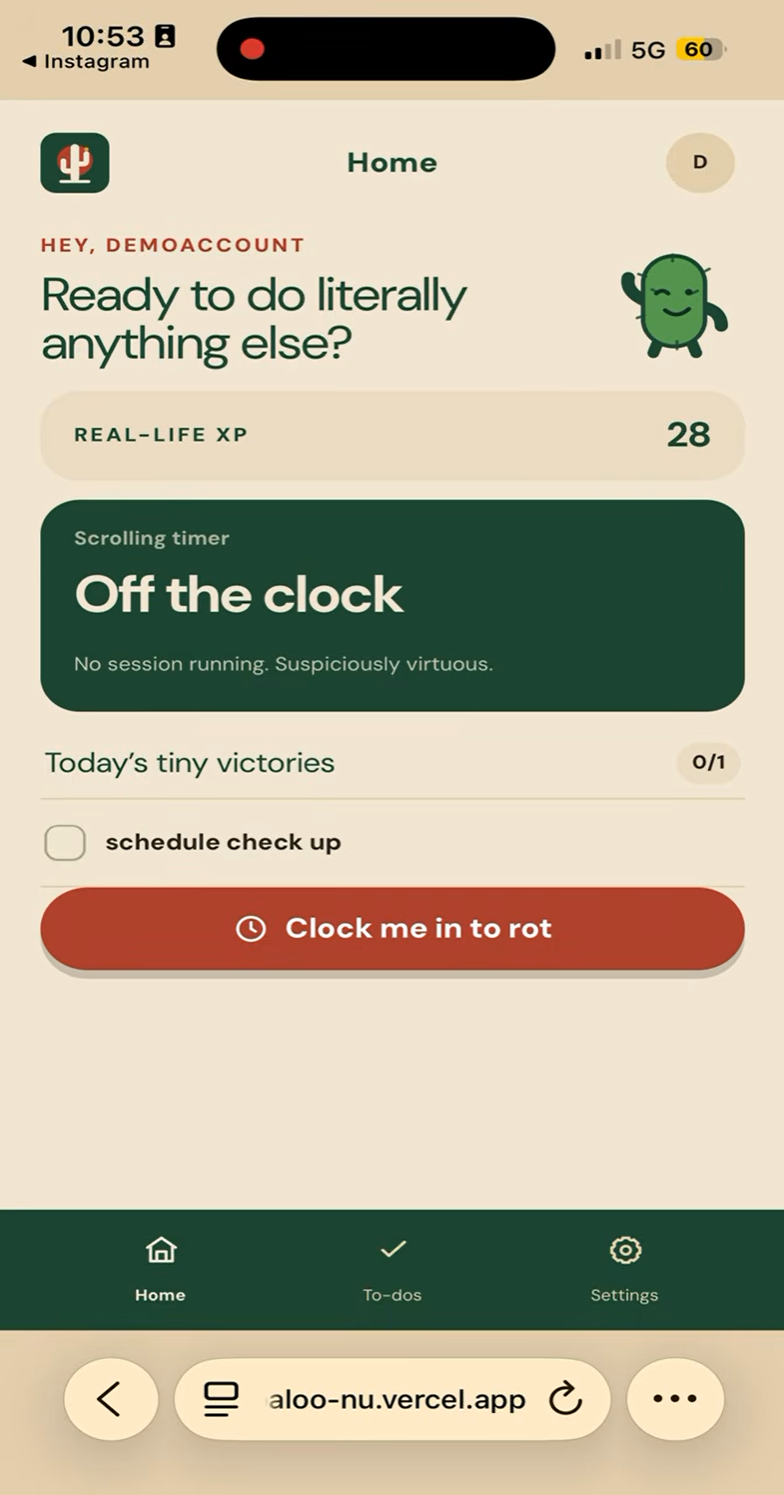
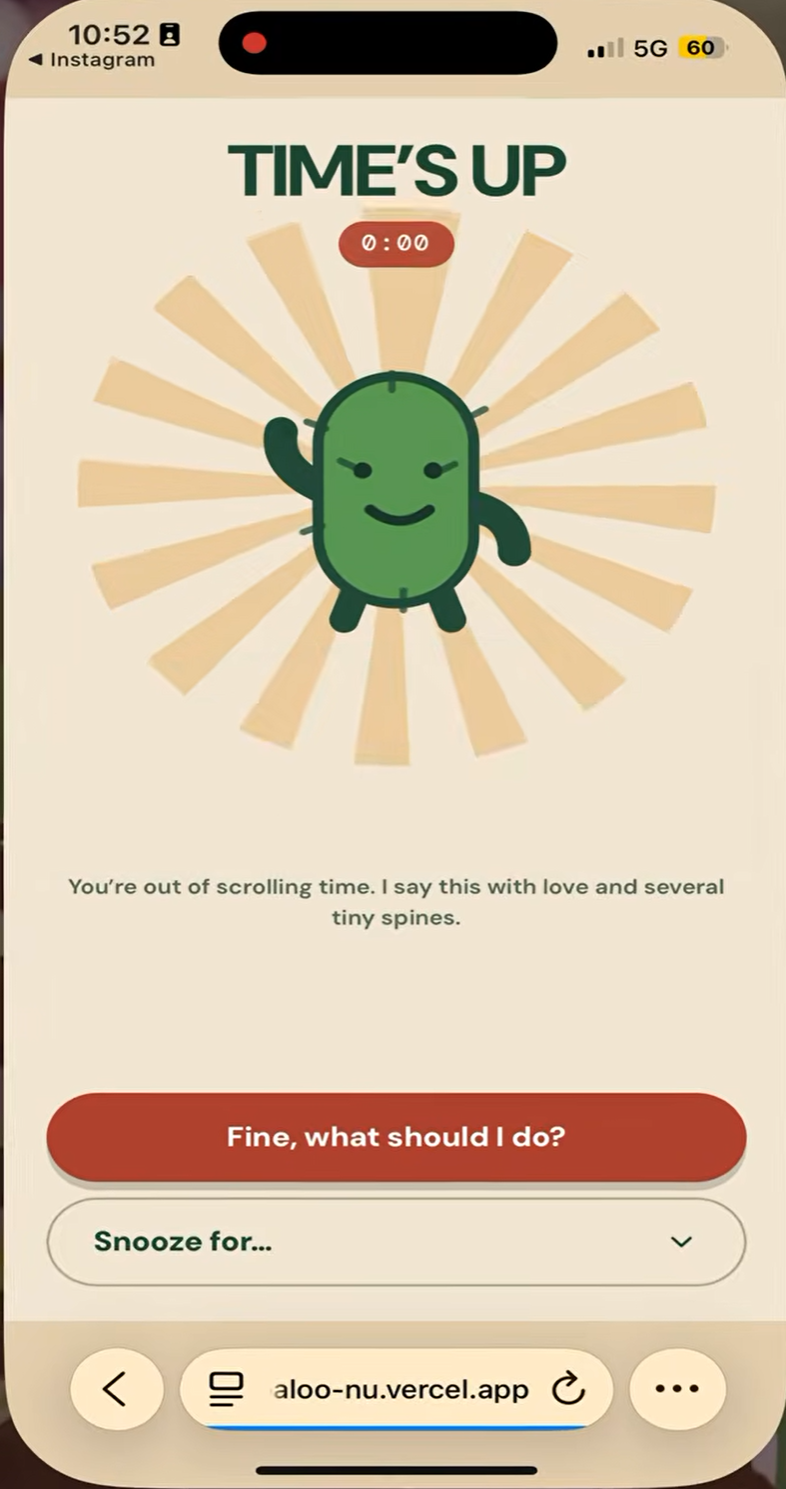
- Catch: You clock in for a scrolling session with an in-app timer, and an iPhone Shortcut can catch you the moment you open Instagram. When time's up, Spike steps in.
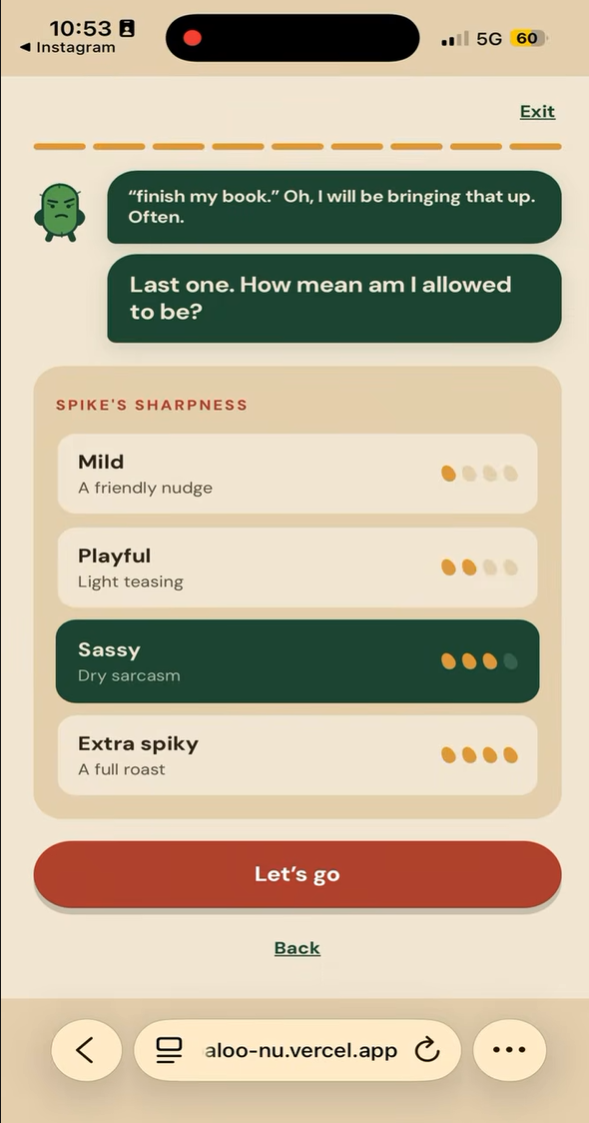
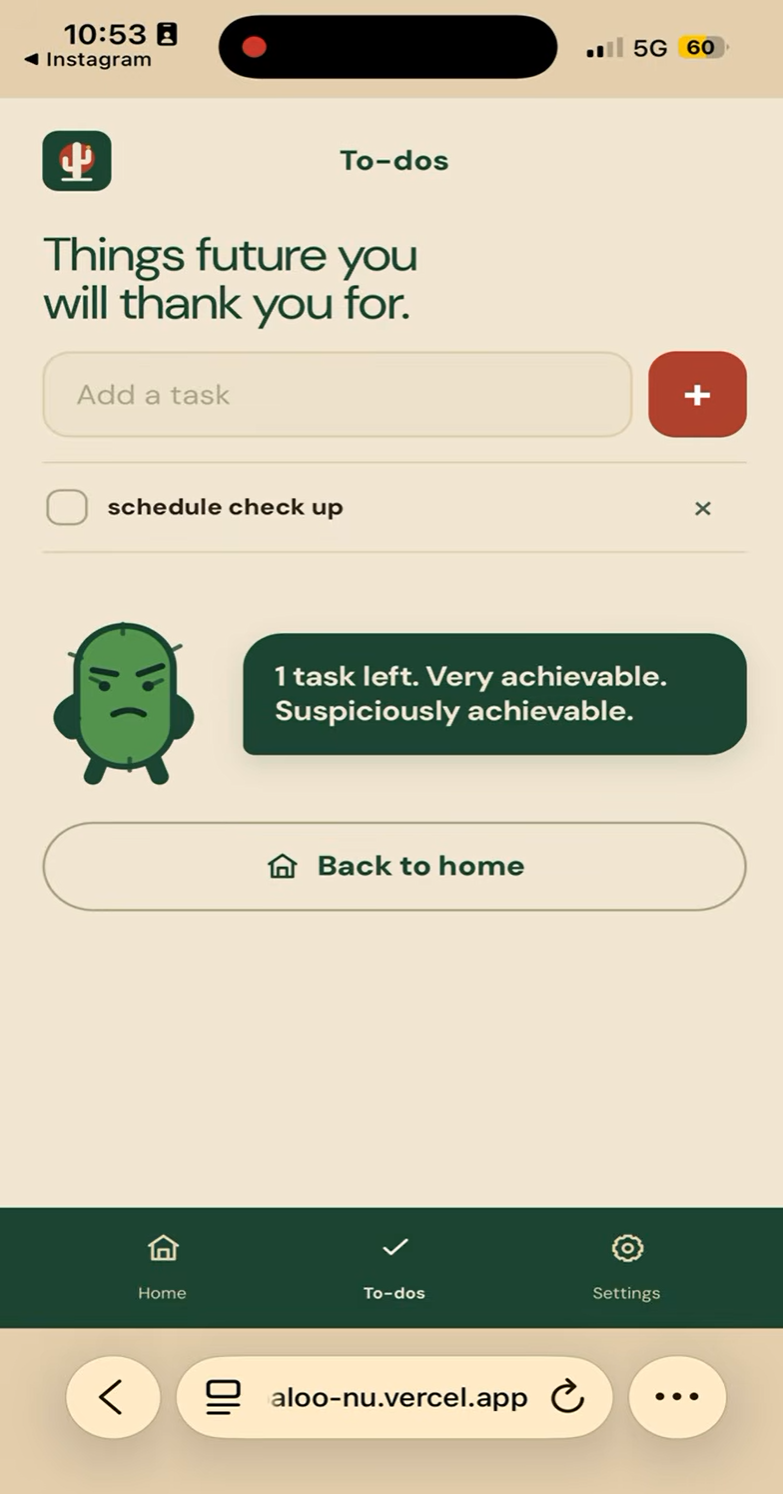
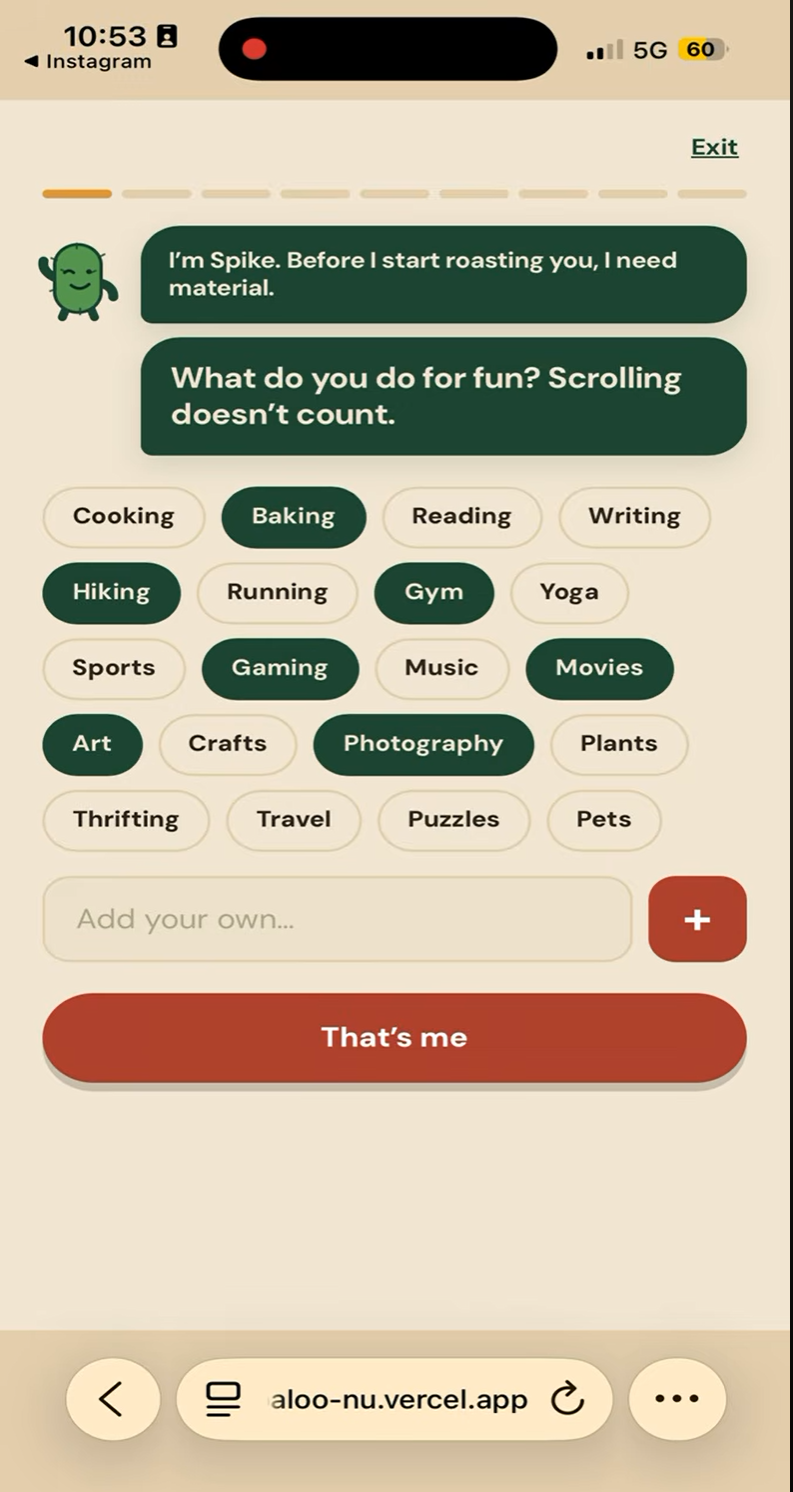
- Chirp: Spike roasts you using your own to-do list. You pick the spice level, from Mild to Extra Spiky. Every level stays PG, and the teasing is about the habit, never the person.
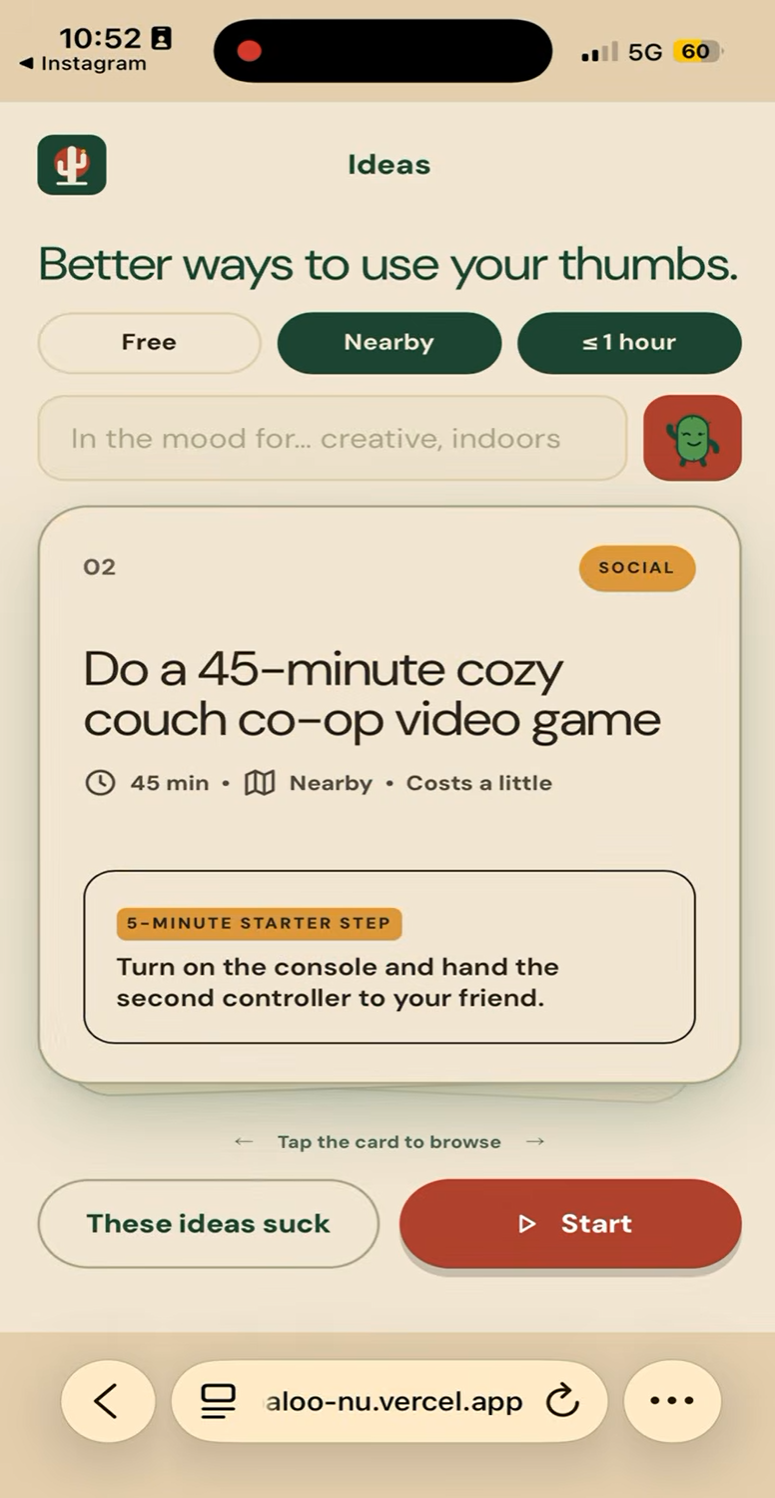
- Redirect: You get three activity ideas matched to your interests, budget, and free time. Each comes with a 5-minute starter step so you can actually begin. Reroll or filter until one fits.
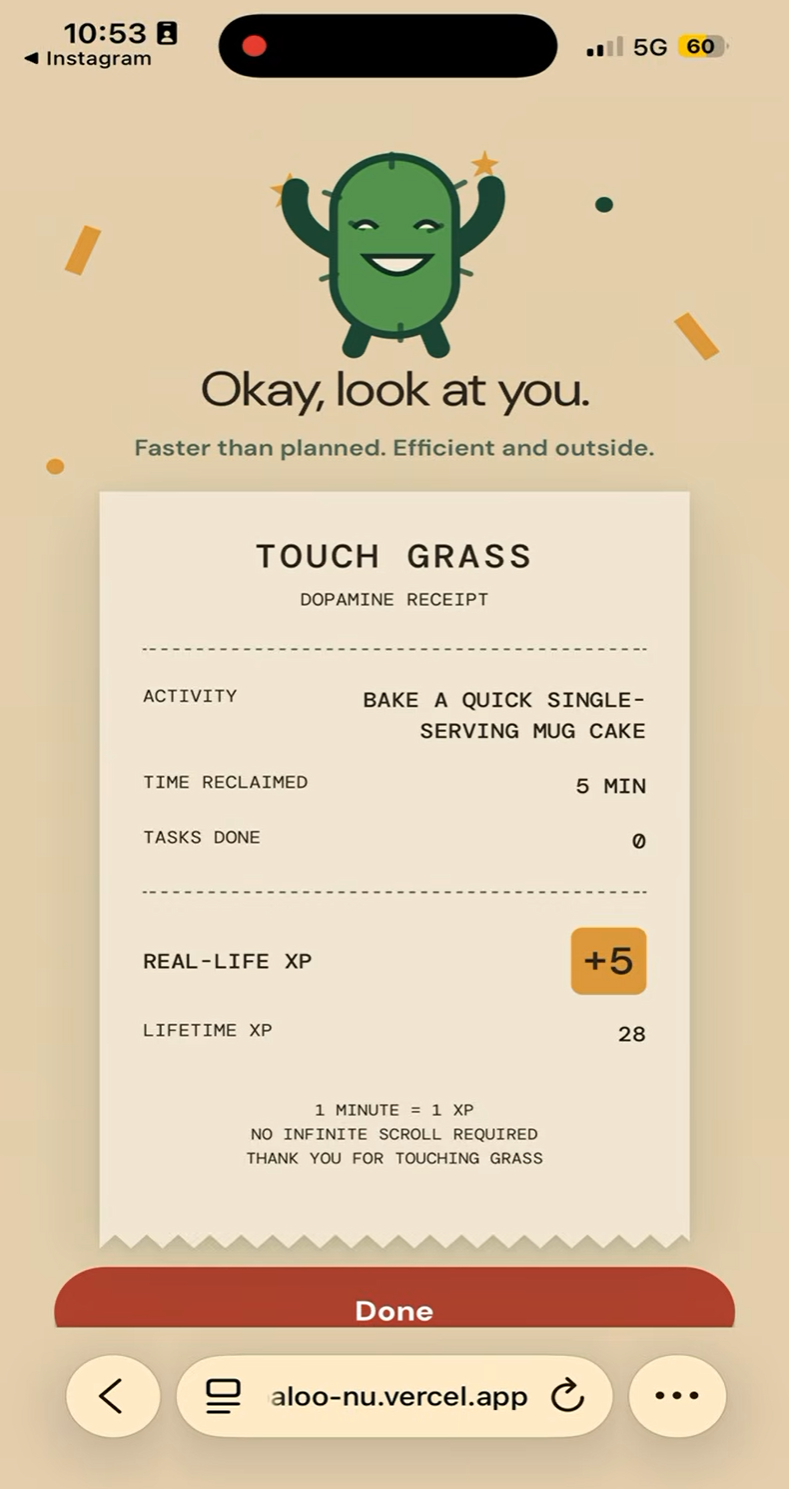
- Reward: When you finish, you tell Spike how long it really took. The time you reclaimed becomes real-life XP (1 minute = 1 XP), printed on a "dopamine receipt" that shows your time against the plan.
You can also manage to-dos, snooze Spike for a while, or stop the chirping for the day.
How we built it
- Frontend: A mobile-first React + TypeScript app built with Vite and styled with Tailwind CSS. It includes the chat-bubble chirps, swipeable activity cards, iPhone-style scroll wheels for logging time, and a paper-receipt reward screen.
- Backend: A FastAPI (Python) service that handles accounts, to-dos, check-ins, and XP. Passwords are hashed with bcrypt and sessions use JWTs.
- Database: Serverless Postgres on Neon, with versioned SQL migrations.
- AI: The Google Gemini API writes the chirps and the activity ideas. Calls go through our backend so the API key never reaches the browser, and every AI call has a hand-written fallback so the app still works when the model is slow or unreachable.
- iPhone integration: An Apple Shortcuts automation asks our
/should-interruptendpoint whether Spike should step in, and our/snoozeendpoint lets the snooze button pause it. - Deployment: The frontend is on Vercel and the API is on Render.
Challenges we ran into
- Detecting scrolling without a native app. iOS only exposes app usage through Screen Time APIs that need special Apple entitlements, so we used a Shortcuts automation and an in-app scrolling timer instead.
- Keeping the roasts funny but kind. We enforced PG-only, tease-the-habit rules in the prompts, in checks on the output, and in written fallback chirps.
- Making AI feel instant. We prepared the next "time's up" chirp ahead of time, so the interrupt appears immediately.
- Wiring everything together under time pressure. Getting the frontend, API, and database talking across three hosts (CORS, environment variables, cold starts) took real debugging.
Accomplishments we're proud of
- A full loop that works end to end on a real phone, from the catch to a receipt with real XP saved to a database.
- A character people want to interact with, instead of a settings screen they ignore.
- A reward system tied to real time spent offline.
What we learned
- Replacing a bad habit works better than blocking it. People respond to a nudge they enjoy plus an easy next step.
- Every AI call needs a graceful fallback, so the demo never depends on a model answering in time.
- Small design details, like a receipt and scroll wheels, make an app feel like a product.
What's next for Touch Grass
- Real usage detection through Apple's Screen Time APIs (FamilyControls and DeviceActivity), replacing the Shortcut stand-in.
- Content-aware suggestions that match what you were scrolling (cooking videos lead to cooking, gym content leads to a workout).
- Streaks, weekly recaps, and friends to compete with on XP.
- Making scrolling less appealing by shifting the phone's display, such as grayscale.
Built With
- apple-shortcuts
- bcrypt
- fastapi
- google-gemini-api
- jwt
- neon
- postgresql
- python
- react
- render
- tailwind-css
- typescript
- vercel
- vite

Log in or sign up for Devpost to join the conversation.