-
-
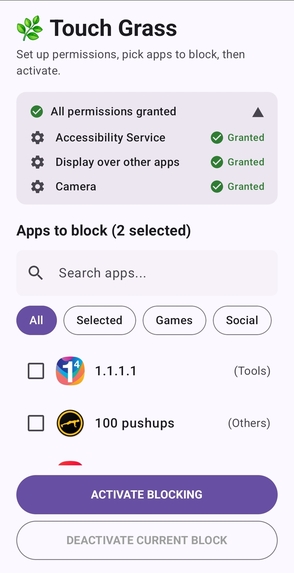
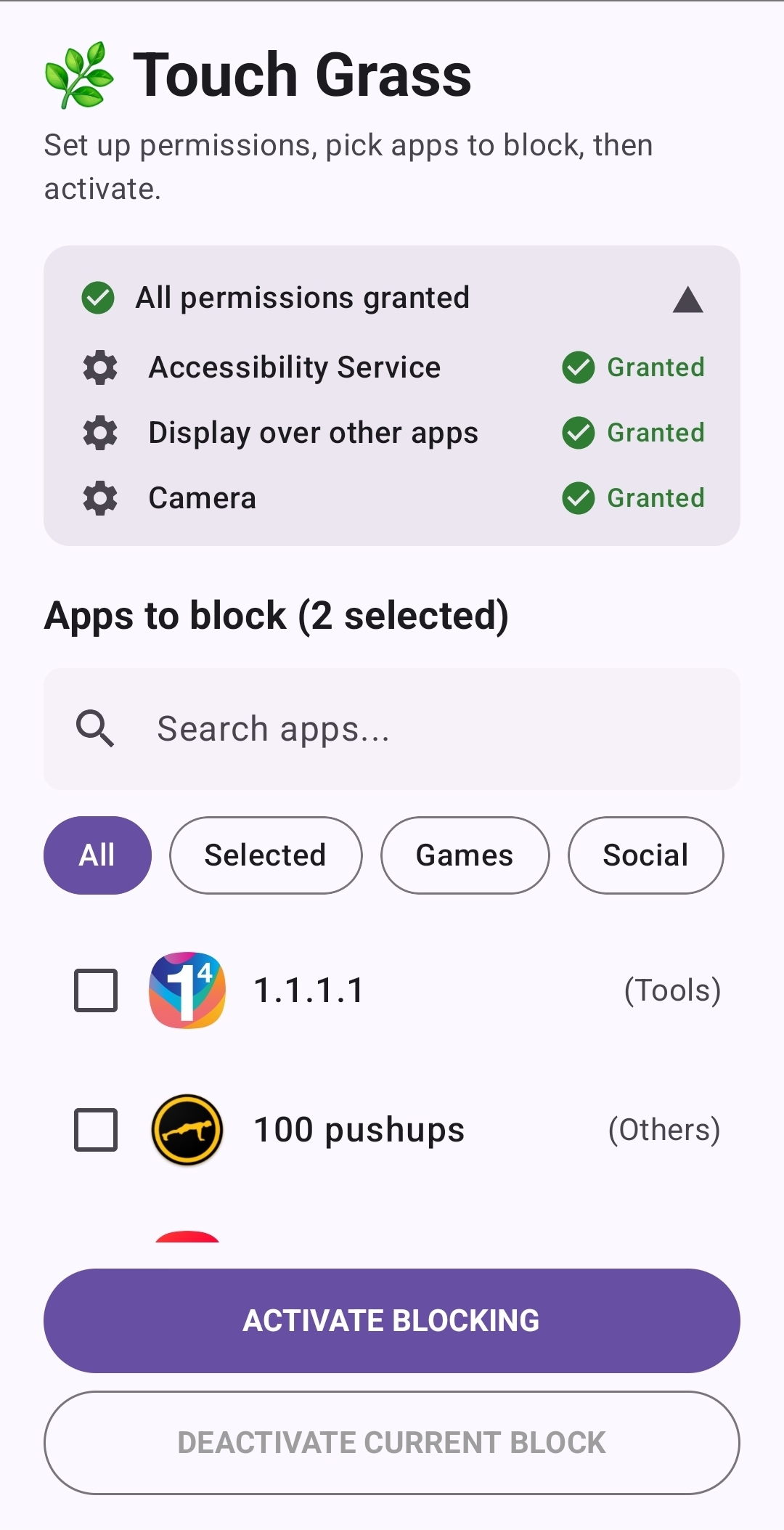
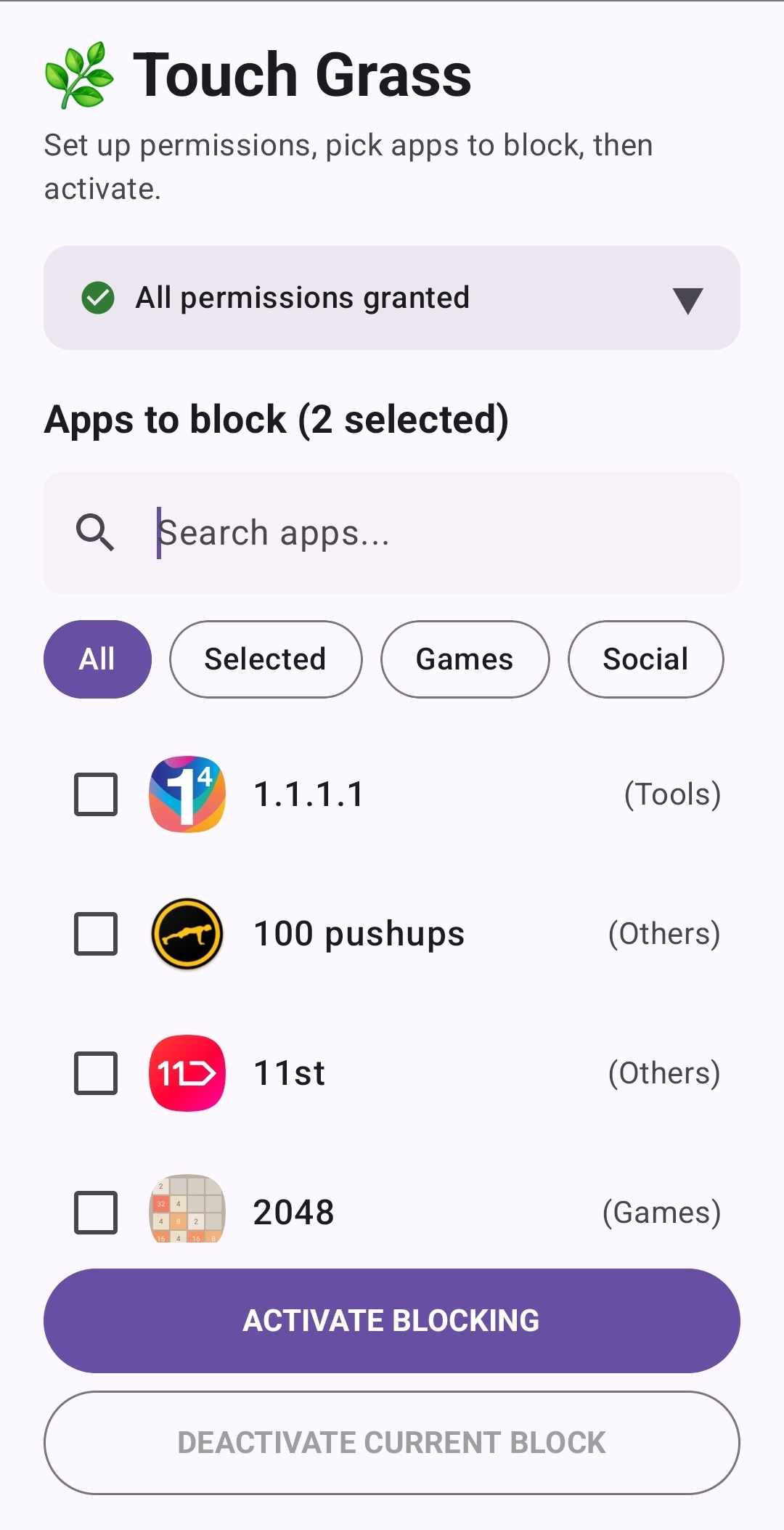
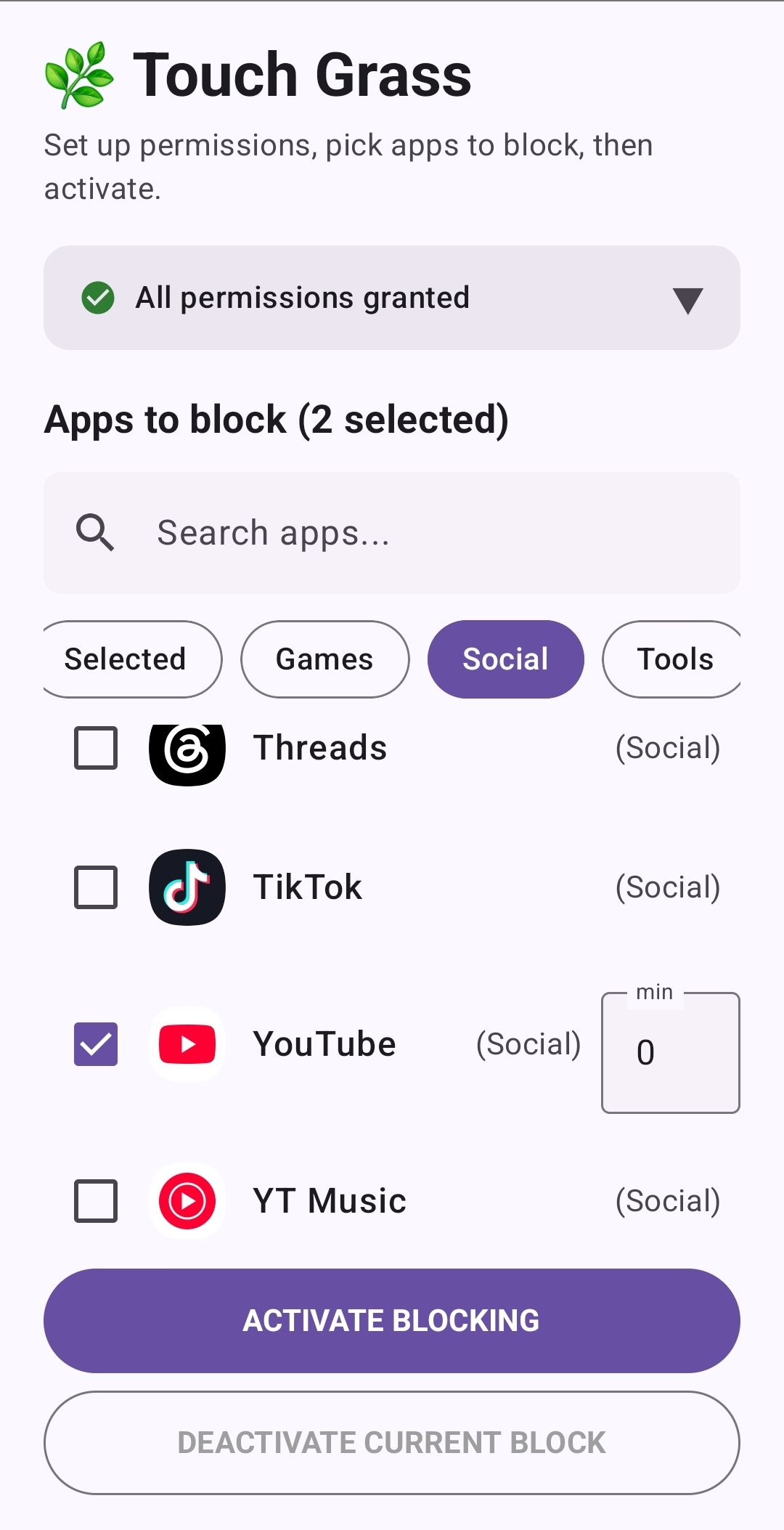
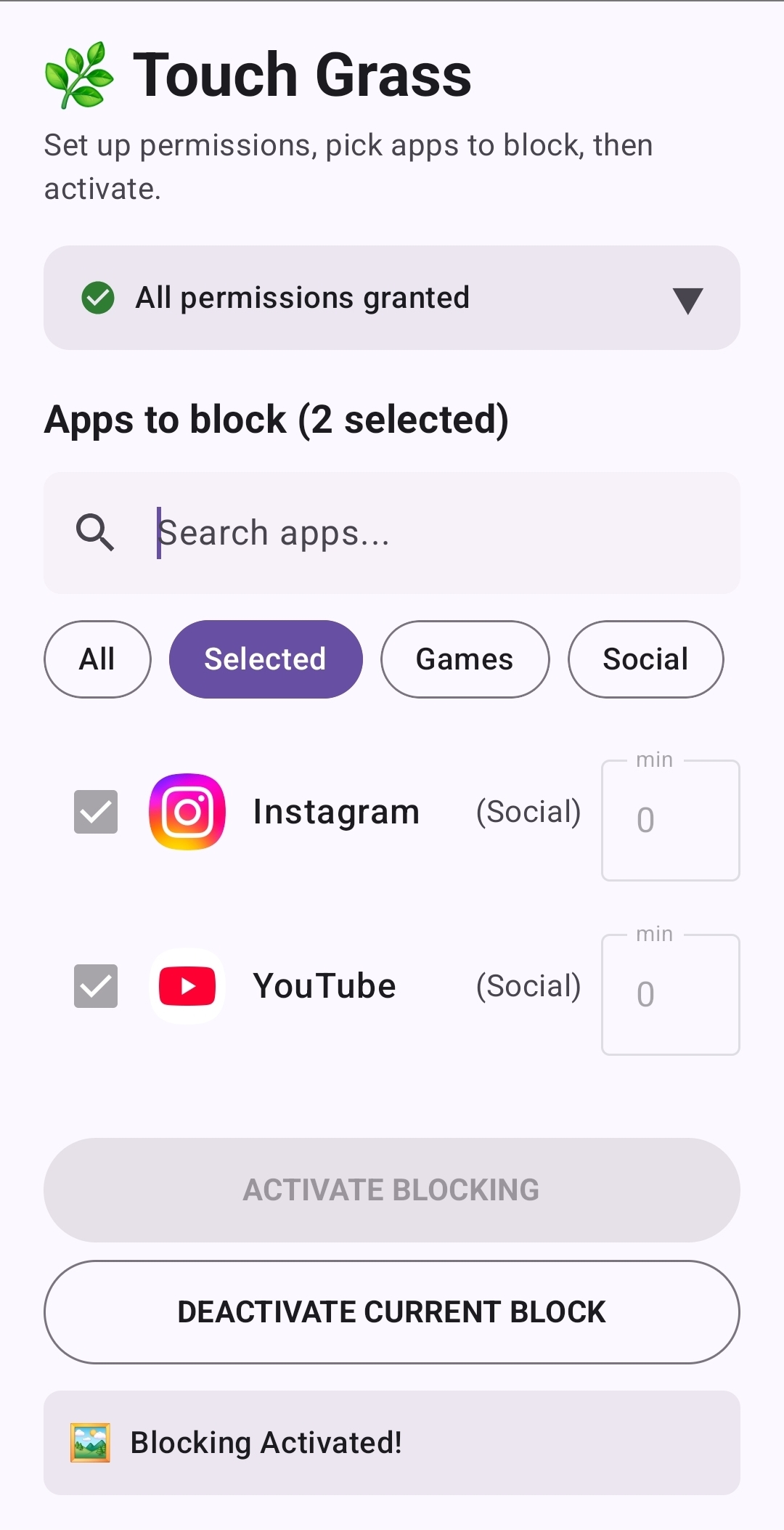
This is the first UI/UX screen users see when they launch the app.
-
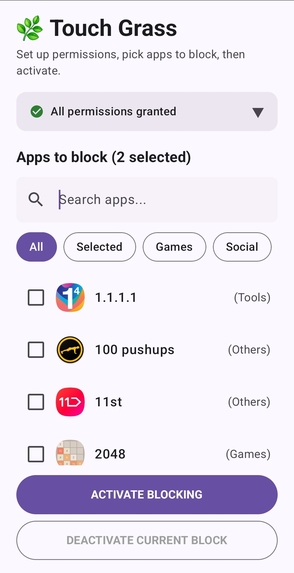
Users can hide the settings bar by tapping it once. A toolbar at the top also allows users to quickly search for apps.
-
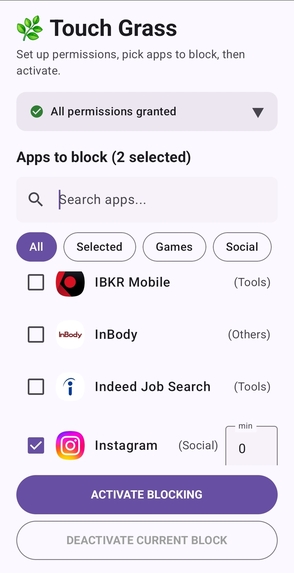
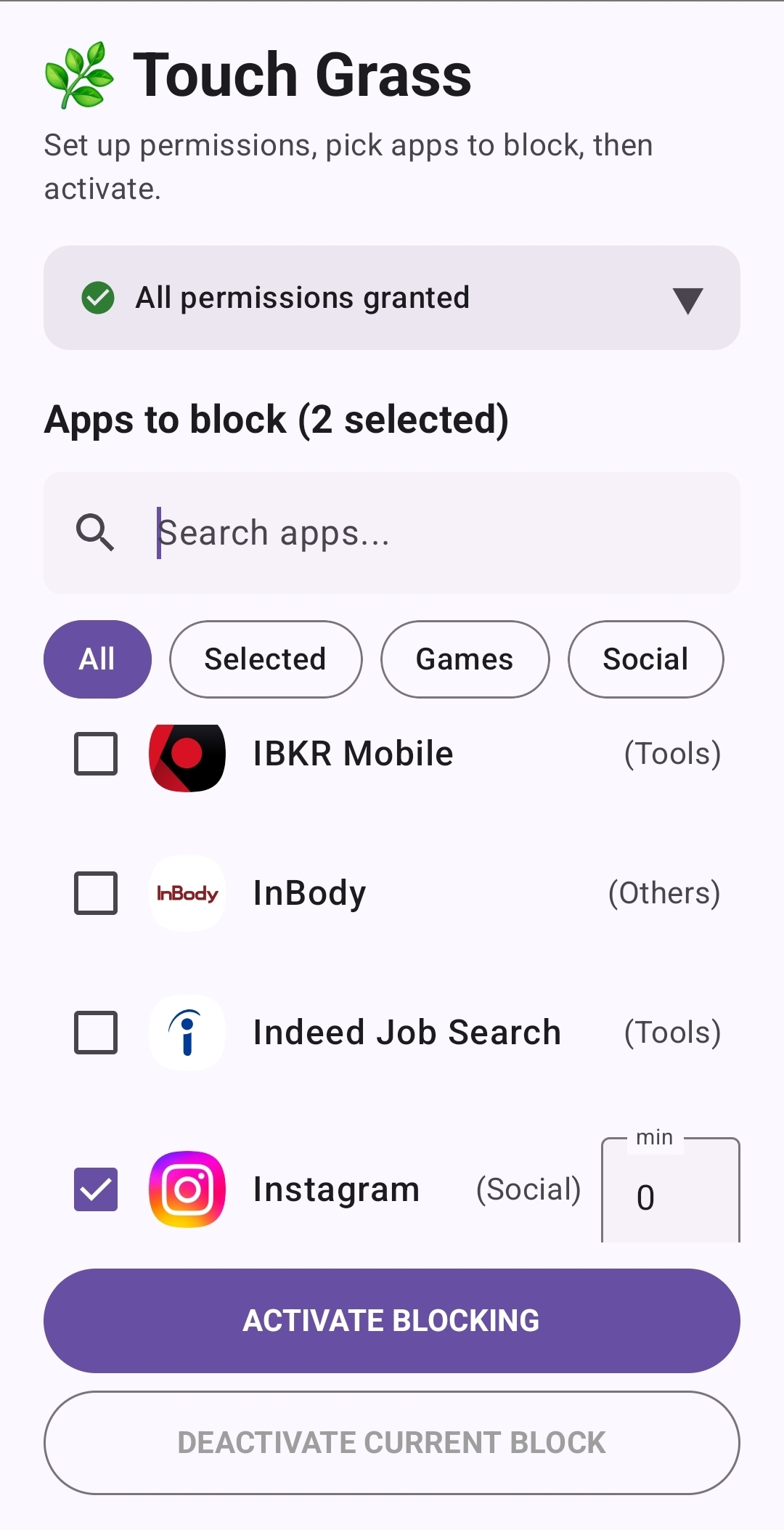
Check the boxes to select apps. Selected apps will be included when the app is activated.
-
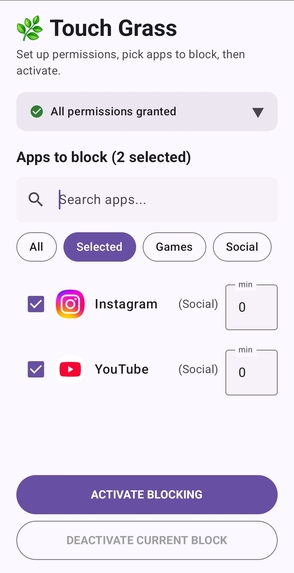
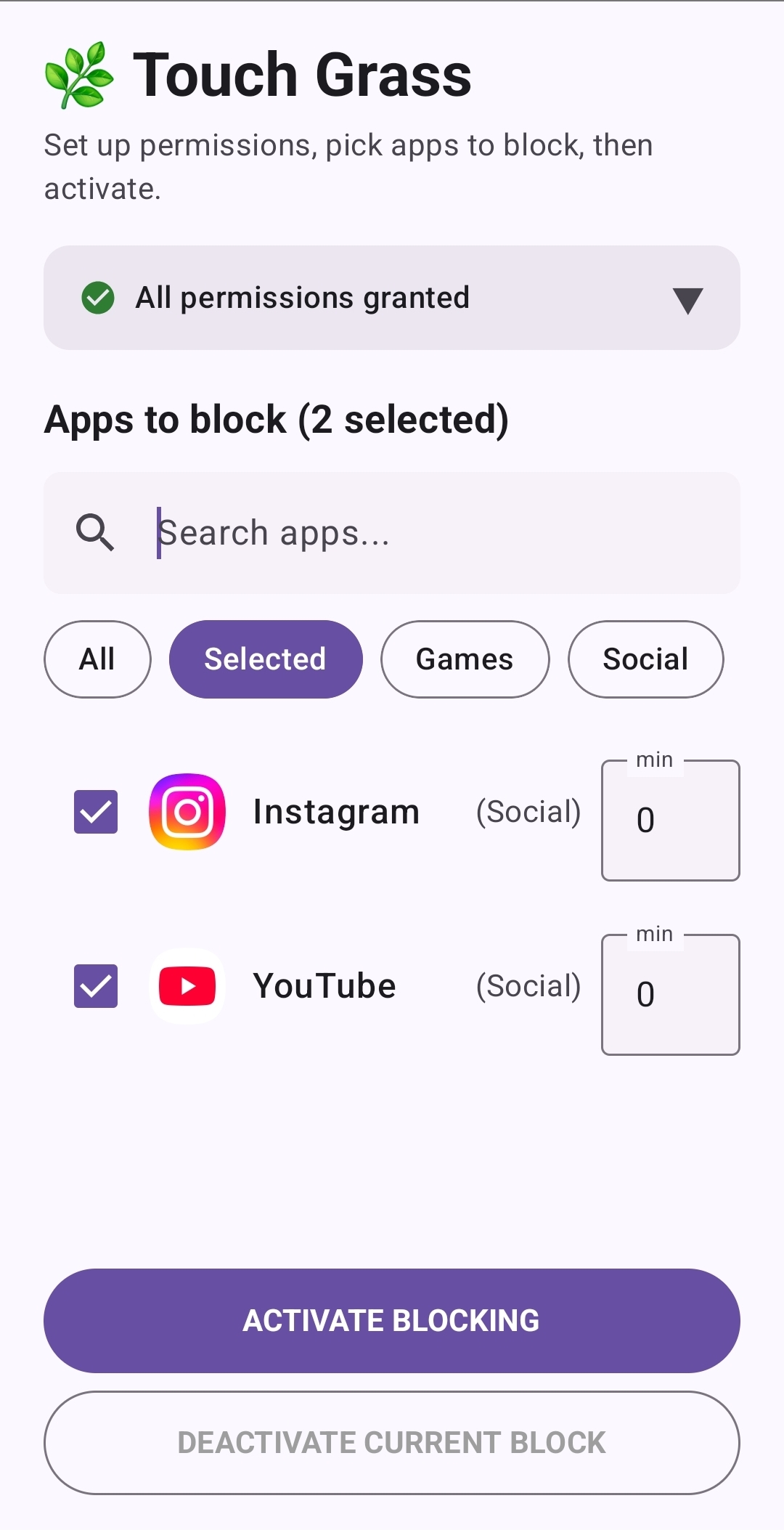
Checked apps are added to the selected folder.
-
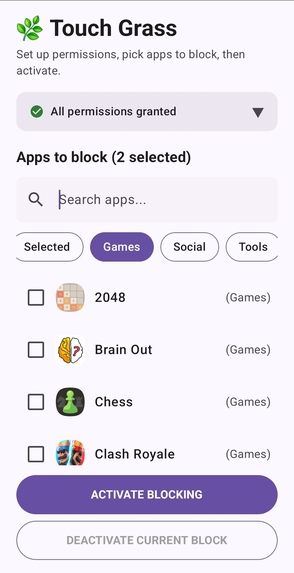
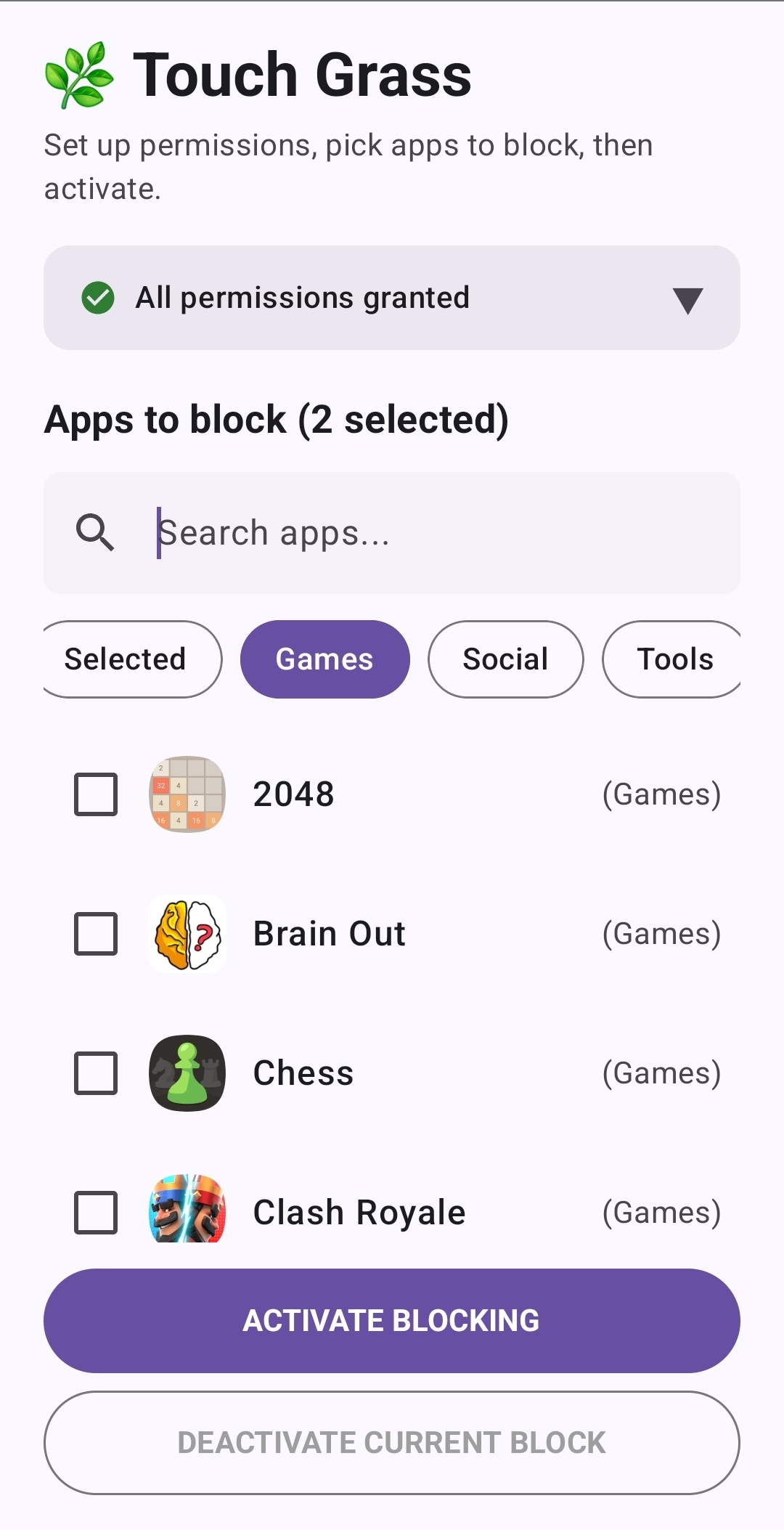
Games category
-
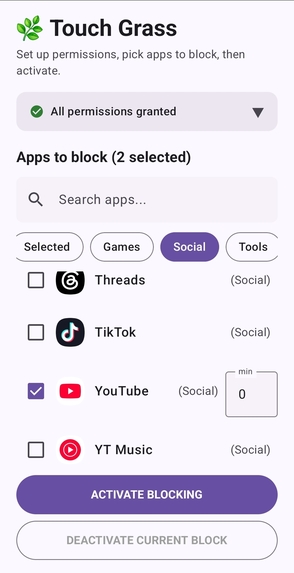
Social category
-
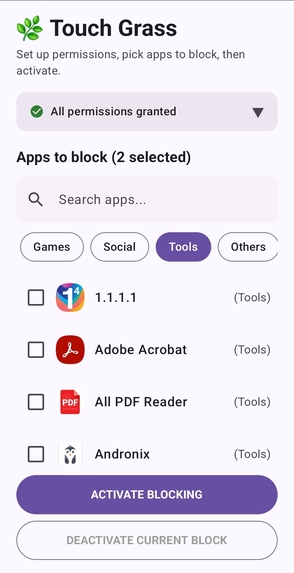
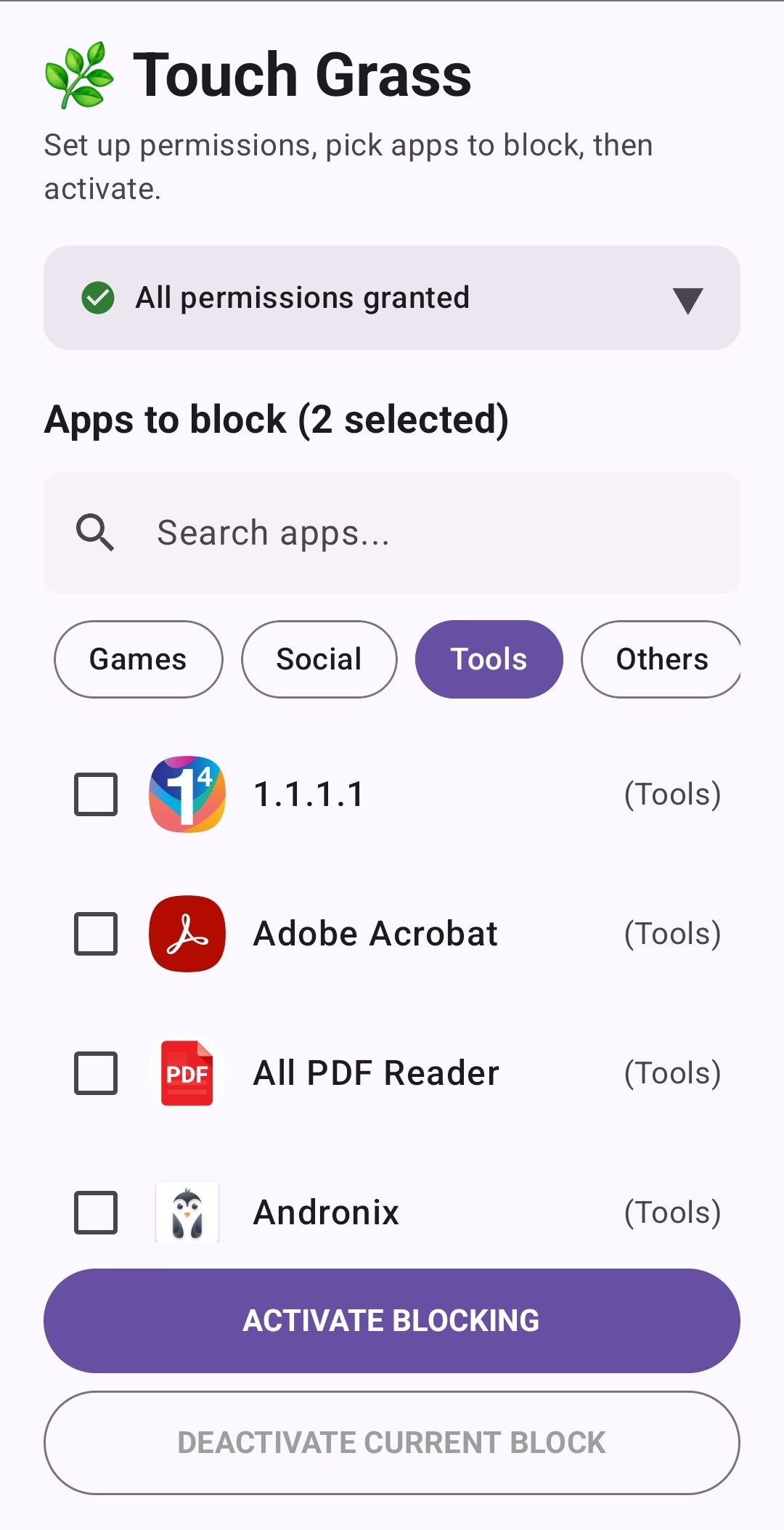
Tools category
-
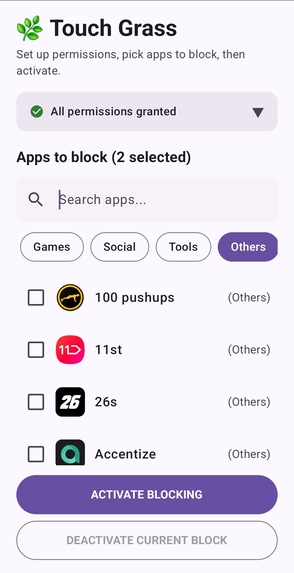
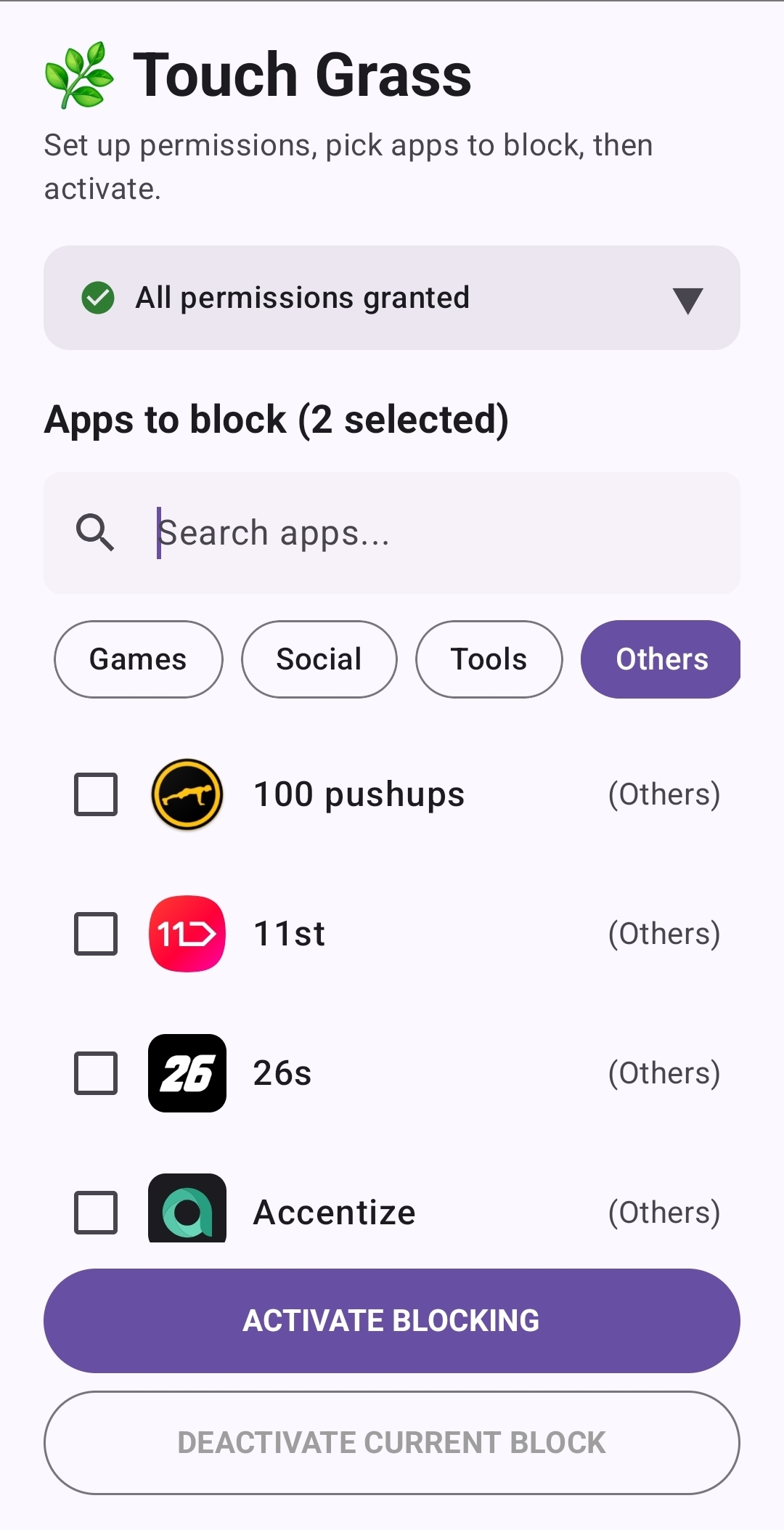
Others(rest)
-
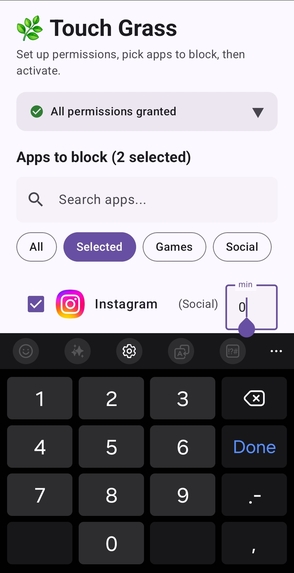
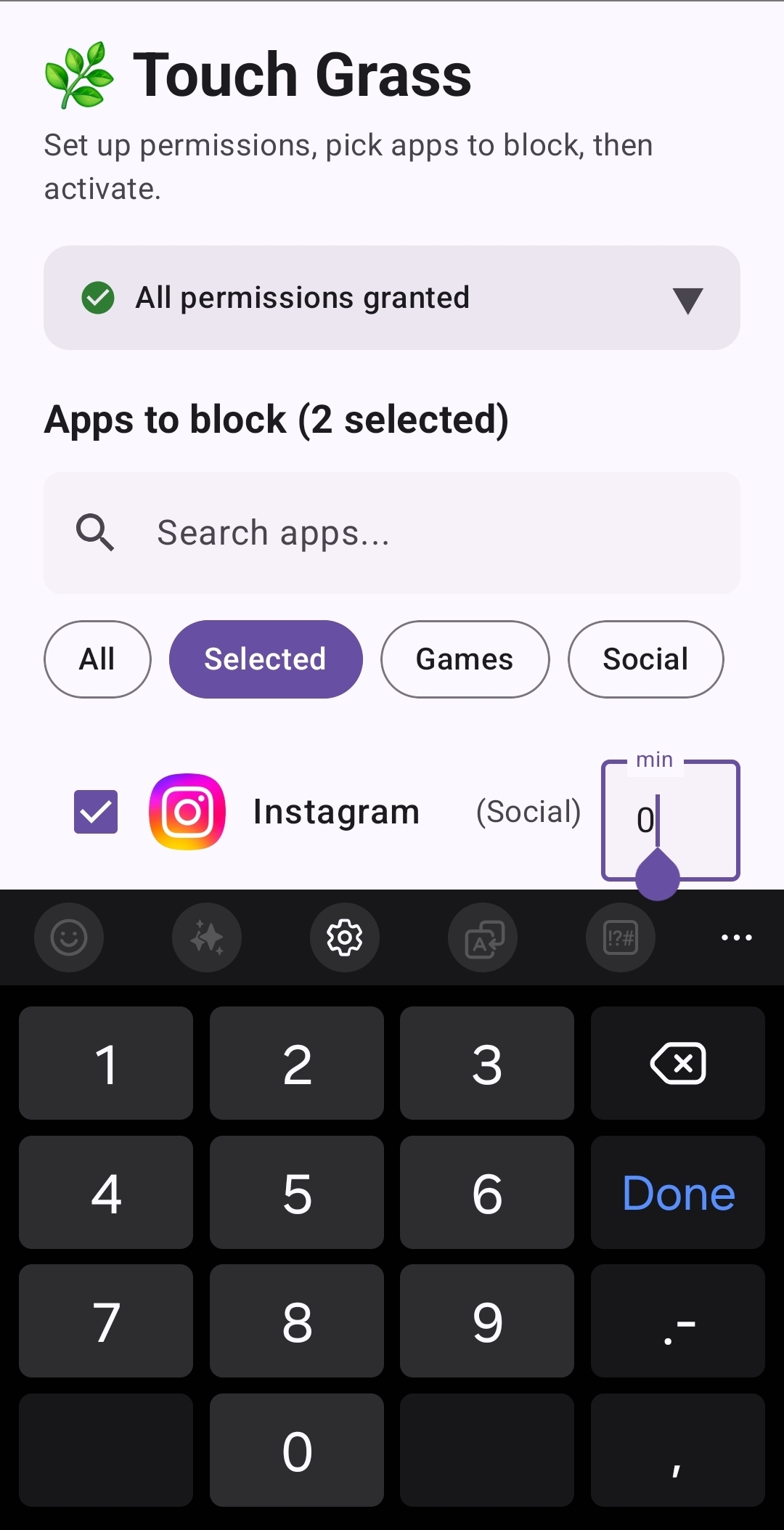
Users can set a time limit when selecting an app.
-
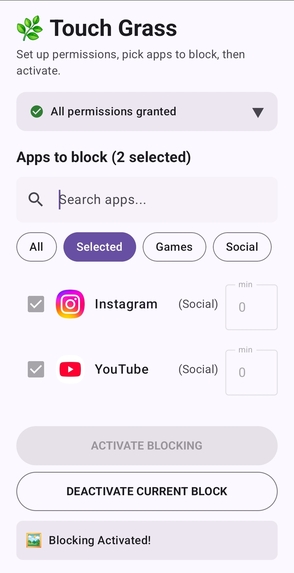
The user has activated Touch Grass with Instagram and YouTube selected.
-
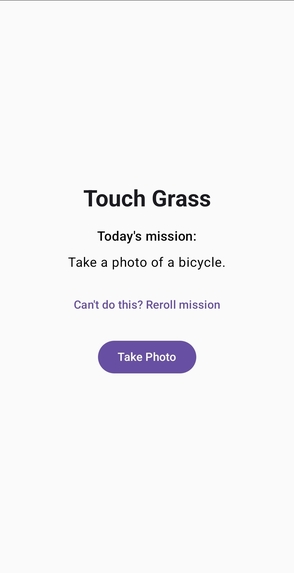
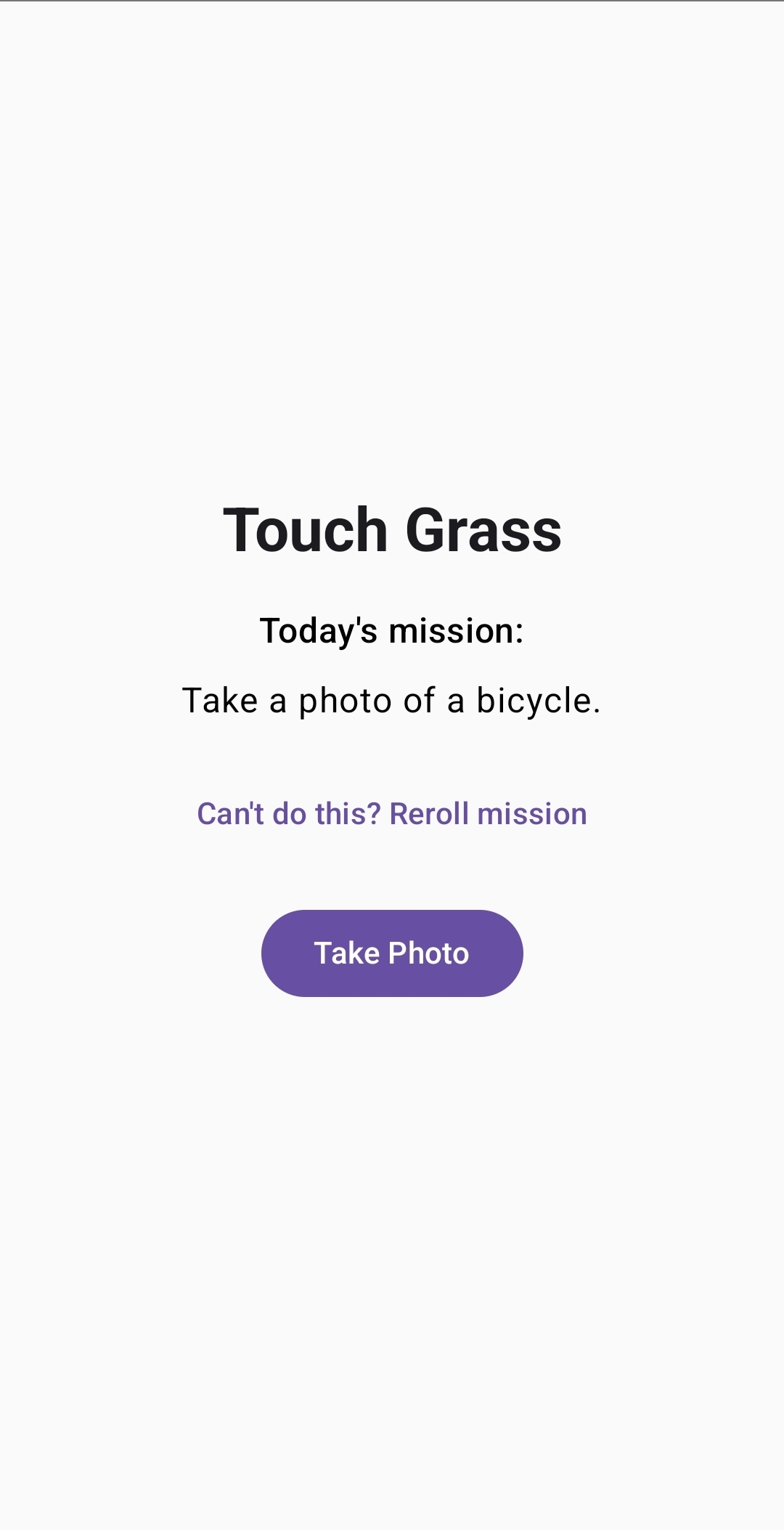
When the user tries to open Instagram or YouTube, Touch Grass blocks access and displays this screen with today's mission.
-
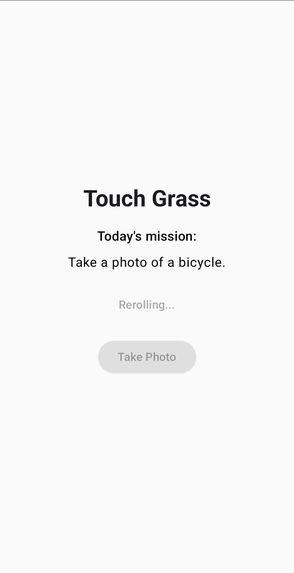
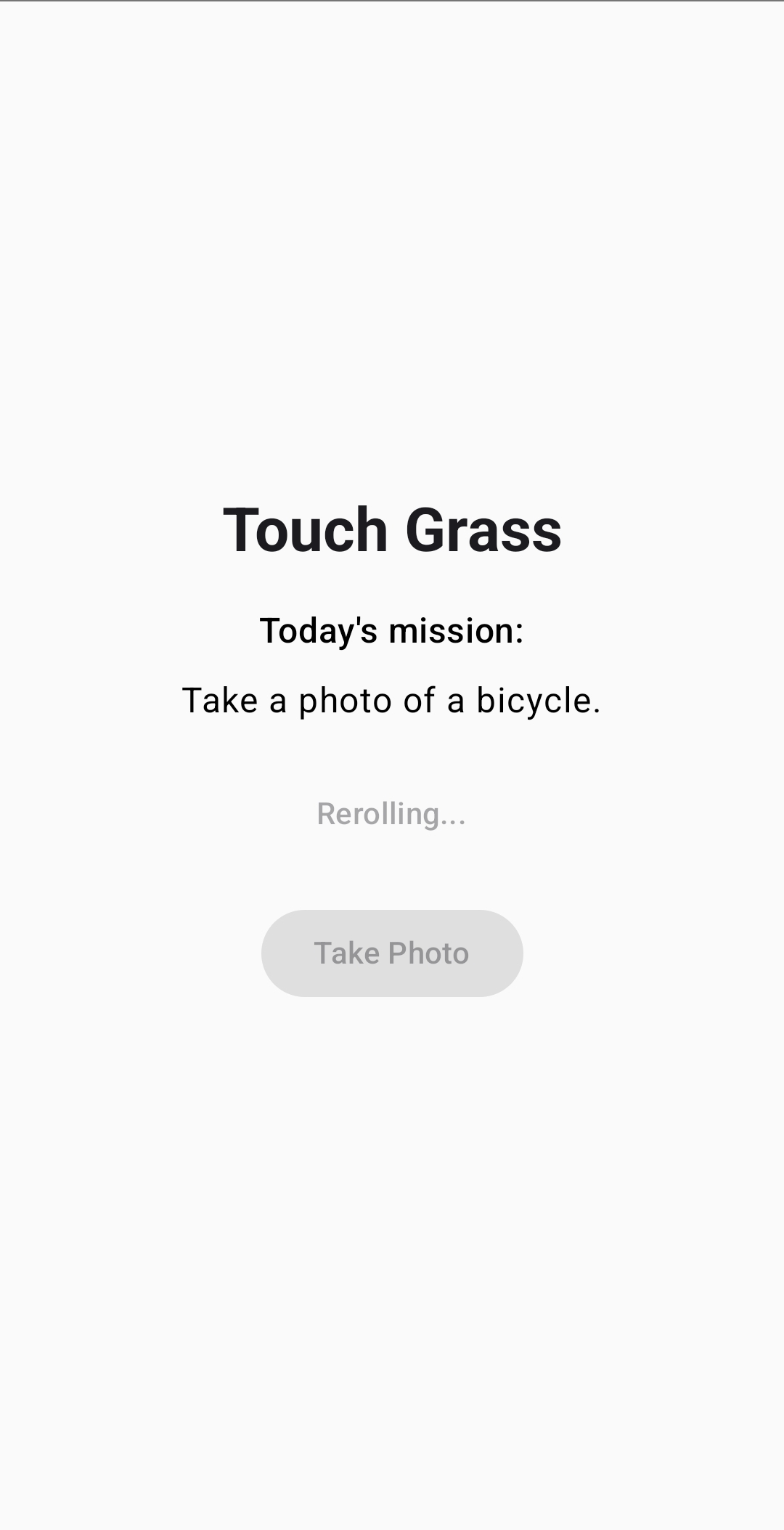
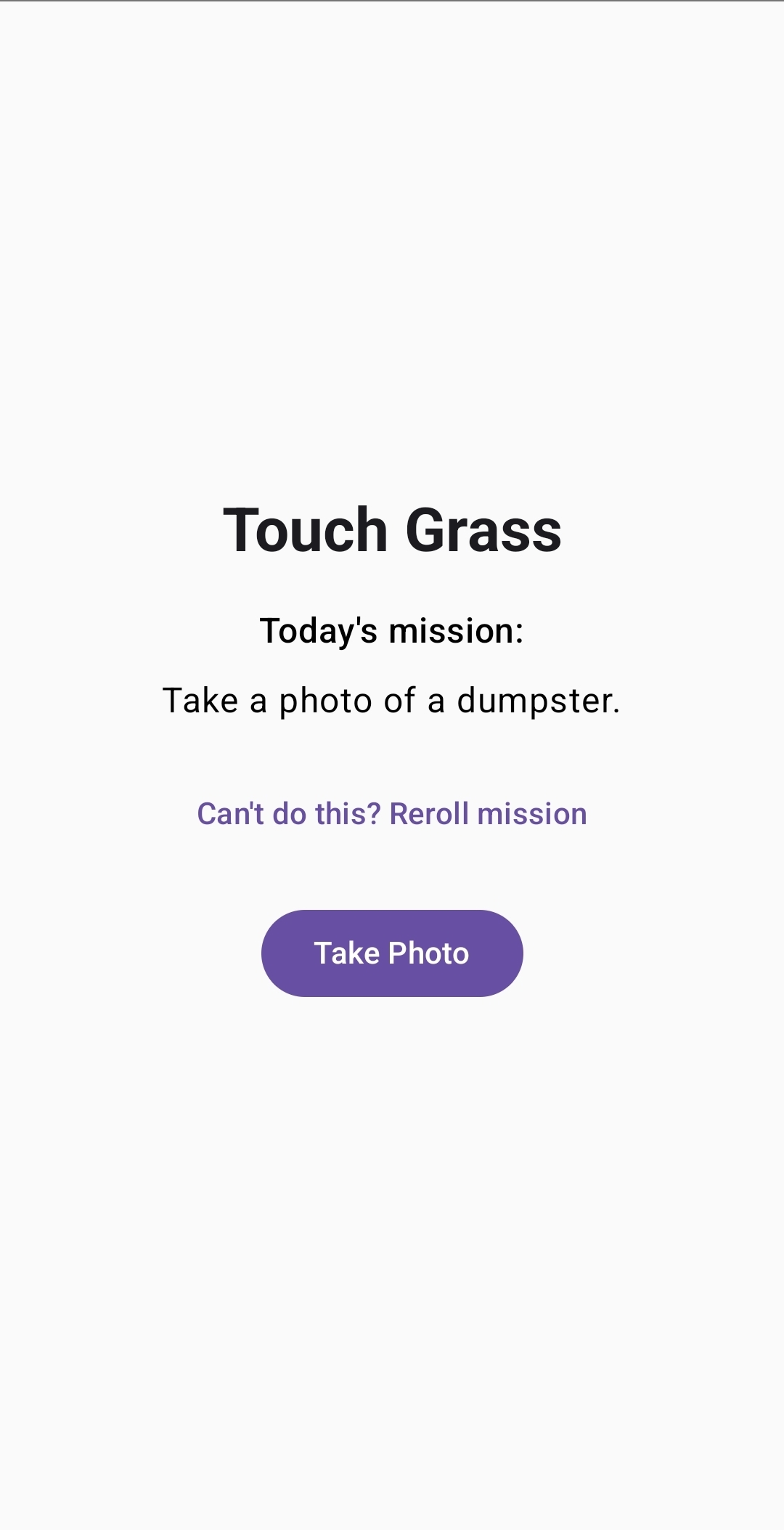
The user can tap the “Can’t do this? Reroll Mission” button, and Gemini generates a new mission in real time.
-
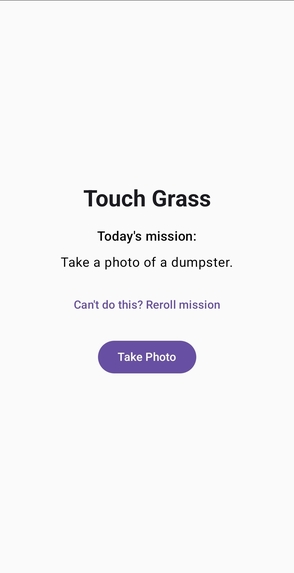
Mission changed
-
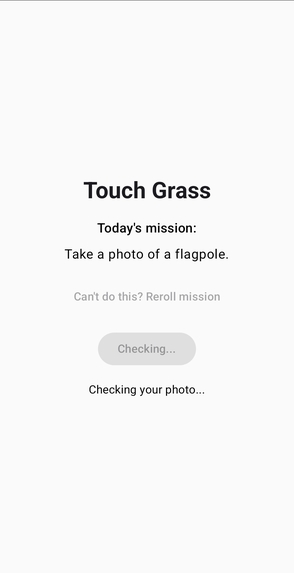
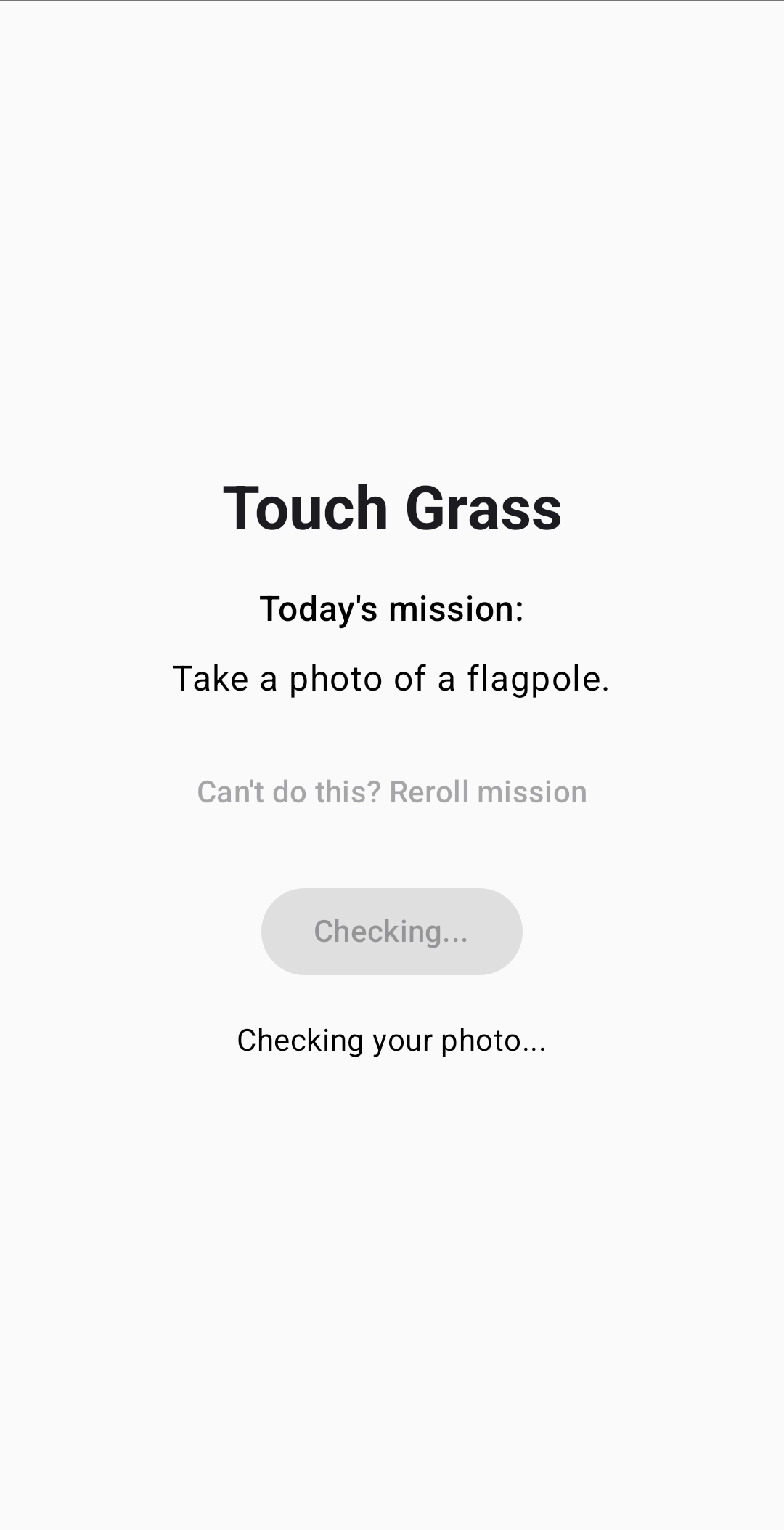
The user submits the photo, and Gemini evaluates it in real time to verify whether the mission was completed.
-
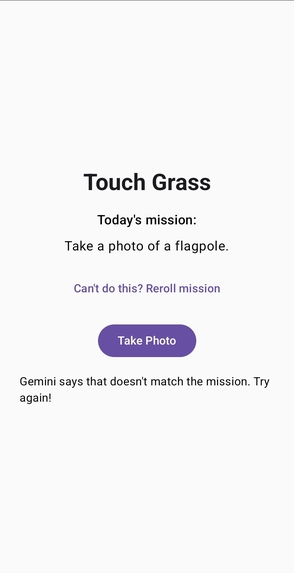
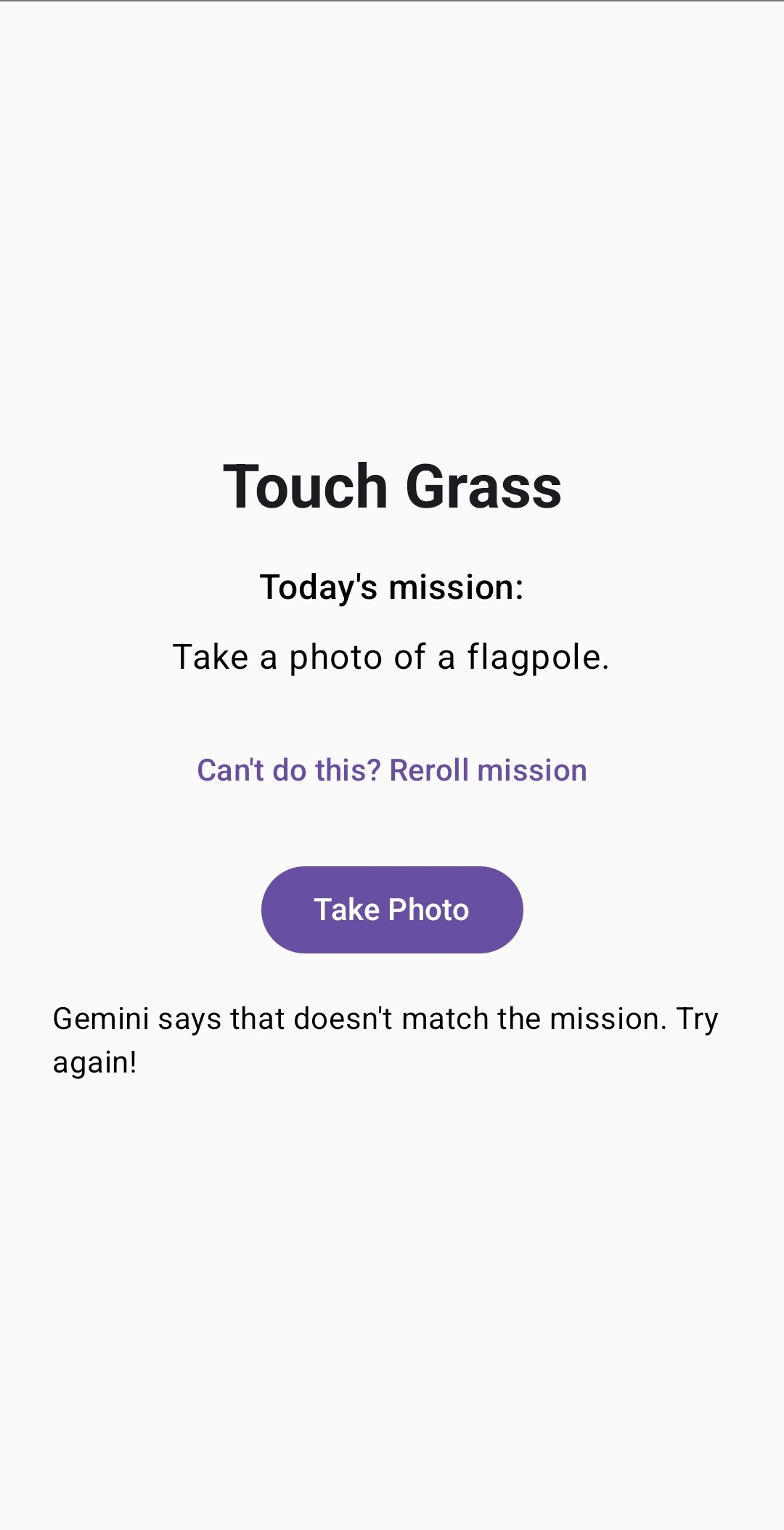
Gemini denied the photo, so the app remains blocked.
TOUCH GRASS
Step away from the screen and reconnect with the real world!
Inspiration
Every one of us has lost hours to Reels — even during exam period.
This project started from our experience: escaping short-form and feed addiction, and achieving digital wellbeing, takes more than just capping your screen time. Most of us know what it's like to stay shut inside all day, scrolling social media feeds late into the night. Those are the days we end up feeling drained and tired.
But the moment we actually step outside, something changes. Being out clears your head and pulls you one step closer to the real world. Touch Grass can help you build this habit!
What It Does
Our app helps users step away from the endless feed and refresh loop.
- Smart App Blocking: Automatically locks a selected app once its daily usage limit runs out.
- AI-Generated Missions: Uses the Google Gemini API to create challenges that ask you to photograph a real object outdoors.
- Photo-Based Verification: To unlock, the user has to go outside and take a photo of the requested object.
- AI-Powered Unlocking: Gemini analyzes the image in real time. If the photo is approved, you can unlock the blocked app and access it!
How We Built It & Challenges
Our goal was to take the idea of "a lock you can only open by actually going outside" and turn it into a fully working Android app within Hackathon. Everything is written as a native Kotlin app, with no separate server — the entire flow completes on the phone itself.
1. Detecting which app is open
Standard permissions cannot tell you when another app opens, so we used an Accessibility Service. It allows how long each blocked app spends in the foreground and compares it against that app's own daily limit (30 minutes by default, editable per app) — so Instagram can be locked while YouTube is still activated.
2. A lock screen you cannot escape
Showing the lock was easy; keeping users from slipping past it wasn't — at first, one tap on Back or Home returned them to the app underneath. We now launch BlockOverlayActivity full-screen, swallow the Back input, and pin the screen with startLockTask() so neither Home nor Recents can reach the app below.
3. Gemini integration
GeminiRepository generates the outdoor mission prompt, then verifyPhoto sends the user's photo alongside that mission text for a verdict. Gemini replies APPROVE or REJECT; a REJECT sends the user back out for another shot.
4. Rebooting issue
AlarmScheduler is an alarm after midnight for MidnightResetReceiver to clear everyone's spent time — but AlarmManager alarms don't survive a reboot, which silently broke the daily chain. We made the same receiver also listen for BOOT_COMPLETED, with both paths checking one shared "last reset date," so a missed midnight is caught on the next delivery instead of lost.
Accomplishments
- Various missions and easy rerolling: Nothing outside that matches the mission? From the blocked screen, the user can reroll the mission to get an object that's actually within reach.
- User personalization: We built an intuitive UI/UX with app filtering, category tags, and customizable timers to make the app easier for anyone.
- Bypass prevention: To stop users from escaping the lock screen through system gestures or app switching, we carefully handled the phone's recents, home, and back behavior to protect the overlay.
Built With
- accessibility-service
- android
- android-studio
- claude
- gemini-api
- generative-ai
- gradle
- kotlin
- xml

Log in or sign up for Devpost to join the conversation.