-
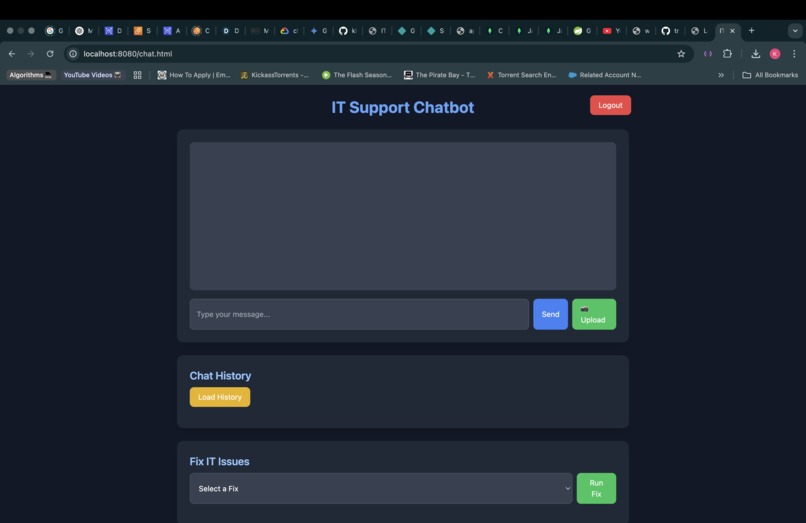
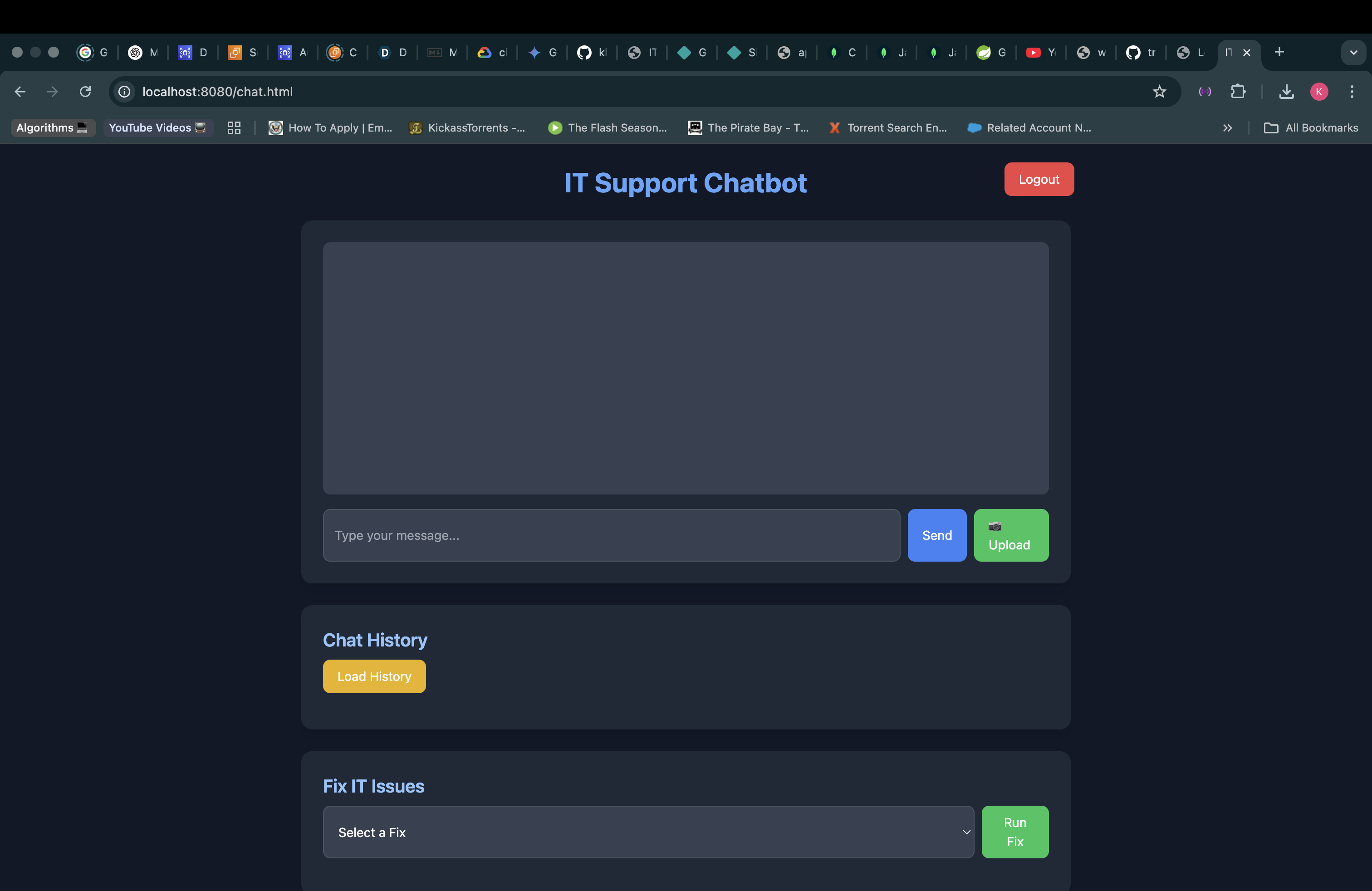
Chat Interface
-
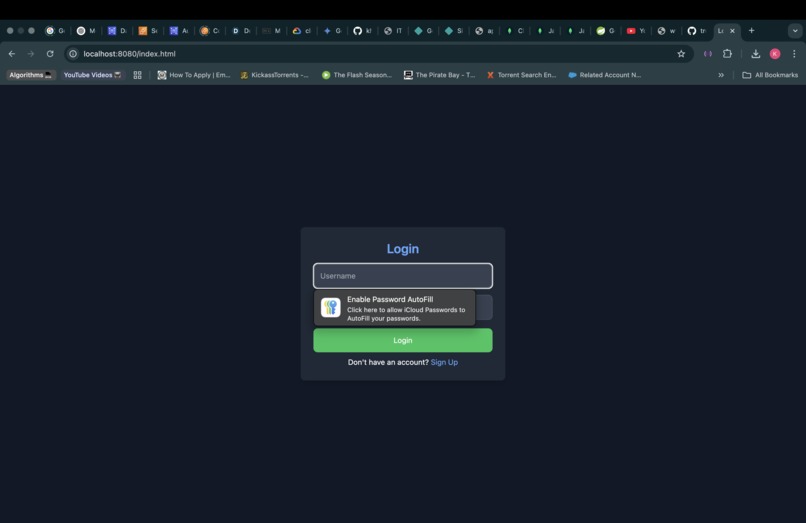
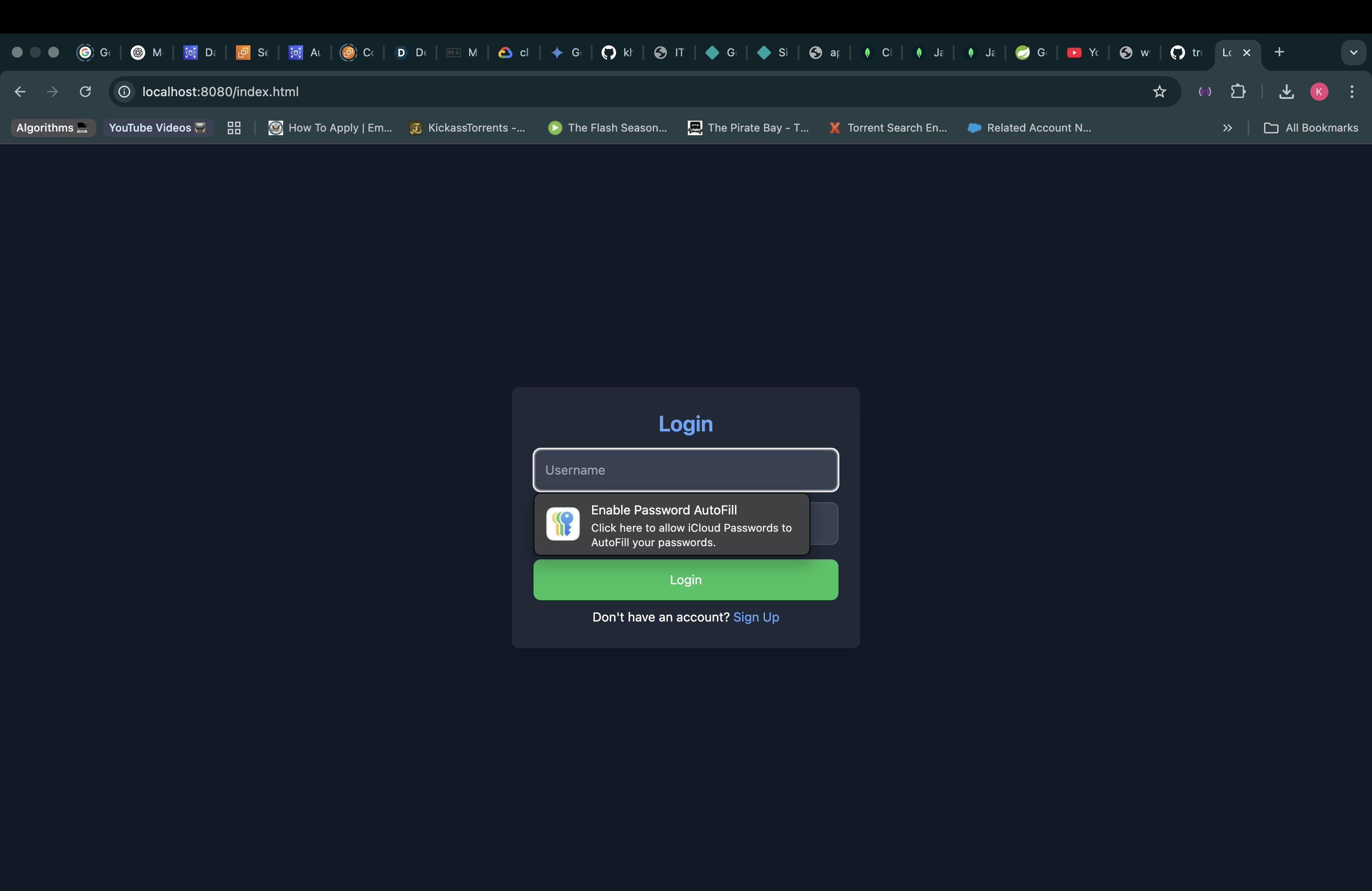
Login Screen
-
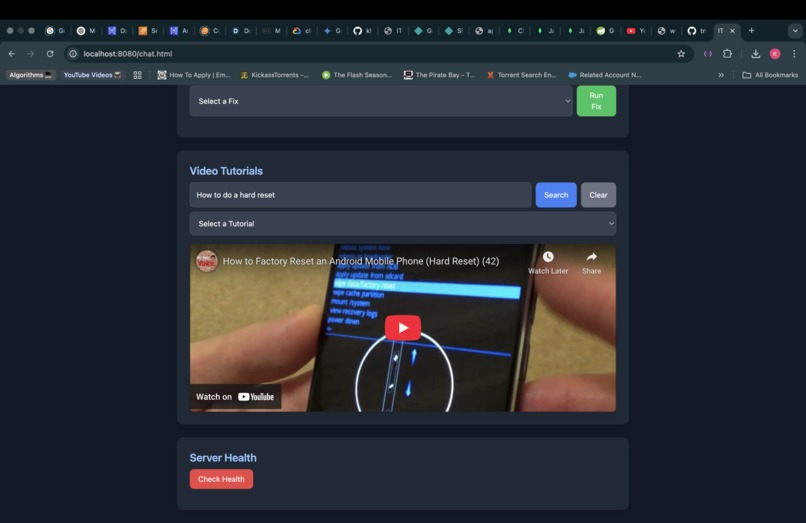
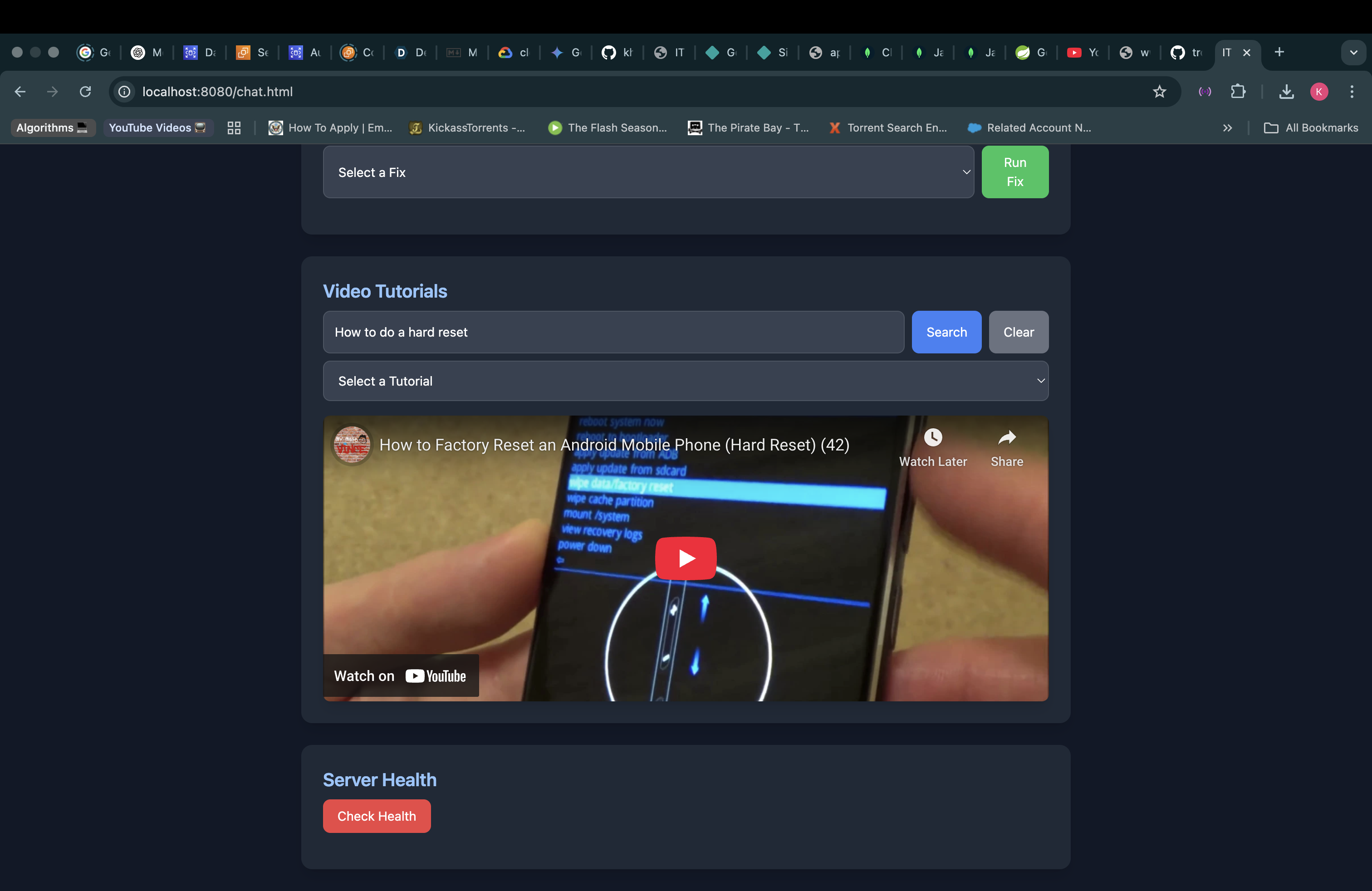
YouTube Suggestions
Inspiration
The inspiration behind TroubleFix came from the everyday challenges that people face when they encounter technical issues with their devices, apps, or services. I personally have witnessed this being a technical support specialist in the past. We wanted to build a tool that would bridge the gap between users and IT support in a way that's quick, reliable, and efficient. We envisioned a platform that could help individuals troubleshoot their tech problems without the need to wait in long support queues or deal with complicated troubleshooting steps. With this in mind, TroubleFix was born.
What it does
TroubleFix is an intelligent troubleshooting assistant that helps users solve their technical issues by providing real-time guidance and troubleshooting solutions. Whether it's a computer issue, a network error, or an application malfunction, TroubleFix can quickly analyze the problem and suggest steps to resolve it. The app uses AI-powered responses to simulate an IT support assistant, offering solutions tailored to the user's specific problem
How we built it
We built TroubleFix using Spring Boot for the backend, where the main logic for handling user requests and connecting with the OpenAI API is implemented. The frontend is powered by HTML, CSS, and JavaScript, offering a user-friendly interface where users can interact with the chatbot and input their technical problems. We integrated the Gemini API to handle the chatbot's responses, and MySQL is used to store past user interactions and feedback for further improvements.
Tech Stack: Backend: Spring Boot, Java, Gemini API Frontend: HTML, CSS, JavaScript Database: MySQL
Challenges we ran into
What we learned
API Integration: We learned a great deal about integrating external APIs into an application, particularly how to handle different data formats and work with third-party services like Gemini.
Frontend-Backend Communication: The experience of connecting a frontend built in HTML, CSS, and JavaScript with a Spring Boot backend taught us a lot about managing CORS issues, configuring servers, and handling asynchronous data.
User Experience: We gained valuable insight into the importance of building an intuitive user interface and how small design choices can make a big difference in user satisfaction.
What's next for TroubleFix
Expand the AI's capabilities: We want to continue improving the AI by adding more specialized troubleshooting advice and the ability to diagnose more complex technical problems.
Add multi-language support: In the future, we plan to expand TroubleFix to support multiple languages, making it accessible to a global audience.
Create a mobile version: We aim to develop a mobile app version of TroubleFix so that users can access support directly from their smartphones.
Integrate with device diagnostics: We're working on integrating real-time device diagnostics to detect issues like hardware failures and system performance problems directly from the app.

Log in or sign up for Devpost to join the conversation.