-
-
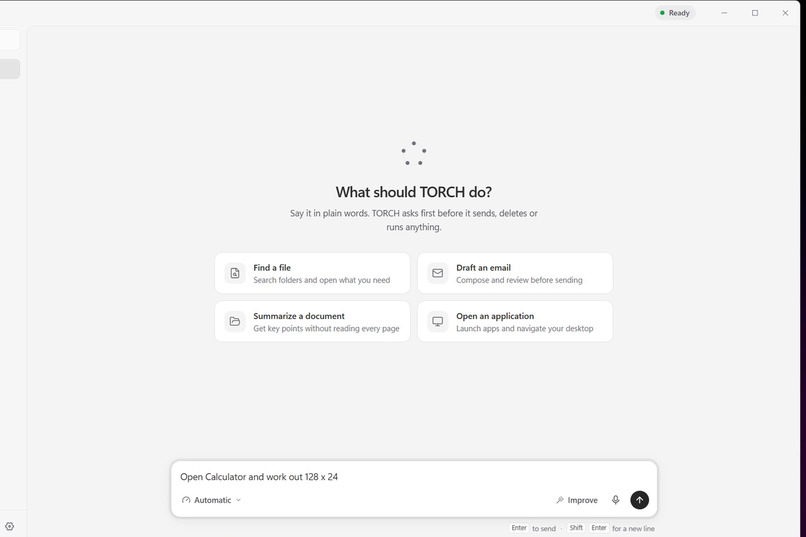
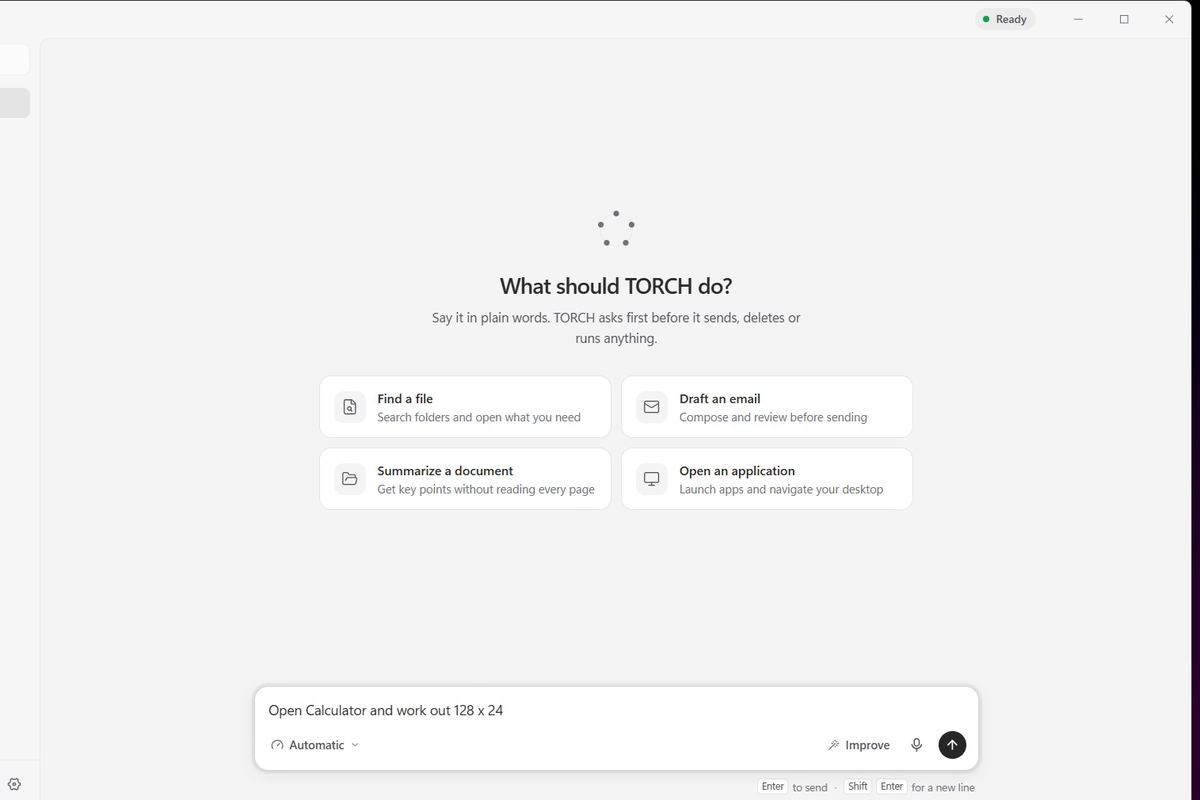
1-ask-torch
-
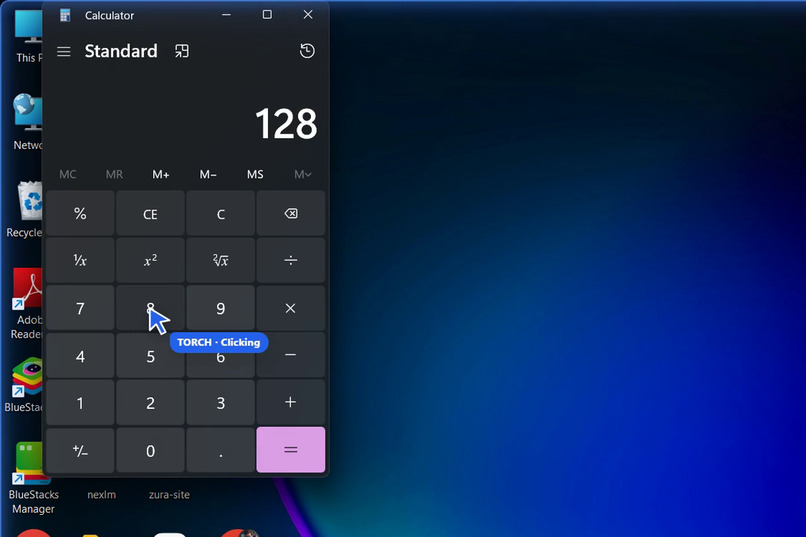
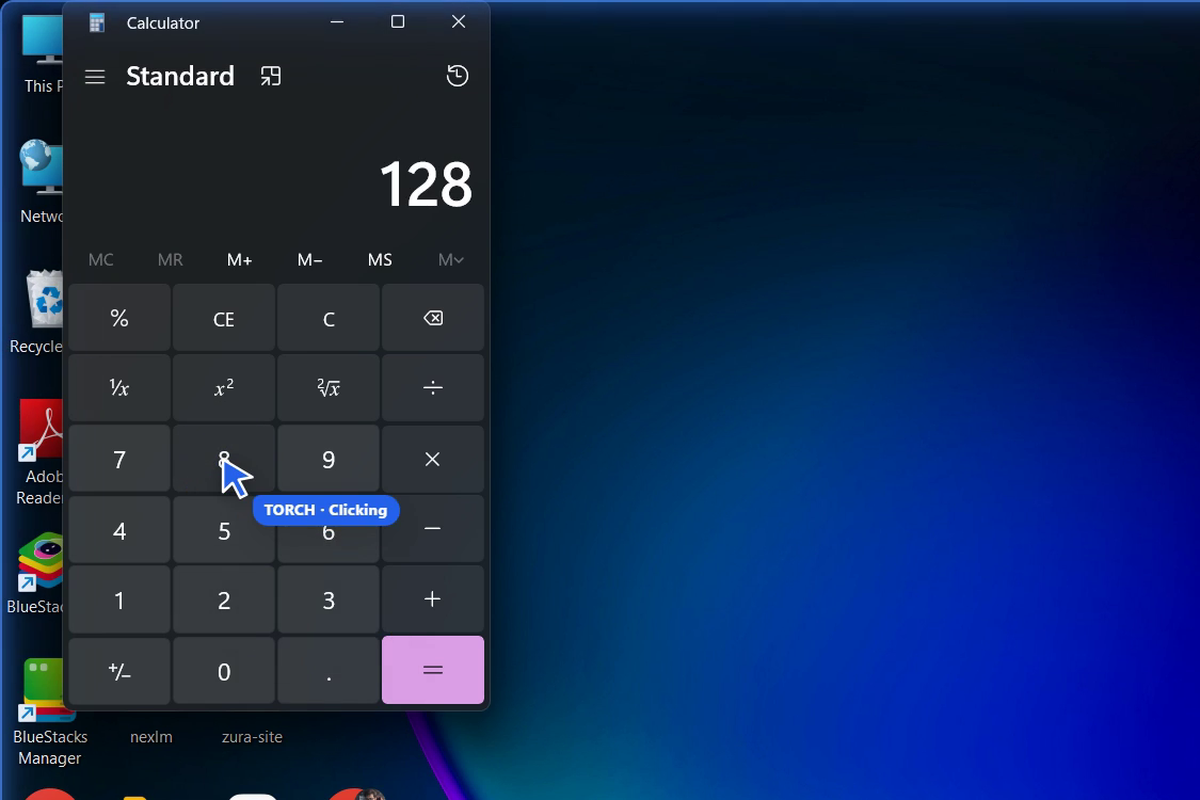
2-torch-clicking
-
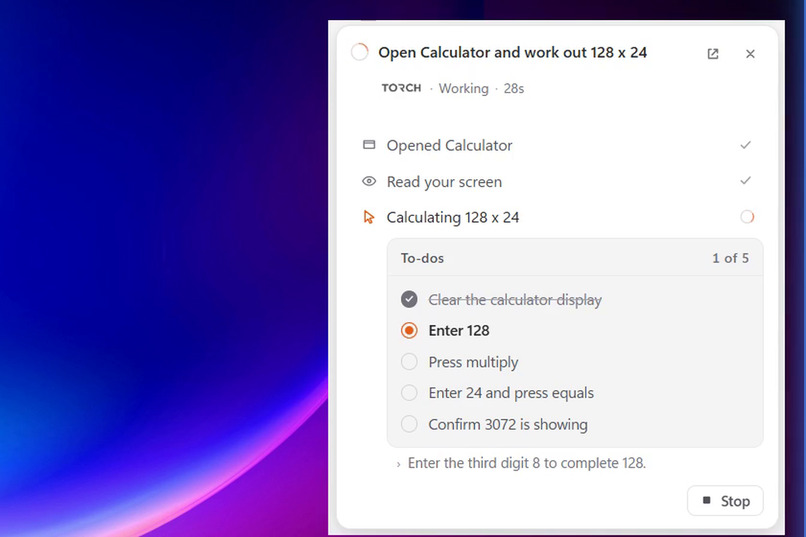
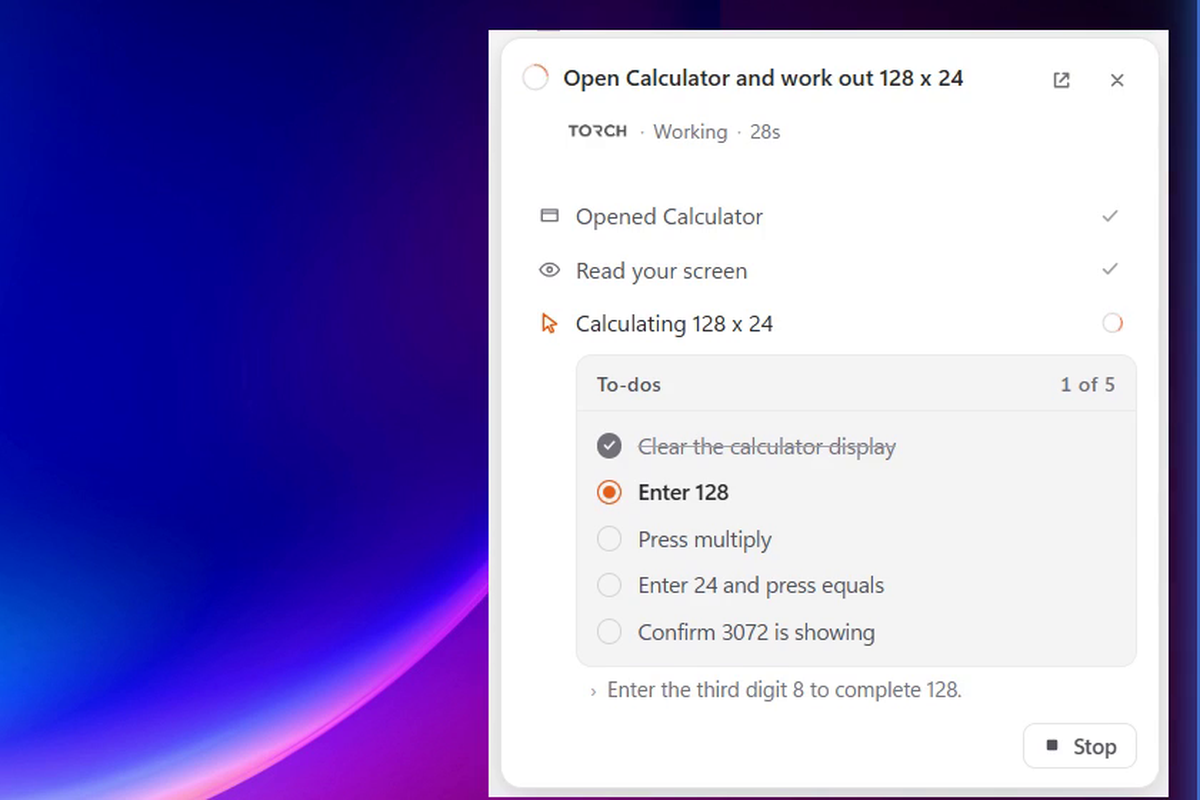
3-torch-todo-list
-
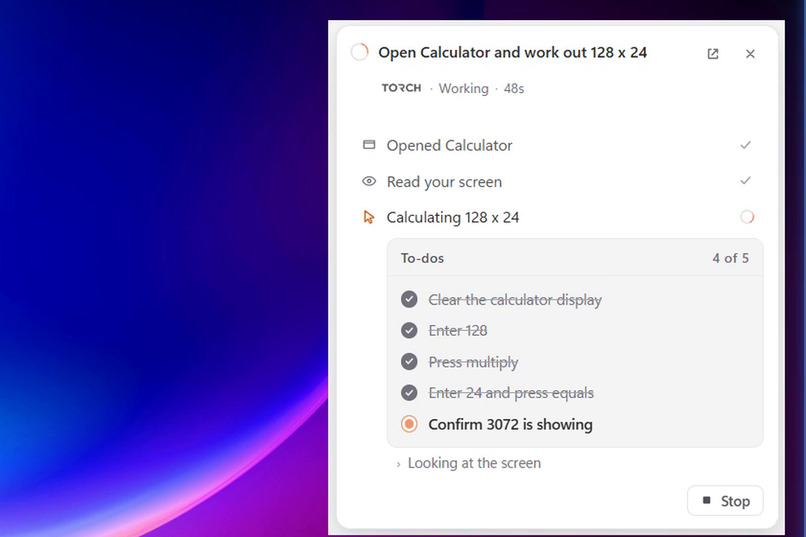
5-todos-ticked
-
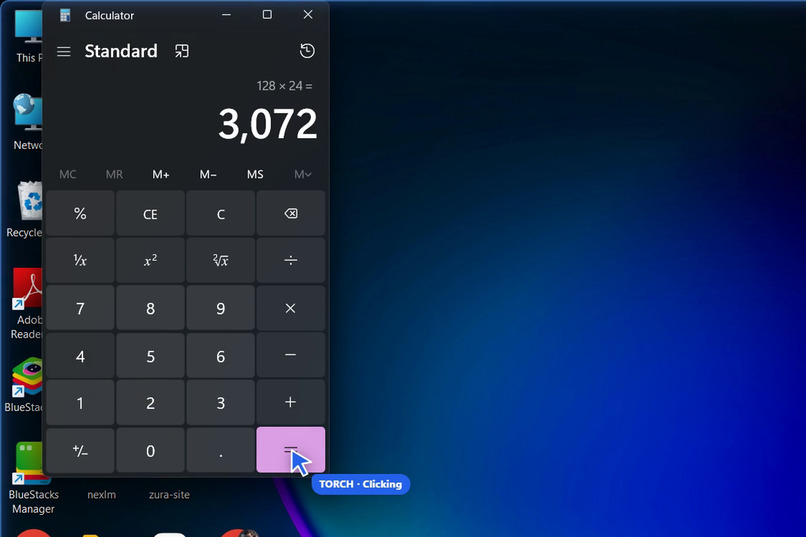
4-result-3072
Inspiration
On 5 May I attended the AI Agents Masterclass with Temi Kolawole at Ilorin Innovation Hub. One idea stuck with me: an agent is not a chatbot. A chatbot tells you the steps. An agent does them. It observes, reasons, acts, checks the result, and keeps going until the job is done.
Most people around me don't need another chat window. They need someone to actually click through the boring parts of their computer: comparing prices, filling forms, finding a file, learning where a button is in an app they've never used. So I built TORCH, an AI agent that uses your Windows PC the way you do.
What it does
You type a request in plain English, for example "Open Chrome, go to YouTube and play Doja by Central Cee", and TORCH:
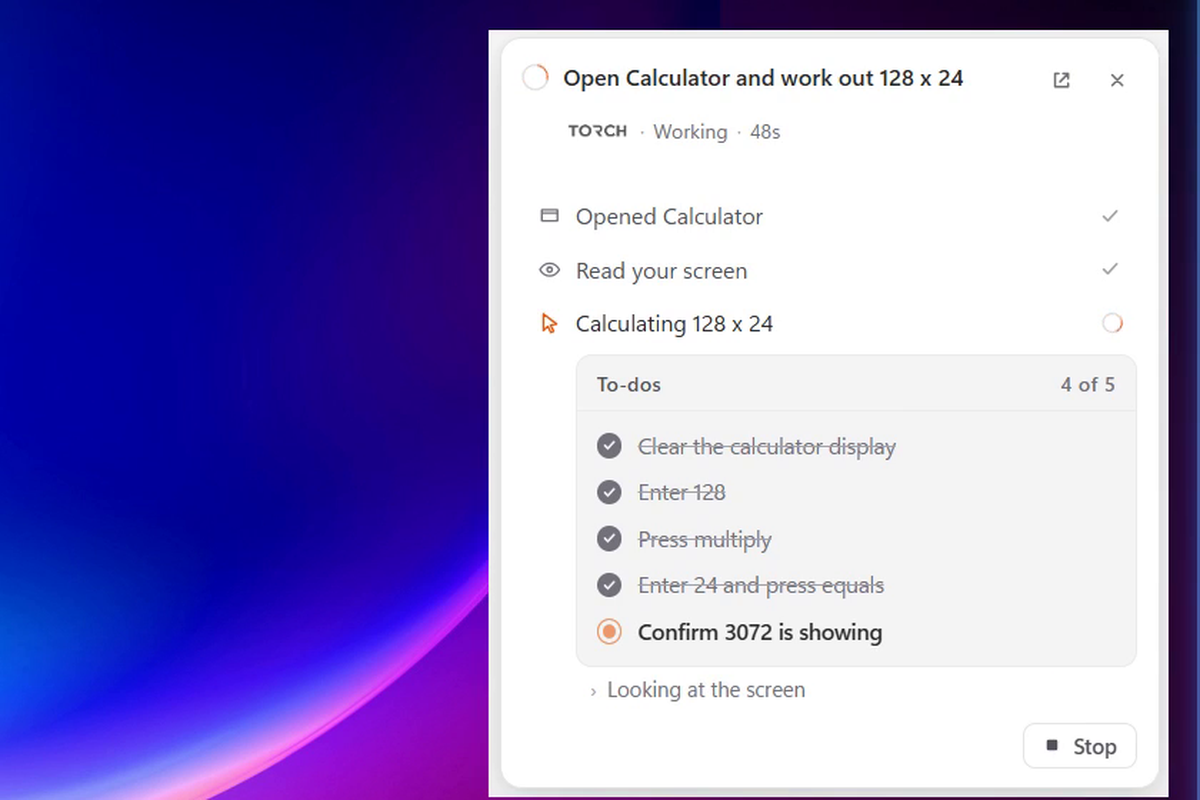
- Looks at the screen (a screenshot, plus the name and position of every button Windows can see),
- Decides the next single move with a vision model,
- Acts: it clicks, types, scrolls or presses a key,
- Checks the screen again to confirm the move worked, and repeats.
In that YouTube run it took 16 steps, found the official video, skipped the ad on its own, and confirmed the song was playing.
It also teaches: ask "How do I import a video in CapCut?" and it points at the real button on your screen. Say "do it for me" and it takes that step itself.
And it knows where to stop. Sending, deleting, buying and running commands need your approval. At a payment form or a final "Place order" button, TORCH stops and hands control back to you. It never types card details.
How I built it
- Desktop app: Electron + React + TypeScript, with a separate always-on-top task panel, a click-through overlay that draws TORCH's own blue cursor, and a breathing blue glow round the screen edge while TORCH is driving.
- Agent backend: Python + FastAPI over a local WebSocket, bound to
127.0.0.1and protected by a per-launch session token. - Vision loop: screenshots go (only when the user switches "Look at my screen" on) to the user's own DeepSeek or Claude key; the model replies with one action as JSON:
{ "action": "click", "target": "Search box", "reason": "Focus search to type the song" }
- Precision from Windows itself: instead of trusting pixel guesses, I read the Windows UI Automation tree and hand the model the exact names and positions of on-screen controls. When the model names a control, TORCH clicks its real centre.
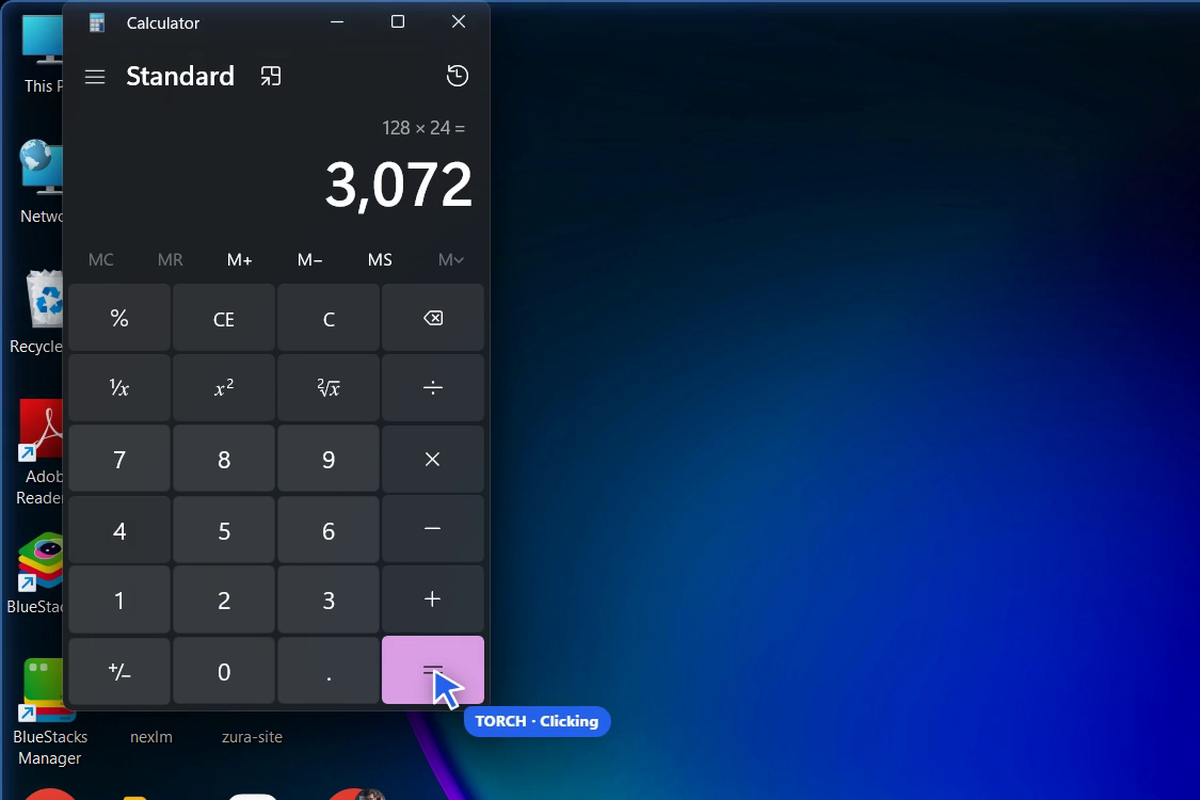
- Your mouse never moves: buttons, links and tabs are pressed through accessibility; anything else is clicked with the pointer put back within ~20 ms. What you see is TORCH's own blue cursor gliding and blinking on each click.
- Shipping: the Python backend is bundled with PyInstaller so users don't need Python, packaged with electron-builder, and released by a GitHub Actions workflow on every version tag.
Mapping a click from the screenshot the model sees back to the real screen is a simple scale, but getting it wrong by even a little misses small buttons:
$$ x_{\text{screen}} = x_{\text{left}} + x_{\text{img}} \cdot \frac{W_{\text{screen}}}{W_{\text{img}}}, \qquad y_{\text{screen}} = y_{\text{top}} + y_{\text{img}} \cdot \frac{H_{\text{screen}}}{H_{\text{img}}} $$
Challenges I ran into
- Aiming. Aiming by eye alone, the model hit the wrong Calculator key about half the time. Feeding it the accessibility tree and snapping to real controls fixed it.
- Clicks that "work" but do nothing. Some sites accept an accessibility press and ignore it (one store's 15-inch option ignored eleven presses). TORCH now notices a repeated click near the same spot and switches to a real mouse click.
- The agent fighting itself. In one test it "dismissed a pop-up" by clicking Chrome's own close button and closed the browser it was working in. TORCH now asks Windows what is under the pointer and refuses to press a window's own Close or Minimize unless you asked it to.
- Seeing its own UI. When I recorded demos, TORCH could see its own panel in its screenshots and kept trying to close it. Its windows are now hidden from its own screenshots.
- Security. While preparing the project I found an obfuscated malicious payload that had been merged into the repository through a pull request. I removed it, documented it, and changed the workflow so no dependency runs code at install time.
- Speed and cost. Each step is a model call. I cut screenshot size with JPEG, let the model chain up to four type/key moves without another look, and kept a whole real task to a few cents.
What I learned
- An agent is only as good as what it can see precisely. The accessibility tree was worth more than any prompt.
- Safety has to live in code, not in the prompt. Approval rules and hand-overs are decided by the app, never by the model.
- Honest UX matters: TORCH says exactly which step it stopped at and why, instead of pretending it finished.
What's next
- A signed installer, so Windows doesn't warn on install
- Testing on clean machines and more apps
- Faster steps, and voice requests that never leave the computer
Built With
- claude
- deepseek
- electron
- fastapi
- framer-motion
- github-actions
- mss
- pyautogui
- pyinstaller
- python
- react
- sqlite
- tailwindcss
- typescript
- vite
- websockets
- windows-ui-automation
- zustand
