
TopoDrawer
From a network on paper to a working network in the lab.
Inspiration
Network engineers are often forced to split a single workflow across several disconnected tools.
Whiteboards are fast but static. Traditional diagramming applications help engineers visualize networks, but they do not provide the features required to generate, understand, validate, and deploy a topology within one pipeline.
TopoDrawer was built around one central idea:
A Network Engineer’s Best Friend
What makes TopoDrawer unique is the simplicity of moving from generation to modification to deployment through one seamless workflow.
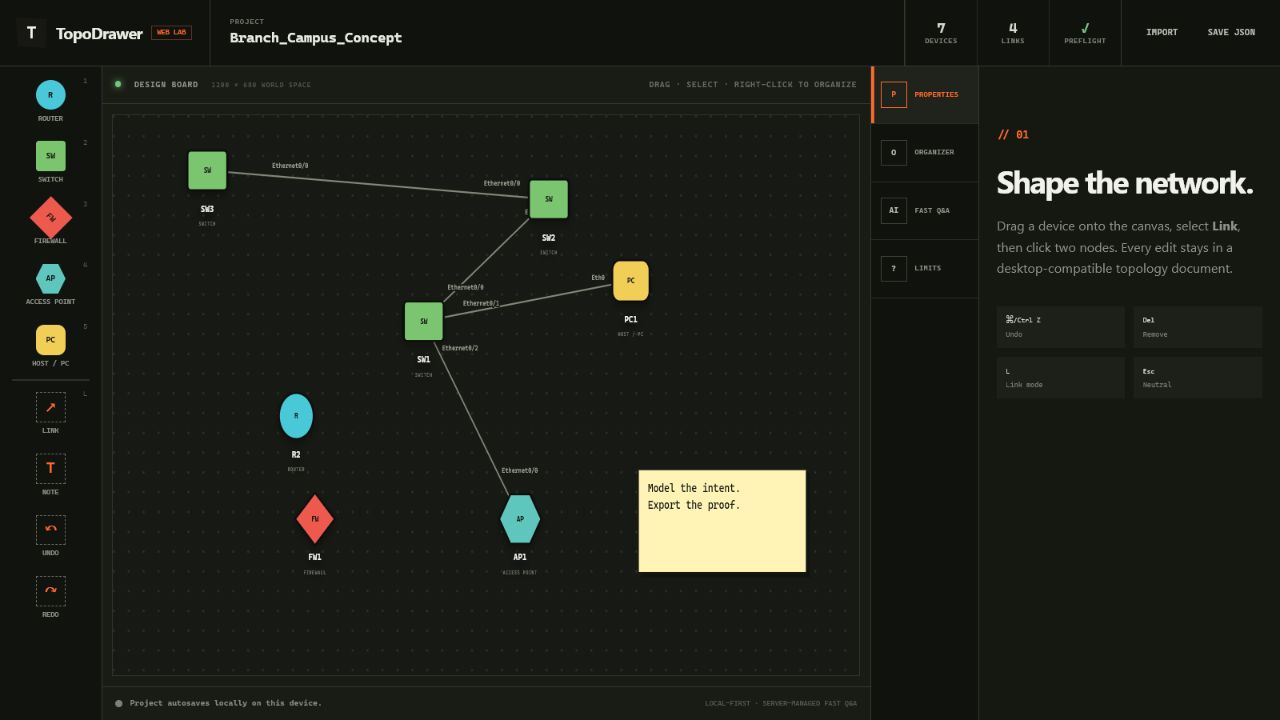
Its UI-focused design makes selecting, dragging, organizing, and animating nodes and links intuitive—creating a canvas where network engineers can visually model and communicate their understanding.
The export process is where the magic happens.
Using a two-pronged system consisting of a Builder and Validator, TopoDrawer helps ensure that an exported topology is accurate and ready for use within a live lab environment.
What It Does
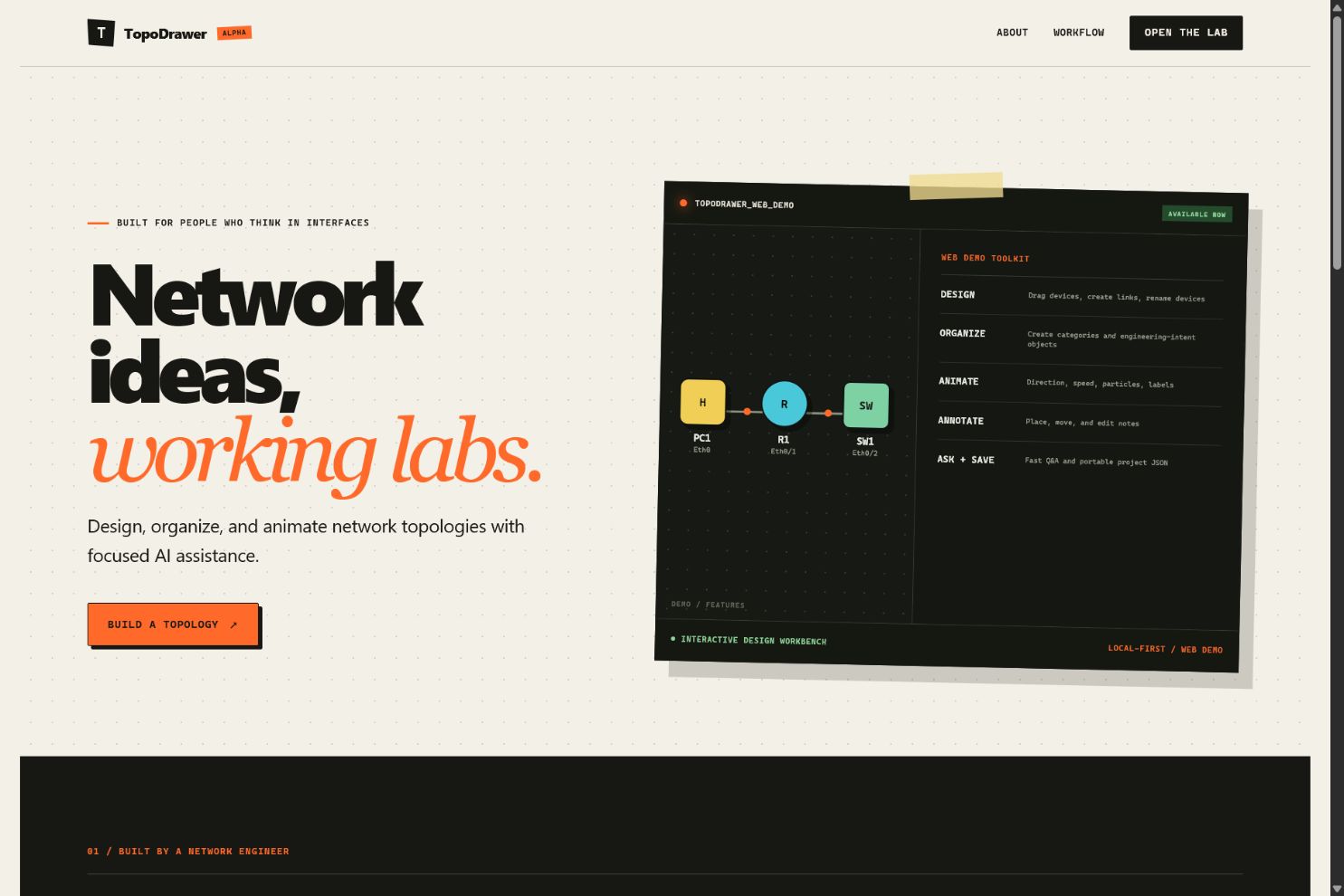
TopoDrawer is a topology design workspace built around how network engineers actually think.
Users can:
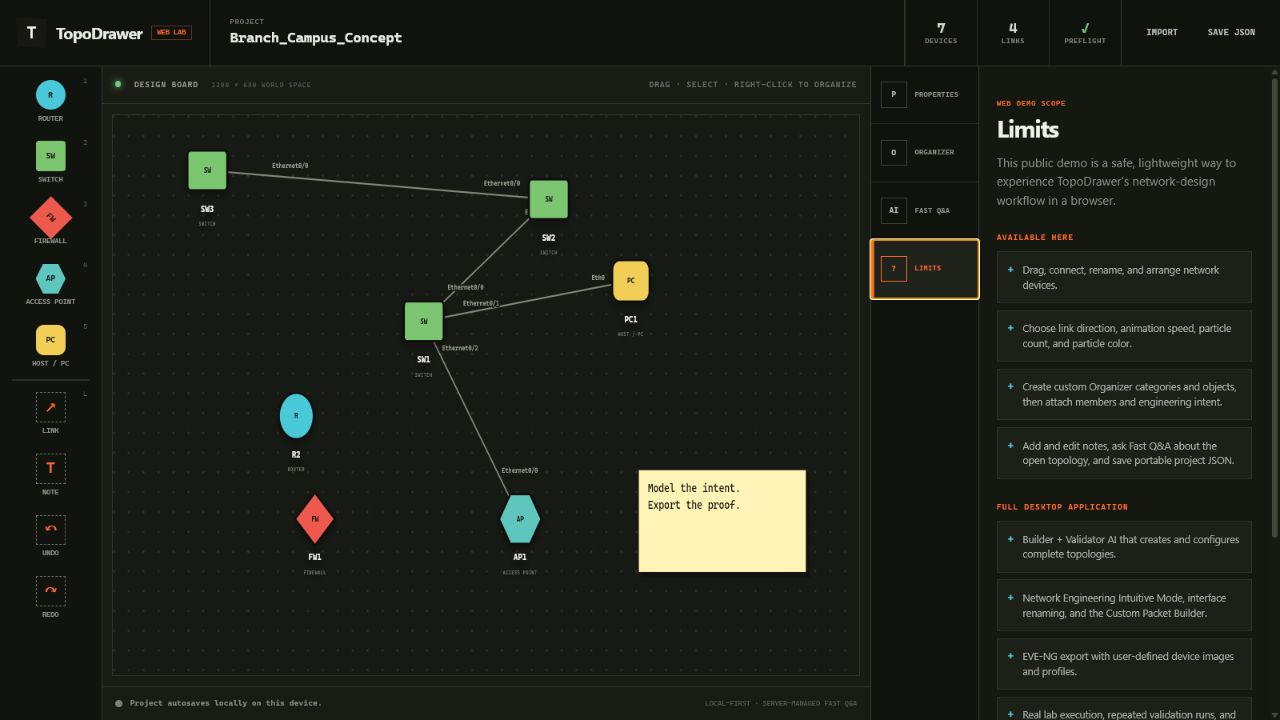
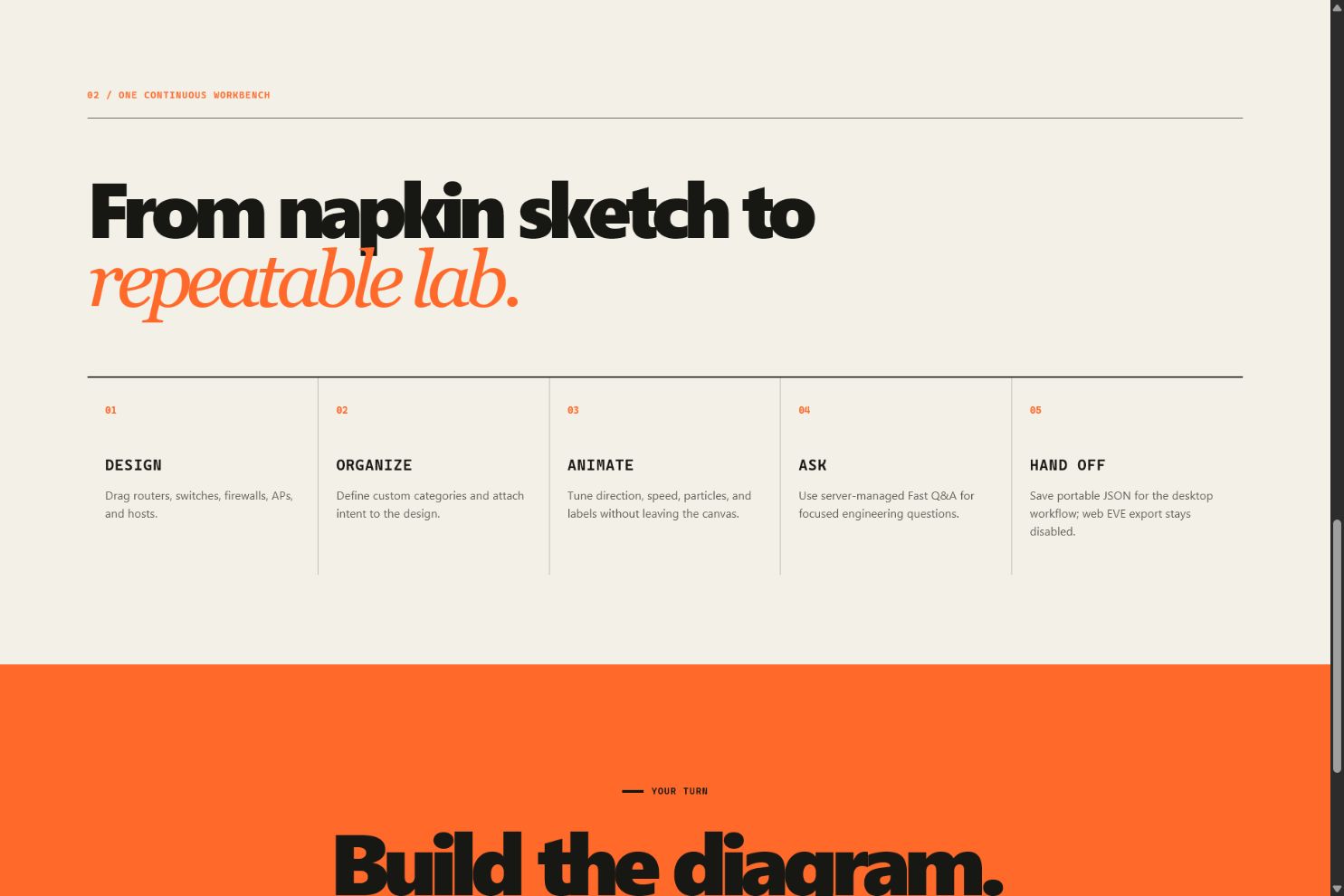
- Drag and drop routers, switches, firewalls, access points, and hosts
- Rename devices and interfaces
- Reposition and rotate interfaces
- Connect nodes
- Draw freely
- Add annotations
- Organize network-specific information
- Animate packet flow
- Generate and validate configurations
- Export the complete project into EVE-NG
The key motivation was to make network engineering as intuitive as Vim is for programming: fast, precise, and centered around a low-friction workflow.
The Organizer
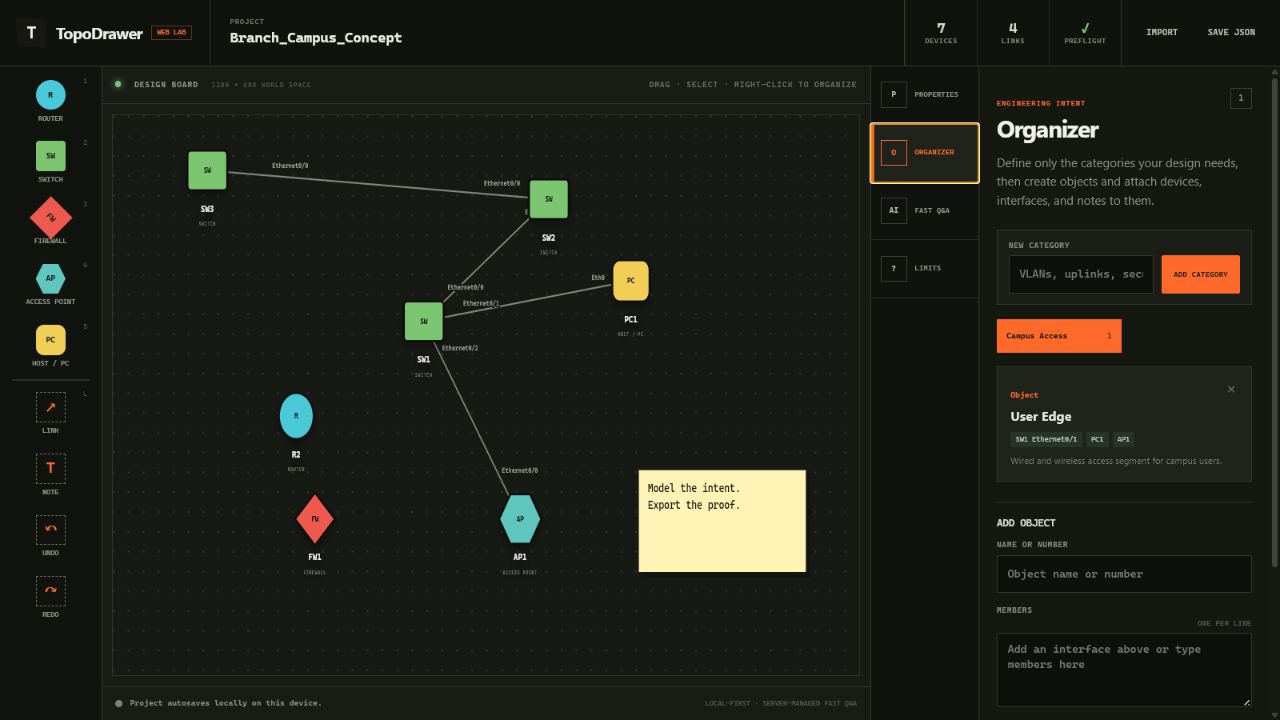
The Organizer adds network-specific structure directly to the diagram.
Engineers can right-click devices and associate them with:
- VLANs
- Port channels
- SVIs
- HSRP groups
- Custom categories
This eliminates the need to maintain critical topology information across separate notes, spreadsheets, and diagramming applications.
Animated Packet Flow
Links can animate packet flow in either direction with adjustable speed, making traffic direction and behavior easier to identify, demonstrate, and explain.
AI and MCP Integration
TopoDrawer includes an AI and Model Context Protocol layer. Users can securely provide an API key for a model of their choice and use two distinct workflows:
Builder + Validator
Creates topologies, generates device configurations, and performs a separate validation pass before export.
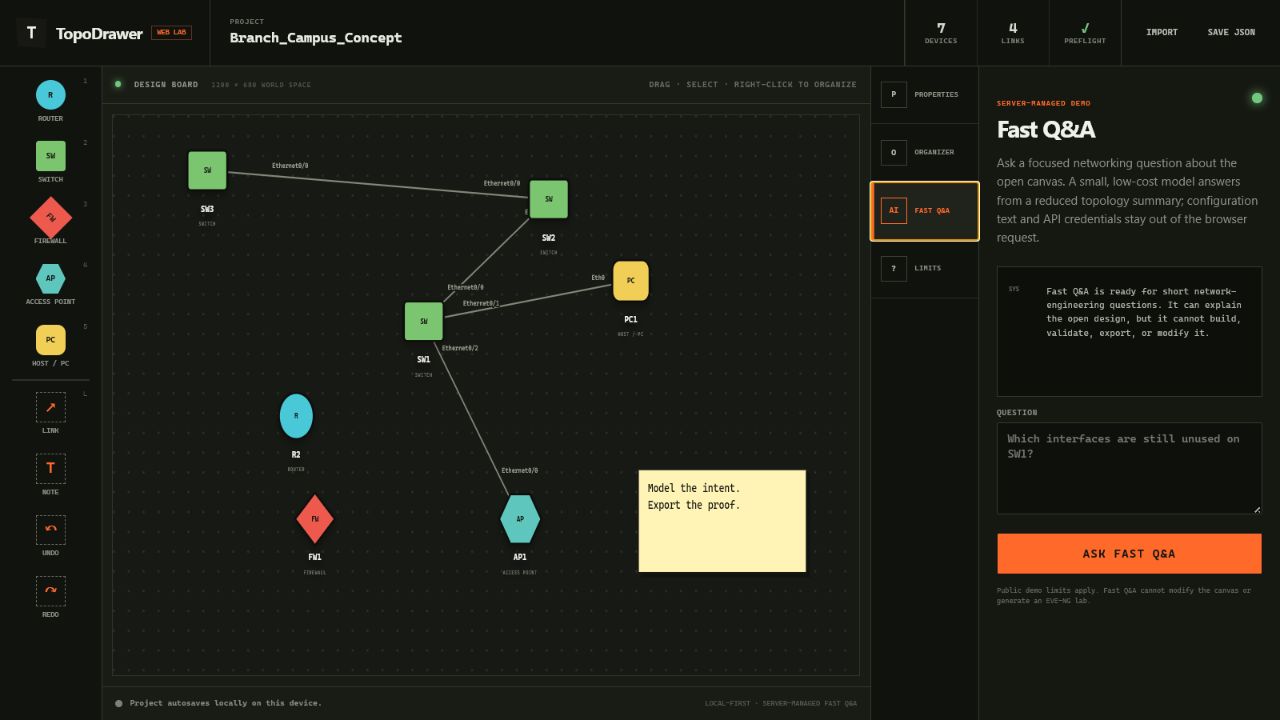
Fast Q&A
Answers quick questions using the current topology without requiring the time and resources needed for a complete build.
EVE-NG Export
When the design is ready, TopoDrawer can package:
- The topology
- Startup configurations
- Validation results
- Lab instructions
- A generated runbook
The complete project is then exported as an EVE-NG-ready ZIP file for live testing.
How We Built It
TopoDrawer is a Python desktop application built with Tkinter and a custom interactive canvas.
The visual editor is backed by a structured JSON topology model containing:
- Nodes and links
- Interface assignments
- Device states
- Organizer data
- Animations
- Annotations
- Configuration information
- Additional teaching and visualization aids
I created a dependency-free MCP server that allows users to securely provide their API keys for AI-assisted workflows. This enables users to generate, configure, validate, and export their labs into EVE-NG.
The EVE-NG pipeline:
- Translates TopoDrawer devices and links into valid lab objects
- Maps interfaces to supported IOL and VPCS interfaces
- Embeds startup configurations
- Generates a lab runbook
- Performs structural validation
- Validates addressing and configurations
- Packages the completed lab into a final ZIP file
Challenges We Ran Into
Coordinate Management
Zooming and panning were especially difficult because screen coordinates cannot safely double as topology coordinates.
We introduced a separate world-coordinate system so objects retain consistent sizes and positions regardless of the current viewport.
AI Reliability
AI-generated configurations can appear convincing while still:
- Referencing nonexistent interfaces
- Duplicating IP addresses
- Producing invalid EVE-NG mappings
- Creating configurations that fail to converge
This led us to separate building from validation and add deterministic checks around AI-generated output.
Bridging Design and Emulation
The EVE-NG bridge required careful translation between a flexible visual design environment and the strict interface, node, configuration, and file-format requirements of a real emulation platform.
Accomplishments That We’re Proud Of
We are most proud of creating a complete path from an idea to a working lab:
Design → Organize → Model Concepts → Build with AI → Validate → Export → Lab Test → Refine and Repeat
TopoDrawer is more than a drawing tool.
The topology remains:
- Editable
- Machine-readable
- Configuration-aware
- Exportable
- Useful throughout the complete engineering workflow
We are also proud of:
- The network-engineering-specific Organizer
- Two distinct AI workflows
- Deterministic configuration validation
- Animated packet flows
- JSON-based project saving and loading
- Automated EVE-NG lab packaging
I am particularly proud of the use of Codex during development. By giving Codex access to my EVE-NG virtual machine, it could repeatedly deploy and test AI-generated labs within a real emulation environment.
This allowed the development process to go beyond generating configurations that merely looked correct. The labs could be deployed, booted, tested, and refined against an actual network emulator.
What I Learned
I learned that AI is most effective when paired with deterministic validation.
Generation makes the workflow fast. Validation makes the result trustworthy.
I also learned that simulation and emulation do not have to compete.
A lightweight design and validation environment can support rapid iteration, while EVE-NG provides the final live lab as a practical testing ground.
Together, they create a workflow that is both fast and technically grounded.
What’s Next for TopoDrawer
The next stage of TopoDrawer will focus on:
- A richer engineering experience
- Improved cross-platform behavior
- Better failure visualization
- Expanded AI-assisted troubleshooting
- A live-lab feedback loop
The planned feedback loop will collect operational data from the deployed EVE-NG lab and feed it back into the MCP layer.
Because the MCP already understands the topology, device relationships, configurations, and visual placements, live-lab data could allow it to provide more informed troubleshooting and configuration recommendations.
Long-Term Vision
Make TopoDrawer the fastest path from a network on paper to a network in the lab.
The goal is to give network engineers one environment where they can design, organize, explain, generate, validate, deploy, test, and refine a network without breaking the workflow across disconnected tools.


Log in or sign up for Devpost to join the conversation.