-
-
AppIcon of TopDrawer(LightMode, 1024x1024)
-
AppIcon of TopDrawer(DarkMode, 1024x1024)
-
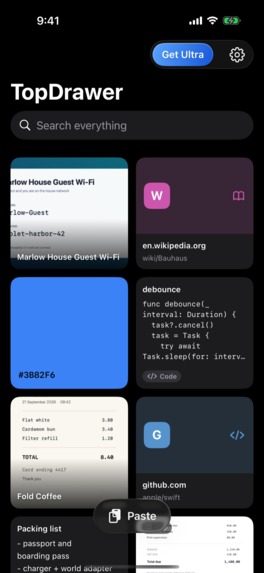
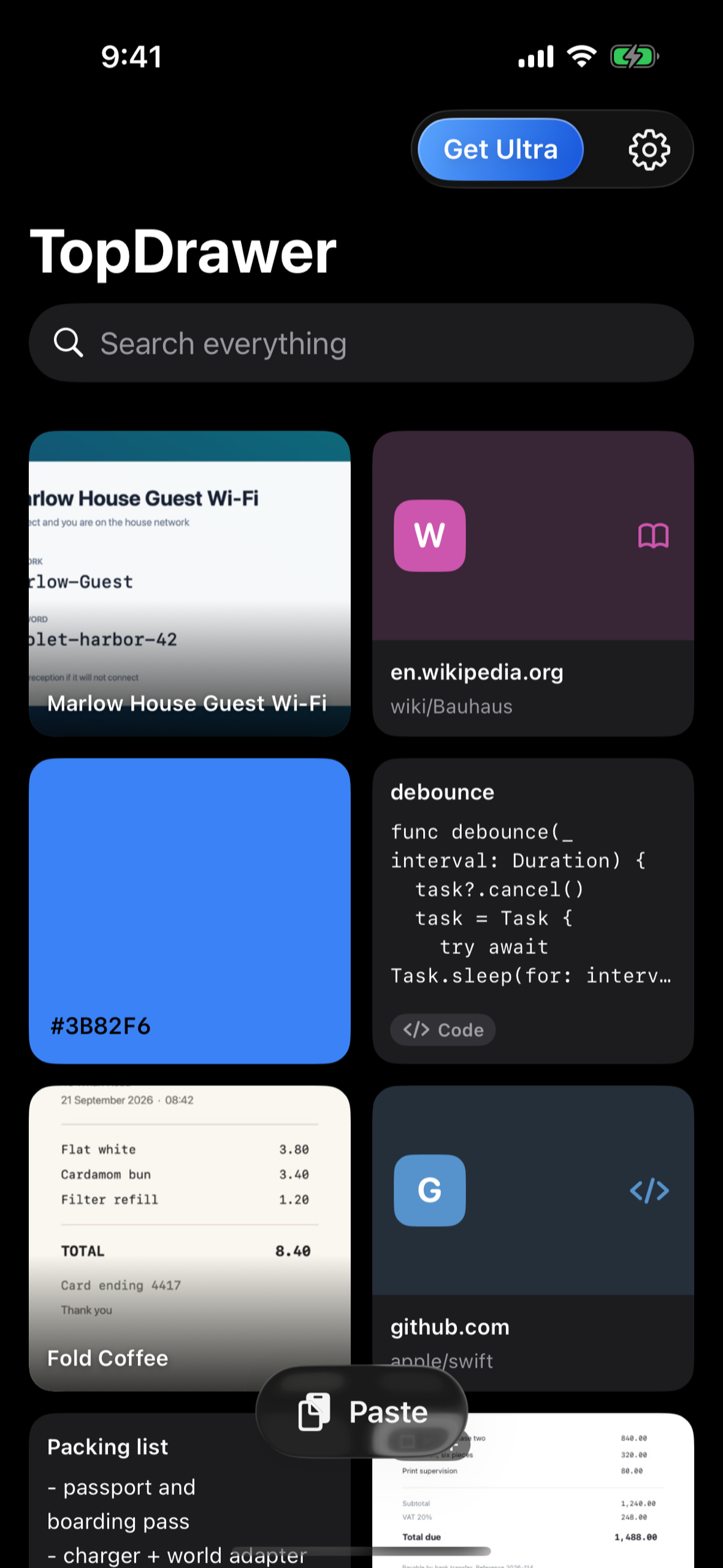
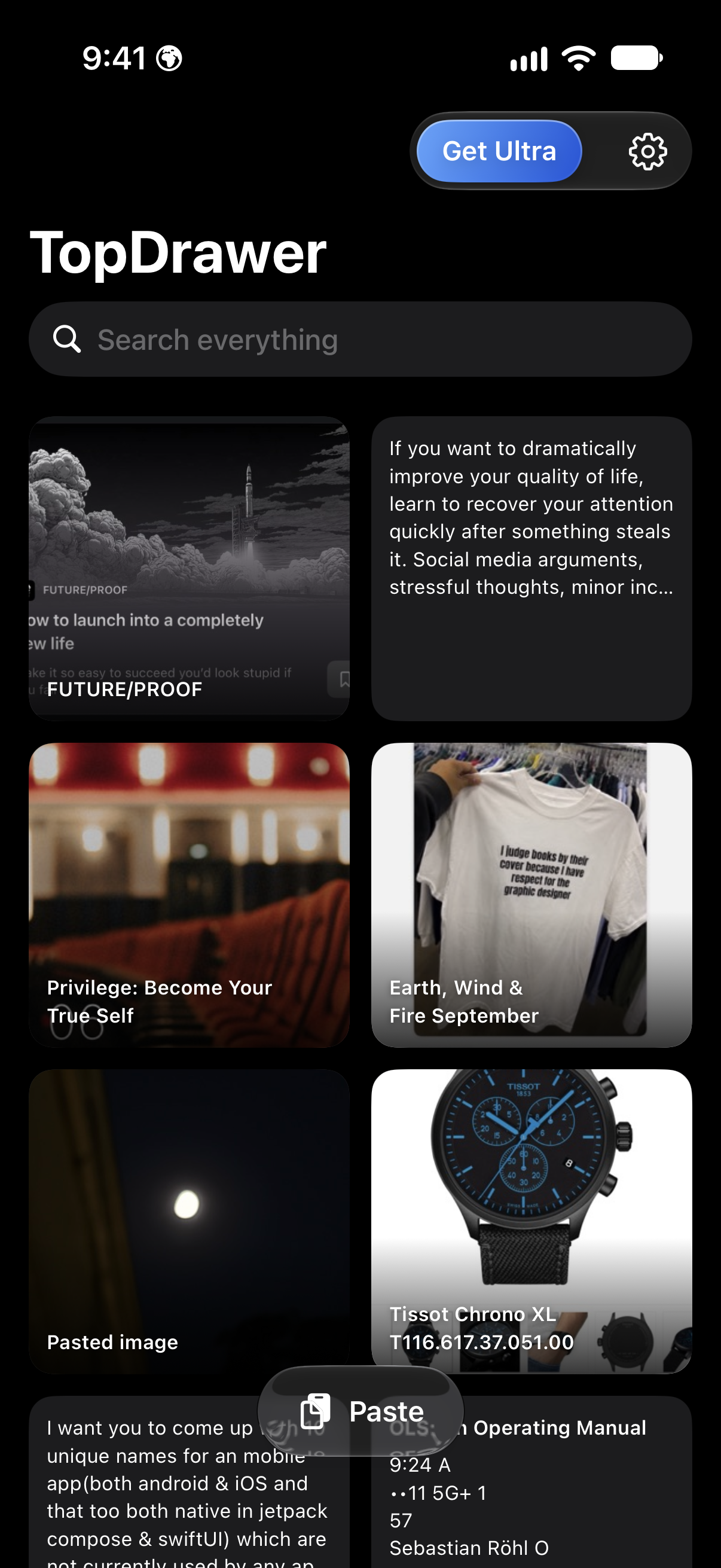
Home Screen of TopDrawer
-
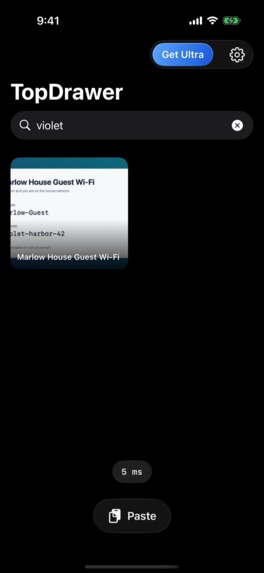
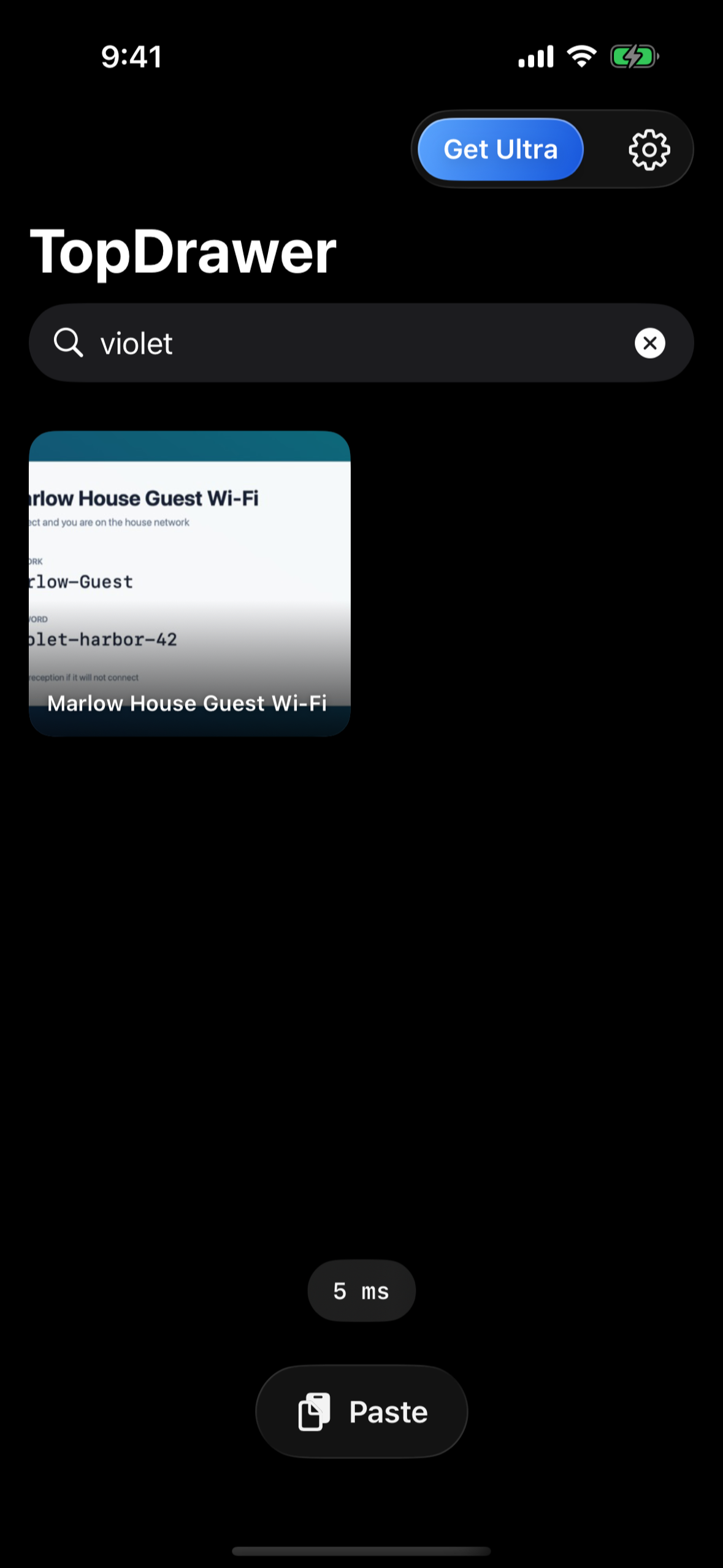
single search with speed lable showing in app
-
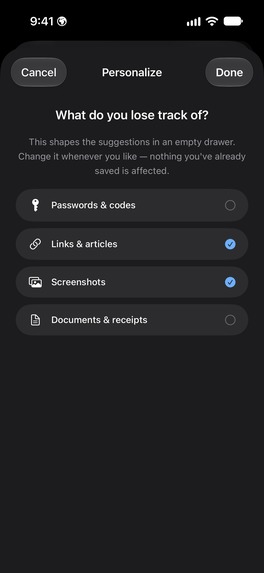
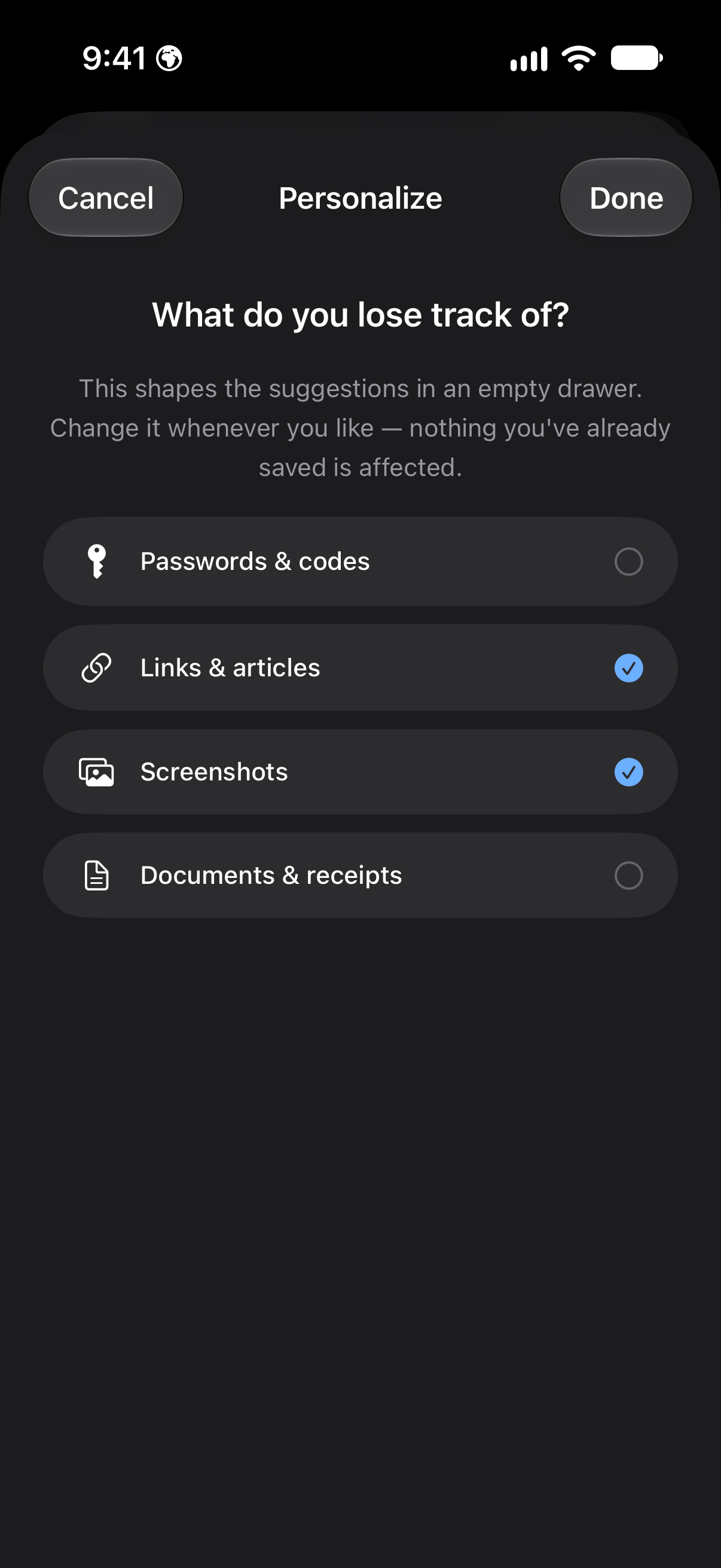
Personalized On-Boarding of TopDrawer
-
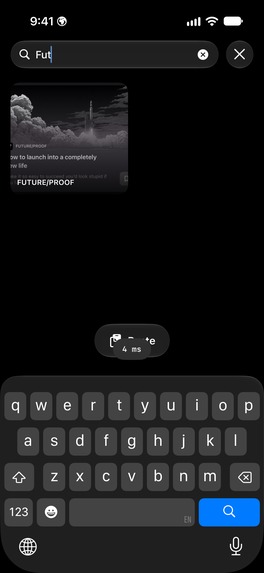
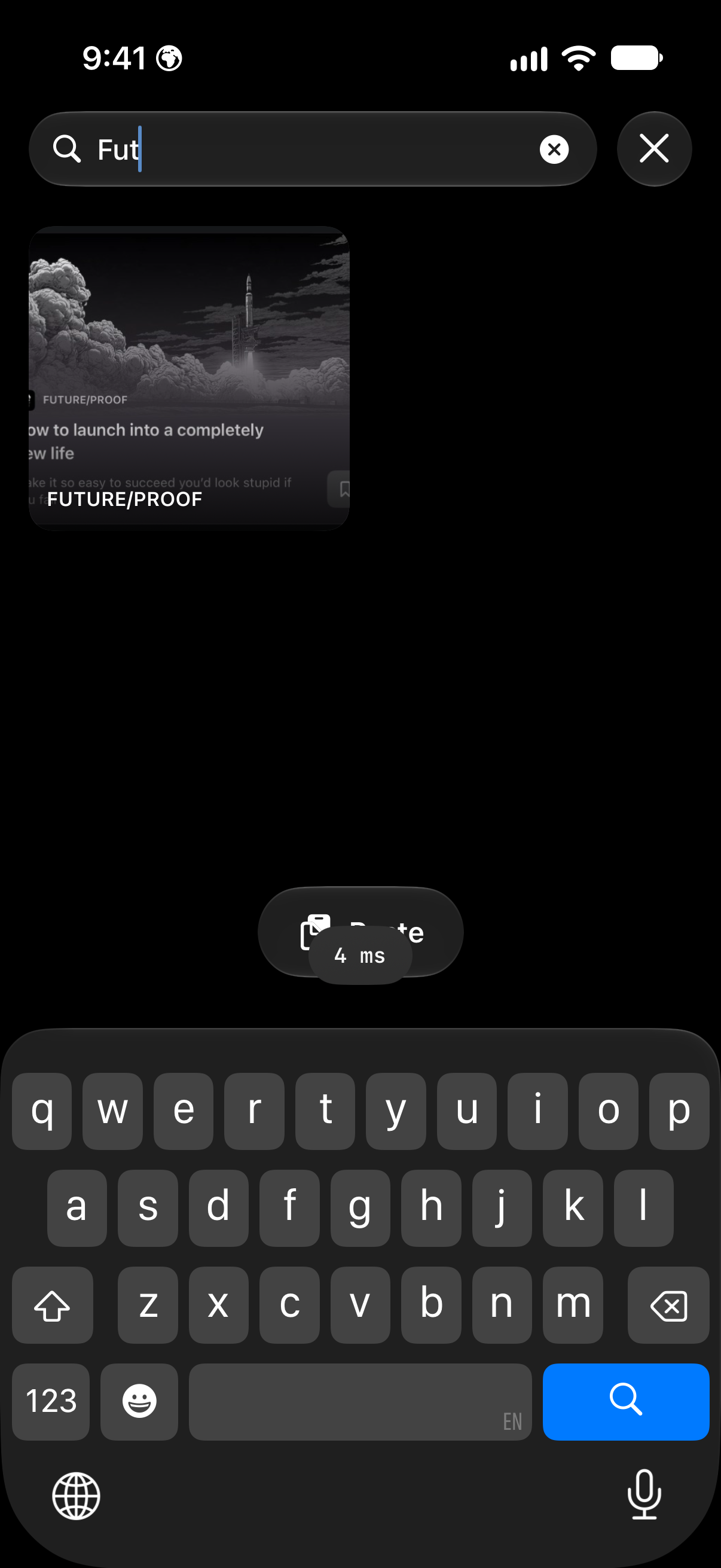
SuperFast search(offline) in TopDrawer
-
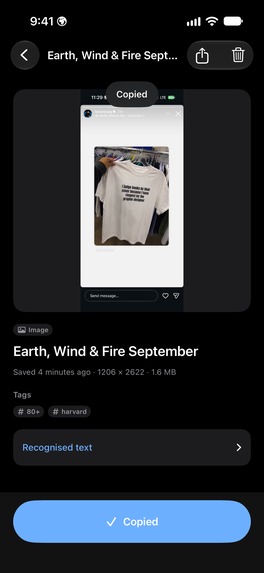
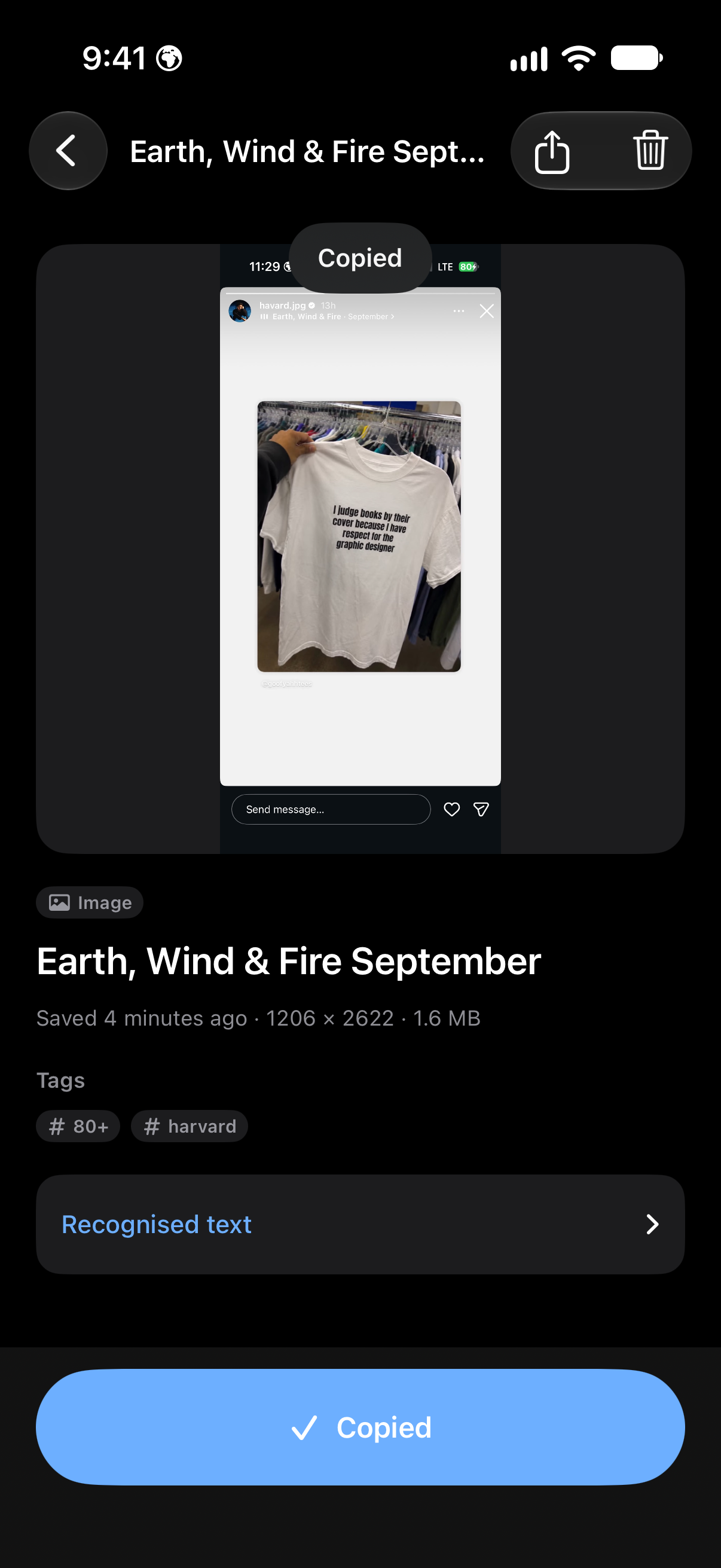
Rich text extrection from Stored Screenshots completely offline in TopDrawer
-
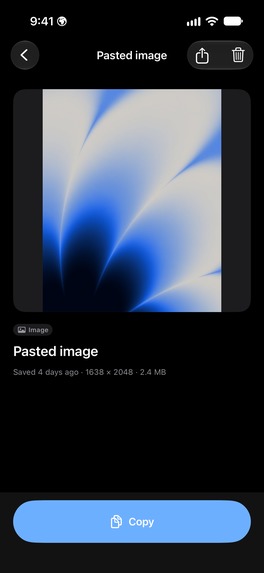
Images with rich searchable metadata & tags in TopDrawer
-
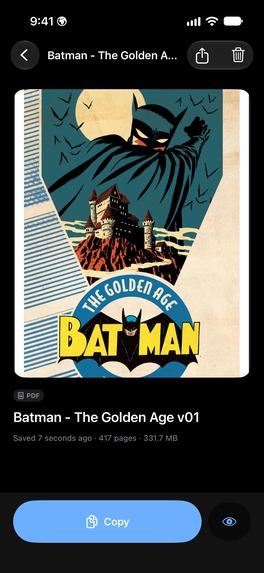
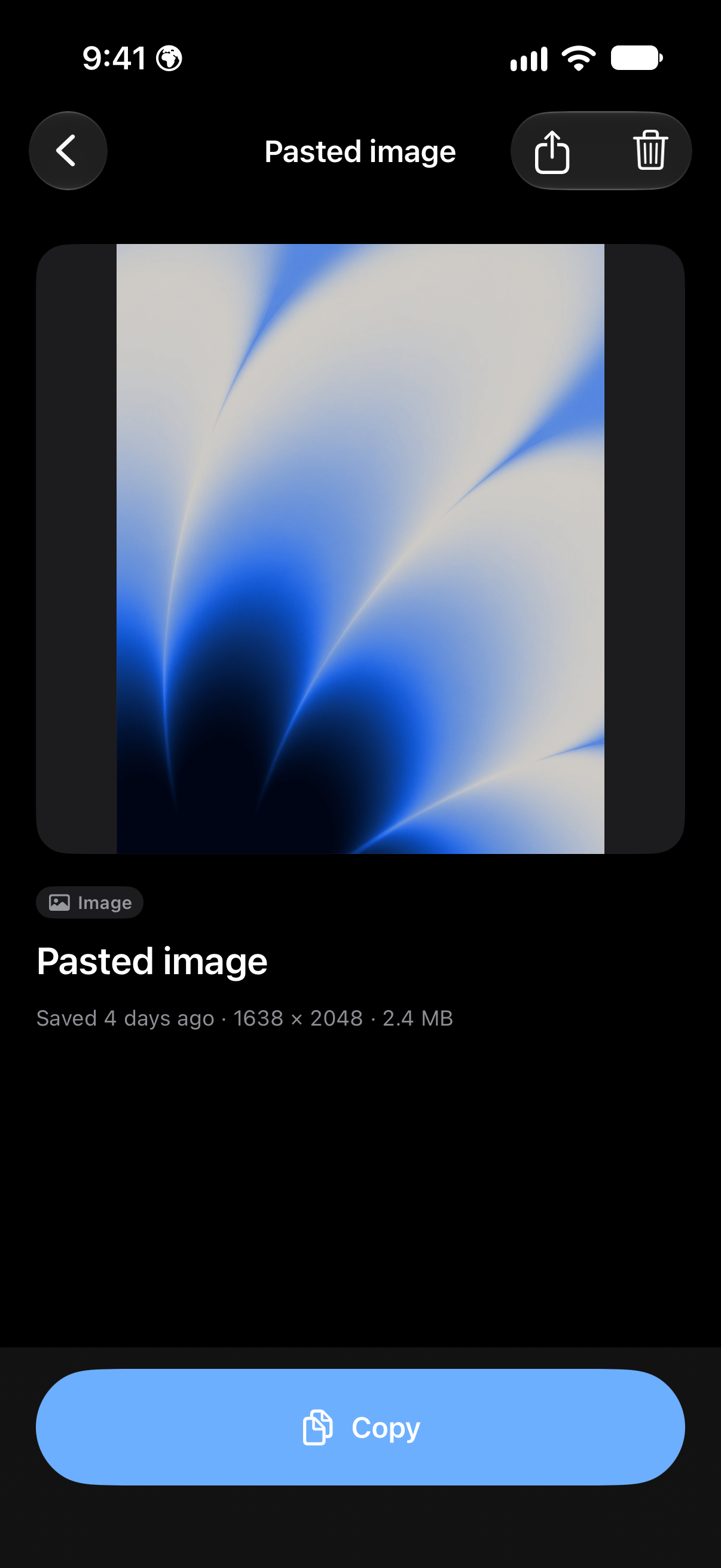
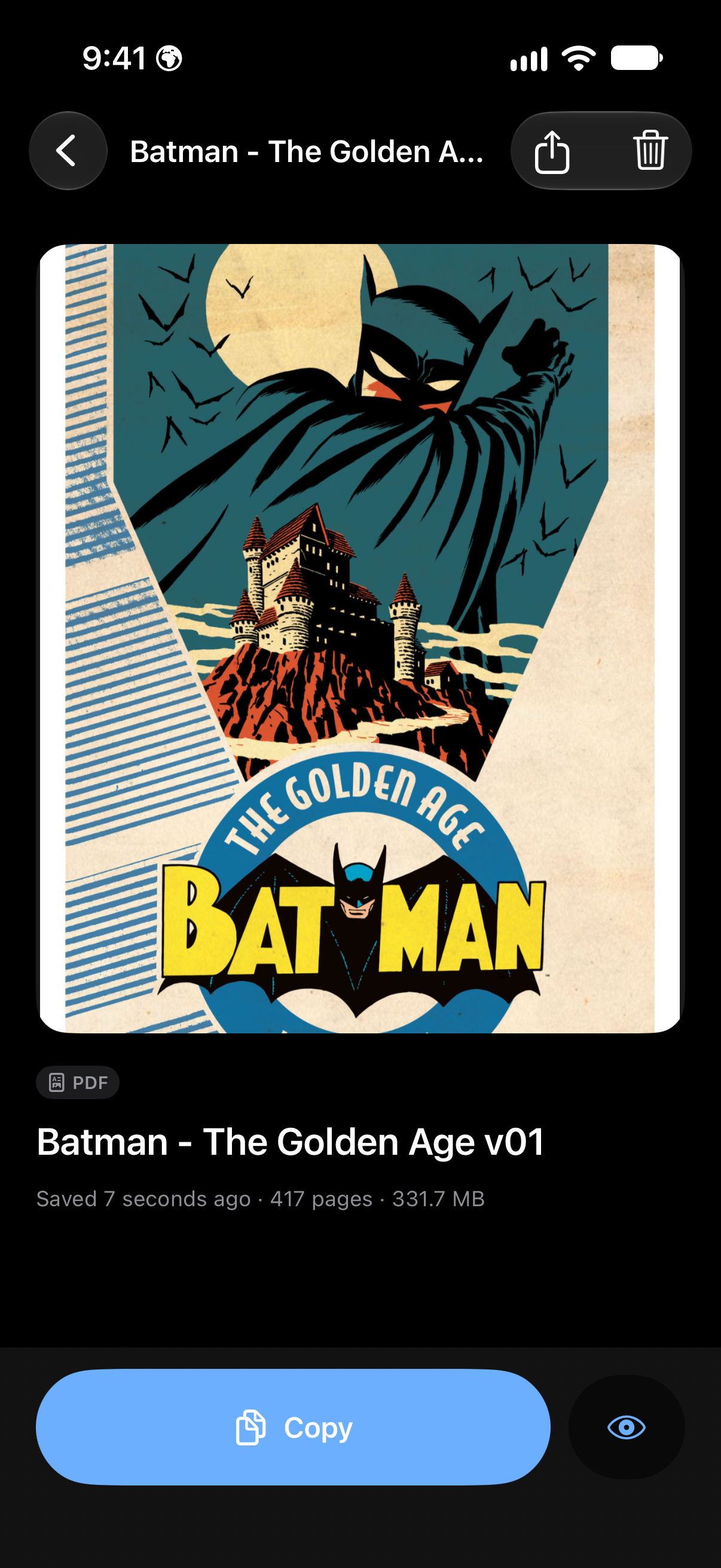
Big size PDFs Effeciently storeed in TopDrawer
-
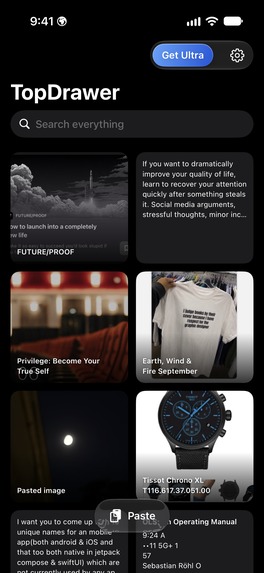
Homescreen of TopDrawer

Inspiration
Steve always had that minimal approach and that love & care for things to be in good shape & well crafted even if we don't see it at all. we all do have one painpoint which is we have to organize soo much things we need everyday. We all have that one corner, one Drawer or just TopDrawer Being a power user I had to save the same small things over and over because I can't keep track of it. like a Wi-Fi password, a tracking link, an invoice PDF, a screenshot of a watch I need to buy and main pain point is that all these are scattered across Notes, Photos, Files and Messages. Saving is easy. Finding it again, fast, is the hard part. TopDrawer is one drawer for all of it, with one search box that actually finds things.
What it does
Just Save from anywhere. Share anything to TopDrawer from any app like text, links, screenshots, images, PDFs and files you name it or tap Paste. Saving just never waits on processing and just works.
reads what you save. Used Offline version of Apple's Vision framework that reads the text inside screenshots, photos and PDFs, entirely on device. A screenshot of that beautiful watch along with it's specs, that hotel Wi-Fi cardis, these all are findable that too offline!
names and tags things for you. Tags are generated on-devices with Apple Intelligence, Foundation Models. writes a title and tags; everywhere else a built-in fallback does, so the app works fully on every supported iPhone.
One search, ranked, instant. I run a Full-text search (SQLite FTS5) across titles, text, recognised text and tags, with prefix matching, "hot pass" finds "Hotel Password", and "wifi" finds "Wi-Fi". The query itself runs in single-digit milliseconds on our demo library.
Reuse in one tap. Super fast copy from the grid or the detail view. the item Intuitively floats to the top.
Find it Super Fast without opening the app. All Items are published to Spotlight, and Siri / Shortcuts can save to and search TopDrawer.That too can be disabled/enabled from settings anytime.
Previews that let you scan, not read.All Code and JSON render monospaced, a hex colour shows its swatch, so a link becomes a card with the site's monogram and colour, a PDF opens as a real document you can preview.
Private by design. No account, no server, no analytics. Nothing you save leaves your device. TopDrawer also comes with optional Face ID lock that covers the app, including the app switcher.
How we built it
Hand Crafted with Native Swift 6 and SwiftUI throughout, with UIKit only where it earns its place: the library grid. this Grid is a UICollectionView with a diffable data source for smooth scrolling across hundreds of mixed items. Storage is SQLite via GRDB which is superfast & works best with on Device AI Models with an FTS5 index maintained by triggers, so recognised text becomes searchable the moment Vision writes it. OCR and tagging run in the background after a save commits, and their progress is persisted so nothing is lost to a crash or a background kill. The share extension never opens the database it hands items to the app through a crashSafe inbox. Ofc RevenueCat powers every purchase: Offerings and a RevenueCat Paywall designed in the dashboard, entitlement-based gating (the app never names a product id), the Customer Center for restores and plan changes, and in-app offer-code redemption.
And Anthropic's Claude Opus 5.1 Model with some Million tokens burned to make sure app works smoothly on almost all devices and is well optimized.
Challenges we ran into
- My obsession was simple: Search had to feel instant and find things by what's inside images. The tokenizer splits "Wi-Fi" into two words, so "wifi" found nothing until we started storing punctuation-free aliases alongside every item.
- Every PDF was silently unsearchable at first because Vision can't open a PDF directly, so pages are now rendered to images before recognition just another thing I needed to do and a test now guards it.
- Keeping saves instant meant moving OCR and the language model off the save path entirely, then proving with tests that the background pass still runs.
- My crazy launch-time audit took the first frame from ~580 ms to ~220 ms by deferring SDK setup and skipping a redundant Spotlight reindexing.
Accomplishments that we're proud of
Storing lots of data efficiently on device. A search that finds the words inside a screenshot in milliseconds, with nothing leaving the phone, Thanks to Apple Foundation models. A single signature animation I created for saving that makes the drawer metaphor physical. And 250+ automated tests guarding the parts people would notice breaking: search, migrations, crash-safe saving, the 30 free items limit and On-Device OCR.
What we learned
Patience outsmarts Hurry. On-Device models made me realize this. Restraint is a feature: one loud colour, one bouncy animation, or just one another glass surface. so each of them means something but only when they works cohesively with complete harmony. And the scariest bugs compile cleanly: a button written but never placed on screen, a preview I couldn't close. Livin' with the app caught what the tests written for it never would.
What's next for TopDrawer
Support for loved iPhone Duo. In-App Filters which are customizable. Site icons for saved links (opt-in, disclosed), a home-screen widget for one-tap copy, and iPad with intuitive drag and drop design feature.


Log in or sign up for Devpost to join the conversation.