-

TopAIcal Logo
-

TopAIcal Home Page
-
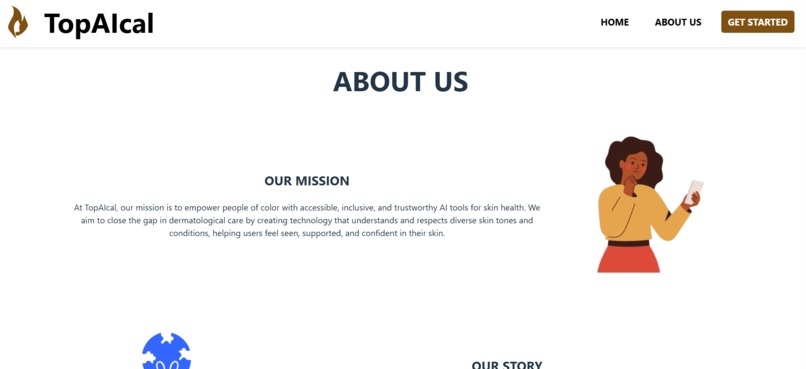
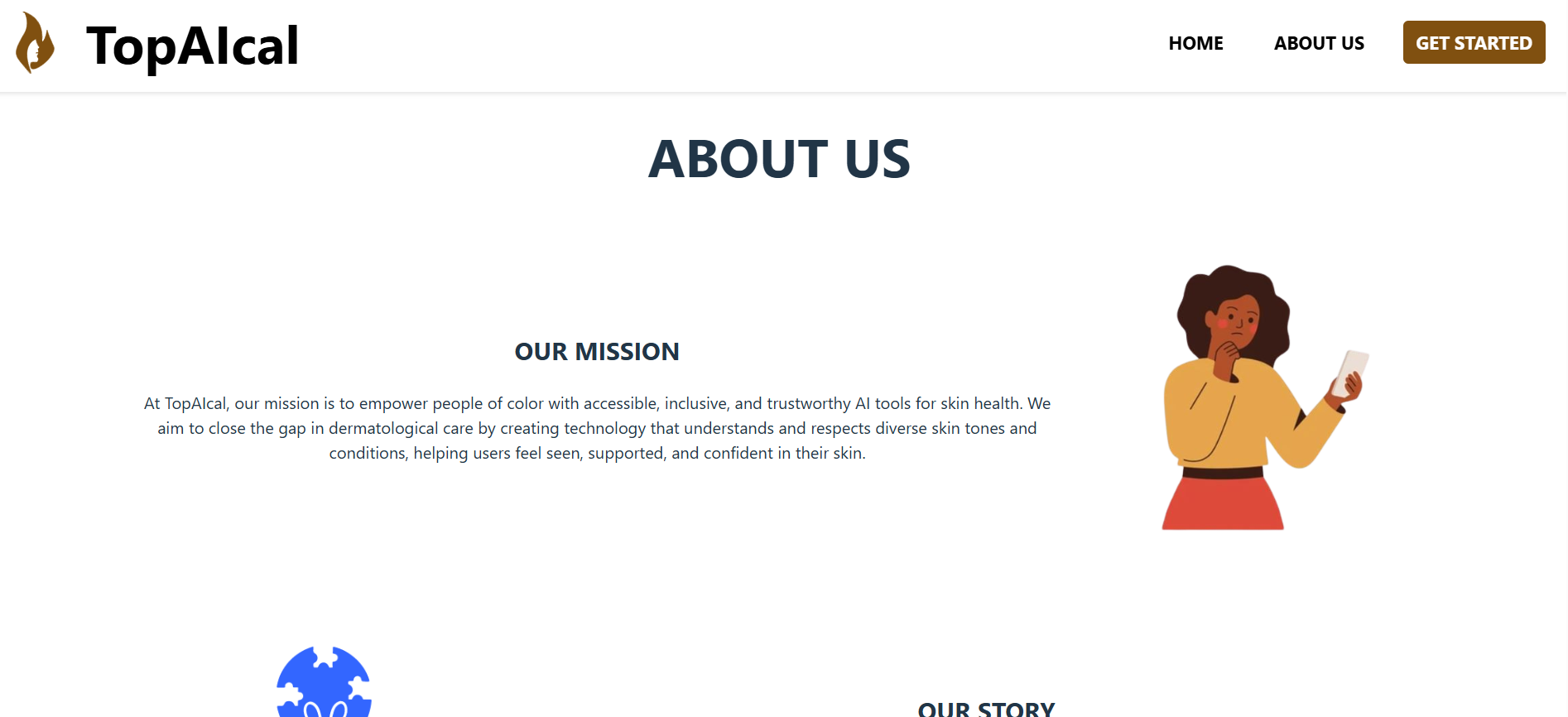
About Us Page 1
-
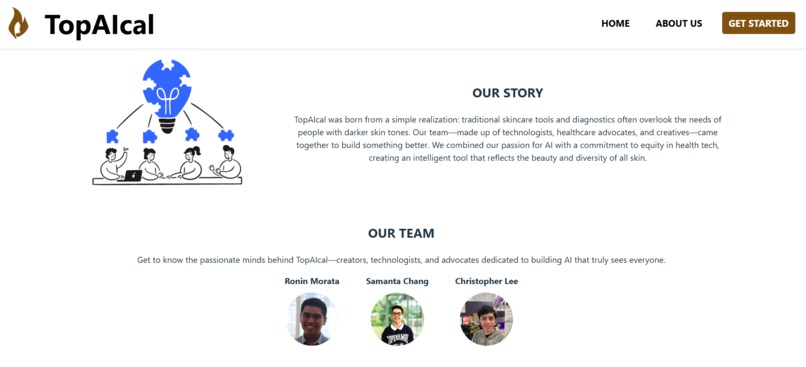
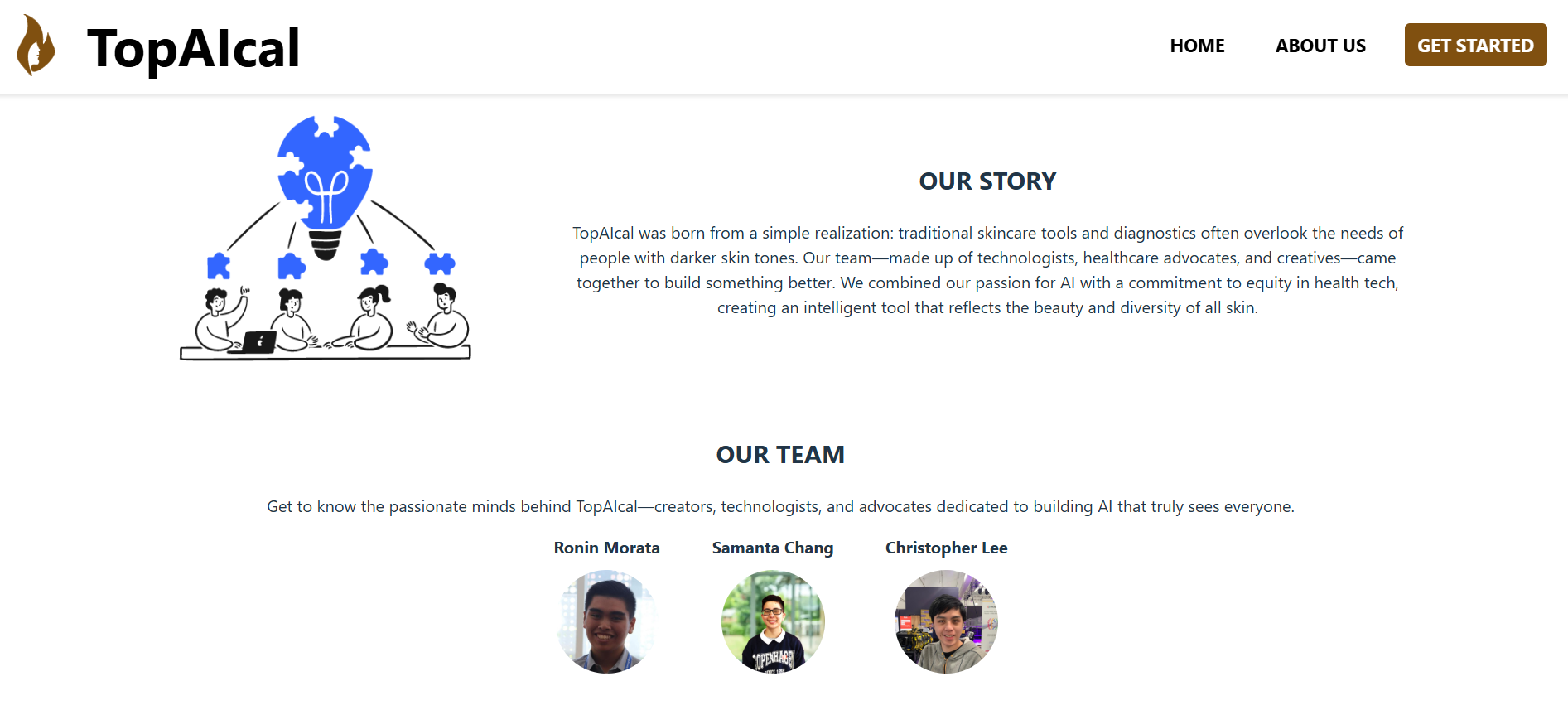
About Us Page 2
-

Get Started
-

Upload Image Input
-

Camera Input





Inspiration
Our inspiration for TopAIcal came from the desire to create a tool that can simplify and automate the process of image analysis using machine learning. We wanted to build a solution that could process images, extract relevant information, and present it in an easy-to-understand format. The integration of AI for inference, cloud-based infrastructure for scalability, and a user-friendly frontend were key components of our vision.
What it does
TopAIcal is an AI-powered image analysis tool that uses a deep learning model to process images and provide valuable insights. It allows users to upload images, processes them through a trained PyTorch model, and returns results in real time. The application is built with a frontend in Vue.js, a Flask backend for the inference, and leverages cloud services like AWS for file hosting and Google Cloud for embedding content via iframes.
How we built it
We built TopAIcal by combining several technologies:
- Frontend: We used Vue.js to develop an interactive and responsive user interface, displaying the captured image and result from the model.
- Backend: Flask served as the backend, providing the necessary endpoints to handle image uploads and communicate with the trained PyTorch model for inference.
- Machine Learning: Our PyTorch model was trained using an 8-GPU rig, allowing us to efficiently process large datasets and make predictions.
- Cloud Integration: We used AWS S3 to host and serve static files like images and Google Cloud for embedding iframe content to enhance the functionality of the application.
- Domain Management: We managed our domain using ControlPanel.tech to set up the DNS and connect the domain to our AWS S3 bucket for hosting.
Challenges we ran into
- Model Deployment: Deploying the trained PyTorch model for real-time inference was challenging. Integrating the model with Flask and ensuring smooth communication between the frontend and backend required some trial and error.
- Cloud Configuration: Configuring the cloud services, particularly AWS S3 for static hosting and Google Cloud for iframe integration, involved a steep learning curve. We had to troubleshoot issues with DNS records and ensure the S3 bucket was configured correctly.
- Performance Issues: Optimizing the performance of the model, especially with large image datasets, was a hurdle. We needed to ensure that our 8-GPU rig was fully utilized and that the model inference was fast and efficient.
Accomplishments that we're proud of
- Deploying the application using cloud services like AWS and Google Cloud, ensuring scalability and ease of access.
- Configuring the domain and DNS settings through ControlPanel.tech, which simplified the process of pointing the domain to the right resources.
- Building an intuitive and responsive user interface with Vue.js that makes the process of uploading and analyzing images seamless for users.
What we learned
- Vue.js provided a great way to build a dynamic frontend that could interact with the backend efficiently.
- Flask made it easy to expose APIs and integrate the PyTorch model for real-time inference.
- PyTorch gave us the tools to build a powerful machine learning model, and we learned how to optimize it for performance using an 8-GPU rig.
- Cloud services like AWS and Google Cloud simplified the process of hosting and scaling our application, giving us valuable experience with infrastructure management.
- ControlPanel.tech made managing DNS and domain configuration much easier, saving us time and effort during deployment.
What's next for TopAIcal
Moving forward, we plan to improve the model's performance and accuracy by training it on a larger and more diverse dataset. We also want to expand the application's capabilities by adding more analysis features and supporting a wider variety of image formats. Additionally, we aim to enhance the user interface, making it even more intuitive and adding more customization options. Finally, we plan to integrate more cloud-based tools to improve

Log in or sign up for Devpost to join the conversation.