-
-
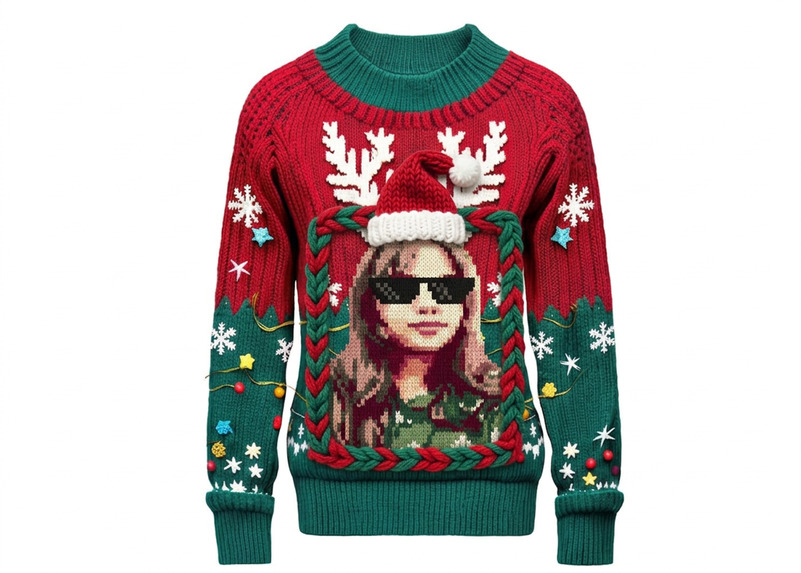
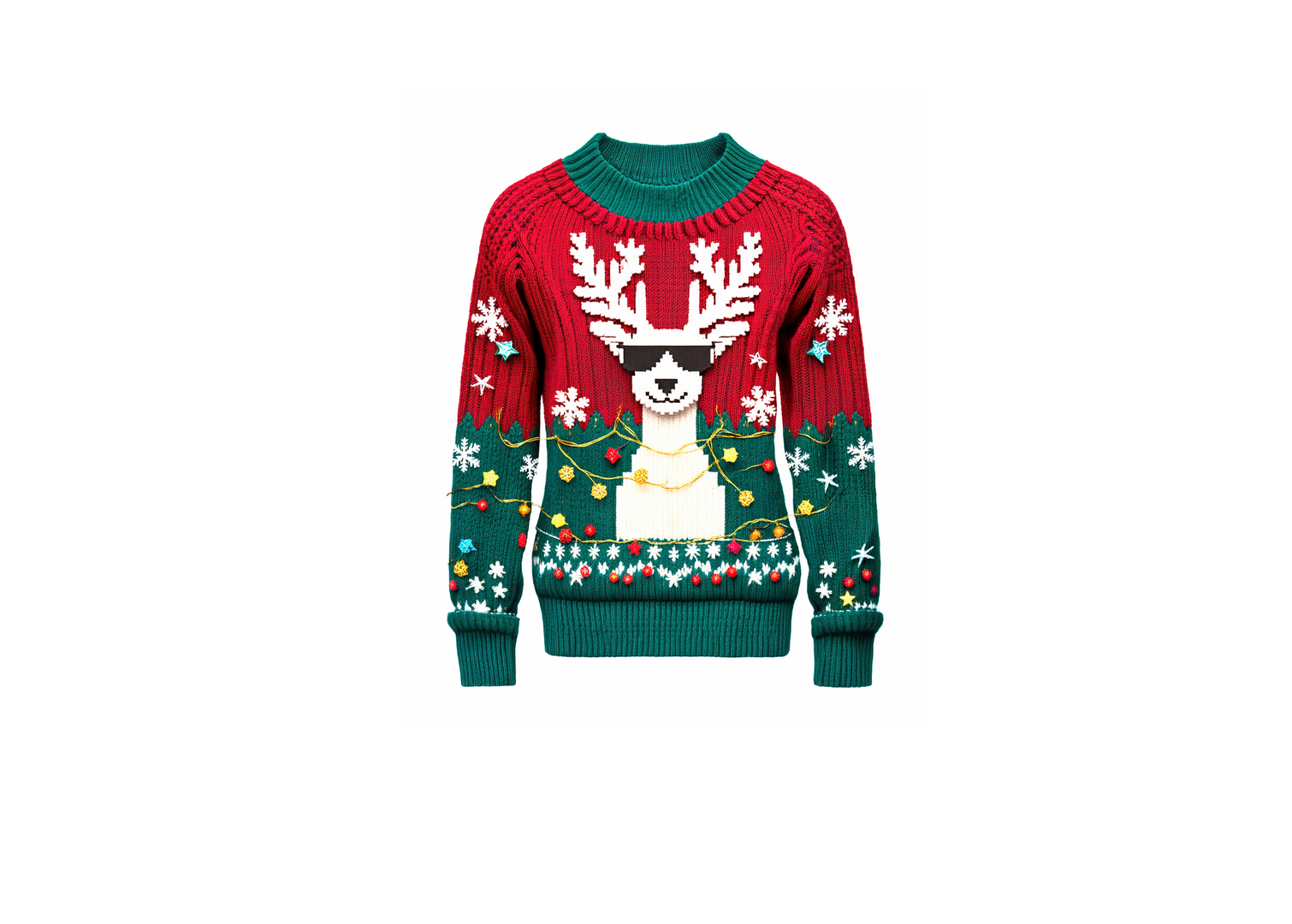
I prompted Nano Banana in Photoshop for a chunky, pixel-art ugly Christmas sweater.
-
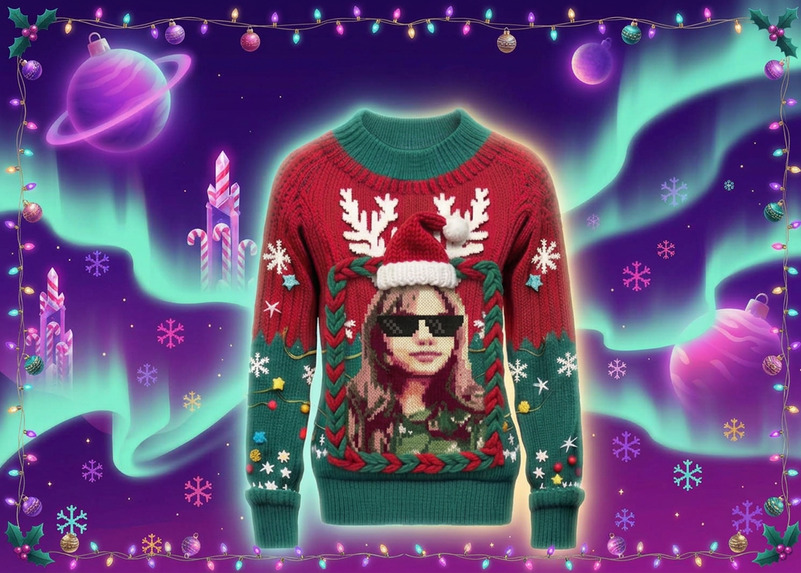
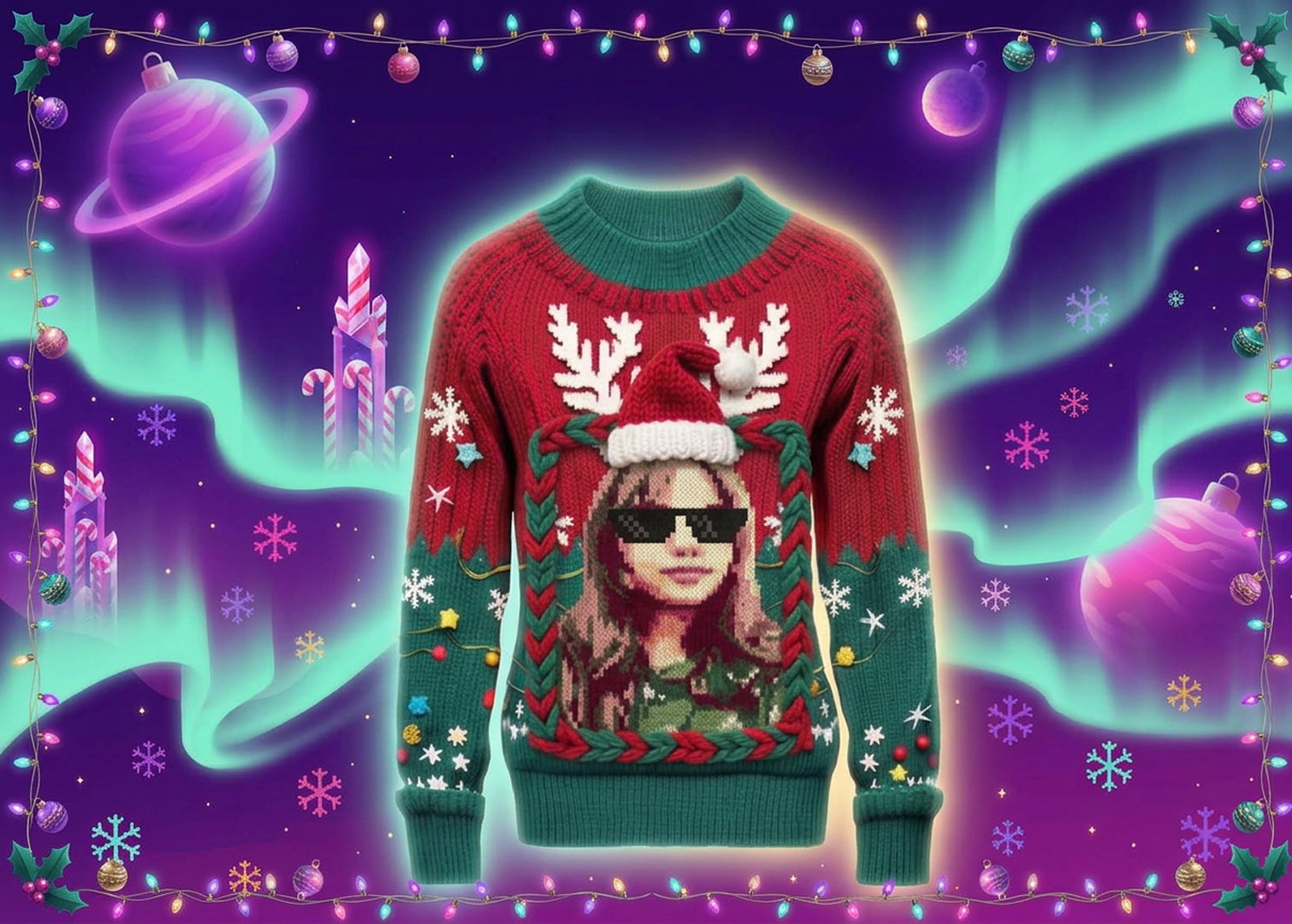
Nano Banana built a glowing aurora Christmas world around my sweater layer in Photoshop.
-
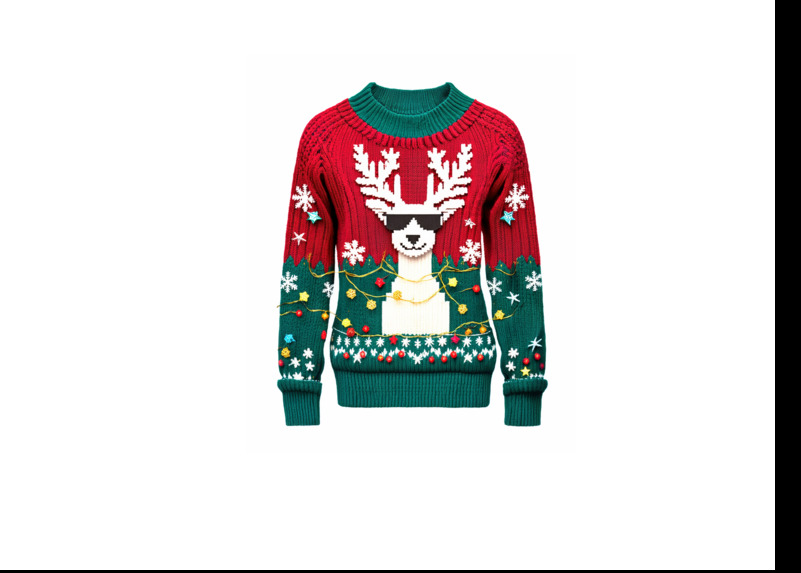
I added my own pixel-art portrait with sunglasses, blending it into the knit.
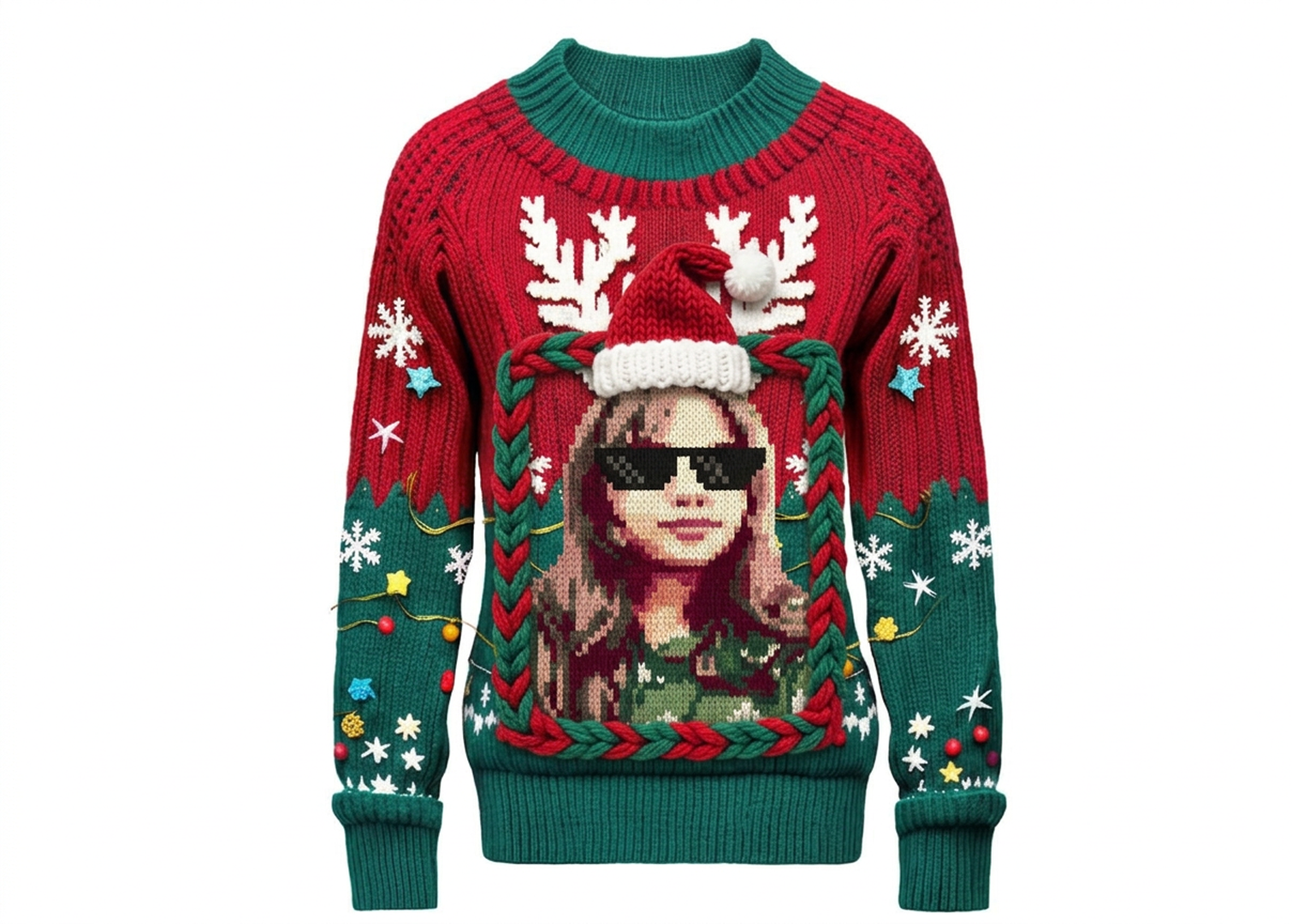
Inspiration
Every holiday season I see the same cozy, matching-pajamas cards, and I wanted to make something that feels like me: loud, a little chaotic, and unapologetically fun. So I asked myself, what if I was the ugliest Christmas sweater in the world, and also the coolest one? That's how "Too Cool for Yule" was born. A pixel-art me in deal-with-it sunglasses, wearing a Santa hat, with reindeer antlers, because why not.
What I made
Two pieces that belong together:
1. The sweater. A hand-knit looking ugly sweater with a pixel-art portrait of me in the middle, framed by a chunky braided border. Reindeer antlers, a Santa hat, snowflakes, little knitted stars, tangled fairy lights and tiny ornaments hang off the sleeves. The pixel style is a nod to the "Deck the Pixels" theme.
2. The holiday card. I wanted the card to feel like a completely different world, not just a snowy background. So I built a dreamy, otherworldly Christmas universe: a violet-and-magenta sky, glowing mint aurora ribbons, giant ornament planets, candy-cane crystal towers and pixel snowflakes, all wrapped in a border of string lights and holly. The sweater floats in the middle with a soft golden glow, like it's the star of the whole universe.
How I built it
Everything was made in Adobe Photoshop with Nano Banana in Generative Fill.
- I created the sweater and added my [photo / avatar] to it, keeping my face as close to the original as I could.
- I cut the sweater out onto its own layer so the AI could only generate the background behind it. This kept my face and the knit details untouched.
- I used Nano Banana to generate the aurora world, then a second pass for the light-and-holly border.
- I added the greeting text with the Type tool and gave the sweater an outer glow so it blends into the scene.
- I kept my layers clean and named so the whole process is easy to follow.
Challenges
- Getting AI to build a whole new world around the sweater without changing a single thing on the sweater or my face. Working in layers was the answer.
- The free version only gives a few generations a day, so I had to plan every prompt carefully instead of just trying randomly.
- Making the two pieces feel like one story: matching colors, glow and style between the sweater and the card.
What I learned
That a good prompt is a lot like good knitting: patient, specific and a bit stubborn. I also learned how powerful it is to combine AI generation with normal Photoshop tools like layers, masks and layer styles, instead of letting the AI do everything.
What's next
I'd love to turn this into a real printed card, or maybe even a real knit sweater. Merry Christmas, from the coolest ugly sweater in the multiverse! 🎄
Built With
- generative-fill
- layer-styles
- nano-banana
- photoshop
- photoshop-layers
- type
