-
-
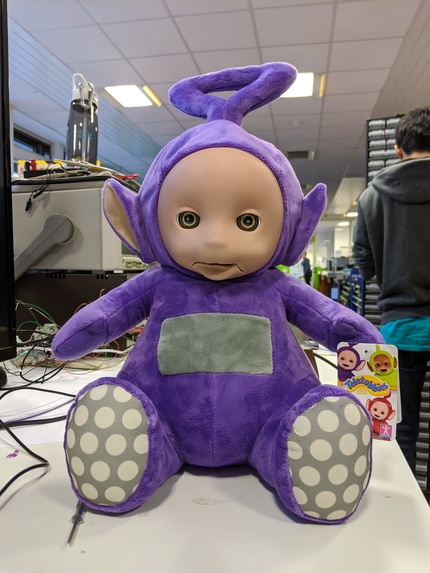
Tinky Winky
-
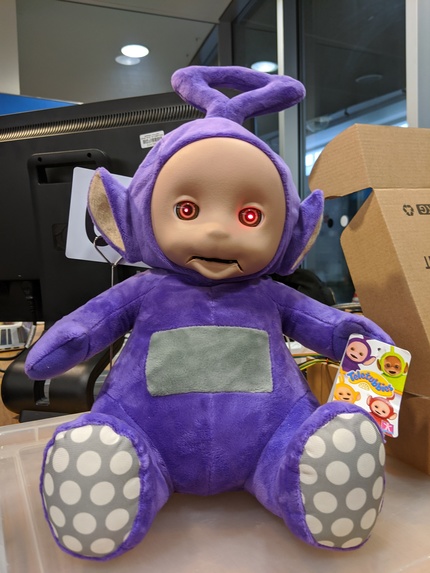
Tonky Wonky

Inspiration
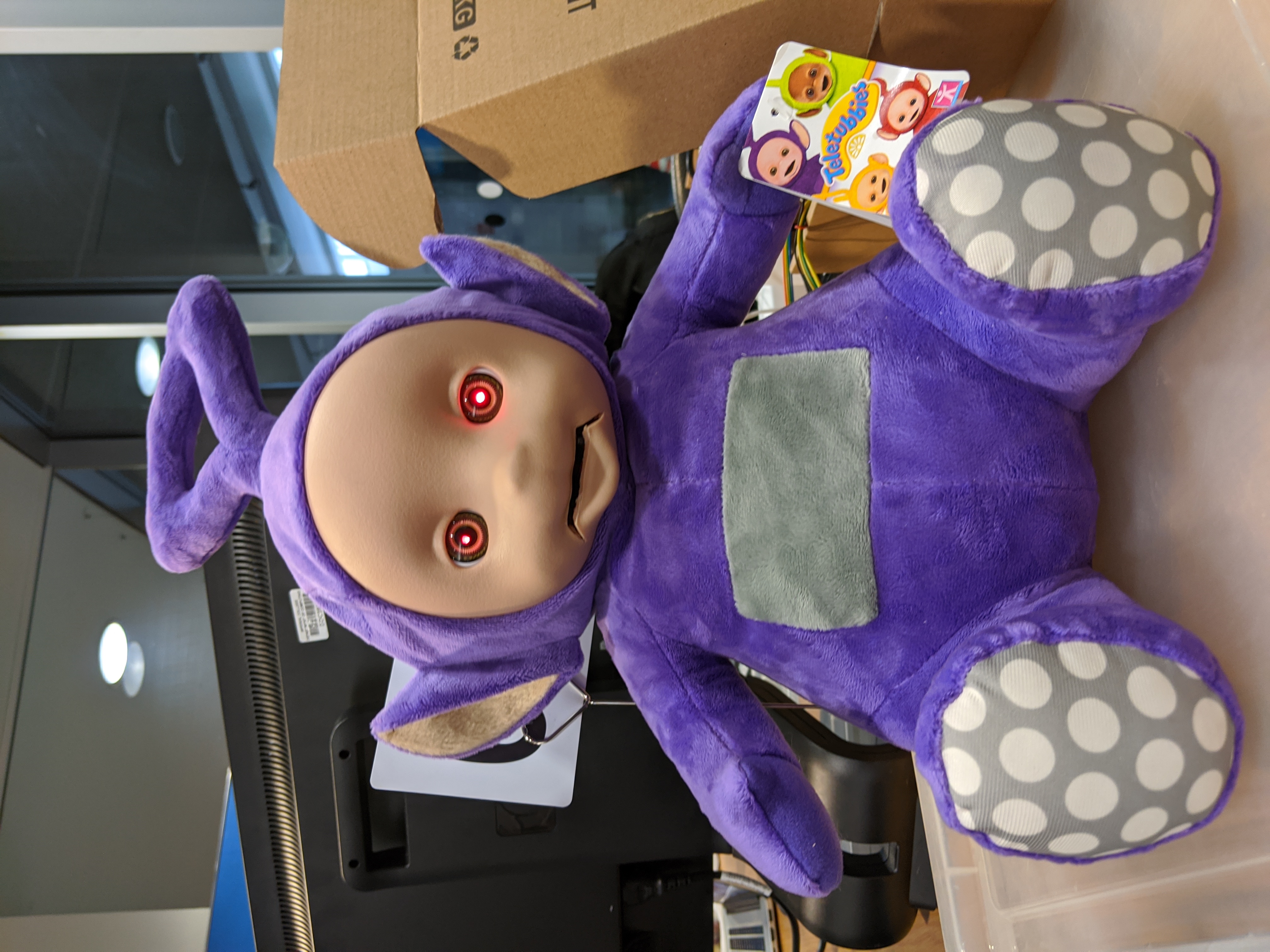
Inspired by Billy Bass, we wanted to make an Alexa enabled toy that could move it's mouth to look like it's talking. We used a Tinky Winky toy because it had a mouth that was possible to modify to make it look like it was talking, and was large enough to fit hardware into. Tonky Wonky evolved as the demonic version of Tinky Winky (has red LEDs for eyes), for the humour element and add further visual cues that the user's voice has been recognised.
What it does
Tonky Wonky raises its head when you call Alexa and its eyes light up. When Alexa talks, its mouth will move up and down as if talking. Upon finishing responding, its eyes will turn off and head lower back to its resting positions. If it weren't for the red eyes which are slightly terrifying, this could be used an an Alexa enabled kids toy that could help the kid with spelling, maths homework, sing a song or just simply to be a companion.
How we built it
Put an Alexa SDK onto a raspberry pi. We process the Alexa SDK's output log to identify when Alexa is Idle, Listening, Thinking or Speaking. Depending on which state Alexa is in, we control certain GPIO pins.
When Alexa is Idle, Tonky Wonky will be in it's default state or head down, eyes off and mouth closed. When Alexa is Listening, Tonky Wonky raises its head and it's eyes light up in alertness. When Alexa is Thinking, it remains with its eyes lit and head up. When Alex is Speaking, its mouth moves up and down to speed. Then Tonky Wonky returns back to idle so its head lowers and eyes turn off.
Servo motors are used to control the mouth and neck movement. An external microphone and speaker is used to listen to the user and output what Alexa says.
Challenges we ran into
The Alexa SDK is like a black box so it was challenging to identify when Tonky Wonky executes its specific movements. This also caused further limitations because we would have liked to have changed the sound of Alexa's voice, and changed the wake-name from Alexa to Tinky Winky/Tonky Wonky.
We ran into challenges in limitations in hardware. It took a while to find an appropriate microphone to use (because the inbuilt microphone on headphones did not work), and an appropriate speaker with amplifier that played Alexa's response loud enough.
Accomplishments that we're proud of
Able to coordinate Tonky Wonky's movements with Alexa's processing.
What we learned
Multithreading servos Alexa SDK Child toy design
What's next for Tonky Wonky
Finding out a way to changed the wake-name from Alexa to Tinky Winky/Tonky Wonky. Tonky Wonky also able to move it's arms in response. Set some Alexa Commands so Tonky Wonky can have predefined functions that control its body (e.g. "Tonky Wonky say hello" - waves) Change Tonky Wonky's tone of voice/way of speaking.

Log in or sign up for Devpost to join the conversation.