Inspiration
I wanted to bring circular fashion to everyone by making clothing swaps as fun as dating apps.
What I Built
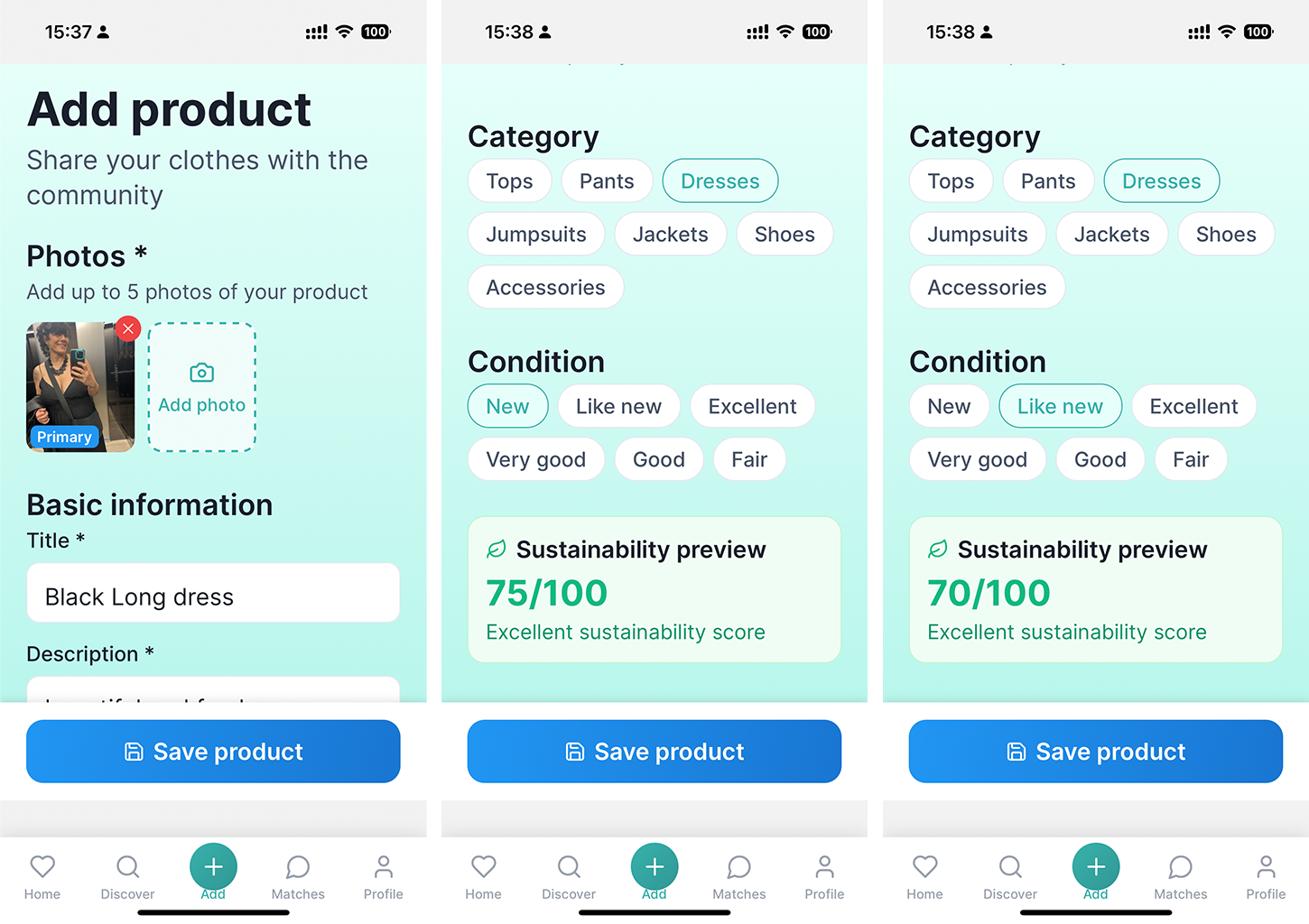
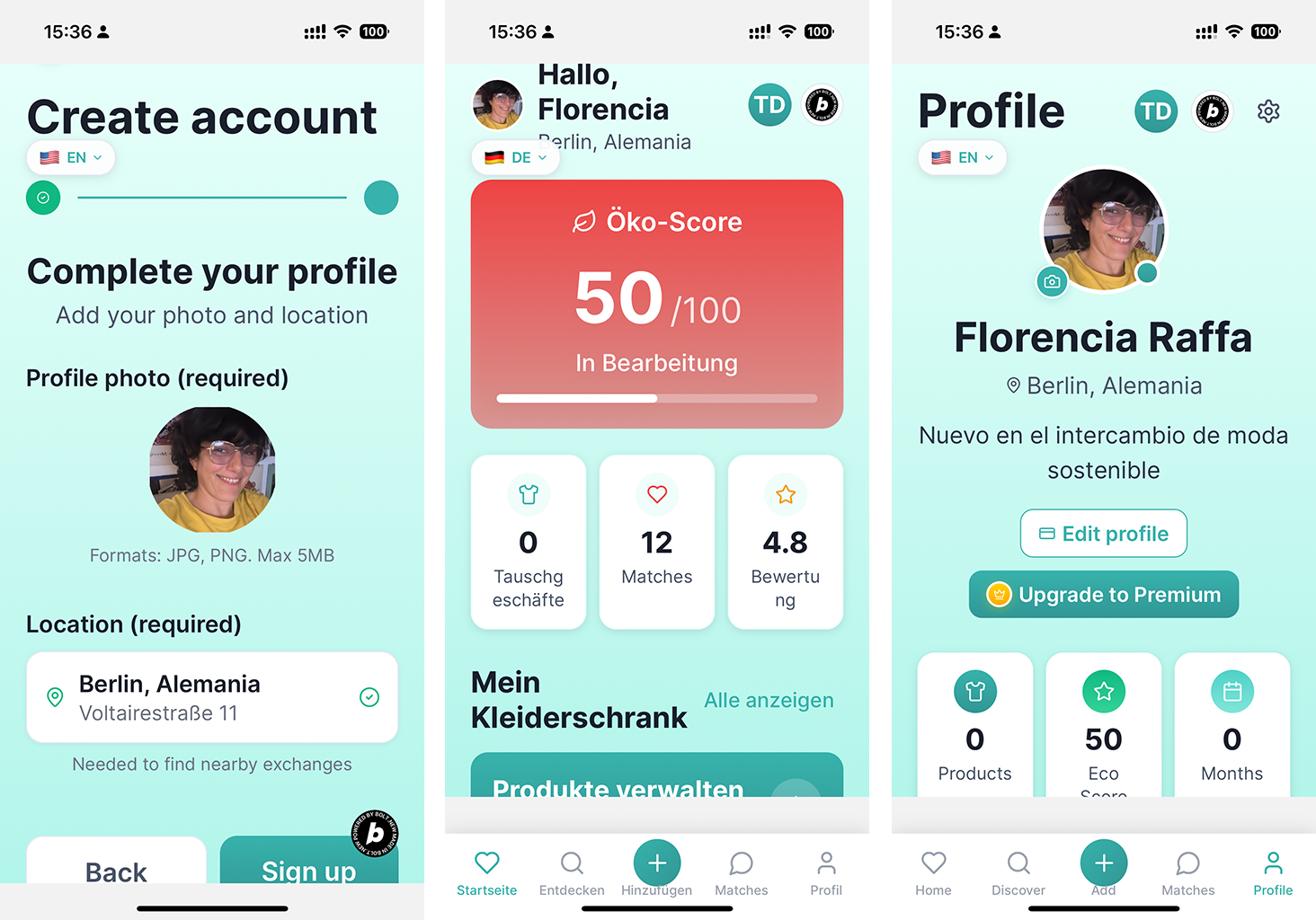
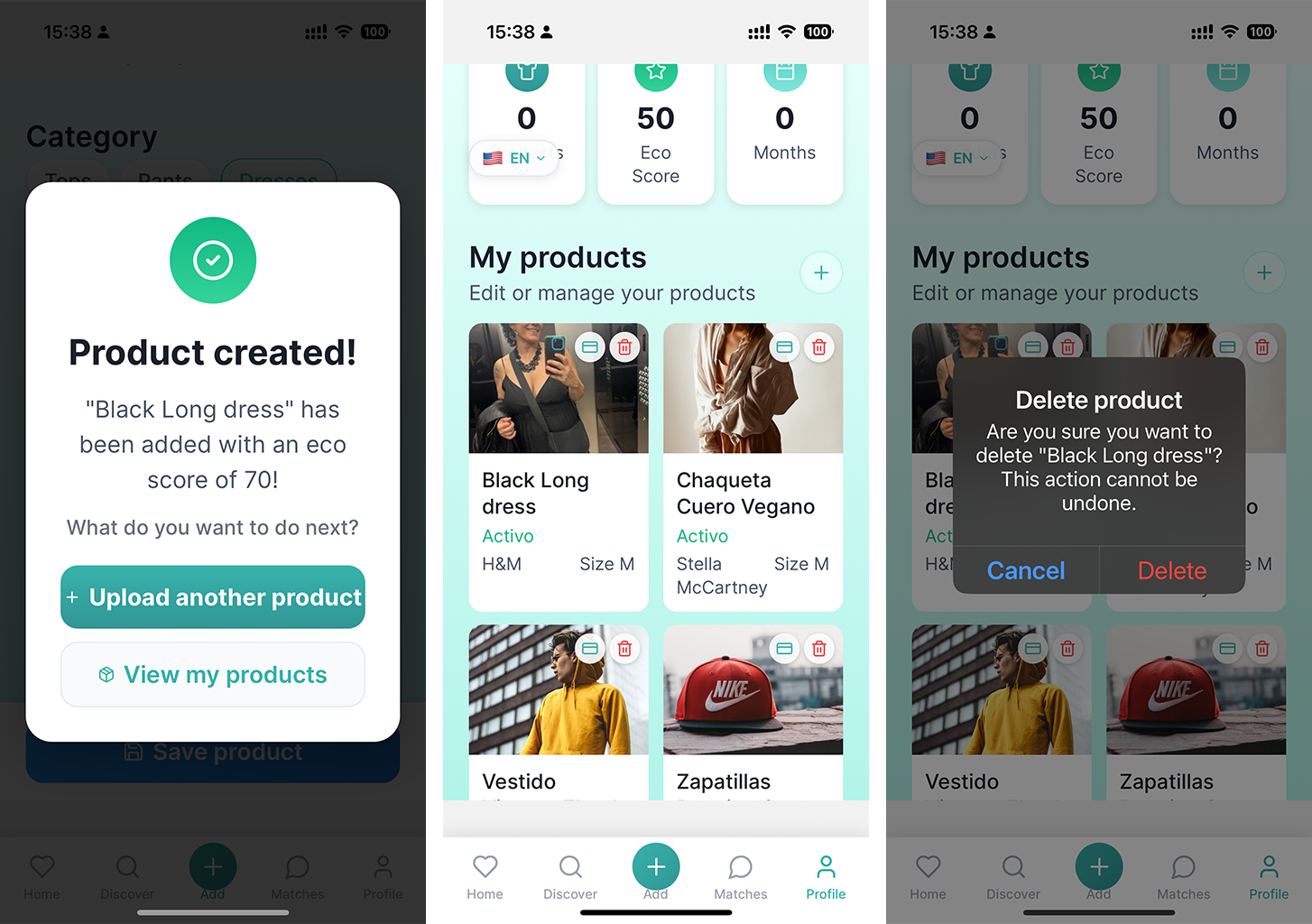
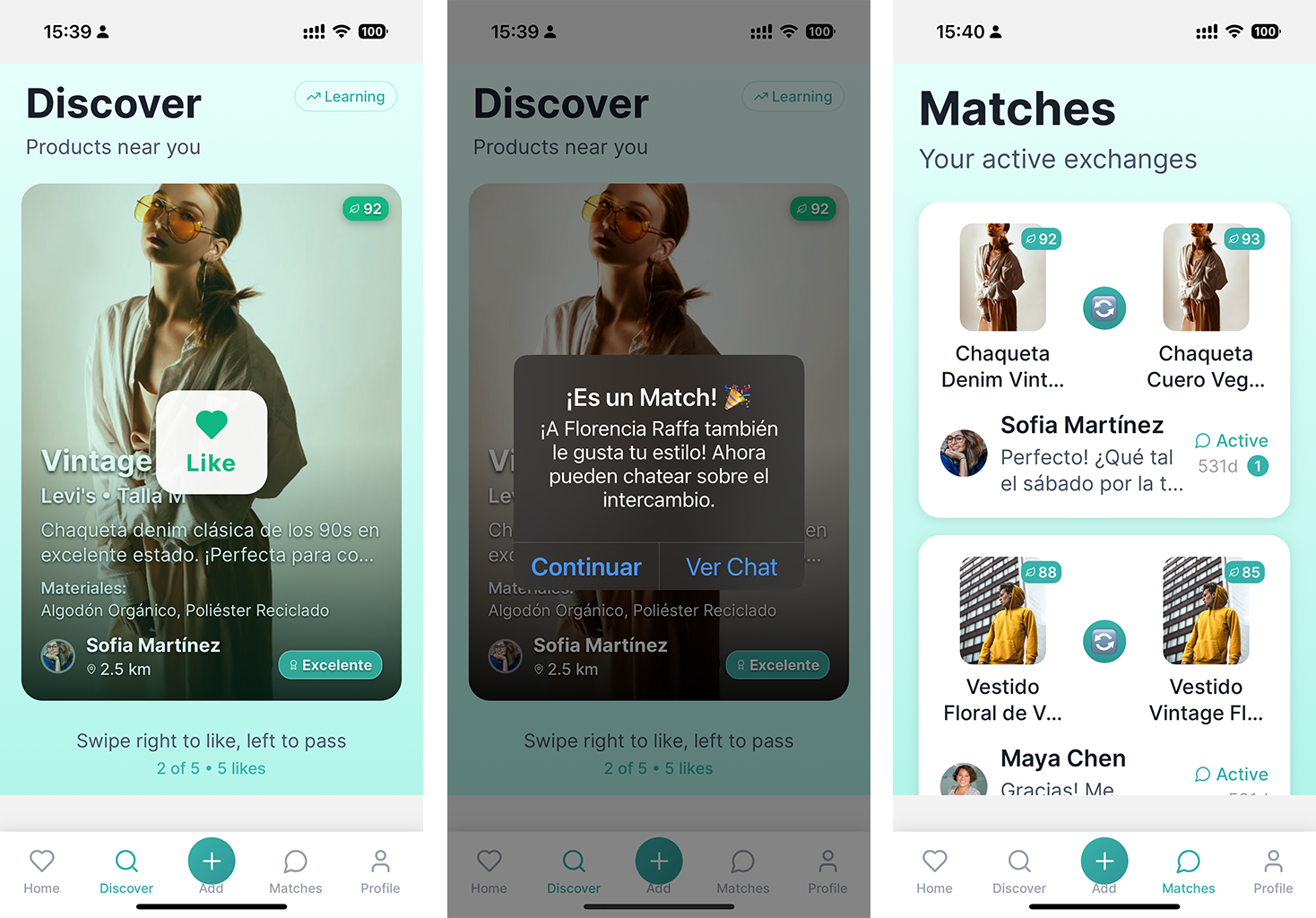
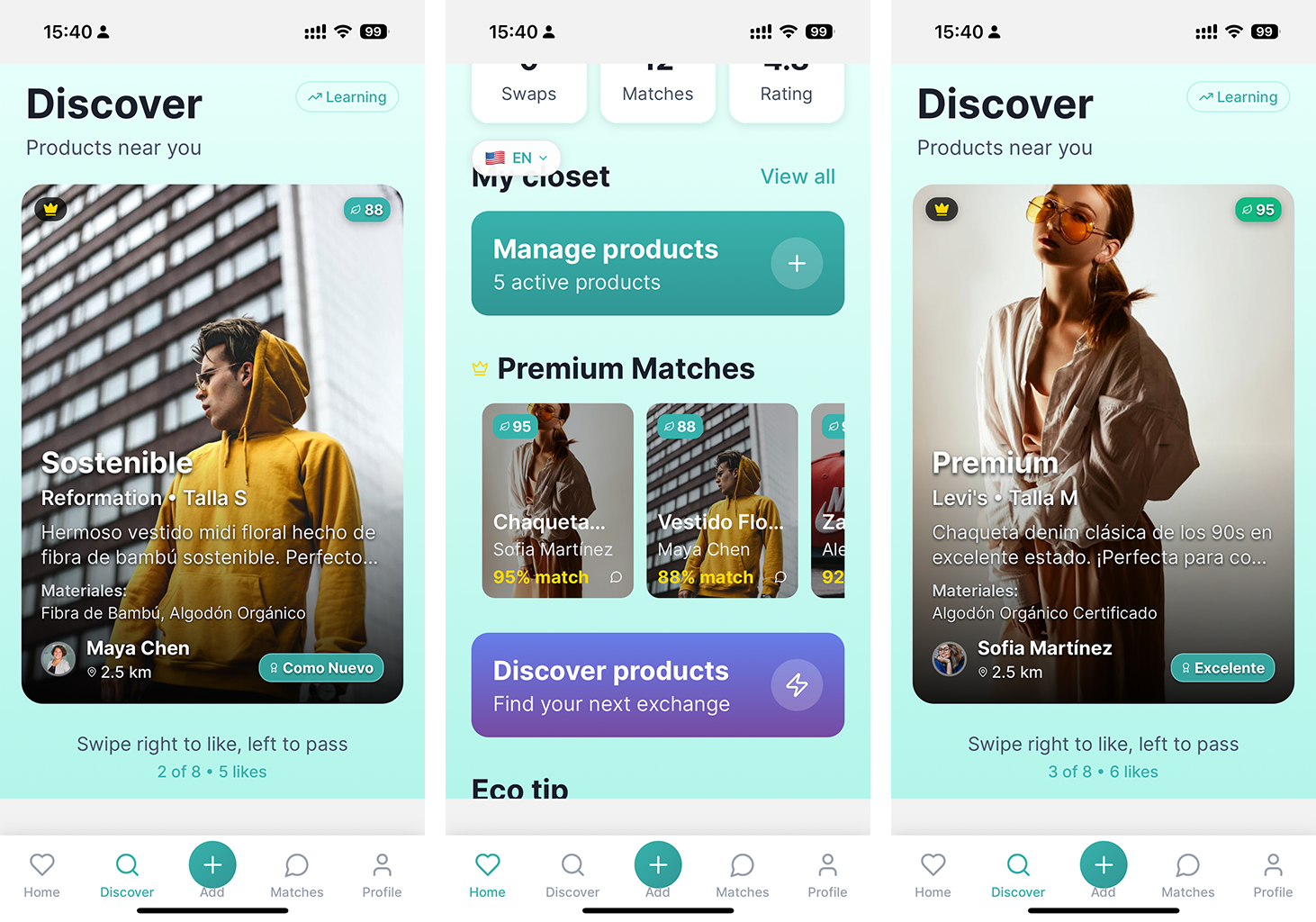
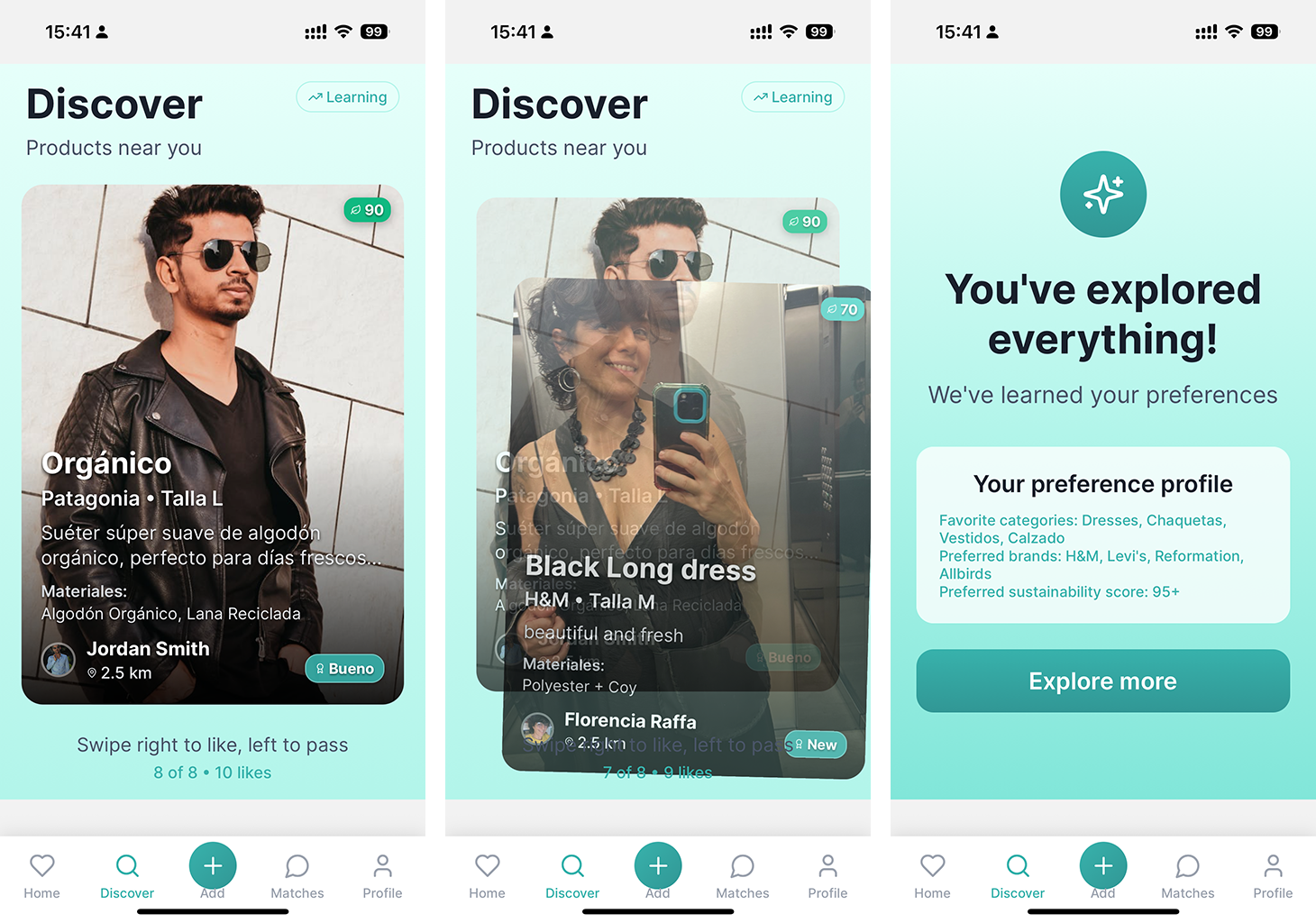
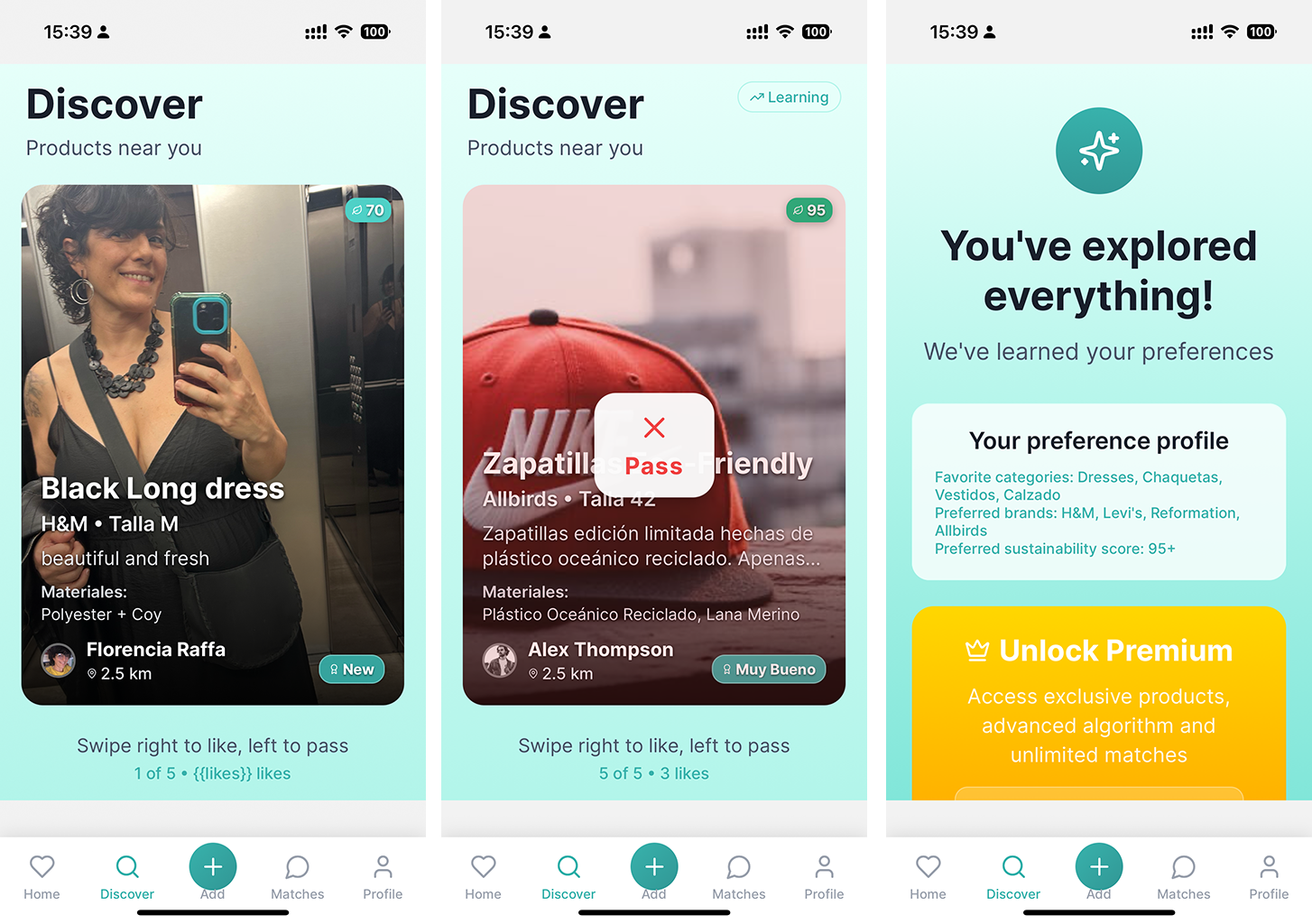
A swipe-based mobile & web app where I list items, match on clothes I love, and arrange swaps with other users.
Lessons Learned
- Managing real-time state with Bolt.new, handling i18n, and integrating third-party SDKs.
Challenges
- Ensuring immediate UI updates on “Add Product” and full localization on language switch.
Tech Stack
Core Technologies
- Expo SDK 52 (cross-platform framework)
- Expo Router (file-based navigation)
- React Native Web (web rendering)
- TypeScript (static typing)
UI/UX & Design
- Expo Linear Gradient (gradients & visual effects)
- Lucide React Native (SVG icon library)
- Expo Google Fonts (Inter) (professional typography)
- React Native Safe Area Context (safe-area handling)
- Expo Status Bar (status bar control)
Native Features
- Expo Image Picker (image selection & upload)
- Expo Location (geolocation)
- Expo Camera (camera support; disabled on web)
- Expo Web Browser (external link opening)
Authentication & Persistence
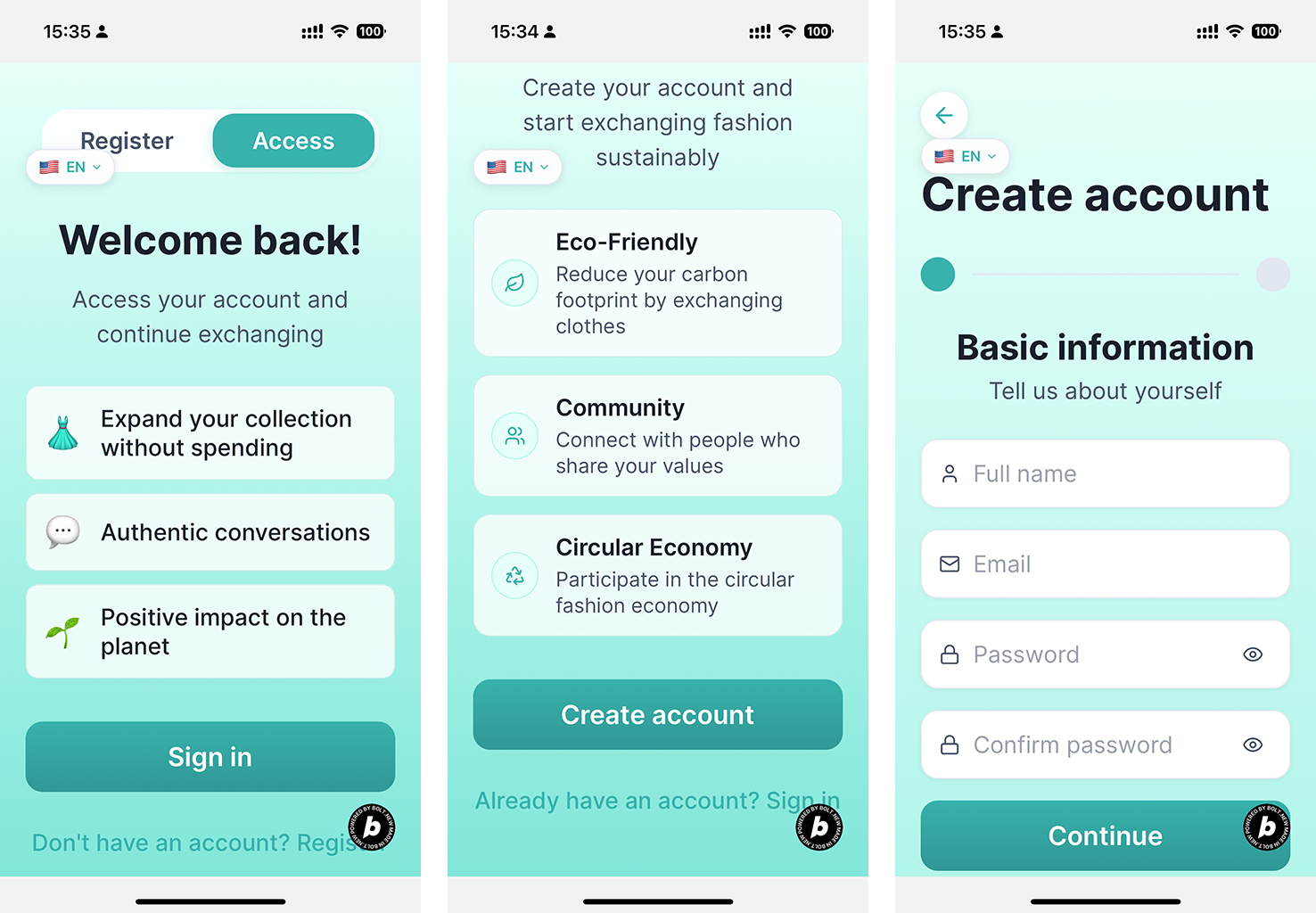
- Bolt.new Auth (native sign-up & login)
- Express API (user and product persistence)
- Expo Secure Store (secure token storage)
Internationalization
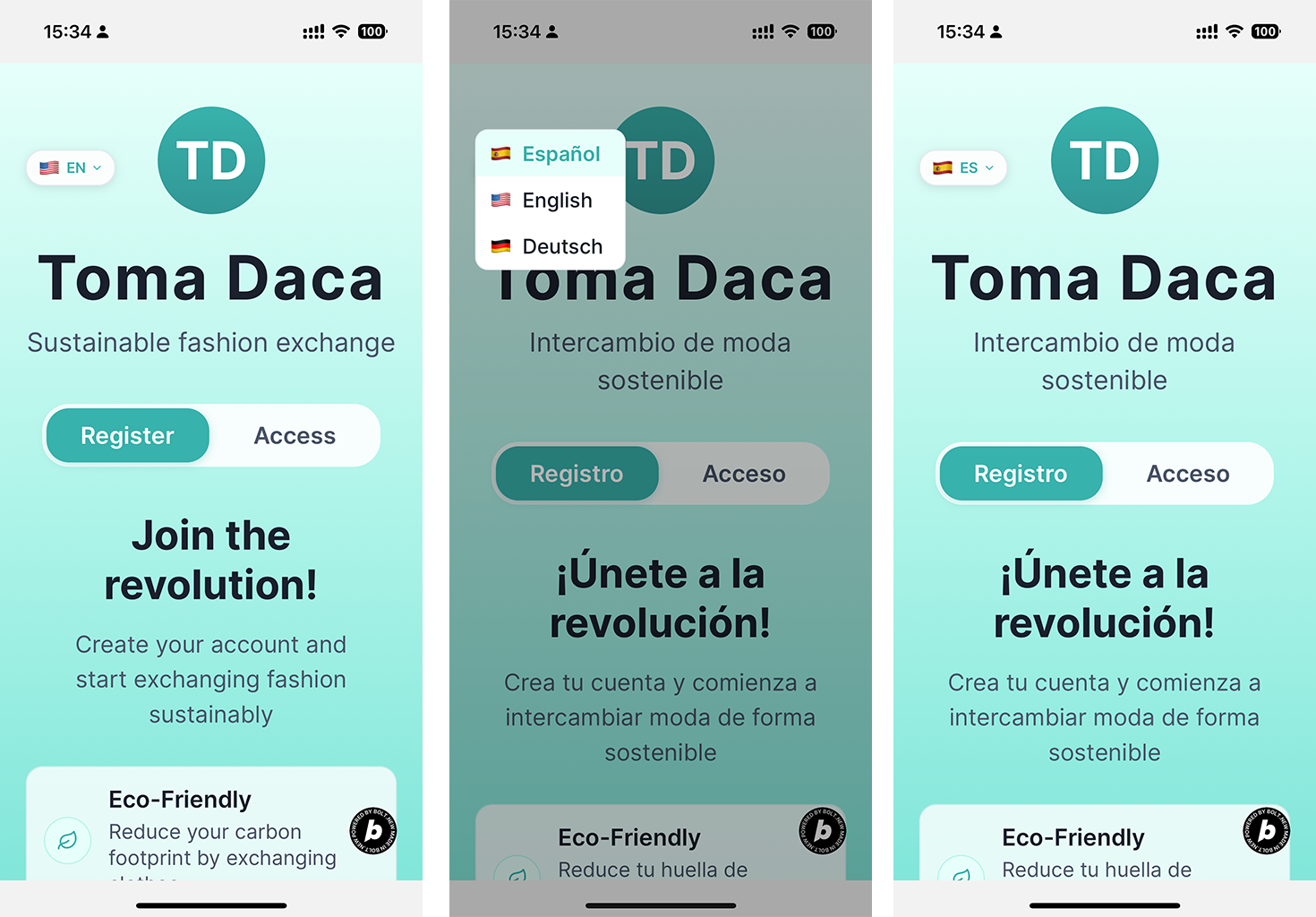
- Custom i18n system (Spanish, English, German)
- React Context API for global language state
State Management
- React Context API for auth, products & locale
- Custom React Hooks (
useState,useEffect,useContext)
App-Specific Features
- Swipe-to-match system (like/pass)
- Recommendation algorithm based on preferences
- Sustainability scoring per item
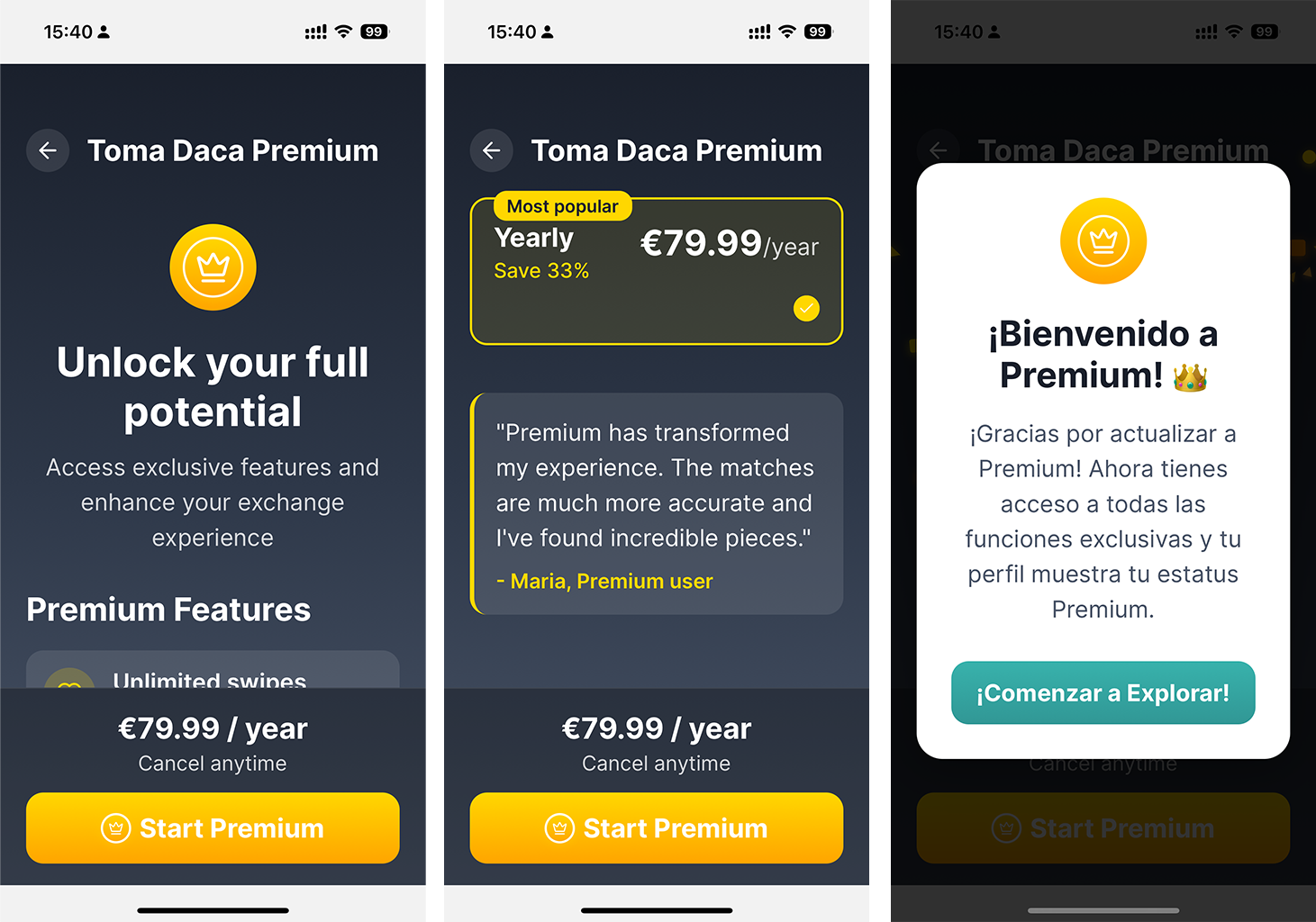
- Premium matches marked with a crown badge
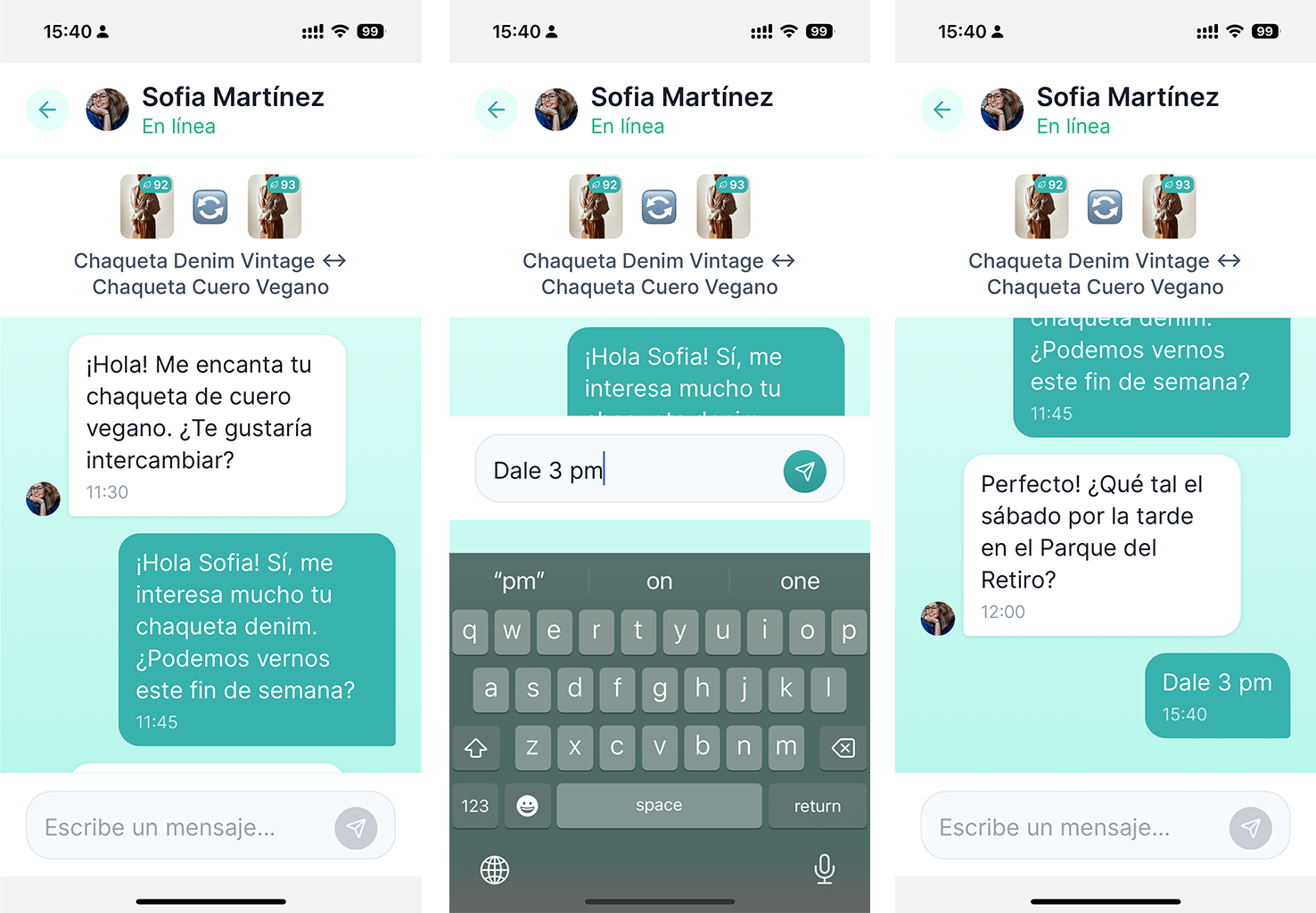
- Real-time chat with history & read receipts
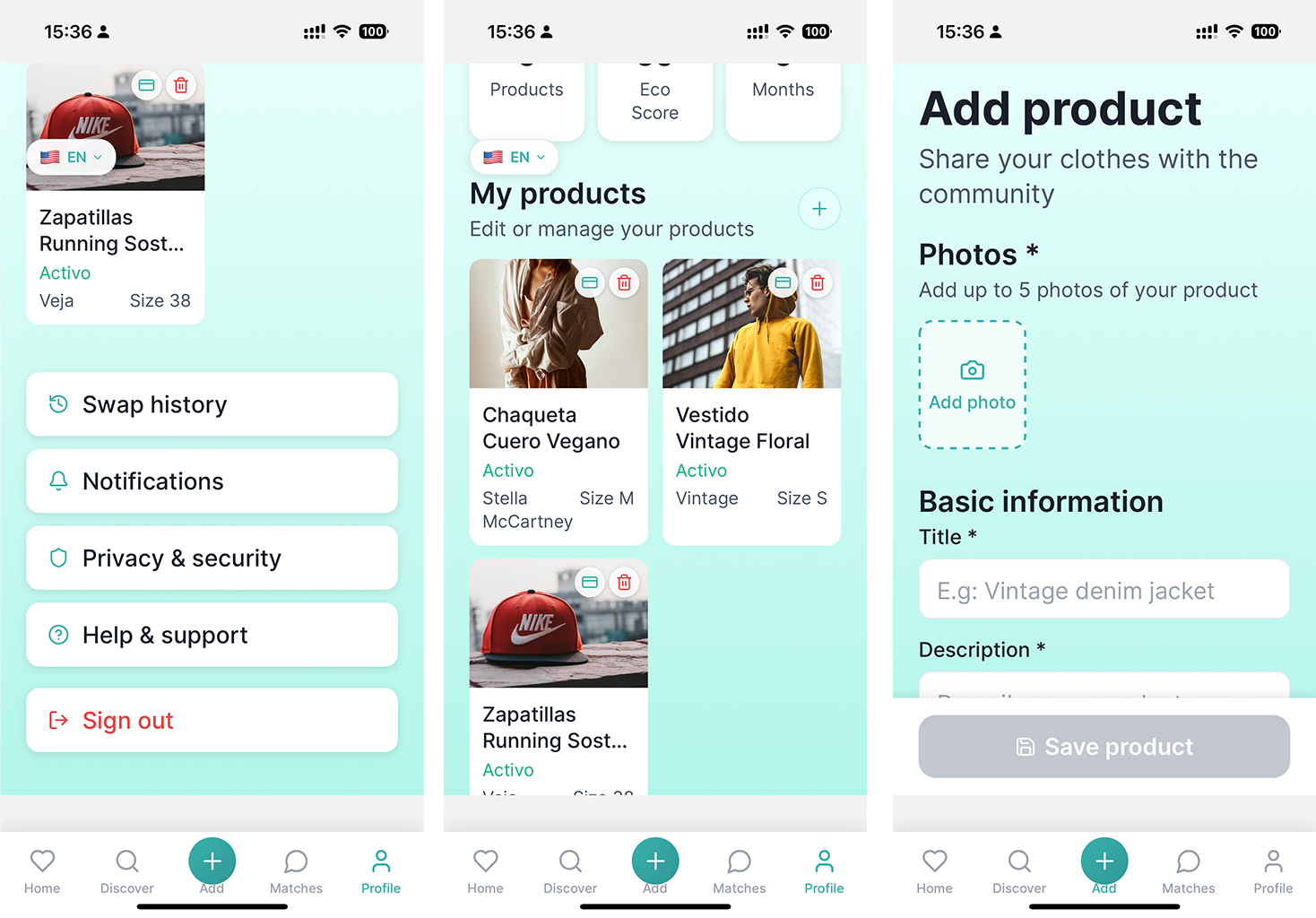
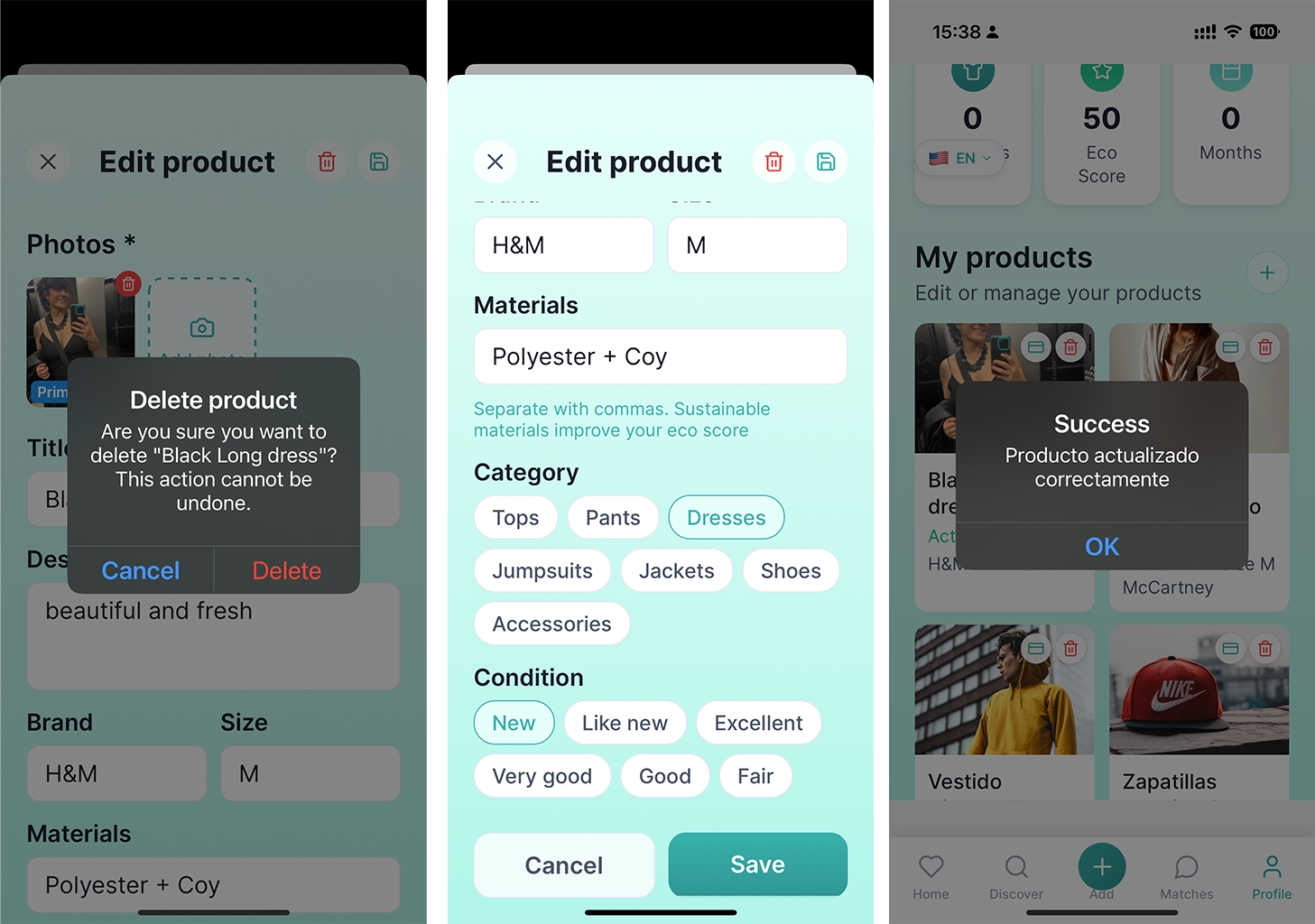
- Full CRUD for products, material categorization & multi-image upload
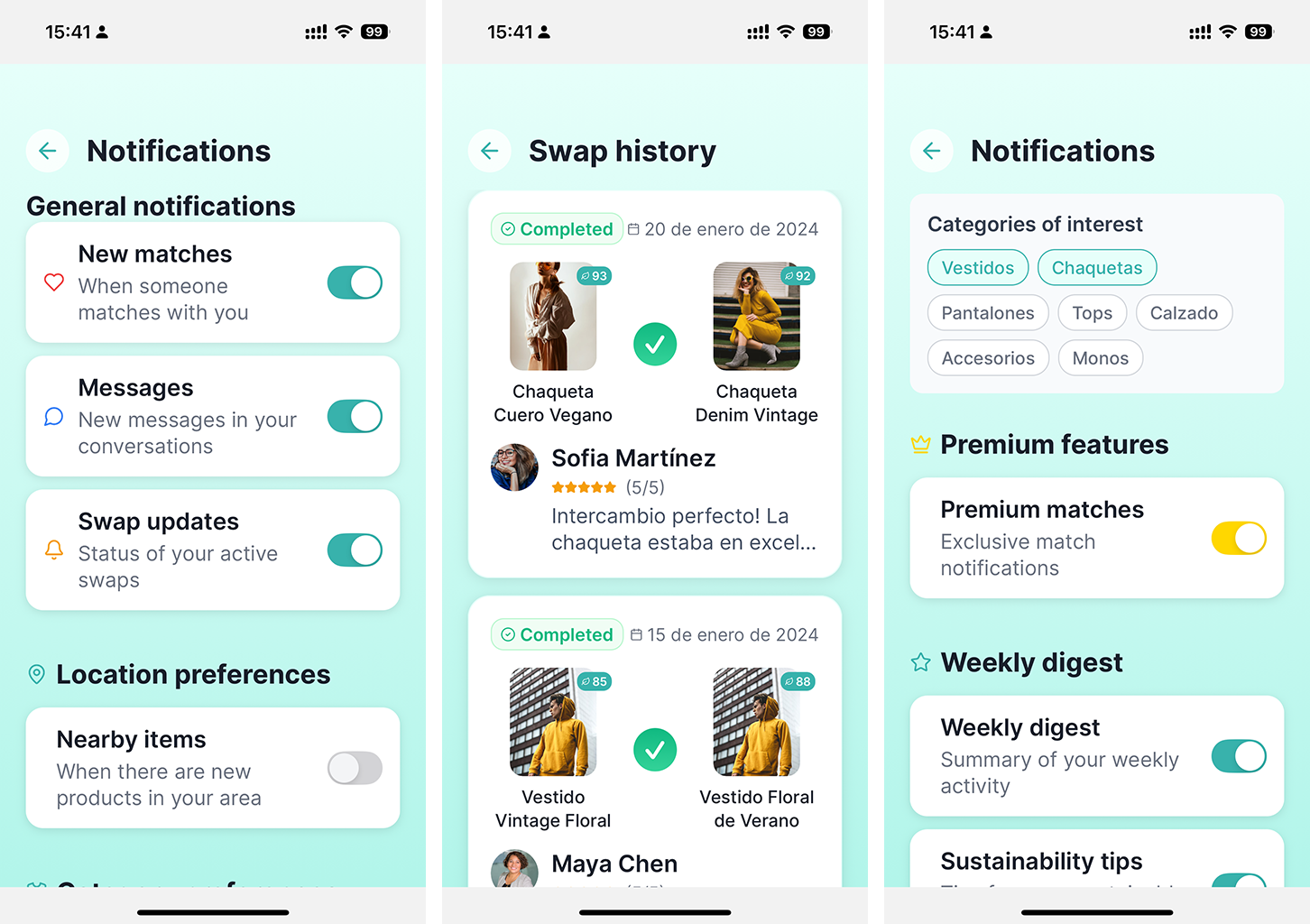
- Subscription tiers (basic & premium) with exclusive features
External APIs & Services
- Pexels (stock images for listings)
- BigDataCloud (reverse geocoding)
- Bolt.new (prompt-driven development platform)
Web-Specific Features
- Responsive design across all screen sizes
- PWA-ready configuration
- SEO-optimized metadata & structure
Custom Components
- SwipeCard (swipeable product cards)
- ProductThumbnail (interactive product previews)
- LanguageToggle (locale switcher)
- PremiumCrown (premium user indicator)
- ConfettiCelebration (celebratory animation)
Security & Privacy
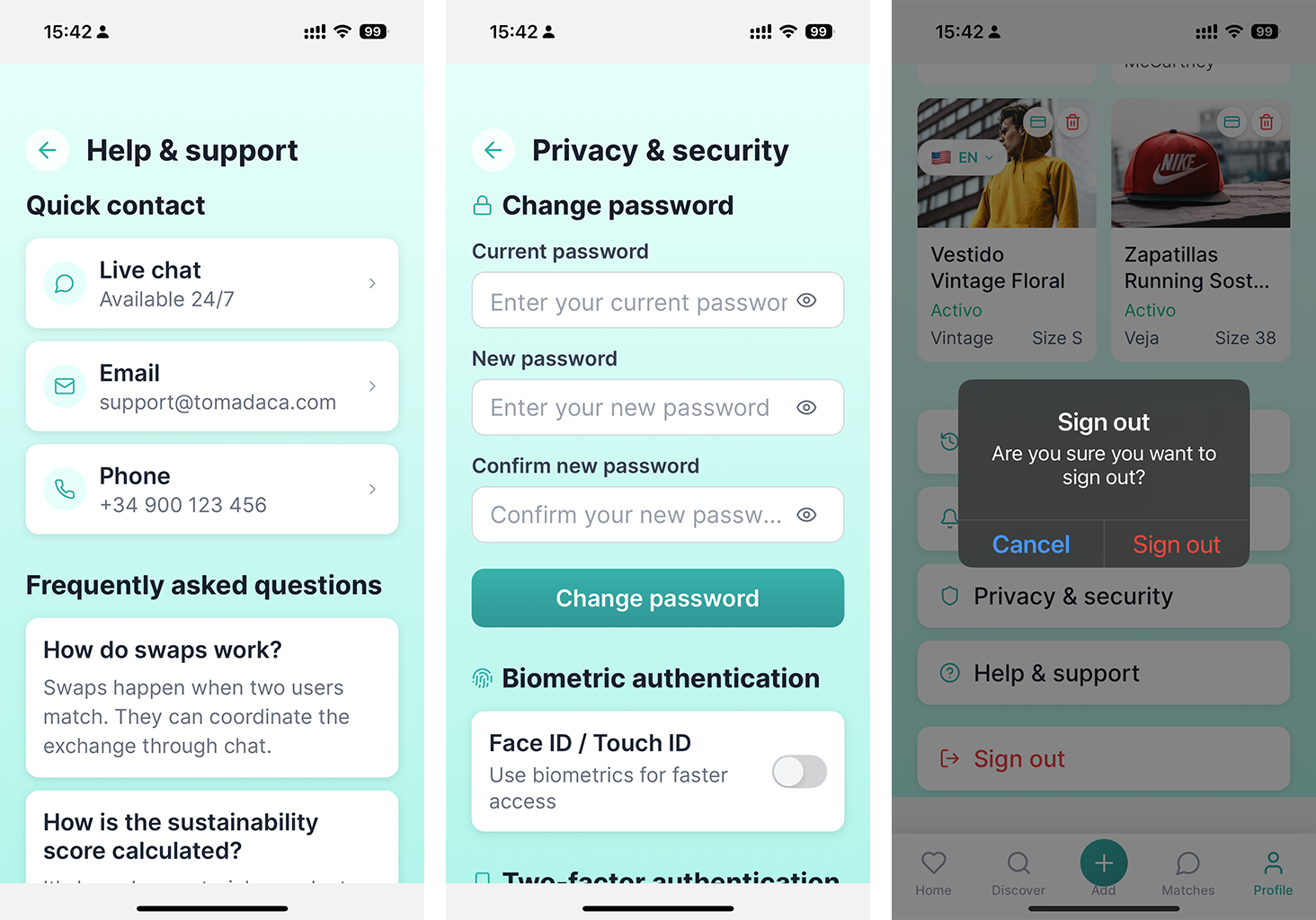
- Multi-factor authentication
- Privacy policy compliance
- Permissions management (location, camera, storage)
- Form validation & error handling
How I Built It
I started with zero prior app-building knowledge and, in just four days, turned a written Lean Canvas into a functional prototype. Bolt.new’s prompt-driven interface taught me to craft clear requests and refine my prompts for maximum efficiency—so my effort focused on perfecting the idea, not wrestling with boilerplate. I used Expo Router for navigation, NativeWind for styling, and a lightweight Express API for persistence. The core swipe-and-match flow lives in Bolt’s reactive store, and I deployed the web app to Netlify under my custom domain (toma-daca.site) with DNS managed in IONOS.
Challenges I Ran Into
- Initial Supabase integration broke my registration flow, so I reverted to Bolt.new’s native
auth.signUp. - Language switches only updated button labels until I refactored every component to consume
i18n.currentLocale. - “Add Product” POSTs succeeded but didn’t refresh the web UI; I unified my
onSuccesshandler to insert new items into bothstore.user.productsand the public discover feed. - Expo Router on web threw a
registerErrordue to a route name collision; I fixed it by movingregister.tsxinto an(auth)folder and updating my layout.
Accomplishments I’m Proud Of
- Going from zero to a polished, bilingual swipe-and-swap app in days.
- Real-time product updates: newly added items appear instantly in “My Products” and Discover.
- Full bilingual support with no hard-coded strings.
- Custom domain live (
toma-daca.site) with the “Built with Bolt.new” badge. - First-time Bolt.new and Expo Router user shipping a production-ready experience.
What I Learned
- How powerful and intuitive Bolt.new is for rapid prototyping and state reactivity.
- The art of writing clear, targeted prompts to drive code generation.
- Best practices for global i18n in React/Expo and avoiding route collisions in Expo Router.
- That refining my idea and prompts can be more impactful than hand-coding every detail.
What’s Next for TOMA-DACA
- Conduct user testing to refine interactions and catch edge cases.
- Polish micro-interactions and UI feedback.
- Integrate RevenueCat for a “Premium Swapper” subscription and ElevenLabs TTS for richer product descriptions.
- Publish on the App Store and continue web enhancements to monetize my vision.
- Expand translations, launch a public beta, and grow my community of eco-enthusiasts.
Built With
- bigdatacloud
- bigdatacloud-api
- bolt.new
- bolt.new-auth
- custom
- custom-i18n-system
- expo-camera
- expo-google-fonts-(inter)
- expo-image-picker
- expo-linear-gradient
- expo-location
- expo-router
- expo-sdk-52
- expo-secure-store
- expo-status-bar
- expo-web-browser
- expo.io
- express-(node.js)
- express.js
- ionos
- ionos-dns
- lucide
- lucide-react-native
- nativewind
- netlify
- pexels
- pexels-api
- pwa-ready
- pwa-ready-configuration
- react
- react-context-api-&-hooks
- react-native-safe-area-context
- react-native-web
- seo-optimized
- typescript


Log in or sign up for Devpost to join the conversation.