-
-
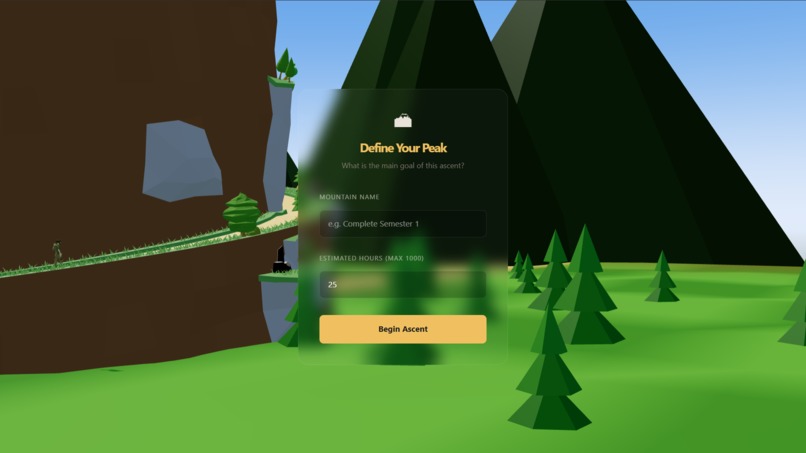
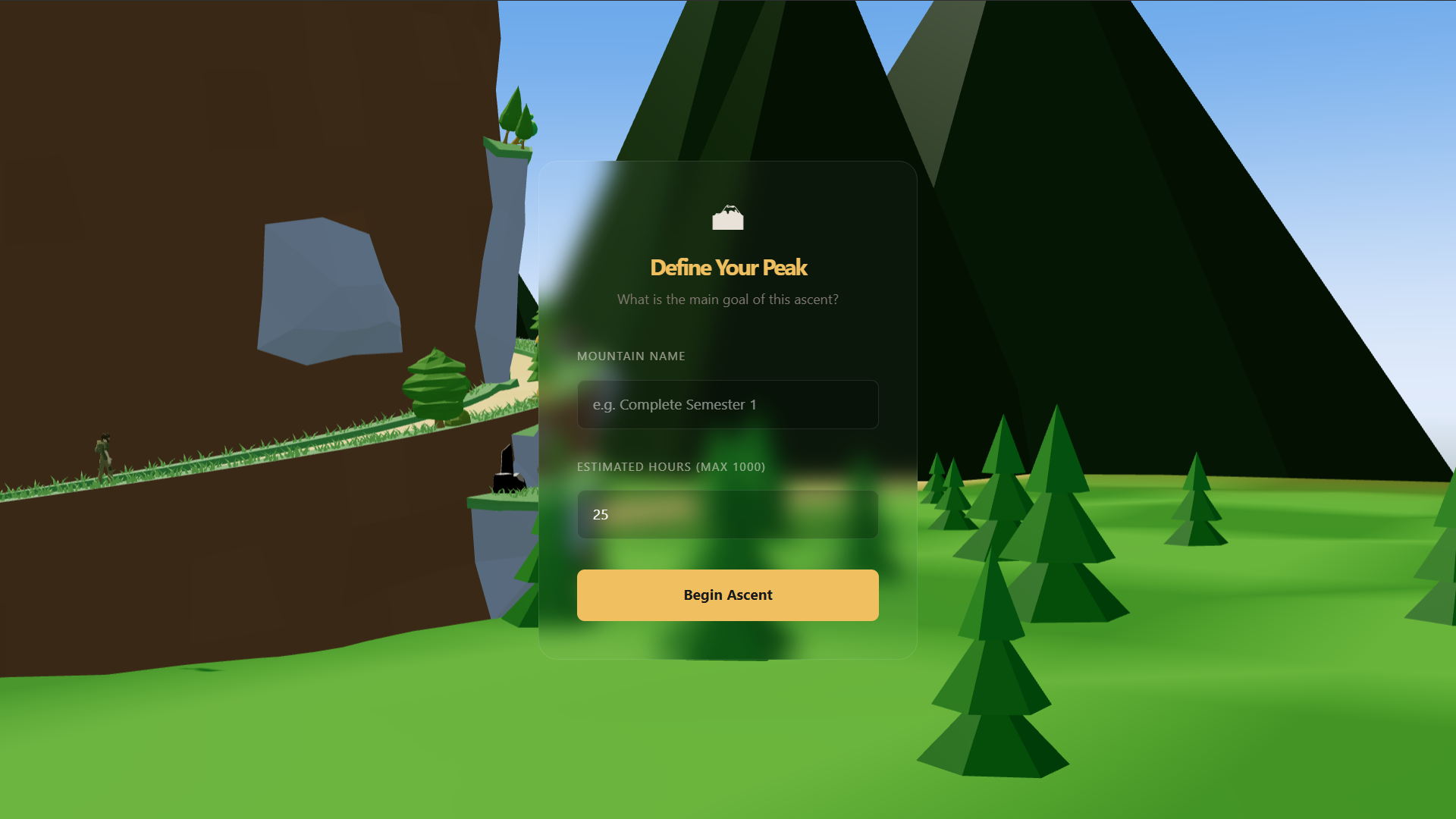
Create the main goal
-
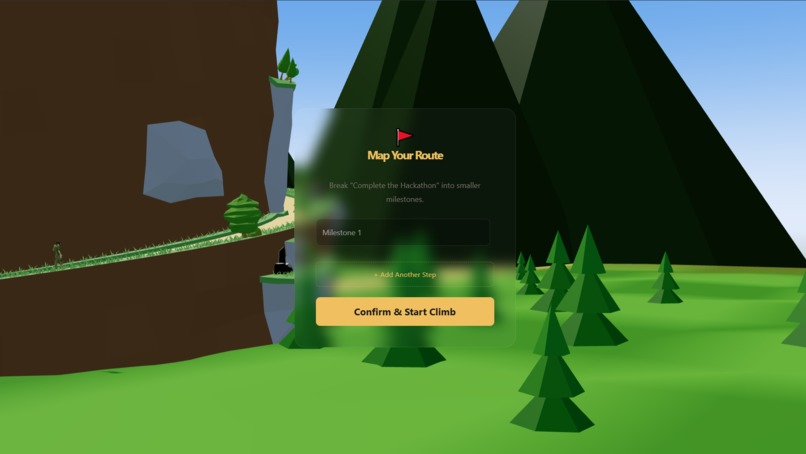
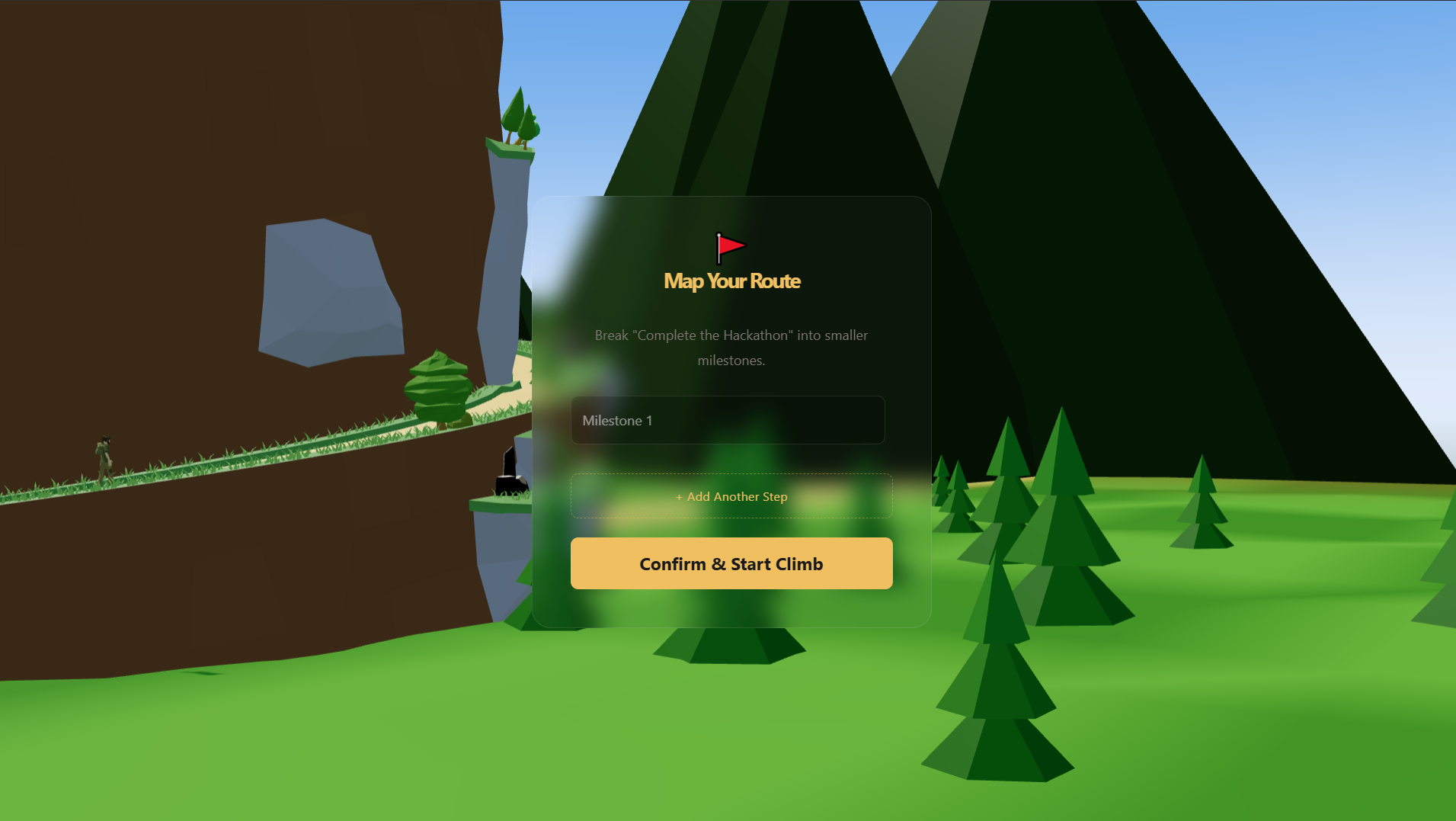
Create milestones
-
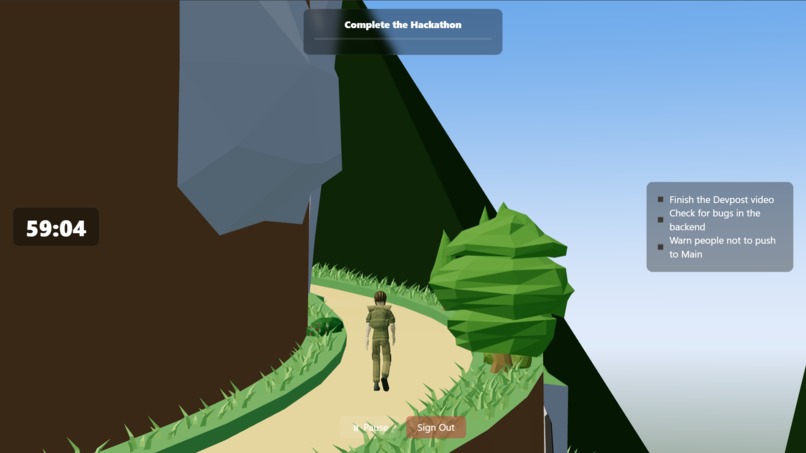
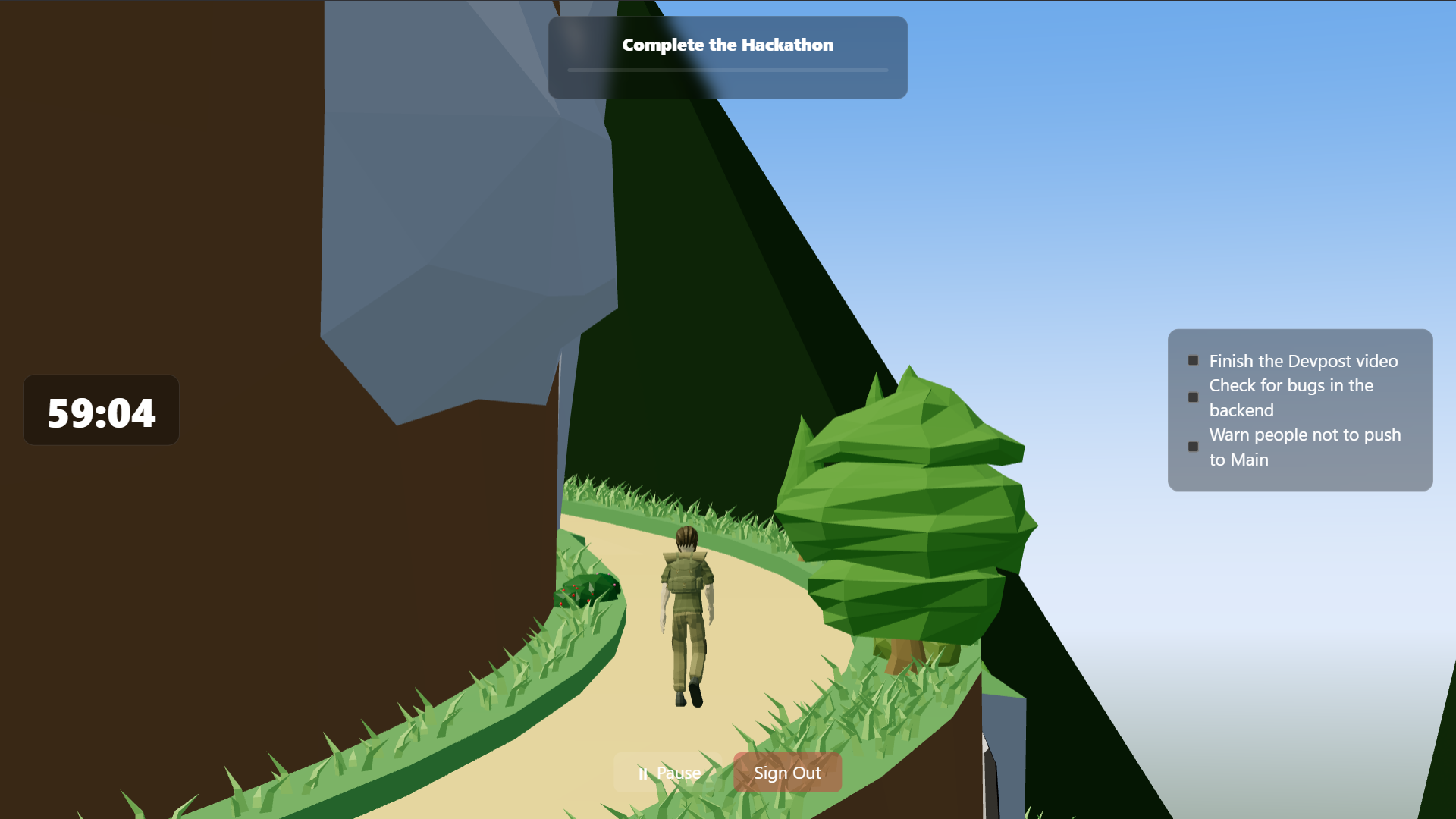
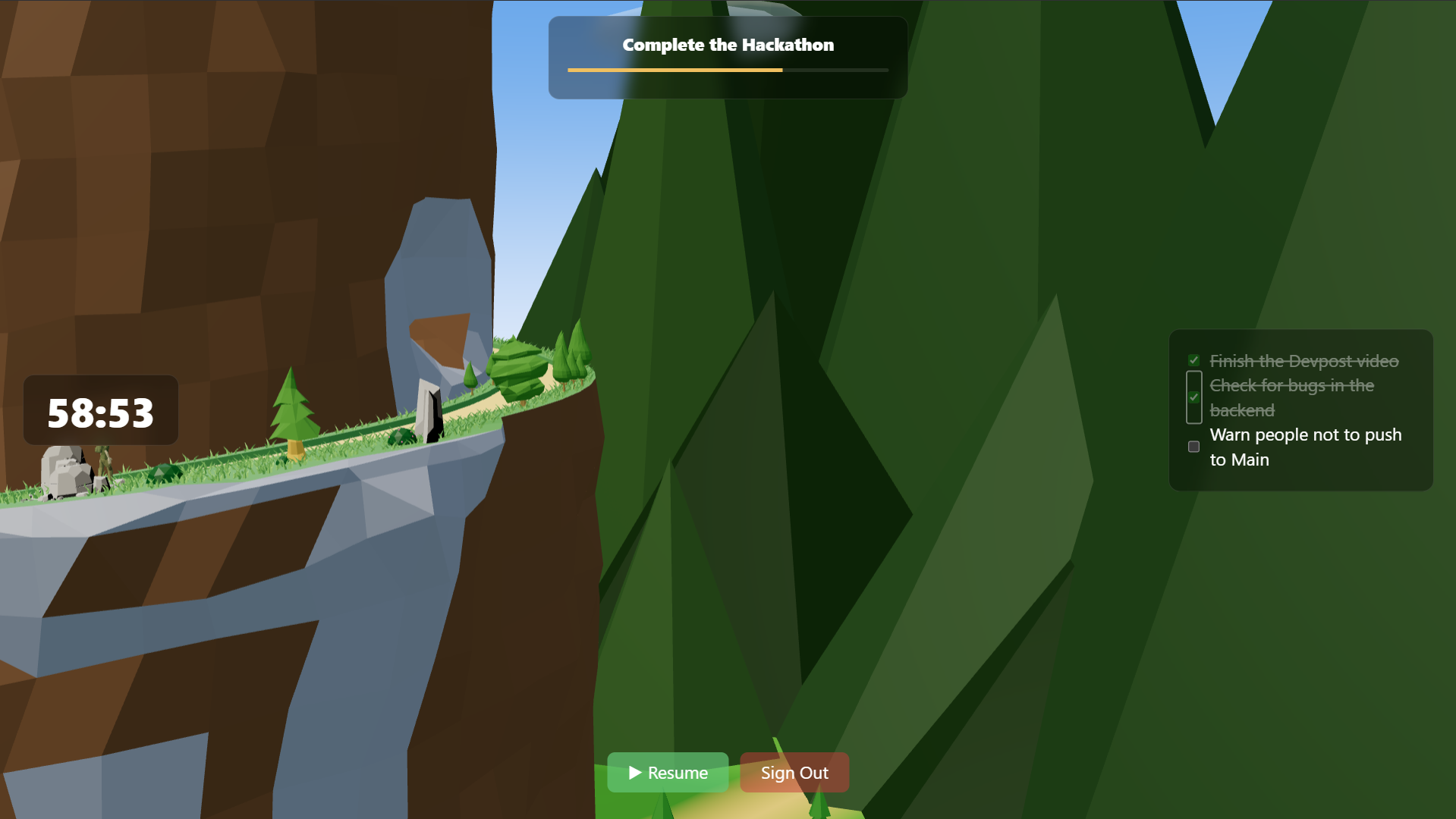
Timer in progress
-
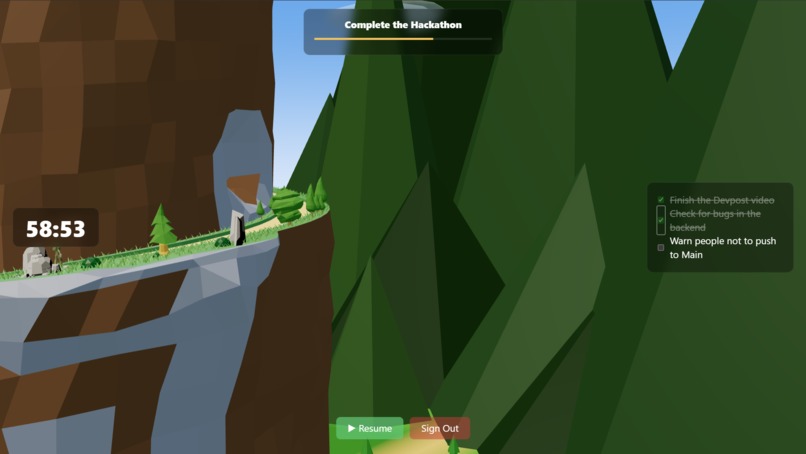
Timer is paused
-
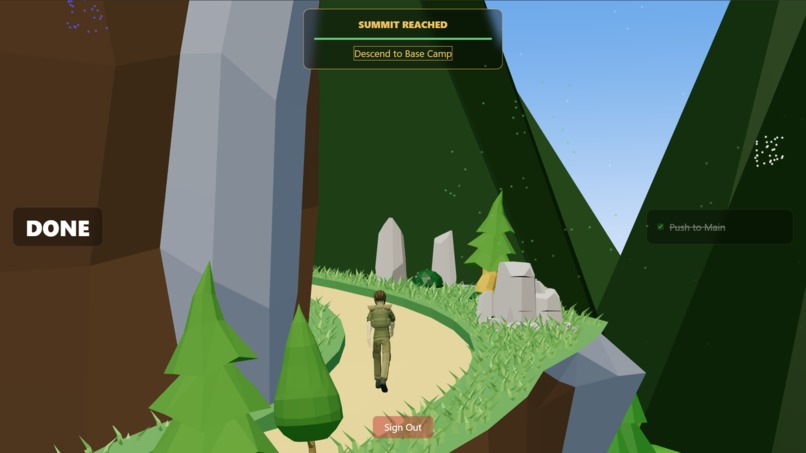
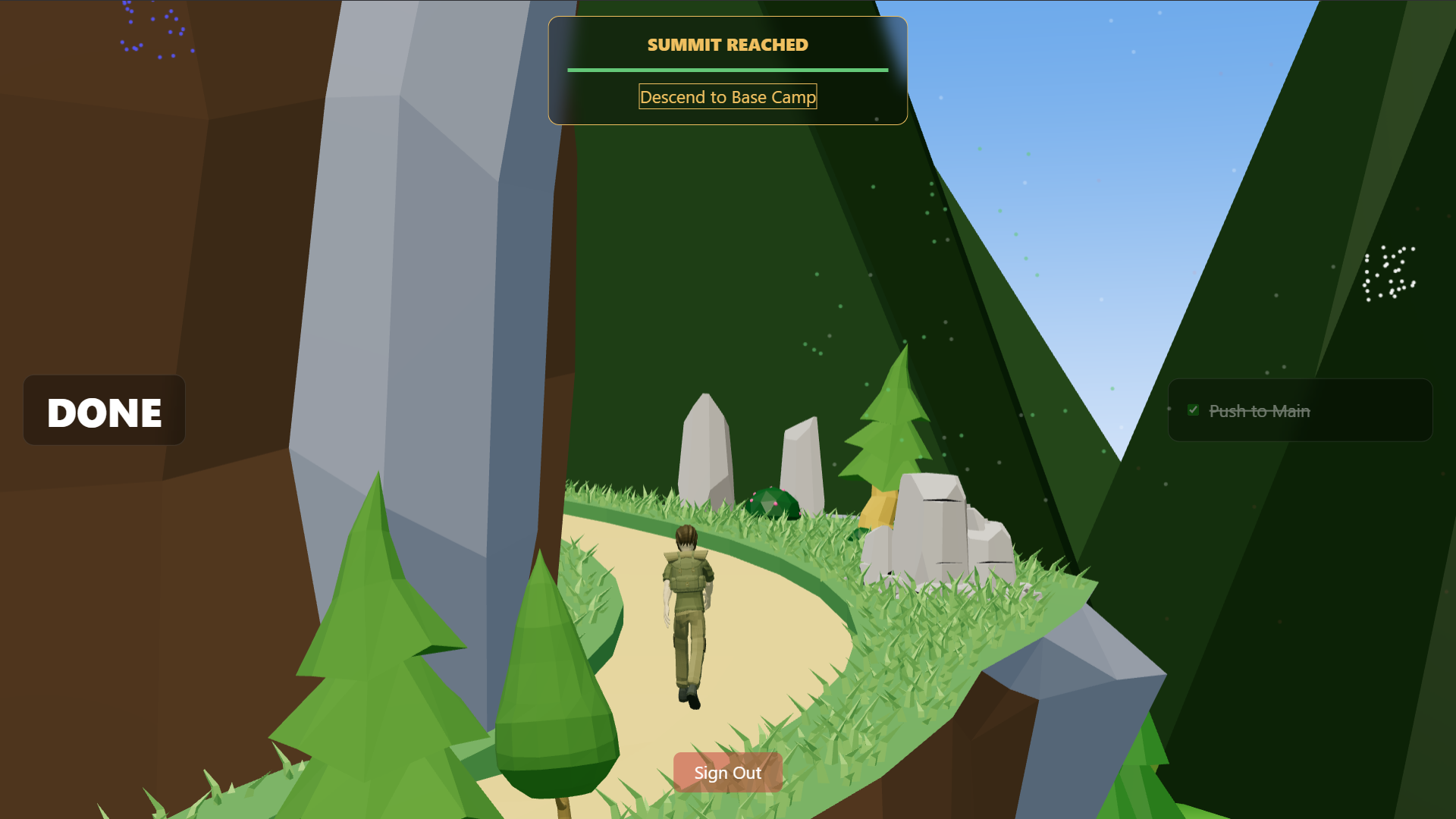
All tasks complete
Inspiration
The inspiration for the motivational goal tracking by mountain climbing concept came from the challenges that procrastinators, such as some members of our group, often face. When trying to achieve a certain task in life, it often feels overwhelming with obstacles such as a lack of motivation, which correlates with the challenges climbers face when planning and managing an expedition. Climbing a mountain is not just about reaching the summit; it requires careful preparation, organisation, and constant progress tracking, which is not too different to the conundrums many procrastinators face. Without a clear timer and tracker, it can be easy to lose track of progress or give up entirely, just like when scaling a mountain. Thus, we realised that a powerful idea could be created by combining the visuals of an avatar, an extension of the user’s identity, with the progress of climbing a mountain, representing the challenges the user faces. Using such imagery to create a cohesive and effect task tracker that will change the ways people will face long-term goals and delayed gratification.
What it does
Our webpage will start with the user entering their account details or signing up with their email address and a chosen password. This will save all their goal data in their account so that they can always come back to it later. After the sign in page, they will be greeted with the image of a mountainside and their avatar ready to climb. The user will be prompted to enter a long-term goal they would like to complete along with the allocated time they think they will need to complete said goal. After this, they can also enter various milestones they think they will need to complete during the journey or leave it empty. After this, the user will start their goal, the timer will count down, and the avatar will start climbing the mountain. When the user pauses their journey manually, to rest or has been detected by the computer vision as being away from their computer or distracted, the timer will pause and their avatar will stop in the middle of their climb. The computer vision system runs constantly in the background that monitors your behaviour through the computer camera. It detects if you are still in frame and if you are distracted with your eye movements and your hand position. For example, if you are using your phone while the timer is running, the computer vision will automatically pause the timer for you to ensure no time is recorded on unproductive actions. Likewise, if you are away from your desk to rest, the timer will similarly pause and unpause when the user is back in frame of the computer vision. This allows for more convenient use of the program and thus less distractions. The subgoals the user has entered will appear on the side of the screen as checkboxes. If the user has achieved one while the main goal is still in progress, they can tick off the boxes to mark it as complete, and a flag will be planted at the location of their task completion. If no milestone was entered, the main goal: reach the summit, will be the only one available. The user finishes their climb when all checkboxes on the right side have been checked, or if the timer runs out. The user will be congratulated with fireworks at the summit and will be prompted to create a new main goal if they wish.
How we built it
We built the website with a mixture of React, Vite and Three.js. The backend is supported by the open-source Supabase, and the 3D models were sourced from open licensed assets from itch.io, while the main mountain was built from scratch in Blender.
Challenges we ran into
A major challenge that was encountered was the integration of 3D models with frontend rendering code, which often created misalignments in the animation of the avatar climbing up the mountain and the rotation of other elements. We solved this by readjusting the model orientation and length in Blender to better align with an infinite spinning loop of the mountain path. Another challenge was the modelling in Blender, which was a hard task since none of us had used it before. A lot of our time was taken up by learning the program through online tutorials and documentation and advising each other on what free assets or tools to use.
Accomplishments that we're proud of
We are incredibly proud of our successful integration of Supabase as the backend into the website, as it is an open-source solution that solves many of our data retention issues. Since Supabase is both free and has open documentation, it was extremely easy to understand with minimal backend understanding and to integrate into the overall website infrastructure for us, and non-intrusive enough that it almost never broke our code. Another accomplishment we are proud of is the implementation of the mountain-climbing effect. By rendering the avatar as stationary and rotating everything around it, an illusion of it visually climbing the mountain without any significant camera work or animation was achieved, which was helpful to our small-scale operation. This implementation came about after many long hours of theorising and experimentation, which worked out in our favour as it reduced the overall workload than if we had just animated an actual moving 3D world for our avatar to walk around. One aspect of the illusion was the camera angle which we were extremely proud of. When the user signs into the webpage and finishes entering their goals, a camera pan and zoom will happen, transitioning from a drawn-out view of the mountain into a third person camera that will follow the avatar on the mountain path. It is a small addition, but the added animation made the usage of the webpage more smooth for all testers involved and made the final product seem more polished with minimal work.
What we learned
We learnt how to integrate Supabase backend with Three.js frontend, how to model 3D assets in Blender from scratch, and how to import it into a website. Another thing we learned was how to create the illusion of 3D models in the webpage using code instead of imported models. This improved the performance of the webpage and contributed to its ease of use and accessibility, as users can reliably keep it in the background of their computer without worry about excess resource usage.
What's next for Peak Performance Planner
Feature features can include more weather effects such as heavy rain if the computer vision detects distractions from the user, changing mountain scenery (eg. Jungle to Taiga) according to timer thresholds, more statistics displays such as total time spent productively in submenus, and improved low poly graphics and total rendering image. We also plan for our webpage to track multiple main goals as multiple mountains to climb, which is stored in profile form in each user's personal accounts. Each goal/mountain starts with the user specifying an amount of time they think it would take to achieve it and entered into the webpage. Then, they will enter various subgoals that can be completed during the main goal, and the corresponding time allocated for them. A Chrome extension will also be added to monitor browser tabs to ensure that users remain focused on their work rather than mindlessly scrolling. Multiplayer with multiple people completing the same goal is also planned, where users can pass their friends on the mountain path during their climb to see other people’s progress.


Log in or sign up for Devpost to join the conversation.