-
-
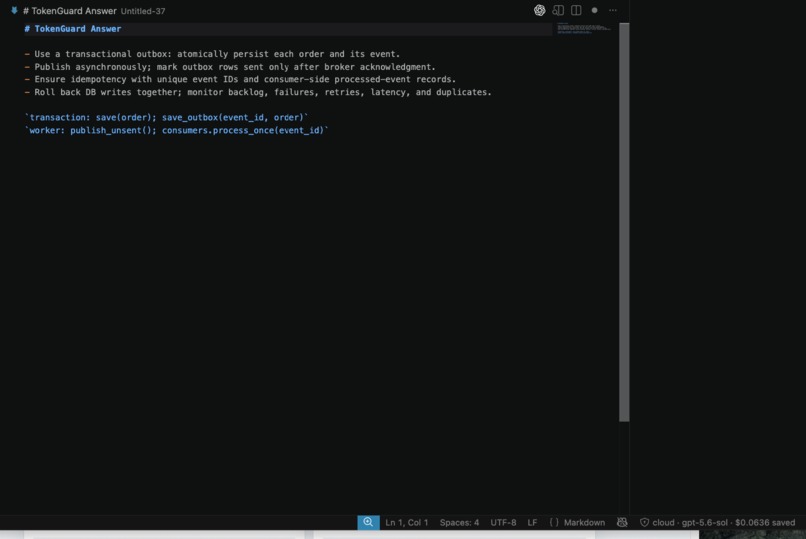
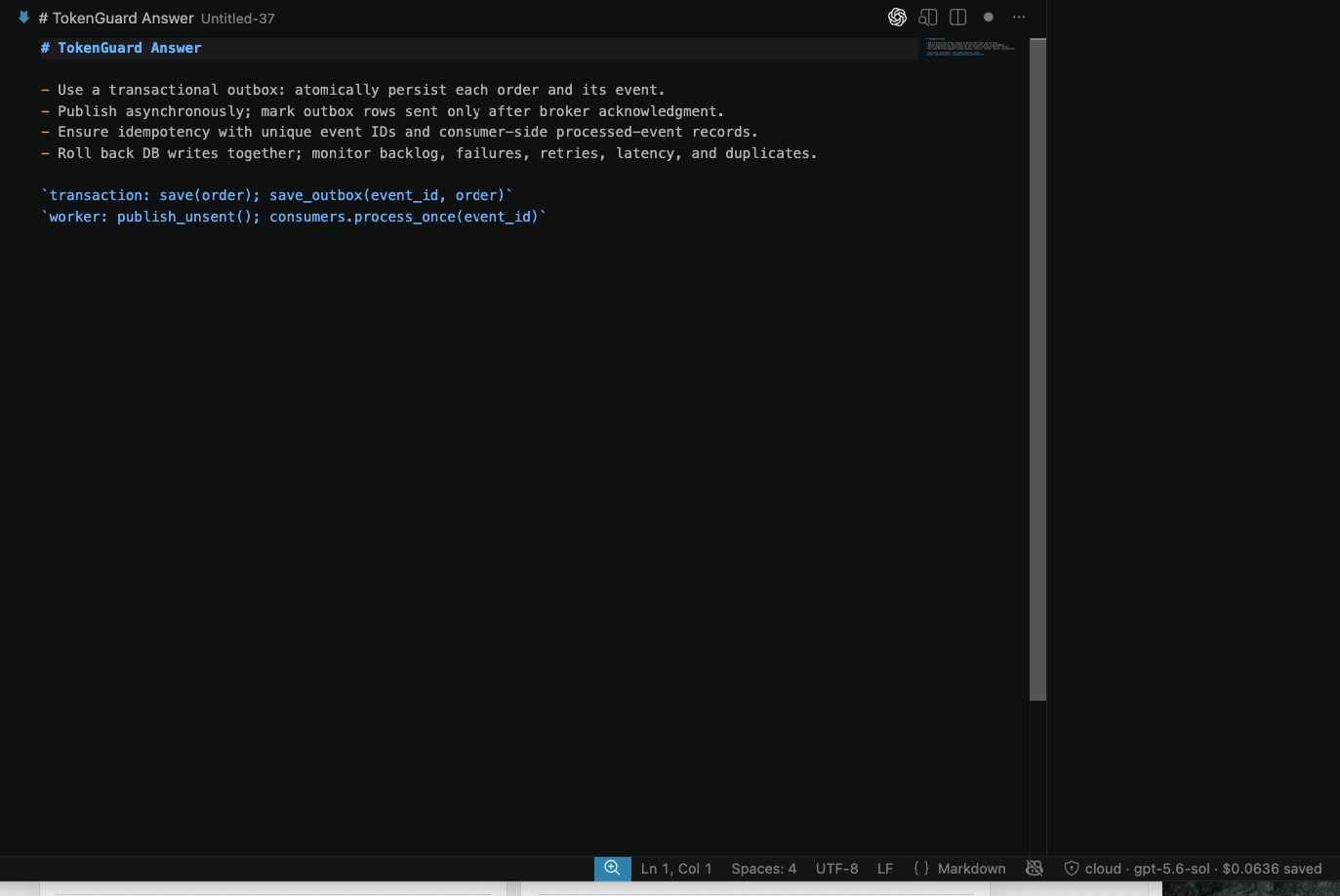
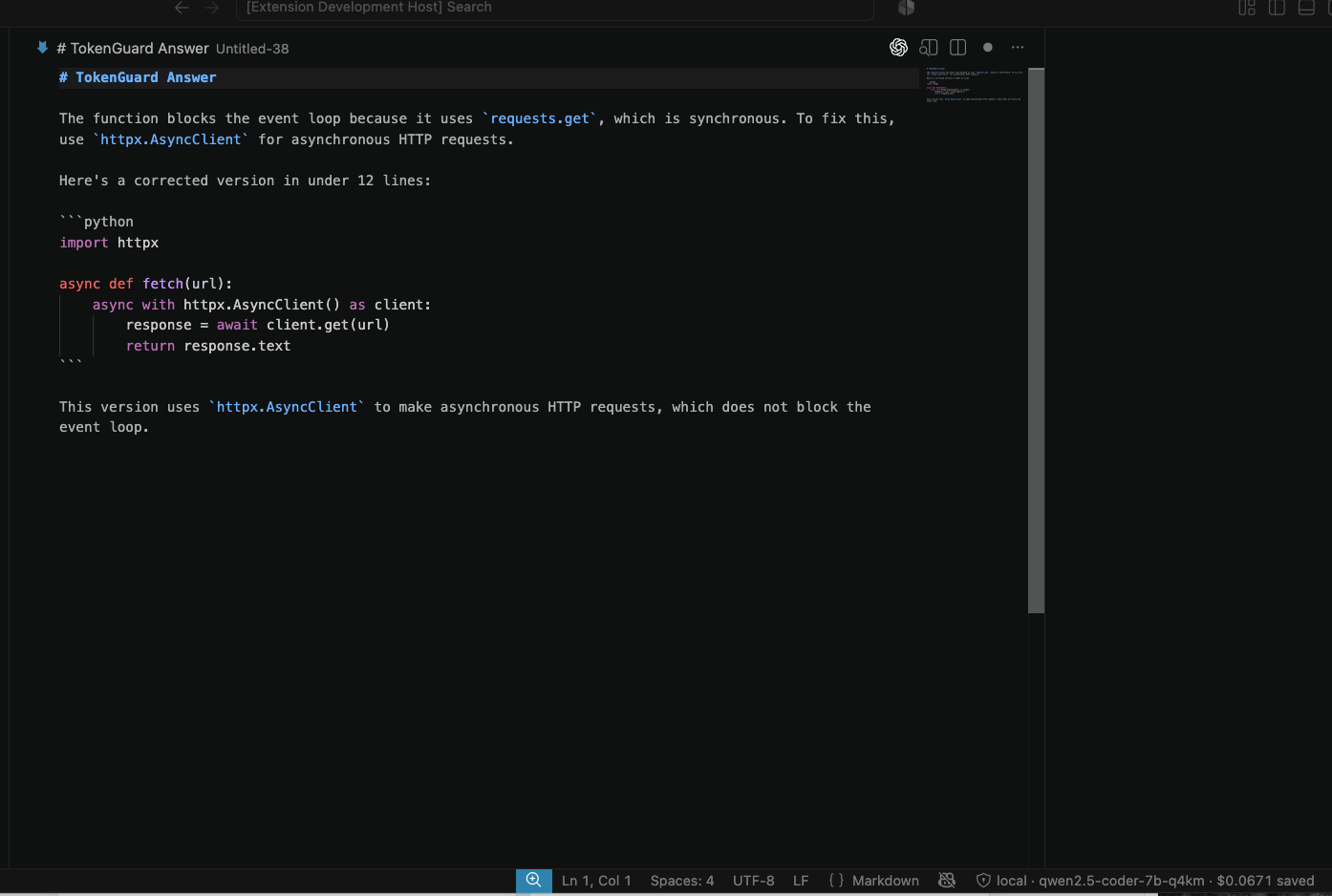
VS code extension - 1
-
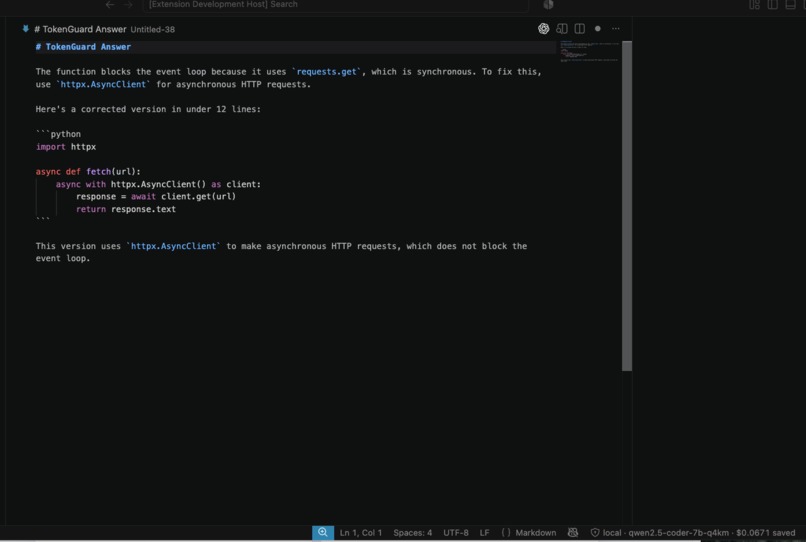
VS code extension - 2
-
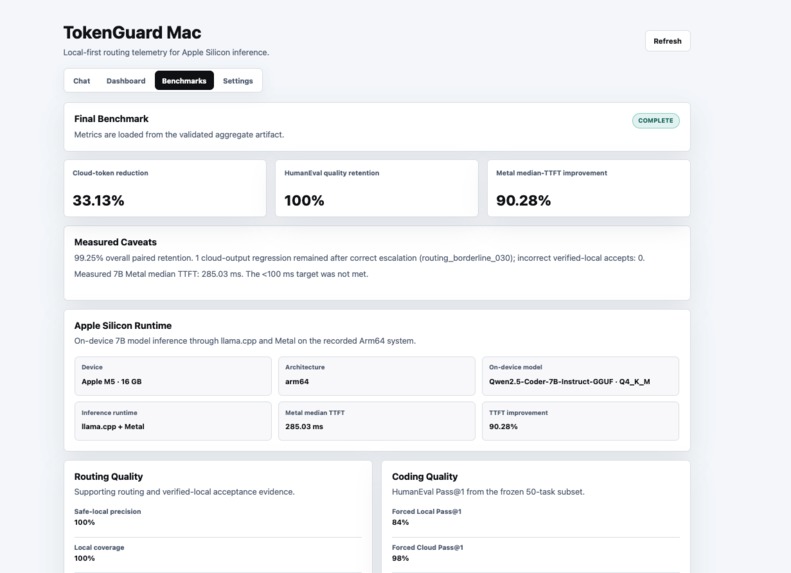
Tokenguard cloud token savings
Inspiration
We started TokenGuard with a simple question: does every AI request from a developer tool really need to go to the cloud?
Cloud models are powerful, but modern Arm-powered laptops already have enough local compute to handle many useful tasks. Sending every request to the cloud adds network dependency and uses cloud tokens, even when a local model could do the job. At the same time, relying entirely on a smaller local model is not practical because some tasks are too complex, and code that looks correct may still contain mistakes.
TokenGuard was our attempt to find a practical balance. It gives developer tools one OpenAI-compatible endpoint and decides whether each request should run locally or use a cloud model. It also records the decision so developers can understand which path was selected and why.
How We Built It
We built TokenGuard as a local-first AI gateway using Python, FastAPI, Pydantic, and SQLite.
Developer tools connect to a single OpenAI-compatible endpoint using the tokenguard-auto model. Each request goes through a privacy scan and routing step before TokenGuard selects one of two paths:
- Local: Qwen2.5-Coder 7B Instruct Q4_K_M running through
llama.cppwith Metal acceleration on Arm64 Apple Silicon. - Cloud: GPT-5.6 Sol through the OpenAI Responses API for tasks that need more capability.
For supported coding tasks, TokenGuard checks the local model's response before returning it. These checks include static safety analysis, function-contract validation, and server-owned tests that run inside the macOS sandbox. If the response passes, it is returned locally. If it fails and the privacy policy allows cloud use, TokenGuard can retry the task with the cloud model.
We also built several ways for developers to use and inspect TokenGuard:
- An OpenAI-compatible chat-completions API
- A command-line interface
- A Model Context Protocol server
- A local telemetry and benchmark dashboard
- A packaged VS Code extension
- Reproducible benchmark and reporting tools
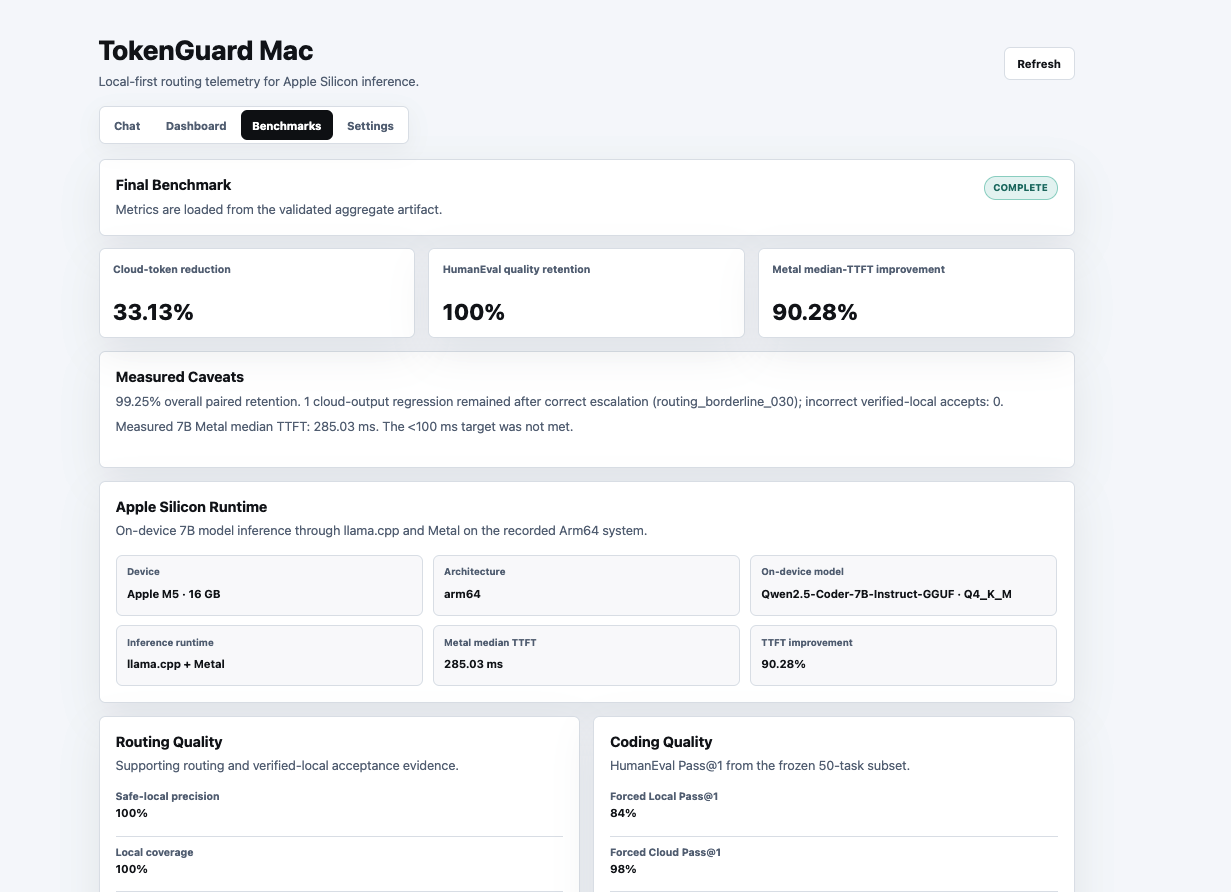
For the final evaluation, we used a frozen set of 140 tasks and tested each task with three policies: Forced Local, Forced Cloud, and TokenGuard Hybrid. All 420 required policy runs were completed and validated. We also compared CPU-only and Metal execution of the same local 7B model using a fixed 20-task workload.
Challenges We Faced
Knowing when a local response was good enough
One of our biggest challenges was deciding whether a local response could be trusted. A routing label or confidence score does not prove that generated code is correct.
We addressed this by adding independent checks for supported coding tasks. If TokenGuard cannot verify a task properly, the Hybrid policy keeps it cloud-first. Sensitive requests configured as local-only always remain on the device, even when verification is inconclusive.
Comparing local and cloud results fairly
We did not want the router to define its own success criteria. To create a fair comparison, we ran the same frozen tasks through both Forced Local and Forced Cloud, graded the results independently, and then used those outcomes to evaluate the Hybrid policy.
Measuring latency correctly
We found that total response time does not accurately represent how responsive a model feels. Time to first token is a more useful measure, but it requires streaming rather than estimating from the full response time.
Our runtime benchmark measured the actual first streamed token.
Tracking cloud usage accurately
Cloud responses can report several types of tokens, including input, output, cached-input, and reasoning tokens. Hidden retries can also make usage difficult to understand.
During the benchmark, we disabled hidden SDK retries, recorded the provider's exact usage values, reconciled each explicit cloud attempt, and rejected incomplete or duplicate result rows.
Safely testing generated code
Generated code must be treated as untrusted. TokenGuard rejects dangerous syntax and runs permitted validation code in an isolated subprocess with resource limits and the macOS sandbox.
These protections were appropriate for our hackathon prototype, but we do not consider the current system a production security boundary.
What We Learned
The biggest lesson was that local-first AI does not mean forcing every request to stay on the device. It means using local compute when it is a good fit and preserving access to a stronger cloud model when the task requires it.
We also learned that routing alone is not enough. A useful hybrid system needs independent validation, clear privacy rules, predictable fallback behavior, and accurate usage reporting.
The final results showed why this balanced approach matters. TokenGuard Hybrid matched Forced Cloud at 98% HumanEval Pass@1 while using 33.13% fewer billable cloud tokens. On-device acceleration also reduced median time to first token from 2930.965 ms to 285.03 ms on our fixed on-device workload.
Not every result met our original goals. We initially hoped to reduce cloud-token usage by more than 70% and reach a local latency below 100 milliseconds. We achieved neither target. Being open about those results helped us focus on what the project actually demonstrated instead of overstating its performance.
Most importantly, we learned that a complicated routing and verification system can still provide a simple developer experience. From the developer's perspective, TokenGuard is just one endpoint and one model name. The system handles the decision about where the work should run and makes that decision visible.
## What's Next for TokenGuard

Our long-term goal is for TokenGuard to become a practical gateway for developer tools that need to balance local performance, cloud capability, privacy, and cost. Developers should be able to connect to one endpoint and trust TokenGuard to choose the most appropriate path for each request.
Built With
- apple
- arm64
- fastapi
- gpt
- javascript
- llama.cpp
- macos
- openai
- pydantic
- python
- qwen
- silicon
- sqlite
- typescript
- vscode

Log in or sign up for Devpost to join the conversation.