
Inspiration
We kept noticing the same problem while using AI coding tools. They are useful when they are moving in the right direction, but when they get stuck, they can keep making small changes to the same file without actually solving anything. That wastes time, uses tokens, and can make it harder to see what the agent is doing.
We wanted a way to watch an agent while it works instead of finding out afterward that it spent a long time repeating itself. TokenGuard came from that idea: a local tool that treats AI coding sessions as something developers should be able to monitor and step in on.
What it does
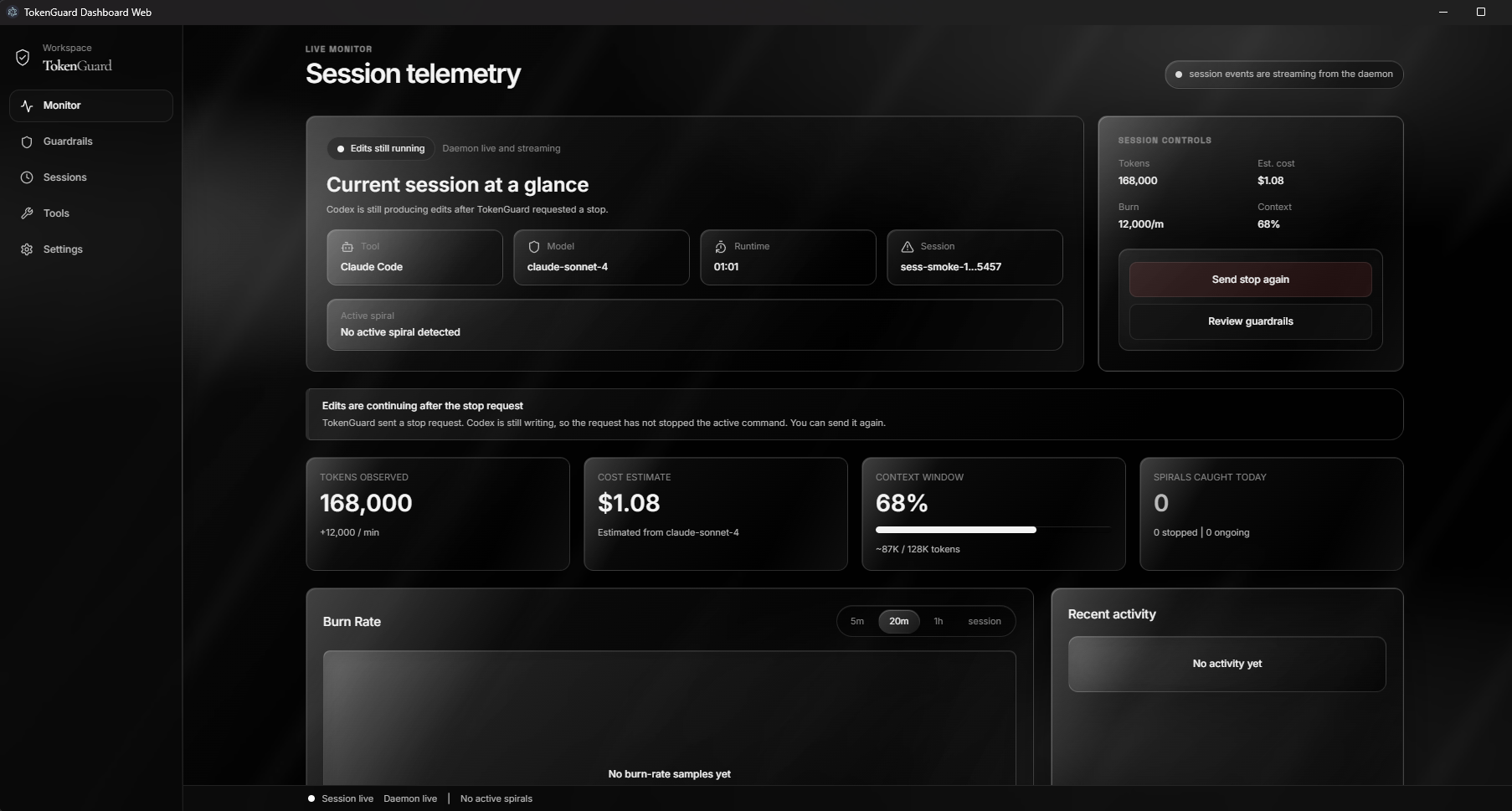
TokenGuard watches a coding session and shows what the agent is doing in a dashboard. It tracks activity such as repeated edits to a file, observed token use, session details, and guardrail warnings.
If the same file is edited repeatedly within a short period, TokenGuard marks it as a possible spiral. The dashboard shows the file, how many edits were made, and whether the loop is still active. Users can set limits for repeated edits and budget warnings.
We also built a Codex plugin that checks file edits before they run. Once TokenGuard has flagged or stopped a session, the plugin can deny later matching edit requests. There is still a limitation: it cannot interrupt a command that is already running.
How we built it
The project has three main parts.
The dashboard is a React app that displays the current session, active loops, token information, costs when pricing is available, and guardrail settings. It receives updates from the local daemon so the page changes while the session is active.
The daemon is written in Node.js. It watches local Codex session transcripts, converts what it finds into events, detects repeated edits, stores the current session state, and sends updates to the dashboard through WebSockets.
The Codex plugin uses a pre-tool hook. Before a supported file edit runs, it asks the daemon whether the edit should be allowed. That lets TokenGuard block a later edit after a stop request or repeated-edit threshold has been reached.
Challenges we ran into
Watching Codex activity accurately was harder than we expected. File patches can appear inside larger commands, so checking only a single tool name missed real edits. We updated the watcher to recognize completed patch activity instead.
Token reporting also caused problems. Codex transcript files can contain cumulative token history from earlier in the session. At first, TokenGuard loaded that old history and displayed it as if it had happened during the current minute of monitoring. We changed the daemon so it starts counting from the point where it attaches to the session.
Stopping is the largest remaining limitation. A dashboard click can record a stop request and cause the plugin to block the next supported edit. It cannot cancel a long command that Codex has already started. That distinction matters, and we had to make the interface clearer about it.
Accomplishments that we're proud of
We built a working local monitoring system instead of just a mockup. The dashboard receives live session events, the daemon detects repeated file edits, and the plugin can deny future edit requests when a guardrail is triggered.
We are also proud that we caught problems in our own reporting. The early token and cost numbers looked convincing but were misleading. Fixing that made the project more honest and more useful.
What we learned
We learned that AI safety features need more than good visuals. The system has to collect events correctly, separate a warning from a real enforcement action, and explain its limits clearly.
We also learned that tokens, transcript usage, and actual billing are different things. A transcript can show large cumulative usage without showing what a person was actually charged. For models without verified pricing, TokenGuard now avoids presenting a made-up dollar amount.
What's next for TokenGuard
The next major step is true interruption support. TokenGuard needs a controller that can manage an agent run and send a real interrupt when a loop or budget limit is reached. The current plugin is useful for blocking future edits, but it cannot stop work already happening inside one command.
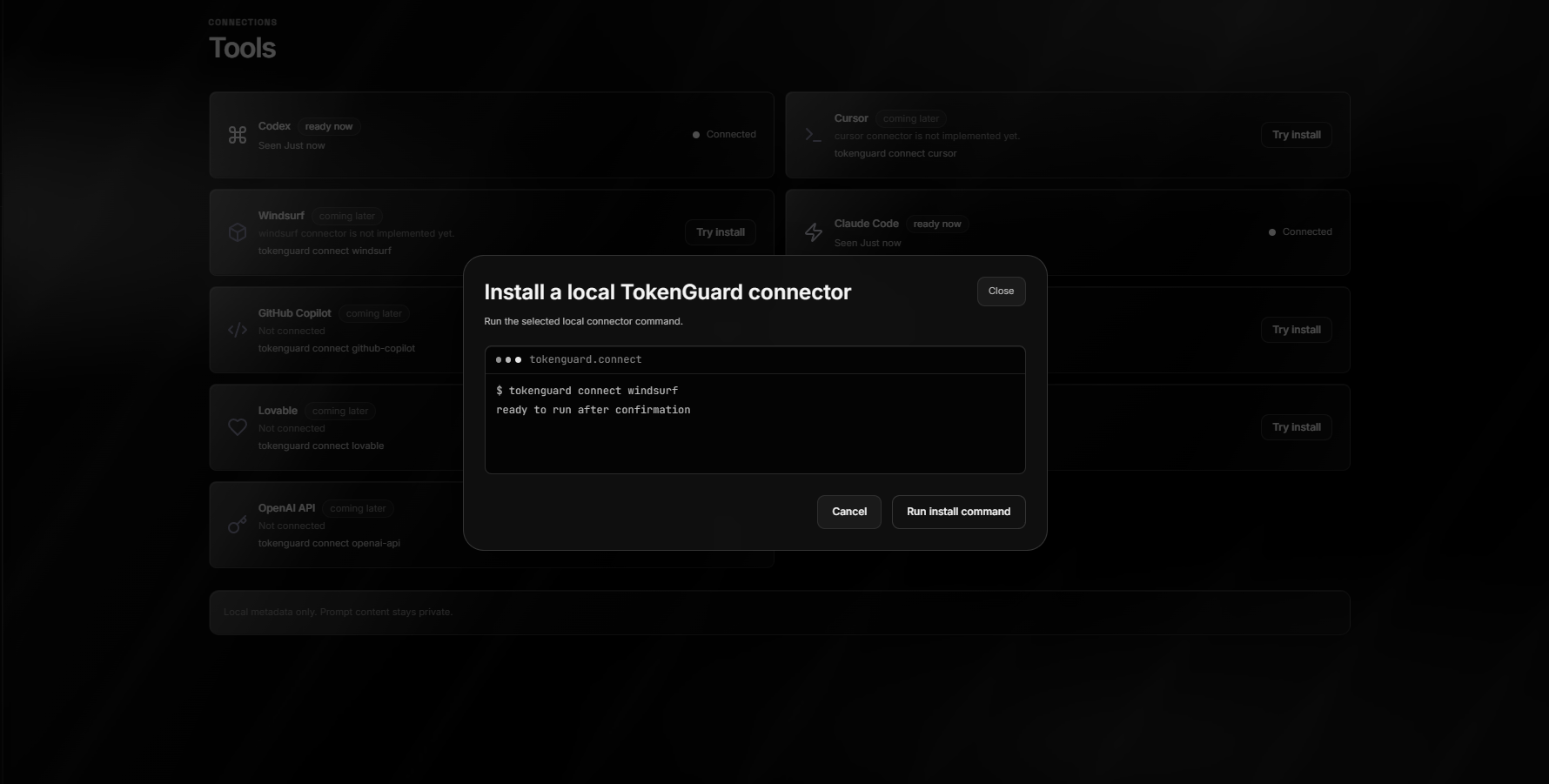
After that, we want to support more AI coding tools, improve historical reporting, add team-level guardrails, and give users a clearer record of why an agent was stopped or allowed to continue.
Built With
- chatgpt5.6terra
- codexhooks
- codexplugin
- electron
- firebase
- github
- node.js
- react
- render
- restapi
- tailwindcss
- typescript
- vite
- websockets

Log in or sign up for Devpost to join the conversation.