Every AI response starts as a black box
Some people hit enter on a prompt knowing what happens next: the text is split into sub-word tokens, wrapped in an API payload, streamed back in small chunks, and stitched together on screen. Other people see the same chat box and get a blinking cursor, then an answer, with no idea what happened in between.
That gap shapes how people use AI. If you don't understand tokens, it's hard to see why long prompts cost more, why answers appear word by word, or why a stream sometimes stalls.
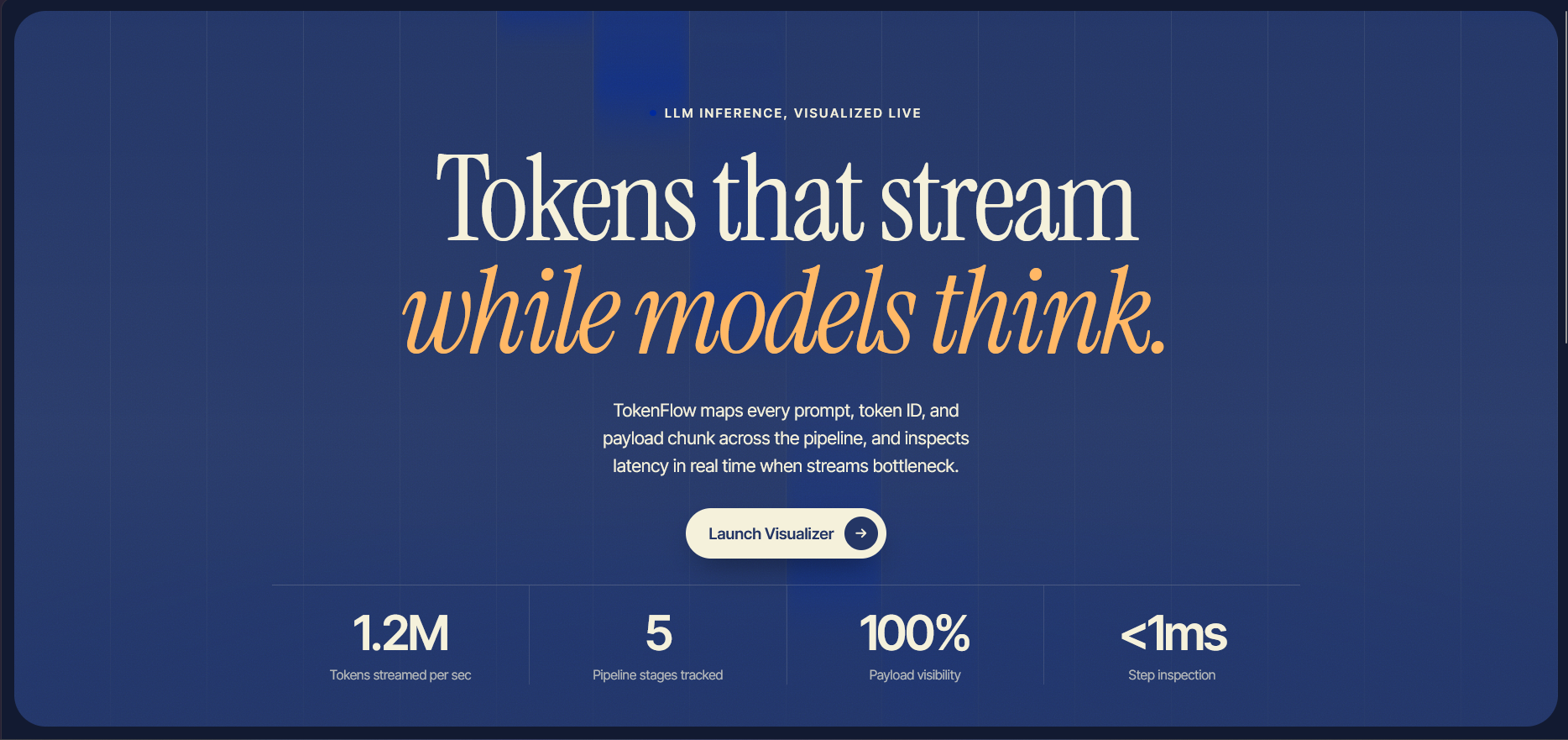
TokenFlow is a free, interactive visualizer that shows how an AI prompt becomes a response. You type any prompt and watch it move through tokenization, the API payload, live chunk streaming, and the final render, with a technical inspector showing the real data at each step.
Inspiration
My brother asked me why their AI app felt slow and why the same question cost more on some days than others. We started explaining tokens, context windows, and streaming on a whiteboard, and realized every explanation we could find was either a static diagram or dense documentation. Nothing let you touch it.
We wondered how many people use AI every day without ever getting a look inside. That’s what inspired us to build TokenFlow.
What it does
TokenFlow makes the most hidden parts of an LLM request visible:
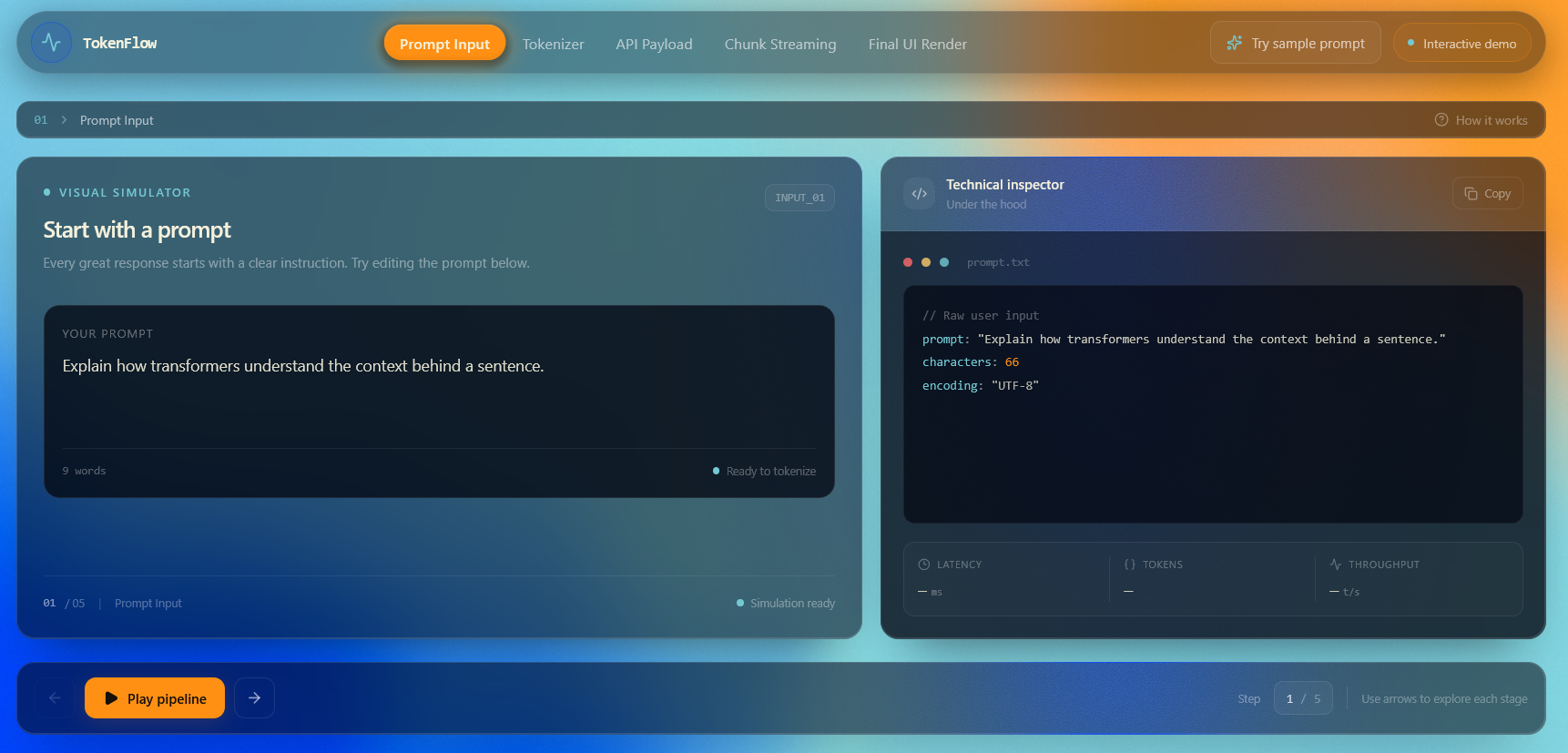
Prompt Input: type your own prompt or load a sample one, with a live character and word count
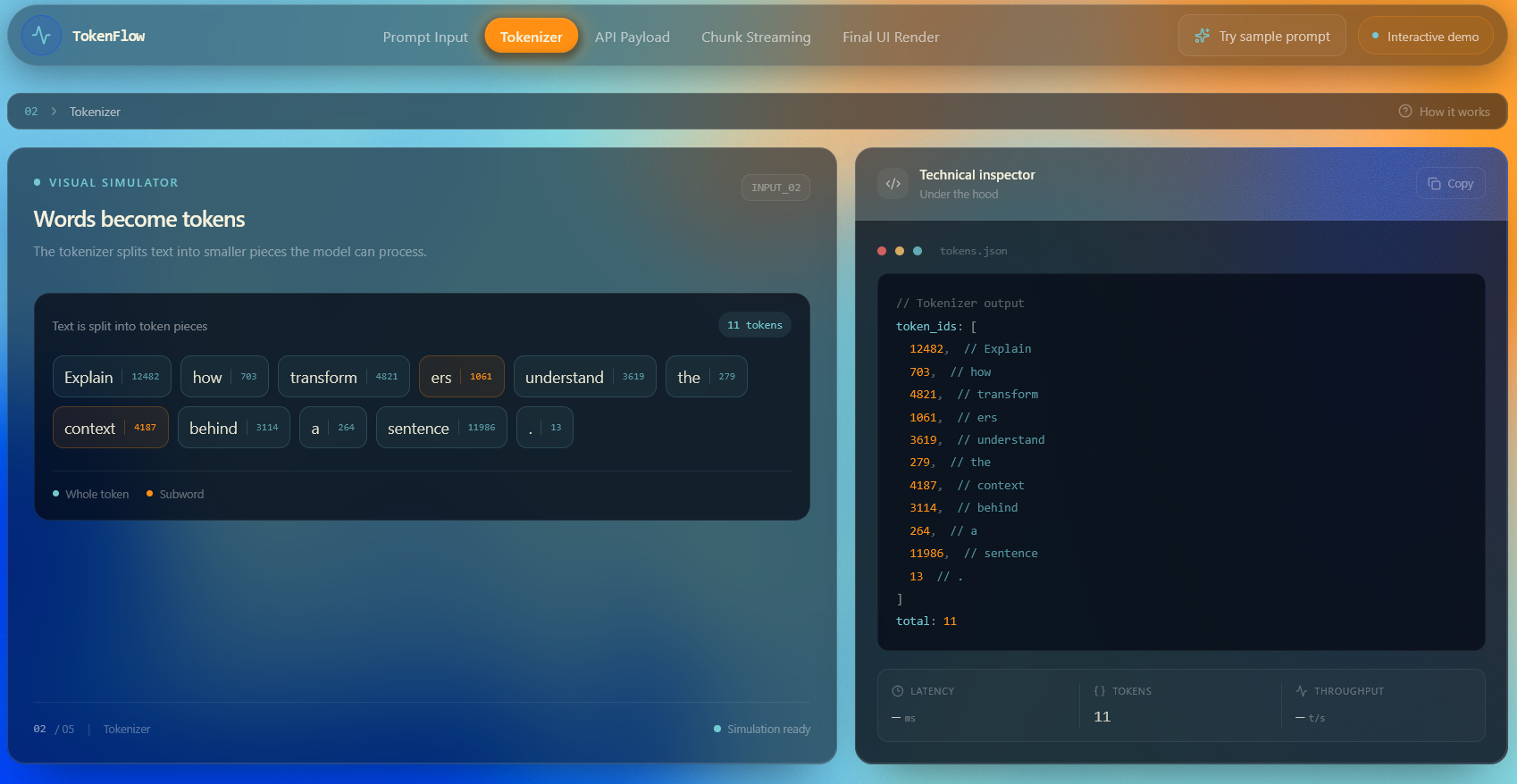
Tokenizer: see how your text is broken into sub-word tokens
API Payload: inspect the JSON that carries your prompt to the model
Chunk Streaming: watch the response arrive piece by piece, as it does in real apps
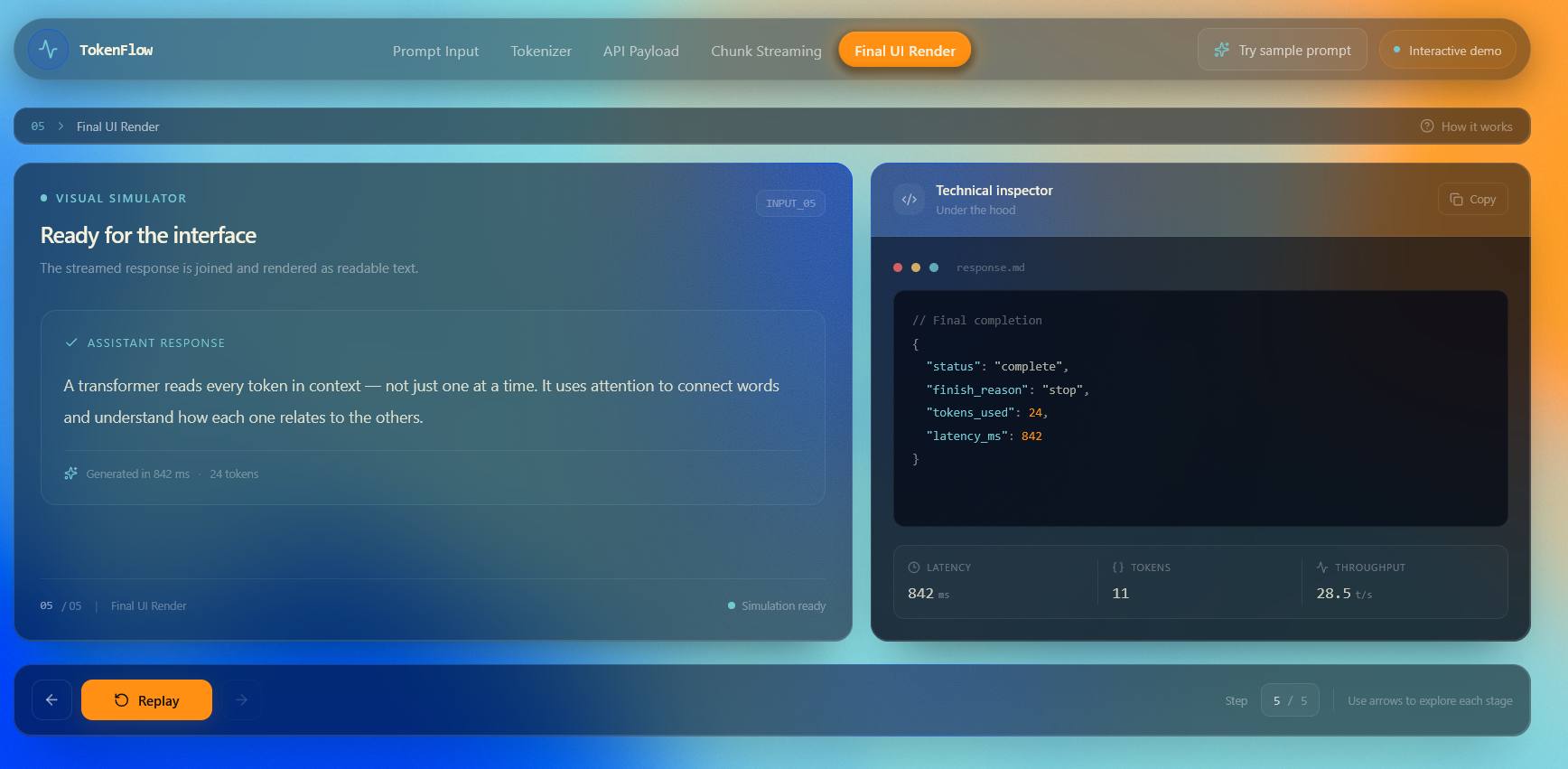
Final UI Render: see the chunks assemble into the finished response
Technical Inspector: a code panel beside every step with copyable output and live readouts for latency, token count, and throughput
You can play the whole pipeline automatically or step through it one stage at a time with the arrow keys.
The Process
TokenFlow is built as a single-page interactive simulator, designed to work in both light and dark mode. We deployed it on Vercel so anyone can open it instantly with no install or signup.
Our main design goal was clarity. Every stage gets its own view, and the inspector shows exactly what the visual is representing, so beginners can follow the story while more technical users can read the raw data.
Challenges we ran into
One major challenge was accuracy versus simplicity. Real tokenizers and streaming protocols are complicated, and showing every detail would overwhelm the people we built this for. We had to decide what to simplify without making the visualization misleading.
We also had to make a simulation feel alive. Streaming is about timing, so the pacing, chunk sizes, and latency readouts had to feel realistic enough to teach the right intuition.
Accomplishments that we're proud of
We're proud of a few things:
1. Turning an abstract five-stage pipeline into something anyone can explore with an example prompt
2. Designing an interface that needs no prior knowledge of how LLMs work
What we learned
We expected the hard part to be the visuals. It turned out to be deciding what to show and what to leave out. We learned that a good explanation is often the one that removes the right details, not the one that includes the most.
We also gained a much deeper understanding of how tokenization, payloads, and streaming fit together by having to explain each one clearly .
What's next for Token Flow
Real tokenizer support for different models
Side-by-side comparisons of how different prompts tokenize
Cost estimation based on token counts
Context window visualization
Live connection to real model APIs
and much more!
Built With
- css3
- github
- html5
- javascript
- next.js
- node.js
- react
- tailwindcss
- typescript
- vercel
