-
-
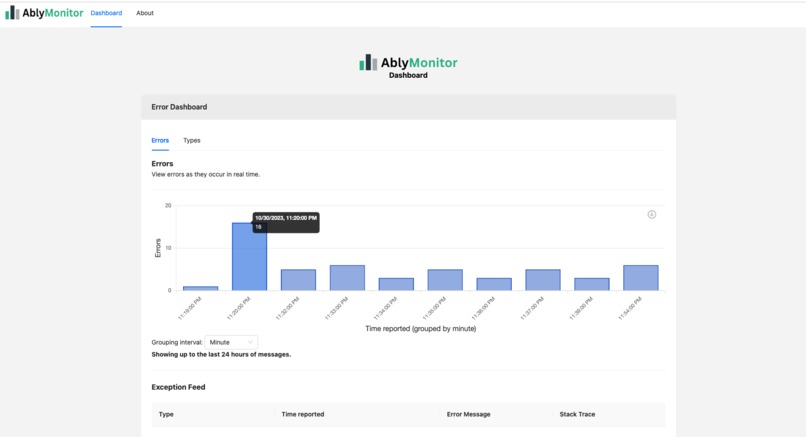
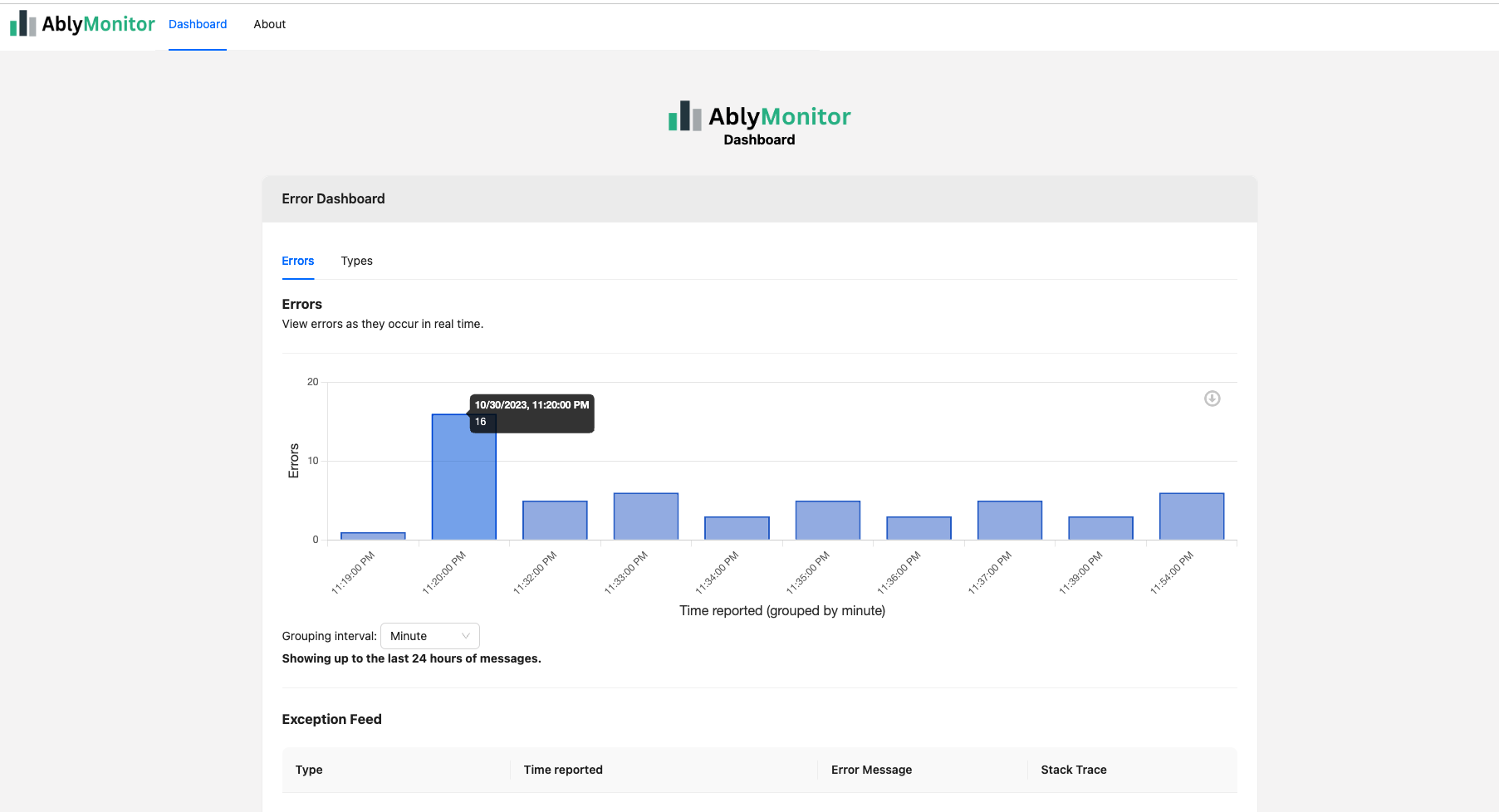
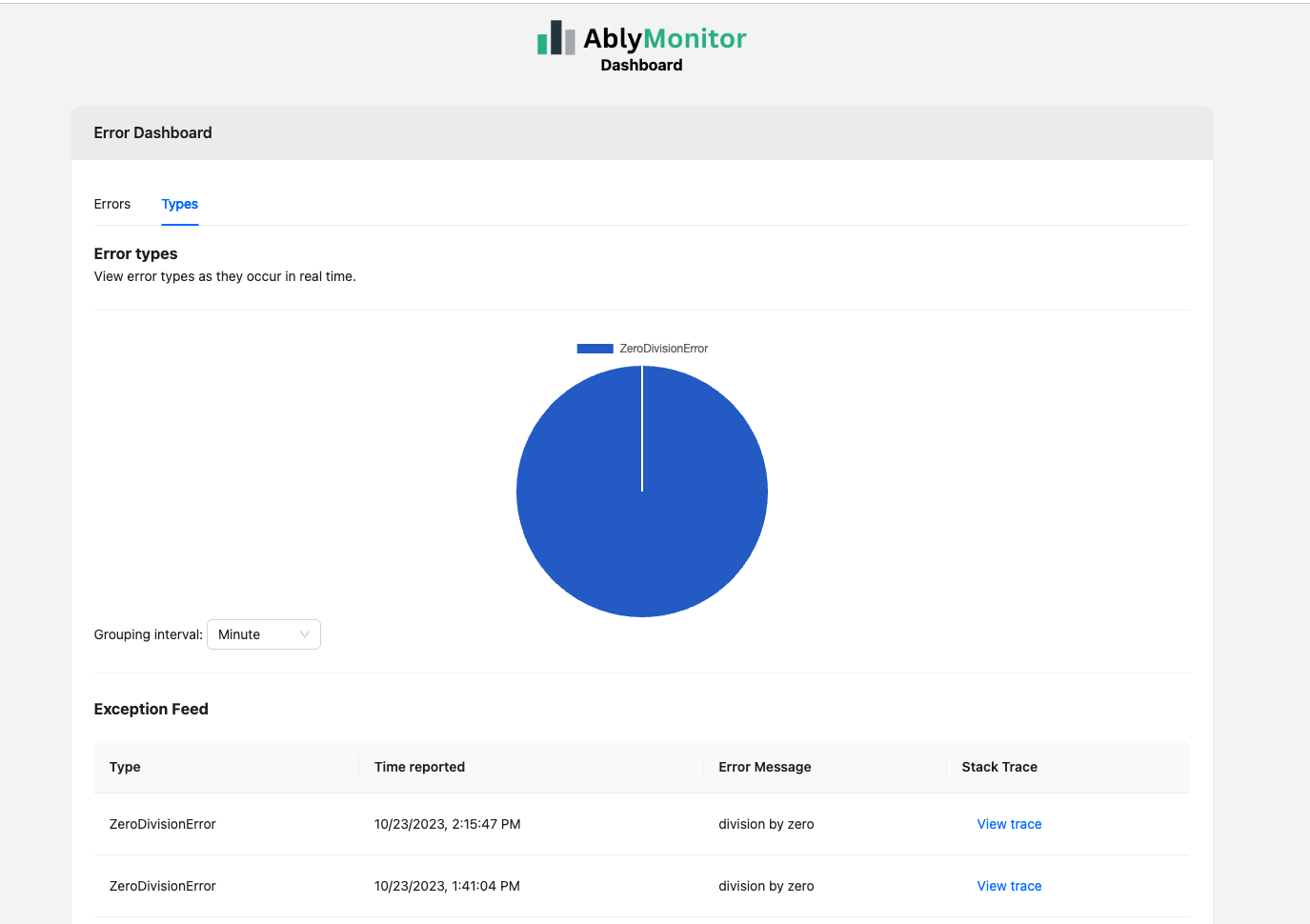
Dashboard with counts
-
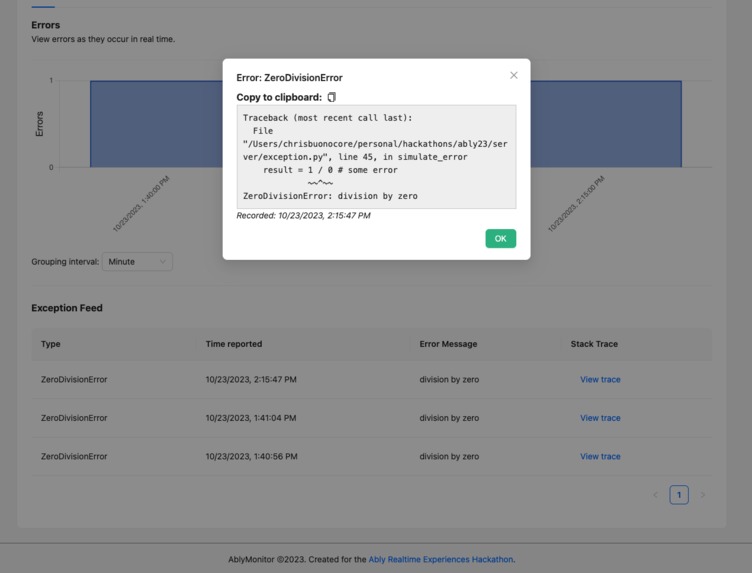
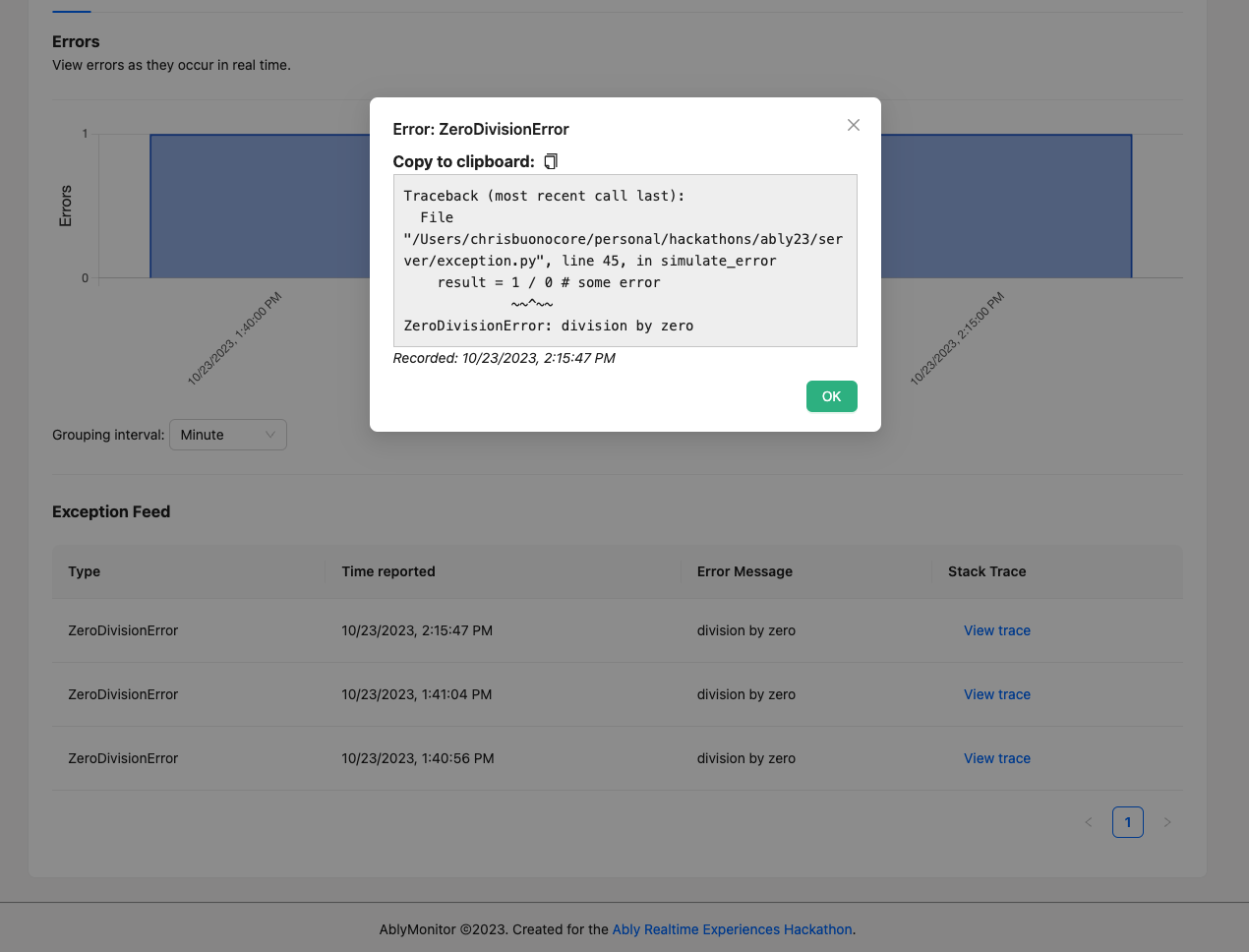
Viewing stack traces
-
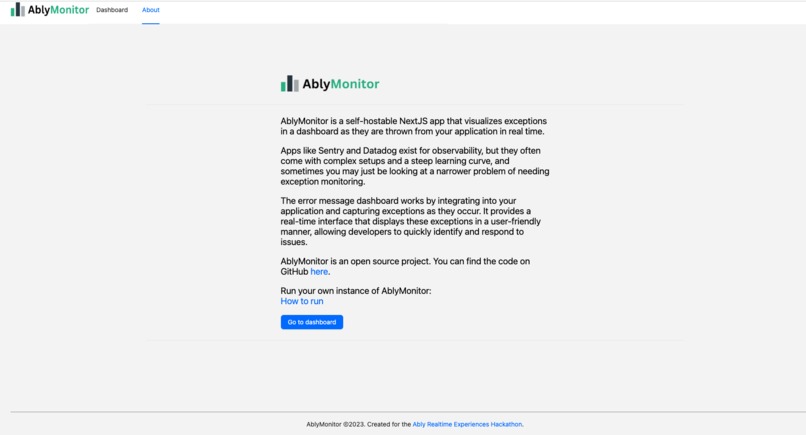
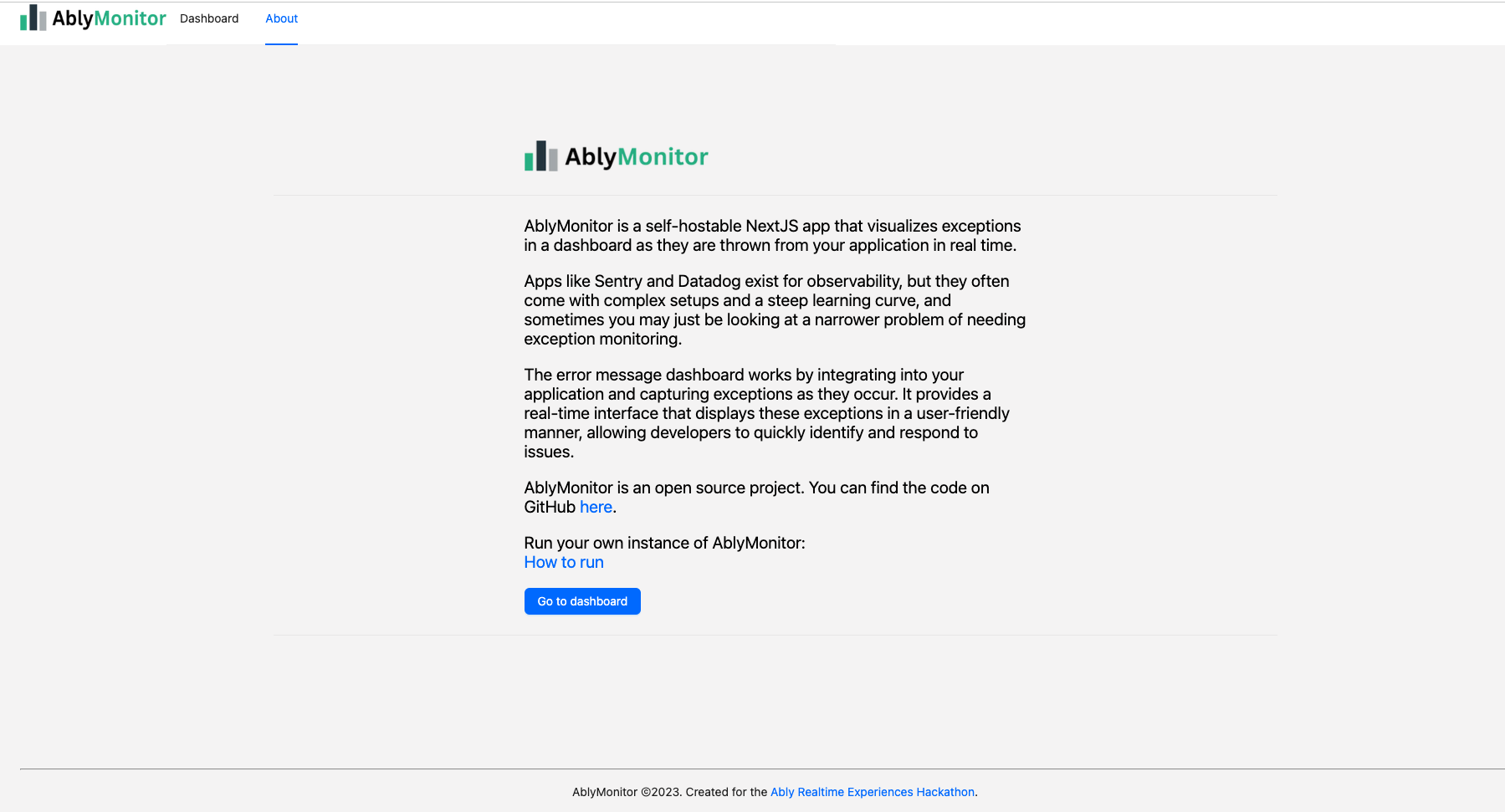
About page
-
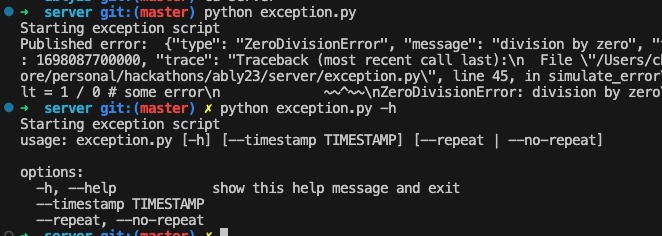
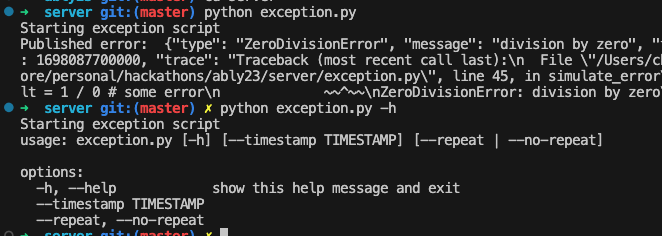
Generating exceptions from the command line script
-
AblyMonitor
-
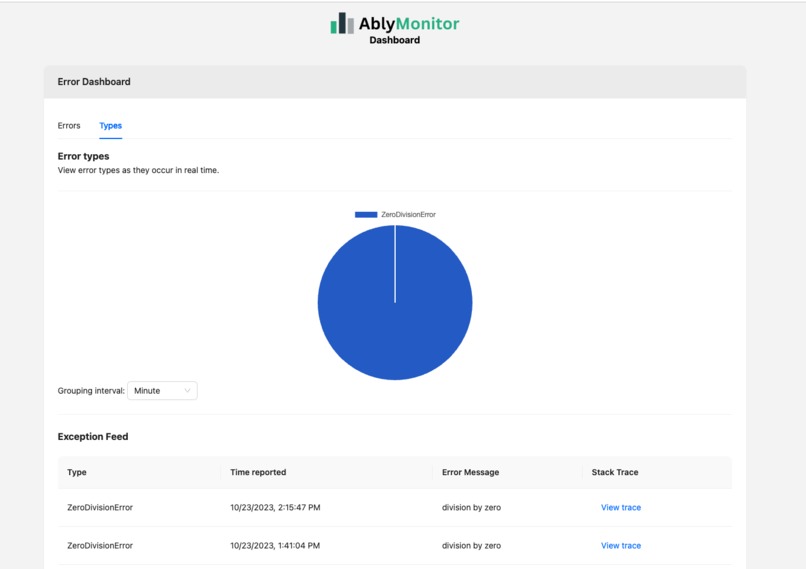
Breakdown of types

Inspiration
Apps like Sentry and Datadog exist for observability, but they often come with complex setups and a steep learning curve, and sometimes you may just be looking at a narrower problem of needing exception monitoring.
How it works
AblyMonitor works by integrating into your application and capturing exceptions as they occur. It provides a real-time dashboard that displays these exceptions in a user-friendly manner, allowing developers to quickly identify and respond to issues.
Ably also supports real-time use cases nicely and provides some persistence for messages, enabling a 24-hour retention for free with sent messages. In production use cases, this could be extended by adding a backend API that can store and retrieve longer history much like a Datadog or Sentry.
Running the dashboard
To run AblyMonitor, follow these steps:
Add your variables to
.env.samplein the root and ./server folders. Copy to an equivalent.envfile. These files contain your Ably key and desired channel for message passing for the app.Install the necessary dependencies using
yarn.Start the dashboard by running
yarn dev.[Optional] You can also run the Python error generation script to simulate errors (used in demo video). In the project's server directory, install the necessary dependencies and execute
python exception.py.
Sending messages
exception.py simulates an exception coming from a production server in practice.
To use AblyMonitor, simply self-host the front end project, and connect up publish_exception like the below with your channel configuration.
# This could be called in a production context with access to an Ably channel.

async def publish_exception(channel , e: Exception):
    message = CustomException(e).get_json()
    result = await channel.publish('exception', message)
    print('Published error: ', message)
Challenges we ran into
- Ensuring real-time exception capture and synchronization with the dashboard.
- Managing the scalability and performance of the system as exceptions poured in.
- Implementing a user-friendly and intuitive dashboard interface.
What we learned
- Real-time data synchronization and handling in a web application using the Ably server and client sdks.
- The nuances of basic exception capture and presentation.
- The importance of user experience and interface design in monitoring tools.
Potential future work
- Adding support for more programming languages and frameworks.
- Implementing intelligent exception categorization and prioritization.
- Expanding integration options with popular application monitoring and alerting systems.
View more detail on the github here: https://github.com/cbonoz/ably23


Log in or sign up for Devpost to join the conversation.